How to Take Screenshots With PHP Selenium WebDriver and HTMLUnitWithJS
Use PHP Selenium WebDriver to request an HtmlUnit session with JavaScript enabled and save a screenshot, with setup steps, runnable code, and endpoint caveats.
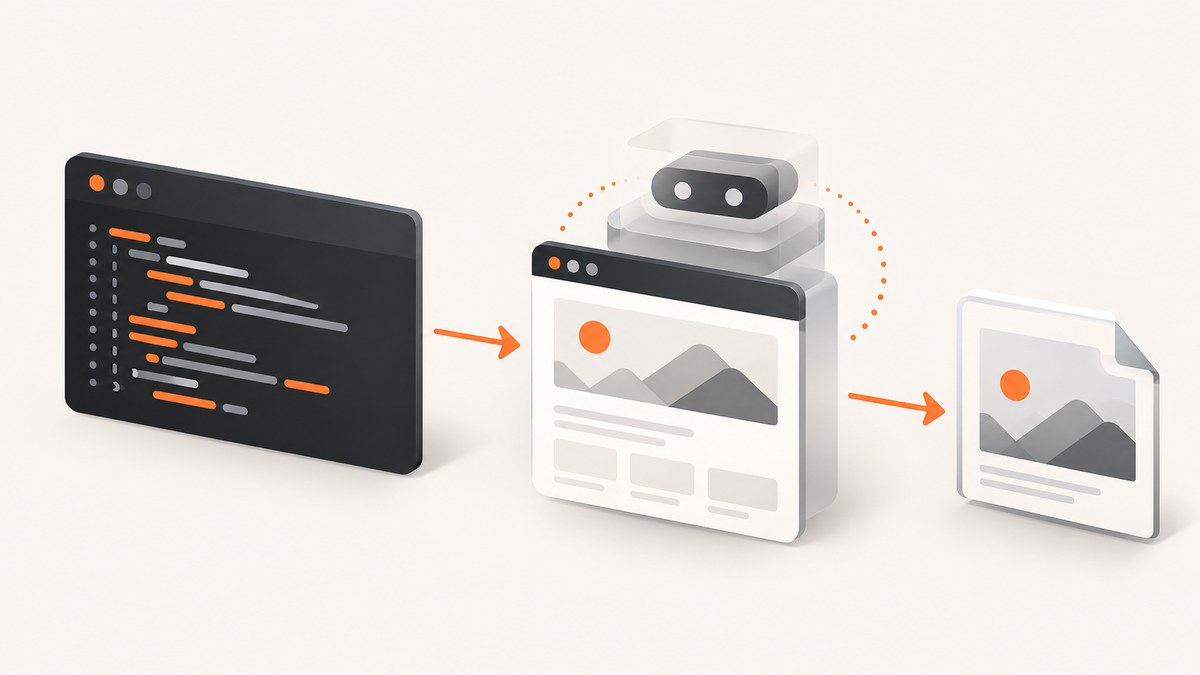
Direct answer: With php-webdriver/webdriver, request an HtmlUnit session using DesiredCapabilities::htmlUnitWithJS(), navigate to a URL, then call $driver->takeScreenshot('/path/to/screenshot.png'). This works only if the Selenium remote end you connect to accepts that capability and implements the screenshot command. The PHP client does not install HtmlUnit, start Selenium, or guarantee that a particular HtmlUnit endpoint can capture screenshots.
1. What the PHP, Selenium, and HtmlUnit pieces do
php-webdriver/webdriver is a PHP client for the Selenium WebDriver protocol. Your PHP process sends commands to a separately running WebDriver remote end. DesiredCapabilities::htmlUnitWithJS() requests a session with browserName=htmlunit and enables HtmlUnit’s JavaScript capability; it is a session request, not a server installer.
HtmlUnit is a headless browser that simulates browser behavior. Its documentation describes JavaScript support and names specific tested library versions, including htmx 1.7.0, 1.8.4, 1.9.x, and 2.0.x, and jQuery 1.8.2, 1.11.3, and 1.12.4. These examples do not establish compatibility with every site or visual equivalence to Chrome or Firefox. If the screenshot is used to validate a production browser layout, run that browser’s driver and compare results.
The PHP command reference documents screenshots of the current view and of an element. Selenium’s general API describes PNG screenshot data and a best-effort scope, but neither source proves that every remote end implements the command. Confirm capability and screenshot support for the exact endpoint and version you deploy.
2. Install the PHP client and identify a compatible endpoint
- Install Composer if it is not already available in your project environment.
- Add the current package name:
composer require php-webdriver/webdriver- Start or obtain a WebDriver endpoint that accepts an HtmlUnit session with JavaScript enabled. Configure the endpoint address and path for your actual Selenium Server deployment.
- Check that endpoint’s documentation and version for both the requested capability and screenshot command before depending on the image output.
The project README documents compatibility with Selenium Server 2.x, 3.x, and 4.x and both W3C WebDriver and the legacy JsonWireProtocol. Treat that as the library’s documented protocol range, not a guarantee that every server/version combination supports this capability. The README also describes different endpoint paths for Selenium Server 2/3 and 4. The http://localhost:4444 address below is illustrative; do not assume it is the correct path for your server.
Older tutorials may use the package name facebook/php-webdriver. The project documents the rename to php-webdriver/webdriver beginning with library version 1.8.0. Use the current Composer package and confirm namespaces when adapting older code.
3. Capture a page screenshot
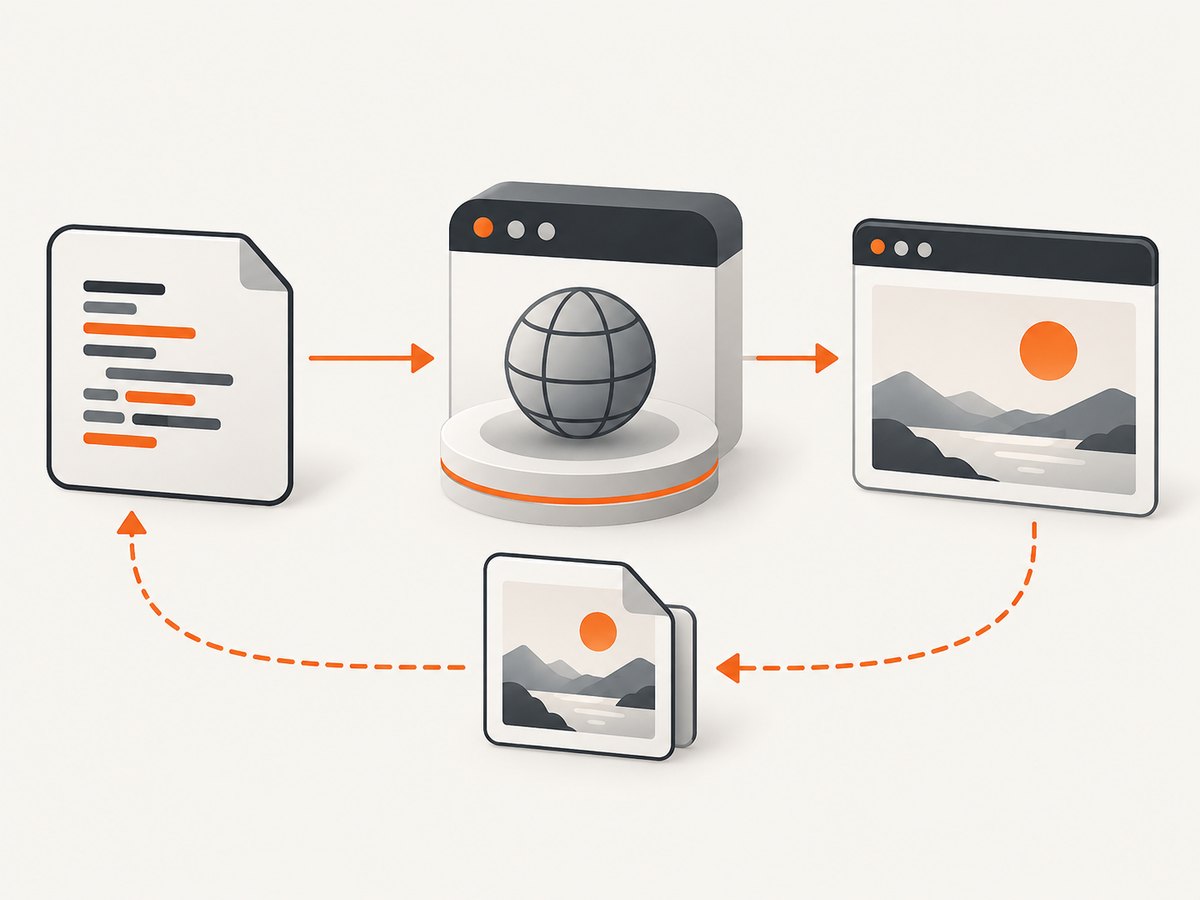
Save this as capture.php in the project where Composer installed the dependency. Set $serverUrl to the real endpoint URL and change the target page as needed.
<?php

require_once __DIR__ . '/vendor/autoload.php';

use Facebook\WebDriver\Remote\DesiredCapabilities;
use Facebook\WebDriver\Remote\RemoteWebDriver;

$serverUrl = 'http://localhost:4444'; // Example only; use your endpoint URL and path.
$driver = RemoteWebDriver::create(
    $serverUrl,
    DesiredCapabilities::htmlUnitWithJS()
);

try {
    $driver->get('https://example.com');
    $saved = $driver->takeScreenshot(__DIR__ . '/screenshot.png');

    if (!$saved) {
        throw new RuntimeException('The WebDriver endpoint did not save the screenshot.');
    }
} finally {
    $driver->quit();
}
Run it from the project directory with php capture.php. The output path is relative to the script directory because it uses __DIR__. Ensure the PHP process can write there. The finally block closes the session even if navigation or screenshot capture throws an exception.
The capability factory is the meaningful part of the HtmlUnit request. Its implementation selects the htmlunit browser name and enables JavaScript using an HtmlUnit-specific setting. Do not apply that JavaScript capability after changing the browser name to a different browser: the source documents that this setting is unsupported for other browser names.
4. Save screenshot bytes, or capture one element
If the next step is uploading the image, returning it from a controller, or inspecting it in memory, omit the filename and handle the returned screenshot data according to the installed client version:
$screenshotData = $driver->takeScreenshot();
if ($screenshotData === false) {
    throw new RuntimeException('Screenshot command failed.');
}
file_put_contents(__DIR__ . '/screenshot.png', $screenshotData);
The php-webdriver reference documents both the filename form and the no-path form. Check the installed package’s return behavior when upgrading, and avoid logging image bytes. The named file-saving form is simplest when all you need is an artifact on disk.
For a specific element, find it using the client API and call the documented element screenshot method. For example, with the relevant locator imports added:
use Facebook\WebDriver\WebDriverBy;

$element = $driver->findElement(WebDriverBy::cssSelector('.report-card'));
$element->takeElementScreenshot(__DIR__ . '/report-card.png');
Element screenshots depend on the remote end implementing that command, too. A missing selector, hidden element, or element outside the rendered state you expect can prevent a useful capture. Wait for the relevant page state before locating and capturing it.
5. Decide what “screenshot” means for your task
| Need | What to request or verify | Important limit |
|---|---|---|
| Current page view | Use $driver->takeScreenshot() or pass a filename. |
Do not assume it is a full-page image; confirm the endpoint’s actual behavior. |
| One component | Locate the element and call takeElementScreenshot(). |
The endpoint must support element capture and the element must be capturable. |
| Full-page artifact | Verify full-page behavior on the exact remote end and version. | General Selenium screenshot semantics do not guarantee full-page capture for HtmlUnit. |
| Production browser appearance | Use an actual Chrome or Firefox driver when that rendering is the requirement. | HtmlUnit simulates browser behavior and does not promise pixel parity. |
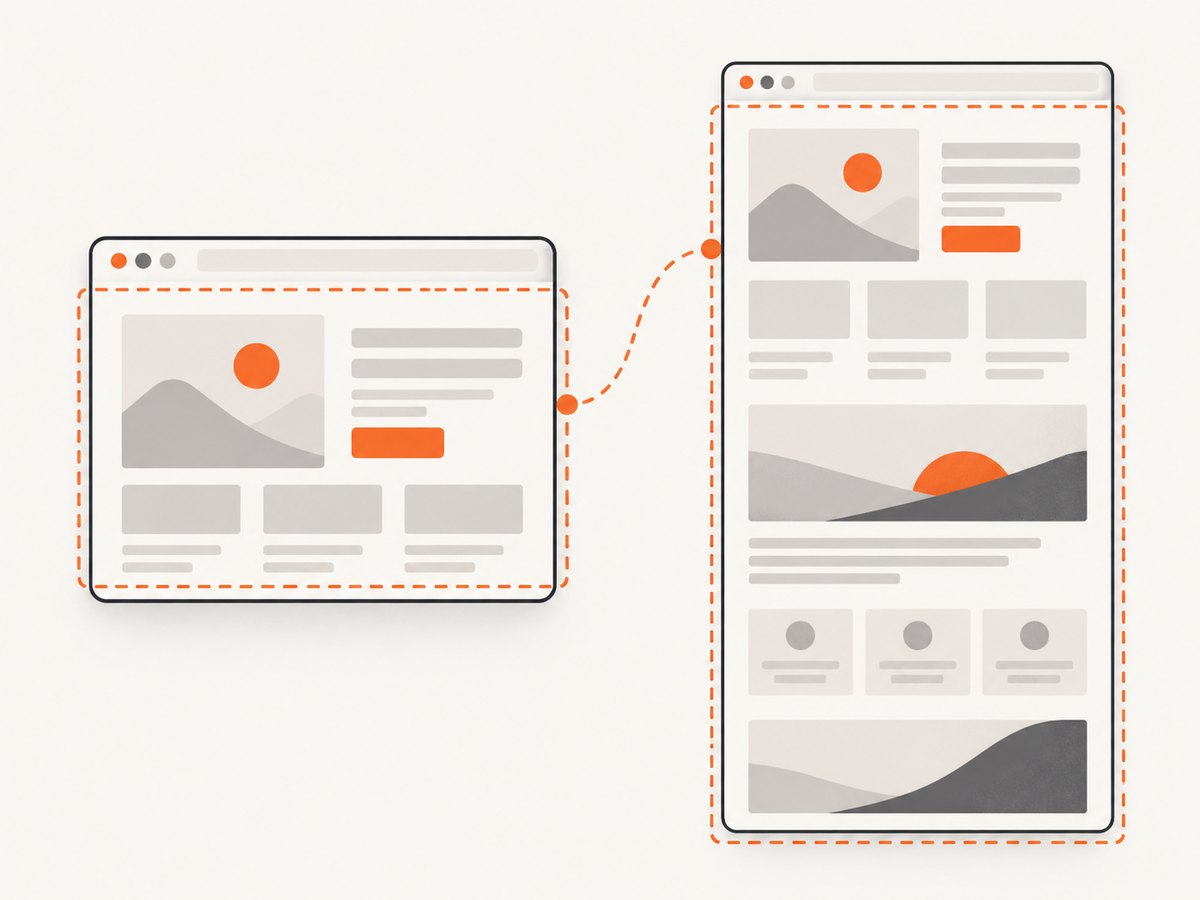
Selenium’s general screenshot API describes base64-encoded PNG data and a best-effort scope preference: entire page, current window, visible portion of the current frame, then the display containing the browser. This is general API guidance, not evidence that a particular HtmlUnit remote end implements each scope. Decide in advance whether viewport output is sufficient; if page length, CSS fidelity, or browser-specific behavior matters, validate that exact requirement with the intended backend.
6. Reliability, performance, and cost considerations
One WebDriver session requires a live remote end and a successful session negotiation. HtmlUnit removes the need for a visible desktop browser, but the PHP code still waits on network navigation and remote commands. Use a bounded timeout appropriate to your environment, close sessions in a finally block, and avoid creating a session for every small operation when your service can safely reuse a session. If a command times out, discard a potentially unhealthy session rather than assuming it can still accept commands.
Page capture time depends on the remote server, page response, scripts, and assets. A page that keeps loading resources or depends on browser behavior HtmlUnit does not simulate as expected can produce incomplete output or a delay. Keep capture workloads bounded and record the target URL, endpoint version, command failure, and elapsed time in application logs; do not log credentials or sensitive page contents.
The research sources provide no benchmark or cost schedule for a PHP/Selenium/HtmlUnit deployment. Your costs come from the infrastructure and network resources you operate or consume. Estimate from representative pages and concurrency in your own environment rather than applying an unsupported general throughput figure. For repeatable visual checks, store the browser/remote-end version and capture settings alongside artifacts so changes can be traced.
7. Troubleshooting common failures
| Symptom | Likely cause | Fix |
|---|---|---|
| Connection refused or client cannot connect | The remote end is not running, the host/port is wrong, or the endpoint path is missing. | Check the server process and reachable URL. Use the path required by the deployed Selenium Server version; the sample URL is only illustrative. |
Session creation rejects htmlunit |
The endpoint does not accept the requested browser name/capability, or the deployed implementation differs. | Check endpoint/version support and inspect the server’s session negotiation error. Use a backend that explicitly accepts this capability if HtmlUnit is required. |
| JavaScript capability is rejected | The remote end does not implement the HtmlUnit-specific setting, or the setting was applied with a different browser name. | Request DesiredCapabilities::htmlUnitWithJS() as shown and confirm endpoint support; do not carry the HtmlUnit-only setting into another browser configuration. |
| Screenshot command is unsupported | The remote end supports session/navigation but not screenshot capture. | Verify screenshot support on that exact implementation and version. The PHP method being present does not mean the remote endpoint implements it. |
| File is absent or empty | Destination directory is unwritable, the save call failed, or the process is checking another path. | Use an absolute path such as __DIR__ . '/screenshot.png', check write permissions, and verify the method result and file size. |
| Image captures the wrong area | The endpoint captures a viewport or another best-effort scope instead of the desired full page. | Confirm scope behavior with a minimal page of known dimensions. Switch to a backend that explicitly supports the needed capture scope if required. |
| Page looks unlike Chrome or Firefox | HtmlUnit simulates a browser and its JavaScript support is not universal. | Use an actual browser driver for browser-specific rendering tests, and test the target pages and scripts directly. |
| Element screenshot fails | The selector did not match, the element is not in a capturable state, or element screenshots are unsupported. | Check the selector and page state, then verify endpoint element-screenshot support. |
8. Or skip the browser setup
If the task is simply to get an image or PDF for a URL, ScreenshotNeo offers a website screenshot API and MCP server. The one-call API returns a screenshot or PDF. See the API documentation.
curl -G "https://api.screenshotneo.com/v1/shot" -d access_key=YOUR_API_KEY --data-urlencode url=https://example.com -o shot.webpimport requests
r = requests.get(
"https://api.screenshotneo.com/v1/shot",
params={"access_key": "YOUR_API_KEY", "url": "https://example.com"},
timeout=90,
)
open("shot.webp", "wb").write(r.content)const q = new URLSearchParams({ access_key: 'YOUR_API_KEY', url: 'https://example.com' });
const res = await fetch(`https://api.screenshotneo.com/v1/shot?${q}`);
if (!res.ok) throw new Error(`Screenshot request failed: ${res.status}`);
await Bun.write('shot.webp', res); // In Node.js, use: await import('node:fs/promises').then(fs => fs.writeFile('shot.webp', Buffer.from(await res.arrayBuffer())));Cookie banners, popups, and chat widgets are removed before the shot. Bot checks, blank pages, and failed loads are never billed. An MCP server lets AI agents use screenshot tools. The free plan includes 1,000 screenshots a month with no card; paid plans start at $5 for 3,000. The service also supports options such as full-page capture, element capture, device presets, PDF, custom CSS and JavaScript, waits, caching, and bulk capture.
Sign up free for 1,000 screenshots a month, no card required.
9. FAQ
Does htmlUnitWithJS() install or launch HtmlUnit?
No. It constructs requested capabilities for a remote WebDriver session. The remote end must already exist and support the request.
Does this always create a full-page PNG?
No. The documented PHP call captures the current view, and the exact scope depends on remote-end behavior. Verify full-page support with your endpoint.
Can I use the same capability with ChromeDriver?
The JavaScript setting is HtmlUnit-specific. Configure a browser-specific capability set for Chrome or Firefox instead, and use that browser’s compatible driver.
Why can HtmlUnit behave differently from a normal browser?
It simulates browser behavior and documents selected JavaScript library coverage. That does not imply identical rendering or script support for every site.


