How to Take a Web Page Screenshot with PHP
Capture modern, JavaScript-rendered web pages in PHP with Playwright, Browsershot, or ScreenshotNeo, including full-page and element screenshots.
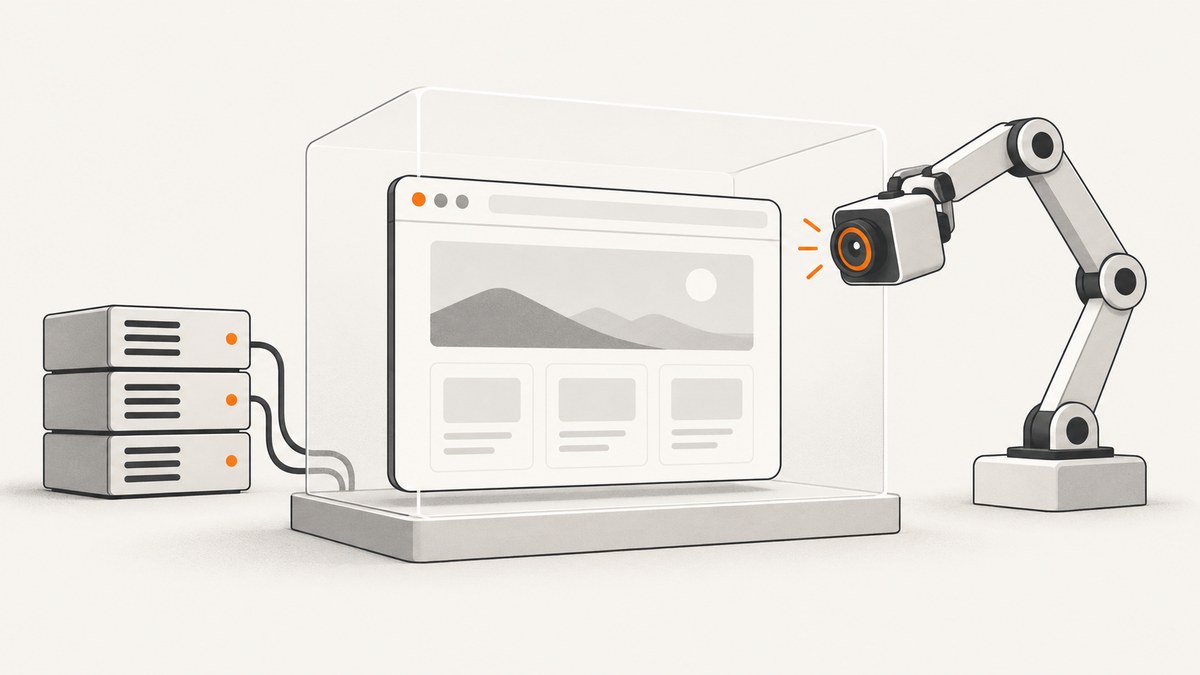
Use a real browser engine when the page contains JavaScript, CSS, fonts, images, or client-side data. In PHP, the most direct approach is Playwright PHP. Spatie Browsershot is a shorter wrapper around Puppeteer, while a separate Puppeteer service works when your team already operates Node.js.
For a simple Playwright capture, install the PHP package and a browser, open a page, then save its pixels:
composer require playwright-php/playwright
# Install the browser required by your Playwright setup.
<?php
require __DIR__ . '/vendor/autoload.php';
use Playwright\Playwright;
$playwright = Playwright::create();
$browser = $playwright->chromium()->launch();
$page = $browser->newPage();
$page->goto('https://example.com');
$page->screenshot(__DIR__ . '/artifacts/example.png');
$browser->close();Playwright PHP examples require PHP 8.2 or newer and Node.js 20 or newer. The browser must be installed in the environment where the PHP process runs.
1. Choose the right PHP screenshot method
| Method | Best fit | Strengths | Trade-offs |
|---|---|---|---|
| Playwright PHP | Most PHP applications | Direct browser control, viewport, full-page, and locator screenshots | Requires browser installation and Node.js runtime support |
| Spatie Browsershot | Laravel or projects wanting concise PHP calls | Short URL-to-image and HTML-to-image API | Still requires Node.js, Puppeteer, and Chromium |
| Puppeteer service | Teams already running Node.js browser workers | Low-level Puppeteer control and process isolation | Adds an HTTP or IPC service and deployment complexity |
| ScreenshotNeo | Hosted capture without managing browsers | One HTTP request, cleanup of common consent and overlay UI, usage billing based only on clean shots | Requires an API key and network access |
Playwright’s documentation describes screenshots as an answer to the question “what did the page look like at this moment?” That makes the page state you choose as important as the screenshot call itself.
2. Capture a viewport screenshot with Playwright PHP
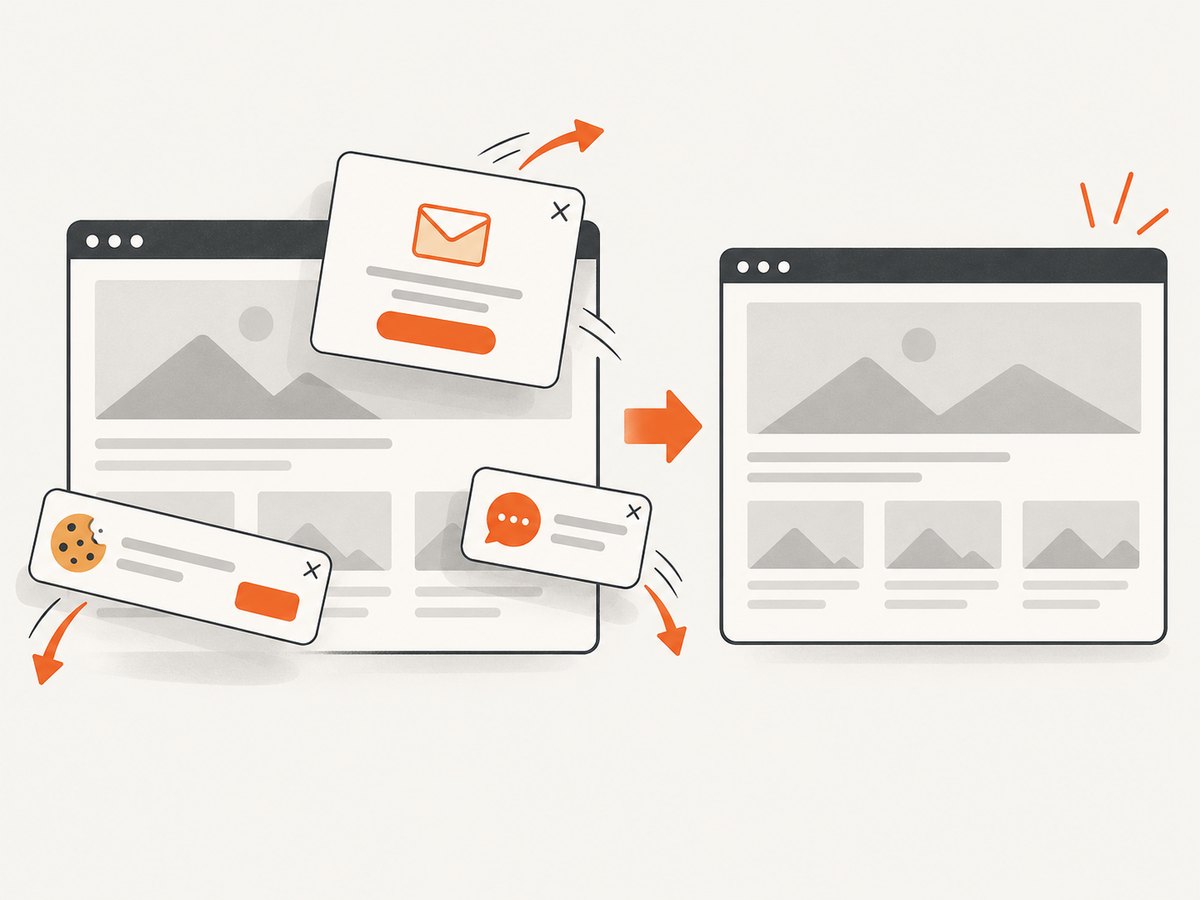
A viewport screenshot records the visible browser area. Set the viewport explicitly so local development, CI, and production render the same layout.
<?php

require __DIR__ . '/vendor/autoload.php';

use Playwright\Playwright;

$playwright = Playwright::create();
$browser = $playwright->chromium()->launch();
$page = $browser->newPage([
    'viewport' => ['width' => 1440, 'height' => 900],
    'deviceScaleFactor' => 1,
]);

$page->goto('https://example.com', ['waitUntil' => 'networkidle']);
$page->screenshot(__DIR__ . '/artifacts/example-viewport.png', [
    'type' => 'png',
]);

$browser->close();
Use PNG for lossless text, interfaces, and visual regression tests. JPEG or WebP can reduce file size when your workflow supports those formats and a small amount of lossy compression is acceptable.
3. Capture a full page
Pass the full-page option when content below the fold matters. Long pages can produce very tall files and take longer to render and transfer.
<?php

require __DIR__ . '/vendor/autoload.php';

use Playwright\Playwright;

$playwright = Playwright::create();
$browser = $playwright->chromium()->launch();
$page = $browser->newPage([
    'viewport' => ['width' => 1280, 'height' => 800],
]);

$page->goto('https://example.com', ['waitUntil' => 'networkidle']);
$page->screenshot(__DIR__ . '/artifacts/example-full.png', [
    'fullPage' => true,
    'type' => 'png',
]);

$browser->close();
Lazy-loaded images may not exist until their containers enter the viewport. If the page loads content while scrolling, scroll through it before taking the final capture and wait for the last network activity to finish.
4. Capture one element
Element screenshots are useful for cards, charts, invoices, and test evidence because they exclude unrelated page content.
<?php

require __DIR__ . '/vendor/autoload.php';

use Playwright\Playwright;

$playwright = Playwright::create();
$browser = $playwright->chromium()->launch();
$page = $browser->newPage([
    'viewport' => ['width' => 1440, 'height' => 900],
]);

$page->goto('https://example.com/dashboard', ['waitUntil' => 'networkidle']);
$page->locator('[data-testid="revenue-chart"]')->screenshot([
    'path' => __DIR__ . '/artifacts/revenue-chart.png',
    'type' => 'png',
]);

$browser->close();
Prefer a stable attribute such as data-testid over a generated class name. Wait for the locator when the element is created asynchronously.
5. Wait for the page to reach the right state
Navigation finishing does not always mean that the page is ready. Use a combination of navigation waiting, a readiness selector, and a bounded delay only when necessary.
<?php

require __DIR__ . '/vendor/autoload.php';

use Playwright\Playwright;

$playwright = Playwright::create();
$browser = $playwright->chromium()->launch();
$page = $browser->newPage();

$page->goto('https://example.com/report', ['waitUntil' => 'domcontentloaded']);
$page->locator('[data-testid="report-ready"]')->waitFor();
// Use a short delay only for a known animation or chart transition.
$page->waitForTimeout(300);
$page->screenshot(__DIR__ . '/artifacts/report.png', ['fullPage' => true]);

$browser->close();
For deterministic output, disable or finish animations, use fixed test data, load the same fonts, and keep the browser version consistent. Otherwise an image diff can measure the machine rather than your product.
6. Authentication, headers, cookies, and private pages
Authenticated pages need the same state a real visitor would have. Create a browser context with cookies or storage state, or add the required headers before navigation. Keep credentials outside source control and remove them from logs.
<?php

require __DIR__ . '/vendor/autoload.php';

use Playwright\Playwright;

$playwright = Playwright::create();
$browser = $playwright->chromium()->launch();
$context = $browser->newContext([
    'extraHTTPHeaders' => [
        'Authorization' => 'Bearer ' . getenv('REPORT_TOKEN'),
    ],
    'locale' => 'en-US',
    'timezoneId' => 'UTC',
]);
$page = $context->newPage();
$page->goto('https://example.com/private-report', ['waitUntil' => 'networkidle']);
$page->screenshot(__DIR__ . '/artifacts/private-report.png', ['fullPage' => true]);

$browser->close();
For cookie-based sessions, provide the domain, path, name, value, and an appropriate expiry in the context configuration. If a login flow is required, complete it once and reuse the resulting storage state where your deployment permits.
7. Interact before taking the screenshot
Many pages need a click, form submission, tab change, or dismiss action before the desired state appears. Locate the element, perform the action, wait for the resulting state, then capture.
<?php

require __DIR__ . '/vendor/autoload.php';

use Playwright\Playwright;

$playwright = Playwright::create();
$browser = $playwright->chromium()->launch();
$page = $browser->newPage();
$page->goto('https://example.com/pricing');
$page->getByRole('button', ['name' => 'Annual'])->click();
$page->locator('[data-testid="pricing-table"]')->waitFor();
$page->screenshot(__DIR__ . '/artifacts/pricing-annual.png');
$browser->close();
8. Browsershot: a concise PHP wrapper
Spatie Browsershot can convert a URL or supplied HTML into an image or PDF. It uses Puppeteer behind the scenes, so the deployment still needs the Node, Puppeteer, and Chromium runtime expected by the selected version.
<?php

require __DIR__ . '/vendor/autoload.php';

use Spatie\Browsershot\Browsershot;

Browsershot::url('https://example.com')
    ->save(__DIR__ . '/artifacts/example.png');

Browsershot::html('<h1>Hello world!!</h1>')
    ->save(__DIR__ . '/artifacts/hello.png');
Browsershot is convenient for Laravel jobs and simple URL-to-image tasks. Choose Playwright when you need detailed browser-context control, locator operations, or a workflow built around Playwright’s waiting model.
9. Direct Puppeteer through a Node.js worker
Puppeteer exposes a low-level Page.screenshot() API that can return image bytes or a base64 string. A PHP application can call a small Node worker over HTTP or a queue. This is useful when Node browser infrastructure already exists, but it introduces process management, IPC, retries, and deployment coordination.
import puppeteer from 'puppeteer';

const browser = await puppeteer.launch();
const page = await browser.newPage();
await page.setViewport({ width: 1280, height: 800 });
await page.goto('https://example.com', { waitUntil: 'networkidle0' });
await page.screenshot({ path: './artifacts/example.png', fullPage: true });
await browser.close();
10. Or skip the browser setup
ScreenshotNeo provides a hosted website screenshot API. Send one GET request and receive a PNG, JPEG, WebP, or PDF. The API accepts the URL and many familiar screenshot parameters, which helps when switching from another service. See the ScreenshotNeo documentation for the complete option list.
curl -G "https://api.screenshotneo.com/v1/shot" -d access_key=YOUR_API_KEY --data-urlencode url=https://stripe.com -o shot.webpimport requests
r = requests.get(
"https://api.screenshotneo.com/v1/shot",
params={"access_key": "YOUR_API_KEY", "url": "https://stripe.com"},
timeout=90,
)
r.raise_for_status()
open("shot.webp", "wb").write(r.content)const q = new URLSearchParams({ access_key: 'YOUR_API_KEY', url: 'https://stripe.com' });
const res = await fetch(`https://api.screenshotneo.com/v1/shot?${q}`);
if (!res.ok) throw new Error(`Screenshot failed: ${res.status}`);
const bytes = new Uint8Array(await res.arrayBuffer());
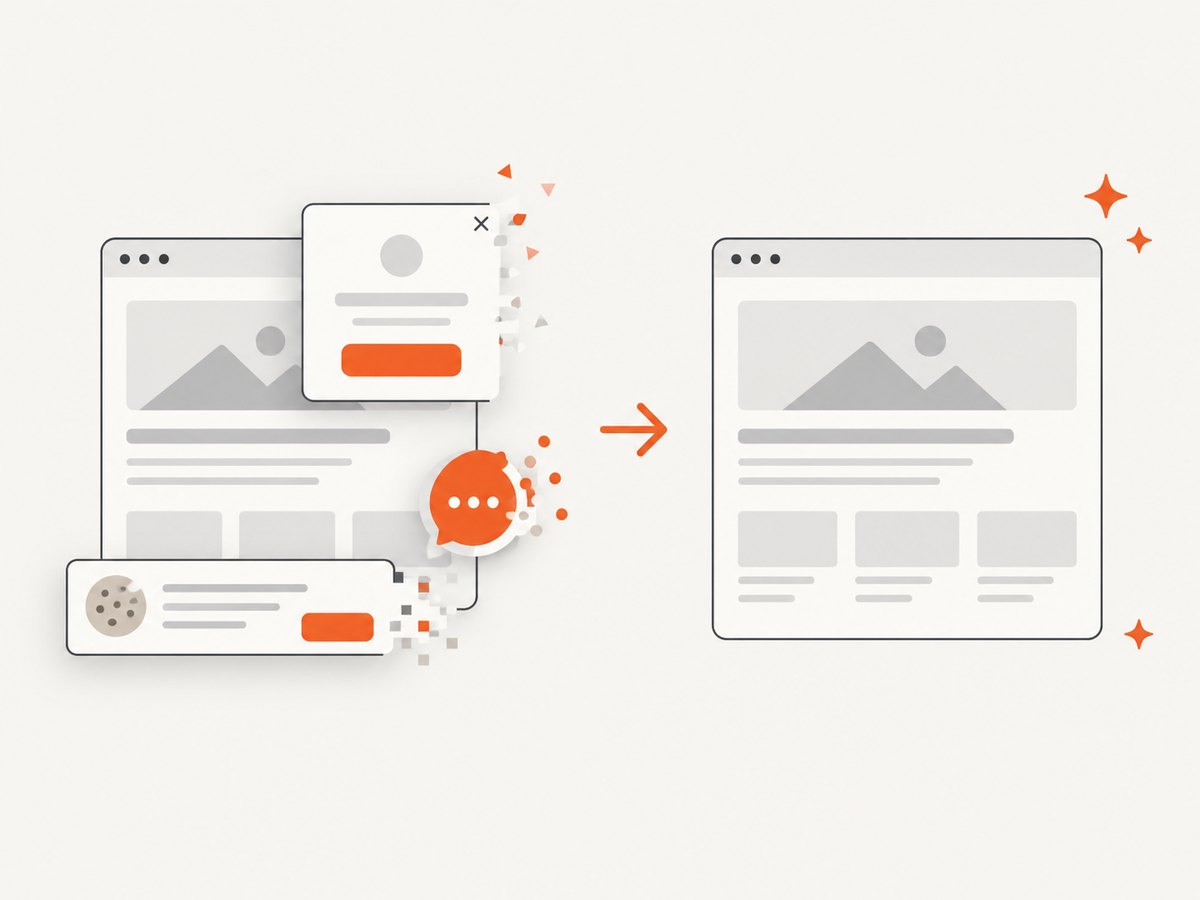
// Write bytes with your application's filesystem or object-storage client.ScreenshotNeo removes cookie and consent banners, newsletter popups, and chat widgets before capture. Bot checks, blank pages, timeouts, failed loads, and cache hits are not billed; response headers identify the page verdict and whether the request was billed. An MCP server provides take_screenshot, get_page_info, and capture_pdf tools for Claude, Cursor, and other MCP clients. The Free plan includes 1,000 screenshots per month without a card; paid plans start at $5 for 3,000 screenshots.
Create a free ScreenshotNeo account and start with 1,000 screenshots a month at no charge.
11. Useful capture options
| Need | Browser approach | ScreenshotNeo capability |
|---|---|---|
| Visible viewport | Set viewport dimensions and call screenshot | Viewport parameters |
| Entire document | Use full-page capture and handle lazy loading | Full-page capture with lazy images loaded |
| One component | Capture a locator | CSS selector element capture |
| Dark mode or device rendering | Set context preferences and viewport | Dark mode, 12 device presets, custom viewport, retina scale |
| PDF output | Use the browser PDF API | Paper size, margins, landscape, and page ranges |
| Page cleanup | Click or hide elements in the page | Cookie acceptance, removal of 60+ consent platforms, newsletter and chat cleanup, custom CSS and JavaScript |
| Network control | Route or block requests in the browser | Block ads, trackers, requests, or resource types |
| Location and identity | Configure headers, cookies, user agent, timezone, and geolocation | Custom headers, cookies, user agent, Authorization, timezone, and geolocation |
| Delivery and scale | Build your own queue and storage | Caching with a chosen TTL, signed links, async jobs with signed webhooks, bulk capture of up to 100 URLs per call, and a usage API |
12. Troubleshooting
Blank or incomplete screenshot
Cause: the page is still rendering, a client-side request has not completed, or lazy content has not been loaded.
Fix: wait for a readiness selector, use an appropriate navigation wait, scroll lazy content into view, and capture only after the final state exists.
“Executable not found” or browser launch failure
Cause: Chromium is missing, the browser path is different in CI, or the PHP process cannot execute it.
Fix: install the browser in the deployment image, verify the runtime user and executable permissions, and configure the launch path required by your Playwright or Puppeteer version.
Missing fonts or shifted layout
Cause: the font was not installed, the web font request failed, or the screenshot ran before the font loaded.
Fix: install required fonts, wait for the page’s font-ready state, and keep browser and font versions stable across environments.
Cookie banner covers the content
Cause: the page requires consent before showing its normal layout.
Fix: locate and click the consent control, inject a narrowly scoped custom style, or use ScreenshotNeo, which accepts common consent banners and removes more than 60 known consent platforms before capture.
Element selector times out
Cause: the selector is wrong, the element is inside a frame, or the application never reaches the expected state.
Fix: use a stable test attribute, verify the page URL and frame hierarchy, and capture diagnostic HTML or a viewport image before increasing timeouts.
Screenshot differs between runs
Cause: animations, timestamps, ads, random data, viewport differences, or browser updates change the pixels.
Fix: freeze data, disable animations, block unstable resources, set a fixed viewport and timezone, wait for fonts, and pin the browser version.
Private page redirects to login
Cause: cookies, storage state, or Authorization headers were not passed to the browser context.
Fix: create the context with the required authentication state, confirm the session domain, and avoid exposing tokens in logs or saved artifacts.
Files are too large or jobs are slow
Cause: full-page captures, high retina scale, large images, or repeated uncached navigation increase work.
Fix: capture a locator when possible, choose an appropriate output format and scale, set a cache TTL for repeatable pages, and queue long captures instead of holding a web request open.
13. Reliability, performance, and cost checklist
- Use a fixed viewport, timezone, locale, browser version, and font set for repeatable output.
- Wait for a meaningful application selector instead of relying only on a fixed sleep.
- Use full-page mode only when below-the-fold content is required.
- Capture a specific locator for charts, cards, invoices, and regression evidence.
- Write artifacts to a known CI or object-storage directory and clean old files.
- Keep secrets and personal data out of screenshots and logs.
- For production queues, add bounded timeouts, retries for transient navigation failures, and idempotent artifact names.
- Measure file size and capture duration in your own workload; page complexity, third-party requests, and image count dominate them.
- With a hosted API, inspect response status and verdict headers, and use caching or bulk capture when the same pages recur.
14. FAQ
Can PHP screenshot a JavaScript-rendered page?
Yes. PHP must drive a real browser engine such as Chromium through Playwright PHP, Browsershot, or a Puppeteer service. An HTTP client that only downloads HTML cannot reproduce the rendered page.
What is the easiest Puppeteer alternative in PHP?
Browsershot is the shortest PHP wrapper. Playwright PHP is a better fit when you need explicit browser contexts, locators, and detailed waiting behavior.
Should I use PNG or JPEG?
Choose PNG for text, interfaces, and visual comparisons. Choose JPEG or WebP when smaller files matter and your workflow supports quality controls.
Can I screenshot a logged-in page?
Yes. Supply the session cookies, storage state, or Authorization headers to the browser context, then verify that navigation did not redirect to a login page.
When should I use a hosted API?
Use one when you do not want to install and maintain Chromium, or when you need API features such as consent cleanup, signed links, asynchronous jobs, bulk capture, and usage reporting.


