Why PHPUnit Selenium captureScreenshotOnFailure Does Not Work
Find out why PHPUnit Selenium failure screenshots are missing, whether you use legacy Selenium RC or Selenium2, and how to fix capture reliably.
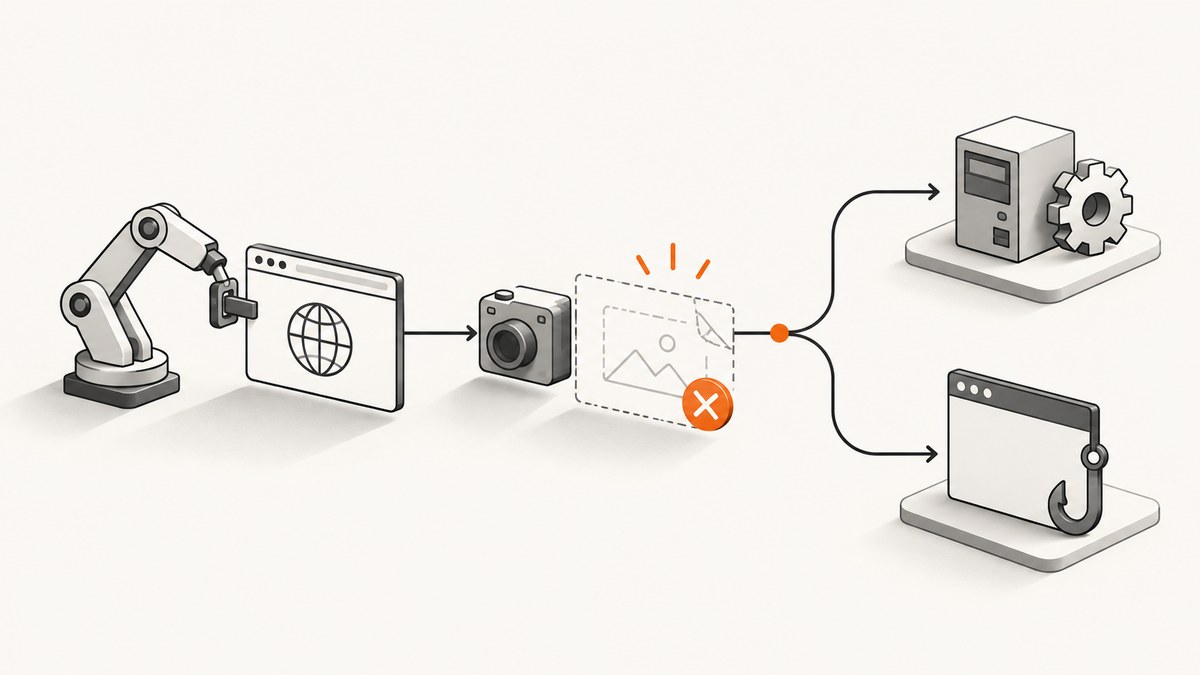
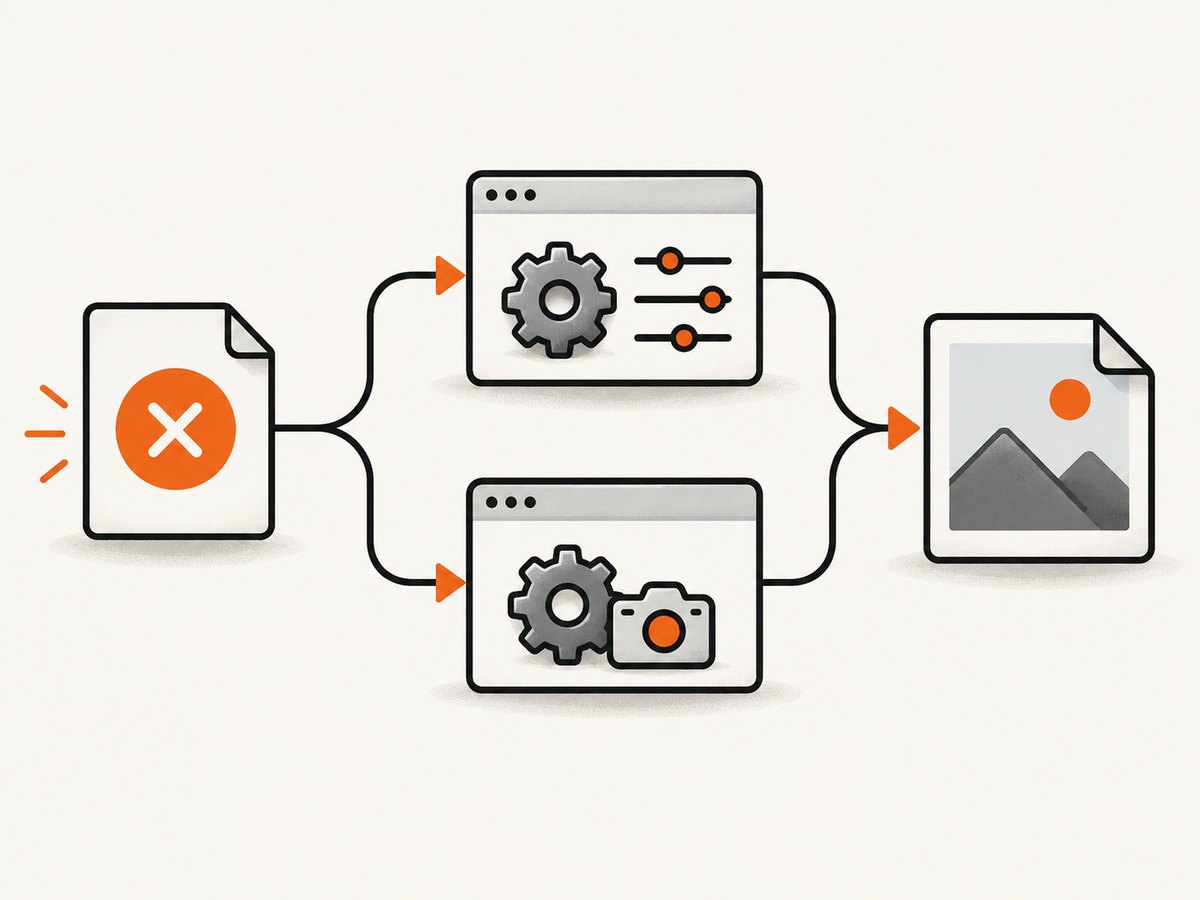
Short answer: captureScreenshotOnFailure, screenshotPath, and screenshotUrl are settings from PHPUnit’s legacy Selenium RC integration, where the test extends PHPUnit_Extensions_SeleniumTestCase. They do not automatically apply to PHPUnit_Extensions_Selenium2TestCase. In the historical PHPUnit 3.4.12 report, the configuration also contained a misspelled $screenshotUrl, and an explicit Selenium fail() did not trigger capture while a failed assertion did. Treat those reports as version-specific clues: first identify your test class and installed package versions, then choose the matching fix.
1. Identify which Selenium integration you are running
Open the test class declaration and your dependency lockfile before changing configuration. These names describe different integrations:
| Check | Legacy Selenium RC | Selenium2 |
|---|---|---|
| Base class in the reports | PHPUnit_Extensions_SeleniumTestCase |
PHPUnit_Extensions_Selenium2TestCase |
| Setting in question | Legacy manual documents captureScreenshotOnFailure |
A historical report says this property does not exist |
| First action | Check spelling, path, URL, permissions, and failure trigger | Use the installed extension’s screenshot API or failure hook |
| Evidence limit | Historical PHPUnit 3.4.12 behavior | Historical PHPUnit 4.6/phpunit-selenium 1.4.2 discussion |
Run a dependency inspection appropriate to your project:
composer show | grep -Ei 'phpunit|selenium'
rg 'extends +PHPUnit_Extensions_Selenium' tests/
If your project uses a namespaced or custom base class, inspect that class and its parent. Do not assume that a similarly named property is implemented by every Selenium package.
2. Repair the legacy Selenium RC configuration
For the old PHPUnit_Extensions_SeleniumTestCase flow, the documented configuration has three properties. A minimal example looks like this:
<?php
class CheckoutTest extends PHPUnit_Extensions_SeleniumTestCase
{
    protected $captureScreenshotOnFailure = true;
    protected $screenshotPath = '/var/www/test-screenshots';
    protected $screenshotUrl = 'http://localhost/test-screenshots';

    protected function setUp()
    {
        $this->setBrowser('*firefox');
        $this->setBrowserUrl('https://example.test');
    }

    public function testCheckout()
    {
        $this->open('/checkout');
        $this->assertTitle('Checkout');
    }
}
Check every detail:
- Property spelling: it is
screenshotUrl. The historical report usedscrenshotUrl, which makes the setting ineffective. - Path: create the directory before the test run and make it writable by the account running PHPUnit.
- URL: expose that same directory through the web server. The path is where files are written; the URL is how a report can link to them.
- Boolean value: use a real boolean such as
true, not a misspelled property or an unrelated configuration key.
Verify the filesystem independently:
mkdir -p /var/www/test-screenshots
touch /var/www/test-screenshots/write-check.png
chown -R www-data:www-data /var/www/test-screenshots
ls -ld /var/www/test-screenshots
Use the correct owner and group for your runner; the example account is only illustrative. If reports link to http://localhost/test-screenshots, request that URL from the same environment and confirm that the web server can serve the file.
3. Make sure the failure actually exercises the capture path
The historical RC report found an important trigger difference: calling Selenium’s explicit fail() produced a test failure but did not start the automatic screenshot, while a failed assertion did. Use an assertion failure as a diagnostic test in that legacy setup:
public function testScreenshotDiagnostic()
{
    $this->open('/page-that-should-exist');
    $this->assertTitle('A title that is intentionally wrong');
}
Run only this test and inspect both the PHPUnit output and the screenshot directory. If an assertion failure creates an image, your path and URL are probably correct and the issue is the way production code signals failure. Replace the diagnostic assertion after the check; do not leave intentional failures in the suite.
Other failure modes can bypass the extension’s normal listener. A process kill, a browser crash, a PHP fatal error, or a teardown exception may prevent the extension from reaching its capture code. Keep the original failure visible while investigating.
4. Check teardown and custom failure handling
The original author also reported a teardown compatibility problem with PHPUnit 3.4 and removed the custom tearDown while investigating. A teardown method that calls unavailable APIs, closes the browser too early, or throws a second exception can mask the failure and interrupt screenshot handling.
protected function tearDown()
{
    // Keep teardown compatible with the PHPUnit version in use.
    // Avoid throwing a new exception while a test is already failing.
    parent::tearDown();
}
Do not copy this method blindly: older extensions may define different parent behavior. Temporarily disable custom teardown, listeners, and error handlers, then reintroduce them one at a time. Preserve the first failure and verify when the browser session is closed.
5. Selenium2 requires a supported screenshot hook
If the class extends PHPUnit_Extensions_Selenium2TestCase, copying the three RC properties is not a fix. A historical Selenium2 discussion explicitly says captureScreenshotOnFailure is absent from that base class. Capture through the screenshot method exposed by your installed driver or extension, and call it from the extension’s failure callback, listener, or an equivalent hook.
The exact method names differ between Selenium2 packages and versions, so inspect the installed source and documentation:
rg 'screenshot|Screenshot|failure|listener' vendor/ tests/
composer show --all | grep -i selenium
A common pattern is to capture in a failure-aware wrapper. The following is intentionally structural: replace takeScreenshot() and saveScreenshot() with the methods provided by your package.
public function runWithScreenshot(callable $testBody, $file)
{
    try {
        $testBody();
    } catch (Throwable $failure) {
        $png = $this->takeScreenshot();
        file_put_contents($file, $png);
        throw $failure;
    }
}
A listener-based implementation is usually preferable because it sees assertion failures without requiring every test to be wrapped. Confirm the listener interface and registration syntax against your installed phpunit-selenium version. Community examples also show manual capture in a catch block; that is useful for diagnosis but is not proof that a particular current package has the same API.
6. A repeatable diagnostic checklist
- Record the PHP version, PHPUnit version, Selenium package version, browser, driver, and test base class.
- Confirm whether the class is legacy RC or Selenium2.
- For RC, copy the property names exactly:
captureScreenshotOnFailure,screenshotPath, andscreenshotUrl. - Check that the output directory exists and is writable by the test process.
- Check that the URL maps to the same directory and is reachable from the report viewer.
- Trigger a deliberately failed assertion, not only Selenium’s explicit
fail(). - Temporarily remove custom teardown and failure listeners.
- For Selenium2, locate the supported screenshot API and connect it to a failure hook.
- Run one test in isolation and inspect timestamps, permissions, and PHPUnit output.
- Restore normal assertions and teardown, then keep the smallest working configuration in version control.
7. Common errors and fixes
| Symptom | Likely cause | Fix |
|---|---|---|
| No file and no report link | Wrong base class or unsupported property | Check the class declaration; use a Selenium2 hook when applicable. |
| Files never appear | Directory missing or not writable | Create it and test a write using the same runner account. |
| Files exist but links are broken | screenshotUrl does not map to screenshotPath |
Expose the directory at the configured URL and test it directly. |
Explicit fail() creates no image |
Historical RC behavior did not treat it as the automatic trigger | Use a failed assertion to diagnose; add explicit capture if you need fail-call coverage. |
| Capture works alone but not in the suite | Teardown, listener, browser crash, or fatal error interrupts handling | Disable custom hooks, preserve the first exception, and reintroduce components gradually. |
| Property appears ignored after an upgrade | Package or PHPUnit integration changed | Read the installed extension source and migration notes; do not rely on an old manual example. |
8. Reliability, performance, and storage considerations
Screenshots add browser and filesystem work to failing tests, so capture only what helps diagnosis. Use deterministic filenames containing the test class, method, and run identifier. Avoid two parallel workers writing the same path. Retain artifacts in CI for the period your team needs, then remove them to prevent unbounded disk growth.
Failure-only capture has little cost on passing tests, but a broad failure storm can produce thousands of images and slow artifact upload. Compress or archive artifacts after the run, and keep the original PNG when pixel-level debugging matters. If the browser is already unstable, a second command issued during teardown may fail; record the original exception and treat a missing screenshot as secondary evidence.
9. Or skip the browser setup
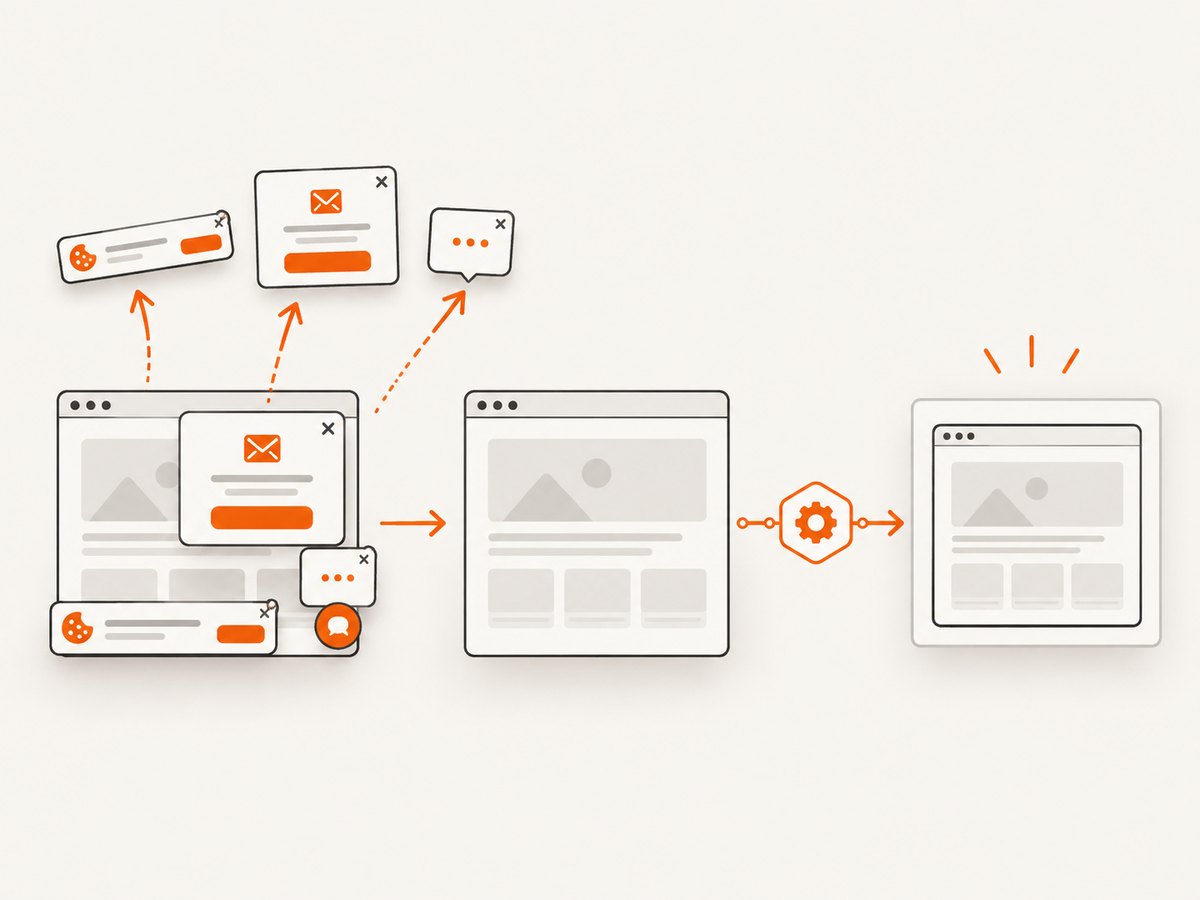
For a one-off page image, regression artifact, or incident snapshot, ScreenshotNeo removes the Selenium server and browser lifecycle from the job. Its API accepts one GET request and returns PNG, JPEG, WebP, or PDF. Cookie and consent banners, newsletter popups, and chat widgets are removed before capture. Bot checks, blank pages, timeouts, failed loads, and cache hits are not billed, and response headers identify the page verdict and billing status.
See the ScreenshotNeo API documentation for the complete option list. The same endpoint supports full-page capture with lazy images, CSS-element capture, dark mode, device presets or custom viewports, retina scale, PDF paper and margin settings, custom CSS and JavaScript, clicks, waits, blocked resources, headers, cookies, user agents, authorization, timezone, geolocation, transparent backgrounds, resizing, caching TTLs, signed links, asynchronous jobs with signed webhooks, bulk capture of up to 100 URLs, usage data, and an OpenAPI specification.
curl -G 'https://api.screenshotneo.com/v1/shot' \
  -d access_key=YOUR_API_KEY \
  --data-urlencode url=https://stripe.com \
  -o shot.webp
import requests
r = requests.get('https://api.screenshotneo.com/v1/shot', params={'access_key': 'YOUR_API_KEY', 'url': 'https://stripe.com'}, timeout=90)
r.raise_for_status()
open('shot.webp', 'wb').write(r.content)const q = new URLSearchParams({ access_key: 'YOUR_API_KEY', url: 'https://stripe.com' });
const res = await fetch(`https://api.screenshotneo.com/v1/shot?${q}`);
if (!res.ok) throw new Error(`HTTP ${res.status}`);
const body = Buffer.from(await res.arrayBuffer());
require('fs').writeFileSync('shot.webp', body);ScreenshotNeo also includes an MCP server with take_screenshot, get_page_info, and capture_pdf tools for Claude, Cursor, and other MCP clients. The Free plan includes 1,000 shots each month without a card; paid plans start at $5 for 3,000 shots. Create a free ScreenshotNeo account.
10. FAQ
Does a misspelled property fail loudly?
Usually it is simply ignored. In the historical report, screnshotUrl was used instead of screenshotUrl.
Can I use RC properties on Selenium2?
No assumption is safe. The cited Selenium2 report says the property does not exist there; use the API and hook supplied by your installed package.
Why does a failed assertion matter?
The PHPUnit 3.4.12 report observed capture after an assertion failure but not after Selenium’s explicit fail(). Reproduce that distinction in your own version before changing production code.
Should I expose screenshots publicly?
Only if your test data permits it. Otherwise keep the directory private and publish artifacts through your CI system.
Is ScreenshotNeo a PHPUnit listener?
No. It is a separate screenshot API and MCP server. Call it from a test, CI job, or agent when you want capture without managing Selenium.


