How to Fix Playwright API Test Connection Timeouts Behind a Corporate Proxy
Diagnose Playwright API timeouts behind corporate proxies by matching the failing request path to the right proxy, timeout, and certificate settings.
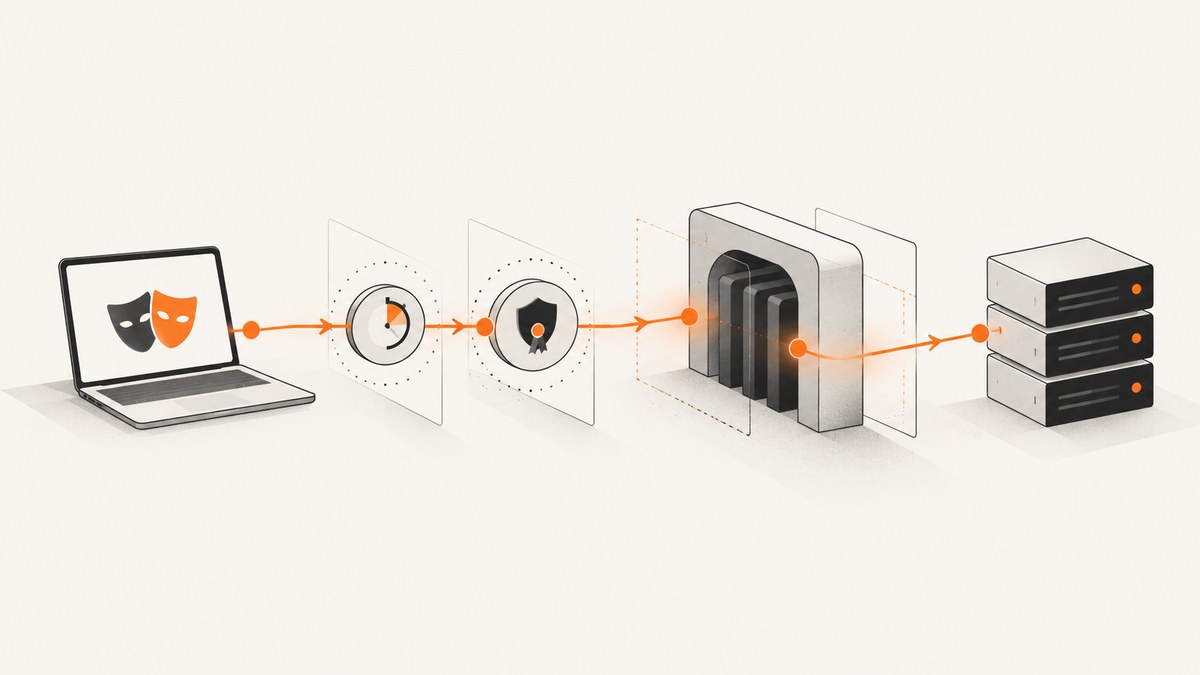
Short answer: a longer Playwright timeout does not configure a corporate proxy. First identify which operation is timing out: a standalone APIRequestContext, a browser page, or a browser download. Then configure the proxy on that specific surface, verify bypass and proxy credentials, investigate certificate trust separately, and only then tune the request timeout. Playwright’s standalone API request timeout defaults to 30,000 milliseconds; 0 disables it. Playwright APIRequestContext documentation
1. Identify the request path before changing settings
“Playwright timed out” describes a symptom, not a cause. The setting you need depends on what sends the network request.
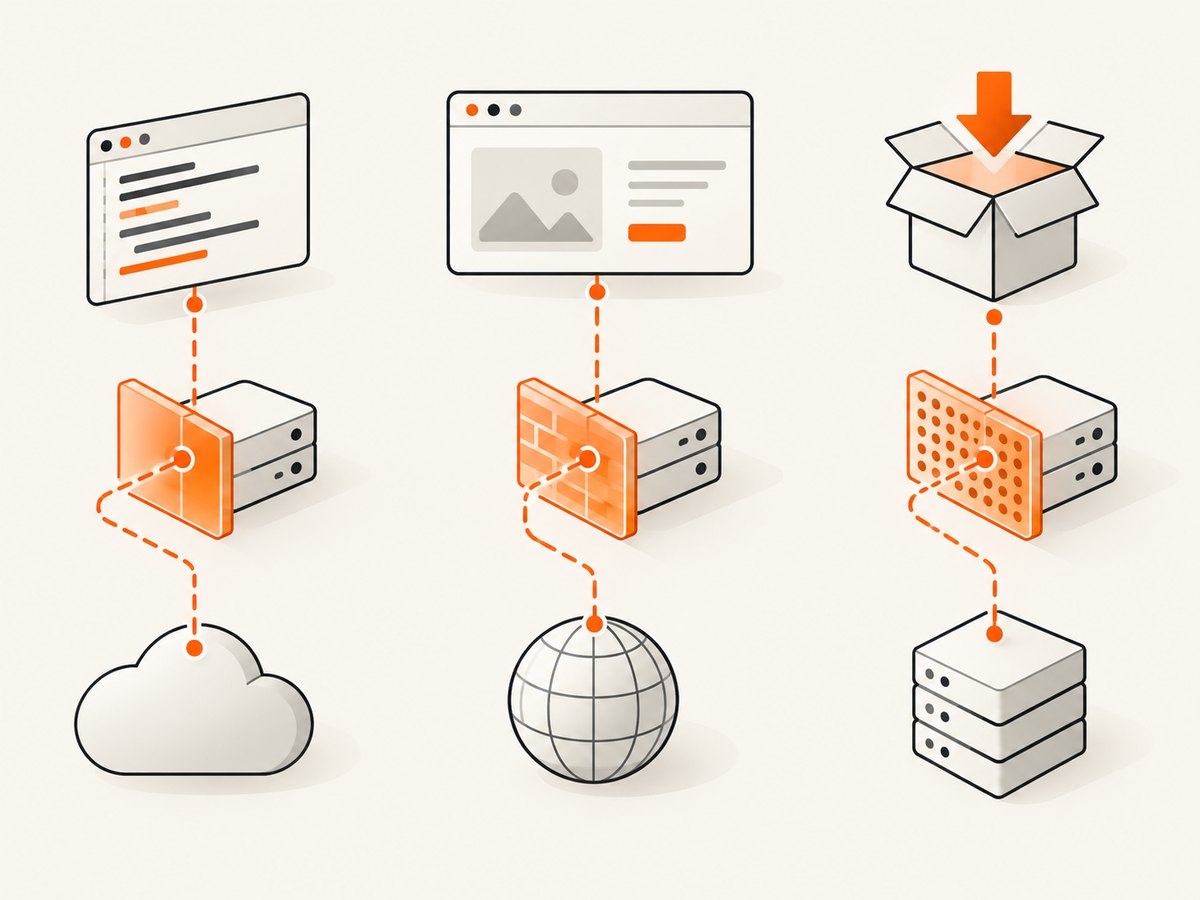
| Failing operation | Where to configure the proxy | Relevant timeout or environment setting |
|---|---|---|
Standalone API test using request.newContext() |
The API request context’s proxy option |
timeout on that context or request |
| Request made by a browser page | Global browser launch proxy or browser-context proxy | Browser/page and API call timeouts as appropriate |
playwright install downloading browsers |
Process environment, including HTTPS_PROXY |
PLAYWRIGHT_DOWNLOAD_CONNECTION_TIMEOUT |
Keep these paths separate. A proxy configured for Chromium does not automatically prove that a standalone API request context is using the same route. Likewise, an install-time download timeout does not change the timeout for your API test.
2. Capture useful evidence from the failure
Before editing CI configuration, record the destination URL, HTTP method, elapsed time, error text and code, whether a proxy status was returned, and the environment where it occurred. Run the same diagnostic from the developer machine, CI worker, and container when possible. Those environments can have different DNS, certificates, proxy variables, firewall rules, and egress policies.
- A connection timeout before any HTTP response often points to routing, DNS, firewall policy, or an unavailable proxy.
- A
407 Proxy Authentication Requiredresponse points to proxy credentials or an authentication policy. - A certificate-chain error is a trust problem. Increasing a timeout will not repair it.
- A response that arrives after 30 seconds may simply exceed Playwright’s default request timeout.
Do not infer the cause from the word “timeout” alone. Preserve the original error and compare it with a request made through the approved corporate route.
3. Configure a standalone APIRequestContext proxy
For API tests that do not use a browser page, create the context with Playwright’s documented proxy object. It accepts an HTTP or SOCKS server, an optional comma-separated bypass list, and optional proxy credentials. The proxy username and password authenticate to the proxy; they are separate from an API’s authorization header.
import { request } from '@playwright/test';

const api = await request.newContext({
  baseURL: 'https://api.example.test',
  proxy: {
    server: process.env.CORPORATE_PROXY!,
    bypass: process.env.PROXY_BYPASS,
    username: process.env.PROXY_USER,
    password: process.env.PROXY_PASSWORD,
  },
  timeout: 45_000,
});

try {
  const response = await api.get('/health');
  console.log(response.status());
  if (!response.ok()) {
    throw new Error(`Unexpected status: ${response.status()}`);
  }
} finally {
  await api.dispose();
}
The variable names and 45-second value are examples. Obtain the actual proxy scheme, hostname, port, bypass domains, and credential requirements from your network owner. Use the scheme your organization approves, such as an HTTP proxy URL or a SOCKS endpoint.
Timeout semantics
The API request timeout defaults to 30000 milliseconds. Set a finite value that fits the API’s response-time target and your CI job budget. You can pass 0 to disable the timeout, but that removes the guard against a permanently stuck request and is rarely a good general CI setting.
const api = await request.newContext({
  proxy: { server: process.env.CORPORATE_PROXY! },
  timeout: 60_000,
});
A larger timeout is useful when measurements show a legitimate slow response. It does not add proxy routing, fix proxy authentication, change DNS, or install a trusted certificate.
4. Check bypass rules and proxy authentication
The bypass field is a comma-separated list of domains that should skip the proxy. An overly broad entry can send the failing API directly to the internet, where corporate egress blocks it. An overly narrow list can force an internal service through a proxy that cannot resolve or reach it.
proxy: {
  server: 'http://proxy.corp.example:8080',
  bypass: 'localhost,127.0.0.1,.internal.example',
  username: process.env.PROXY_USER,
  password: process.env.PROXY_PASSWORD,
}
Check the exact host, including subdomains and ports, against the organization’s approved bypass list. Do not put API keys in username or password unless the proxy administrator explicitly uses those values. API credentials belong in request headers or the API’s documented authentication mechanism.
5. Configure browser traffic separately
If the failing request is issued by a page, configure the proxy when launching the browser or when creating its context. This is a different surface from request.newContext().
import { chromium } from '@playwright/test';

const browser = await chromium.launch({
  proxy: {
    server: process.env.CORPORATE_PROXY!,
    bypass: process.env.PROXY_BYPASS,
    username: process.env.PROXY_USER,
    password: process.env.PROXY_PASSWORD,
  },
});

const context = await browser.newContext();
const page = await context.newPage();
await page.goto('https://example.test', { waitUntil: 'domcontentloaded' });

await browser.close();
Use browser proxy configuration when a page or browser context owns the request. Use the API context proxy when your test calls an endpoint directly. If a test uses both, configure and diagnose both paths.
6. Treat certificate interception as a trust issue
Many corporate proxies inspect TLS and re-sign traffic with an internal certificate authority. If the error reports an untrusted issuer or certificate chain, obtain the approved corporate root CA and determine which process must trust it. Do not hide a trust failure by increasing the request timeout.
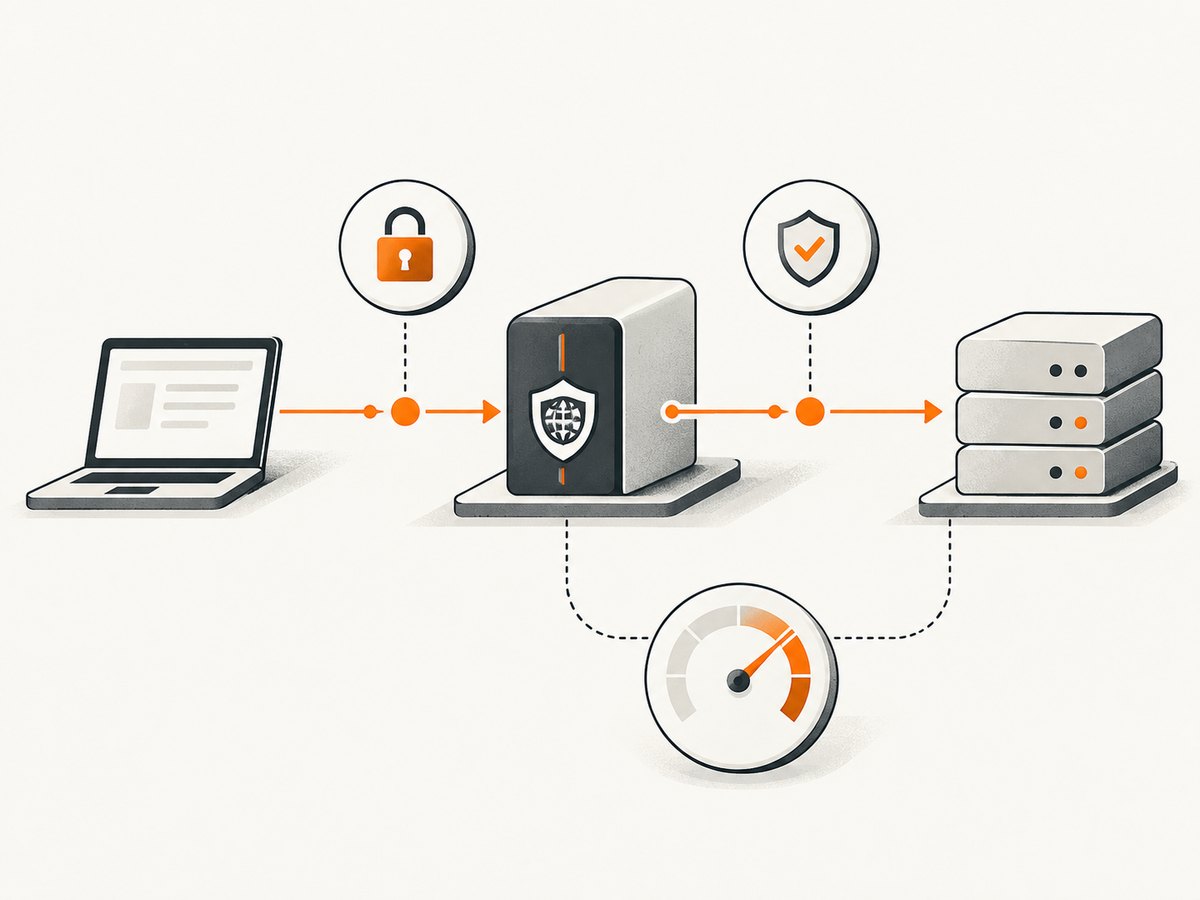
Playwright’s browser-installation guidance documents NODE_EXTRA_CA_CERTS for intercepted proxy requests to the browser archive. That advice is specifically about browser downloads. Confirm the certificate requirements for the Node.js process running your API tests before applying it to another request path.
NODE_EXTRA_CA_CERTS=/path/to/corporate-root-ca.pem npx playwright installKeep the certificate file protected according to your organization’s policy, and verify that the CI worker has the same trust configuration as the machine where the command succeeds.
7. Fix browser installation and download timeouts
If the failure occurs during npx playwright install, you are debugging browser archive access, not an API test. Playwright documents HTTPS_PROXY for download traffic and provides PLAYWRIGHT_DOWNLOAD_CONNECTION_TIMEOUT for slow connections. Its documentation shows 120000 milliseconds as an example.
HTTPS_PROXY=http://proxy.corp.example:8080 \
PLAYWRIGHT_DOWNLOAD_CONNECTION_TIMEOUT=120000 \
npx playwright install
Use the approved proxy URL and choose a download timeout that fits your build environment. This environment variable does not configure APIRequestContext routing or its 30-second request timeout.
8. A repeatable troubleshooting sequence
- Name the operation. Is it a standalone API context, browser page, or browser installer?
- Save the original failure. Record URL, elapsed time, error code, response status, and environment.
- Verify the route. Confirm the approved proxy host, port, scheme, DNS resolution, and firewall access from the same worker.
- Configure the matching Playwright surface. Put the proxy in
request.newContext()for API calls or in browser launch/context options for pages. - Review bypass entries. Confirm that the destination is intentionally proxied or intentionally direct.
- Verify proxy credentials. Test the proxy account separately from API authorization.
- Resolve trust errors. Install the approved CA for the process that needs it; do not treat a certificate error as a timeout.
- Measure latency. Increase the finite timeout only when the service actually needs more time.
- Repeat in CI. A local success does not prove that a container or hosted runner has the same network path.
9. Common errors and fixes
| Symptom | Likely cause | Fix |
|---|---|---|
| Timeout at exactly about 30 seconds | Default API request timeout | Measure service latency, then set an explicit finite timeout. |
| Timeout immediately after moving behind the proxy | Wrong proxy scheme, host, port, DNS, or egress rule | Confirm the approved endpoint from the same runtime and configure the API context or browser that sends the request. |
407 Proxy Authentication Required |
Missing or invalid proxy credentials | Set the proxy’s username and password; do not substitute API credentials. |
| Internal host is unreachable only with proxy enabled | Incorrect bypass list | Add the intended internal domains to the comma-separated bypass value, subject to network policy. |
| Certificate has an unknown issuer | TLS interception CA is not trusted | Install the approved CA for the relevant Node.js process and verify the exact request path. |
playwright install cannot download browsers |
Install-time proxy or archive connection issue | Use HTTPS_PROXY; for slow archive connections, set PLAYWRIGHT_DOWNLOAD_CONNECTION_TIMEOUT. |
| Browser page works but API context fails | Proxy configured only for the browser | Configure proxy on request.newContext() as well. |
10. Minimal diagnostics you can keep in a test
Log timing and status without exposing proxy passwords or API tokens. This helps distinguish connection delay from a slow server response.
const started = Date.now();
try {
  const response = await api.get('/health');
  console.log({
    status: response.status(),
    elapsedMs: Date.now() - started,
    url: response.url(),
  });
} catch (error) {
  console.error({ elapsedMs: Date.now() - started, error });
  throw error;
}
Keep logs from CI artifacts when investigating intermittent failures. Redact authorization headers, cookies, proxy passwords, and sensitive query parameters.
11. Performance, reliability, and cost considerations
- Performance: A proxy can add connection setup and TLS inspection latency. Measure from the actual CI worker before selecting a timeout.
- Reliability: Use a finite timeout and dispose API contexts in a
finallyblock. A disabled timeout can leave a job waiting indefinitely when the proxy is down. - Configuration drift: Keep proxy endpoint, bypass list, and CA installation in versioned CI configuration, while injecting secrets through the runner’s secret store.
- Capacity: Coordinate high-concurrency API tests with the network team. A proxy can become the bottleneck even when the destination API is healthy.
- Cost: The Playwright settings themselves do not establish a service price. Account for your organization’s proxy, CI, and API provider terms separately.
12. Or skip the browser setup
If your goal is to obtain a clean website image or PDF rather than exercise an API through your corporate proxy, ScreenshotNeo provides a single screenshot API request. Read the ScreenshotNeo documentation for all options and response headers.
curl -G "https://api.screenshotneo.com/v1/shot" -d access_key=YOUR_API_KEY --data-urlencode url=https://stripe.com -o shot.webpimport requests
r = requests.get("https://api.screenshotneo.com/v1/shot", params={"access_key": "YOUR_API_KEY", "url": "https://stripe.com"}, timeout=90)
open("shot.webp", "wb").write(r.content)const q = new URLSearchParams({ access_key: 'YOUR_API_KEY', url: 'https://stripe.com' });
const res = await fetch(`https://api.screenshotneo.com/v1/shot?${q}`);ScreenshotNeo accepts cookie and consent banners like a visitor, then removes more than 60 known consent platforms, newsletter popups, and chat widgets before capture; each step can be turned off. Bot checks, blank pages, timeouts, failed loads, and cache hits cost nothing, and the response identifies the result with X-Page-Verdict and X-Billed headers. Its MCP server provides take_screenshot, get_page_info, and capture_pdf tools for Claude, Cursor, and other MCP clients. The Free plan includes 1,000 screenshots per month with no card; paid plans start at $5 for 3,000 shots.
Create a free ScreenshotNeo account to get 1,000 screenshots each month without a card.
13. FAQ
Does setting timeout: 0 fix a proxy timeout?
No. It disables Playwright’s timeout guard. It does not select a proxy, authenticate to it, or repair DNS and certificate problems.
Can I use the browser’s proxy for APIRequestContext?
Configure the standalone API context explicitly. Browser launch and context settings are a separate configuration surface.
Should API credentials go in the proxy fields?
No. Proxy credentials authenticate to the corporate proxy. Send API credentials using the API’s documented headers or request options.
Why does a request work locally but fail in CI?
The runner may have different proxy variables, bypass rules, DNS, CA certificates, firewall access, or egress policy. Reproduce from the same execution environment.
Is PLAYWRIGHT_DOWNLOAD_CONNECTION_TIMEOUT the API test timeout?
No. It applies to browser archive downloads during installation. API tests use the API request context’s timeout.
Where can I find the complete Playwright option definitions?
Use the APIRequestContext reference and Playwright’s network documentation for the version used by your project.


