How to Fix Playwright Config Values Not Loading in Mocha
Playwright config files belong to Playwright Test. Learn why Mocha ignores them and how to load dotenv, pass options, debug paths, and fix CI failures.
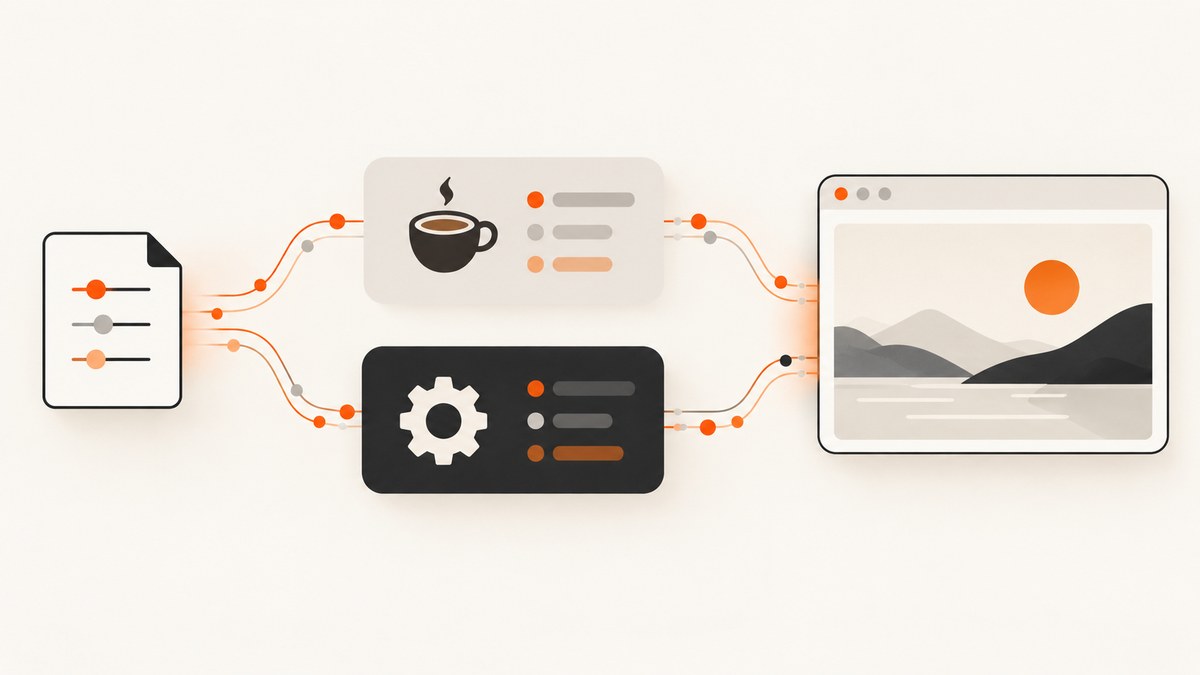
If baseURL, storageState, browser options, or environment variables appear to be missing in a Mocha test, the usual cause is that Mocha is running Playwright as a library. It is not running the Playwright Test runner, so it does not automatically read playwright.config.ts.
There are two correct solutions:
- Run the suite with Playwright Test when you need
use, projects, fixtures, retries, orwebServer. - Keep Mocha and load configuration yourself, then pass values to
chromium.launch()andbrowser.newContext().
The rest of this guide shows both approaches, complete JavaScript and TypeScript examples, environment variable loading, Mocha config discovery, diagnostics, edge cases, and a managed screenshot option.
1. Understand the two execution models
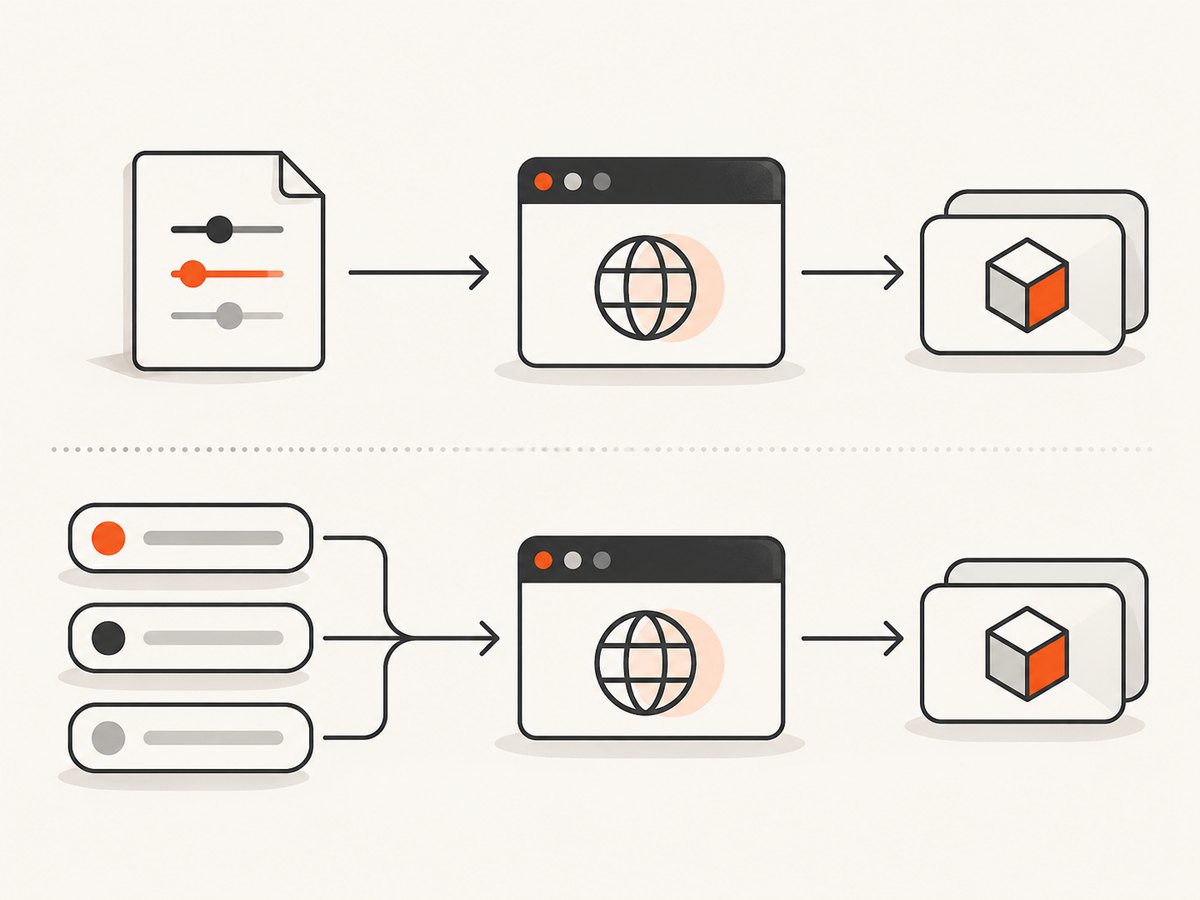
Playwright exposes a browser automation library and a separate test runner. A Mocha test that imports playwright uses the library API directly:
const { chromium } = require('playwright');
const browser = await chromium.launch();
const context = await browser.newContext();
That process knows nothing about the Playwright Test runner’s configuration file. The runner consumes playwright.config.ts and applies top-level options such as testDir, projects, reporter, retries, workers, and webServer. Browser and context settings are placed under use. The baseURL and storageState values in use are inherited by contexts created by that runner.
Mocha has its own configuration and lifecycle. A file named playwright.config.ts is not a shared universal configuration format. The first diagnostic question is therefore: which command starts the test process?
| Command | Runner | Configuration it reads |
|---|---|---|
npx playwright test |
Playwright Test | playwright.config.* |
npx mocha or npm test mapped to Mocha |
Mocha | .mocharc.*, CLI flags, and your setup code |
2. Fix path A: run the suite with Playwright Test
Choose this path if your tests rely on fixtures, projects, use.baseURL, storageState, retries, or a development server.
Minimal configuration
// playwright.config.ts
import { defineConfig } from '@playwright/test';

export default defineConfig({
  testDir: './tests',
  use: {
    baseURL: process.env.BASE_URL,
    storageState: process.env.STORAGE_STATE,
    headless: true
  }
});
Start it with:
BASE_URL=https://staging.example.test npx playwright testOn Windows PowerShell:
$env:BASE_URL='https://staging.example.test'
npx playwright test
Inside a test, the runner applies baseURL to the context:
import { test, expect } from '@playwright/test';

test('opens the configured site', async ({ page, baseURL }) => {
  expect(baseURL).toBe('https://staging.example.test');
  await page.goto('/login');
  await expect(page).toHaveTitle(/Login/);
});
Do not launch a second browser with chromium.launch() in this test if you expect the configured use values to apply. Use the supplied fixtures such as page, context, and browser.
Loading dotenv before configuration
If BASE_URL comes from a file, load dotenv before importing code that evaluates process.env. An explicit path avoids failures when the command is launched from another directory.
// playwright.config.ts
import path from 'node:path';
import dotenv from 'dotenv';
import { defineConfig } from '@playwright/test';

dotenv.config({
  path: path.resolve(__dirname, '.env')
});

export default defineConfig({
  use: {
    baseURL: process.env.BASE_URL
  }
});
For an ES module project where __dirname is unavailable, derive it from import.meta.url, or put the environment file path in a known absolute location. The key rule is ordering: dotenv first, environment reads second, browser or runner construction third.
3. Fix path B: keep Mocha and configure Playwright explicitly
When the project must remain on Mocha, treat Playwright as a library. Read environment variables in Mocha’s startup path and pass each value to the API that consumes it.
CommonJS setup
// test/setup.js
const path = require('node:path');
const dotenv = require('dotenv');
const { chromium } = require('playwright');

dotenv.config({
  path: path.resolve(__dirname, '../../.env')
});

const baseURL = process.env.BASE_URL;

if (!baseURL) {
  throw new Error('BASE_URL is required');
}

function createBrowser() {
  return chromium.launch({
    headless: process.env.HEADLESS !== 'false'
  });
}

module.exports = { createBrowser, baseURL };
// test/example.spec.js
const assert = require('node:assert/strict');
const { createBrowser, baseURL } = require('./setup');
let browser;
describe('configured site', function () {
before(async function () {
browser = await createBrowser();
});
after(async function () {
await browser.close();
});
it('opens the configured URL', async function () {
const context = await browser.newContext({
baseURL,
viewport: { width: 1440, height: 900 }
});
const page = await context.newPage();
await page.goto('/');
assert.match(await page.title(), /Expected title/);
await context.close();
});
});In standalone Playwright, baseURL belongs to browser.newContext(), not chromium.launch(). Launch options include browser-process settings such as headless; context options include baseURL, cookies, locale, timezone, viewport, permissions, and storage state.
TypeScript and ESM setup
// test/setup.ts
import path from 'node:path';
import { fileURLToPath } from 'node:url';
import dotenv from 'dotenv';
import { chromium, type Browser } from 'playwright';

const here = path.dirname(fileURLToPath(import.meta.url));
dotenv.config({ path: path.resolve(here, '../../.env') });

export const baseURL = process.env.BASE_URL;
if (!baseURL) throw new Error('BASE_URL is required');

export function createBrowser(): Promise<Browser> {
  return chromium.launch({
    headless: process.env.HEADLESS !== 'false'
  });
}
Make sure Mocha is configured to transpile or execute your TypeScript files using the loader your project already uses. A TypeScript config file does not cause Mocha to adopt Playwright Test semantics.
4. Make Mocha load the intended setup and config
Mocha discovers configuration independently. If it finds the wrong .mocharc, or a parent directory contains another one, options such as require, extension, and spec may differ from what you expect.
Pin the file while diagnosing:
npx mocha --config .mocharc.cjsA simple CommonJS file can load the setup module before tests:
// .mocharc.cjs
module.exports = {
  require: ['./test/setup.js'],
  spec: ['test/**/*.spec.js'],
  timeout: 30000
};
Use --no-config to prove whether automatic discovery is selecting an unexpected file. Then add options back explicitly. Check package.json scripts as well: npm test may invoke a wrapper, a workspace command, or a CI-specific script rather than the command you are testing locally.
5. Verify values at the handoff point
Environment bugs are often timing or naming bugs. BASE_URL, Base_URL, and baseUrl are different keys. Log a safe, redacted value immediately before constructing the browser or context:
function redact(value) {
  if (!value) return '(missing)';
  return value.replace(/\/\/([^/]+)\//, '//[host]/');
}

console.log('BASE_URL:', redact(process.env.BASE_URL));
console.log('HEADLESS:', process.env.HEADLESS);
Do not print access tokens, cookies, authorization headers, or full URLs containing credentials. If the value is missing here, Playwright cannot recover it later.
Path and shell checks
- Print
process.cwd()and the absolute dotenv path. - Confirm the file exists and contains the exact uppercase key.
- Load dotenv before importing modules that read configuration at module scope.
- Check that CI exports the variable to the test step, rather than only defining it for another step.
- On Windows, verify PowerShell syntax and that the variable is set in the same process that starts Mocha.
6. Option placement: launch versus context
| Need | Standalone Playwright location | Playwright Test location |
|---|---|---|
| Headless browser process | chromium.launch({ headless }) |
use.headless |
| Base URL | browser.newContext({ baseURL }) |
use.baseURL |
| Saved login state | newContext({ storageState }) |
use.storageState |
| Viewport, locale, timezone | newContext({...}) |
use |
| Retries, projects, web server | Implement in Mocha or tooling | Top-level Playwright config |
Putting a context option in chromium.launch() can silently fail in your own abstraction or produce an “unknown option” error. Keep the boundary explicit in a factory function.
7. Troubleshooting common failures
“playwright.config.ts is ignored”
Cause: Mocha is running, so the Playwright Test runner never reads that file.
Fix: Switch the command to npx playwright test, or move the required values into Mocha setup and pass them to Playwright APIs.
process.env.BASE_URL is undefined
Cause: dotenv was not loaded, loaded too late, used the wrong path, or the shell variable was never exported.
Fix: Load dotenv at process startup with an absolute path, verify the key spelling, and print a redacted value before browser creation.
The URL is correct locally but wrong in CI
Cause: CI uses a different working directory, variable scope, or secret name.
Fix: Resolve the dotenv path from the setup file, inspect process.cwd(), and define the variable in the exact job step that runs Mocha.
Mocha loads the wrong setup file
Cause: automatic config discovery selected a parent .mocharc, or an npm script supplied another --require.
Fix: Run npx mocha --config .mocharc.cjs and temporarily use --no-config to isolate discovery.
Browser launch fails before a test starts
Cause: missing browser binaries, invalid launch arguments, permissions, or an incompatible runtime.
Fix: enable browser diagnostics with DEBUG=pw:browser mocha, inspect the launch output, and verify the Playwright installation. Use DEBUG=pw:api mocha for API-level activity. Keep secrets out of debug logs.
Storage state appears unused
Cause: the state was placed in playwright.config.ts while Mocha creates a fresh context without options.
Fix: pass storageState directly to browser.newContext(), and confirm the JSON file path is absolute or resolved from a known directory.
8. Reliability and performance considerations
Create one browser per Mocha process and reuse it across tests when isolation requirements allow. Create a new context per test or suite to isolate cookies and local storage. Closing contexts promptly prevents leaked pages and makes failures easier to diagnose.
Resolve configuration once during startup instead of reading and parsing dotenv inside every test. Fail fast on required values such as BASE_URL; a clear startup error is faster to investigate than a navigation timeout.
Use a realistic timeout for the environment and keep navigation retries deliberate. A retry can hide a bad URL or unavailable service. Capture the resolved target and test name in failure output, but redact credentials.
For parallel Mocha workers, avoid sharing one mutable context. Give each worker its own context and, when needed, a distinct test account or storage-state file. If the target environment rate-limits requests, reduce concurrency rather than increasing timeouts indefinitely.
9. Or skip the browser setup
If your goal is to obtain a clean page image instead of maintaining browser configuration, ScreenshotNeo provides a website screenshot API. Its endpoint accepts one GET request and returns PNG, JPEG, WebP, or PDF output. See the ScreenshotNeo API documentation for the full option list.

curl -G "https://api.screenshotneo.com/v1/shot" -d access_key=YOUR_API_KEY --data-urlencode url=https://stripe.com -o shot.webpimport requests
r = requests.get(
"https://api.screenshotneo.com/v1/shot",
params={"access_key": "YOUR_API_KEY", "url": "https://stripe.com"},
timeout=90,
)
r.raise_for_status()
open("shot.webp", "wb").write(r.content)const q = new URLSearchParams({ access_key: 'YOUR_API_KEY', url: 'https://stripe.com' });
const res = await fetch(`https://api.screenshotneo.com/v1/shot?${q}`);
if (!res.ok) throw new Error(`Screenshot failed: ${res.status}`);
const buffer = Buffer.from(await res.arrayBuffer());
require('node:fs').writeFileSync('shot.webp', buffer);Cookie banners, newsletter popups, and chat widgets are removed before the shot. Bot checks, blank pages, timeouts, failed loads, and cache hits are not billed; response headers identify the page verdict and whether it was billed. An MCP server provides take_screenshot, get_page_info, and capture_pdf tools for Claude, Cursor, and other MCP clients.
Every plan includes the feature set: full-page and element capture, dark mode, device presets, custom viewports, retina scale, PDF controls, custom CSS and JavaScript, clicks, waits, blocking rules, headers, cookies, user agents, authorization, timezone, geolocation, transparent backgrounds, resizing, caching, signed links, asynchronous jobs, bulk capture for up to 100 URLs per call, a usage API, and an OpenAPI specification. The free plan includes 1,000 screenshots per month with no card; paid plans start at $5 for 3,000 screenshots.
Create a free ScreenshotNeo account and start with 1,000 screenshots each month without a card.
10. Practical decision checklist
- Does the test need Playwright fixtures, projects, retries, or
webServer? Usenpx playwright test. - Must the suite stay on Mocha? Load dotenv in setup and pass values to launch and context calls.
- Is the config file uncertain? Pin Mocha with
--configand inspect discovery. - Is an environment value missing? Verify path, order, exact key name, shell export, and CI scope.
- Is an option ignored? Check whether it belongs to the browser launch or browser context.
- Is startup failing? Enable
DEBUG=pw:apiorDEBUG=pw:browserwithout exposing secrets.
FAQ
Can Mocha read playwright.config.ts automatically?
No. That file is consumed by the Playwright Test runner. Mocha requires its own config and setup path.
Should I import @playwright/test in a Mocha test?
Only if you are deliberately moving to the Playwright Test runner. A Mocha suite should normally import playwright and configure its browser and contexts explicitly.
Where does baseURL go in standalone Playwright?
Pass it to browser.newContext({ baseURL }). It is a context option, not a browser launch option.
Why does dotenv work in one command but not another?
Relative paths depend on the process context, and module imports may read environment variables before dotenv runs. Use an explicit path and load it before configuration is evaluated.
Can I keep Playwright Test settings and Mocha in the same repository?
Yes, but treat them as separate runners. Give each command its own configuration, setup, and lifecycle, and do not assume settings cross the runner boundary.


