Playwright Equivalent to cy.scrollTo(‘bottom’)
Use Playwright locators, wheel input, or window.scrollTo to reach the bottom reliably, load lazy content, and capture complete pages.
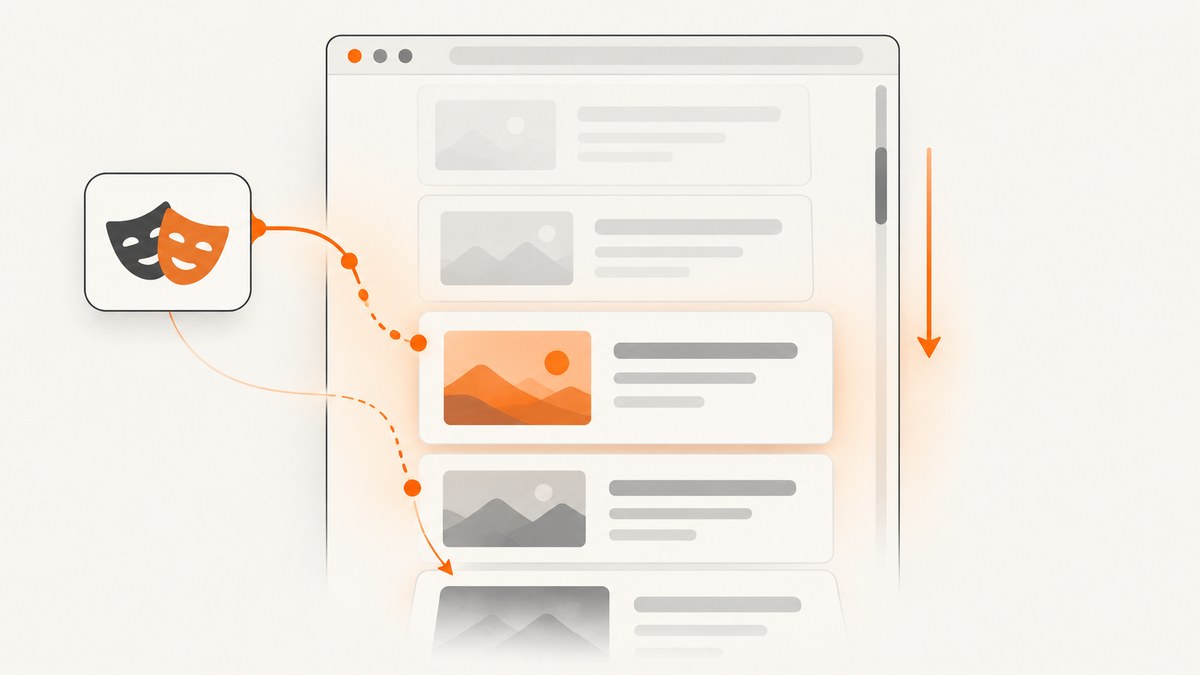
Short answer: Playwright has no dedicated cy.scrollTo('bottom') command. For the closest page-level equivalent, run await page.evaluate(() => window.scrollTo(0, document.body.scrollHeight));. When the goal is to reveal a real footer, sentinel, or final list item, prefer scrollIntoViewIfNeeded(). For infinite lists and lazy-loaded assets, scroll in bounded increments and synchronize with the page’s loading signal.
Those approaches solve different problems. A direct jump moves the top-level viewport to the current document height. A locator scrolls a specific target into view and benefits from Playwright’s actionability checks. Wheel input reproduces user-like movement and gives viewport observers a chance to load content between steps. This guide shows when to use each method, how to handle nested containers, how to wait for lazy content, and how to capture the resulting page reliably.
1. The direct Playwright equivalent
If you are migrating a literal Cypress command and only need the window at the current bottom, use page evaluation:
import { test, expect } from '@playwright/test';

test('scrolls to the document bottom', async ({ page }) => {
  await page.goto('https://example.com');
  await page.evaluate(() => window.scrollTo(0, document.body.scrollHeight));
  await expect(page).toHaveScreenshot('bottom.png');
});
window.scrollTo sets the viewport position immediately. It is concise and useful when the page has a stable, finite document and no requirement to exercise intermediate viewport observers. It does not prove that every lazy image, infinite-list item, or asynchronous section has loaded. The height can also change after the jump, so a single assignment may stop above newly appended content.
For a smooth animation, you can pass an options object, although animation usually makes tests slower and less deterministic:
await page.evaluate(() => {
  window.scrollTo({ top: document.body.scrollHeight, left: 0, behavior: 'auto' });
});
2. Scroll a known footer or sentinel (preferred)
When the test has a semantic destination, locate that destination and call scrollIntoViewIfNeeded():
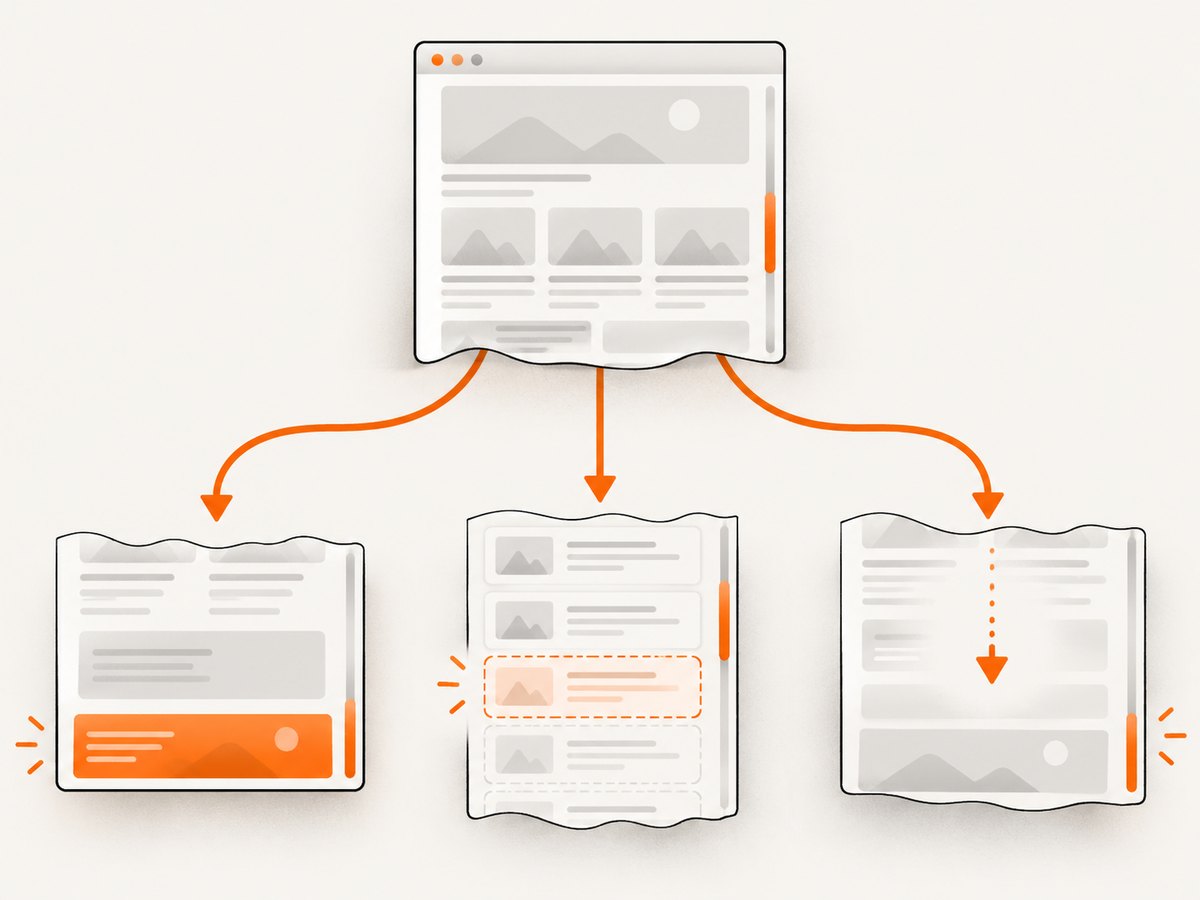
await page.getByText('Footer text').scrollIntoViewIfNeeded();Playwright documents this method as waiting for actionability checks and scrolling only when the element is not completely visible according to its intersection ratio. That makes it a better expression of intent than relying on document height. Use a stable role, text, or test id locator rather than a brittle positional CSS selector. Playwright recommends semantic locator families such as getByRole, getByText, and getByTestId in its locator guidance.
test('reveals and checks the footer', async ({ page }) => {
  await page.goto('https://example.com');

  const footer = page.getByRole('contentinfo');
  await footer.scrollIntoViewIfNeeded();
  await expect(footer).toContainText('Privacy');
});
A sentinel is useful for an infinite feed. Give the application a final marker or loading marker, then scroll that marker into view. If new records are appended, repeat until the marker or an explicit end state appears.
test('loads a feed to its end', async ({ page }) => {
  await page.goto('https://example.com/feed');
  const end = page.getByTestId('feed-end');

  for (let attempt = 0; attempt < 20; attempt++) {
    await end.scrollIntoViewIfNeeded();

    if (await page.getByTestId('feed-complete').isVisible().catch(() => false)) {
      break;
    }

    await page.getByTestId('feed-loading').waitFor({ state: 'hidden', timeout: 5000 }).catch(() => {});
  }

  await expect(page.getByTestId('feed-complete')).toBeVisible();
});
Keep the loop bounded. A missing end condition should fail a test instead of running forever.
3. Incremental wheel scrolling for lazy loading
Some pages load images or append records when an observer sees intermediate viewports. A single jump can skip the conditions those observers expect. Playwright’s mouse API provides precise wheel input:
await page.mouse.wheel(0, 1000);For a complete page, use a bounded loop, inspect the scroll position, and wait briefly for the application’s own loading signal. The example below avoids treating a fixed delay as proof that the page is finished:
async function scrollPageToBottom(page, {
  step = 900,
  maxSteps = 40,
  settleMs = 150
} = {}) {
  for (let i = 0; i < maxSteps; i++) {
    const before = await page.evaluate(() => window.scrollY);
    await page.mouse.wheel(0, step);

    // Let scroll handlers and IntersectionObservers run.
    await page.waitForTimeout(settleMs);

    const state = await page.evaluate(() => ({
      y: window.scrollY,
      viewport: window.innerHeight,
      height: document.documentElement.scrollHeight
    }));

    if (state.y + state.viewport >= state.height - 2) {
      return state;
    }

    // If no progress is possible, stop and let the caller decide whether
    // the page is genuinely complete or blocked by an application issue.
    if (state.y <= before) break;
  }

  return page.evaluate(() => ({
    y: window.scrollY,
    viewport: window.innerHeight,
    height: document.documentElement.scrollHeight
  }));
}

test('loads lazy content before a screenshot', async ({ page }) => {
  await page.goto('https://example.com', { waitUntil: 'domcontentloaded' });
  await scrollPageToBottom(page);
  await page.screenshot({ path: 'full-page.png', fullPage: true });
});
For an infinite list, check the number of rendered records after each step and wait for the network or application state that means loading has completed. Avoid assuming that networkidle is universally correct: analytics, WebSockets, polling, and ads can keep a page busy indefinitely.
4. Scroll a nested container
window.scrollTo affects the page viewport. It does not move a separately scrollable panel. Locate the container first:
const list = page.getByTestId('scrolling-container');
await list.hover();
await page.mouse.wheel(0, 800);
You can also mutate the element’s scroll position directly:
await page.getByTestId('scrolling-container').evaluate((element) => {
  element.scrollTop += 100;
});

await page.getByTestId('scrolling-container').evaluate((element) => {
  element.scrollTop = element.scrollHeight;
});
Use direct scrollTop assignment when the container is known and you need its exact bottom. Use wheel input when the component’s loading code depends on scroll events or realistic movement. If the panel is inside an iframe, obtain the frame locator first and locate the scroll owner inside that frame.
5. Choosing the right method
| Need | Recommended method | Reason |
|---|---|---|
| Literal top-level jump | window.scrollTo(0, document.body.scrollHeight) |
Shortest mechanical equivalent to Cypress. |
| Reveal a footer or final control | locator.scrollIntoViewIfNeeded() |
Expresses the target and waits for actionability. |
| Trigger lazy loading | Repeated page.mouse.wheel |
Exposes intermediate viewports. |
| Scroll a panel | Container wheel or scrollTop |
The panel, rather than the window, owns scrolling. |
| Capture all document content | Scroll or load content, then screenshot({ fullPage: true }) |
Full-page capture does not guarantee an infinite feed is fully populated. |
Playwright’s guidance says that it automatically scrolls before most actions. Manual scrolling is appropriate when you need to force an infinite list to load or position the page for a screenshot. See the official mouse and wheel documentation and the Locator API reference.
6. Loading lazy images before capture
Scrolling is only one part of reliable capture. An image can be in the DOM while its network request or decode is still pending. Combine incremental movement with an application-specific readiness check.
await scrollPageToBottom(page, { step: 700, maxSteps: 60 });

await page.waitForFunction(() => {
  const images = [...document.images];
  return images.every((image) => image.complete && image.naturalWidth > 0);
}, null, { timeout: 15000 });

await page.screenshot({ path: 'ready.png', fullPage: true });
Only use that image predicate if broken images should fail the workflow. Some pages intentionally contain decorative images with no source, blocked third-party images, or placeholders. A more targeted check can inspect the specific content area:
await page.getByTestId('article-grid').locator('img').evaluateAll((images) =>
  images.every((image) => image.complete)
);
If the site exposes a loading indicator, wait for it to disappear. If it exposes a count or end marker, assert that instead of guessing from elapsed time.
7. Screenshot timing and page position
Use fullPage: true when you need the entire current document. Use a viewport screenshot when the requirement is specifically the visible bottom state:
await page.getByRole('contentinfo').scrollIntoViewIfNeeded();
await page.screenshot({ path: 'footer-viewport.png', fullPage: false });

await page.screenshot({ path: 'entire-document.png', fullPage: true });
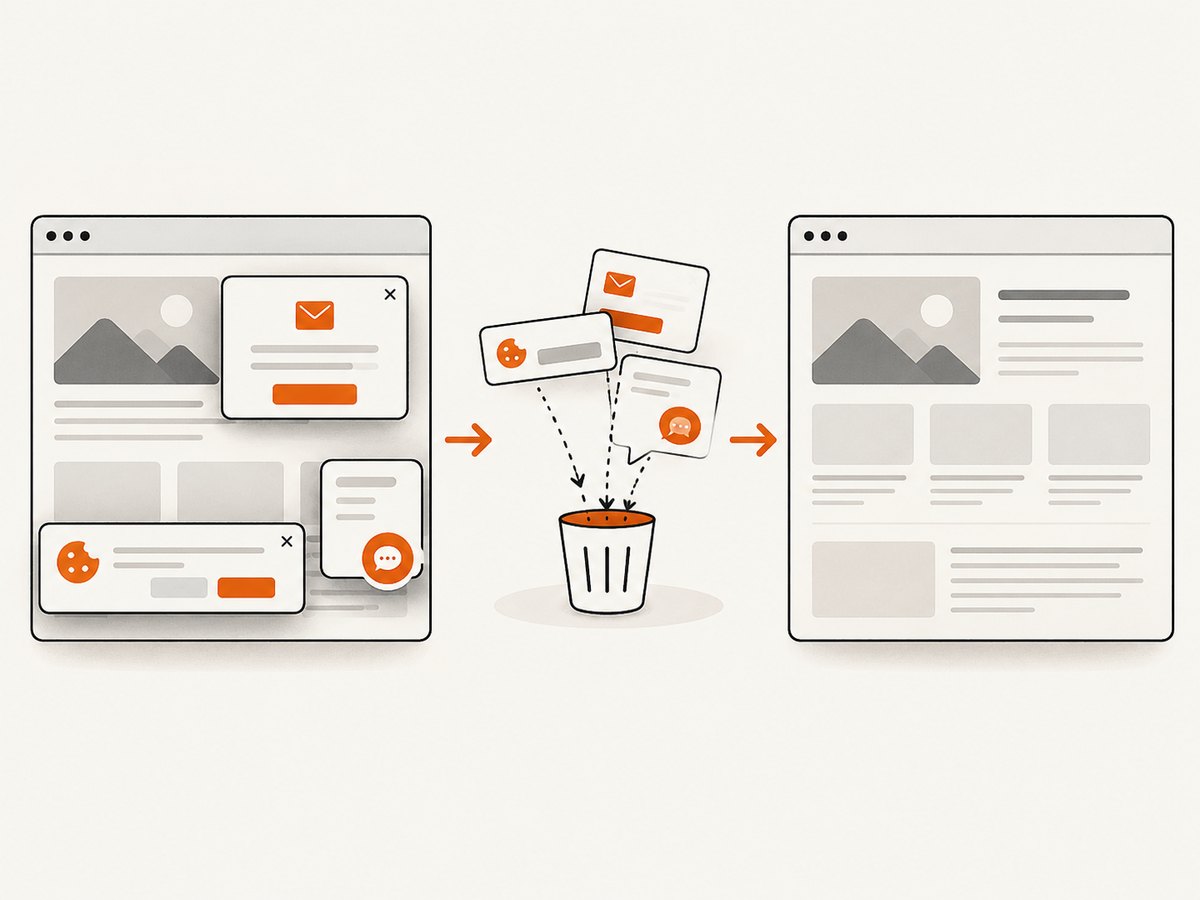
Sticky headers, cookie banners, chat launchers, and consent dialogs can obscure the result. Dismiss them through the same application flow a user would use, or hide known selectors only when that is part of the capture requirement. Keep the viewport, device scale factor, locale, timezone, and user agent stable across runs to reduce visual differences.
8. Or skip the browser setup
If the goal is a clean screenshot rather than testing scroll behavior itself, ScreenshotNeo provides a one-request website screenshot API. The API can capture PNG, JPEG, WebP, or PDF, and supports full-page capture with lazy images loaded.
cURL:
curl -G "https://api.screenshotneo.com/v1/shot" -d access_key=YOUR_API_KEY --data-urlencode url=https://stripe.com -o shot.webpPython:
import requests

r = requests.get(
    "https://api.screenshotneo.com/v1/shot",
    params={"access_key": "YOUR_API_KEY", "url": "https://stripe.com"},
    timeout=90,
)
r.raise_for_status()
open("shot.webp", "wb").write(r.content)
Node.js:
const q = new URLSearchParams({ access_key: 'YOUR_API_KEY', url: 'https://stripe.com' });
const res = await fetch(`https://api.screenshotneo.com/v1/shot?${q}`);
if (!res.ok) throw new Error(`Screenshot failed: ${res.status}`);
const buffer = Buffer.from(await res.arrayBuffer());
await import('node:fs/promises').then(fs => fs.writeFile('shot.webp', buffer));
See the ScreenshotNeo API documentation for request options and response headers. Cookie and consent banners are accepted and more than 60 known consent platforms, newsletter popups, and chat widgets are removed before capture; each step can be disabled. Full-page capture loads lazy images, and you can capture one CSS-selected element, set a wait for a selector, delay, or network idle, run custom JavaScript, click an element, hide selectors, block ads or resource types, and set headers, cookies, authorization, timezone, geolocation, viewport, device scale, dark mode, transparency, resizing, or a chosen cache TTL.
Failed loads, bot checks or CAPTCHAs, blank pages, timeouts, and cache hits are not billed. The response identifies the result with X-Page-Verdict and X-Billed headers. The service also offers PDF output, asynchronous jobs with signed webhooks, bulk capture of up to 100 URLs per call, signed links for public image tags, a usage API, an OpenAPI specification, and an MCP server with take_screenshot, get_page_info, and capture_pdf for Claude, Cursor, and other MCP clients.
There is a free allowance of 1,000 shots per month without a card. Paid plans start at $5 for 3,000 shots; yearly billing provides two months free. Create a free ScreenshotNeo account to try the API.
9. Troubleshooting
The viewport stops above the real bottom
Cause: content was appended after the initial height measurement, or a fixed jump skipped an infinite-list trigger.
Fix: use a bounded wheel loop, recalculate scrollHeight each iteration, and wait for the feed’s loading or completion signal.
The footer locator times out
Cause: the footer is inside an iframe, has not rendered, is covered by a modal, or the locator text is not stable.
Fix: target a role or test id, wait for the relevant section, use the correct frame locator, and close the blocking dialog.
A nested list does not move
Cause: the window is being scrolled while the panel owns scrollTop.
Fix: locate the panel, hover it before wheel input, or set that element’s scrollTop directly.
Lazy images remain blank
Cause: the page did not observe intermediate viewports, image decoding is incomplete, or third-party resources are blocked.
Fix: scroll in smaller steps, wait for a page-specific ready state, and inspect image completion and network errors. Do not claim completion from a fixed sleep alone.
The test is flaky in CI
Cause: changing viewport dimensions, animations, ads, network timing, or unbounded waits.
Fix: fix the browser context settings, disable or wait for animations where appropriate, use explicit application signals, cap loops, and collect a trace or screenshot on failure.
networkidle never occurs
Cause: polling, analytics, WebSockets, or advertisements keep requests active.
Fix: wait for a specific selector, loading indicator, item count, or API response that represents the application state you need.
10. Performance, reliability, and cost notes
- Performance: a direct jump is fastest, while incremental wheel movement costs time proportional to the number of steps and waits. Choose the smallest step that still triggers the page’s observer logic.
- Reliability: semantic targets and explicit completion signals survive layout changes better than hard-coded pixel counts. Keep retry loops bounded and report the final scroll position when they stop.
- Test isolation: use a fresh context for independent tests. Clear or control cookies when consent state changes the DOM, and keep browser, viewport, and device scale settings consistent.
- Screenshot cost: Playwright runs incur your own browser and infrastructure costs. With ScreenshotNeo, only clean shots are billed; failures, bot checks, blank pages, timeouts, and cache hits are free, and every response reports billing status.
- Large pages: full-page screenshots can consume substantial memory. Prefer element capture or viewport captures when the test does not require every pixel.
11. Practical checklist
- Decide whether you need a target visible, a literal bottom position, or every lazy item loaded.
- Use
scrollIntoViewIfNeeded()for a known footer, sentinel, or final control. - Use
window.scrollToonly when an immediate page-level jump is sufficient. - Use bounded wheel increments for infinite lists and viewport-triggered lazy loading.
- Scroll the actual nested container when the page has a panel with its own scrollbar.
- Wait for an application-specific loading or completion signal before capturing.
- Choose
fullPageversus viewport capture based on the artifact you need. - Keep selectors semantic and loops bounded so failures are diagnosable.
12. FAQ
Is there a Playwright command exactly named scrollTo?
No. Use locator scrolling, mouse wheel input, or page evaluation depending on the intent.
Does scrollIntoViewIfNeeded() scroll to the absolute bottom?
It scrolls the selected element into view. It is therefore ideal for a footer or sentinel, but it does not mean the document’s maximum scroll position in every layout.
Should I use smooth scrolling in an automated test?
Usually no. Instant movement is faster and easier to synchronize. If smooth behavior is the feature under test, wait for the animation to finish explicitly.
Can fullPage: true load an infinite feed by itself?
No. Populate the feed first with the page’s required scrolling and synchronization, then capture it.
When is an API preferable to Playwright?
Use Playwright when you are testing browser interactions or need to inspect application state. Use a screenshot API when you need repeatable image or PDF capture without maintaining browser setup, especially when consent UI and overlays must be cleaned automatically.


