How to Fix Playwright Failure Screenshots Not Working on GitHub Actions
Enable Playwright failure screenshots, upload the correct output directory, and diagnose missing CI artifacts step by step.
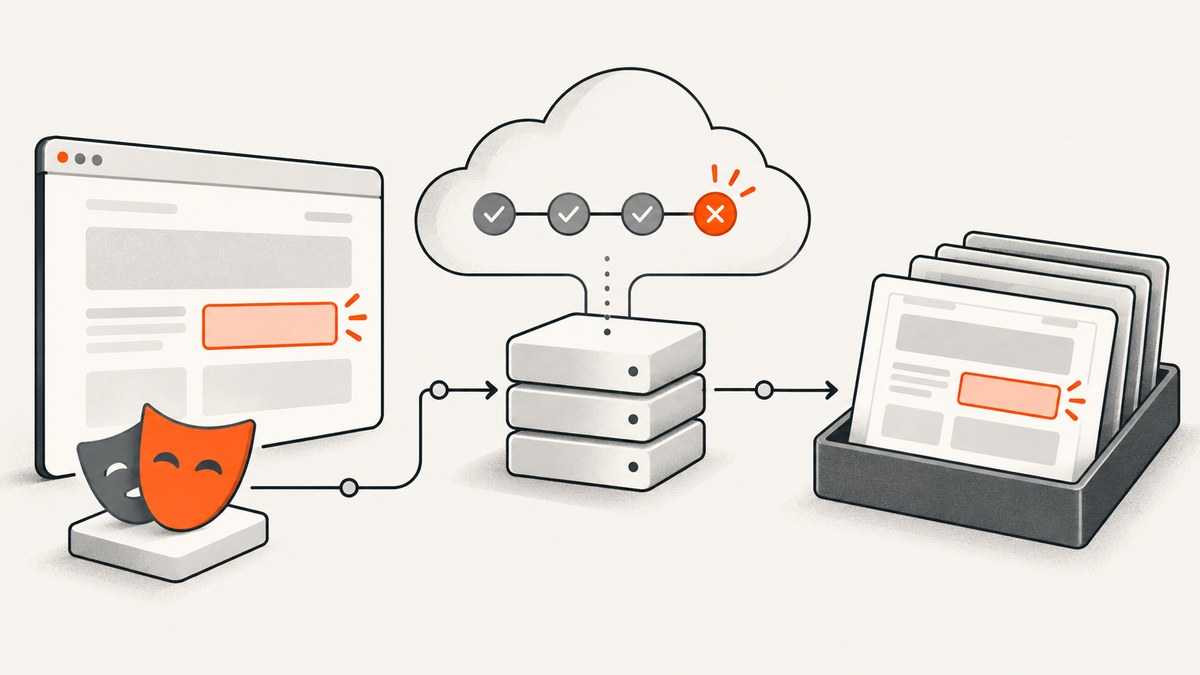
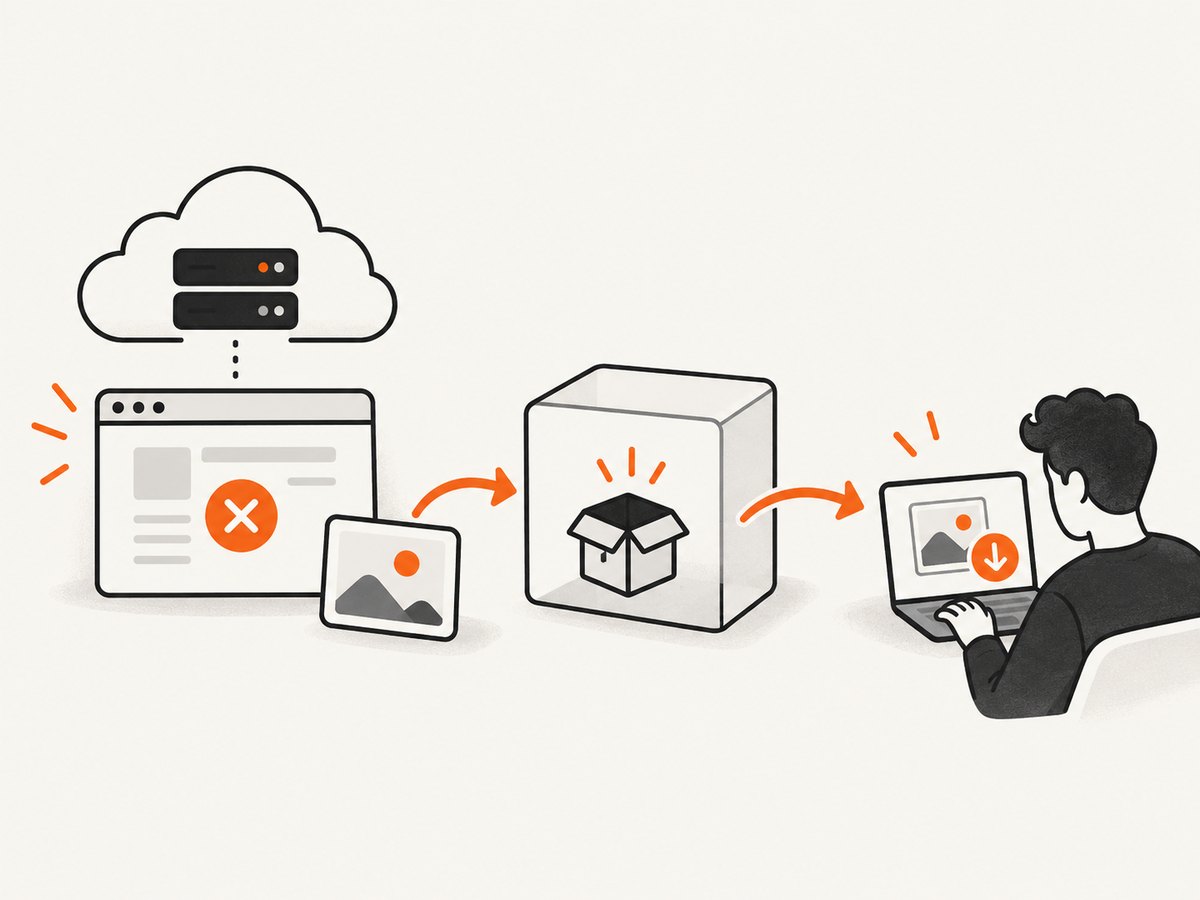
Direct answer: Configure Playwright Test with screenshot: 'only-on-failure', then upload the directory controlled by Playwright’s outputDir setting as a GitHub Actions artifact. A screenshot saved on the runner is not automatically downloadable from the workflow. The upload step must also run after the test command fails.
1. Enable screenshots when a test fails
Put the screenshot setting in the Playwright configuration that your CI command actually loads. This example captures a screenshot after each failed test:
import { defineConfig } from '@playwright/test';

export default defineConfig({
  use: {
    screenshot: 'only-on-failure',
  },
});
Playwright supports three screenshot modes:
| Value | Behavior | Useful when |
|---|---|---|
off |
No automatic test screenshots | You want to save storage or capture manually |
only-on-failure |
Capture failed tests | You need focused CI evidence |
on |
Capture every test | You are collecting a visual record or investigating intermittent behavior |
See the official Playwright test-use options documentation for the current option values and related settings.
only-on-failure applies to failed test attempts. A passing test should not be expected to leave a screenshot under that mode. If a test retries and eventually passes, choose your trace and retry policy carefully when you need evidence from the original failed attempt.
2. Upload the directory as a GitHub Actions artifact
Playwright writes screenshots, traces, videos, and other test attachments below its test output directory. The default is test-results under the package directory, but your configuration or CLI command can change it.
- name: Run Playwright tests
  run: npx playwright test

- name: Upload Playwright test results
  if: ${{ !cancelled() }}
  uses: actions/upload-artifact@v5
  with:
    name: playwright-test-results
    path: test-results/
    if-no-files-found: warn
    retention-days: 14
The cancellation-aware condition matters. Without it, a later step may be skipped when the test step exits with a failure, which leaves the screenshot on the ephemeral runner but gives you no downloadable artifact. GitHub’s artifact documentation explains the artifact lifecycle and retention settings. Check the action version used by your repository before copying a workflow sample.
Use the path that matches your effective Playwright output directory. If your configuration writes to artifacts/pw, upload artifacts/pw/, not test-results/.
3. Use a complete CI configuration
This configuration is a practical starting point for CI. It keeps screenshots for failures, writes all test output to a known directory, and records a trace on the first retry.
import { defineConfig } from '@playwright/test';

export default defineConfig({
  retries: process.env.CI ? 1 : 0,
  outputDir: 'test-results',
  use: {
    screenshot: 'only-on-failure',
    trace: process.env.CI ? 'on-first-retry' : 'off',
  },
});
This is not a universal requirement. Set retries according to your test suite, and choose tracing based on the evidence you need. outputDir is the key setting for locating generated files; the CLI flag --output <dir> can override it.
4. A minimal workflow with browser installation
For a new workflow, install the Playwright browsers before running tests and upload both the test output and the HTML report if your team uses the report UI.
name: Playwright

on:
  push:
  pull_request:

jobs:
  test:
    runs-on: ubuntu-latest
    steps:
      - uses: actions/checkout@v4

      - uses: actions/setup-node@v4
        with:
          node-version: 20
          cache: npm

      - run: npm ci
      - run: npx playwright install --with-deps

      - name: Run Playwright tests
        run: npx playwright test

      - name: Upload test output
        if: ${{ !cancelled() }}
        uses: actions/upload-artifact@v5
        with:
          name: playwright-test-results
          path: test-results/
          if-no-files-found: warn
          retention-days: 14

      - name: Upload HTML report
        if: ${{ !cancelled() }}
        uses: actions/upload-artifact@v5
        with:
          name: playwright-report
          path: playwright-report/
          if-no-files-found: warn
          retention-days: 14
The HTML report directory and the test output directory are separate concerns. Uploading only playwright-report/ may omit screenshots, traces, or videos stored under test-results/. Upload both when reviewers need the report and its attachments.
5. Diagnose missing screenshots in order
- Confirm the loaded configuration. Check that the config used by CI contains
use.screenshot. A project-specificuseblock, another config file, or a command-line invocation may override the setting. - Confirm that the test failed. With
only-on-failure, passing tests do not produce the expected screenshot. - Find the real output directory. Inspect
outputDirand the test command for--output. The default istest-resultsrelative to the package directory. - Check the workflow working directory. In a monorepo, Playwright may run from
packages/e2e, makingpackages/e2e/test-resultsthe relevant path. - Match the artifact path exactly. Upload the directory Playwright used, including capitalization and relative location.
- Make the upload step run after failure. Use
if: ${{ !cancelled() }}or another condition that fits your workflow policy. - Inspect the downloaded artifact. If it is empty, compare the run’s working directory, output directory, and upload path. If it is present but lacks screenshots, inspect the test result subdirectories and confirm the failing attempt generated an attachment.
6. Understand common symptoms
| Symptom | Likely cause | Fix |
|---|---|---|
| No screenshot exists on the runner | Capture is off, the test passed, or a different config loaded | Set screenshot: 'only-on-failure' and verify the effective config |
| Screenshot exists on runner, no artifact appears | Upload step was skipped after the failure | Add a cancellation-aware if condition |
| Artifact exists but is empty | Wrong relative path or working directory | Match path to outputDir and the job’s working directory |
| HTML report downloads without screenshots | Only the report directory was uploaded | Upload test-results/ as a separate artifact |
| Screenshot is from a retry, not the first failure | Retry and retention settings do not preserve the attempt you need | Adjust retries, screenshot mode, and trace retention |
| Browser launch fails before a screenshot | Browsers or system dependencies are missing | Run npx playwright install --with-deps on the runner |
7. Add traces when a screenshot is not enough
A screenshot shows the final rendered state but not the actions, network activity, console messages, or timing that led there. Playwright’s CI guidance recommends the Trace Viewer for failures. With one retry, a common setup is:
export default defineConfig({
  retries: 1,
  use: {
    screenshot: 'only-on-failure',
    trace: 'on-first-retry',
  },
});
When retries are disabled, trace: 'retain-on-failure' can retain traces for failed tests. Other documented policies include retain-on-first-failure and on-first-retry. Tracing every test increases runtime and storage, so reserve it for retries or failures.
Open a downloaded trace locally with:
npx playwright show-trace path/to/trace.zipThe Trace Viewer can also be opened through the HTML report. Traces and reports may contain page content, cookies, URLs, and diagnostic data; apply your repository’s access and retention rules before uploading them.
8. Sharding and parallel jobs
When tests run across shards, each job has its own filesystem and must upload its own output. Give artifacts unique names so later jobs do not overwrite one another.
- name: Upload shard output
  if: ${{ !cancelled() }}
  uses: actions/upload-artifact@v5
  with:
    name: playwright-results-shard-${{ matrix shard }}
    path: test-results/
    if-no-files-found: warn
For larger suites, Playwright’s blob reports can be uploaded per shard and merged in a later job. Attachments such as screenshots and traces must remain available to the merge or inspection job. Ensure the shard-specific working directory and output path are consistent.
9. Performance, reliability, and retention
- Capture volume:
only-on-failurelimits files compared withon. Capturing every test can increase disk use and artifact upload time. - Trace cost: Traces contain far more diagnostic data than screenshots. First-retry or failure-only policies usually provide a better signal-to-storage ratio.
- Artifact retention: Set
retention-daysto match how long failures need investigation. Short retention reduces storage but can remove evidence before a delayed review. - Failure tolerance: Keep the upload step independent of test success while still allowing cancellation to stop unnecessary work.
- Deterministic paths: Set an explicit
outputDirin repositories with multiple packages. This avoids silently uploading a directory from the wrong project. - Security: Treat screenshots, traces, and reports as potentially sensitive build artifacts. Limit who can download them and avoid exposing credentials in custom headers or page content.
10. Or skip the browser setup
If your goal is a clean image of a URL rather than Playwright interaction evidence, ScreenshotNeo provides a website screenshot API and MCP server. One GET request returns PNG, JPEG, WebP, or PDF output. See the ScreenshotNeo API documentation for parameters and response details.
curl -G "https://api.screenshotneo.com/v1/shot" -d access_key=YOUR_API_KEY --data-urlencode url=https://stripe.com -o shot.webpimport requests
r = requests.get(
"https://api.screenshotneo.com/v1/shot",
params={"access_key": "YOUR_API_KEY", "url": "https://stripe.com"},
timeout=90,
)
r.raise_for_status()
open("shot.webp", "wb").write(r.content)const q = new URLSearchParams({ access_key: 'YOUR_API_KEY', url: 'https://stripe.com' });
const res = await fetch(`https://api.screenshotneo.com/v1/shot?${q}`);
if (!res.ok) throw new Error(`Screenshot failed: ${res.status}`);
const buffer = Buffer.from(await res.arrayBuffer());
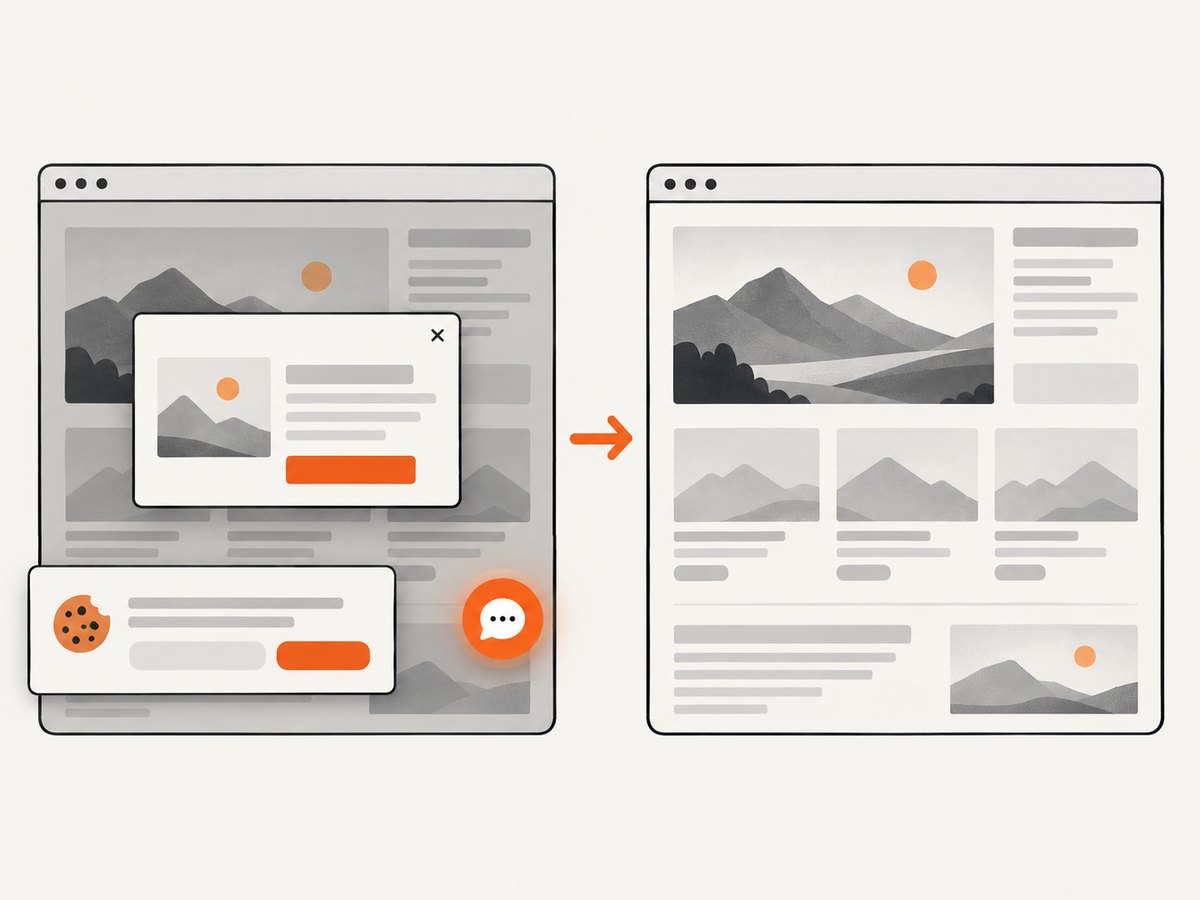
await Bun.write('shot.webp', buffer);ScreenshotNeo removes cookie and consent banners, newsletter popups, and chat widgets before capture. Bot checks, blank pages, timeouts, failed loads, and cache hits are not billed; response headers identify the page verdict and whether the request was billed. Its MCP server includes take_screenshot, get_page_info, and capture_pdf for Claude, Cursor, and other MCP clients. The Free plan includes 1,000 screenshots per month with no card; paid plans start at $5 for 3,000 shots. Features include full-page and element capture, devices and custom viewports, retina scale, waits, custom CSS and JavaScript, request blocking, headers and cookies, geolocation, caching, signed links, async jobs, bulk capture, PDF controls, and a usage API.
Create a free ScreenshotNeo account with 1,000 screenshots per month and no card.
11. Short FAQ
Why does Playwright save a screenshot but GitHub cannot show it?
Playwright saved it on the temporary runner. GitHub only exposes files that a workflow uploads with an artifact action.
Should I use on instead of only-on-failure?
Use on when every test needs an image. Use only-on-failure for routine CI diagnostics to reduce files and upload time.
Where is test-results relative to the repository?
It is relative to the package directory used by Playwright. Monorepos and workflow working-directory settings can make the physical path different from the repository root.
Do traces replace screenshots?
No. A trace provides richer interaction and timing data; a screenshot is faster to inspect and useful for the final visual state. Many CI setups retain both on failure.
What if a test passes after retry?
Review your retry and trace retention policy. Use a mode such as retain-on-first-failure when the first failed attempt is the evidence you need.
Can I capture a URL without maintaining Playwright in CI?
Yes. ScreenshotNeo’s API or MCP server can capture URLs, with cleanup of common consent banners and widgets and billing only for clean successful shots.


