Why Playwright Global Setup Sessions Time Out Without Debugging
Playwright’s debug mode removes the default test timeout, which can hide setup failures. Learn how to identify the timeout scope, inspect stalled setup, and make it traceable.
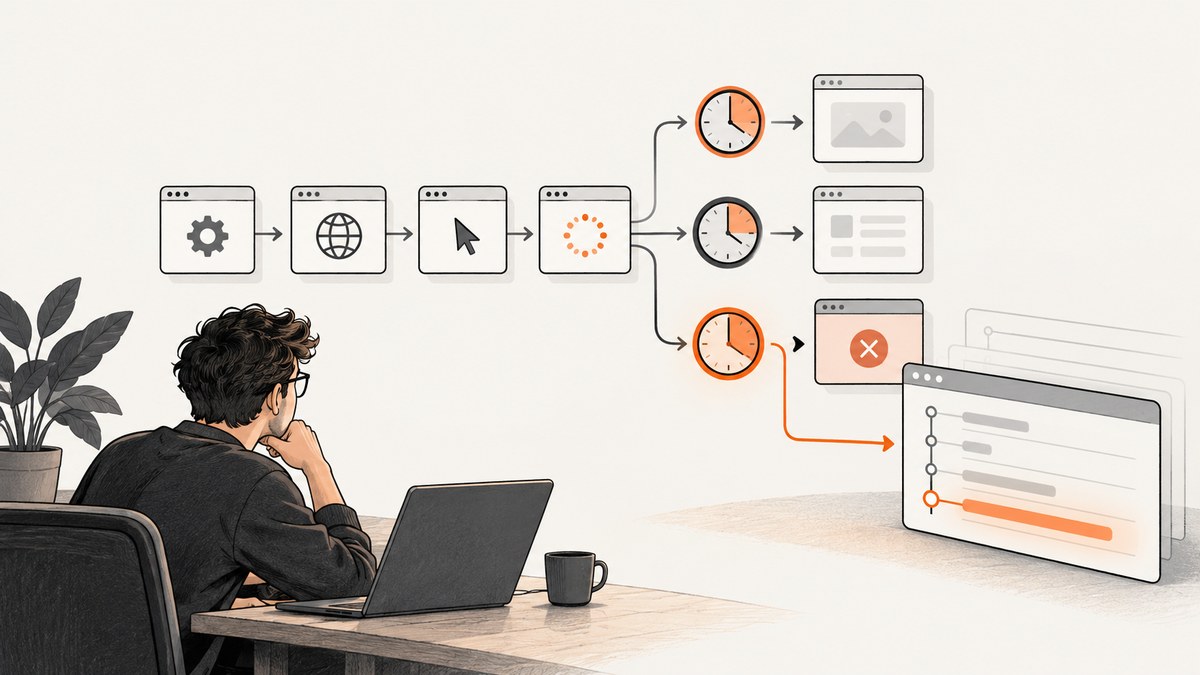
Playwright setup can appear to stop timing out when you run npx playwright test --debug because debug mode sets the default timeout to zero. That removes the ordinary test timeout while you investigate; it does not prove the stalled setup step was fixed. First identify the exact timeout error and whether your setup is a config-level globalSetup callback or a setup project. Then inspect the awaited operation that is stuck and rerun with the original timeout to confirm the result.
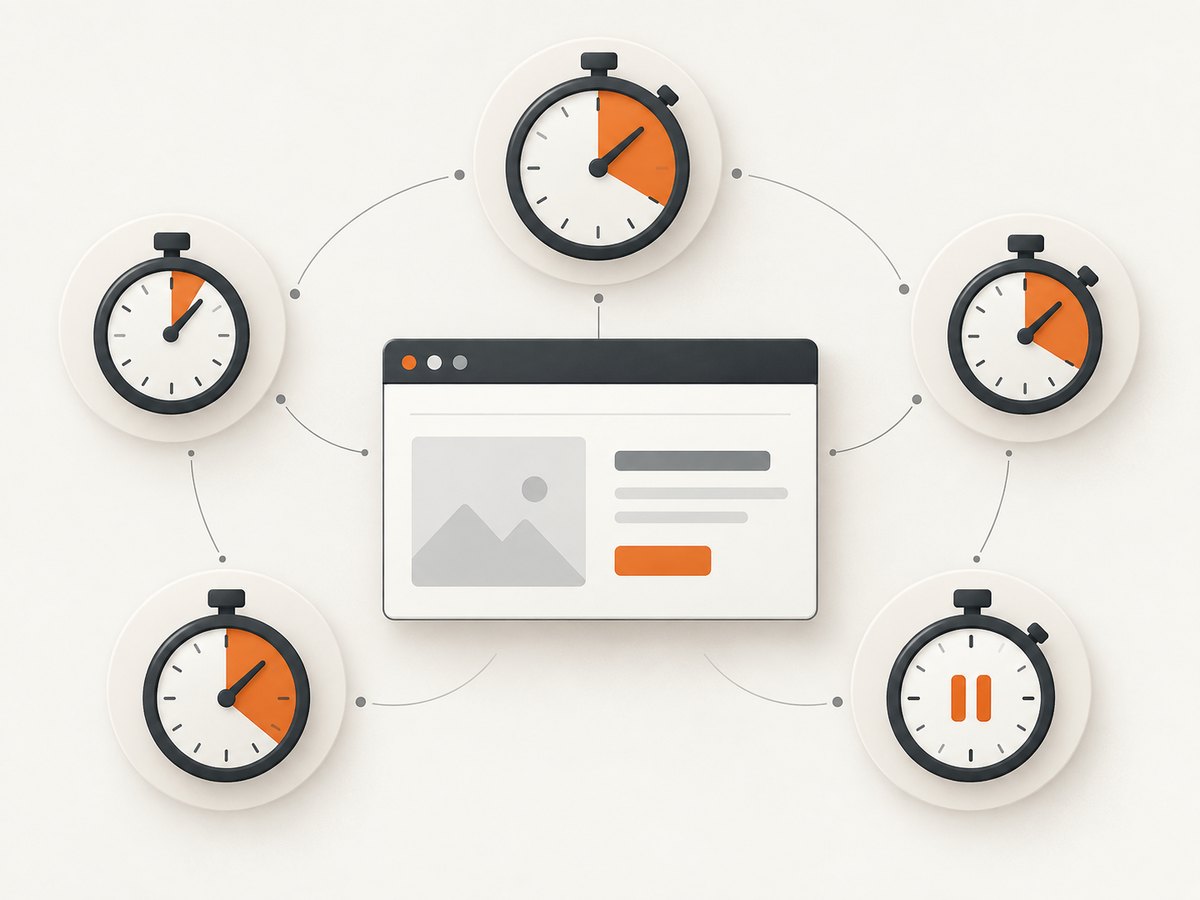
Playwright has several separate timeout scopes. A test defaults to 30 seconds, an assertion defaults to 5 seconds, and the whole-run globalTimeout is disabled by default. Actions and navigations have no timeout unless configured. Changing one scope does not automatically change the others. These are documented defaults, so check your installed Playwright version and effective configuration.
1. Identify which setup mechanism is running
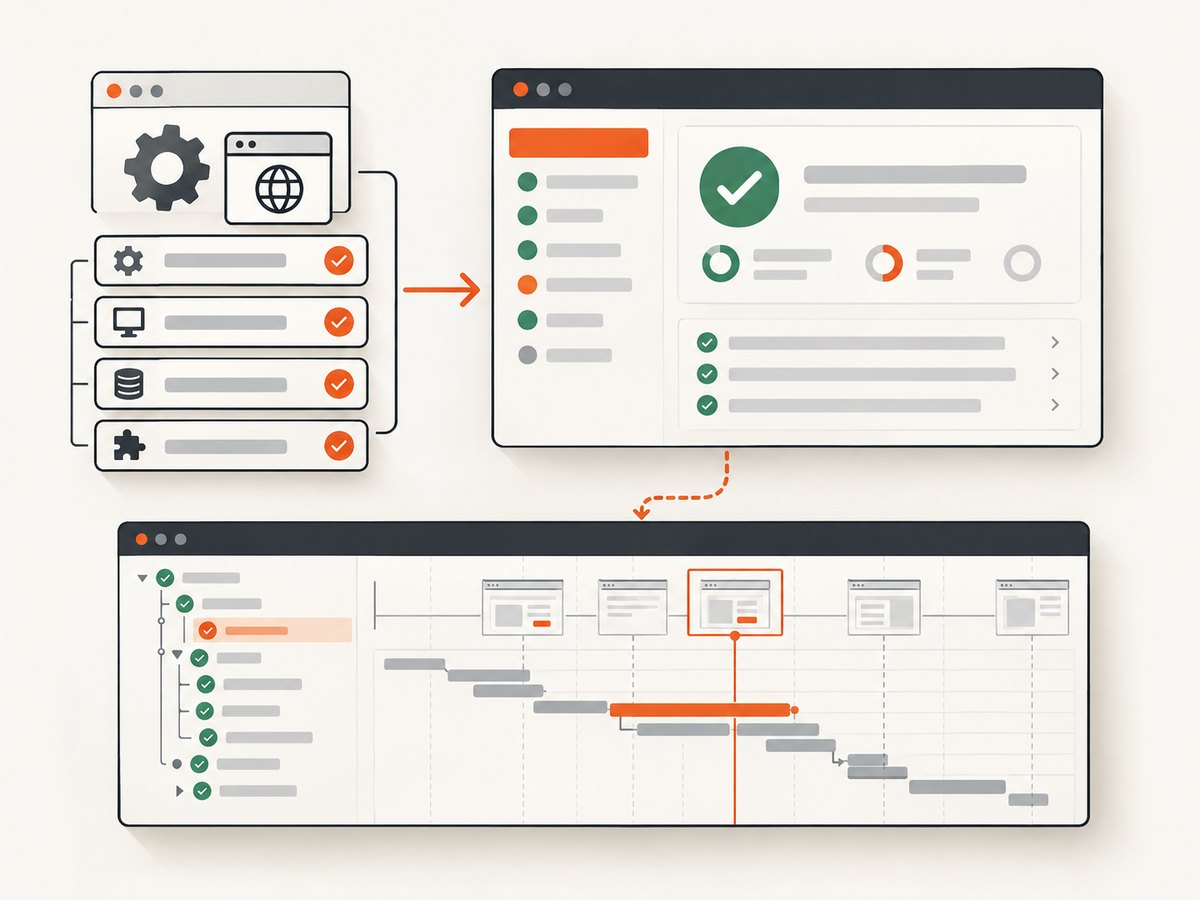
“Global setup” can refer to two different designs. A globalSetup callback runs once before the test suite. A setup project is a regular project containing tests, and other projects can depend on it. Their behavior differs for reports, traces, fixtures, and browser management.
| Mechanism | How it runs | Visibility and fixtures | When it fits |
|---|---|---|---|
globalSetup |
One callback before tests | Not shown as a test in the HTML report; no setup tracing or runner fixtures | Short one-time work that does not need runner-managed observability |
| Setup project | Setup tests run before projects that declare a dependency | Visible in reports; traces can record setup tests; test fixtures are available | Browser or application setup that benefits from ordinary test-runner behavior |
Playwright recommends project dependencies when setup should appear in reports and traces. The project documentation says that reporters show setup tests and the trace viewer records their execution. A setup project improves visibility; it does not prevent slow or blocked code from hanging.
2. Match the error to its timeout scope
Read the entire error, including the operation named in the message and the file or hook where it occurred. A timeout near an assertion is not evidence that the whole run reached globalTimeout. Check the scope before raising any value.
| Scope | Documented default or behavior | Inspect |
|---|---|---|
| Test | 30,000 ms; includes the test function, fixture setup, and beforeEach |
Project and test timeout, hooks, fixture setup |
| Assertion | 5,000 ms | The assertion’s own wait and its configured timeout |
| Whole run | globalTimeout disabled by default |
Config and CLI --global-timeout; this covers the entire suite |
| Action or navigation | No timeout by default | Per-action timeout, actionTimeout, and navigationTimeout |
| Fixture or hook | Usually shares the test timeout; a slow fixture can have its own timeout | Fixture options and setup or teardown duration |
--debug |
Sets the default timeout to zero | Remember that a debug run changes timeout behavior |
For example, increasing globalTimeout will not extend a test’s 30-second budget. Likewise, increasing the test timeout will not necessarily change an assertion-specific limit or a configured action timeout. Use the timeout reference in the official Playwright timeout documentation and inspect your config and project overrides.
3. Use debug mode to find the stalled operation
- Run the smallest command that reproduces the issue, and capture the exact error and last setup log line.
- Run
npx playwright test --debugto open Playwright Inspector. Debug mode runs headed, uses one worker, stops after one failure, and sets the default timeout to zero. - Watch which setup phase is active. Use Inspector’s step controls and actionability logs to see whether progress stops at browser launch, navigation, a locator, authentication, or an external request.
- Add explicit logs immediately before and after awaited setup phases that have no visible progress. Record enough context to distinguish a slow response from an operation that never resolves.
- Rerun with the original command and timeout after making a change. A debug run can reveal where execution stalls, but the lack of a timeout in that run does not validate reliability under normal settings.
The Inspector is a GUI for debugging Playwright tests. VS Code’s Playwright extension can also manually trigger global setup and teardown and debug tests with breakpoints. Use the tool that shows the relevant code path, then validate behavior under the configuration used in CI.
4. Make setup visible with a dependency project
If setup performs browser or application work and you need reports, traces, or fixtures, move it into a setup test and declare a project dependency. A minimal JavaScript configuration can look like this:
// playwright.config.js
import { defineConfig } from '@playwright/test';

export default defineConfig({
  projects: [
    {
      name: 'setup',
      testMatch: /.*\.setup\.js/
    },
    {
      name: 'chromium',
      use: { browserName: 'chromium' },
      dependencies: ['setup']
    }
  ]
});
Put the setup test in a matching file, for example tests/auth.setup.js:
import { test, expect } from '@playwright/test';

 test('prepare authenticated state', async ({ page }) => {
  console.log('Opening sign-in page');
  await page.goto('https://example.com/sign-in');
  console.log('Waiting for sign-in form');
  await expect(page.getByLabel('Email')).toBeVisible();
  // Complete the application's supported sign-in flow here.
  // Save storage state only after authentication succeeds.
});
Replace the example URL and sign-in steps with your application’s flow. This illustrates the runner structure, not an authentication implementation. Keep credentials out of source control and use your normal secret mechanism. Do not save a partially authenticated state when a wait or login step failed.
Project dependencies run setup before dependent projects. Do not use --no-deps while checking whether this setup ran: that command-line option intentionally skips project dependencies. Check the report for the setup test and open its trace when available. See Playwright’s project dependencies guide.
5. Keep callback setup when it is the right fit
A config-level callback is still useful for one-time work that does not need test fixtures or trace visibility. It exports one asynchronous function that receives the full config. It may return a teardown function, or you can configure a separate globalTeardown.
// global-setup.js
export default async function globalSetup(config) {
  console.log('Global setup started');
  // Put awaited one-time setup work here.
  // Log around network, browser, or process operations that may wait.
  console.log('Global setup finished');

  return async () => {
    console.log('Global teardown started');
    // Release resources created by setup.
  };
}
// playwright.config.js
import { defineConfig } from '@playwright/test';
export default defineConfig({
globalSetup: './global-setup.js',
globalTimeout: 120_000
});The example’s globalTimeout caps the entire suite at two minutes; it does not grant two minutes specifically to the callback. Configure a whole-run limit only when that is the intended cap. The callback should log around each awaited phase and handle its own operation-level limits and failures. Refer to the official global setup and teardown guide for callback shape, teardown, and passing data through environment variables.
Timeout settings you may need
Make the narrowest change that matches the observed failure. These examples show common scopes:
import { defineConfig } from '@playwright/test';

export default defineConfig({
  timeout: 45_000,                 // default test budget
  expect: { timeout: 7_000 },     // assertion budget
  globalTimeout: 10 * 60_000,     // whole suite cap
  use: {
    actionTimeout: 10_000,         // actions without a local override
    navigationTimeout: 20_000      // navigations without a local override
  }
});
Values are examples, not universal recommendations. A larger limit can be appropriate for a known slow operation, but it can also make a broken wait take longer to diagnose. For a specific test, use test.setTimeout(); for an assertion, use its assertion timeout option. A slow fixture can declare a separate timeout so every test does not inherit a larger budget. Check the installed version’s APIs and your resolved config before copying settings.
6. Troubleshoot common timeout symptoms
| Symptom | Likely scope or cause | What to do |
|---|---|---|
| Setup stops at roughly 30 seconds | Test budget consumed by the test, fixture setup, or beforeEach |
Inspect the named test and setup operation. Increase only the relevant test or fixture timeout if the work is legitimately slow. |
| An assertion fails after about 5 seconds | Default assertion timeout | Check locator state and page progress; adjust assertion timeout only when the expected UI transition needs more time. |
| The whole command ends at a configured duration | globalTimeout set in config or with --global-timeout |
Inspect the effective suite cap and identify which project or test was still running. |
| A navigation appears to hang | Navigation has no timeout by default, or an override is unexpectedly large | Set a deliberate navigation limit, log the target, and inspect network or server readiness. Verify the app is reachable from the runner. |
It “works” only under --debug |
Debug mode removed the default timeout and changed execution to one worker | Use Inspector to locate the stall, then reproduce and verify with the normal timeout and worker configuration. |
| Setup does not appear in the run | Dependency skipped, missing dependency declaration, or --no-deps |
Confirm project names and dependencies; remove --no-deps for the diagnostic run. |
| No setup trace or report entry exists | Using callback-style globalSetup, which lacks runner test visibility |
Use explicit logs, or move browser setup to a dependency project if report and trace support are needed. |
| A fixture or hook consumes the budget before the test body | Fixture setup and beforeEach count toward the test timeout |
Measure setup phases separately; give a genuinely slow fixture its own timeout if appropriate. |
| Debug mode waits forever | Timeout is zero, so the stuck operation may never fail automatically | Stop the run after collecting the last progress point; add logs or operation-specific limits, then rerun normally. |
7. Improve reliability, runtime, and cost
- Keep setup small. Put only shared prerequisites in setup. Avoid repeating expensive work for every project if one setup project can provide the needed state.
- Use traces selectively. Traceable setup makes diagnosis easier, while opening a browser and recording artifacts adds work. Use the trace to identify a concrete slow phase rather than increasing every timeout.
- Make waits specific. Wait for a meaningful selector or application state rather than an arbitrary long delay. If an external service is involved, log request start and completion and give the operation a suitable limit.
- Check parallel behavior. Debug mode’s single worker differs from a normal run. If setup depends on shared mutable state, compare the normal worker configuration and ensure concurrent projects do not race over the same artifact.
- Budget CI time deliberately. A whole-run cap can stop a wedged suite, but it should reflect expected suite duration. A test limit and a whole-run limit solve different problems.
- Watch failure artifacts. Preserve the report, trace, logs, and exact command for failures. These help distinguish setup code problems from infrastructure delays.
Playwright itself has no per-screenshot service cost in this guidance; the practical costs here are runner time, browser resources, CI minutes, and debugging time. The dossier does not establish a cause for any individual project’s timeout. A specific diagnosis requires its logs, configuration, installed version, and reproduction.
Or skip the browser setup
If the task is simply to capture a web page for a report or debugging artifact, ScreenshotNeo provides a screenshot API and MCP server. It is separate from Playwright test setup and will not debug a Playwright suite. A single GET request returns a screenshot or PDF; see the ScreenshotNeo API documentation.
curl -G "https://api.screenshotneo.com/v1/shot" -d access_key=YOUR_API_KEY --data-urlencode url=https://stripe.com -o shot.webpimport requests
r = requests.get(
"https://api.screenshotneo.com/v1/shot",
params={"access_key": "YOUR_API_KEY", "url": "https://stripe.com"},
timeout=90,
)
open("shot.webp", "wb").write(r.content)const q = new URLSearchParams({ access_key: 'YOUR_API_KEY', url: 'https://stripe.com' });
const res = await fetch(`https://api.screenshotneo.com/v1/shot?${q}`);
if (!res.ok) throw new Error(`Screenshot request failed: ${res.status}`);
await import('node:fs/promises').then(fs => fs.writeFile('shot.webp', Buffer.from(await res.arrayBuffer())));ScreenshotNeo accepts cookie or consent banners like a visitor and removes more than 60 known consent platforms, newsletter popups, and chat widgets before capture; each step can be turned off. Bot checks or CAPTCHAs, blank pages, timeouts, failed loads, and cache hits are not billed, and response headers report the page verdict and billing status. Its MCP server gives Claude, Cursor, and other MCP clients the take_screenshot, get_page_info, and capture_pdf tools. Free includes 1,000 screenshots a month with no card; paid plans start at $5 for 3,000. ScreenshotNeo is a website screenshot API by Yorker Media. Create a free account at ScreenshotNeo sign-up.
FAQ
Does Playwright global setup have a timeout?
There is no single timeout called “global setup timeout” that covers all setup patterns. Check the whole-run timeout, test timeout, action or navigation settings, and how setup is implemented. The effective limit depends on the work and configuration.
Why does setup stop timing out with --debug?
Debug mode sets the default timeout to zero. It can reveal a stalled operation because the runner no longer ends it at the usual default, but a zero timeout can also leave a wait running indefinitely.
Can I trace config-level globalSetup?
The official docs distinguish the callback from setup projects: the callback is not represented as a test in the HTML report and does not have setup tracing or fixtures. For runner-managed traces, use a setup project dependency.
Does a setup project fix a hanging network request?
No. It makes setup visible to the runner and can provide traces and fixtures. You still need to find and address the awaited operation that does not complete.
Why does setup run locally but fail in CI?
The supplied evidence cannot determine a repository-specific cause. Compare the exact command, installed version, resolved configuration, environment variables, network access, and last logged setup phase between the two environments.


