How to Use Playwright Image Snapshots for Visual Testing
Build reliable Playwright visual tests with image snapshots, stable baselines, noise controls, diff diagnosis, and CI practices.
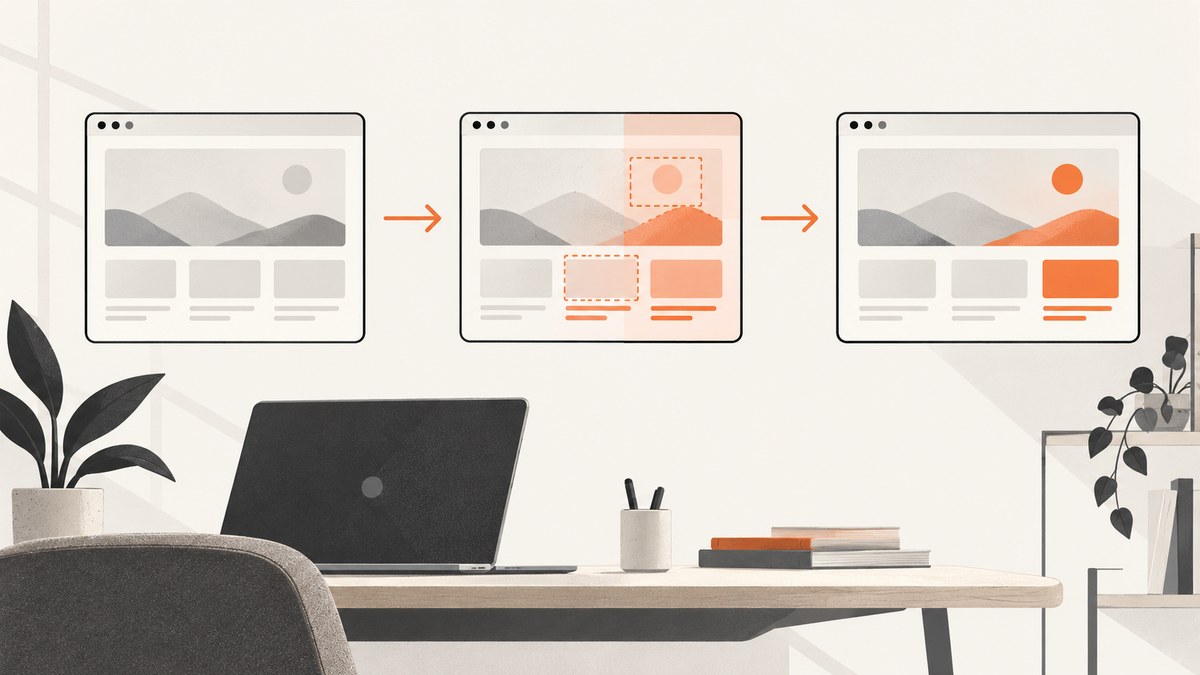
Playwright image snapshots let you compare a page or component against a committed reference image. Add expect(page).toHaveScreenshot() for a page-level contract or expect(locator).toHaveScreenshot() for a focused element. The first run creates the reference image; later runs capture the same state and fail when the rendered result differs beyond your configured tolerance.
This guide shows a complete workflow for adding snapshots, creating and reviewing baselines, stabilizing captures, controlling noise, diagnosing diffs, and running the checks in CI. It also explains when a locator snapshot is better than a full-page image and when a hosted visual workflow may be useful.
1. Add your first Playwright snapshot
Install Playwright Test in the project that owns the UI:
npm install -D @playwright/test
npx playwright install
Create a test such as tests/landing.visual.spec.ts:
import { test, expect } from '@playwright/test';

test('landing page visual state', async ({ page }) => {
  await page.goto('/');
  await expect(page).toHaveScreenshot('landing.png');
});
Run it:
npx playwright test tests/landing.visual.spec.tsIf landing.png does not exist, Playwright reports a missing snapshot and writes the captured image as the initial reference. Inspect that image before committing it. On subsequent runs, Playwright compares the new capture with the committed reference. Keep snapshots in version control alongside the test so a UI change and its expected visual update are reviewed together. The API and baseline lifecycle are documented in Playwright’s visual comparisons guide.
Page snapshots versus locator snapshots
Use a page snapshot when the composition of the whole route matters: layout, navigation, responsive spacing, and the relationship between major regions. Use a locator snapshot when only one component is the contract. A smaller image usually produces a more focused failure and avoids unrelated page changes.
import { test, expect } from '@playwright/test';

test('continue button visual state', async ({ page }) => {
  await page.goto('/checkout');
  await expect(
    page.getByRole('button', { name: 'Continue' })
  ).toHaveScreenshot('continue-button.png');
});
Choose stable, accessible locators. A CSS class generated by a build tool can change without changing the component’s visual contract; a role and accessible name generally communicate the intent more clearly.
2. Create, review, and update the baseline
- Add the assertion and run the test in the environment intended for comparison.
- Open the generated reference image and confirm that the page is in the correct state: correct account, data, viewport, theme, and loaded content.
- Commit the snapshot directory with the test.
- Run the same test on every change. A mismatch produces actual, expected, and diff output for review.
When a UI change is intentional, update snapshots explicitly:
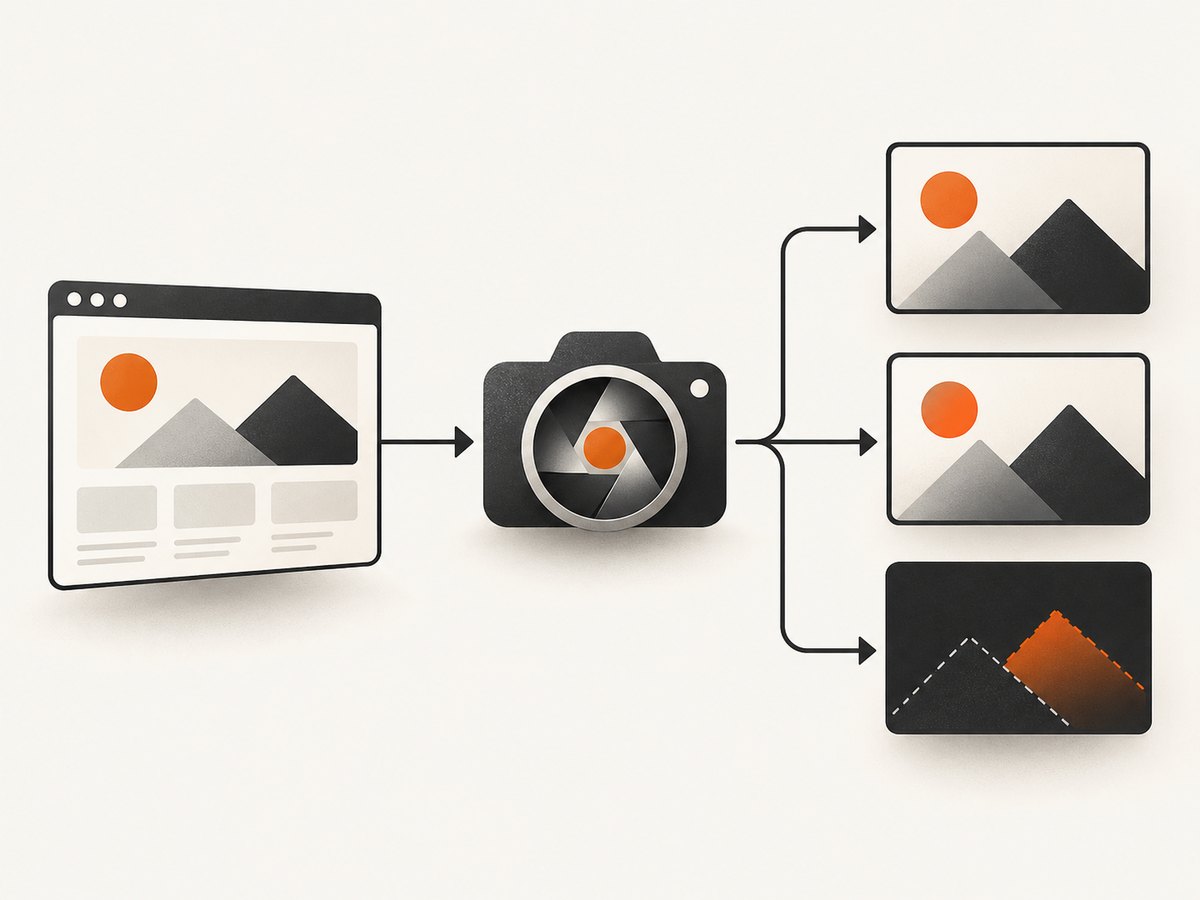
npx playwright test --update-snapshotsReview every changed image and the source diff before committing. Updating a baseline only replaces an expected file; it does not establish that the new appearance is correct. If a test changed for an unrelated reason, restore the snapshot and fix the unstable setup instead.
Keep snapshot names descriptive. Names such as dashboard-empty.png, dashboard-with-error.png, and mobile-nav-open.png tell reviewers which state is covered. For tests with several snapshots, use a separate directory or a stable naming convention so an image can be found quickly.
3. Make captures repeatable
A screenshot assertion can only be reliable when the page state is reliable. Before capture, control the following:
| Source of variation | How to control it |
|---|---|
| Application data | Seed deterministic records, freeze relevant dates, and use a known account or fixture. |
| Fonts and assets | Wait for the application to finish loading and ensure the same font files are available in local and CI runs. |
| Viewport and device | Use a fixed project or test viewport rather than relying on a developer’s window size. |
| Theme and locale | Set color scheme, locale, timezone, and language explicitly. |
| Pointer state | Move the pointer to an inert area so an accidental hover style is not captured. |
| Animations | Disable or finish transitions before taking the screenshot. |
| Environment | Generate and compare baselines with the same OS, browser version, settings, hardware class, power state, and headless configuration. |
Playwright waits for two consecutive screenshots to match before it compares the result. That helps the page settle, but it cannot make unlike machines render identically. The official documentation warns: “Browser rendering can vary based on the host OS, version, settings, hardware, power source (battery vs. power adapter), headless mode, and other factors.” Treat the baseline environment as part of the test input.
Wait for application state, not an arbitrary delay
Prefer a meaningful readiness signal:
await page.goto('/reports');
await page.getByRole('heading', { name: 'Reports' }).waitFor();
await expect(page.locator('[data-testid="report-chart"]')).toBeVisible();
await expect(page).toHaveScreenshot('reports.png');
A fixed delay can be useful for a known third-party animation, but it slows every run and still may be too short on a busy CI worker. If you must use one, keep it local to the affected test and document what it is waiting for.
Remove hover and caret noise
await page.mouse.move(0, 0);
await page.locator('input').blur();
await expect(page).toHaveScreenshot('form-idle.png', {
  caret: 'hide'
});
Use an inert pointer location that cannot trigger a tooltip or menu. Hide the caret for text inputs when its blink would otherwise create intermittent pixels.
4. Configure screenshot options and tolerances
Screenshot assertions support controls for animation behavior, caret behavior, scale, clipping, and custom stylesheets. For example:
await expect(page).toHaveScreenshot('home.png', {
  animations: 'disabled',
  caret: 'hide',
  scale: 'css',
  stylePath: './visual-styles.css'
});
The exact option names and availability can vary by installed Playwright version, so check the assertion reference for your version.
A stylesheet can hide a genuinely volatile region:
/* visual-styles.css */
[data-visual-noise],
iframe[data-third-party-widget] {
  visibility: hidden !important;
}
Use this only when the hidden content is outside the visual contract. Masking a price, status badge, permission warning, or primary call to action can conceal a real regression.
Project-level defaults belong in playwright.config.ts:
import { defineConfig, devices } from '@playwright/test';

export default defineConfig({
  testDir: './tests',
  snapshotPathTemplate: '{testDir}/__snapshots__/{arg}{ext}',
  expect: {
    toHaveScreenshot: {
      animations: 'disabled',
      caret: 'hide',
      scale: 'css',
      threshold: 0.2
    }
  },
  projects: [
    {
      name: 'chromium',
      use: {
        ...devices['Desktop Chrome'],
        viewport: { width: 1440, height: 900 },
        colorScheme: 'light'
      }
    }
  ]
});
The pixelmatch color threshold defaults to 0.2, on a scale from 0 (strict) to 1 (lax). You can also configure maximum differing pixel counts or ratios; they are unset by default. Raise tolerances only when you understand the rendering variation you are accepting. A broad tolerance can turn a meaningful regression into a passing test.
5. Select the right snapshot scope
Full page
await expect(page).toHaveScreenshot('settings-full-page.png', {
  fullPage: true
});
Full-page capture is useful for page structure, but it can include content far below the fold, lazy-loaded sections, and unrelated third-party regions. Make sure the test deliberately establishes the page’s scroll and loading state.
Viewport only
The default page assertion captures the visible viewport. This is often the best choice for a route-level smoke test because it focuses on what a user sees immediately.
One element
await expect(page.locator('[data-testid="invoice-card"]'))
  .toHaveScreenshot('invoice-card.png');
Component snapshots are easier to diagnose and can be reused across states such as loading, empty, error, and populated. They do not verify the spacing or stacking relationship between that component and the rest of the page, so retain a smaller number of page-level checks where composition matters.
6. Diagnose a diff before changing a baseline
Use this checklist whenever a screenshot fails:
- Confirm intent. Did the product change intentionally, or did the test expose an accidental style or content change?
- Confirm state. Is the same user logged in? Did seeded data, feature flags, locale, timezone, or date change?
- Confirm environment. Did the OS image, browser version, headless mode, fonts, GPU, or power source change?
- Check transient pixels. Look for animation frames, a blinking caret, hover styles, a toast, a timestamp, a rotating ad, or a loading skeleton.
- Read the diff with the source diff. A changed button color should correspond to a CSS or design-token change. A changed paragraph may indicate data or localization drift.
- Re-run once after fixing the cause. Repeated identical output is evidence that the setup is stable; it is not a reason to accept an unexplained change.
| Failure pattern | Likely cause | Fix |
|---|---|---|
| Large text regions differ | Missing or different font | Install the same fonts and wait for font loading before capture. |
| Only a cursor differs | Focused input caret | Blur the input or set caret: 'hide'. |
| Only menus or tooltips differ | Pointer hover state | Move the pointer to a neutral coordinate and close overlays. |
| Random cards differ | Unseeded data or time-dependent content | Use fixtures, mock the clock where appropriate, and freeze API responses. |
| Entire image shifts by a few pixels | Viewport, scrollbar, browser, or OS difference | Pin viewport and browser versions and compare in one CI image. |
| Bottom sections are blank | Lazy loading did not complete | Scroll or wait for the section’s locator before a full-page assertion. |
7. Run visual tests in CI
Run snapshot tests in a fixed CI image and pin the Playwright and browser versions in your lockfile. Generate baselines in that same environment when possible. If developers create references on laptops but CI compares them in another OS, harmless rasterization differences can produce noisy failures.
npx playwright test --project=chromium
Store test artifacts for failed runs so reviewers can inspect the actual, expected, and diff images. Keep the artifact retention appropriate for the sensitivity of the pages being captured. Do not include real customer data in a baseline when a deterministic fixture can represent the same state.
8. Performance, reliability, and cost considerations
- Scope affects runtime. Locator images are smaller and usually faster to inspect than full-page captures. Hundreds of redundant page snapshots increase CI time without adding coverage.
- Parallelism can expose shared state. Parallel tests that mutate the same account, database record, or feature flag can create visual failures. Isolate fixtures or serialize the affected tests.
- Retries need interpretation. A retry that passes indicates flakiness, not correctness. Track which tests retry and remove the underlying source of variation.
- Baselines have review cost. A small, intentional set of snapshots is easier to review than a giant image tree. Prefer assertions that represent user-visible contracts.
- Hosted workflows change the operating model. A service can add cloud review, collaboration, or cross-browser workflows, but it also introduces service configuration, data-handling decisions, and provider pricing that must be checked for the current offering.
Percy documents hosted Playwright setup and cross-browser visual workflows, while Chromatic documents a Playwright extension and cloud review workflow. These are options for teams that need those workflows; they are not prerequisites for Playwright’s built-in assertions. Compare setup ownership, review flow, browser coverage, noise controls, CI integration, data handling, usage limits, and current pricing before choosing one.
9. Or skip the browser setup
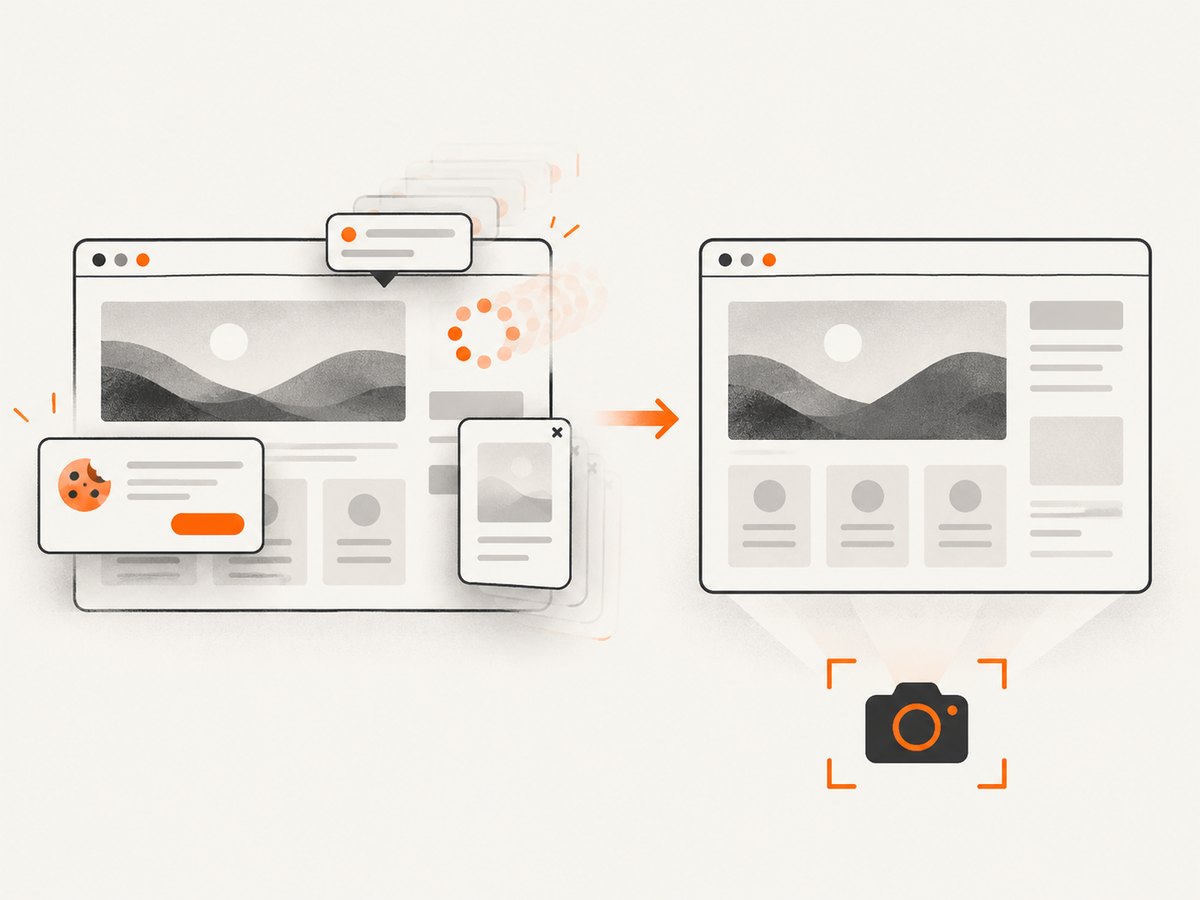
ScreenshotNeo provides a website screenshot API and MCP server. It can be useful when you need a clean capture from a URL without maintaining browser orchestration in each project. Cookie and consent banners are accepted and removed before capture, along with more than 60 known consent platforms, newsletter popups, and chat widgets. Bot checks, blank pages, timeouts, failed loads, and cache hits cost nothing; response headers identify the page verdict and whether it was billed.
See the ScreenshotNeo API documentation for all options. A one-call capture looks like this:
cURL
curl -G "https://api.screenshotneo.com/v1/shot" -d access_key=YOUR_API_KEY --data-urlencode url=https://stripe.com -o shot.webpPython
import requests

r = requests.get(
    "https://api.screenshotneo.com/v1/shot",
    params={"access_key": "YOUR_API_KEY", "url": "https://stripe.com"},
    timeout=90,
)
open("shot.webp", "wb").write(r.content)
Node.js
const q = new URLSearchParams({ access_key: 'YOUR_API_KEY', url: 'https://stripe.com' });
const res = await fetch(`https://api.screenshotneo.com/v1/shot?${q}`);
ScreenshotNeo supports PNG, JPEG, WebP, and PDF output, full-page capture with lazy images loaded, element selectors, dark mode, device presets and custom viewports, retina scale, custom CSS and JavaScript, waits, request blocking, headers, cookies, user agents, authorization, timezone, geolocation, transparent backgrounds, resizing, caching, signed links, asynchronous jobs with signed webhooks, bulk capture, usage reporting, and an OpenAPI specification. Its MCP server exposes take_screenshot, get_page_info, and capture_pdf for Claude, Cursor, and other MCP clients.
There are 1,000 free screenshots each month with no card. Paid plans start at $5 for 3,000 screenshots; every feature is available on every plan. Create a free ScreenshotNeo account.
10. FAQ
Does Playwright compare screenshots automatically?
Yes. The toHaveScreenshot assertion captures the current page or locator and compares it with the stored expectation. You still need to review and commit the initial or intentionally updated baseline.
Should every component have a snapshot?
No. Snapshot the states and components whose appearance is important to users. Too many overlapping images increase maintenance and make failures harder to triage.
Can I use snapshots across operating systems?
You can, but rasterization differences make failures more likely. Generate and compare references in the same OS, browser version, settings, hardware class, and headless configuration when consistency matters.
Is a pixel difference always a bug?
No. It may be an intentional design change, unstable data, animation, font loading, or an environment change. Diagnose the cause before updating the baseline.
When should I use a hosted visual testing service?
Consider one when cloud review, collaboration, or broader browser and viewport workflows are worth adding service setup and operational cost. Playwright’s local assertion remains the direct starting point for teams already using Playwright Test.


