How to Use Inline Snapshots in Playwright Tests
Learn when inline snapshots help in Playwright tests, how to review expected-value changes, and when a focused assertion or another snapshot type is clearer.

An inline snapshot stores an expected serialized value directly in a test file, next to the assertion that checks it. In Playwright Test, toMatchInlineSnapshot is the matcher to consider for that job. It can make a short, stable value easy to review in context; for one property or behavior, a focused assertion is usually clearer. Keep the expected value small enough that a reviewer can understand what changed.
Playwright’s official snapshot guide documents ARIA snapshots, screenshot comparisons, and text or binary snapshots. Those are different workflows from inline value snapshots. The exact toMatchInlineSnapshot signature and update formatting can depend on the installed Playwright Test version, so check the documentation or type definitions for that version before copying matcher arguments or relying on a particular update command. The examples below use the no-argument matcher shape from the research dossier.
1. Start with the assertion that communicates the behavior
Suppose a function turns order data into a short summary. If the meaningful contract is a single string, compare that string directly:
import { expect, test } from '@playwright/test';

function formatSummary(order: { number: string; total: number }) {
  return `Order ${order.number}: $${order.total.toFixed(2)}`;
}

test('formats an order summary', () => {
  const summary = formatSummary({ number: 'A-104', total: 12.5 });
  expect(summary).toBe('Order A-104: $12.50');
});
This assertion is explicit: it says which value matters and gives a direct failure when it changes. For browser UI, use a web-specific assertion when it expresses the requirement. Playwright’s web assertions retry until the condition is met or the configured timeout expires; the documented default assertion timeout is five seconds. A non-retrying assertion against a page that is still updating can be flaky.
import { expect, test } from '@playwright/test';

test('shows the confirmation message', async ({ page }) => {
  await page.goto('/checkout/complete');
  await expect(page.getByRole('heading', { name: 'Order confirmed' })).toBeVisible();
});
Use a snapshot when the output is a compact serialized value with several related parts and seeing the whole expectation in the test helps explain the contract. A snapshot is not automatically a stronger test: it makes a broad comparison, and a change to any included detail can cause a mismatch.
2. Add a short inline expectation
Here is the safe high-level matcher shape. Confirm that your installed @playwright/test version supports it and check that version’s exact argument and formatting behavior before adopting it. This is especially important if you are upgrading Playwright or using formatter conventions shared across a team.
import { expect, test } from '@playwright/test';

function formatSummary(order: { number: string; total: number }) {
  return {
    label: `Order ${order.number}`,
    total: `$${order.total.toFixed(2)}`,
  };
}

test('formats a compact summary', () => {
  const summary = formatSummary({ number: 'A-104', total: 12.5 });
  expect(summary).toMatchInlineSnapshot();
});
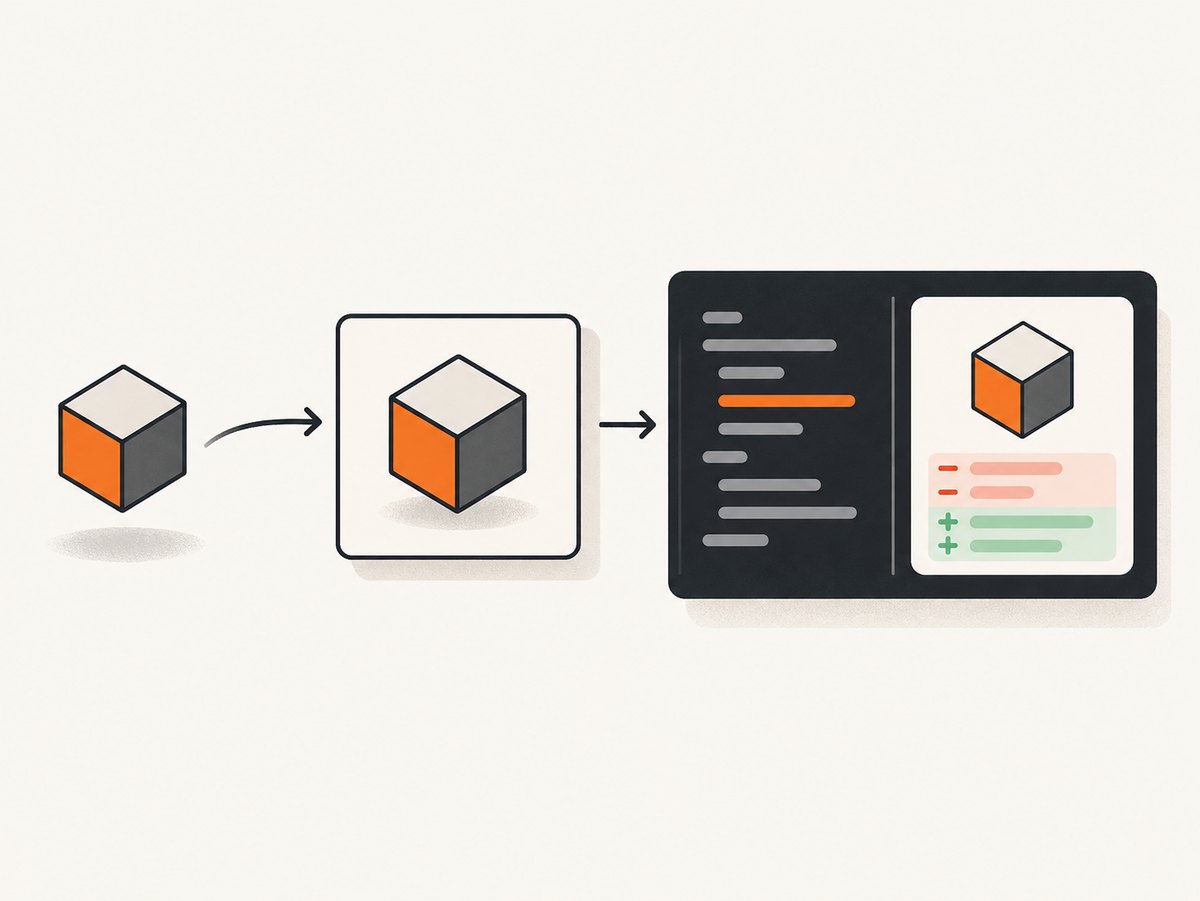
The point of this example is the review surface: the result is short, deterministic, and relevant to the behavior under test. In a version whose tooling can propose an inline expectation, run the relevant test using that version’s documented workflow. Inspect the resulting test-source diff as code: verify the expected fields and values are intentional, then keep or reject the edit. The research sources do not establish the exact first-run behavior, update flag, or formatting semantics for this matcher, so do not assume the ARIA snapshot workflow described below applies to it.
A review might look conceptually like this, with exact formatting depending on the installed version:
-  expect(summary).toMatchInlineSnapshot();
+  expect(summary).toMatchInlineSnapshot(`{
+    "label": "Order A-104",
+    "total": "$12.50"
+  }`);
Treat this as an illustration of the review decision, not a promise about the precise serialized text or supported matcher arguments. Verify those details in the matching version’s package documentation or declarations.
3. Decide which snapshot form fits the output
| What you are checking | Prefer | Why |
|---|---|---|
| One user-visible property or result | A focused assertion such as toBe or a web assertion |
The expectation names the behavior that matters and keeps unrelated changes out of the check. |
| A short serialized value | toMatchInlineSnapshot, after verifying version behavior |
The expected representation sits beside the test; it works best when the result is compact and stable. |
| Accessible structure of a page or locator | toMatchAriaSnapshot |
Playwright represents the accessibility tree in a YAML-like template. Its documented workflow supports page and locator matching, partial matches, and child matching modes. |
| A rendered screenshot | toHaveScreenshot |
This compares visual output against reference screenshots and has environment-sensitive rendering. |
| Text or arbitrary binary data as a named snapshot | toMatchSnapshot(snapshotName) |
The guide documents external snapshot assets and a separate snapshot directory. |
Playwright recommends combining broad structural snapshot checks with specific assertions for functionality. In practice, select the smallest representation that gives a useful failure. A large serialized object can hide the one field that matters in a mass of expected output; a focused assertion avoids that noise. Conversely, a handful of related stable fields may be easier to review together than many disconnected checks.

ARIA snapshots are accessible-structure checks
Do not treat toMatchAriaSnapshot as a spelling variant of inline value snapshots. It checks an accessible representation, not arbitrary function output or pixels. The official guide shows matching a page or locator, using YAML-like templates, and supporting partial matches. For an external ARIA snapshot file, it shows a name option and the .aria.yml extension.
The guide describes an ARIA workflow that can create a missing snapshot from an empty template and update mismatches with npx playwright test --update-snapshots. It also documents patch, 3way, and overwrite source update approaches, and patch output for inline ARIA templates. These statements apply to the documented snapshot workflows and CLI behavior; they do not establish how toMatchInlineSnapshot behaves in every Playwright Test version.
Visual snapshots need a consistent environment
Screenshot comparisons can vary with operating system, browser version, browser settings, hardware, power source, and headless mode. Use the same environment as the baseline when possible, and review visual diffs rather than accepting them mechanically. These environmental considerations concern visual screenshot snapshots, not inline serialized values.
4. Review and update expectations safely
- Check the installed version. Confirm the project’s
@playwright/testversion and consult matching documentation or package declarations for the inline matcher. - Run the narrowest relevant test. Use the project’s normal test selection. Do not assume an ARIA or external-snapshot update flag has identical semantics for inline value snapshots.
- Inspect the diff. Find the changed expectation in source or snapshot assets. Ask whether each changed value reflects intended behavior.
- Look for accidental volatility. Timestamps, generated IDs, randomized values, environment-specific paths, and changing content can make a broad expectation noisy. Normalize or exclude irrelevant variation before committing a baseline.
- Pair broad coverage with specific checks. Add a focused assertion for critical behavior that might otherwise be obscured by a large snapshot.
- Run the relevant suite again. Confirm the accepted baseline and the test result in the same project setup used for review.
Snapshot updates are code review decisions. Playwright’s guide describes updating a baseline when application structure changes; a green run after updating only shows that current output matches the newly accepted baseline. It does not prove the change was intended. Read the diff against the product requirement.
5. Keep inline snapshots maintainable
Use them for compact, stable output
An inline expectation is easiest to maintain when a reviewer can scan the test and expected value without jumping between files. If it spans many lines or changes frequently, the source file becomes harder to read and unrelated edits can repeatedly disturb the test. Move to focused assertions or a separate snapshot where that gives a clearer review boundary.
Reduce dynamic noise
First identify which values are genuinely part of the contract. If a timestamp is irrelevant, avoid comparing it as though it were stable; if an identifier is generated, provide controlled input or normalize the value in the test setup. Do not remove fields indiscriminately: a snapshot that omits meaningful output can pass while the behavior you care about is broken.
Keep failures diagnostic
Ask what a developer should understand from a failure without reading every line. A role-and-name assertion may be better than snapshotting an entire page representation when the requirement is simply that a confirmation heading appears. An ARIA snapshot is more appropriate when relationships and accessible structure are the thing being reviewed. A visual snapshot belongs where layout and rendering are the requirement.
6. Troubleshooting
| Symptom | Likely cause | What to do |
|---|---|---|
| The inline matcher is unknown or TypeScript rejects it | The installed package version, imports, or types do not match the example. | Check the project dependency and import expect from @playwright/test. Consult the documentation or declarations for that exact version before changing the test. |
| The snapshot changes between runs | The output includes dynamic data, or the test relies on an unstable environment. | Control test inputs and normalize only values that are not part of the behavior under test. For screenshot baselines, use a consistent capture environment. |
| The inline expectation makes the test file hard to scan | The serialized value is too large for an in-source expectation. | Narrow the assertion to the behavior that matters or choose a separate snapshot workflow suited to the output. |
| A test passes after an update, but the change is unclear | The new baseline was accepted without reviewing the diff. | Inspect the updated expectation and compare it with the intended application change. Revert unexplained fields and investigate before accepting. |
| A UI assertion fails intermittently while the page is loading | A one-shot check ran before the page reached the required state. | Prefer Playwright’s web-specific auto-retrying assertion for that UI condition. Set an appropriate assertion timeout only when the project needs one. |
| A screenshot differs despite no intended UI change | Rendering environment or browser configuration changed. | Run the comparison in the same environment as the reference and examine the visual diff for OS, browser, settings, hardware, or headless-mode variation. |
7. Performance, reliability, and cost
Inline snapshots do not remove the work needed to compute the value under test. Their main operational cost is review and maintenance: large or unstable baselines create noisy diffs and make it harder to spot regressions. Focused assertions usually keep failures smaller; snapshots can efficiently cover a compact representation when that representation itself is meaningful.
For browser assertions, Playwright’s retrying web assertions help accommodate asynchronous UI updates within the configured timeout. Retrying does not make an incorrect expected condition reliable; choose a condition tied to user-visible behavior. For visual comparisons, environmental consistency is part of reliability. A screenshot baseline captured on one setup may differ on another for reasons unrelated to the application.
There is no separate service or per-snapshot charge established by the cited Playwright documentation in this research. The practical costs are test runtime, CI resources, and the engineering time required to review and maintain expectations. Keep suites dependable by controlling inputs, avoiding broad checks of volatile data, and updating baselines deliberately.
Or skip the browser setup
If what you need is a website screenshot asset rather than a Playwright assertion, ScreenshotNeo is a website screenshot API and MCP server from Yorker Media. One GET request returns PNG, JPEG, WebP, or PDF. Its capture flow accepts cookie and consent banners like a visitor and removes 60+ known consent platforms, newsletter popups, and chat widgets before the shot. Each step can be turned off. Bot checks or CAPTCHAs, blank pages, timeouts, failed loads, and cache hits cost nothing; response headers identify the page verdict and billing status.
See the ScreenshotNeo API documentation. For example, save a WebP screenshot with cURL:
curl -G "https://api.screenshotneo.com/v1/shot" -d access_key=YOUR_API_KEY --data-urlencode url=https://stripe.com -o shot.webpPython:
import requests

r = requests.get(
    "https://api.screenshotneo.com/v1/shot",
    params={"access_key": "YOUR_API_KEY", "url": "https://stripe.com"},
    timeout=90,
)
open("shot.webp", "wb").write(r.content)
Node.js:
const q = new URLSearchParams({ access_key: 'YOUR_API_KEY', url: 'https://stripe.com' });
const res = await fetch(`https://api.screenshotneo.com/v1/shot?${q}`);
ScreenshotNeo also offers an MCP server with take_screenshot, get_page_info, and capture_pdf tools for Claude, Cursor, and other MCP clients. The free plan includes 1,000 shots a month with no card; paid plans start at $5 for 3,000. Sign up free for 1,000 screenshots a month, no card required.
8. FAQ
Should every output value become a snapshot?
No. Snapshot only when reviewing the compact representation as a whole is useful. Use direct assertions for individual requirements.
Can an inline snapshot replace a visual screenshot test?
No. Inline value snapshots compare serialized values. Use Playwright’s visual screenshot matcher for rendered pixels, with a consistent baseline environment.
How do I update an inline snapshot?
Follow the workflow documented for your installed Playwright Test version, then review the proposed source change before keeping it. The documented ARIA update workflow is not evidence of the exact inline value matcher behavior.
What belongs in code review?
The test change and its expected output: confirm that it reflects an intentional behavior change and that the representation is still small, stable, and meaningful.
Primary references
- Playwright: Snapshot testing — ARIA, screenshot, and external text or binary snapshot workflows.
- Playwright: Assertions — assertion behavior, retrying web assertions, and timeout defaults.
- Playwright: Command line — CLI options, including documented snapshot update behavior.


