How to Use JSON Snapshots in Playwright
Use Playwright’s generic snapshot matcher for serialized JSON, or ariaSnapshotJSON() for accessibility data. Learn how to normalize, update, and debug stable baselines.
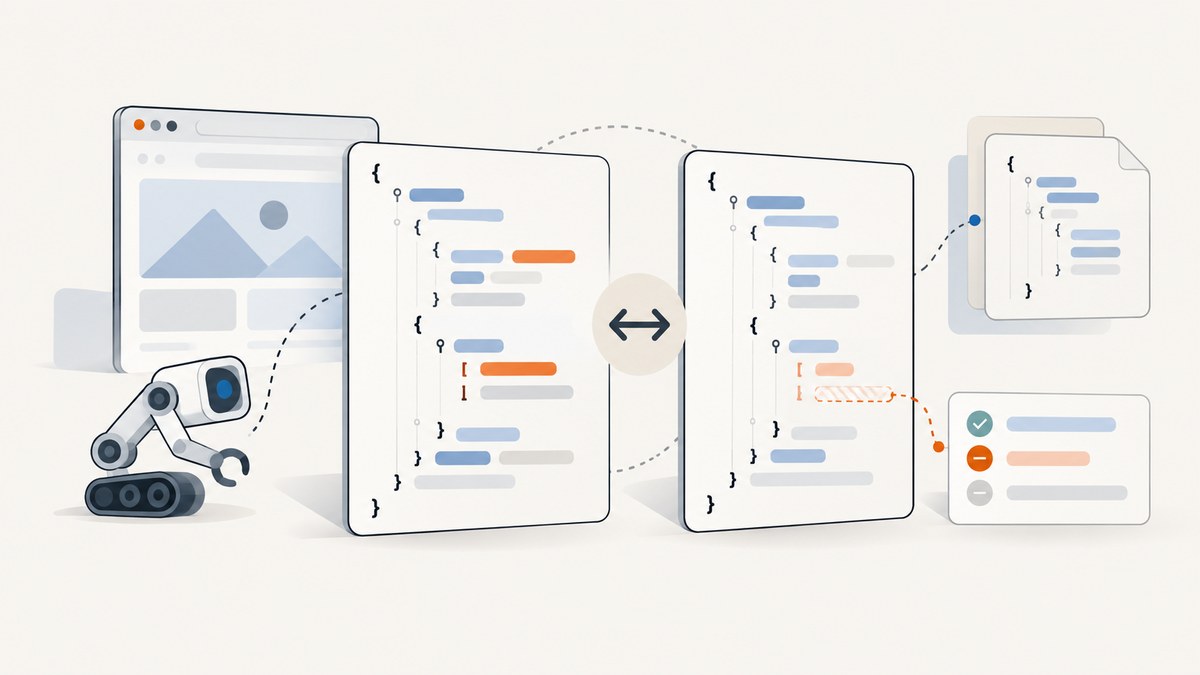
For ordinary JSON data, serialize the value to a stable string and pass it to Playwright Test’s generic toMatchSnapshot() matcher with a .json filename. For an accessibility tree as JSON, use page.ariaSnapshotJSON() instead. These are different workflows: toMatchAriaSnapshot() matches YAML templates, not JSON files. [Playwright snapshot docs](https://playwright.dev/docs/test-snapshots) and the [Page API](https://playwright.dev/docs/api/class-page) document these APIs.
This guide covers setup, runnable examples, baseline updates, stable serialization, snapshot paths, failure diagnosis, and when a visual screenshot assertion is the better tool.
1. Pick the snapshot that matches the data
| What you want to preserve | Use | What it represents |
|---|---|---|
| An API response or other JSON value | expect(text).toMatchSnapshot('name.json') |
Serialized text stored as a snapshot file |
| An accessibility tree as a JSON object | page.ariaSnapshotJSON() or locator equivalent |
A JSON value returned at runtime |
| An accessibility structure matched against a template | toMatchAriaSnapshot() |
A YAML snapshot template |
| Page appearance | toHaveScreenshot() |
An image baseline, PNG by default or WebP when named accordingly |
A filename ending in .json does not select a special JSON assertion. Playwright describes toMatchSnapshot() as comparing text or arbitrary binary data; the chosen filename gives the artifact a useful extension. This is a good fit for stable serialized API data. Use accessibility assertions to catch semantic structure and screenshot assertions to catch rendered appearance.
2. Set up a Playwright Test project
In a project that does not already use Playwright Test, install the test package and browser binaries:
npm init playwright@latestThe setup wizard creates a test configuration and sample tests. The examples below use TypeScript and the Playwright Test runner, which provides test, expect, fixtures such as request, and snapshot update commands. If you already have a configured project, add the test directly to it. Use the official [installation guide](https://playwright.dev/docs/intro) for current setup details.
3. Snapshot a JSON API response
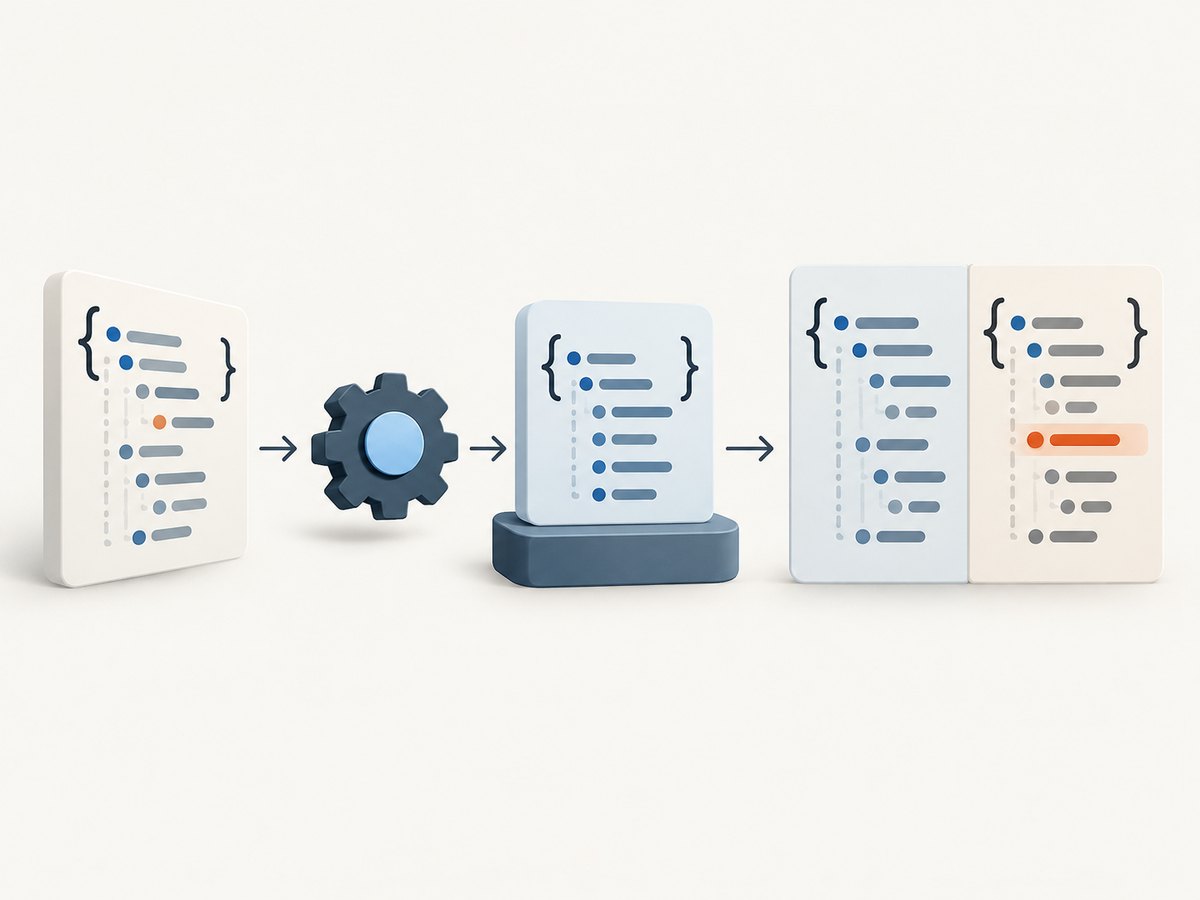
This test fetches data with Playwright’s API request fixture, parses JSON, serializes it with consistent indentation, and compares the resulting text with a named baseline:
import { test, expect } from '@playwright/test';

test('settings response remains stable', async ({ request }) => {
  const response = await request.get('https://example.com/api/settings');
  expect(response.ok()).toBeTruthy();

  const data = await response.json();
  const stableJson = JSON.stringify(data, null, 2);
  expect(stableJson).toMatchSnapshot('settings.json');
});
Replace the example endpoint with one available to your test environment. If the application requires authentication, configure the request context or send the appropriate credentials using your project’s existing secret-management approach. Avoid hard-coding credentials in committed tests.
On the first run, Playwright creates the missing baseline. The snapshot is normally placed in a sibling directory such as example.spec.ts-snapshots. Commit the generated baseline so later runs can compare against the same expected data. On a mismatch, inspect the diff: it shows whether fields were added, removed, or changed.
Make volatile responses deterministic
Snapshot only the contract you intend to protect. Timestamps, generated IDs, request IDs, and unstable ordering can make an otherwise correct test fail each run. Normalize those fields before serialization. For example, create a copy that removes a volatile field:
const data = await response.json();
const { generatedAt, requestId, ...stableData } = data;
const stableJson = JSON.stringify(stableData, null, 2);
expect(stableJson).toMatchSnapshot('settings.json');
This is appropriate only if those fields are outside the behavior being checked. If the timestamp format or ID generation is part of the contract, assert it explicitly instead of silently removing it. For arrays whose order is not meaningful, sort a copy using a stable key before serializing. Do not sort arrays when their order is part of the API behavior.
4. Create and update baselines deliberately
Run the tests normally to compare against committed snapshots. When a baseline is missing or an intentional product change alters expected output, update it with:
npx playwright test --update-snapshots
# Short form:
npx playwright test -u
The update flag creates missing baselines and refreshes mismatching ones; matching snapshots are not rewritten. Review the resulting files and the code change together before committing. A snapshot update is not proof that the new output is correct: it records the output observed on that run.
- Run the focused test without update mode and read the failure diff.
- Decide whether the application change is intended or the test has become unstable.
- If the new value is correct, run the update command.
- Inspect the changed baseline for unexpected fields or broad changes.
- Run the focused test again normally and commit the test and baseline together.
Avoid updating every snapshot to make a failing build green without reading the diffs. That can replace useful expectations with regressions.
5. Use JSON accessibility snapshots when you need semantic structure
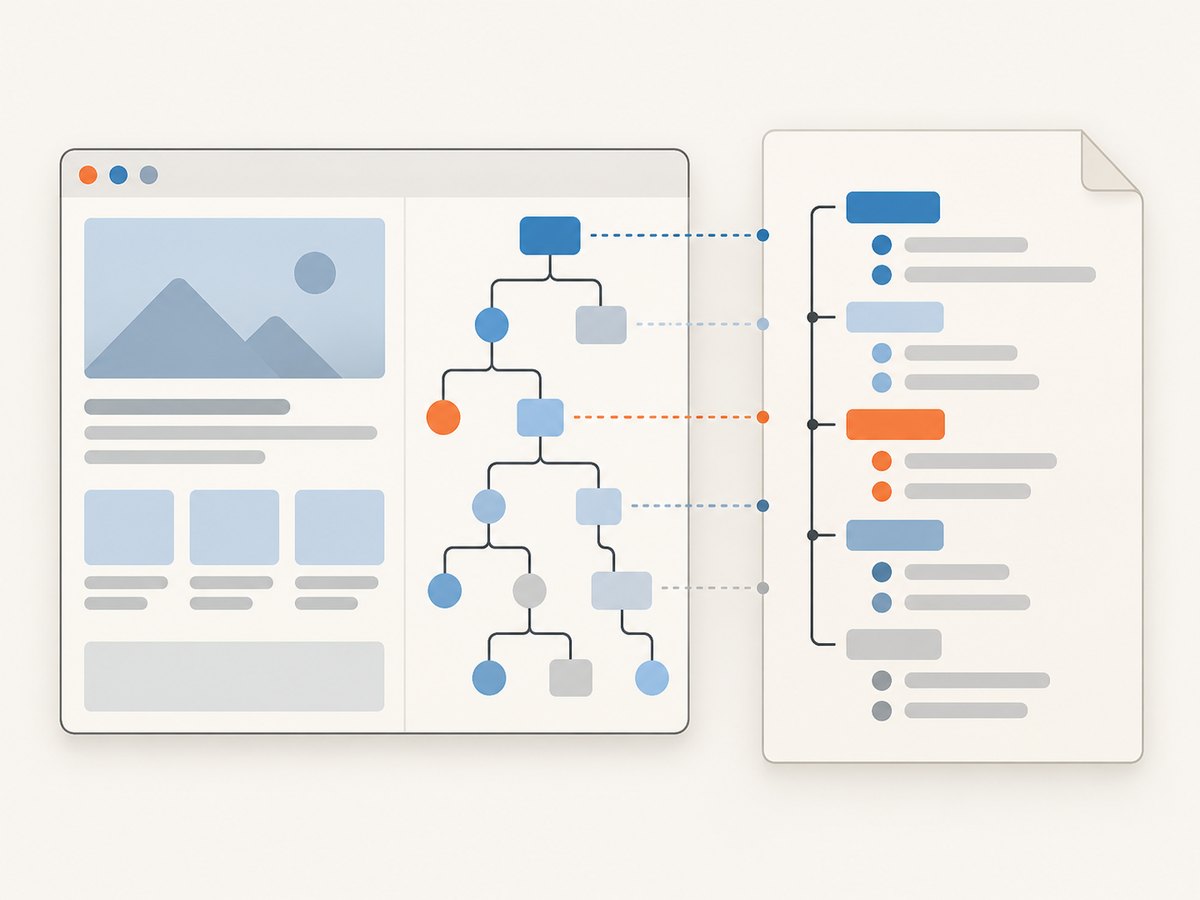
ariaSnapshotJSON() returns accessibility snapshot data as a JSON value. This is useful when your code needs to inspect or transform that value as JSON. For a textual, reviewable accessibility assertion, Playwright also provides toMatchAriaSnapshot(), whose templates use YAML. Do not pass a JSON file expectation off as an aria snapshot assertion; they are separate interfaces.
import { test, expect } from '@playwright/test';

test('page exposes the expected accessibility structure', async ({ page }) => {
  await page.goto('https://example.com');
  const snapshot = await page.ariaSnapshotJSON();

  expect(snapshot).toBeTruthy();
  // Inspect or transform the returned JSON value as needed.
});
Use the [Page API reference](https://playwright.dev/docs/api/class-page) for the JSON-returning method and the [aria snapshots guide](https://playwright.dev/docs/aria-snapshots) for template assertions and their update behavior. Choose the form that matches the thing you need to review: JSON data in application code or an accessibility template in a test.
6. Choose a stable snapshot location
By default, snapshot files are stored in a directory associated with the test file. This keeps expected output near the test without mixing it into the test source. If a repository needs a different structure, Playwright supports snapshotPathTemplate at project level and snapshot-path resolution through test.info().snapshotPath(). The documented template tokens include {testFilePath}, {arg}, {ext}, {platform}, and {projectName}. See the [TestInfo API](https://playwright.dev/docs/api/class-testinfo) and [TestProject API](https://playwright.dev/docs/api/class-testproject) for exact configuration details.
Give each artifact a descriptive name, especially when one test produces several snapshots. Names such as settings.json and permissions.json make a diff easier to interpret than generic names. Keep snapshot layout consistent across projects so contributors can find and review baselines.
7. When the desired snapshot is visual
Serialized JSON checks values; it cannot tell you whether a page looks right. For visual regression, use toHaveScreenshot() on a page or locator:
import { test, expect } from '@playwright/test';

test('account page visual baseline', async ({ page }) => {
  await page.goto('https://example.com/account');
  await expect(page).toHaveScreenshot('account.png');
});
Playwright waits for two consecutive screenshots to stabilize before comparing. Screenshot assertions support controls such as animation disabling, masking dynamic regions, style paths, and pixel-difference thresholds. Use them only when pixels are the behavior under test; prefer semantic or JSON assertions when those better express the requirement. See the [page assertion API](https://playwright.dev/docs/api/class-pageassertions) and [locator assertion API](https://playwright.dev/docs/api/class-locatorassertions).
Rendering can vary across operating systems, browsers, and environments. Generate and review visual baselines in a consistent browser, operating-system, dependency, and rendering setup. A JSON text snapshot is usually less sensitive to rendering differences, but still depends on stable test data and serialization.
8. Troubleshooting common failures
| Symptom | Likely cause | Fix |
|---|---|---|
| Snapshot differs on every run | Volatile timestamps, IDs, request metadata, or unordered values | Normalize only irrelevant fields; sort only arrays whose order is not meaningful; keep formatting fixed. |
| Playwright says the snapshot is missing | The baseline has not been created in this environment or is absent from the checkout | Run the focused test with --update-snapshots, inspect the created file, and commit it. |
| A snapshot changes unexpectedly after an app edit | The output contract changed, or the test now reaches different data | Read the diff and verify the intended API behavior before updating the baseline. |
| JSON output is one long line or diffs are hard to read | Serialization format is inconsistent or compact | Use the same JSON.stringify(value, null, 2) formatting in every run. |
| Cannot find the JSON-specific matcher | toMatchSnapshot is generic; the extension does not choose a special matcher |
Serialize to text and use toMatchSnapshot('name.json'). |
| Accessibility assertion expects JSON but behaves like a template | toMatchAriaSnapshot() uses YAML templates |
Use ariaSnapshotJSON() for JSON data, or keep the YAML-template assertion. |
| Visual screenshot fails on another machine | Browser or host rendering differs | Use a consistent rendering environment and inspect the image diff before accepting a baseline. |
9. Reliability, runtime, and maintenance
A JSON snapshot is most reliable when it represents a small, intentional contract. Large snapshots can bury the meaningful change in noise and make reviews slower. Split unrelated response areas into focused assertions or artifacts when that makes failures easier to understand.
Runtime depends on the test itself: network access, response size, application setup, and browser work can dominate serialization. Keep external dependencies predictable where practical, and use test fixtures or controlled environments for data that should not change during the test. This guide does not assign a performance benchmark; measure in your own suite if snapshot generation becomes material.
Snapshot maintenance has a review cost. Treat baselines as code: commit them, read changes, and update only after confirming that the observed output is expected. For visual snapshots, environment consistency is especially important because rendering varies across hosts. For JSON snapshots, stable field selection and ordering are the main controls.
10. Or skip the browser setup
If your goal is an image or PDF of a live page rather than a Playwright test baseline, [ScreenshotNeo](https://screenshotneo.com) provides a website screenshot API. Its one-call GET endpoint returns an image or PDF. For example, save a WebP screenshot with cURL:
curl -G "https://api.screenshotneo.com/v1/shot" -d access_key=YOUR_API_KEY --data-urlencode url=https://stripe.com -o shot.webpSee the [ScreenshotNeo API documentation](https://screenshotneo.com/docs/) for request options. Cookie banners, popups, and chat widgets are removed before the shot; bot checks, blank pages, and failed loads are never billed. An MCP server lets AI agents take screenshots. The free plan includes 1,000 screenshots per month with no card; paid plans start at $5 for 3,000. [Create a free account](https://screenshotneo.com/account/sign-up/) to try it.
FAQ
Does the file have to end in .json?
No. The extension is your chosen snapshot name. Use .json when the serialized text contains JSON so the artifact is clear to editors and reviewers.
Should I snapshot an entire API response?
Only if the full response is a stable contract you intend to protect. Otherwise, normalize irrelevant values or snapshot the smaller fields that express the behavior under test.
Can I use these files for visual regression?
No. A JSON text baseline compares data. Use toHaveScreenshot() for rendered pixels and keep its browser and host environment consistent.
Do snapshot updates run automatically when a test fails?
No. Use the explicit update flag when you have reviewed and accepted the changed output. A normal run should compare against the committed baseline.


