How to Create PDFs with Microsoft Playwright in Azure Functions Linux
Generate PDFs with Playwright in a Linux Azure Function. Choose a runtime, package Chromium dependencies, return or store the PDF, and troubleshoot deployment failures.
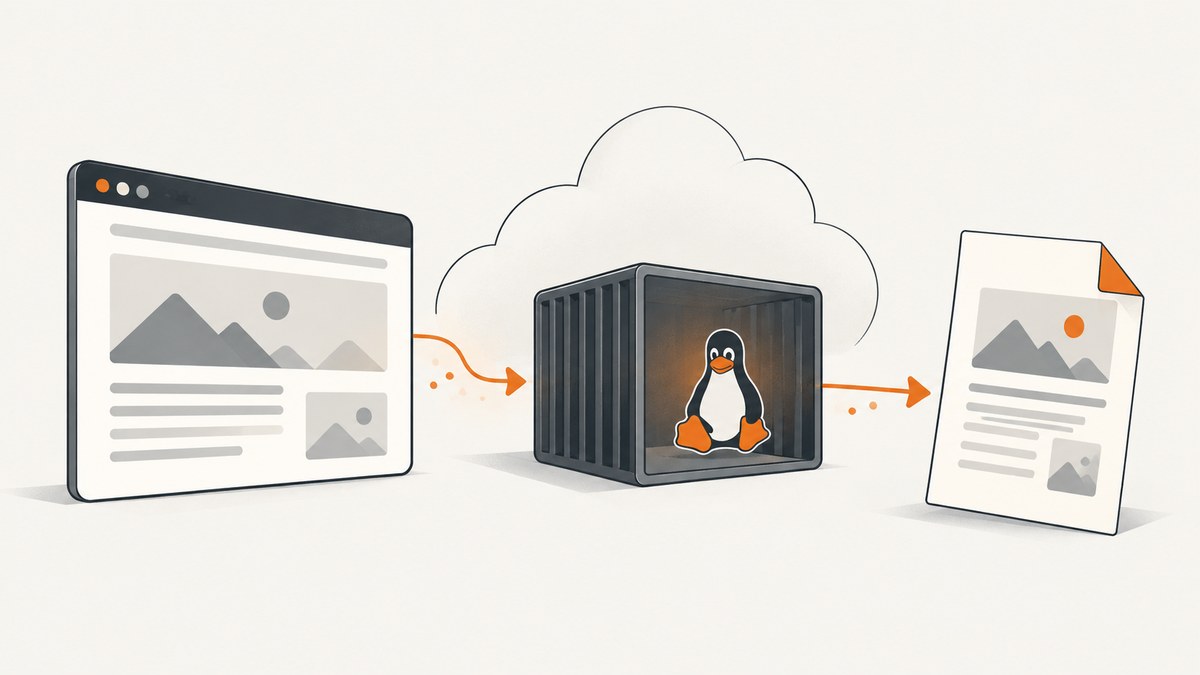
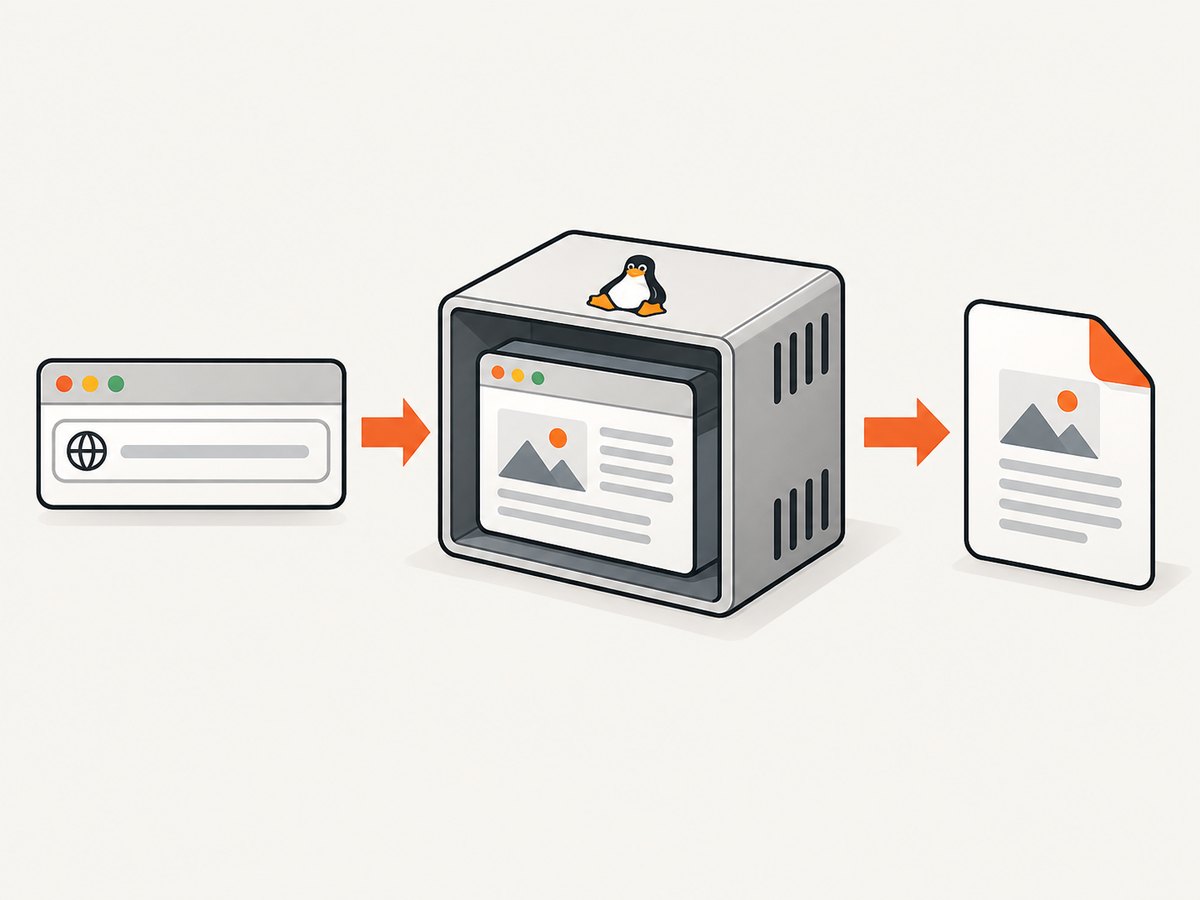
To create PDFs with Microsoft Playwright in Azure Functions Linux, deploy the Function with a compatible Playwright package, Chromium browser binary, and Chromium’s Linux system libraries. In the function, load the page, wait for the content you need, call page.pdf(), then return the bytes or save them to durable storage. Local success is not enough: the deployed Linux environment must also contain the browser and its libraries.
This guide uses Node.js for the complete runnable example. The same deployment principle applies to other Functions languages, but the worker model, package installation, and supported runtime settings differ. Check Microsoft’s current [supported-language guidance](https://learn.microsoft.com/en-us/azure/azure-functions/supported-languages) and the deployment documentation for your chosen language and hosting plan before publishing.
1. Choose the Azure Functions runtime and deployment route
Azure Functions runs on Linux with several languages. Keep the language package, Functions worker, Playwright version, browser, and deployment image aligned. A Node.js example needs the Node.js Functions programming model and JavaScript Playwright package; a Python app needs its Python programming model and package setup; a .NET app should follow its chosen worker model. Do not copy an app setting from one language into another.
There are two broad ways to supply Linux browser dependencies:
| Route | When it fits | What to verify |
|---|---|---|
| Managed Functions deployment/build | The selected language, plan, and build route can install and retain the browser and OS packages needed by Chromium. | Confirm the deployed app—not only the build log—contains the browser executable and shared libraries. |
| Custom Linux container | The managed environment or remote build cannot provide the required OS packages or local browser binaries. | Confirm container support for the plan and language, and use the documented image and storage settings. |
Microsoft specifically describes OS-level packages and local binaries as reasons to use a custom container in its Python Functions deployment guidance. Treat that as Python-specific guidance rather than a universal requirement for every language and plan. For containerized Function Apps on Premium or Dedicated plans, Microsoft documents configuring the container image and setting WEBSITES_ENABLE_APP_SERVICE_STORAGE=false; check the current instructions for your exact hosting choice. [Microsoft deployment guide](https://learn.microsoft.com/en-us/azure/azure-functions/functions-infrastructure-as-code)
Linux settings for .NET isolated
If your app is .NET isolated, Microsoft documents FUNCTIONS_WORKER_RUNTIME=dotnet-isolated. A Linux runtime identifier can use a value such as DOTNET-ISOLATED|8.0 for linuxFxVersion. These values are specific to that deployment configuration; Node.js and Python apps require their corresponding runtime settings. See Microsoft’s [C# isolated worker guide](https://learn.microsoft.com/en-us/azure/azure-functions/dotnet-isolated-process-guide) and verify the currently supported runtime version before deployment.
2. Install Playwright and Chromium for Linux
Install a pinned Playwright package through the app’s normal dependency manifest, then install a compatible Chromium binary and its Linux system libraries in a Linux build environment where package-manager access is available. Playwright documents these commands:
npx playwright install-deps chromium
npx playwright install --with-deps chromium
The first installs Chromium OS dependencies; the second installs the browser and dependencies. The commands are useful during a suitable Linux image build. Running them on a developer workstation does not add those files to the Azure deployment. Ensure the deployed artifact or container actually has the browser binary and its linked libraries.
Pin a Playwright version in the dependency manifest and rebuild the browser layer when upgrading it. The installed browser version needs to match what that Playwright package expects. Avoid copying a browser directory from an unrelated operating system or architecture. For browser installation behavior and supported options, consult [Playwright’s browser documentation](https://playwright.dev/docs/browsers).
3. Build an HTTP-triggered Node.js function
The following example uses the JavaScript Playwright package and the Azure Functions Node.js programming model. It accepts a URL in the request body, renders an A4 PDF, and returns it with the PDF content type. It assumes Chromium and the required Linux libraries are already present in the deployed environment.
Create a Functions project for a currently supported Node.js version, install the Functions programming model and Playwright package, and pin the versions in the project’s package manifest. Add an HTTP trigger named pdf and use code like this in its function file:
const { app } = require('@azure/functions');
const { chromium } = require('playwright');

app.http('pdf', {
  methods: ['POST'],
  authLevel: 'function',
  handler: async (request, context) => {
    let browser;
    try {
      const body = await request.json();
      const targetUrl = typeof body.url === 'string' ? body.url : '';
      if (!targetUrl) {
        return { status: 400, jsonBody: { error: 'Provide a url string.' } };
      }

      // In production, validate scheme, host, and destination before navigating.
      const parsed = new URL(targetUrl);
      if (!['http:', 'https:'].includes(parsed.protocol)) {
        return { status: 400, jsonBody: { error: 'Only HTTP and HTTPS URLs are supported.' } };
      }

      browser = await chromium.launch({ headless: true });
      const page = await browser.newPage();
      page.setDefaultNavigationTimeout(30000);
      await page.goto(targetUrl, { waitUntil: 'domcontentloaded' });

      // Replace with a selector or app-specific readiness signal when needed.
      await page.waitForTimeout(500);
      const pdf = await page.pdf({
        format: 'A4',
        printBackground: true,
        margin: { top: '12mm', right: '12mm', bottom: '12mm', left: '12mm' }
      });

      return {
        status: 200,
        headers: {
          'content-type': 'application/pdf',
          'content-disposition': 'attachment; filename="page.pdf"'
        },
        body: pdf
      };
    } catch (error) {
      context.error('PDF generation failed', error);
      return { status: 502, jsonBody: { error: 'The page could not be rendered as a PDF.' } };
    } finally {
      if (browser) await browser.close();
    }
  }
});
Use your project’s generated file layout and current Functions programming model conventions; the code above illustrates the handler and lifecycle, not a complete project scaffold. Keep errors in server logs, but return a bounded error message to callers rather than leaking internal paths or stack traces.
Readiness and navigation
domcontentloaded waits for the initial document to be parsed, not for every client-rendered component or image. If the page has an important target element, wait for it with page.waitForSelector('main article'). A short explicit delay can help when a known client-side update follows navigation, but it adds latency and is not a substitute for a real readiness signal.
networkidle may be suitable for static pages, but pages with analytics, polling, streaming, or other continuing requests may never become idle. Choose the condition that corresponds to the content your document needs. Set navigation and overall function time budgets with enough room for the page, browser startup, and PDF generation, while still enforcing a maximum so one slow target cannot occupy a worker indefinitely.
4. Choose PDF layout and print behavior
Playwright’s page.pdf() returns PDF bytes and uses print CSS media by default. If the PDF should use the screen stylesheet, call await page.emulateMedia({ media: 'screen' }) before page.pdf(). [Playwright Page API](https://playwright.dev/docs/api/class-page)

| Need | Relevant setting or technique |
|---|---|
| Standard paper size | Use format, such as 'A4' or 'Letter'. |
| Custom dimensions | Set width and height using physical units such as mm, cm, or in. |
| Background colors and images | Set printBackground: true. Printing may adjust colors; use CSS -webkit-print-color-adjust: exact when exact colors are required. |
| Page margins | Use the PDF margin options with physical units, or define print styles as appropriate. |
| Page breaks | Use print CSS rules such as break-before, break-after, and break-inside to control pagination. |
| Screen layout | Call page.emulateMedia({ media: 'screen' }) before PDF generation. |
For example, add a print stylesheet to the page you control:
@media print {
  nav, .cookie-banner, .screen-only { display: none !important; }
  h1, h2 { break-after: avoid; }
  .report-section { break-inside: avoid; }
  body { -webkit-print-color-adjust: exact; }
}
Test long tables, fixed-position headers, wide content, and sections that contain large images. A valid PDF can still have clipped columns, unexpected blank pages, or content split across pages. For long documents, inspect page boundaries and use the page range option if only a subset is needed.
5. Return the PDF or save it durably
For modest documents requested interactively, returning the PDF bytes with content-type: application/pdf is straightforward. Set a safe filename in content-disposition. The response size and duration still need to fit the caller’s and hosting plan’s limits.
For larger documents, batch jobs, or workflows that must continue after the HTTP request ends, write the bytes to durable object storage and return a job status or download reference. Azure Functions uses a Storage account as required infrastructure; Application Insights is recommended for monitoring in Microsoft’s infrastructure guidance. Keep authorization on generated files, set retention and cleanup rules, and avoid placing sensitive rendered content in logs.
Rendering arbitrary user-supplied URLs has security implications. Restrict schemes and hosts, block access to private or link-local addresses, and revalidate destinations after redirects. Otherwise a caller may cause the function to request internal services. Also apply request authentication, page timeouts, output-size limits, and concurrency controls appropriate to the workload. These protections are application design requirements; Azure and Playwright do not automatically know which destinations your service should trust.
6. Deploy and verify in the Linux environment
- Match the build to the target. Use a Linux build image compatible with the Function App’s runtime family and architecture.
- Include browser dependencies. Confirm the deployed browser executable and shared libraries are present in the package or container.
- Set runtime-specific configuration. For .NET isolated, configure the documented worker runtime and Linux runtime identifier. For other languages, follow their own settings.
- Deploy for the chosen plan. For a custom container, use the plan’s documented image configuration and required app settings.
- Invoke a known test page. Generate a small PDF, verify the response content type and that the bytes begin with a valid PDF signature, then inspect the document visually.
- Review logs and telemetry. Look for missing shared libraries, launch errors, navigation timeouts, failed requests, and memory pressure.
A success on a laptop does not establish that Azure has the same libraries, filesystem behavior, or process permissions. Verify a real deployed invocation after changing the Playwright version, browser layer, base image, or Functions runtime. Azure runtime and language lifecycle guidance changes, so confirm supported versions at publication and deployment time using Microsoft’s [language support page](https://learn.microsoft.com/en-us/azure/azure-functions/supported-languages) and the relevant language reference.
7. Performance, reliability, and cost considerations
PDF rendering is browser work. Each invocation may spend time launching Chromium, navigating, waiting for content, downloading resources, laying out print pages, and producing bytes. Removing unnecessary page waits and loading only the content required by the PDF can reduce work, but there is no universal speed figure for arbitrary websites. Page complexity and remote response time vary.
Do not share a global browser process without designing for the Functions worker lifecycle, concurrent invocations, memory use, and crash recovery. A reused process may avoid repeated startup, but it also needs health checks and a way to recover after a browser crash. A per-invocation browser is easier to reason about and close reliably, but incurs launch work each time. Measure with representative pages in the actual plan before choosing a lifecycle strategy.
Chromium pages can consume substantial memory, and pages can crash under high allocation. Limit concurrent renders, cap input size and navigation duration, close pages and browsers in cleanup paths, and send unusually large jobs to an asynchronous workflow. Azure Functions cost depends on the chosen hosting plan and its billing rules; Playwright itself does not set that cost. Check current Azure pricing and plan limits rather than estimating from a local run.
Microsoft Playwright is described as a managed service for running Playwright tests at scale with reporting. The researched Microsoft documentation does not position it as a PDF rendering endpoint. For this pattern, the Function runs the browser process that generates the document. [Microsoft Azure Playwright](https://learn.microsoft.com/en-us/azure/playwright-testing/overview-what-is-microsoft-playwright-testing)
8. Troubleshooting
| Symptom | Likely cause | Fix |
|---|---|---|
| Browser executable not found | The Playwright package is deployed but its matching Chromium binary is missing, or its expected location changed. | Install the matching browser in the Linux build or container and verify the deployed path and package versions. |
| Launch error mentioning a shared library | A Chromium system dependency is absent from the runtime image. | Install the required OS dependencies with Playwright’s Linux install command in the build image, or package them in a compatible custom container. |
| Works locally, fails after deployment | Local OS libraries, architecture, permissions, or filesystem layout differ from Azure. | Build against a Linux environment compatible with the deployed runtime; inspect deployment logs and verify the actual artifact contents. |
| Navigation timeout | The destination is slow, has ongoing requests, or the selected wait condition is too strict. | Choose a more suitable navigation condition, wait for a specific selector, set a bounded timeout, and handle failure cleanly. |
| PDF has missing colors or backgrounds | Print output omits background graphics or print color adjustment changes the page. | Enable printBackground and apply -webkit-print-color-adjust: exact in page CSS if exact colors are needed. |
| PDF layout differs from browser screenshot | page.pdf() uses print media, which can select different CSS. |
Use print styles intentionally, or emulate screen media before calling page.pdf(). |
| Function becomes slow or crashes under load | Too many concurrent browser pages, complex pages, or large output allocations. | Reduce concurrency, set workload limits, close resources in finally, and move large jobs to durable asynchronous processing. |
| HTTP caller receives an incomplete or oversized response | The rendered document exceeds a response or request time budget. | Store the output in durable storage and return a status or protected download reference. |
Or skip the browser setup
If your requirement is a screenshot of a page rather than a paginated PDF, [ScreenshotNeo](https://screenshotneo.com) offers a one-call website screenshot API. It removes known consent banners, newsletter popups, and chat widgets before capture; bot checks, blank pages, timeouts, failed loads, and cache hits are not billed. Its MCP server gives AI agents screenshot, page-info, and PDF-capture tools. The free plan includes 1,000 screenshots a month with no card, and paid plans start at $5 for 3,000. This does not replace Playwright’s PDF layout and print CSS controls when you need a custom generated document.
See the [ScreenshotNeo API documentation](https://screenshotneo.com/docs/) for request options. Example cURL request:
curl -G "https://api.screenshotneo.com/v1/shot" -d access_key=YOUR_API_KEY --data-urlencode url=https://stripe.com -o shot.webpThere is also a Python and Node.js request example in the API docs. [Create a free ScreenshotNeo account](https://screenshotneo.com/account/sign-up/) for 1,000 screenshots a month with no card.
FAQ
Does Playwright create a PDF file on disk?
page.pdf() returns PDF bytes. You can return those bytes from an HTTP function or write them to storage; choose storage when the output or workflow should outlive the request.
Why does the PDF look different from the page on screen?
PDF generation uses print CSS media by default. Print-specific rules, page sizing, and color adjustment can all change the result.
Is Azure Playwright the same as running Chromium in my Function?
No. Microsoft describes Azure Playwright as a managed testing service. In this document-generation pattern, your Function launches Playwright and Chromium to render the page.
Can I use the same deployment settings for Python, Node.js, and .NET?
No. The worker settings, build route, and supported deployment options depend on the language, runtime, plan, and container choice. Follow that combination’s current Microsoft guidance.


