How to Add a Header on Every Page Except the First with Playwright Chromium PDF
Use a headerless first-page section, then a repeating table header for the remaining Chromium PDF pages.

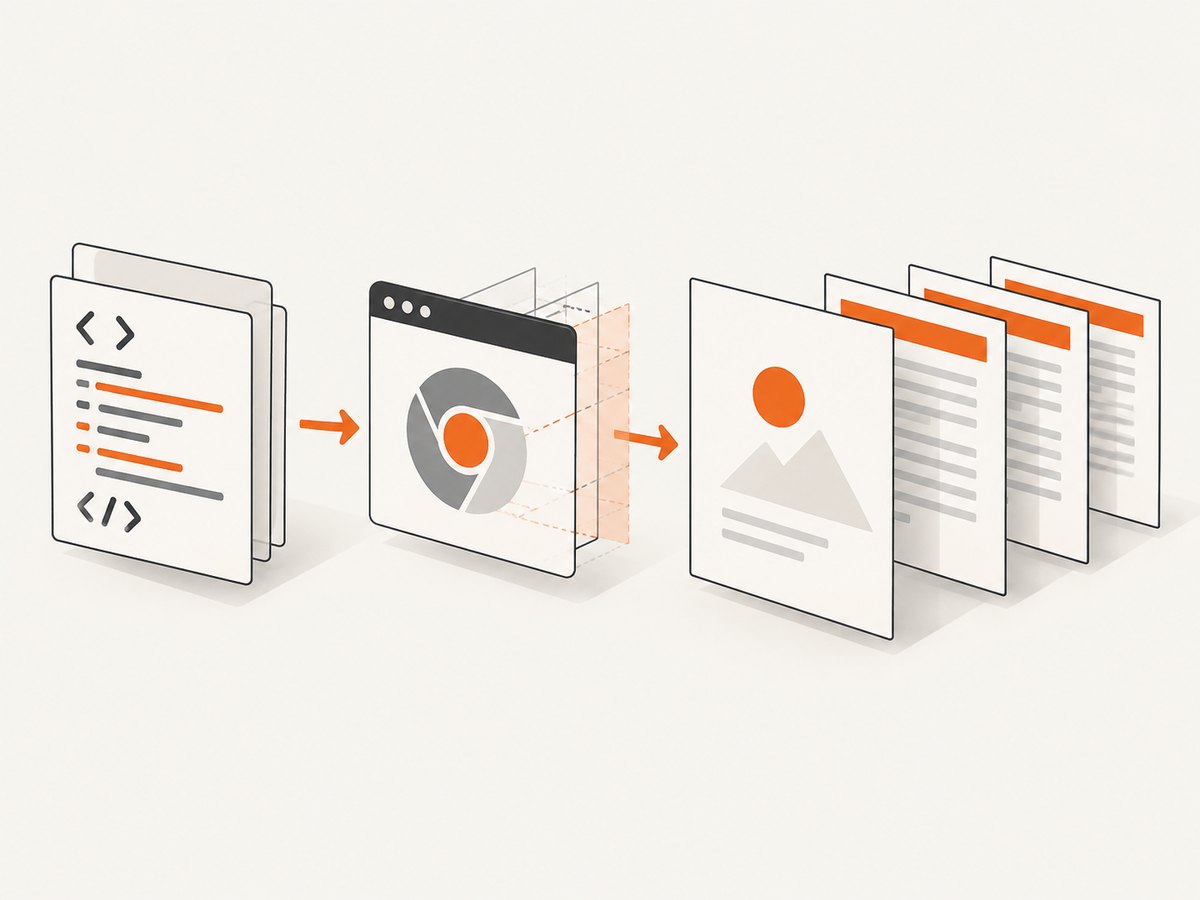
Direct answer: Playwright’s documented page.pdf() API applies headerTemplate to the document as a whole. It has no option that conditionally hides the header on page one. The reliable layout is to keep the first page in its own block, force a page break, and place all later content in a table whose <thead> repeats during pagination.
This approach keeps the cover page headerless while Chromium repeats the continuation header from page two onward. Reserve print margins for the repeated header, use preferCSSPageSize when CSS should control the page size, and inspect PDFs with the exact Chromium version used in production.
Why headerTemplate cannot skip page one
Playwright’s page.pdf() documentation exposes headerTemplate and footerTemplate as document-wide templates. The API documents tokens such as date, title, url, pageNumber, and totalPages, but no first-page exclusion switch.
Template scripts are not evaluated, and styles from the page are not visible inside a header or footer template. Therefore, JavaScript in a template cannot reliably detect page one. If you use a template for another reason, put its critical styles inline and leave enough top margin for it.
Recommended layout: first page plus repeating table header
The first section ends before the table begins. Because the table starts on the next page, its thead is repeated only on pages containing the table.
<!doctype html>
<html>
<head>
  <meta charset="utf-8">
  <style>
    @page { size: A4; margin: 18mm 14mm 16mm; }
    * { box-sizing: border-box; }
    body {
      margin: 0;
      color: #222;
      font: 11pt/1.45 Arial, sans-serif;
    }
    .first-page {
      min-height: 245mm;
      page-break-after: always;
      break-after: page;
    }
    .rest {
      width: 100%;
      border-collapse: collapse;
    }
    .rest thead {
      display: table-header-group;
    }
    .rest th {
      padding: 0 0 4mm;
      border-bottom: 0.3mm solid #666;
      text-align: left;
      font-size: 10pt;
      font-weight: 700;
    }
    .rest td {
      padding-top: 4mm;
      vertical-align: top;
    }
    .avoid-break {
      break-inside: avoid;
      page-break-inside: avoid;
    }
    h1, h2 { line-height: 1.2; }
    h1 { margin-top: 0; }
    h2 { margin: 0 0 4mm; }
  </style>
</head>
<body>
  <section class="first-page">
    <h1>Report title</h1>
    <p>Cover or introduction content. No repeated header is placed here.</p>
  </section>

  <table class="rest">
    <thead>
      <tr><th>Report title · continued</th></tr>
    </thead>
    <tbody>
      <tr><td>
        <h2>Section 1</h2>
        <p>All content after the first page goes here.</p>
        <p class="avoid-break">Keep short units together where practical.</p>
      </td></tr>
      <tr><td>
        <h2>Section 2</h2>
        <p>More content…</p>
      </td></tr>
    </tbody>
  </table>
</body>
</html>
Complete Playwright Chromium example
Install Playwright, write the HTML to a file, and run this script. The example uses the bundled Chromium browser and writes report.pdf.
npm install playwright
npx playwright install chromium
// generate-pdf.js
const { chromium } = require('playwright');
const fs = require('node:fs/promises');
(async () => {
const browser = await chromium.launch();
try {
const page = await browser.newPage();
const html = await fs.readFile('report.html', 'utf8');
await page.setContent(html, { waitUntil: 'networkidle' });
// page.pdf() uses print CSS by default. Use screen media only when
// the document intentionally depends on screen styles.
// await page.emulateMedia({ media: 'screen' });
await page.pdf({
path: 'report.pdf',
format: 'A4',
printBackground: true,
preferCSSPageSize: true,
margin: {
top: '18mm',
right: '14mm',
bottom: '16mm',
left: '14mm'
}
});
} finally {
await browser.close();
}
})();Run it with node generate-pdf.js. Keep the HTML’s @page margins and the PDF options aligned. If you want the CSS @page size to win, keep preferCSSPageSize: true. If you provide format, it takes precedence over explicit width and height; CSS size can take precedence when preferCSSPageSize is enabled.
Options that affect pagination
| Option or rule | Use |
|---|---|
displayHeaderFooter |
Must be true when using headerTemplate or footerTemplate. It is false by default. |
headerTemplate |
Document-wide HTML header. It cannot conditionally omit page one. |
footerTemplate |
Document-wide footer with the same template limitations. |
printBackground |
Print background colors and images that are part of the document. |
format |
Named paper size such as A4. It takes priority over width and height. |
width, height |
Explicit PDF dimensions using px, in, cm, or mm. |
preferCSSPageSize |
Lets CSS @page size take priority over an automatic scale. |
margin |
Reserve space so repeated headers and footers do not overlap body content. |
pageRanges |
Export selected pages when you need a subset, but remember that changing ranges does not change where the first-page layout begins. |
Handling real documents
Keep the cover at exactly one page
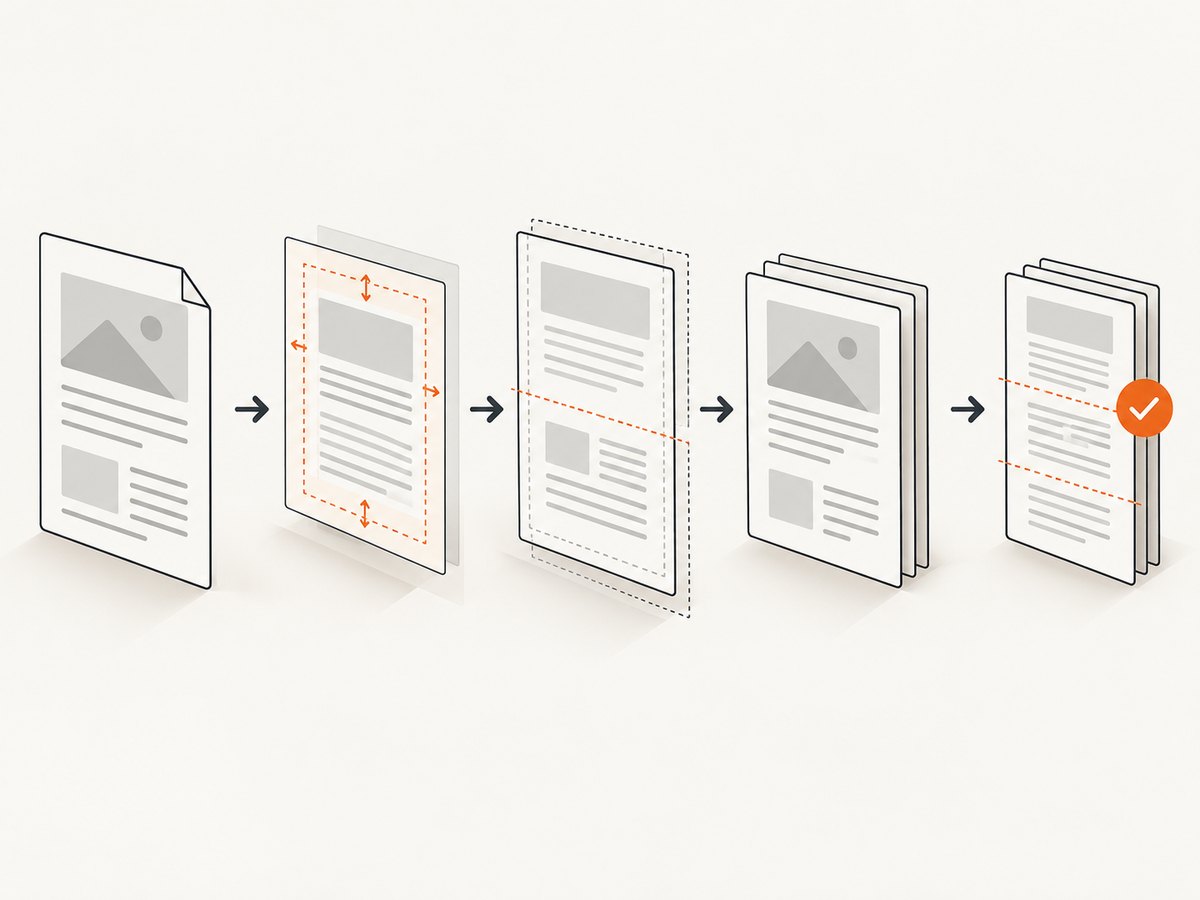
A fixed min-height is only a starting point. Long titles, fonts, images, or large margins can push cover content onto a second page. Measure the rendered cover, reduce its content, or use a controlled cover container. Always open the generated PDF and confirm that the continuation table starts on page two.
Prevent awkward splits
Apply break-inside: avoid and its older page-break-inside: avoid equivalent to short cards, headings with their first paragraph, and signature blocks. Chromium may still split oversized elements because an element taller than a page cannot fit intact.
Images, fonts, and asynchronous content
Wait for the page’s content before calling page.pdf(). For remote images or web fonts, use deterministic URLs and an explicit readiness signal rather than assuming that networkidle means every visual is ready. A page with a permanently open connection may never reach network idle; in that case wait for a selector or application-specific promise.
Print versus screen CSS
According to the Playwright documentation, page.pdf() generates a PDF using print CSS media by default. Call await page.emulateMedia({ media: 'screen' }) before PDF generation only when screen styles are intentional.
Why common alternatives fail
- Conditional JavaScript in
headerTemplate: template scripts are not evaluated. - External stylesheet rules for the template: page styles are not visible inside header and footer templates; inline critical styles instead.
- Zero top margin: the repeated header can collide with body content.
- Fixed-position body header: it can overlap content unless its height and print margins are coordinated.
- Assuming screen media: print rules are used unless you explicitly emulate screen media.
- Ignoring size precedence:
format, width/height, and CSS@pagecan produce different results depending onpreferCSSPageSize.
Troubleshooting checklist
| Symptom | Cause | Fix |
|---|---|---|
| Header appears on page one | The header is in headerTemplate or a fixed body element. |
Move the repeated header into the table thead that starts after the cover. |
| Table header does not repeat | The header is not a real thead, or the table was replaced by non-table layout. |
Use <thead> with display: table-header-group and test with the production Chromium version. |
| Body overlaps the header | Top print margin is smaller than the header. | Increase the top margin in both @page and page.pdf(). |
| Cover spills onto page two | Content exceeds the cover’s available height. | Reduce cover content, image height, or spacing and verify the forced break. |
| Colors or backgrounds are missing | Background printing is disabled. | Set printBackground: true. |
| CSS size is ignored | A format or explicit dimensions win. | Use preferCSSPageSize: true and remove conflicting dimensions when CSS should control size. |
| Fonts or images are missing | PDF generation ran before resources finished loading. | Wait for a selector, a readiness promise, or a bounded resource-loading step before calling page.pdf(). |
| Output changes after a browser upgrade | Complex pagination is Chromium-version sensitive. | Pin the browser binary, keep a representative PDF fixture, and inspect page breaks after upgrades. |
Performance, reliability, and cost
- Performance: reuse a browser process where safe, create isolated pages per job, and avoid unnecessary network resources. Waiting forever for network idle is slower and less reliable than waiting for a known readiness condition.
- Reliability: pin Chromium, set job timeouts, close pages in a
finallyblock, and validate page count, cover placement, repeated headers, and margin collisions. - Determinism: control fonts, timezone, locale, viewport, and external data when visual output must be stable.
- Cost: self-hosted Playwright costs the compute and browser operations you run. Rendering time grows with page complexity, images, fonts, and JavaScript.
Or skip the browser setup
ScreenshotNeo provides a website screenshot API and MCP server. Use the same one-call pattern for a clean capture, with PDF and rendering options documented at the ScreenshotNeo docs:
curl -G "https://api.screenshotneo.com/v1/shot" \
  -d access_key=YOUR_API_KEY \
  --data-urlencode url=https://stripe.com \
  -o shot.webp
import requests
r = requests.get(
"https://api.screenshotneo.com/v1/shot",
params={"access_key": "YOUR_API_KEY", "url": "https://stripe.com"},
timeout=90,
)
r.raise_for_status()
open("shot.webp", "wb").write(r.content)const q = new URLSearchParams({
access_key: 'YOUR_API_KEY',
url: 'https://stripe.com'
});
const res = await fetch(`https://api.screenshotneo.com/v1/shot?${q}`);
if (!res.ok) throw new Error(`HTTP ${res.status}`);
const buffer = Buffer.from(await res.arrayBuffer());
require('node:fs').writeFileSync('shot.webp', buffer);Cookie banners, newsletter popups, and chat widgets are removed before the shot. Bot checks, blank pages, failed loads, timeouts, and cache hits are not billed, and response headers identify the page verdict and billing result. Its MCP server lets AI agents take screenshots, inspect pages, and capture PDFs. The Free plan includes 1,000 screenshots per month with no card; paid plans start at $5 for 3,000. Create a free ScreenshotNeo account.
FAQ
Can Playwright’s headerTemplate skip only the first page?
No documented option does that. Put the first page outside the repeated structure and start a table with a repeating thead after a forced page break.
Does the repeating table header work for every Chromium version?
It is a CSS and Chromium pagination technique. Behavior can vary, so validate the output with the browser binary you deploy.
Should I use displayHeaderFooter with this pattern?
No. The table-header pattern does not require Playwright’s document-wide header feature. Enable displayHeaderFooter only when you also need a global template.
Can I combine a page-one cover with page ranges?
Yes, but page ranges select output pages; they do not create a conditional header. Keep the cover and continuation layout explicit in the HTML.


