Why Playwright Python Produces Different HTML in Headed and Headless Modes
Headed and headless Playwright runs can use different Chromium implementations, environments, and capture times. Here’s how to compare them and make DOM snapshots reproducible.
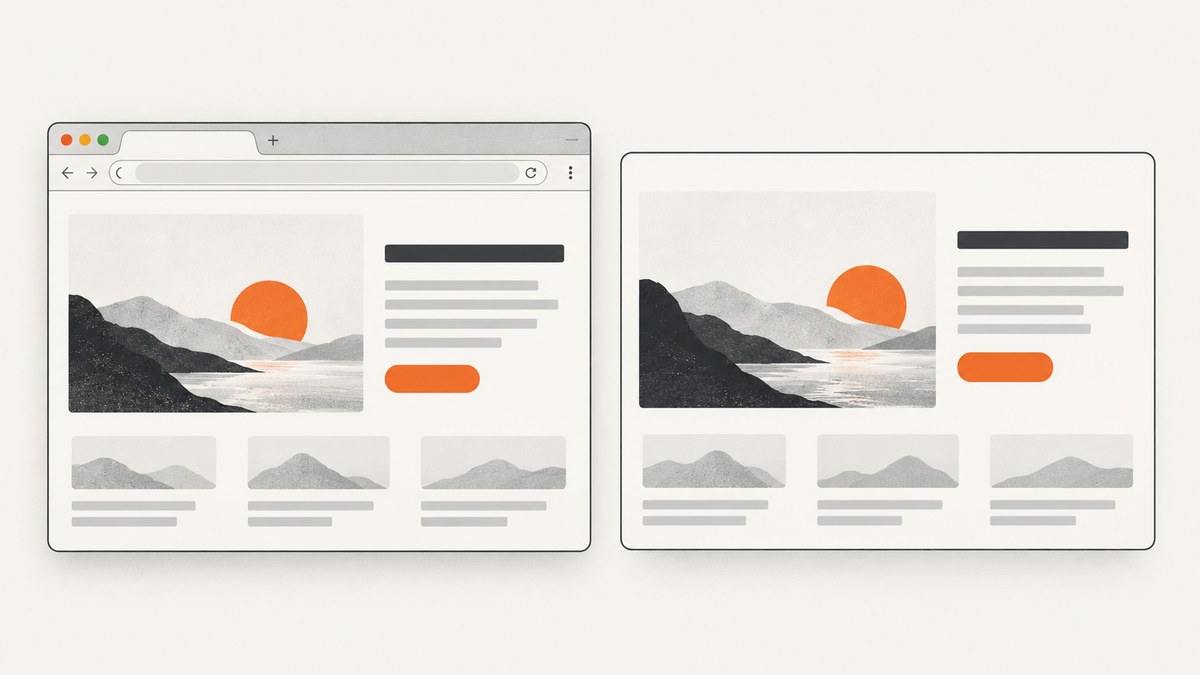
page.content() can differ between headed and headless Playwright Python runs because those runs may use different Chromium implementations, context settings, environments, network responses, or capture times. First compare the browser executable and channel, then normalize the context and wait for the same meaningful application-ready condition before comparing DOM snapshots. The Python binding itself is usually not the cause.
Playwright documents that it ships a regular Chromium build for headed use and a separate Chromium headless shell for default headless use. It also supports a newer headless mode through the chromium channel. That makes browser parity the first thing to check when a page works headed but fails in CI. Playwright’s browser documentation describes these modes and channel options.
1. Why can headed and headless HTML differ?
“Headless” is a launch mode, not a guarantee that every other browser property is identical. A headed run and a headless run can differ along several axes:
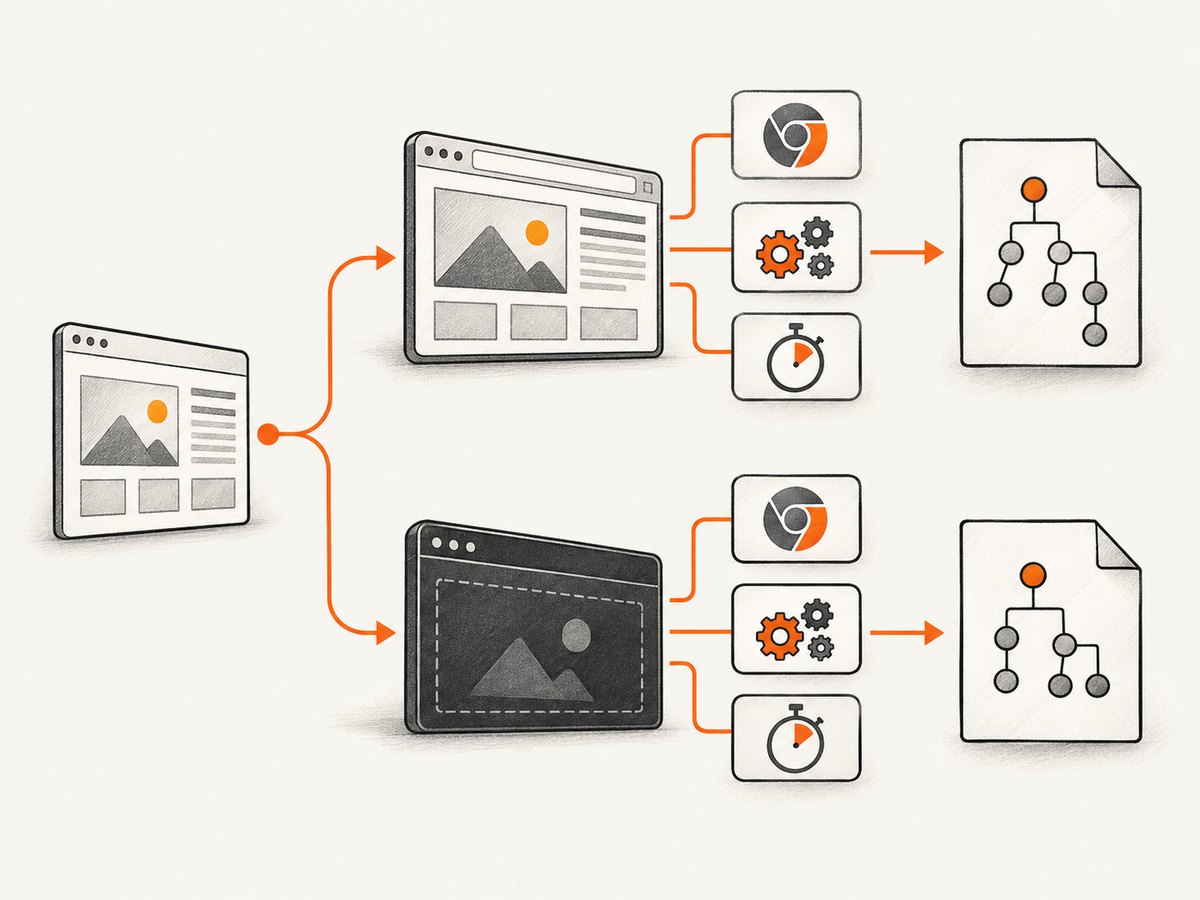
| Axis | How it can change the DOM | What to compare |
|---|---|---|
| Browser binary or channel | Different browser implementations can behave differently in feature detection, rendering, and script execution. | Playwright version, channel, executable, and browser version. |
| Viewport and emulation | Responsive pages can select different markup, hide elements, or load alternate assets. | Viewport, screen, device scale, mobile mode, touch, and user agent. |
| Locale and timezone | Applications can vary language, formatting, dates, or localized content. | Locale and timezone settings. |
| Environment | Fonts, OS libraries, GPU support, proxy, permissions, and environment variables can affect feature detection or page behavior. | Local and CI image, system dependencies, proxy, permissions, and network. |
| Readiness and timing | Hydration, API responses, lazy rendering, or client-side navigation may not have finished at snapshot time. | Navigation state and an application-specific ready signal. |
| Session and request state | Cookies, storage, authentication, request interception, and server variation may serve different content. | Storage state, headers, cookies, route mocks, and response bodies. |
A headed window showing the expected element is useful evidence, but it does not establish parity with a CI headless run. The local session might use a branded Chrome channel, a different browser version, a different viewport, or a more favorable timing sequence.
2. Start with browser binary and channel parity
Default Playwright Chromium headless operation uses the headless shell, while headed operation uses the regular Chromium build. Playwright’s documentation also explains that channel="chromium" opts into the newer headless mode. Chrome and Edge channels are separate branded-browser choices and are not necessarily installed or versioned in the same way as Playwright’s bundled browser.
Use the same Playwright package version and choose the channel explicitly while diagnosing. If your headed run uses the regular bundled Chromium, compare it to the default bundled headless run first. If you are specifically evaluating the newer headless implementation, test with channel="chromium" and record that choice. Do not assume setting only headless=False changes no other aspect of the setup.
When using the Playwright test runner, tests are headless by default; --headed opens a browser window. The runner’s channel option can select a different Chromium mode or branded browser. When you launch browsers yourself in Python, set the launch options in the script rather than assuming runner flags apply to manually created contexts. See the test runner documentation and BrowserType API.
3. Reproduce the comparison with a controlled Python script
Install the same Playwright package in both environments, then install its browser artifacts. For a simple local reproduction:
python -m pip install playwright
python -m playwright install chromium
Save this as compare_dom.py. Replace the example URL and test ID with your site and a stable element that appears only after the application is ready.
import hashlib
import json
import os
from playwright.sync_api import sync_playwright

URL = os.environ.get("URL", "https://example.test")
READY_TEST_ID = os.environ.get("READY_TEST_ID", "app-ready")
HEADLESS = os.environ.get("HEADLESS", "1") == "1"
CHANNEL = os.environ.get("CHANNEL") or None

with sync_playwright() as p:
    launch_options = {"headless": HEADLESS}
    if CHANNEL:
        launch_options["channel"] = CHANNEL

    browser = p.chromium.launch(**launch_options)
    context = browser.new_context(
        viewport={"width": 1280, "height": 720},
        screen={"width": 1280, "height": 720},
        device_scale_factor=1,
        is_mobile=False,
        has_touch=False,
        user_agent=None,
        locale="en-US",
        timezone_id="UTC",
        java_script_enabled=True,
    )
    page = context.new_page()
    console_errors = []
    page_errors = []
    failed_requests = []
    page.on("console", lambda msg: console_errors.append(msg.text)
            if msg.type == "error" else None)
    page.on("pageerror", lambda error: page_errors.append(str(error)))
    page.on("requestfailed", lambda request: failed_requests.append({
        "url": request.url,
        "failure": request.failure,
    }))

    response = page.goto(URL, wait_until="domcontentloaded", timeout=60000)
    page.get_by_test_id(READY_TEST_ID).wait_for(state="visible", timeout=30000)
    html = page.content()
    report = {
        "headless": HEADLESS,
        "channel": CHANNEL or "default",
        "url": page.url,
        "status": response.status if response else None,
        "user_agent": page.evaluate("navigator.userAgent"),
        "viewport": page.viewport_size,
        "locale": page.evaluate("navigator.language"),
        "timezone": page.evaluate("Intl.DateTimeFormat().resolvedOptions().timeZone"),
        "html_bytes": len(html.encode("utf-8")),
        "sha256": hashlib.sha256(html.encode("utf-8")).hexdigest(),
        "console_errors": console_errors,
        "page_errors": page_errors,
        "failed_requests": failed_requests,
    }
    print(json.dumps(report, indent=2))
    with open("snapshot.html", "w", encoding="utf-8") as output:
        output.write(html)
    browser.close()
The example deliberately does not rely on a fixed delay. Run the same file twice with identical environment, changing only HEADLESS:
URL=https://your-site.example READY_TEST_ID=app-ready HEADLESS=1 python compare_dom.py
URL=https://your-site.example READY_TEST_ID=app-ready HEADLESS=0 python compare_dom.py
For the newer Chromium headless mode, set CHANNEL=chromium in both runs and install the corresponding browser artifacts for your pinned Playwright version. For CI, pin the package and install its browsers during setup; Playwright’s CI guidance covers browser installation and caching considerations.
4. Normalize context and session settings
Browser contexts default to a 1280×720 viewport, but relying on defaults can conceal a difference elsewhere in your code. Set the values that matter to your page explicitly. Playwright documents context options including viewport, user agent, locale, timezone, JavaScript, permissions, and proxy in the Browser API; its emulation guide covers device and viewport emulation.
- Viewport and device: match
viewport,screen,device_scale_factor,is_mobile, andhas_touch. Ano_viewportheaded context can follow the actual window size, while a fixed headless context uses the configured viewport. - User agent: match it if the server or client chooses markup based on browser identification. Do not change it casually: a custom user agent can create a different code path.
- Locale and timezone: set
localeandtimezone_idexplicitly for stable localized output. - JavaScript and permissions: verify JavaScript is enabled in both and grant the same permissions when the application depends on them.
- Proxy and authentication: use the same proxy, HTTP credentials, headers, cookies, and storage state. A different response from an authenticated or geo-aware server is not a headless rendering discrepancy.
- Browser storage: create equivalent contexts or reuse the same storage state. One run may have a consent cookie, cached state, or signed-in session that the other lacks.
Compare the raw navigation response with page.content(). The response body shows what the server sent; page.content() serializes the current document, including changes made after JavaScript executes. If the response bodies already differ, inspect server-side variation, cookies, proxy, headers, or authentication. If they match but snapshots diverge, investigate client-side execution, readiness, browser features, and environment.
5. Wait for the same application state
page.content() returns the current document’s HTML, including its doctype. It is a snapshot, not a promise that the application will never modify the page again. A page can continue hydrating, fetching data, changing routes, rendering lazy content, or updating after a font or script becomes available.
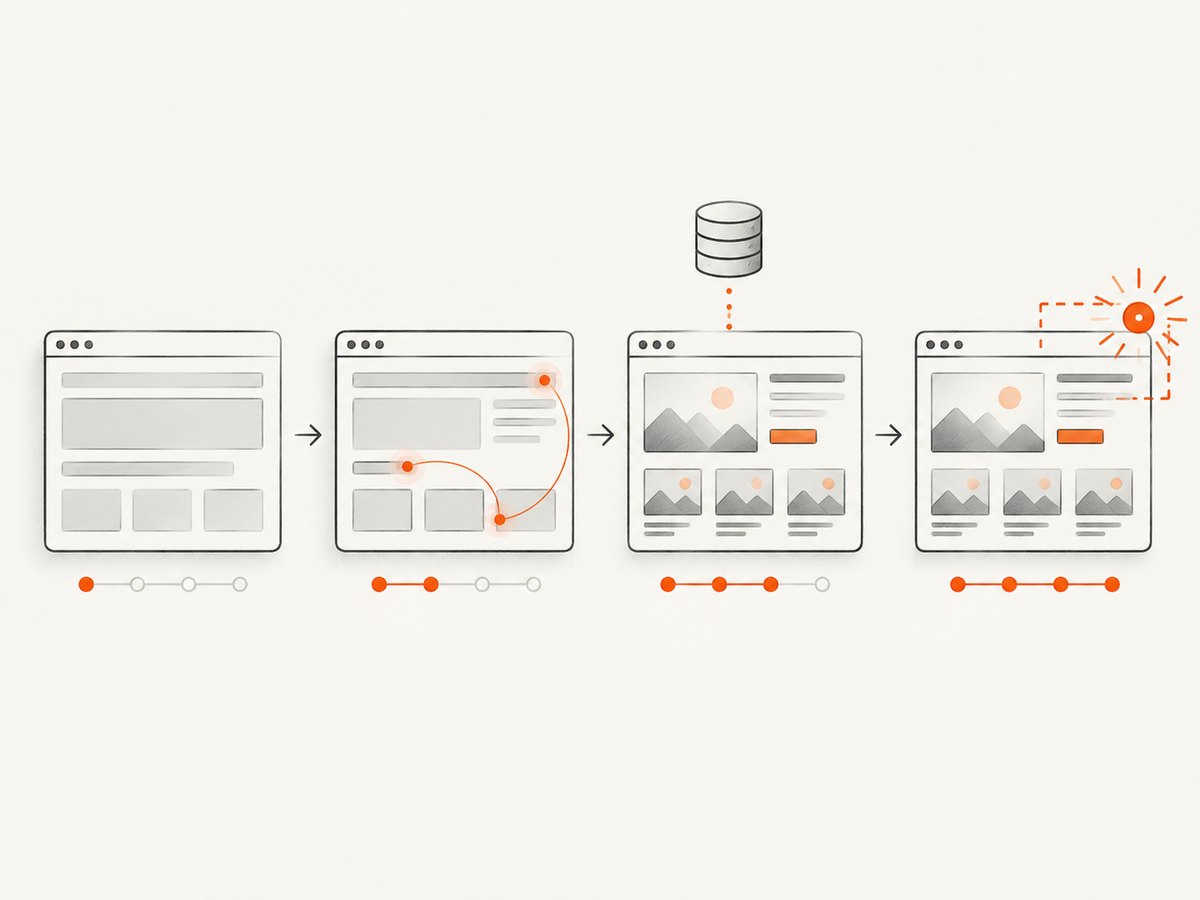
Navigation wait states describe different milestones: commit means the response was received and document loading started; domcontentloaded waits for parsing; load waits for load event resources; and networkidle waits for a period without network connections. None means “the app is fully ready” for every website. Playwright discourages relying on networkidle for tests and recommends assertions that express the expected state. See the Page API.
Prefer a signal owned by your application: a test ID on the hydrated root, a visible dashboard heading, a data attribute that indicates data loading completed, or a specific API response. Example with a locator assertion:
from playwright.sync_api import expect

page.goto(URL, wait_until="domcontentloaded")
expect(page.get_by_test_id("app-ready")).to_be_visible(timeout=30000)
expect(page.locator("[data-state='loaded']")).to_have_count(1)
html = page.content()
For an API-driven screen, wait for the response that supplies the data and then assert the rendered result. If a client-side route changes the URL, wait for the expected URL and page content rather than assuming the initial navigation completed the workflow. A fixed wait_for_timeout() can help inspect a race during debugging, but it is inherently timing-sensitive and should not be the production synchronization strategy.
6. Find the difference systematically
- Record provenance. Print the Playwright version, browser version, channel, executable selection, URL after redirects, user agent, viewport, locale, timezone, and whether the run is in CI.
- Hold the page inputs constant. Use the same URL, headers, cookies, storage state, proxy, permissions, routes, and test data.
- Wait for an explicit ready condition. Use the same locator, assertion, or response condition in both runs.
- Save artifacts from both runs. Keep the raw response body, serialized DOM, console errors, page errors, failed requests, and optionally screenshots or Playwright traces.
- Diff meaningful content. Normalize known dynamic fields such as timestamps, request IDs, random identifiers, rotating ads, or personalization before comparing. Preserve the original snapshots so normalization does not hide a real defect.
- Change one axis at a time. First compare default headless against headed with a shared context; then test the
chromiumchannel; then investigate environment and timing differences.
A hash or byte length is a quick signal, not an explanation. A different hash can come from one timestamp or nonce. A matching screenshot also does not guarantee identical DOM structure, just as different HTML does not necessarily mean the rendered result is visibly different.
7. Common errors and fixes
| Symptom | Likely cause | Fix |
|---|---|---|
| Element is present headed but missing headless | Different channel, viewport breakpoint, user agent, or code path; possibly captured before hydration. | Log browser/context values, normalize viewport and session, and wait for the element’s application-ready condition. |
| CI reports browser executable missing | Playwright package is installed but its matching browser artifact is absent, or a different package version is used. | Install browsers with the Playwright CLI in the same environment after installing the pinned package. |
| Navigation timeout despite the page appearing usable | A resource or persistent connection prevents the chosen navigation milestone; the app may be interactive before full load. | Use an appropriate navigation milestone and then wait for a specific app assertion. Capture failed requests and console errors. |
| HTML differs only in CI | Different OS libraries, fonts, environment variables, proxy, network access, or browser version. | Use the same supported CI image and pinned Playwright version; compare dependencies, fonts, environment, and request failures. |
| Localized text or dates differ | Locale or timezone falls back to machine settings. | Set locale and timezone_id in the context. |
| Server HTML is different before scripts run | Cookies, auth, user agent, proxy, geo, headers, or server-side personalization differ. | Compare response status and body; reproduce the same request and session inputs. |
Run is flaky with networkidle or a sleep |
Background polling or variable network speed makes timing non-deterministic. | Assert on a stable app state or wait for the specific data response that matters. |
8. Performance, reliability, and cost considerations
Headless mode is useful for automated CI because it runs without opening a visible browser window, but matching HTML does not depend on headless mode alone. Reproducibility usually improves more from pinning the Playwright version and browser artifacts, using a consistent runtime image, and eliminating uncontrolled timing than from adding arbitrary waits.
Keep browser reuse and context isolation deliberate. Reusing a browser process can reduce setup work across multiple pages, while separate contexts let you control cookies and storage independently. When debugging, collect enough artifacts to diagnose the cause, but avoid writing secrets from request headers or authenticated storage into public CI logs.
There is no authoritative universal percentage for how often headed and headless HTML diverge. The documentation describes mechanisms and configuration differences rather than a frequency benchmark. Treat a divergence as a reproducibility issue to isolate, not as evidence that all headless rendering is inaccurate.
9. Or skip the browser setup
If your goal is a clean website screenshot rather than diagnosing a DOM mismatch, ScreenshotNeo is a website screenshot API and MCP server from Yorker Media. A GET request takes a URL and returns a PNG, JPEG, WebP, or PDF. For example, this Python request saves a WebP screenshot of the target site:
import requests

r = requests.get(
    "https://api.screenshotneo.com/v1/shot",
    params={"access_key": "YOUR_API_KEY", "url": "https://stripe.com"},
    timeout=90,
)
open("shot.webp", "wb").write(r.content)
See the ScreenshotNeo API documentation for request options. ScreenshotNeo accepts cookie or consent banners like a visitor and removes more than 60 known consent platforms, newsletter popups, and chat widgets before capture; each of those steps can be turned off. Bot checks or CAPTCHAs, blank pages, timeouts, failed loads, and cache hits cost nothing, and response headers report the page verdict and billing status. Its MCP server provides take_screenshot, get_page_info, and capture_pdf tools for Claude, Cursor, and other MCP clients.
The free plan includes 1,000 screenshots per month with no card. Paid plans start at $5 for 3,000 screenshots; every feature is on every plan. Create a free ScreenshotNeo account to try the API.
10. FAQ
Does headless=False change the HTML by itself?
It can change which browser implementation is used for Chromium, and it can expose differences in timing or window behavior. Check the channel, executable, context, environment, and readiness before attributing the result to the flag alone.
Should I switch to channel="chromium"?
Try it when you want to evaluate Playwright’s newer headless mode. Make the channel explicit in both environments and pin the Playwright version so the comparison is reproducible.
Is page.content() the original server HTML?
No. It serializes the current document after any JavaScript changes that have already happened. To isolate server variation, separately capture or inspect the navigation response body.
Why does the screenshot look the same when the HTML differs?
Differences may be nonvisual metadata or dynamic values, or markup differences that render identically. Compare the DOM diff and screenshot together to determine whether the change affects the behavior you care about.
Can headed mode in CI prove what a user sees?
It can help inspect a run, but it only represents the same conditions if browser, channel, context, OS environment, and page state match the user scenario being tested.


