How to Fix Playwright Python File Upload ENOENT Errors
Fix Playwright Python file upload ENOENT errors by checking the working directory, resolving absolute paths, and using in-memory payloads when needed.
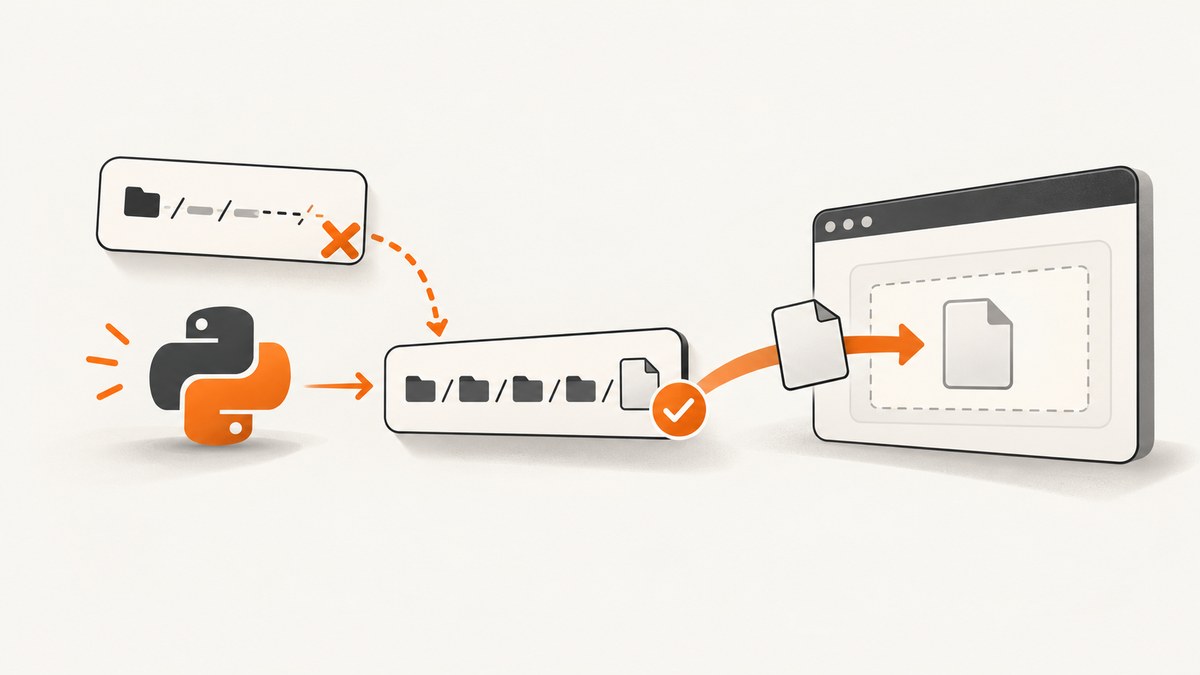
Playwright Python file upload ENOENT errors usually mean the path passed to Playwright does not identify a file from the test process’s current working directory. The browser page, selector, and upload control may be working correctly. Start by preserving the complete exception, inspect Path.cwd(), check the exact path with path.exists() or path.is_file(), then resolve a known fixture path to an absolute path before calling locator.set_input_files().
Playwright’s Python documentation says that relative upload paths are resolved relative to the current working directory. A path that looks correct relative to your test module or repository root can therefore fail when the test runner is launched from another directory, a CI workspace, or a container. The same rule applies to paths passed through the file chooser API.
What ENOENT means in a Playwright upload
ENOENT is an operating-system “no such file or directory” condition. During a path-based upload, Playwright must read the file named by your Python value before it can set the browser’s file input. If that path cannot be resolved to a file in the process environment, the upload fails before the page receives a file.
This diagnosis is the leading check, not a universal explanation for every traceback. The exact exception, operating system, Playwright version, test runner, invocation directory, and whether a file is removed or replaced during the test can change the cause. Confirm the path in the same process that performs the upload.
Fast diagnostic sequence
- Read the full exception. Copy the path shown in the traceback. Do not infer it from the selector or from the location of the test file.
- Print the process working directory. Relative paths are evaluated from this directory, not automatically from the test module.
- Construct the expected path explicitly. Derive it from a controlled project or fixture directory.
- Resolve it to an absolute path. This makes the value passed to Playwright unambiguous.
- Verify the file immediately before upload. Fail with a useful assertion if it is missing.
- Upload with
set_input_files(). Use the file chooser only when the input is created or exposed by a user action.
from pathlib import Path

print("working directory:", Path.cwd())

upload_path = (Path(__file__).parent / "fixtures" / "sample.pdf").resolve()
print("upload path:", upload_path)
print("exists:", upload_path.exists())
print("is file:", upload_path.is_file())

assert upload_path.is_file(), f"Upload fixture missing: {upload_path}"
page.get_by_label("Upload file").set_input_files(upload_path)
The fixture location in this example is an editorial convention. Your project may keep fixtures elsewhere; the important parts are choosing a known root, resolving the path, and checking it before the API call.
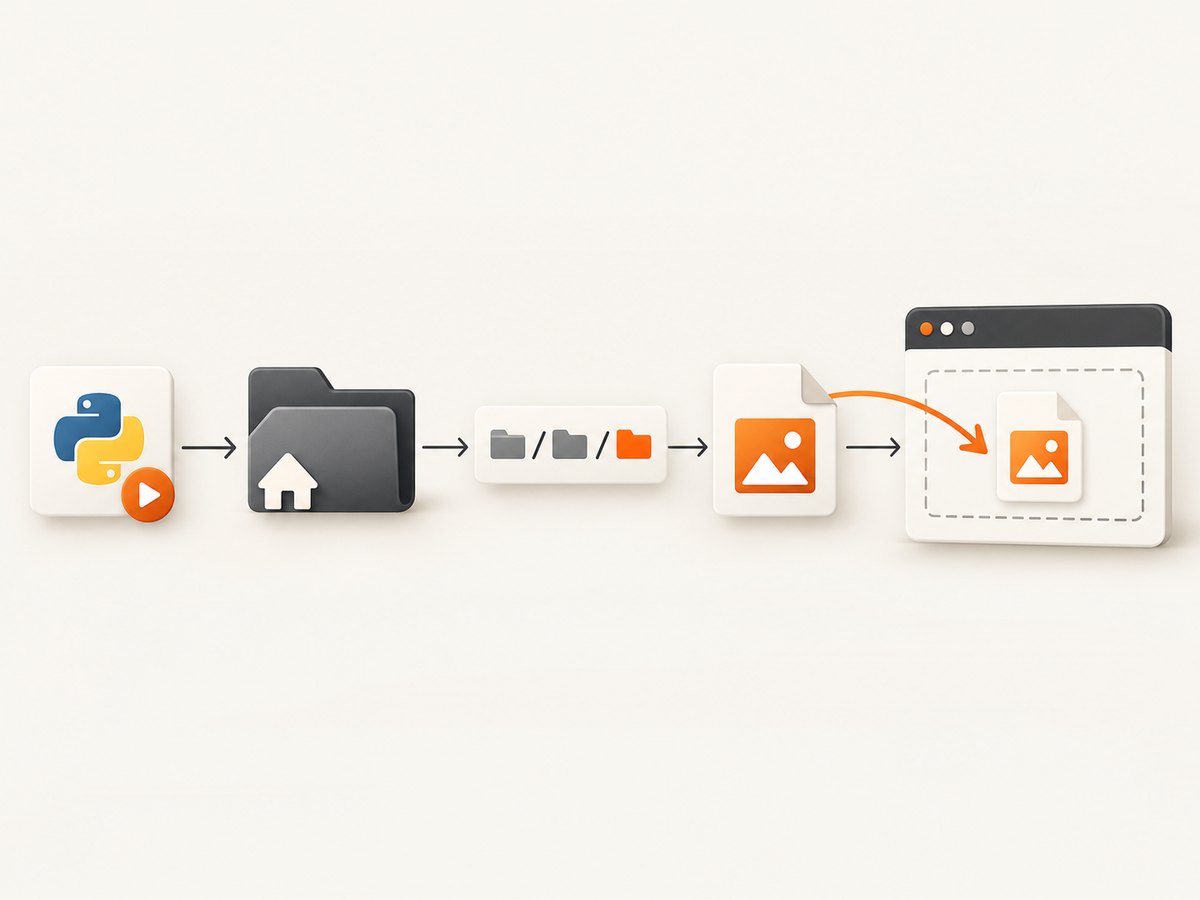
Use locator.set_input_files() for a normal file input
locator.set_input_files() sets files on an HTML <input type="file">. It accepts one path, multiple paths, or file payload dictionaries. The locator should identify the input itself, often by label, role, test id, or CSS selector.
Single upload with an absolute path
from pathlib import Path
from playwright.sync_api import Page


def upload_pdf(page: Page) -> None:
    path = (Path(__file__).parent / "fixtures" / "sample.pdf").resolve()
    assert path.is_file(), f"Missing upload fixture: {path}"

    page.get_by_label("Upload file").set_input_files(path)


# Example test body:
# upload_pdf(page)
Passing a Path object is supported by the Python API. Converting it with resolve() before the call makes the current-working-directory rule irrelevant for this particular value.
Multiple files
from pathlib import Path

root = Path(__file__).parent / "fixtures"
files = [
    (root / "first.txt").resolve(),
    (root / "second.txt").resolve(),
]

for path in files:
    assert path.is_file(), f"Missing upload fixture: {path}"

page.get_by_label("Upload files").set_input_files(files)
The page must expose a file input that permits multiple files. If the application accepts only one file, pass a single path and verify the product’s validation message separately.
Upload a directory
When the application supports directory selection, pass the resolved directory path as documented by your Playwright version. Verify that the browser and application support directory uploads; a directory path is not interchangeable with a regular file path.
Use in-memory bytes when there is no file to find
If the test creates data dynamically or already has the content in memory, use the documented payload form. This avoids resolving a disk path for the upload itself, while still supplying the filename and MIME type that the page expects.

payload = {
    "name": "test.txt",
    "mimeType": "text/plain",
    "buffer": b"test data\n",
}

page.get_by_label("Upload file").set_input_files(files=[payload])
The payload needs a meaningful filename and appropriate MIME type. Bytes avoid filesystem path errors, but they do not bypass application validation such as file size, extension, or content checks.
Generating a PDF payload in memory
pdf_bytes = b"%PDF-1.4\n% test fixture bytes"

page.get_by_label("Upload PDF").set_input_files(files=[{
    "name": "generated.pdf",
    "mimeType": "application/pdf",
    "buffer": pdf_bytes,
}])
Use a real PDF generator when the application parses PDF structure. The short byte sequence above is useful only for demonstrating the API shape.
File chooser uploads: useful for dynamic inputs, not a path workaround
Some applications create the file input only after a click or keep it behind a custom button. In that case, wait for the file chooser while triggering the action, then call set_files().
from pathlib import Path

upload_path = (Path(__file__).parent / "fixtures" / "sample.pdf").resolve()
assert upload_path.is_file(), f"Missing upload fixture: {upload_path}"

with page.expect_file_chooser() as chooser_info:
    page.get_by_role("button", name="Choose file").click()

file_chooser = chooser_info.value
file_chooser.set_files(upload_path)
Chooser paths follow the same current-working-directory rule. The chooser changes how the input is discovered; it does not repair an incorrect relative path. You can pass multiple paths or an in-memory payload to set_files() using the same forms described above.
Path handling patterns that prevent ENOENT
Anchor fixtures to the test module
from pathlib import Path

FIXTURES = Path(__file__).parent / "fixtures"


def fixture(name: str) -> Path:
    path = (FIXTURES / name).resolve()
    if not path.is_file():
        raise FileNotFoundError(f"Fixture does not exist: {path}")
    return path

page.get_by_label("Upload file").set_input_files(fixture("sample.pdf"))
Anchor fixtures to a repository root
If tests run from several packages, define a project root once rather than assuming the shell’s launch directory. For example, a repository marker such as pyproject.toml can be located by walking parent directories.
from pathlib import Path


def find_repo_root(start: Path) -> Path:
    for directory in [start, *start.parents]:
        if (directory / "pyproject.toml").is_file():
            return directory
    raise RuntimeError(f"Could not find repository root from {start}")

root = find_repo_root(Path(__file__).resolve().parent)
path = (root / "tests" / "fixtures" / "sample.pdf").resolve()
assert path.is_file(), f"Missing fixture: {path}"
page.get_by_label("Upload file").set_input_files(path)
Make the working directory explicit in your test command
Running a test command from the repository root can make existing relative paths work, but it couples correctness to how the command is launched. Absolute paths derived in code are more portable across local runs, IDEs, CI jobs, and containers. If a relative path is intentional, log Path.cwd() in CI so a changed invocation directory is visible.
Common errors and fixes
| Symptom | Likely cause | Fix |
|---|---|---|
ENOENT names fixtures/sample.pdf |
The process started outside the directory you assumed. | Print Path.cwd(); derive and resolve the path from __file__ or a known root. |
FileNotFoundError appears in your assertion |
The fixture is absent, misspelled, ignored by version control, or mounted elsewhere. | Inspect the resolved path, list its parent directory, and ensure CI copies the fixture. |
| The path exists before upload but upload still fails | The file may be replaced or removed between the check and API call, or the inspected process differs from the failing process. | Keep the check immediately before upload, inspect the complete traceback, and review fixture cleanup and parallel workers. |
| Chooser waits forever | The click did not trigger a file chooser, or the control is not the expected element. | Use expect_file_chooser() around the triggering action and verify the selector; use a locator for the input when it is available. |
| Upload succeeds but the page rejects the file | Filename, MIME type, extension, size, or content is invalid. | Match the application’s requirements and use a payload with an appropriate name and MIME type. |
| Works locally, fails in CI or a container | The fixture was not copied, the mount path differs, or the test runs from another working directory. | Resolve from a path present in that environment and assert is_file() before upload. |
| Relative path is correct beside the test file but fails | Playwright resolves it from the current working directory, not the test file’s directory. | Use Path(__file__).parent to construct an absolute path. |
Reliability and performance considerations
- Fail early. A clear assertion naming the resolved path is faster to diagnose than a browser timeout later in the flow.
- Prefer deterministic fixtures. Keep small test files in a controlled fixture directory and avoid depending on a developer’s desktop or a temporary download unless the test is specifically about downloading.
- Use bytes for generated data. In-memory payloads remove filesystem setup and reduce races involving temporary files.
- Do not overuse retries. Retrying an unchanged missing path hides the cause and adds test time. Fix path construction first.
- Consider parallel workers. If workers generate the same temporary filename, one worker can replace or remove another worker’s file. Use unique paths or in-memory payloads.
- Keep payloads realistic. Very large buffers can increase memory use. For large, stable files, a verified path is usually simpler.
Or skip the browser setup
If your goal is obtaining a clean screenshot of an upload result or any other page state, ScreenshotNeo provides a website screenshot API so you do not have to maintain Playwright browser setup. It accepts one GET request and returns PNG, JPEG, WebP, or PDF output. See the ScreenshotNeo API documentation for request options.
curl -G "https://api.screenshotneo.com/v1/shot" -d access_key=YOUR_API_KEY --data-urlencode url=https://stripe.com -o shot.webpimport requests
r = requests.get("https://api.screenshotneo.com/v1/shot", params={"access_key": "YOUR_API_KEY", "url": "https://stripe.com"}, timeout=90)
open("shot.webp", "wb").write(r.content)const q = new URLSearchParams({ access_key: 'YOUR_API_KEY', url: 'https://stripe.com' });
const res = await fetch(`https://api.screenshotneo.com/v1/shot?${q}`);ScreenshotNeo removes cookie and consent banners, newsletter popups, and chat widgets before capture. Bot checks, blank pages, failed loads, timeouts, and cache hits are not billed, and response headers identify the page verdict and billing result. Its MCP server includes take_screenshot, get_page_info, and capture_pdf tools for Claude, Cursor, and other MCP clients. The Free plan includes 1,000 screenshots each month without a card; paid plans start at $5 for 3,000 shots.
Create a free ScreenshotNeo account to get 1,000 screenshots a month with no card.
FAQ
Does changing the upload selector fix ENOENT?
Usually no. ENOENT concerns the file path that Playwright is trying to read. Change the selector only after confirming the path exists and the locator identifies the intended input.
Can I pass a relative path to set_input_files()?
Yes, but it is resolved from the current working directory. Use a resolved absolute path when the fixture location must be independent of how the test was launched.
Should I use the file chooser for every upload?
No. Use locator.set_input_files() when the input is available. Use the chooser flow when a user action dynamically exposes the input or is required to trigger it.
What if the file is created during the test?
Wait until the writer has closed and flushed the file, verify is_file(), then upload. If the content is already in memory, pass a payload dictionary instead.
Can Playwright upload bytes without a filename?
The in-memory payload form includes a filename, MIME type, and bytes. Supply all three so the page receives metadata consistent with a normal file selection.
Checklist
- Read the complete ENOENT traceback and identify the exact path.
- Log
Path.cwd()in the failing test process. - Build the path from a known fixture or project root.
- Call
resolve()and assertis_file()immediately before upload. - Use
set_input_files()for a stable input. - Use
expect_file_chooser()only for dynamic chooser interactions. - Use an in-memory payload when generated bytes are already available.
- Inspect CI mounts, fixture packaging, cleanup, and parallel workers if local and CI results differ.
The practical fix is to make the file location explicit and verifiable in the same process that runs Playwright. Once path resolution is deterministic, remaining failures become easier to classify as selector, application validation, or environment problems.


