How to Set the Screenshot Output Folder in Playwright
Learn where Playwright saves screenshots and how to configure folders for page captures, test artifacts, visual snapshots, and parallel runs.
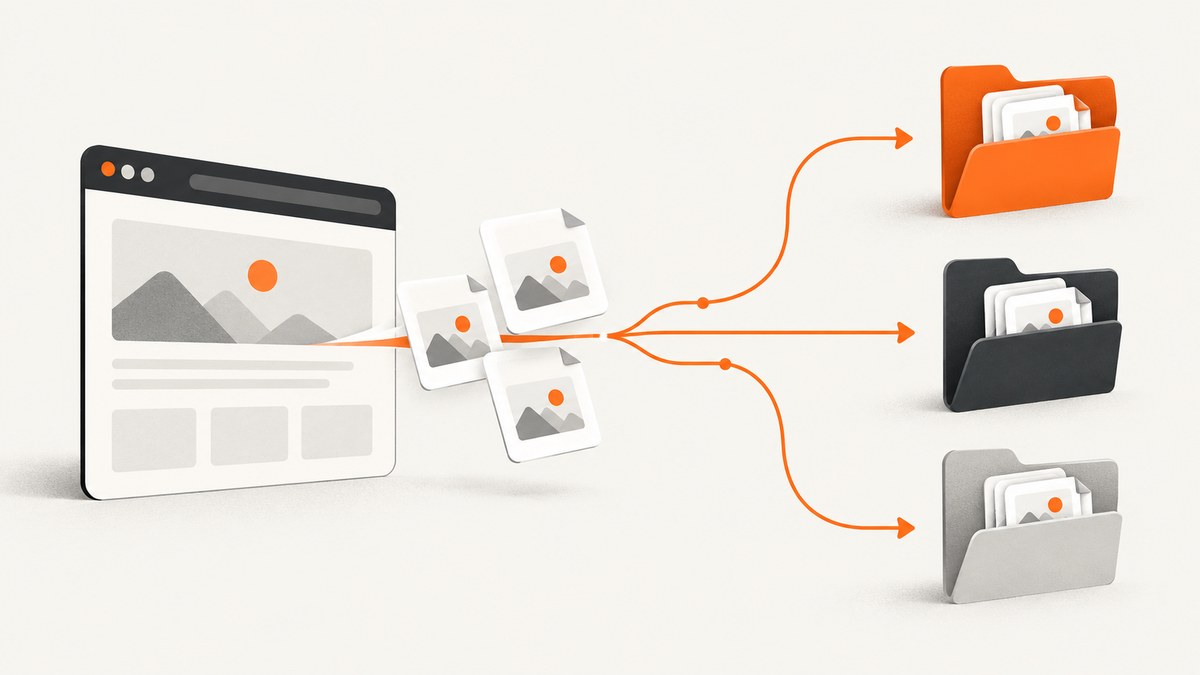
Playwright uses different folder settings depending on how the screenshot is created. For a direct browser screenshot, set the destination in the call itself:
await page.screenshot({ path: 'screenshots/home.png' });For Playwright Test artifacts, set outputDir in playwright.config.ts. For a screenshot that belongs to one test, use testInfo.outputPath() so parallel workers receive collision-safe paths. For visual comparison baselines created by toHaveScreenshot(), configure snapshotPathTemplate or the assertion-specific path template. These settings are related, but they are not interchangeable.
This guide explains each option, shows complete runnable examples, covers Windows and CI paths, and includes troubleshooting for the folder problems developers most often encounter.
Choose the folder setting that matches your screenshot
| Screenshot source | Setting | Best use |
|---|---|---|
page.screenshot() |
path |
A file you explicitly capture in application or script code |
| Playwright Test artifacts | outputDir |
Test traces, videos, failure screenshots, and other run output |
| A file generated by one test | testInfo.outputPath() |
Parallel-safe, per-test files |
expect(page).toHaveScreenshot() |
snapshotPathTemplate or pathTemplate |
Stable visual regression baselines |
The official page screenshot API documents the path argument. Playwright Test’s test configuration documents outputDir, while TestInfo outputPath provides a path inside the current test’s output directory.
Set the path for a direct page.screenshot()
Pass a relative or absolute path in the screenshot options. Relative paths are resolved from the process’s current working directory, usually the directory where you started Node.js. The parent directory must exist before the capture runs.
import { chromium } from 'playwright';
import { mkdir } from 'node:fs/promises';

await mkdir('screenshots', { recursive: true });
const browser = await chromium.launch();
const page = await browser.newPage({ viewport: { width: 1440, height: 900 } });
await page.goto('https://example.com', { waitUntil: 'networkidle' });
await page.screenshot({
  path: 'screenshots/example.png',
  fullPage: true,
  animations: 'disabled'
});
await browser.close();
path controls the filename and extension. Playwright selects the image format from the extension, such as PNG or JPEG. You can also set type explicitly when your workflow needs a particular format.
Useful screenshot options
fullPage: truecaptures the full scrollable page instead of only the viewport.clipcaptures a rectangle withx,y,width, andheight.qualityapplies to JPEG and WebP output where supported.omitBackground: trueproduces transparency for supported formats.scale: 'css' | 'device'controls whether output dimensions follow CSS pixels or device pixels.animations: 'disabled'prevents animated transitions from making captures inconsistent.caret: 'hide'removes the text caret from editable controls.
Create folders before calling the API. Playwright writes the file, but it does not reliably create arbitrary nested parent directories for you. A portable approach is mkdir(..., { recursive: true }) from Node’s filesystem API.
Configure Playwright Test’s artifact directory
Playwright Test writes run artifacts under test-results by default. Set a project-level directory with outputDir:
import { defineConfig } from '@playwright/test';

export default defineConfig({
  testDir: './tests',
  outputDir: './artifacts',
  use: {
    baseURL: 'https://example.com'
  }
});
The output directory is cleaned at the start of a run. Each test receives a unique subdirectory, which prevents two workers from overwriting the same artifact. Keep generated artifacts outside source directories so cleanup cannot remove fixtures or checked-in files. In CI, upload artifacts after the test command completes.
Failure screenshots and other automatic artifacts
The use.screenshot option controls when Playwright Test captures screenshots automatically:
import { defineConfig } from '@playwright/test';

export default defineConfig({
  outputDir: './artifacts',
  use: {
    screenshot: 'only-on-failure',
    trace: 'retain-on-failure',
    video: 'off'
  }
});
Valid screenshot policies are off, on, and only-on-failure. This policy decides whether a screenshot is taken; outputDir decides where test artifacts are stored. They solve different problems.
Use testInfo.outputPath() for per-test files
If a test creates a named screenshot, derive the path from the current test rather than assembling a shared folder manually:
import { test } from '@playwright/test';

 test('home page capture', async ({ page }, testInfo) => {
  await page.goto('https://example.com');
  const screenshotPath = testInfo.outputPath('screenshots', 'home.png');
  await page.screenshot({ path: screenshotPath, fullPage: true });
});
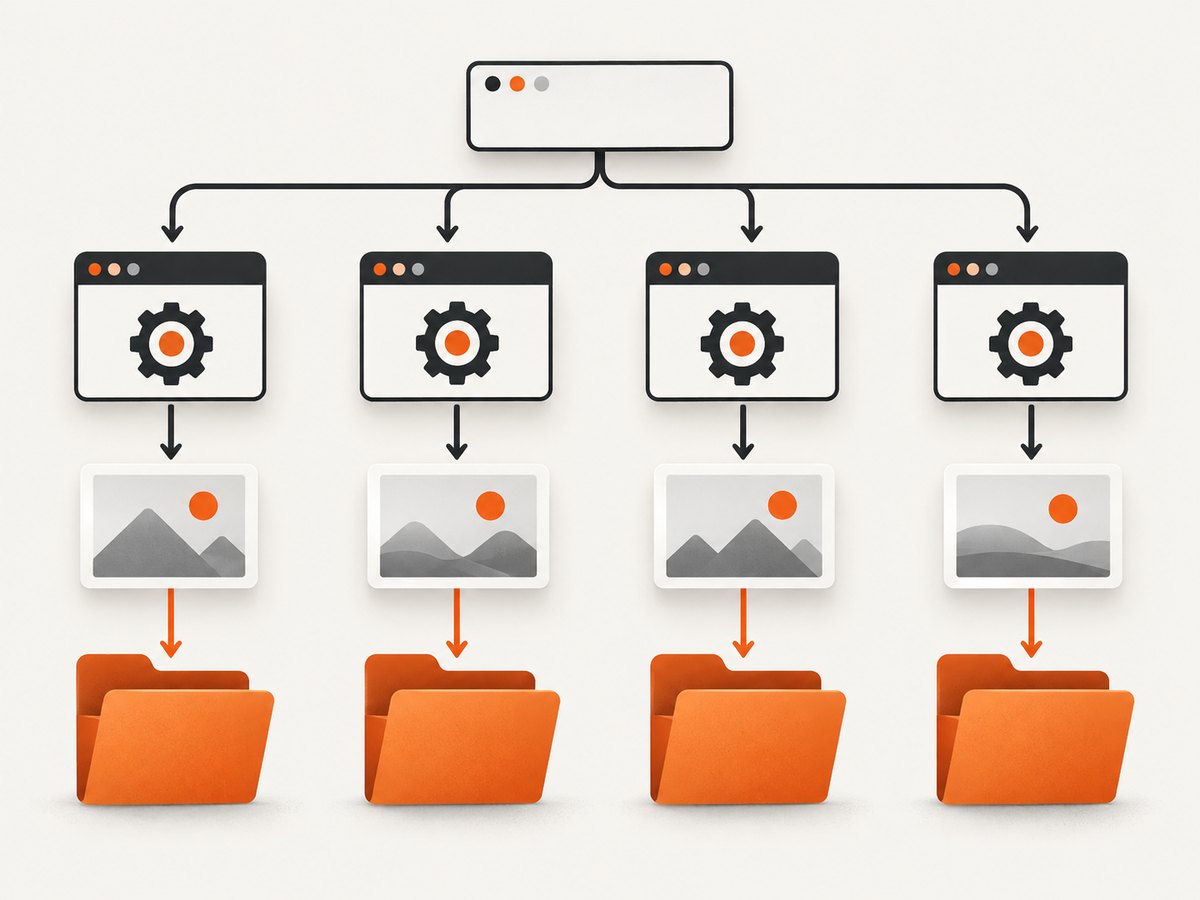
outputPath() places the file inside that test’s output directory and includes the worker-specific path Playwright assigned. Its path segments must stay inside testInfo.outputDir; attempting to escape with values such as ../outside.png raises an error. This restriction protects test isolation.
Use this pattern for downloaded previews, DOM snapshots, debug images, and any other file that belongs to one test. It remains safe when retries and parallel projects run at the same time.
Set the folder for visual regression snapshots
Visual assertions use a baseline directory separate from the general artifact directory. Configure a global template:
import { defineConfig } from '@playwright/test';

export default defineConfig({
  testDir: './tests',
  expect: {
    toHaveScreenshot: {
      pathTemplate: '{testDir}/__screenshots__/{testFilePath}/{arg}{ext}'
    }
  }
});
Depending on the Playwright release, the equivalent global setting is called snapshotPathTemplate. The assertion-specific template is documented in the current visual comparisons guide. Check the documentation matching your installed version before adopting a newly introduced option.
Templates can use tokens including {testDir}, {snapshotDir}, {testFileDir}, {testFilePath}, {testFileName}, {testFileBaseName}, {projectName}, {testName}, {arg}, {ext}, and {platform}. A relative template resolves from the configuration directory. Forward slashes work across operating systems.
import { test, expect } from '@playwright/test';

test('landing page matches baseline', async ({ page }) => {
  await page.goto('https://example.com');
  await expect(page).toHaveScreenshot('landing.png', {
    fullPage: true,
    animations: 'disabled'
  });
});
Do not expect changing outputDir to move these baselines. Artifact cleanup and baseline versioning have different lifecycles: artifacts are disposable run output, while snapshots normally belong in source control.
Relative paths, CI, and operating systems
- Resolve relative paths from a known project directory. Running Playwright from a monorepo root and from a package directory can produce different locations.
- Use Node’s
path.resolve()orpath.join()instead of hard-coded backslashes. - Do not commit large failure artifacts unless your review process requires them; upload them as CI artifacts.
- Keep baseline snapshots deterministic by fixing the browser, viewport, locale, timezone, fonts, and animation state.
- When containers run as a different user, verify that the output directory is writable.
import path from 'node:path';

const outputFile = path.resolve(process.cwd(), 'artifacts', 'manual', 'page.png');
await page.screenshot({ path: outputFile });
CLI and MCP screenshots use separate rules
The Playwright CLI has its own filename behavior and supports a custom filename. Its documented default is a generated timestamp filename in its output directory. Playwright MCP also has separate filename and workspace-root resolution rules. Those interfaces do not inherit the JavaScript API’s path behavior or Playwright Test’s outputDir. Consult the CLI documentation or the MCP documentation for the command you are using.
Common errors and fixes
| Error or symptom | Cause | Fix |
|---|---|---|
| ENOENT or “no such file or directory” | The parent folder does not exist. | Create it with mkdir(path, { recursive: true }) before capture. |
| File appears in an unexpected location | The process started from a different working directory. | Log process.cwd() and use an absolute path or a project-root helper. |
| Parallel tests overwrite files | Tests share a manually constructed filename. | Use testInfo.outputPath() or include test and project identifiers. |
Changing outputDir does not move baselines |
Visual snapshots use a snapshot template. | Configure snapshotPathTemplate or toHaveScreenshot.pathTemplate. |
| Artifacts disappear between runs | Playwright cleans outputDir at run start. |
Copy required files elsewhere or upload them in CI before the next run. |
| “Path must be inside output directory” | outputPath() received an escaping segment. |
Pass only child path segments and keep the file under the test output directory. |
| Screenshot differs on CI | Fonts, browser version, viewport, timezone, or animations differ. | Pin the environment and disable animations before comparing images. |
| Blank or partially rendered screenshot | Capture occurred before navigation or lazy content finished. | Wait for the required selector, a stable load state, or application-specific readiness signal. |
Performance, reliability, and storage planning
Full-page screenshots can be substantially larger and slower than viewport captures because Playwright must render the page’s scrollable content. Capture only the viewport when that is sufficient. For repeated visual tests, disable animations and wait for a specific readiness condition instead of adding a long fixed delay.
Parallel workers improve throughput but increase disk usage. Give each test an isolated path, then retain only the artifacts needed for debugging. In CI, compress or expire uploaded artifacts according to your retention policy. Baseline images should be reviewed as code changes; failure screenshots are disposable evidence.
Reliability improves when the capture process controls its environment: use a fixed browser version, deterministic data, stable fonts, explicit viewport dimensions, and a consistent color scheme. If a page contains ads, rotating content, or third-party widgets, hide or mock those sources before the screenshot.
Or skip the browser setup
If you need a screenshot file rather than a Playwright test artifact, ScreenshotNeo provides a single GET request that returns PNG, JPEG, WebP, or PDF. Its API accepts the URL and capture options, so you do not manage browser installation, folders, or worker processes.
See the ScreenshotNeo API documentation for the full option list. A minimal cURL request is:
curl -G 'https://api.screenshotneo.com/v1/shot' -d access_key=YOUR_API_KEY --data-urlencode url=https://stripe.com -o shot.webpPython:
import requests

r = requests.get('https://api.screenshotneo.com/v1/shot', params={'access_key': 'YOUR_API_KEY', 'url': 'https://stripe.com'}, timeout=90)
r.raise_for_status()
open('shot.webp', 'wb').write(r.content)
Node.js:
const q = new URLSearchParams({ access_key: 'YOUR_API_KEY', url: 'https://stripe.com' });
const res = await fetch(`https://api.screenshotneo.com/v1/shot?${q}`);
if (!res.ok) throw new Error(`Screenshot failed: ${res.status}`);
const fs = await import('node:fs/promises');
await fs.writeFile('shot.webp', Buffer.from(await res.arrayBuffer()));
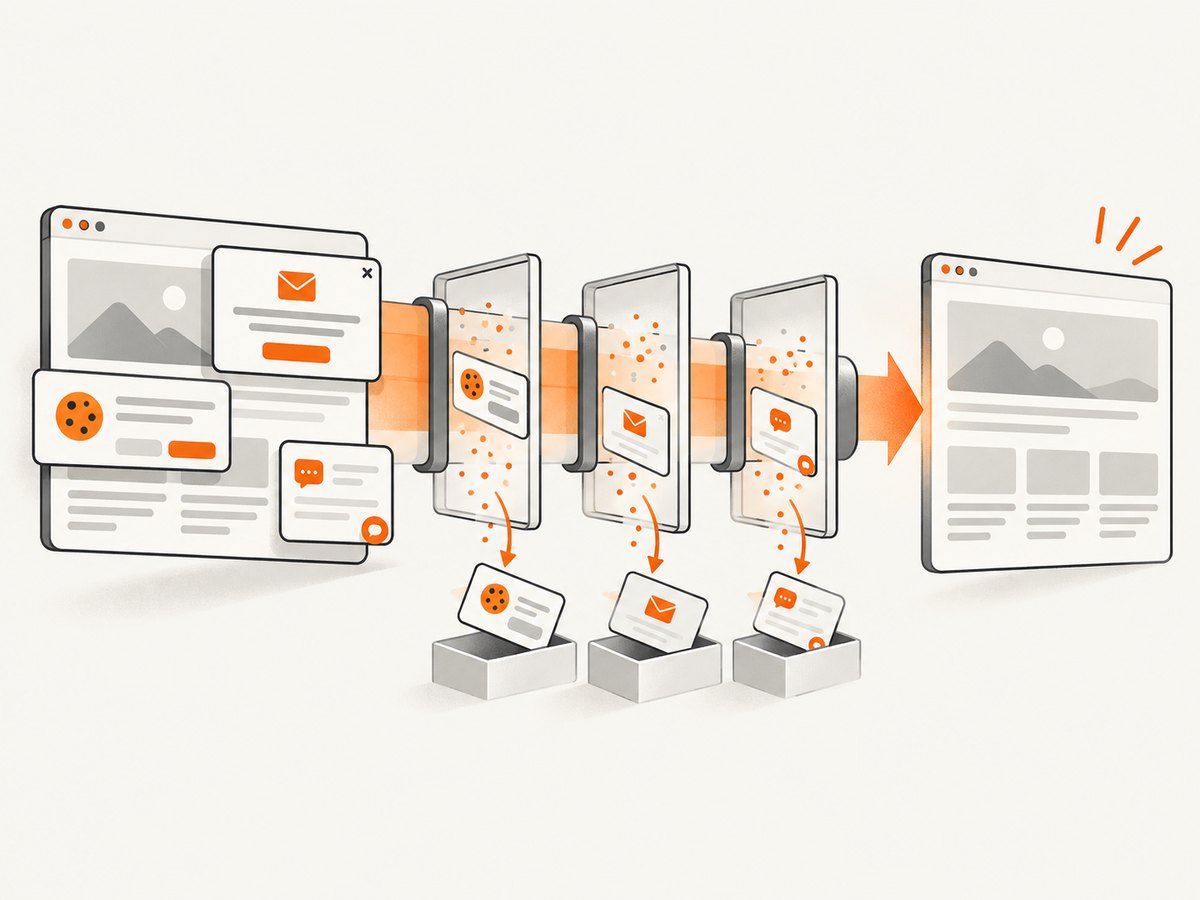
ScreenshotNeo removes cookie and consent banners, newsletter popups, and chat widgets before capture. Bot checks, blank pages, timeouts, failed loads, and cache hits are not billed, and response headers identify the page verdict and billing result. It also offers an MCP server with take_screenshot, get_page_info, and capture_pdf for Claude, Cursor, and other MCP clients. The Free plan includes 1,000 screenshots per month with no card; paid plans start at $5 for 3,000 shots. Create a free ScreenshotNeo account.
FAQ
Does page.screenshot() use outputDir?
No. The explicit path passed to page.screenshot() determines that file’s location.
Should screenshot baselines be stored in test-results?
Usually no. Keep baselines in a stable snapshot directory and reserve outputDir for disposable run artifacts.
How do I prevent duplicate filenames?
Use testInfo.outputPath() for test-owned files or include unique test, project, and retry identifiers in manually generated names.
Can I use an absolute path?
Yes for direct screenshots, provided the process can write there. For testInfo.outputPath(), the resulting path must remain inside the test output directory.
Why is my screenshot folder empty after the run?
Check that the screenshot call executed, that the path is resolved where you expect, and that the test runner did not clean the configured artifact directory at startup.


