Where Playwright Saves Screenshots and How to Set the Output Path
Playwright saves screenshots only when you provide a path. Learn where relative paths point, how test artifacts and visual snapshots are stored, and how to choose a reliable output directory.
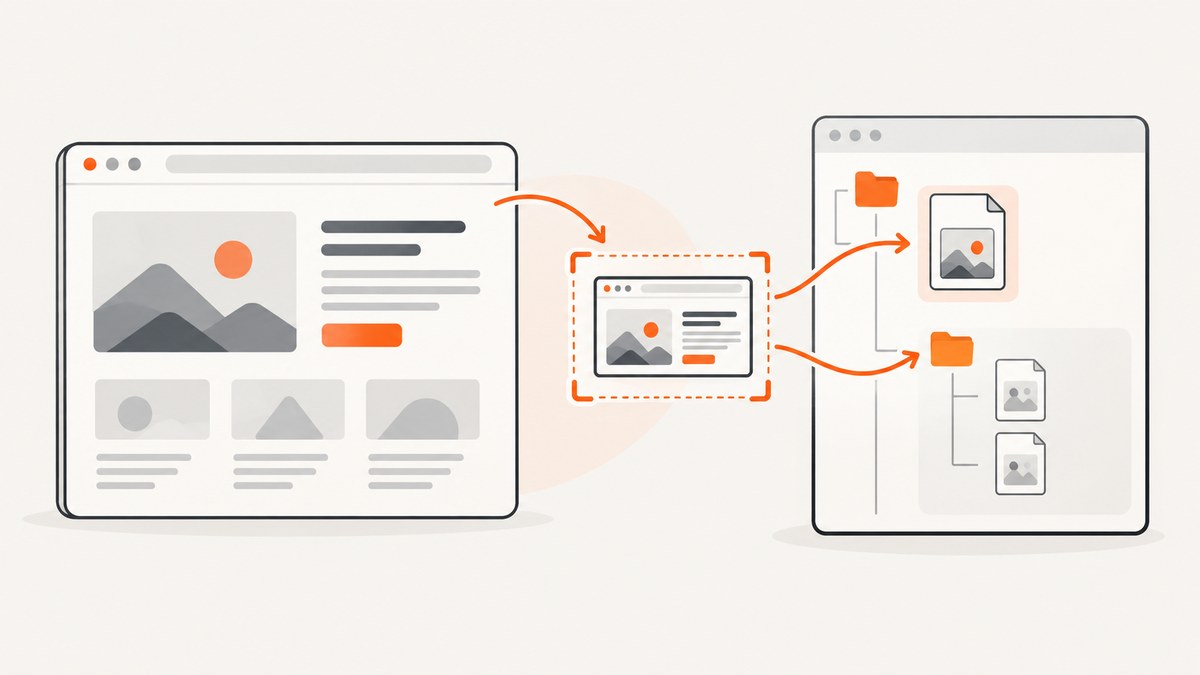
Direct answer: Playwright saves a library screenshot to the destination you pass as path. For example, await page.screenshot({ path: 'artifacts/home.png' }). A relative path is resolved from the process’s current working directory. If you omit path, Playwright returns screenshot bytes instead of writing a file. There is no automatic default file location for a direct page.screenshot() call.
The right destination depends on what you are capturing: an ad hoc image, a test-run artifact, a visual-regression baseline, or a screenshot made with the command-line tool. These workflows have different directory rules. This guide shows how to set each path, verify where it points, and avoid common missing-file problems.
1. Save a direct screenshot to a specific path
Pass a filename in the path option. The extension selects the output format: PNG, JPEG, or WebP. Use a directory path such as screenshots/home.png to organize files relative to the current working directory, or provide an absolute path when the destination must not depend on how the program was launched.
import { chromium } from 'playwright';
import path from 'node:path';
import { mkdir } from 'node:fs/promises';

const outputDir = path.resolve(process.cwd(), 'artifacts', 'screenshots');
await mkdir(outputDir, { recursive: true });

const browser = await chromium.launch();
const page = await browser.newPage();
await page.goto('https://example.com');

const outputPath = path.join(outputDir, 'home.png');
await page.screenshot({ path: outputPath, fullPage: true });
console.log(`Saved screenshot to ${outputPath}`);

await browser.close();
Run it from the project that has Playwright installed. The explicit mkdir makes sure the parent directory exists. Constructing the path with Node’s path module avoids relying on a particular slash convention.
fullPage: true changes the captured area, not the destination rules. The same path option works for a page screenshot or an element screenshot:
await page.locator('.header').screenshot({ path: 'artifacts/header.png' });If you leave off path, retain the returned bytes yourself if you need a file:
const bytes = await page.screenshot();
await writeFile('artifacts/home.png', bytes);
Import writeFile from node:fs/promises and create the parent directory first if needed. This form gives your code control over how and where the bytes are written.
2. Understand relative and absolute paths
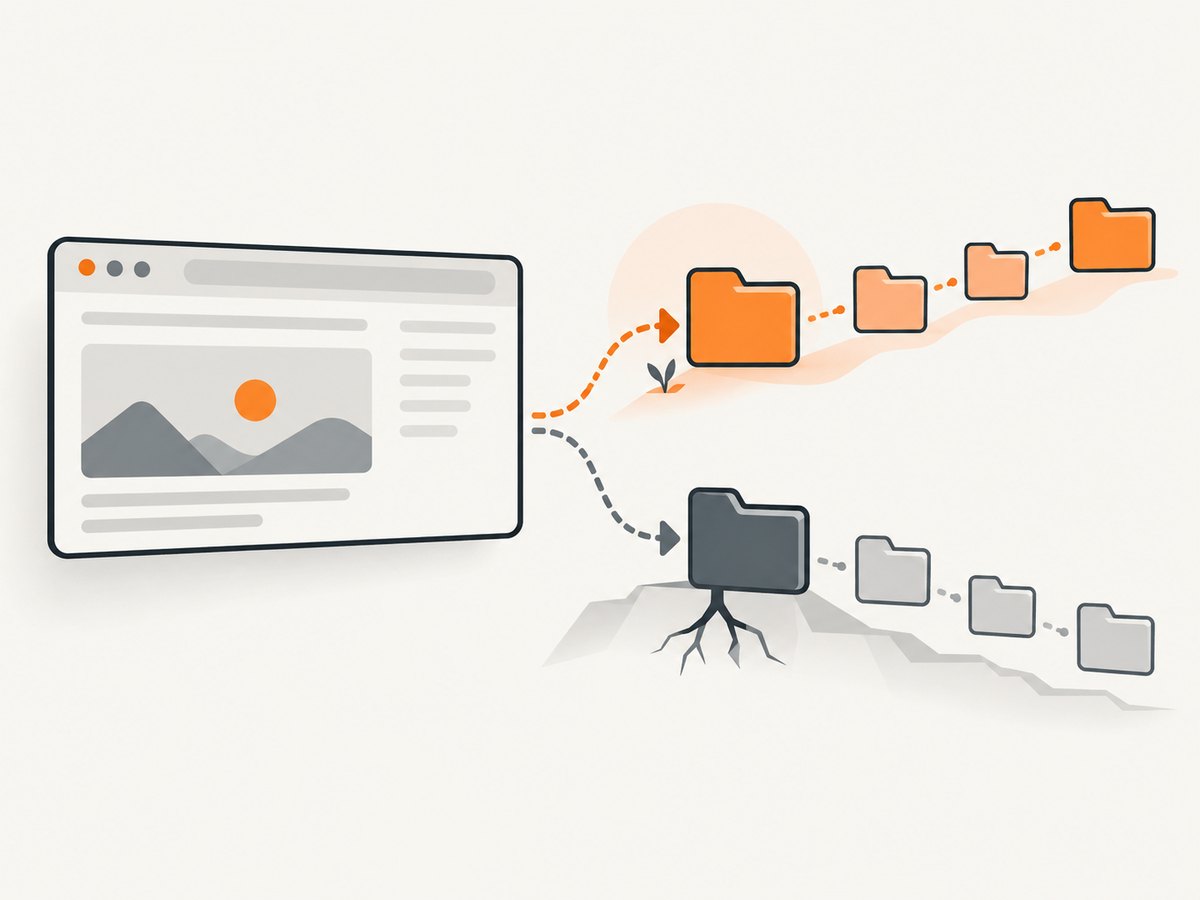
A relative path such as screenshots/home.png is relative to the process current working directory, not automatically relative to the source file. That directory can differ when running a script from a terminal, IDE, package script, container, or CI job.
To inspect the base directory in Node.js, print it before capturing:
console.log('Working directory:', process.cwd());For a stable project-relative destination, resolve the path from a known directory. In a simple project, path.resolve(process.cwd(), 'artifacts', 'home.png') is often sufficient if the command is always launched at the project root. If launch location varies, derive the project root from your application configuration or pass an output directory as an argument. An absolute path removes ambiguity about path resolution, though the target directory still needs to exist and be writable.
| Path form | What it means | Good fit |
|---|---|---|
shot.png |
File in the current working directory | One-off local capture |
artifacts/shot.png |
Subdirectory of the current working directory | Project output when launch directory is predictable |
/tmp/run-42/shot.png |
Absolute destination on the current machine | Explicit local or CI workspace path |
testInfo.outputPath('shot.png') |
Playwright Test-managed output location | Per-test artifacts and reports |
3. Save screenshots from Playwright Test
For files produced inside a Playwright Test, use testInfo.outputPath(). It returns a path under the test’s managed output directory, which is designed for test artifacts and helps keep output associated with that test run.
import { test } from '@playwright/test';

test('checkout page screenshot', async ({ page }, testInfo) => {
  await page.goto('https://example.com/checkout');
  const screenshotPath = testInfo.outputPath('checkout.png');
  await page.screenshot({ path: screenshotPath, fullPage: true });
  console.log(`Screenshot: ${screenshotPath}`);
});
Use this pattern when you want a screenshot attached to a test’s output rather than mixed into a shared folder. The final output location is managed by Playwright Test and can be affected by its test output configuration and run context. Log the returned path when debugging, and inspect the test results directory after the run.
Do not assume that testInfo.outputPath() is the same as a visual-regression snapshot directory. Test output artifacts and expected comparison images serve different purposes.
4. Set the directory for visual-regression snapshots
expect(page).toHaveScreenshot() is for screenshot comparison. Playwright stores and compares reference images in snapshot directories associated with the test file. You can customize the shared directory and filename layout with the snapshotPathTemplate setting in the Playwright configuration.
import { defineConfig } from '@playwright/test';

export default defineConfig({
  snapshotPathTemplate: '{testDir}/__screenshots__{/projectName}/{testFilePath}/{arg}{ext}',
});
The template supports tokens such as project name, test-file path, test name, and extension. A relative template is resolved relative to the configuration directory. Choose a layout that keeps projects or test files from generating colliding names, especially when multiple browser projects capture the same test.
Example test:
import { expect, test } from '@playwright/test';

test('landing page visual baseline', async ({ page }) => {
  await page.goto('https://example.com');
  await expect(page).toHaveScreenshot('landing.png', { fullPage: true });
});
Snapshot files are reference data used by visual assertions. They are not interchangeable with ad hoc captures saved using page.screenshot({ path }). When changing a snapshot layout, check both the configured template and the snapshot files committed with the test suite.
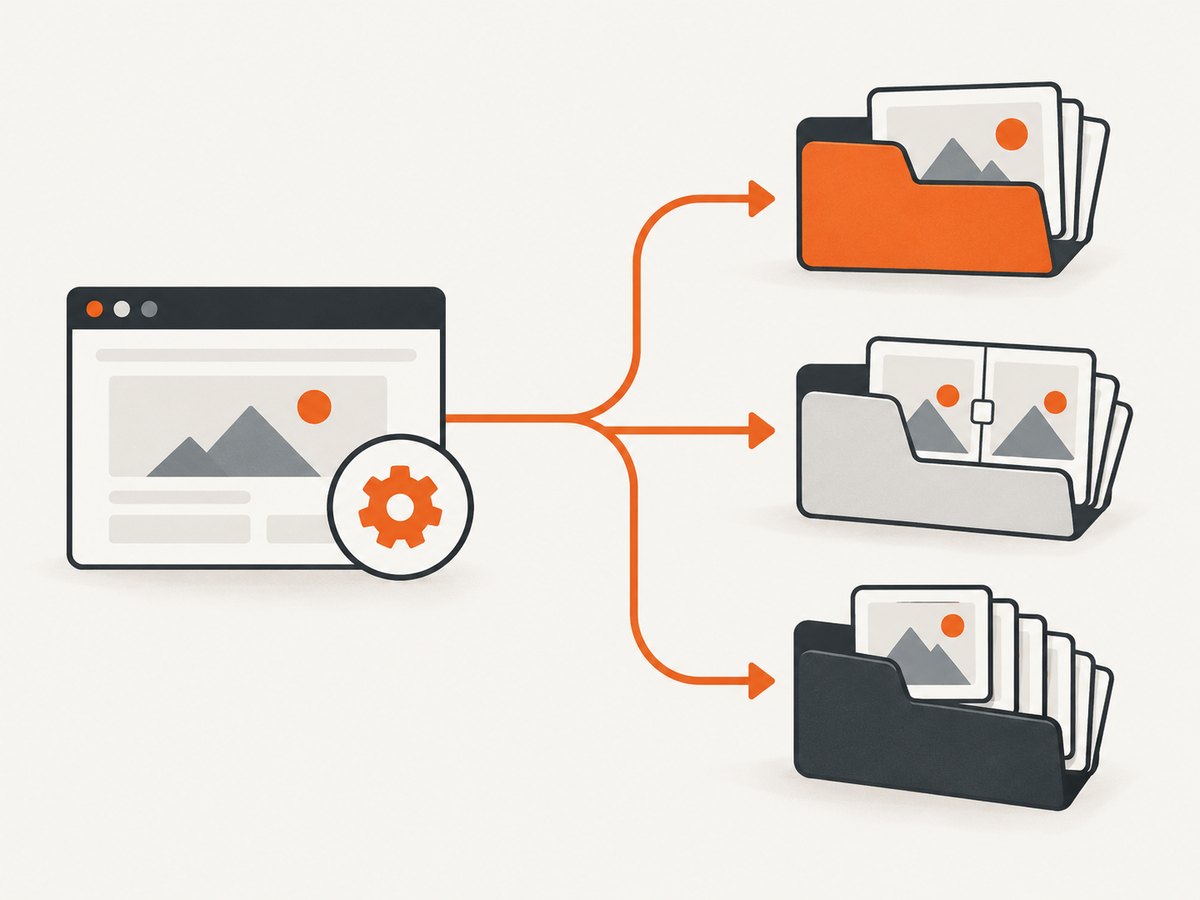
5. Choose between the three Playwright destinations
| Workflow | How to set destination | Path base or storage behavior | Use it for |
|---|---|---|---|
| Direct library capture | page.screenshot({ path }) or locator.screenshot({ path }) |
Relative path uses process current working directory | Scripts, debugging, application-generated images |
| Test-run artifact | testInfo.outputPath('name.png') passed as path |
Playwright Test-managed test output directory | Evidence from a test, including run-specific output |
| Visual baseline | expect(page).toHaveScreenshot() |
Snapshot directory; customizable with snapshotPathTemplate |
Expected images for visual comparison |
There is also a separate CLI workflow. It writes to its output directory. Without --filename, the CLI names the file page-{timestamp}.{png|jpeg|webp} in that output directory; --filename=login-page.png sets the name and extension. Do not use CLI defaults to infer where a library call or test snapshot will go.
6. Configure path and image options deliberately
For direct captures, the destination is controlled by path. Other useful screenshot options control the image content rather than where the file is saved:
fullPage: truecaptures the full scrollable page.- A locator’s
screenshot()captures that element rather than the whole page. - The filename extension selects PNG, JPEG, or WebP output.
- Omitting
pathreturns image bytes without creating a disk file.
Keep path selection separate from capture configuration. For example, deciding to capture the full page does not cause Playwright to choose a special directory. Likewise, changing the output path does not make a screenshot full-page or change which element is captured.
For repeatable scripts, define one output directory near the start, create it recursively, and build each filename from stable identifiers. Avoid using untrusted page content directly as a filename; sanitize dynamic names so separators or reserved characters cannot redirect or invalidate the destination.
7. Make output paths reliable in local runs and CI
- Pick an artifact purpose. Decide whether the file is a one-off capture, a test output, or a visual baseline.
- Choose the matching API. Use explicit
pathfor direct captures,testInfo.outputPath()for test artifacts, andtoHaveScreenshot()for snapshots. - Make the directory explicit. Resolve from a known root or use the test-managed location. Do not assume every runner starts in the same directory.
- Create directories before writing. Ensure the parent exists, especially in temporary CI workspaces.
- Log the resolved path. A full path in the job log makes artifacts easier to find and debug.
- Check artifact collection rules. A file can exist during a job and still be absent from the final CI report if the runner is not configured to retain or upload that location.
For parallel runs, avoid having multiple workers write the same filename into one shared directory. Include a test, worker, or run identifier, or let Playwright Test provide the per-test output path. This prevents overwrites and makes it clear which run produced an image.
8. Troubleshoot missing or misplaced screenshot files
| Symptom | Likely cause | Fix |
|---|---|---|
No file appears after page.screenshot() |
The call omitted path; it returned bytes instead |
Pass a path, or write the returned bytes yourself |
| File exists in an unexpected folder | A relative path was resolved from a different current working directory | Print process.cwd(); resolve from a known project root or use an absolute path |
| Screenshot write fails because a directory is missing | The parent folder does not exist | Create it first, for example with mkdir(dir, { recursive: true }) |
| Test artifact is hard to locate | A manually chosen shared path obscures test output organization | Use and log testInfo.outputPath('name.png') |
| Visual baseline appears under another directory | The test uses snapshot storage, possibly shaped by snapshotPathTemplate |
Inspect the Playwright config and test-file snapshot directory |
| CLI file has a timestamped name | No CLI --filename was supplied |
Set --filename=desired-name.png and check the CLI output directory |
| File appears locally but not in CI artifacts | The CI job did not retain or upload the output directory | Configure artifact collection for the resolved destination |
| One screenshot replaces another | Concurrent workers wrote the same path | Use unique names or per-test output paths |
When investigating, search for the filename and for testInfo.outputPath or snapshotPathTemplate in the repository. First establish which screenshot workflow produced the file; then inspect that workflow’s path rules. This is quicker than changing a destination before confirming which API is in use.
9. Performance, reliability, and storage costs
Path selection itself does not make browser rendering faster. Capture time is mainly spent navigating and rendering the page and producing the image; filesystem writes add work too, particularly for large full-page images or slow/network-mounted storage. Keep artifacts only as long as they are useful, and avoid repeatedly capturing huge pages when a locator screenshot answers the debugging question.
Reliability comes from making the destination deterministic, ensuring the directory exists, avoiding filename collisions, and retaining the output directory in CI. A successful screenshot call does not guarantee a CI artifact will be available after the job unless the job saves that directory. For visual regression, treat reference images as versioned test inputs and review intentional changes rather than allowing unrelated runs to overwrite them.
Disk usage depends on image dimensions, format, page content, and how many runs you retain; there is no fixed file size implied by the path option. PNG is lossless and often useful for comparison, while JPEG and WebP can reduce size depending on content and settings. If disk or CI artifact storage is constrained, choose a retention policy and capture scope that match the debugging or review need.
Or skip the browser setup
If you need a website image without maintaining browser code and output folders, ScreenshotNeo is a website screenshot API and MCP server. One GET request returns a PNG, JPEG, WebP, or PDF. See the API documentation for parameters and formats.
curl -G "https://api.screenshotneo.com/v1/shot" -d access_key=YOUR_API_KEY --data-urlencode url=https://example.com -o shot.webpCookie banners, newsletter popups, and chat widgets are removed before the shot. Bot checks, blank pages, and failed loads are never billed; response headers say the page verdict and billing status. An MCP server lets AI agents, including Claude and Cursor, take screenshots. There are 1,000 screenshots a month free with no card, and paid plans start at $5 for 3,000. Sign up for 1,000 free screenshots a month.
FAQ
Where does Playwright put screenshots if I do not specify a path?
A direct screenshot call does not create a disk file when path is omitted; it returns image bytes.
Does fullPage: true change the output folder?
No. It changes the captured area. The supplied path and the workflow’s path rules still determine where the result goes.
Can I change where toHaveScreenshot() stores baselines?
Yes. Configure snapshotPathTemplate to customize the layout. Relative templates are resolved from the Playwright configuration directory.
Why is my screenshot in a different place in CI?
The job may start with a different current working directory or use Playwright Test’s managed output directories. Log the resolved path and configure the CI artifact collector for it.


