How to Save Playwright Visual Regression Reference Screenshots in One Folder
Set Playwright’s snapshot path template to keep visual regression references under one shared folder while preserving test and project organization.

Set snapshotPathTemplate in your Playwright Test configuration to place visual regression reference screenshots under a shared directory. A useful default keeps snapshots in tests/__screenshots__ while retaining the test file path and screenshot name:
import { defineConfig } from '@playwright/test';

export default defineConfig({
  testDir: './tests',
  snapshotPathTemplate: '{testDir}/__screenshots__/{testFilePath}/{arg}{ext}',
});
Playwright resolves a relative template from the configuration directory. The template controls the paths for screenshot snapshots used by toHaveScreenshot(); it does not relocate arbitrary files saved with page.screenshot({ path }). See the Playwright Test configuration reference and the visual comparisons guide.
1. What “one folder” means in Playwright
Playwright Test calls the expected visual regression images snapshots. Tests create a screenshot during a run and compare it with the corresponding reference snapshot. snapshotPathTemplate lets you choose where those reference files live and how their paths are formed.
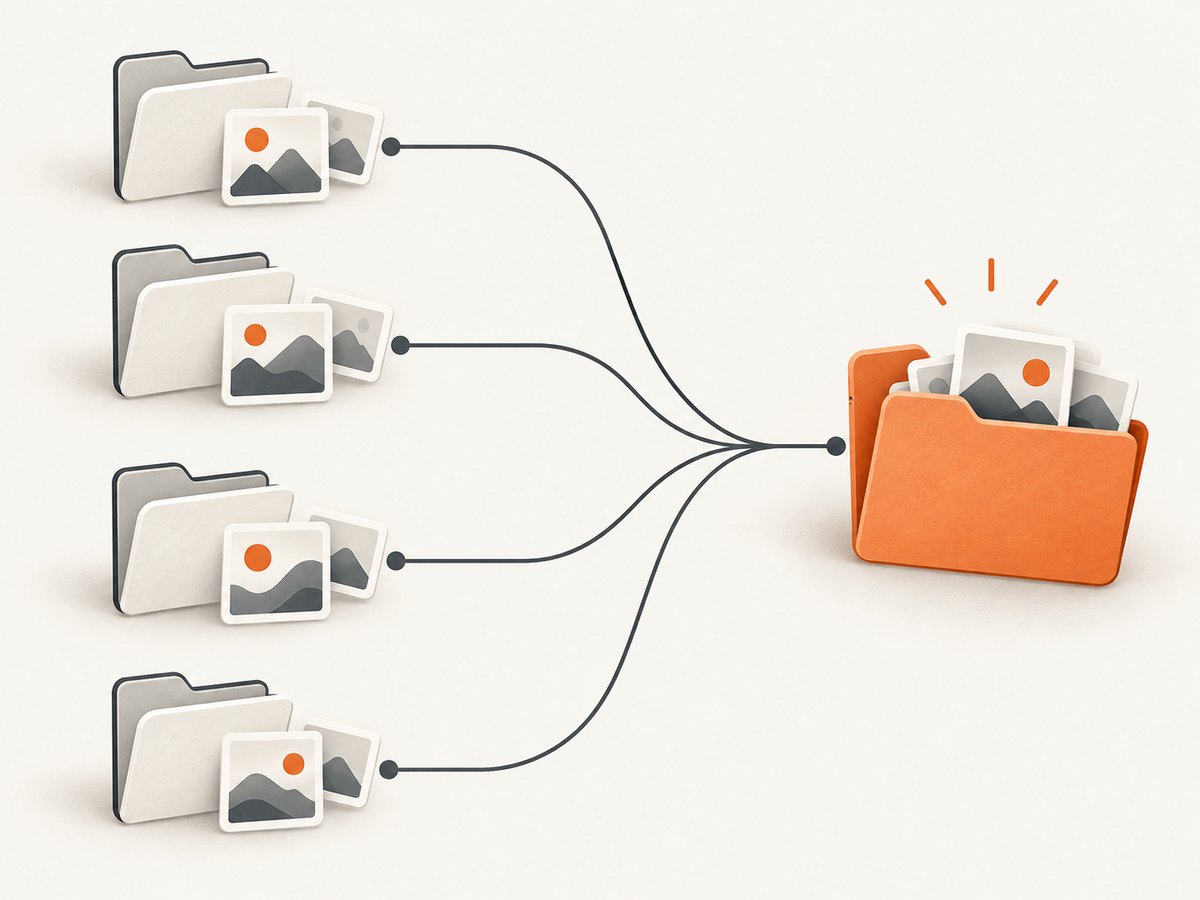
A shared root does not have to mean placing every file directly into one flat directory. A flat directory can cause collisions when separate test files use the same snapshot name. Keeping the test path beneath one root makes the collection easy to find while preserving ownership and avoiding ambiguous filenames.
The template is a path pattern containing tokens. Playwright fills in the token values for each test and snapshot. The example above yields a structure conceptually like this:
tests/
  __screenshots__/
    visual/
      checkout.spec.ts/
        checkout-page.png
    account/
      profile.spec.ts/
        profile-page.png
The exact values depend on your test paths and snapshot names. The important part is that everything is rooted under tests/__screenshots__, while {testFilePath} and {arg} keep the resulting files organized.
2. Configure a shared snapshot directory
Step 1: Check the Playwright version
snapshotPathTemplate was added in Playwright v1.28. Check the version installed by your project:
npx playwright --versionIf your project uses an older version, upgrade Playwright Test before adding this setting. Keep the package version consistent across local development and CI so the config and browser behavior agree.
Step 2: Add the template to your config
In playwright.config.ts, use testDir for the test root and add the shared folder between it and the test-specific path:
import { defineConfig } from '@playwright/test';

export default defineConfig({
  testDir: './tests',
  snapshotPathTemplate: '{testDir}/__screenshots__/{testFilePath}/{arg}{ext}',
});
This example is TypeScript. The same setting can be used in JavaScript config by removing the TypeScript-specific file extension or annotations; the configuration API is the same.
Here is how each part contributes:
| Template part | Purpose |
|---|---|
{testDir} |
Starts the path at the configured test directory. |
__screenshots__ |
Names the common snapshot root. Choose a name that is clear to your team. |
{testFilePath} |
Preserves the test file’s path so different test files can use similar snapshot names safely. |
{arg} |
Uses the supplied snapshot name, such as checkout-page. |
{ext} |
Uses the screenshot file extension. |
Relative template paths are resolved from the directory containing the Playwright configuration. If you move the config or change the test directory, check the resulting paths before updating a large baseline set.
Step 3: Name screenshots in assertions
Use a descriptive name in the screenshot assertion. That name fills {arg} in the configured path:
import { test, expect } from '@playwright/test';

test('checkout page matches its reference', async ({ page }) => {
  await page.goto('https://example.com/checkout');
  await expect(page).toHaveScreenshot('checkout-page.png');
});
For a focused component image, use the locator form:
test('purchase summary matches its reference', async ({ page }) => {
  await page.goto('https://example.com/checkout');
  await expect(page.locator('[data-testid="purchase-summary"]'))
    .toHaveScreenshot('purchase-summary.png');
});
Use stable names that describe the view, not a transient test run. When multiple screenshots are captured by one test, give each a distinct name.
3. Keep project-specific baselines separate when needed
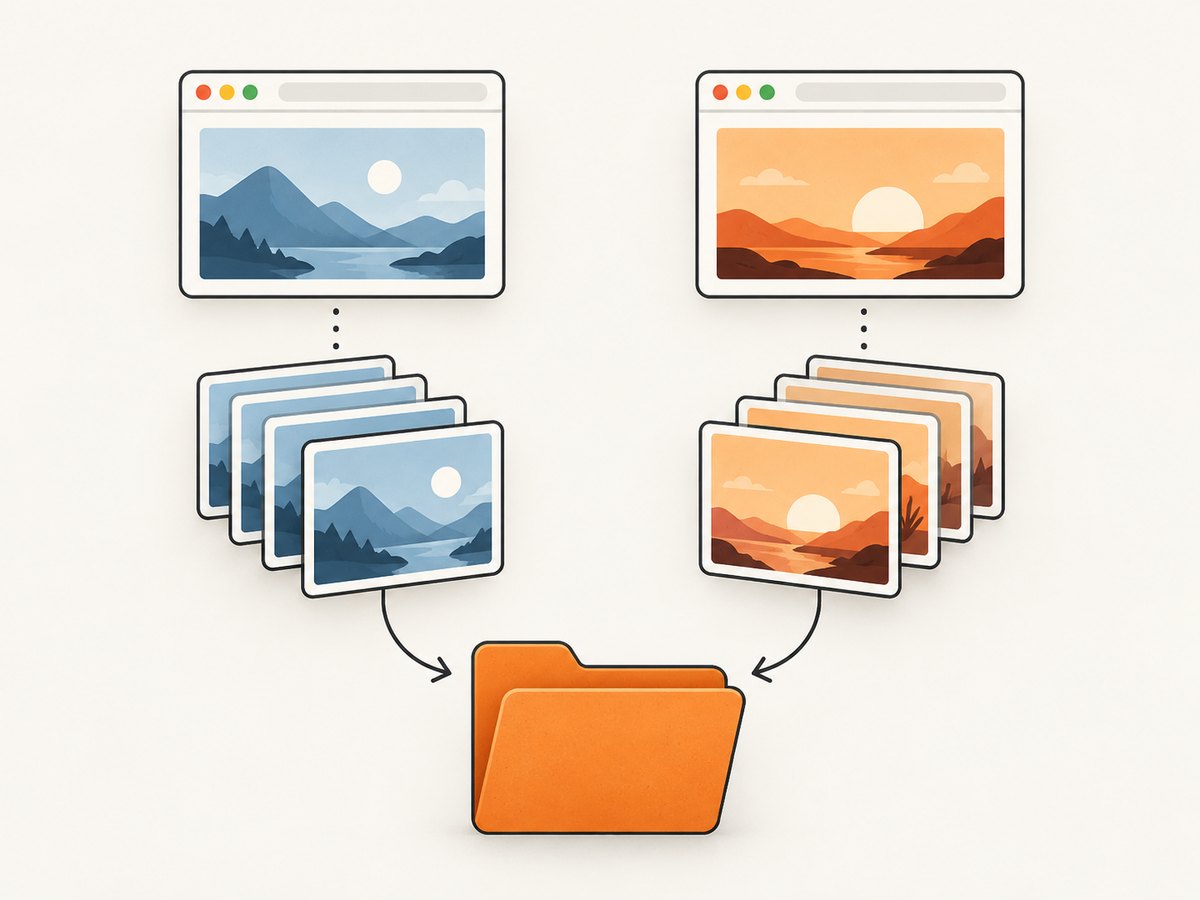
A project in Playwright configuration can represent a browser, device, or other test configuration. If those projects render differently and should have their own references, add {/projectName} to the path:
import { defineConfig } from '@playwright/test';

export default defineConfig({
  testDir: './tests',
  snapshotPathTemplate:
    '{testDir}/__screenshots__{/projectName}/{testFilePath}/{arg}{ext}',
  projects: [
    { name: 'chromium', use: { browserName: 'chromium' } },
    { name: 'firefox', use: { browserName: 'firefox' } },
  ],
});
The optional slash prefix in {/projectName} includes both the slash and project name when a project name exists. That prevents an empty directory segment for a project without a name. With named projects, the result separates their baselines beneath the common root, for example:
tests/__screenshots__/chromium/visual/checkout.spec.ts/checkout-page.png
tests/__screenshots__/firefox/visual/checkout.spec.ts/checkout-page.png
Include the project name when the project differences matter to the visual output and sharing one reference would hide them. If your configured projects are intentionally expected to use the same references, choose a path design that reflects that choice. Project separation is a path organization decision; it does not make browser rendering identical.
4. Useful template tokens and path choices
The documented template tokens include:
| Token | What it represents | Common use |
|---|---|---|
{arg} |
Snapshot name supplied to the assertion. | Keep named references recognizable. |
{ext} |
Snapshot extension. | Retain the correct image file type. |
{platform} |
Platform value. | Separate baselines when platform is part of the intended layout. |
{projectName} |
Configured project name. | Keep browser or device projects apart. |
{snapshotDir} |
Configured snapshot directory. | Build paths from the existing snapshot directory setting. |
{testDir} |
Configured test directory. | Place a common root relative to the tests. |
{testFileDir} |
Directory containing the test file. | Preserve test folders without including the filename. |
{testFileBaseName} |
Test filename without its extension. | Use the test filename as a path component. |
{testFileName} |
Test filename. | Include the complete filename in paths. |
{testFilePath} |
Test file path. | Preserve nested test structure under a shared root. |
{testName} |
Test name. | Organize by test name when that suits the suite. |
For most projects, a good starting choice is {testDir}/__screenshots__/{testFilePath}/{arg}{ext}. It keeps the files together, gives test files distinct paths, and retains explicit snapshot names. Use other tokens when they answer a real organization need; adding every token can make paths unwieldy.
If you need the computed destination in code, ask Playwright for it rather than rebuilding the template yourself:
const referencePath = test.info().snapshotPath('checkout-page.png', {
  kind: 'screenshot',
});
console.log(referencePath);
The snapshotPath API returns the path derived from the configured template. This is useful for diagnostics or helper code that needs to refer to the expected screenshot path.
5. Generate, review, and commit the reference images
- Run the visual regression tests in the environment you intend to use for comparisons.
- For a new snapshot, Playwright generates the reference image.
- Inspect each generated reference and confirm it reflects the intended product appearance.
- Add the configured
__screenshots__tree to version control. - When an intentional UI change requires new references, regenerate them and review the image changes before committing.
To intentionally update snapshots, run:
npx playwright test --update-snapshotsThis command refreshes references as tests run. Treat those changed files as reviewable product changes: inspect them in the diff or image comparison view rather than accepting all updates without looking.
Playwright’s visual comparisons guide describes screenshot snapshots and recommends version-controlling the snapshot directory. If the common folder is ignored by a broad Git rule, adjust the ignore rule so the baselines are committed.
6. Make the workflow reliable
Use the same rendering environment
Browser rendering can vary with host operating system, browser version, settings, hardware, power source, headless mode, and other factors. Generate and compare references in a consistent environment where possible. In practice, avoid creating a baseline on one machine and expecting pixel-identical output from a substantially different CI image without checking the differences.
Choose the baseline boundary deliberately
- Use a common root to make the reference set easy to locate and manage.
- Keep
{testFilePath}if tests reuse snapshot names or if ownership by test file matters. - Add
{/projectName}when projects need independent expected images. - Use stable, explicit assertion names so reviewers can understand what each image covers.
- Keep references in version control so a test run compares against a reviewed baseline.
Choose the image format with intent
Screenshot assertions default to PNG. The visual comparisons guide also supports WebP, which it describes as lossless. Use the extension in the assertion name to select the desired format, and keep it consistent within a suite unless you have a reason to vary it.
Plan for repository size and review effort
Putting files under one root makes them easier to manage, but it does not reduce how many snapshots your tests create. Large suites can still produce many image files and noisy updates. Keep assertions focused on meaningful visual surfaces, use descriptive names, and review only intentional baseline changes. Consider whether each project truly needs a separate set before multiplying the stored references.
7. Troubleshooting
| Symptom | Likely cause | Fix |
|---|---|---|
The config rejects snapshotPathTemplate. |
The installed Playwright version predates v1.28, or a different config/package version is running. | Check npx playwright --version and align the installed Playwright Test version with the config. |
| Snapshots still appear in the old location. | The config file being edited is not the one used by the test command, or the template path is being resolved from a different config directory than expected. | Run tests with the intended config explicitly, inspect the resolved config, and account for the configuration directory when choosing a relative path. |
| Two tests overwrite or contend for a reference name. | The template is too flat and omits test-specific path information. | Add {testFilePath} or another suitable test path token beneath the shared root, and give assertions distinct names. |
| One project reports unexpected visual differences. | Projects with different browser or device settings may render differently, or they may be reading a shared baseline. | Add {/projectName} if they need independent references; establish and compare baselines in a consistent environment. |
| The generated images are missing from a commit. | A Git ignore rule excludes the snapshot directory. | Review ignore rules and add the reference tree to version control so comparisons have committed baselines. |
| A large number of files changed after update. | The update command regenerated references for the tests that ran, potentially across many tests or projects. | Review the diff by test and project; rerun a narrower selection when appropriate, then update only changes that are intentional. |
| Images differ on CI but pass locally. | Rendering environment differences can affect the output. | Align operating system, browser version, settings, and headless mode as far as practical; generate and compare baselines consistently. |
| A manually saved screenshot is not in the configured folder. | page.screenshot({ path }) writes to its explicit path and is not a toHaveScreenshot() reference. |
Set the desired path for that manual screenshot directly, or use Playwright Test screenshot assertions for visual regression references. |
8. Or skip the browser setup
If the task is capturing a website image for documentation, an audit, or an agent workflow rather than maintaining Playwright visual regression baselines, ScreenshotNeo provides a website screenshot API. It does not replace toHaveScreenshot() or manage Playwright reference files; it is a separate option for requesting a page capture without setting up a browser locally. See the ScreenshotNeo website and API documentation.
curl -G "https://api.screenshotneo.com/v1/shot" \
  -d access_key=YOUR_API_KEY \
  --data-urlencode url=https://stripe.com \
  -o shot.webp
import requests
r = requests.get(
"https://api.screenshotneo.com/v1/shot",
params={"access_key": "YOUR_API_KEY", "url": "https://stripe.com"},
timeout=90,
)
open("shot.webp", "wb").write(r.content)const q = new URLSearchParams({
access_key: 'YOUR_API_KEY',
url: 'https://stripe.com',
});
const res = await fetch(`https://api.screenshotneo.com/v1/shot?${q}`);
const bytes = new Uint8Array(await res.arrayBuffer());
await import('node:fs/promises').then(fs => fs.writeFile('shot.webp', bytes));- Cookie banners, popups, and chat widgets are removed before the shot; each cleanup step can be turned off.
- Bot checks, blank pages, failed loads, timeouts, and cache hits are never billed, and responses indicate page verdict and billing status.
- An MCP server lets AI agents use
take_screenshot,get_page_info, andcapture_pdf. - 1,000 screenshots a month are free with no card; paid plans start at $5 for 3,000 screenshots.
Sign up for ScreenshotNeo’s free 1,000 screenshots a month, with no card required.
9. FAQ
Can I save all references directly into one flat directory?
You can choose a template that does so, but a shared root with test paths retained is safer when tests reuse screenshot names. The root stays common while paths remain distinctive.
Does changing this template move existing files automatically?
The template determines paths used by snapshot assertions. After changing it, run the tests and review where snapshots are created or expected; organize and commit the resulting references deliberately.
Can I use this for screenshots saved by ordinary page code?
No. The template is for Playwright Test snapshot paths. For an ad hoc file, pass a path to page.screenshot() or use the Playwright snapshot assertion workflow.
Should Chromium and Firefox share the same reference image?
That depends on whether your suite intends to compare both projects against one visual expectation. If their rendering differences require separate expected images, include the project name in the template.
Where can code find the configured path?
Use test.info().snapshotPath(name, { kind: 'screenshot' }) to obtain the path Playwright derives for a screenshot snapshot.


