How to Set the Playwright Timezone in Docker
Set the browser and test-runner timezones correctly in Playwright Docker environments, with TypeScript, Python, Dockerfile, troubleshooting, and CI guidance.
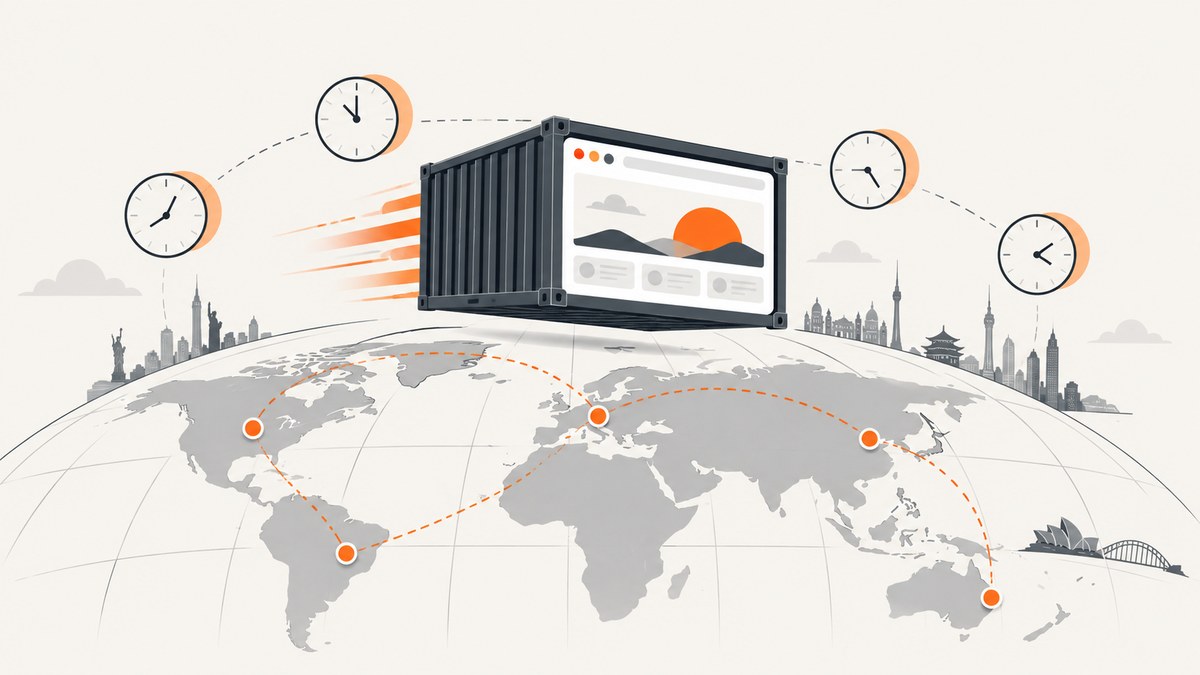
To set the timezone that web pages observe in Playwright running inside Docker, pass an ICU timezone ID such as Europe/Paris through the browser context’s timezoneId option. In Playwright Test, configure use.timezoneId globally or call test.use() for one test group. Set the container’s TZ environment variable separately when the Node.js or Python test-runner process itself must use that timezone.
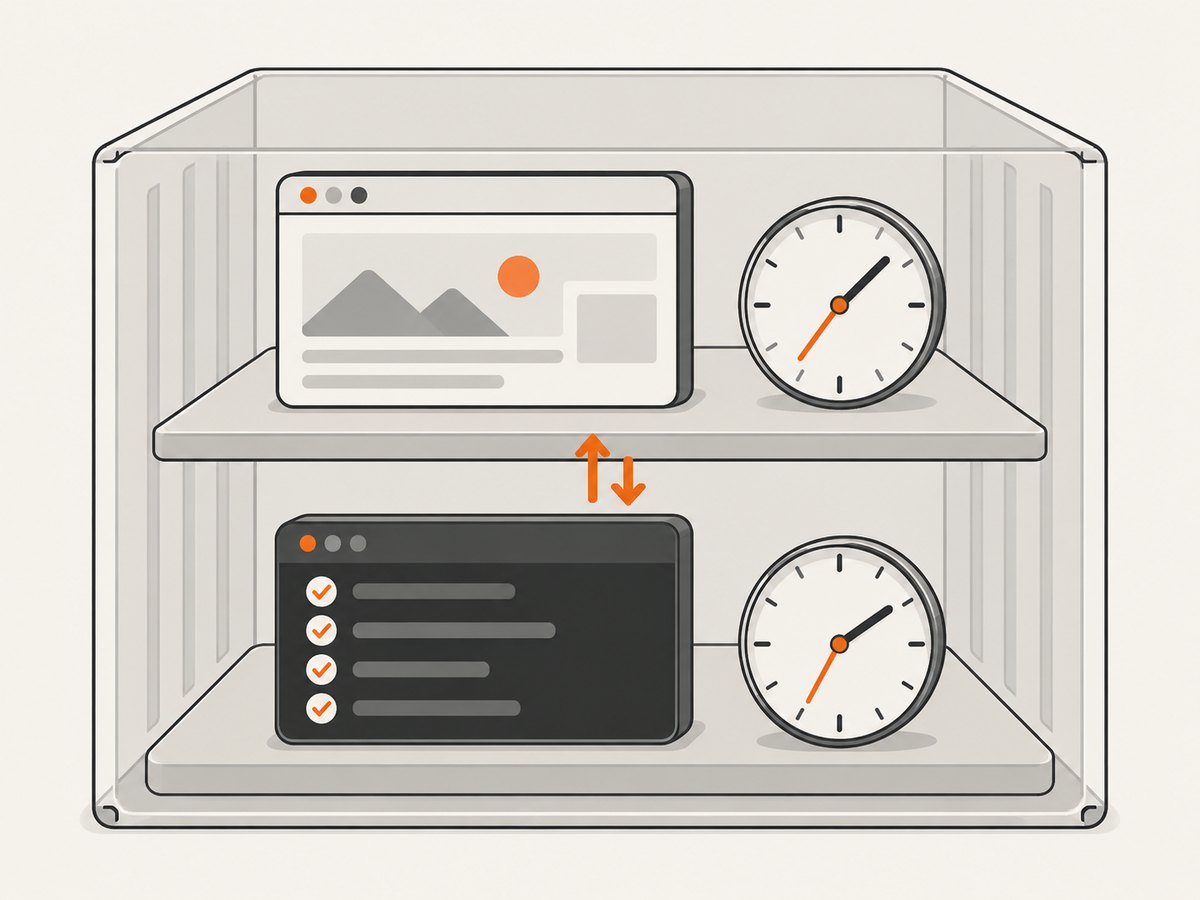
These are two different layers:
- Browser timezone: affects JavaScript date APIs,
Intl.DateTimeFormat, and page behavior. Configure it withtimezoneId. - Runner timezone: affects code executed by your test process. Configure it with Docker’s
TZenvironment variable.
Playwright documents this distinction in its emulation guide and defines timezoneId in the browser context API.
1. Choose the timezone setting you actually need
| Requirement | Setting | Scope |
|---|---|---|
| Make the page think it is in Paris | timezoneId: 'Europe/Paris' |
Browser context and pages |
| Make every Playwright test use Berlin | use: { timezoneId: 'Europe/Berlin' } |
All tests in a project |
| Override one test or describe block | test.use({ timezoneId: 'America/New_York' }) |
Selected tests |
| Change dates calculated by the test process | TZ=Europe/Paris |
Runner process in the container |
The browser context option defaults to the system timezone. It accepts timezone identifiers supported by ICU, so use region names such as Europe/Paris, Europe/Berlin, or America/Los_Angeles rather than informal abbreviations such as CET or PST.
2. Configure Playwright Test globally
This is the usual approach when all tests in a project should render dates in one location.
import { defineConfig } from '@playwright/test';

export default defineConfig({
  testDir: './tests',
  use: {
    timezoneId: 'Europe/Paris',
    headless: true,
  },
});
Save this as playwright.config.ts. The setting is applied when Playwright creates each test’s browser context. It therefore covers all pages created through the test fixtures.
Verify the browser timezone
import { test, expect } from '@playwright/test';

test('page sees Paris time', async ({ page }) => {
  await page.goto('https://example.com');

  const result = await page.evaluate(() => ({
    zone: Intl.DateTimeFormat().resolvedOptions().timeZone,
    offset: new Date().getTimezoneOffset(),
    local: new Date().toString(),
  }));

  console.log(result);
  expect(result.zone).toBe('Europe/Paris');
});
The exact offset changes with daylight-saving rules. Assert the zone identifier or a formatted date for a known instant instead of hard-coding an offset that is valid only in one season.
3. Set a timezone for one test or test group
Use test.use() when most tests use the default but a smaller group needs another location.
import { test, expect } from '@playwright/test';

test.describe('New York checkout', () => {
  test.use({ timezoneId: 'America/New_York' });

  test('shows the local order date', async ({ page }) => {
    await page.goto('https://example.com/checkout');
    await expect(page.locator('[data-testid="order-date"]')).toBeVisible();
  });
});
The override applies to tests inside the describe block. You can also place test.use({ timezoneId: 'Asia/Tokyo' }) at the top of a file to scope it to that file.
4. Configure a context when using the Playwright library
If you launch browsers directly instead of using Playwright Test, pass the option to browser.newContext().
import { chromium } from 'playwright';

const browser = await chromium.launch({ headless: true });
const context = await browser.newContext({
  timezoneId: 'Europe/Berlin',
});

const page = await context.newPage();
await page.goto('https://example.com');
console.log(await page.evaluate(() => Intl.DateTimeFormat().resolvedOptions().timeZone));

await context.close();
await browser.close();
Timezone emulation belongs to the context, so create separate contexts when a single process must test several locations. Do not reuse one context and expect its timezone to change after pages have been created.
5. Set the Docker runner timezone with TZ
timezoneId changes the browser. It does not change the timezone of the process running your tests. Playwright’s documentation recommends the TZ environment variable for that process.
docker run --rm \
  -e TZ=Europe/Paris \
  -v "$PWD:/work" \
  -w /work \
  mcr.microsoft.com/playwright:v1.55.0-noble \
  npx playwright test
Use an image tag that matches the Playwright version in your project. The official Docker image contains browsers and system dependencies, but the Playwright package still needs to be installed by your project. Playwright warns that mismatched image and package versions can prevent it from locating browser executables; see the Docker guide.
Docker Compose example
services:
  tests:
    image: mcr.microsoft.com/playwright:v1.55.0-noble
    working_dir: /work
    environment:
      TZ: Europe/Paris
    volumes:
      - .:/work
    command: sh -c "npm ci && npx playwright test"
Keep TZ and timezoneId together when your assertions involve both runner code and page code. For example, a helper that calls new Date() in Node.js uses TZ, while a date rendered by page JavaScript uses timezoneId.
6. A complete Docker project
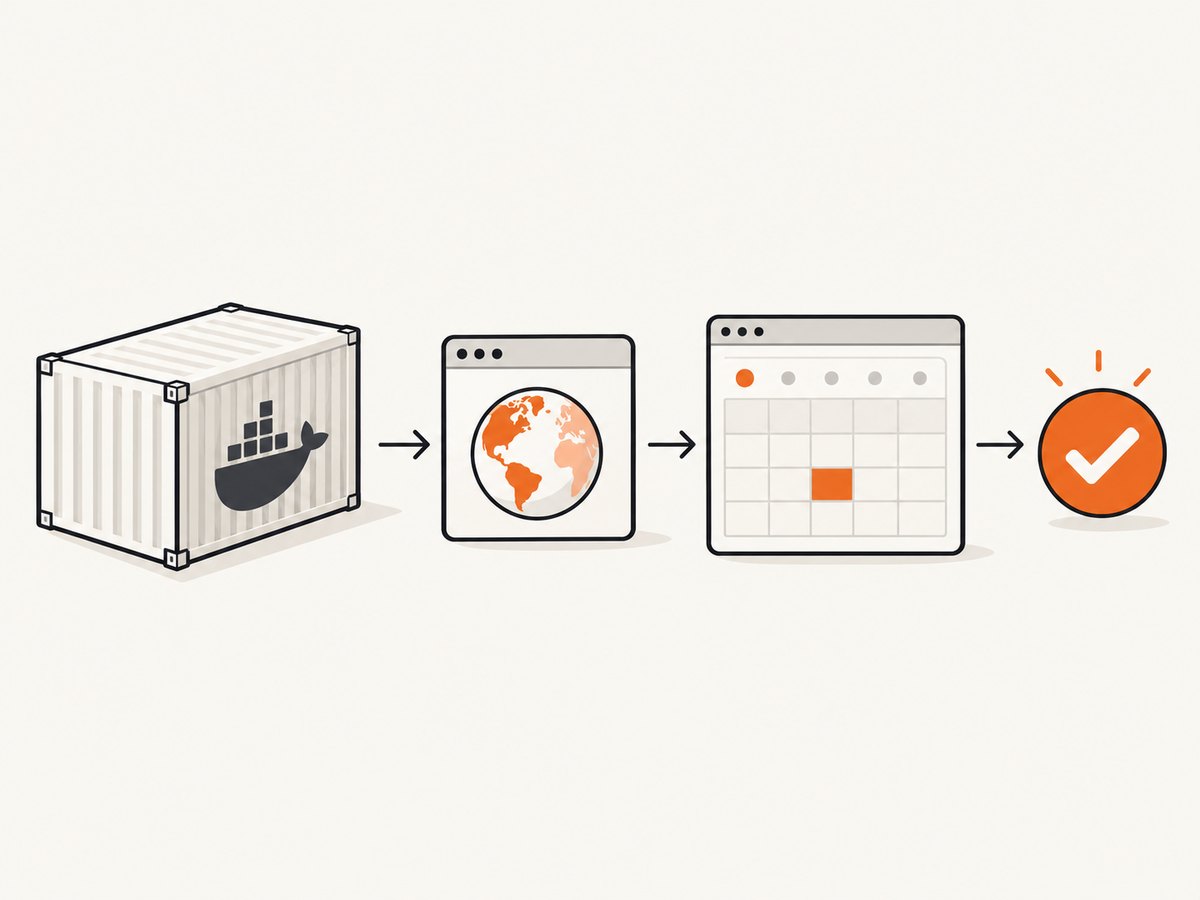
The following files provide a small TypeScript project that runs in a Playwright container.
package.json
{
  "scripts": { "test": "playwright test" },
  "devDependencies": { "@playwright/test": "1.55.0" }
}
playwright.config.ts
import { defineConfig } from '@playwright/test';

export default defineConfig({
  testDir: './tests',
  timeout: 30_000,
  use: {
    timezoneId: process.env.BROWSER_TIMEZONE || 'Europe/Paris',
  },
});
tests/timezone.spec.ts
import { test, expect } from '@playwright/test';

test('uses the configured browser timezone', async ({ page }) => {
  await page.goto('https://example.com');
  const zone = await page.evaluate(() => Intl.DateTimeFormat().resolvedOptions().timeZone);
  expect(zone).toBe(process.env.BROWSER_TIMEZONE || 'Europe/Paris');
});
Dockerfile
FROM mcr.microsoft.com/playwright:v1.55.0-noble
WORKDIR /work
COPY package*.json ./
RUN npm ci
COPY . .
ENV TZ=Europe/Paris
CMD ["npx", "playwright", "test"]
Build and run it with:
docker build -t timezone-tests .
docker run --rm timezone-tests
When changing the Playwright dependency, update the image tag at the same time. Pinning both versions makes CI failures easier to diagnose than using a floating image tag.
7. Python version
Python users configure the same browser context option. The runner process still receives its timezone through TZ.
from playwright.sync_api import sync_playwright

with sync_playwright() as p:
    browser = p.chromium.launch(headless=True)
    context = browser.new_context(timezone_id="Europe/Paris")
    page = context.new_page()
    page.goto("https://example.com")
    zone = page.evaluate("Intl.DateTimeFormat().resolvedOptions().timeZone")
    print(zone)
    context.close()
    browser.close()
docker run --rm -e TZ=Europe/Paris your-playwright-image pytest8. Timezone edge cases
Daylight saving time
Region identifiers include historical and daylight-saving rules. A location can have different offsets during the year. Test a fixed UTC instant and format it in the target zone when checking transitions.
UTC versus a region
Use UTC when you need a stable zero offset. Use a region such as Europe/Paris when the application must exercise local calendar and daylight-saving behavior.
Invalid identifiers
An unsupported ICU identifier can make context creation fail. Check the spelling and capitalization, and prefer IANA region names. Validate configuration at startup so a CI job fails before a long test run.
Dates generated outside the page
Data created in Node.js, Python, a database, or an API may already be UTC or may use the runner’s timezone. Browser emulation cannot rewrite those values. Make the source timezone explicit, then format in the page or application layer.
9. Troubleshooting checklist
| Symptom | Likely cause | Fix |
|---|---|---|
resolvedOptions().timeZone is unchanged |
TZ was set, but no timezoneId was supplied |
Add timezoneId to use or newContext. |
| Node.js dates are wrong while page dates are right | The runner process uses another timezone | Set TZ in Docker or the CI job. |
| Browser executable cannot be found | Docker image and package versions differ | Use matching Playwright versions and install the package in the project. |
| Context creation rejects the timezone | Invalid or unsupported ICU identifier | Use an IANA region ID such as Europe/Berlin or America/New_York. |
| Only some tests use the desired zone | An override is scoped to a file or describe block | Move the setting to global use configuration or adjust the scope. |
| Offset assertion fails in winter or summer | Daylight-saving transition | Assert the zone or format a known instant rather than a permanent offset. |
10. Performance and reliability considerations
Timezone emulation is a browser-context setting; it does not require a separate browser process for every timezone. Reuse a browser while creating independent contexts for parallel locations. Close contexts after each test group so cookies, storage, and timezone assumptions cannot leak.
For reliable CI:
- Pin the Playwright package and Docker image to compatible versions.
- Log the configured
TZand browser timezone at the start of a job. - Use deterministic UTC timestamps in fixtures.
- Include tests around daylight-saving transition dates if the product schedules local events.
- Keep timezone selection in an environment variable so the same suite can run for several regions.
Timezone configuration itself has no separate Playwright charge. Your infrastructure cost comes from container runtime, browser startup, test duration, and parallel workers.
Or skip the browser setup
If your goal is a clean screenshot of a page in a particular timezone, ScreenshotNeo can handle the capture request without maintaining a Playwright container. Its API supports timezone configuration along with viewport, device, cookies, headers, JavaScript, waiting, blocking, and other capture options. Read the full parameter reference in the ScreenshotNeo documentation.
curl -G "https://api.screenshotneo.com/v1/shot" -d access_key=YOUR_API_KEY --data-urlencode url=https://stripe.com -o shot.webpimport requests
r = requests.get("https://api.screenshotneo.com/v1/shot", params={"access_key": "YOUR_API_KEY", "url": "https://stripe.com"}, timeout=90)
open("shot.webp", "wb").write(r.content)const q = new URLSearchParams({ access_key: 'YOUR_API_KEY', url: 'https://stripe.com' });
const res = await fetch(`https://api.screenshotneo.com/v1/shot?${q}`);Cookie banners, newsletter popups, and chat widgets are removed before the shot. Bot checks, blank pages, failed loads, timeouts, and cache hits are not billed, and response headers identify the page verdict and billing result. An MCP server lets AI agents use take_screenshot, get_page_info, and capture_pdf. The free plan includes 1,000 screenshots each month with no card; paid plans start at $5 for 3,000 shots.
Create a free ScreenshotNeo account and start with the 1,000 monthly shots.
FAQ
Does TZ replace timezoneId?
No. TZ configures the test-runner process. timezoneId configures the browser context seen by pages.
Can one test run cover several timezones?
Yes. Launch one browser and create a separate context with a different timezoneId for each location.
Should I use an offset such as UTC+1?
Use an ICU or IANA region identifier. Region IDs preserve daylight-saving rules; a fixed offset does not.
Why does my database date still show UTC?
Playwright only emulates the browser environment. Data produced by your API, database, or test runner must be converted explicitly before the page displays it.


