Playwright Tutorial Using Python
Build your first Playwright browser script and pytest test in Python, then learn reliable locators, assertions, async APIs, debugging, and cross-browser setup.
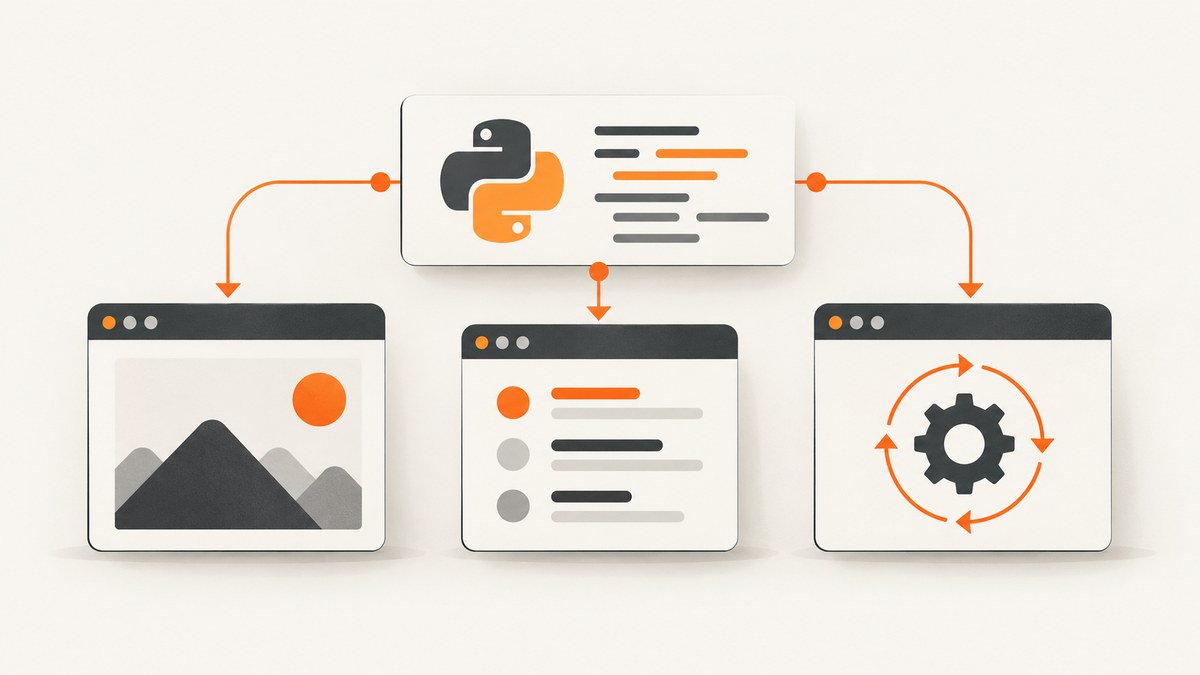
Direct answer: install the Playwright Python package and its browser binaries, then choose either a standalone script or the official pytest plugin. A minimal script launches Chromium, opens a page, checks an outcome, and closes the browser. For a maintainable end-to-end suite, use pytest-playwright with its page fixture and web-first assertions.
Playwright is a Python browser automation library created for end-to-end testing. It supports Chromium, Firefox, and WebKit, and provides synchronous and asynchronous Python APIs. The official documentation recommends the pytest plugin for test suites.
1. Choose your Python Playwright route
| Route | Use it when | What you get |
|---|---|---|
| Standalone library | You are learning browser control, writing a one-off automation, or integrating with your own runner. | Direct control over Playwright, browsers, contexts, pages, and lifecycle. |
| pytest-playwright | You are building repeatable end-to-end tests. | Fixtures, isolated browser contexts, assertions, and browser configuration. |
| Sync API | Your script is ordinary synchronous Python. | Linear code that is easy to read. |
| Async API | Your application already uses asyncio. | Awaitable browser operations that fit an existing event loop. |
Start with the standalone script below to understand the mechanics. Move to pytest when you need a test suite.
2. Install Playwright and browser binaries
Create and activate a virtual environment, install the package, then install the browser binaries separately:
python -m venv .venv
# macOS/Linux
source .venv/bin/activate
# Windows PowerShell
# .venv\\Scripts\\Activate.ps1

python -m pip install --upgrade pip
python -m pip install playwright
python -m playwright install
The browser installation step matters: the Python package and the Chromium, Firefox, and WebKit binaries are separate pieces. The official requirements vary by operating system and release, so check the current Playwright installation guide before standardising a CI image.
For a test project, install the official plugin instead:
python -m pip install pytest-playwright
python -m playwright install
3. Write a first standalone script
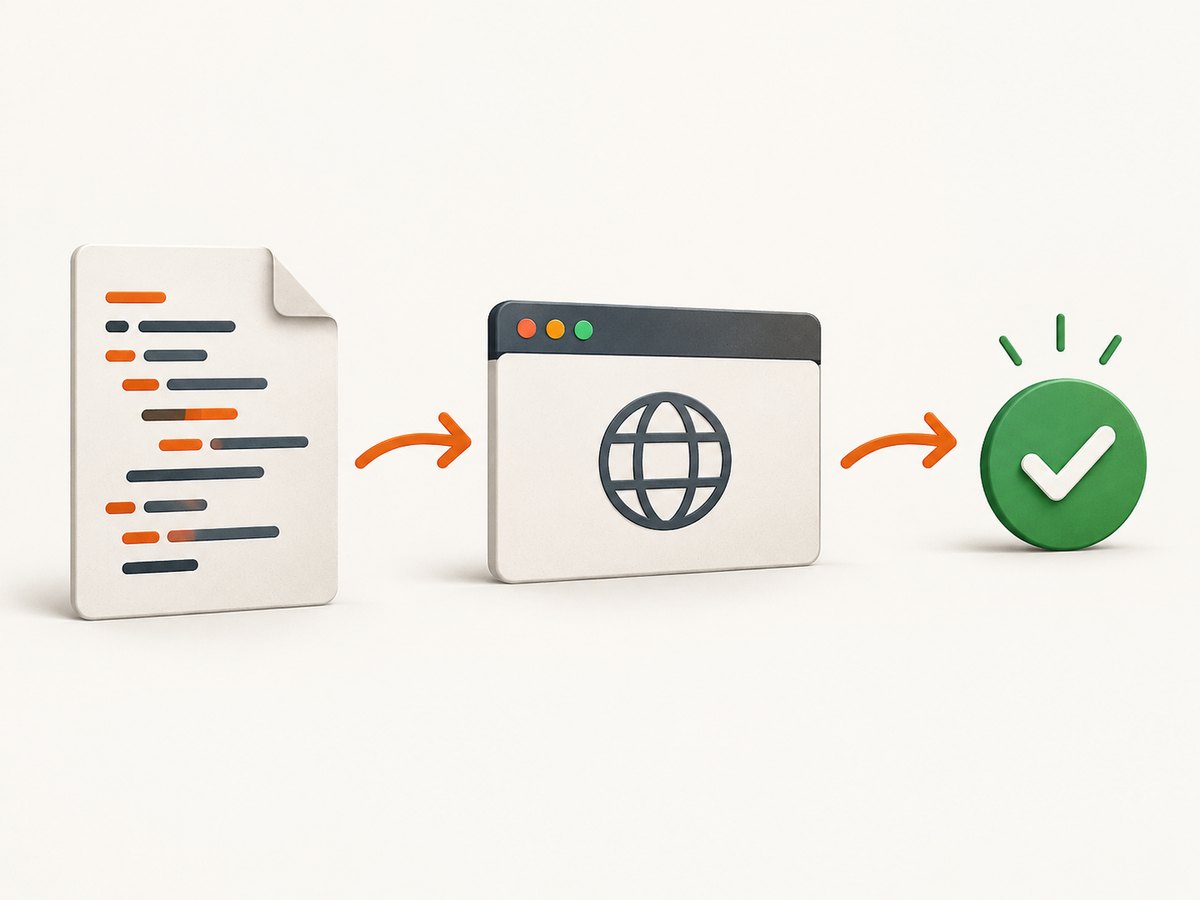
Save this as first_playwright.py. It opens a stable demo page, reads the title, prints it, and closes every browser resource:
from playwright.sync_api import sync_playwright


def main() -> None:
    with sync_playwright() as p:
        browser = p.chromium.launch()
        page = browser.new_page()
        page.goto('https://playwright.dev/python/', wait_until='domcontentloaded')
        print(page.title())
        browser.close()


if __name__ == '__main__':
    main()
Run it with:
python first_playwright.pyThe with sync_playwright() block starts and stops the Playwright driver. The browser owns pages, and pages belong to a browser context. Closing the browser releases all of them.
4. Write the same workflow as a pytest test
The plugin supplies a page fixture. Use a web-first assertion so the test waits for the expected state instead of reading it once at an arbitrary moment:
from playwright.sync_api import Page, expect


def test_playwright_homepage(page: Page) -> None:
    page.goto('https://playwright.dev/python/', wait_until='domcontentloaded')
    expect(page).to_have_title('Playwright Python')
    expect(page.get_by_role('heading', name='Playwright enables reliable end-to-end testing for modern web apps.')).to_be_visible()
Run the test:
pytest -qThe pytest plugin creates an isolated context for each test and can run the same test against different browser configurations. Consult the official introduction for current command-line and project configuration options.
5. Use robust locators
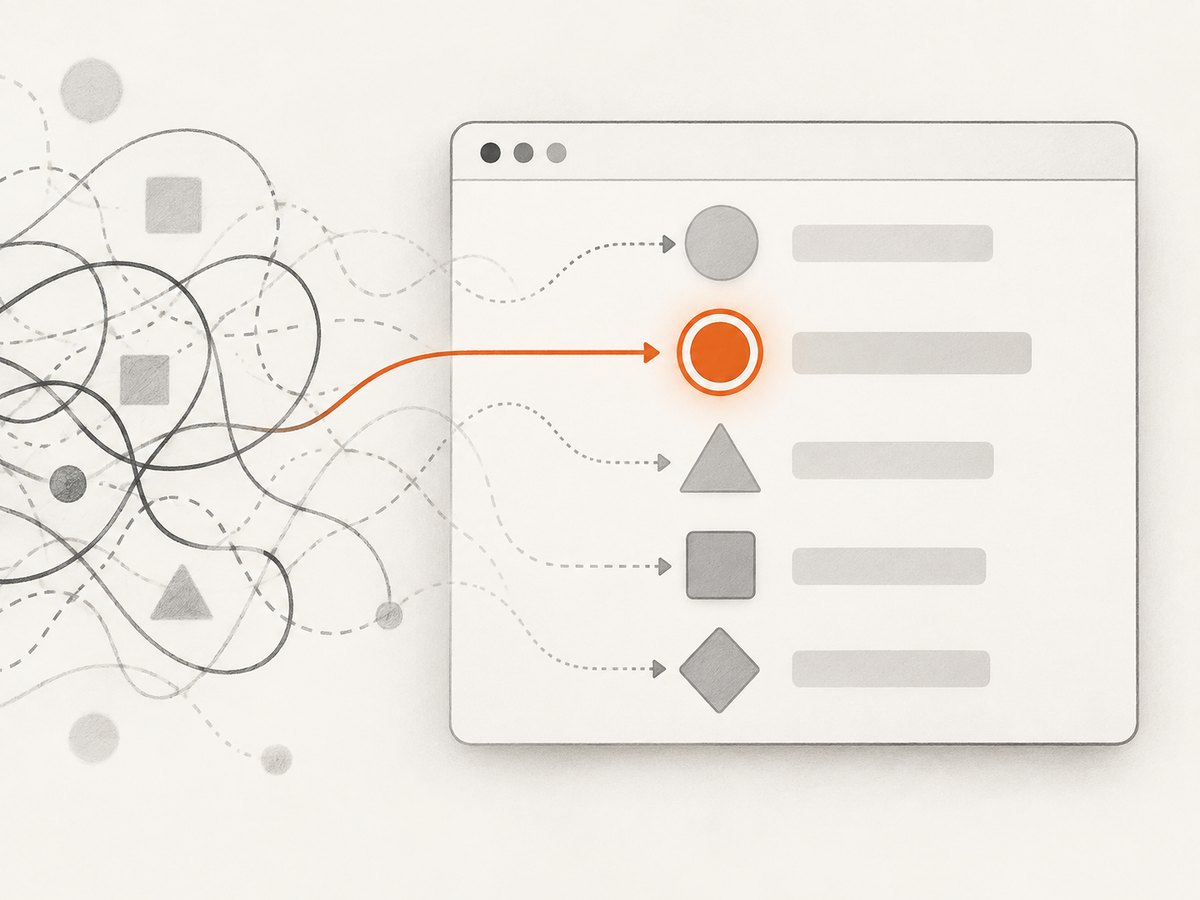
Locators are the central piece of Playwright’s auto-waiting and retry behavior. Prefer selectors that describe how a user identifies an element:
from playwright.sync_api import Page


def interact(page: Page) -> None:
    page.get_by_role('button', name='Sign in').click()
    page.get_by_label('Email').fill('dev@example.com')
    page.get_by_label('Password').fill('correct-horse-battery-staple')
    page.get_by_role('button', name='Submit').click()
    page.get_by_text('Dashboard').click()
Useful choices include:
get_by_role()for buttons, links, headings, checkboxes, and other accessible roles.get_by_label()for form controls with associated labels.get_by_text()for visible text when it identifies the intended element.get_by_test_id()when your team deliberately maintains a test ID contract.
Avoid long CSS or XPath chains tied to nesting and styling. They can pass today and fail after an unrelated markup change. A locator resolves against the current page when an action or assertion uses it, so it can wait for elements that appear asynchronously.
6. Assert outcomes, not just actions
A click proves that Playwright dispatched a click; it does not prove that the application completed the workflow. Assert a meaningful result:
from playwright.sync_api import Page, expect


def test_checkout_confirmation(page: Page) -> None:
    page.goto('https://example.com/checkout')
    page.get_by_role('button', name='Place order').click()
    expect(page.get_by_role('heading', name='Order confirmed')).to_be_visible()
    expect(page).to_have_url('**/confirmation')
Other useful web-first assertions include to_have_text(), to_contain_text(), to_be_enabled(), to_be_checked(), to_have_value(), and to_have_attribute(). They retry until the condition is met or the assertion timeout expires. Prefer them to fixed sleeps.
7. Add navigation, forms, and browser contexts
from playwright.sync_api import sync_playwright


with sync_playwright() as p:
    browser = p.chromium.launch()
    context = browser.new_context(locale='en-US', timezone_id='UTC')
    page = context.new_page()
    page.goto('https://example.com')
    page.get_by_role('link', name='More information').click()
    print(page.url)
    context.close()
    browser.close()
A browser context is an isolated session with its own cookies, local storage, permissions, and pages. Create a new context when you need a clean session or want to model a separate user. In pytest, the plugin handles isolation for the standard fixtures.
8. Use the async API when your application uses asyncio
The async API has the same concepts but each browser operation is awaited. Do not mix sync Playwright calls into an event loop; choose the API that matches your application architecture.
import asyncio
from playwright.async_api import async_playwright, expect


async def main() -> None:
    async with async_playwright() as p:
        browser = await p.chromium.launch()
        page = await browser.new_page()
        await page.goto('https://playwright.dev/python/', wait_until='domcontentloaded')
        await expect(page).to_have_title('Playwright Python')
        await browser.close()


if __name__ == '__main__':
    asyncio.run(main())
9. Run against Chromium, Firefox, and WebKit
Use Chromium for the first exercise, then add Firefox and WebKit when cross-browser behavior matters:
from playwright.sync_api import sync_playwright


with sync_playwright() as p:
    for browser_type in (p.chromium, p.firefox, p.webkit):
        browser = browser_type.launch()
        page = browser.new_page()
        page.goto('https://playwright.dev/python/', wait_until='domcontentloaded')
        print(browser_type.name, page.title())
        browser.close()
With pytest, the plugin can parameterize browser projects. Keep the test body browser-neutral and put engine-specific settings in configuration or fixtures.
10. Waiting correctly
Playwright automatically waits for actionability checks such as visibility, stability, and enabled state. For page state, wait on a specific condition:
page.get_by_role('button', name='Load report').click()
page.get_by_role('row', name='March report').wait_for(state='visible')
expect(page.get_by_role('status')).to_have_text('Loaded')
Use wait_for_load_state() when a navigation has a meaningful load milestone, and use locator assertions for application state. A fixed time.sleep() makes tests slower when the page is fast and flaky when the page is slower.
11. Screenshots, traces, and debugging
def test_with_artifacts(page):
    page.goto('https://playwright.dev/python/')
    page.screenshot(path='artifacts/home.png', full_page=True)
    page.get_by_role('link', name='Get started').click()
When a test fails, capture the URL, browser, locator, and relevant page state. Run headed mode to watch the browser:
pytest --headedUse Playwright’s inspector and trace facilities from the current documentation when you need a timeline of actions, network events, snapshots, and screenshots. Keep test artifacts in CI only for failed or diagnosed runs so routine jobs do not accumulate unnecessary files.
12. Common errors and fixes
| Error or symptom | Likely cause | Fix |
|---|---|---|
Executable doesn't exist |
Browser binaries were not installed in this environment. | Run python -m playwright install in the same environment used by the test. |
TimeoutError while locating an element |
The locator is wrong, the element is not yet ready, or the page is different in this state. | Inspect the rendered page, use a role or label locator, assert the expected state, and check whether navigation completed. |
| Click is intercepted | A dialog, overlay, cookie banner, or animation covers the target. | Handle the dialog or overlay as a real user would, wait for the relevant state, and avoid forcing the click unless that behavior is intentional. |
| Flaky text assertion | The assertion reads transient content or races an asynchronous update. | Assert a stable heading, role, URL, or status and use a web-first assertion. |
| Tests affect one another | Cookies, storage, or server data are shared. | Use a fresh browser context and independent test data; the pytest plugin provides context isolation for its fixtures. |
| Works locally but fails in CI | Missing browser dependencies, different environment variables, viewport, timezone, or network conditions. | Install browsers in the CI image, record the browser and URL, and make environment-specific settings explicit. |
| Async runtime errors | Sync API calls are being made inside an asyncio application, or the event loop is managed twice. | Use playwright.async_api and let the application’s existing event-loop entry point own execution. |
13. Reliability and performance practices
- Reuse one browser process for a group of tests, but create isolated contexts for independent sessions.
- Keep locators user-facing and specific so retries remain meaningful when the DOM changes.
- Wait for application conditions instead of adding arbitrary delays.
- Use the smallest browser coverage that answers the risk, then expand to Firefox and WebKit for compatibility-sensitive flows.
- Keep test data deterministic and clean up records created by a test.
- Run independent tests in parallel only when their server data and external side effects are isolated.
- Record failure artifacts selectively; screenshots and traces are valuable for diagnosis but add storage and processing cost.
- Pin dependencies in your project, while checking the live Playwright requirements before updating the environment.
14. When to use a screenshot API instead
Playwright is the right tool when you need interactions, assertions, authentication flows, or full browser control. If the result you need is simply a reliable image or PDF of a URL, a screenshot API removes browser installation and lifecycle code.
Or skip the browser setup
ScreenshotNeo returns a PNG, JPEG, WebP, or PDF from one GET request. Before capture it accepts cookie and consent banners and removes more than 60 known consent platforms, newsletter popups, and chat widgets; each step can be turned off. Bot checks, CAPTCHAs, blank pages, timeouts, failed loads, and cache hits cost nothing, and the response identifies the result with X-Page-Verdict and X-Billed headers. Its MCP server lets Claude, Cursor, and other MCP clients call take_screenshot, get_page_info, and capture_pdf.
See the ScreenshotNeo API documentation for all options. This is the supplied one-call example:
curl -G 'https://api.screenshotneo.com/v1/shot' -d access_key=YOUR_API_KEY --data-urlencode url=https://stripe.com -o shot.webpimport requests
r = requests.get('https://api.screenshotneo.com/v1/shot', params={'access_key': 'YOUR_API_KEY', 'url': 'https://stripe.com'}, timeout=90)
open('shot.webp', 'wb').write(r.content)const q = new URLSearchParams({ access_key: 'YOUR_API_KEY', url: 'https://stripe.com' });
const res = await fetch(`https://api.screenshotneo.com/v1/shot?${q}`);Options include full-page capture with lazy images loaded, CSS-element capture, dark mode, device presets or custom viewports, retina scale, PDF paper and page controls, custom CSS and JavaScript, clicks, selector waits, delays, network-idle waits, request blocking, headers, cookies, user agents, authorization, timezone, geolocation, transparent backgrounds, resizing, TTL caching, signed links, async webhooks, bulk capture, usage reporting, and an OpenAPI specification. The free plan includes 1,000 screenshots per month with no card; paid plans start at $5 for 3,000. Create a free ScreenshotNeo account.
15. Cost and maintenance notes
Playwright itself is an open-source library, but your project still pays in engineering time, CI minutes, browser storage, and failure investigation. Browser binaries must be installed and updated with the package. A screenshot API can be cheaper operationally for URL-to-image jobs because it avoids maintaining browser setup; compare request volume, required options, caching, and whether failed captures are billable.
FAQ
Should I use Playwright sync or async in Python?
Use sync for a conventional script or synchronous test suite. Use async when the surrounding application already runs on asyncio.
Do I need pytest to use Playwright?
No. The standalone library is enough for scripts. The official pytest plugin is the recommended route for structured end-to-end tests.
Which browser should I learn first?
Chromium is a straightforward first engine. Add Firefox and WebKit when your supported browser matrix requires them.
Why did my locator pass once and then fail?
It may depend on timing, transient text, or brittle DOM structure. Prefer role, label, text, or deliberate test ID locators and assert a stable outcome.
Can Playwright make a PDF or screenshot?
Yes. Playwright can create screenshots and PDFs from a browser page. For a URL-to-image or URL-to-PDF endpoint without installing browsers, use ScreenshotNeo.
Primary documentation: Installation and first test, Library usage and sync/async APIs, Locators, and Writing tests and assertions.


