How to Wait for a Page to Load in Playwright Before a Screenshot
Use Playwright load states plus a locator that proves dynamic content is ready before capturing a reliable screenshot.

To wait for a page before taking a screenshot in Playwright, combine a navigation wait with a readiness condition tied to the content you need to capture. Use page.goto() with an explicit waitUntil value, wait for a stable locator or assertion that proves the application has rendered, then call page.screenshot() or locator.screenshot().
A browser load event and application readiness are different things. load means the browser has loaded the document and its dependent resources. It does not prove that a React component finished hydration, an API request returned, or a table stopped showing a loading skeleton. For dynamic pages, the most reliable gate is usually a user-facing locator such as a heading, row, status message, or chart container.
Recommended Playwright workflow
This example waits for the document structure, then waits for the heading that identifies the finished report:
import { chromium, expect } from '@playwright/test';

const browser = await chromium.launch();
const page = await browser.newPage({ viewport: { width: 1440, height: 900 } });

await page.goto('https://example.com/report', {
  waitUntil: 'domcontentloaded',
  timeout: 30_000
});

await expect(page.getByRole('heading', { name: 'Report' }))
  .toBeVisible({ timeout: 15_000 });

await page.screenshot({ path: 'report.png', fullPage: true });
await browser.close();
In Playwright Test, expect(locator).toBeVisible() is a web-first assertion. It retries until the condition passes or the assertion timeout expires. This makes the screenshot precondition explicit and gives a useful timeout error. Playwright’s Page API documents that most actions already auto-wait for actionability, and it describes networkidle as a discouraged testing strategy. See the Playwright Page API.
Choose the right navigation wait
| Value | What it means | Use it when | Limitation |
|---|---|---|---|
commit |
Response was received and loading started | You need the earliest possible document start | Almost nothing is ready for a screenshot |
domcontentloaded |
Initial HTML was parsed | Your app renders after navigation and you will gate readiness with a locator | Images, fonts, and other subresources may still be loading |
load |
The page load event fired | The screenshot depends on images or other subresources completing | Client-rendered API data may still be absent |
networkidle |
No network connections for at least 500 ms | Only when you understand the page’s request behavior and are not using it as a test assertion | Polling, analytics, sockets, and background requests can prevent or delay it; Playwright discourages it for testing |
For most screenshots, use domcontentloaded followed by an application-specific assertion. Use load when image dimensions or other subresources affect the pixels. A navigation option is not a substitute for checking the exact content you intend to capture.
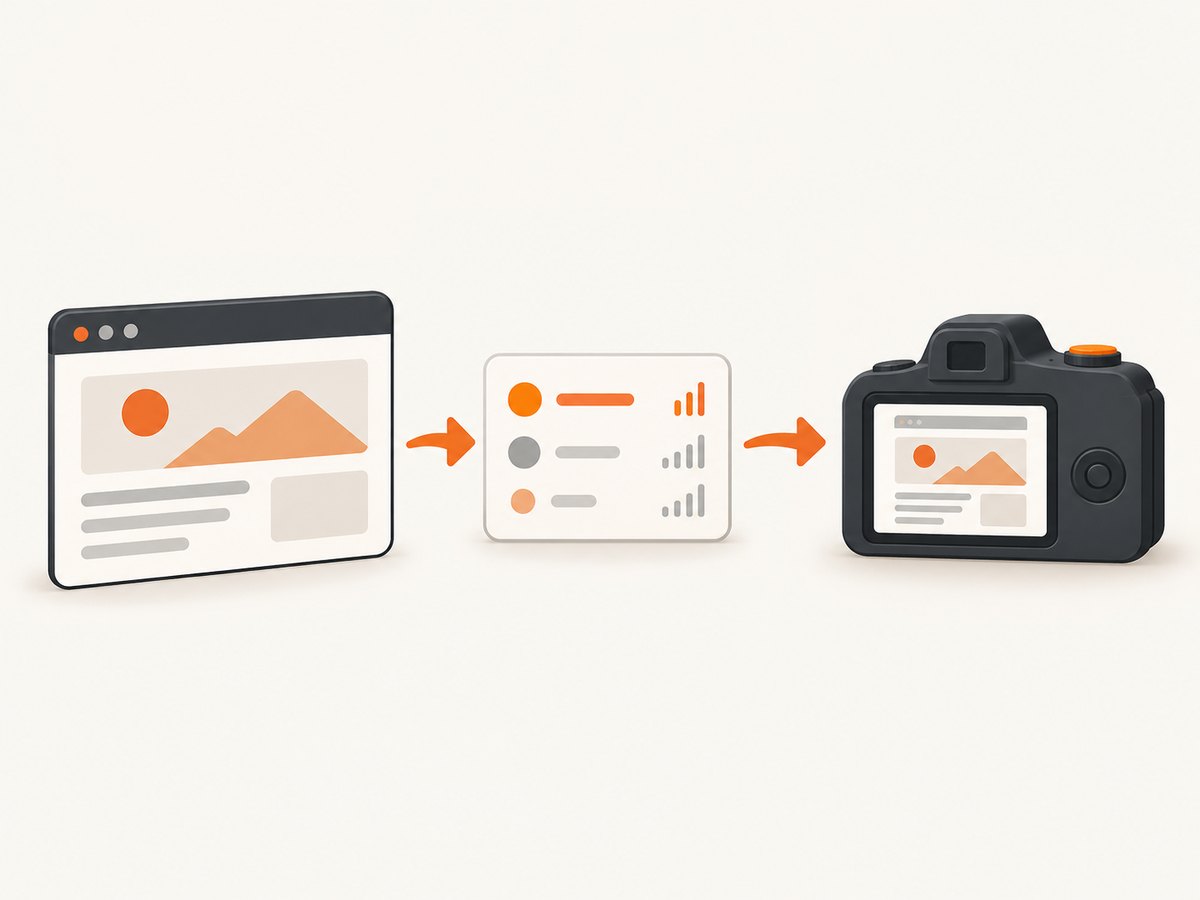
Wait for application data, not an arbitrary delay
A fixed sleep such as page.waitForTimeout(5000) sometimes hides a race condition. It is either too short on a slow run or unnecessarily long on a fast run. Prefer one of these readiness signals:
- A heading, table row, chart, or status message becomes visible.
- A loading skeleton disappears.
- A progress indicator changes to a completed state.
- A known API response finishes, when the response itself represents completion.
- A client-side URL or route transition reaches the expected destination.
Wait for a visible result
await page.goto('https://example.com/dashboard', { waitUntil: 'domcontentloaded' });
await expect(page.getByRole('heading', { name: 'Dashboard' })).toBeVisible();
await expect(page.getByRole('row', { name: /Total revenue/ })).toBeVisible();
await page.screenshot({ path: 'dashboard.png', fullPage: true });
Wait for a loading indicator to disappear
await page.goto('https://example.com/orders', { waitUntil: 'domcontentloaded' });
await expect(page.getByTestId('orders-loading')).toBeHidden();
await expect(page.getByRole('table')).toBeVisible();
await page.screenshot({ path: 'orders.png', fullPage: true });
locator.waitFor() also supports visible, attached, detached, and hidden. Use a selector that identifies the final state rather than a broad selector that can match a placeholder.
Wait for a response that controls rendering
await page.goto('https://example.com/metrics', { waitUntil: 'domcontentloaded' });
await page.waitForResponse(response =>
  response.url().includes('/api/metrics') && response.ok()
);
await expect(page.getByRole('heading', { name: 'Metrics' })).toBeVisible();
await page.screenshot({ path: 'metrics.png', fullPage: true });
Keep the locator assertion even when you wait for a response. A successful HTTP response does not guarantee that the framework processed the payload and painted the result.
Navigation triggered by a click
When a click starts navigation, Playwright waits for the action’s actionability checks and associated navigation. If you need a specific checkpoint after navigation commits, wait for it explicitly:
await Promise.all([
  page.waitForURL('**/reports/quarterly'),
  page.getByRole('link', { name: 'Quarterly report' }).click()
]);
await page.waitForLoadState('load');
await expect(page.getByRole('heading', { name: 'Quarterly report' })).toBeVisible();
await page.screenshot({ path: 'quarterly.png', fullPage: true });
page.waitForLoadState() resolves immediately if the requested state has already been reached. Set a timeout on the assertion or context so a failed navigation produces a bounded error instead of hanging.
Full-page versus element screenshots
Use page.screenshot({ fullPage: true }) for the entire scrollable document. Use locator.screenshot() when you need one component. Locator screenshots perform actionability checks and scroll the element into view before capture.
const chart = page.getByTestId('revenue-chart');
await expect(chart).toBeVisible();
await chart.screenshot({ path: 'revenue-chart.png' });
An element can be detached while a framework re-renders it. Resolve the locator again and wait for the final state instead of retaining an ElementHandle from an earlier render.
Handling images, fonts, and lazy content
If pixels depend on images, use waitUntil: 'load' and verify the specific image is complete. For lazy-loaded content, scroll the page or wait for the content to enter the viewport before capture.
await page.goto('https://example.com/gallery', { waitUntil: 'load' });
const hero = page.locator('img[alt="Product hero"]');
await expect(hero).toBeVisible();
await expect(hero).toHaveJSProperty('complete', true);
await page.screenshot({ path: 'gallery.png', fullPage: true });
For a long page, a controlled scroll can trigger intersection observers:
await page.evaluate(async () => {
  await new Promise(resolve => {
    let y = 0;
    const step = () => {
      y += 600;
      window.scrollTo(0, y);
      if (y >= document.body.scrollHeight - window.innerHeight) {
        resolve();
      } else {
        requestAnimationFrame(step);
      }
    };
    step();
  });
});
await expect(page.getByTestId('footer-content')).toBeVisible();
await page.screenshot({ path: 'long-page.png', fullPage: true });
Timeouts, retries, and diagnostics
Set separate budgets for navigation and readiness. A slow server should not make every assertion wait indefinitely.
import { chromium, expect } from '@playwright/test';

const browser = await chromium.launch();
const context = await browser.newContext({
  viewport: { width: 1365, height: 768 }
});
context.setDefaultTimeout(15_000);
context.setDefaultNavigationTimeout(30_000);
const page = await context.newPage();

try {
  await page.goto('https://example.com/app', { waitUntil: 'domcontentloaded' });
  await expect(page.getByRole('main')).toBeVisible({ timeout: 20_000 });
  await page.screenshot({ path: 'app.png', fullPage: true });
} catch (error) {
  await page.screenshot({ path: 'failure-debug.png', fullPage: true });
  throw error;
} finally {
  await browser.close();
}
When diagnosing a failure, record the final URL, console errors, failed requests, and a trace. In Playwright Test, tracing can capture screenshots and snapshots around the failure:
await context.tracing.start({ screenshots: true, snapshots: true, sources: true });
// navigate, wait, and capture
await context.tracing.stop({ path: 'trace.zip' });
Common errors and fixes
| Symptom | Likely cause | Fix |
|---|---|---|
| Blank screenshot | Capture ran before client rendering or the page failed to load | Check navigation errors, wait for a meaningful locator, and save a debug screenshot |
| Missing table data | Only load was awaited; API data arrives later |
Wait for a table row, completed status, or the relevant response plus a locator assertion |
Timeout on networkidle |
Polling, analytics, WebSockets, or long requests keep the network busy | Use domcontentloaded or load, then assert the exact ready state |
| Screenshot contains a skeleton | Selector matched a container before its children rendered | Wait for a final heading, row, or hide the loading indicator |
| Element screenshot throws detached error | Framework replaced the node during rendering | Wait for stability and call locator.screenshot() again from the locator |
| Images are blank | Lazy loading, blocked assets, or fonts have not finished | Use load, scroll to trigger lazy content, and inspect failed requests |
| Different results across runs | Animations, time-dependent data, ads, or personalization | Freeze time where appropriate, disable animations with CSS, use stable test data, and control locale and timezone |
| Navigation hangs | Redirect loop, certificate issue, or unreachable host | Set a navigation timeout, log the final URL, and verify the target outside Playwright |
Make captures reliable in CI
- Use a fixed viewport, locale, timezone, and color scheme.
- Disable animations and transitions with an injected stylesheet when motion is irrelevant.
- Use stable test accounts and deterministic fixture data.
- Wait for content that a user can recognize instead of internal framework classes.
- Keep the browser version pinned in CI so rendering changes are intentional.
- Retry only transient infrastructure failures; do not hide a deterministic selector failure with unlimited retries.
- Save traces and a failure screenshot when a readiness condition times out.
Performance and cost considerations
Every extra wait increases capture latency. A locator assertion usually finishes as soon as the page is ready, while a fixed delay always consumes its full duration. networkidle can be slower and less predictable on applications with background traffic. Full-page screenshots also require more layout and image memory than element screenshots, especially on very long documents.
Reuse a browser process when capturing many URLs, but create isolated contexts when cookies, authentication, locale, or viewport settings must differ. Avoid launching a new browser for every screenshot. If you control the application, expose a stable completed state or test identifier specifically for automation.
Playwright itself does not charge per screenshot; your costs are browser infrastructure, execution time, bandwidth, and storage. Third-party pages can add latency through ads, trackers, consent dialogs, and failed resources. Make your readiness check represent the content you actually promise to deliver.
Or skip the browser setup
If you need a clean website image rather than browser automation code, ScreenshotNeo provides a single HTTP request for PNG, JPEG, WebP, or PDF. Its capture options include a selector, full-page mode, dark mode, device presets, custom viewport and retina scale, waits for a selector or delay, network-idle waiting, custom CSS and JavaScript, clicks, hidden selectors, headers, cookies, user agents, authentication, timezone, geolocation, blocking rules, resizing, caching, signed links, asynchronous jobs, bulk capture, and PDF settings.
ScreenshotNeo removes cookie and consent banners, newsletter popups, and chat widgets before capture. Bot checks, blank pages, timeouts, failed loads, and cache hits are not billed, and response headers identify the page verdict and whether the request was billed. It also offers an MCP server with take_screenshot, get_page_info, and capture_pdf for Claude, Cursor, and other MCP clients.
Read the ScreenshotNeo API documentation for all parameters. The same endpoint works from cURL, Python, or Node.js:
curl -G 'https://api.screenshotneo.com/v1/shot' \
  -d access_key=YOUR_API_KEY \
  --data-urlencode url=https://stripe.com \
  -o shot.webp
import requests
r = requests.get(
'https://api.screenshotneo.com/v1/shot',
params={'access_key': 'YOUR_API_KEY', 'url': 'https://stripe.com'},
timeout=90,
)
r.raise_for_status()
open('shot.webp', 'wb').write(r.content)const q = new URLSearchParams({
access_key: 'YOUR_API_KEY',
url: 'https://stripe.com'
});
const res = await fetch(`https://api.screenshotneo.com/v1/shot?${q}`);
if (!res.ok) throw new Error(`Screenshot failed: ${res.status}`);
const file = await res.arrayBuffer();
await Bun.write('shot.webp', file);The Free plan includes 1,000 screenshots each month with no card. Paid plans start at $5 for 3,000 shots, and every feature is available on every plan. Create a free ScreenshotNeo account.
Short FAQ
Is waitUntil: 'load' enough?
Only when the load event represents the content you need. Client-rendered data often arrives after it, so add a locator or assertion for the finished state.

Should I always use networkidle?
No. Playwright labels it discouraged for testing because background requests can make it unreliable. Use a user-facing readiness assertion.
What is the best wait for a dashboard?
Wait for a stable heading plus the key table, chart, or completed status that proves the dashboard’s data is visible.
Can I capture only one component?
Yes. Use locator.screenshot() after waiting for that locator to be visible and stable.
How do I keep screenshots consistent?
Fix the viewport, browser version, locale, timezone, data, and animation state, then wait on deterministic application content.


