How to Wait for a Playwright Page to Load Completely
Learn which Playwright load state to use, why networkidle can mislead, and how to wait for the UI state your test actually needs.
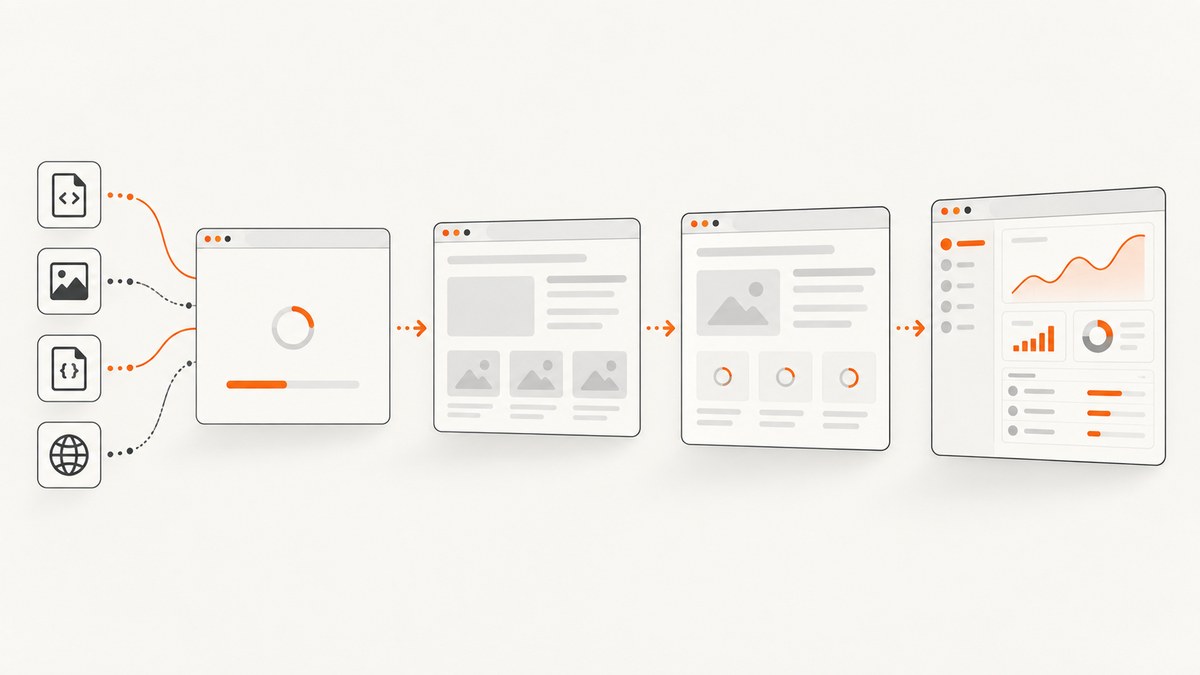
Short answer: start with await page.goto(url). Playwright waits for the load event by default. If your page renders data after that event, wait for the specific heading, table, button or message that proves the page is ready. Use domcontentloaded when parsed HTML is enough, and treat networkidle as a narrow tool rather than a universal definition of “completely loaded.”
There is no browser event that proves every modern page is finished forever. Single-page applications can fetch data after navigation, lazy-load images as they enter the viewport, open WebSocket connections, and update the DOM from timers. The reliable question is: what must be ready before this test or capture can continue?
1. What Playwright waits for by default
page.goto() resolves at the load lifecycle event unless you choose another waitUntil value. The load event is fired after dependent resources such as stylesheets, scripts, iframes and images have loaded. This is a useful general navigation boundary, but it does not guarantee that application data or client-side rendering is complete.
import { chromium } from 'playwright';

const browser = await chromium.launch();
const page = await browser.newPage();

await page.goto('https://example.com'); // waitUntil: 'load' is the default
console.log(await page.title());

await browser.close();
The navigation guide explains that there is no universal meaning of “loaded”; readiness depends on the page and framework. Build your wait around the state your scenario needs instead of adding an arbitrary delay.
2. The four Playwright load states
| State | What it means | Use it when |
|---|---|---|
commit |
The response has been received and the document has started loading. | You need the earliest navigation checkpoint, such as coordinating another operation. |
domcontentloaded |
The browser finished parsing the initial HTML and fired DOMContentLoaded. |
The test only needs the initial DOM and does not depend on images or other resources. |
load |
The browser fired load after dependent resources completed. This is goto()‘s default. |
Most ordinary navigations, especially when styles and images matter. |
networkidle |
No network connections for at least 500 ms. | Only a specific non-test workflow requires a quiet network and you understand the page’s background traffic. |
Playwright marks networkidle as discouraged for testing. Analytics, polling, advertisements, WebSockets and service workers can keep a page active indefinitely. A page can also become network-idle before a client-side component has displayed the data you care about.
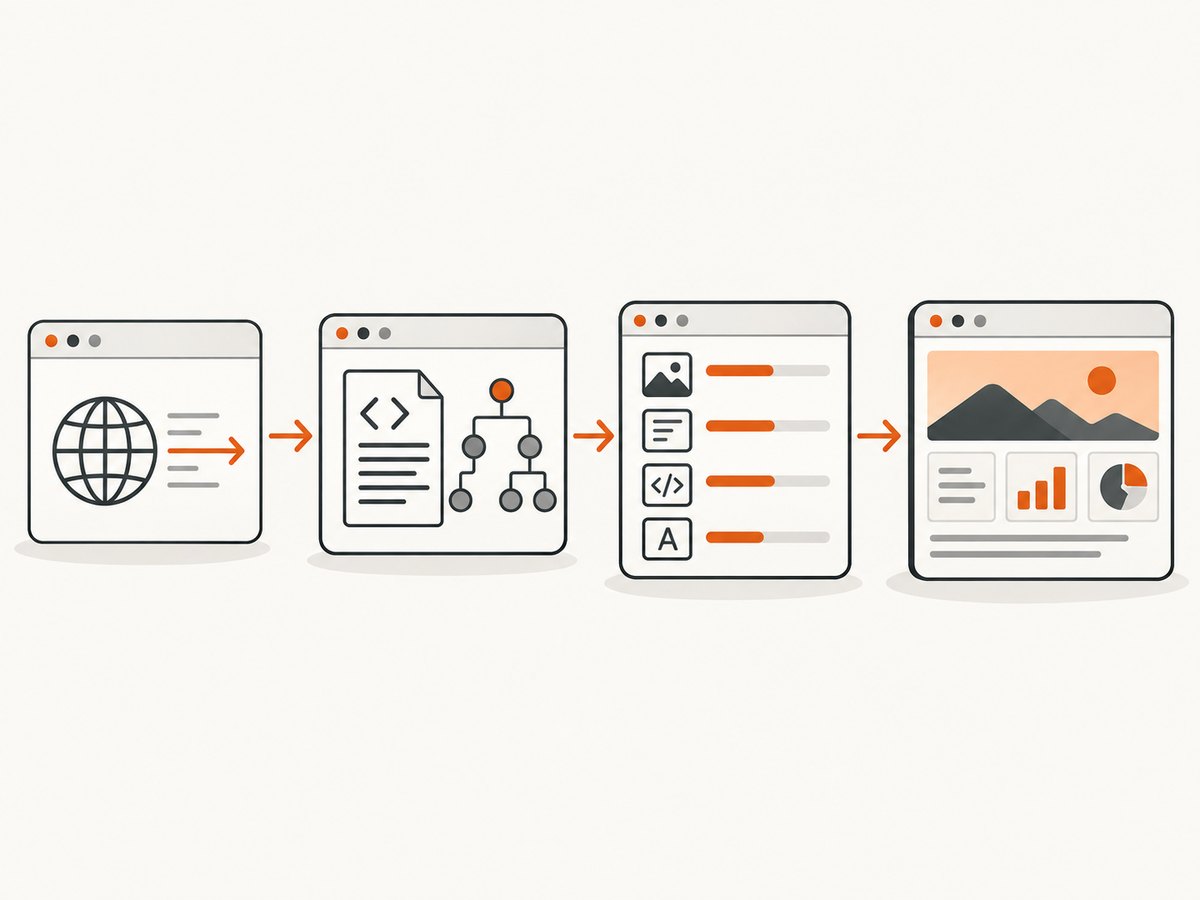
Choosing a state at navigation time
await page.goto('https://example.com', { waitUntil: 'domcontentloaded' });
await page.goto('https://example.com', { waitUntil: 'load' });
await page.goto('https://example.com', { waitUntil: 'networkidle' });
Use one navigation call for the page you are visiting. If you select networkidle, also set a realistic timeout and have a fallback plan for pages that never become quiet.
3. Wait for the UI state that proves readiness
For dynamic applications, a locator assertion is usually the strongest signal. Assertions auto-wait until the target reaches the requested state or the test timeout expires.
import { test, expect } from '@playwright/test';

test('dashboard is ready', async ({ page }) => {
  await page.goto('https://app.example.com/dashboard');
  await expect(page.getByRole('heading', { name: 'Dashboard' })).toBeVisible();
  await expect(page.getByRole('table')).toBeVisible();
  await expect(page.getByText('Last updated')).toBeVisible();
});
This approach handles applications that render a shell first and fill it with data later. Prefer a stable semantic locator: a heading, row, status message or enabled control. Avoid asserting on a transient spinner disappearing unless that is the only reliable contract the application exposes.
Wait for text, an attribute or an enabled control
await expect(page.getByRole('status')).toHaveText('Ready');
await expect(page.locator('[data-testid="results"]')).toHaveCount(1);
await expect(page.getByRole('button', { name: 'Export' })).toBeEnabled();
await expect(page.locator('main')).toHaveAttribute('aria-busy', 'false');
If the application exposes a request that represents completion, you can combine a response wait with a UI assertion:
const responsePromise = page.waitForResponse(response =>
  response.url().includes('/api/report') && response.ok()
);
await page.goto('https://app.example.com/report');
await responsePromise;
await expect(page.getByRole('table')).toBeVisible();
The response confirms that the backend answered; the locator confirms that the browser rendered the answer. Either signal alone can be misleading.
4. Waiting after clicks and other navigation triggers
Playwright actions wait for actionability and normally coordinate with navigation automatically. Write the action first, then wait for an explicit lifecycle checkpoint only when your test needs one.
await page.getByRole('button', { name: 'Open report' }).click();
await page.waitForLoadState('domcontentloaded');
await expect(page.getByRole('heading', { name: 'Report' })).toBeVisible();
If navigation can race with the click, create the wait before the action:
const navigation = page.waitForURL('**/report');
await page.getByRole('link', { name: 'Report' }).click();
await navigation;
await expect(page.getByRole('heading', { name: 'Report' })).toBeVisible();
For a popup, wait for the new page and then apply the same readiness rule:
const popupPromise = page.waitForEvent('popup');
await page.getByRole('button', { name: 'Preview' }).click();
const popup = await popupPromise;
await popup.waitForLoadState('domcontentloaded');
await expect(popup.getByRole('heading', { name: 'Preview' })).toBeVisible();
Frames have their own lifecycle. Obtain the frame, wait for its relevant state if needed, and assert inside it:
const frame = page.frameLocator('#payment-frame');
await expect(frame.getByLabel('Card number')).toBeVisible();
5. Why fixed sleeps and blanket networkidle waits fail
waitForTimeout() expresses elapsed time, not readiness. A two-second sleep wastes time on fast runs and still fails when a slow API, cold cache or third-party script takes longer. Replace it with a condition tied to the intended outcome.
// Fragile
await page.waitForTimeout(3000);
await page.getByRole('button', { name: 'Continue' }).click();

// Condition based
await expect(page.getByRole('button', { name: 'Continue' })).toBeEnabled();
await page.getByRole('button', { name: 'Continue' }).click();
networkidle has a different failure mode: it can wait forever on polling or never represent the moment your UI is usable. If a page truly needs a quiet network for a screenshot or export, use it together with a bounded timeout and a meaningful assertion.
await page.goto('https://example.com', {
  waitUntil: 'networkidle',
  timeout: 30_000
});
await expect(page.locator('#chart')).toBeVisible();
6. A complete reusable helper
Centralize navigation policy so every test has the same timeout, logging and readiness behavior. Pass a locator or callback that represents the page-specific contract.
import { expect, Page } from '@playwright/test';

export async function openReadyPage(
  page: Page,
  url: string,
  ready: string
) {
  await page.goto(url, {
    waitUntil: 'domcontentloaded',
    timeout: 30_000
  });
  await expect(page.locator(ready)).toBeVisible({ timeout: 15_000 });
}

// Usage
await openReadyPage(page, 'https://example.com/catalog', '[data-testid="catalog"]');
Choose load instead when the scenario depends on images or other dependent resources. Keep the readiness selector close to the test’s intent; a generic helper cannot know whether a chart, table or editor is the real completion signal.
7. Lazy loading, images and infinite scroll
The load event covers resources requested during the initial navigation. Lazy images may not request their files until they enter the viewport. Scroll them into view, then wait for their natural dimensions or a completed state.
const hero = page.locator('img[alt="Product"]');
await hero.scrollIntoViewIfNeeded();
await expect(hero).toHaveJSProperty('complete', true);
await expect(hero).toHaveAttribute('src');
For infinite scroll, define a stopping condition such as a known item count or an end-of-results marker. Do not wait for network idle between every scroll when the page intentionally keeps a connection open.
for (let i = 0; i < 10; i++) {
  const before = await page.locator('[data-testid="item"]').count();
  await page.locator('[data-testid="item"]').last().scrollIntoViewIfNeeded();
  await expect.poll(async () =>
    page.locator('[data-testid="item"]').count()
  ).toBeGreaterThan(before);
  if (await page.getByText('End of results').isVisible()) break;
}
8. Timeouts, retries and diagnostics
Set a navigation timeout that matches your environment and keep assertion timeouts separate. On failure, capture the URL, console errors, a trace or a screenshot so you can identify whether the problem is navigation, data fetching or rendering.
page.setDefaultNavigationTimeout(30_000);
page.setDefaultTimeout(10_000);

page.on('console', message => console.log('[console]', message.type(), message.text()));
page.on('pageerror', error => console.error('[pageerror]', error));

try {
  await page.goto('https://example.com', { waitUntil: 'load' });
  await expect(page.getByRole('heading', { name: 'Ready' })).toBeVisible();
} catch (error) {
  await page.screenshot({ path: 'failure.png', fullPage: true });
  throw error;
}
Retries can make a flaky external dependency appear healthy while hiding the underlying issue. Use them as a temporary containment measure and inspect traces for the first failure.
9. Troubleshooting common errors
| Symptom | Likely cause | Fix |
|---|---|---|
page.goto times out |
The server is slow, unreachable, redirecting repeatedly or blocked by the environment. | Check the URL and response outside the test, increase the navigation timeout moderately, and inspect redirects and DNS. Do not solve a dead server with a longer sleep. |
| Navigation resolves but content is missing | Data arrives after load, or a client-side route rendered only a shell. |
Assert on the heading, row, status or API response that proves the data is ready. |
networkidle never resolves |
Polling, analytics, WebSockets or ads keep requests active. | Use a locator assertion or response wait. Reserve network idle for pages where a quiet network is truly required. |
| Element is visible intermittently | The selector matches a transient duplicate, animation or stale route. | Use a stable role or test id, wait for the final text or attribute, and avoid positional selectors. |
| Images are blank in a screenshot | They are lazy-loaded, blocked, cross-origin or still decoding. | Scroll them into view, wait for complete and dimensions, and verify that the request succeeds. |
| Click starts a download or popup | The action’s result is not a navigation in the current page. | Wait for download or popup before clicking, then apply readiness checks to that object. |
| Tests pass locally but fail in CI | Different CPU, network, fonts, timezone or credentials change timing and content. | Make readiness explicit, control the context settings, collect traces, and avoid fixed delays. |
10. Performance and reliability guidelines
- Use
domcontentloadedwhen the test does not need dependent resources; it can start useful work earlier. - Keep the default
loadboundary for ordinary pages that require styles and images. - Wait for one strong application signal instead of stacking several broad waits.
- Reuse a browser process where appropriate, but isolate contexts when cookies, permissions or storage must differ.
- Block irrelevant third-party resources only when doing so cannot change the behavior under test.
- Use deterministic test data and stable selectors to reduce reruns and diagnostic noise.
For screenshot automation, the same rules apply: decide whether you need the initial document, all initial resources or a specific rendered component. A screenshot taken after load can still miss a chart populated by JavaScript; a screenshot taken after an assertion tied to that chart captures the intended state.
11. Or skip the browser setup
If your goal is a clean screenshot rather than browser-level interaction, ScreenshotNeo provides a single request that returns PNG, JPEG, WebP or PDF. Its capture options include full-page screenshots with lazy images loaded, element capture by CSS selector, custom CSS and JavaScript, dark mode, device presets, arbitrary viewports, retina scale, selector waits, delays and network-idle waits.

ScreenshotNeo removes cookie and consent banners, newsletter popups and chat widgets before capture. Bot checks, blank pages, timeouts, failed loads and cache hits are not billed, and the response identifies the result with X-Page-Verdict and X-Billed headers. The service also includes an MCP server with take_screenshot, get_page_info and capture_pdf tools for Claude, Cursor and other MCP clients.
cURL
curl -G "https://api.screenshotneo.com/v1/shot" \
  -d access_key=YOUR_API_KEY \
  --data-urlencode url=https://stripe.com \
  -o shot.webp
Python
import requests

r = requests.get(
    "https://api.screenshotneo.com/v1/shot",
    params={"access_key": "YOUR_API_KEY", "url": "https://stripe.com"},
    timeout=90,
)
r.raise_for_status()
open("shot.webp", "wb").write(r.content)
Node.js
const q = new URLSearchParams({
  access_key: 'YOUR_API_KEY',
  url: 'https://stripe.com'
});
const res = await fetch(`https://api.screenshotneo.com/v1/shot?${q}`);
if (!res.ok) throw new Error(`HTTP ${res.status}`);
const bytes = Buffer.from(await res.arrayBuffer());
require('fs').writeFileSync('shot.webp', bytes);
See the ScreenshotNeo documentation for the full parameter set. You can pass custom headers, cookies, user agents, Authorization, timezone and geolocation; block ads, trackers, requests or resource types; click an element; hide selectors; resize images; cache with a chosen TTL; create signed links; submit asynchronous jobs with signed webhooks; capture up to 100 URLs per bulk call; and query usage. Existing parameter names used by other screenshot APIs also work, which helps when switching.
The Free plan includes 1,000 screenshots each month with no card. Paid plans start at $5 for 3,000 shots; yearly billing gives two months free. Every feature is available on every plan. Create a free ScreenshotNeo account and start with the included monthly shots.
12. FAQ
Does page.goto() wait for JavaScript?
It waits for the selected navigation lifecycle event. JavaScript that fetches data or updates the DOM afterward needs a separate assertion or other readiness condition.
Should every test use networkidle?
No. Playwright discourages it for testing because background traffic can prevent it from resolving and because network quiet does not prove that the correct UI is visible.
When is domcontentloaded the best choice?
Use it when parsed HTML is sufficient and the test does not depend on images, stylesheets or other dependent resources.
Can I wait for a specific API request?
Yes. Use page.waitForResponse() with a URL predicate and then assert that the resulting UI is rendered. The response and the DOM test different parts of readiness.
Why does a screenshot still show a spinner?
The page reached its lifecycle event before the application finished rendering. Wait for the final content or use a capture service option that waits for a selector, delay or network condition.


