How to Wait for Page Load in Playwright and Fix Timeout Errors
Learn Playwright’s load states, condition-based waits, timeout diagnosis, and reliable fixes for navigation and assertion failures.
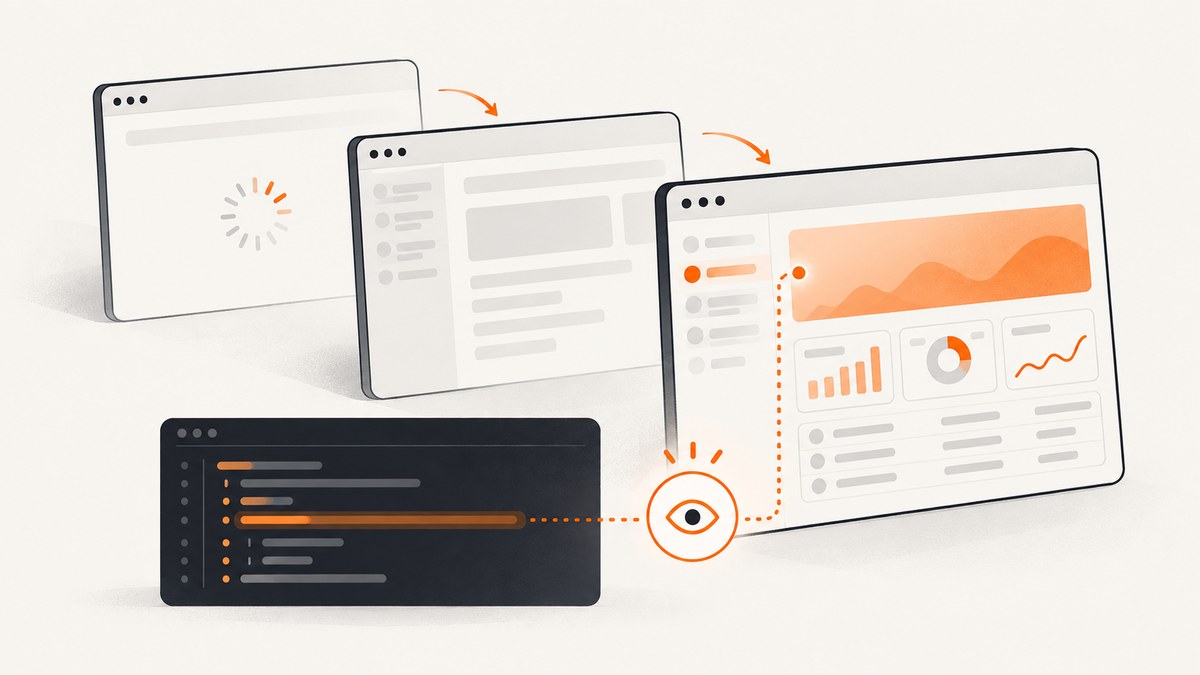
Use condition-based waits in Playwright. Await the action that starts navigation, then assert the URL or user-visible state that proves the page is ready. Add an explicit load-state wait only when your test needs that exact browser milestone. Fixed sleeps and globally inflated timeouts usually hide the real problem.
This guide explains every Playwright navigation milestone, shows runnable TypeScript examples, separates test, navigation, action, and assertion timeouts, and gives a systematic way to fix failures. It also covers popups, redirects, SPAs, long-lived connections, diagnostics, performance, and an API option when your goal is simply to capture a page after it is ready.
1. The reliable default: await navigation, then assert readiness
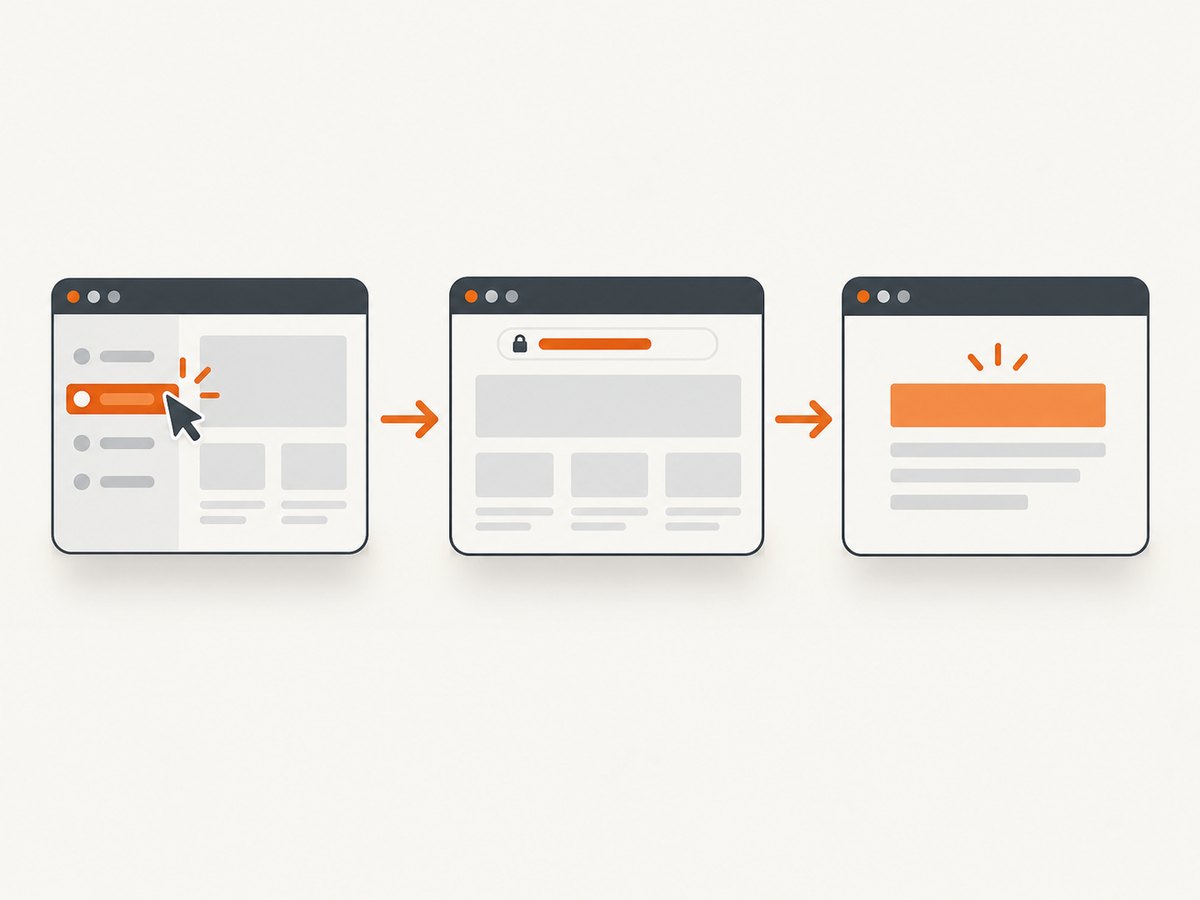
Playwright actions such as clicking a link or submitting a form automatically wait for the action to be possible and coordinate with navigation. The most useful pattern is therefore:
import { test, expect } from '@playwright/test';

test('opens the reports page', async ({ page }) => {
  await page.goto('https://example.com');
  await page.getByRole('link', { name: 'Reports' }).click();

  await expect(page).toHaveURL(/reports/);
  await expect(page.getByRole('heading', { name: 'Reports' })).toBeVisible();
});
The URL assertion checks routing. The heading assertion checks that the application rendered the state a user needs. Both are web-first assertions: they retry until the condition is met or the assertion timeout expires.
Do not add waitForTimeout(5000) merely because a page is sometimes slow. A five-second sleep is too long when the page is fast and too short when the page is slower than expected.
2. What each Playwright load state means
| State | Meaning | Use it when |
|---|---|---|
commit |
The response has been received and the document has started loading. | You need the earliest navigation checkpoint, such as observing that a server responded. |
domcontentloaded |
The initial HTML has been parsed and the DOM is available. | Your next operation only needs parsed markup, not images or other resources. |
load |
The browser’s load event fired. |
The test depends on resources that must finish before that event. |
networkidle |
No network connections were observed for at least 500 ms. | Rare cases where a genuinely quiet network is part of the requirement; Playwright discourages it for ordinary tests. |
Playwright’s documentation notes that waitForLoadState() is often unnecessary because Playwright auto-waits before actions. A page with analytics, polling, WebSockets, advertisements, or streaming requests may never become meaningfully “idle,” so a user-visible assertion is usually more stable than networkidle.
3. Explicit navigation waits and options
Use goto with a deliberate checkpoint
import { test, expect } from '@playwright/test';

test('waits for parsed HTML', async ({ page }) => {
  await page.goto('https://example.com', {
    waitUntil: 'domcontentloaded',
    timeout: 30_000
  });
  await expect(page.getByRole('main')).toBeVisible();
});

test('waits for the load event', async ({ page }) => {
  await page.goto('https://example.com', { waitUntil: 'load' });
  await expect(page).toHaveTitle(/Example/);
});
goto follows redirects, including client-side redirects. If the destination is important, assert the final URL instead of assuming the first URL is the final page.
Wait for a later load state
await page.goto('https://example.com', { waitUntil: 'domcontentloaded' });
await page.waitForLoadState('load');
await expect(page.getByTestId('results')).toBeVisible();
Use this only when the extra checkpoint represents a real requirement. Otherwise, the locator assertion is enough.
Navigation caused by a click
await Promise.all([
  page.waitForNavigation({ waitUntil: 'domcontentloaded' }),
  page.getByRole('link', { name: 'Invoices' }).click()
]);
await expect(page).toHaveURL(/invoices/);
For new code, prefer a locator click followed by URL and UI assertions. If you use an explicit navigation waiter, start it before the click so the event cannot be missed.
Popup or secondary page
const popupPromise = page.waitForEvent('popup');
await page.getByRole('button', { name: 'Open report' }).click();
const popup = await popupPromise;
await popup.waitForLoadState('domcontentloaded');
await expect(popup).toHaveTitle(/Report/);
await expect(popup.getByRole('heading', { name: 'Report' })).toBeVisible();
4. Wait for application readiness, not arbitrary time
Modern applications often finish navigation before data arrives. The browser may have fired load while the page still displays a spinner. Express the actual contract with a locator:
await page.goto('https://app.example.test/dashboard');
await expect(page.getByTestId('dashboard-ready')).toBeVisible({ timeout: 10_000 });
await expect(page.getByRole('status')).toHaveText('Ready', { timeout: 10_000 });
When a request determines readiness, wait for the response and then assert the rendered result:
const responsePromise = page.waitForResponse(response =>
  response.url().includes('/api/report') && response.ok()
);
await page.getByRole('button', { name: 'Load report' }).click();
await responsePromise;
await expect(page.getByTestId('report-table')).toBeVisible();
For elements that appear conditionally, use expect(locator).toBeVisible(), toHaveText(), toHaveCount(), or toBeEnabled(). These assertions retry. Playwright documents page.waitForSelector() as discouraged in favor of locator-based waiting and assertions.
5. Why timeout errors happen
| Error or setting | What it covers | What to inspect |
|---|---|---|
| Navigation timeout | A navigation did not reach its selected milestone in time. | URL, redirects, server response, page crashes, and waitUntil. |
expect(...): Timeout |
A web-first assertion did not become true within its assertion timeout. | Locator, expected state, data loading, and visibility. |
Timeout of 30000ms exceeded |
The Playwright Test test and fixture scope exceeded the test timeout. | All setup, hooks, actions, and assertions in the test. |
| Action timeout | A click, fill, or other action could not complete. | Whether the locator resolves, is visible, enabled, and unobstructed. |
Playwright Test’s documented defaults are 30,000 ms for the test timeout and 5,000 ms for auto-retrying expect assertions. Navigation timeout is configured separately per navigation or with navigation-timeout settings; there is no single universal value in the timeout table.
6. A disciplined timeout-fix sequence
- Reduce the failure. Reproduce the smallest navigation, action, or assertion that fails. Read the call log.
- Verify routing. Log the current URL and inspect redirects. Assert the final destination with
toHaveURL. - Replace sleeps. Use a locator assertion, response wait, or explicit load state that matches the requirement.
- Choose the narrowest milestone. Use
domcontentloadedfor parsed HTML andloadwhen the load event matters. Avoidnetworkidlefor pages with persistent traffic. - Raise only the relevant timeout. Give a known slow assertion a larger assertion timeout or a single navigation a larger navigation timeout. Do not raise every timeout globally first.
- Collect diagnostics. Enable a trace, save a screenshot, record the URL, and inspect response details in the failing environment.
7. Common edge cases
Single-page applications
Client-side route changes may not produce a traditional document navigation. After clicking, assert the route and the rendered landmark:
await page.getByRole('link', { name: 'Settings' }).click();
await expect(page).toHaveURL(/settings/);
await expect(page.getByRole('heading', { name: 'Settings' })).toBeVisible();
Long-lived network activity
Analytics, polling, WebSockets, and ads can keep connections open. A networkidle wait can time out even though the page is usable. Wait for the specific card, table, or status that proves readiness.
Lazy-loaded content
Scrolling can trigger loading. Scroll the target into view and assert its content:
const chart = page.getByTestId('revenue-chart');
await chart.scrollIntoViewIfNeeded();
await expect(chart).toBeVisible();
await expect(chart.getByRole('img')).toBeVisible();
Authentication and redirects
A missing session often redirects to a login page. Check the final URL and confirm that storage state, cookies, or test credentials are loaded before blaming page speed.
Cross-origin frames
Wait on the frame locator’s UI rather than the parent page’s network state:
const payment = page.frameLocator('iframe[title="Payment"]');
await expect(payment.getByLabel('Card number')).toBeVisible();
8. Performance and reliability guidance
- Use the earliest sufficient checkpoint. Waiting for
domcontentloadedcan avoid unnecessary delays when images are irrelevant. - Prefer stable test IDs or accessible roles over brittle CSS chains.
- Keep assertions close to the action that should make them true; failures then identify the broken transition.
- Reuse authenticated storage state instead of logging in for every test.
- Keep retries for genuinely transient infrastructure failures, not as a substitute for correct waits.
- When running in CI, capture traces on retry so a timeout includes the browser timeline and network context.
Longer timeouts improve tolerance for a slow environment but increase feedback time and can conceal regressions. Set values from observed service-level behavior and keep the default small enough to expose accidental waits.
9. Or skip the browser setup
If the goal is a clean screenshot after a page has loaded, you can call ScreenshotNeo instead of maintaining a browser, navigation wait, and cleanup pipeline. Its API accepts a URL and returns PNG, JPEG, WebP, or PDF. Before capture it accepts cookie and consent banners like a visitor and removes more than 60 known consent platforms, newsletter popups, and chat widgets; each step can be turned off. Bot checks or CAPTCHAs, blank pages, timeouts, failed loads, and cache hits are not billed, and response headers identify the page verdict and whether the request was billed.

See the complete option list and parameter details in the ScreenshotNeo documentation.
cURL
curl -G "https://api.screenshotneo.com/v1/shot" \
  -d access_key=YOUR_API_KEY \
  --data-urlencode url=https://stripe.com \
  -o shot.webp
Python
import requests

r = requests.get(
    "https://api.screenshotneo.com/v1/shot",
    params={"access_key": "YOUR_API_KEY", "url": "https://stripe.com"},
    timeout=90,
)
r.raise_for_status()
open("shot.webp", "wb").write(r.content)
Node.js
const q = new URLSearchParams({
  access_key: 'YOUR_API_KEY',
  url: 'https://stripe.com'
});
const res = await fetch(`https://api.screenshotneo.com/v1/shot?${q}`);
if (!res.ok) throw new Error(`Screenshot failed: ${res.status}`);
const buffer = Buffer.from(await res.arrayBuffer());
require('fs').writeFileSync('shot.webp', buffer);
For automated capture, options include full-page screenshots with lazy images loaded, CSS-selector element capture, dark mode, device presets or custom viewports, retina scale, custom CSS and JavaScript, click and wait conditions, blocked ads or resource types, headers, cookies, user agents, authorization, timezone, geolocation, transparent backgrounds, resizing, a chosen cache TTL, signed image links, asynchronous jobs with signed webhooks, bulk capture of up to 100 URLs per call, PDFs, HTML/CSS rendering, and a usage API. An MCP server exposes take_screenshot, get_page_info, and capture_pdf to Claude, Cursor, and other MCP clients.
Plans include 1,000 shots per month free with no card. Paid plans start at $5 for 3,000 shots; yearly billing gives two months free, and every feature is available on every plan. Create an account at ScreenshotNeo’s free sign-up page.
10. ScreenshotNeo troubleshooting
- Unexpected consent banner: confirm the relevant consent-removal option is enabled, or disable only the cleanup step you need to preserve.
- Blank or blocked page: inspect the page verdict headers. Bot checks, blank pages, failed loads, and timeouts are reported and are not billed.
- Stale image: adjust the cache TTL or disable caching for that capture.
- Wrong viewport or theme: set a device preset or explicit viewport and choose light or dark mode.
- Dynamic content missing: wait for a selector, delay, or network condition that represents the content’s readiness.
11. FAQ
Should I always use waitUntil: 'networkidle'?
No. It is discouraged for ordinary tests because background traffic can prevent the state from occurring. Assert the UI state your test needs.
Why did increasing the test timeout not fix my expect timeout?
The test timeout and expect timeout are separate. Increase the assertion timeout for a slow assertion, after verifying that the locator and expected state are correct.
When is waitForLoadState() useful?
Use it when your test explicitly depends on a browser milestone such as parsed DOM or the load event. Many actions already auto-wait, so an extra call is often unnecessary.
How do I know whether navigation or the assertion failed?
Read the error prefix. “Navigation timeout” points to the URL and selected load state; “expect timeout” points to the locator and expected UI condition; a 30-second test timeout covers the wider test and fixture scope.
Can I capture a page without running Playwright?
Yes. ScreenshotNeo provides a URL-to-image or PDF API, cleanup for consent banners and common widgets, verdict and billing headers, and an MCP server for AI agents.


