Polotno Studio Alternative with Unlimited Loads and API
Compare Polotno Studio, Polotno SDK, Bannerbear and Creatomate to choose an API workflow that fits your rendering volume and editor needs.

If by “loads” you mean design renders or exports, the closest Polotno option for high-volume embedding is Polotno SDK, not Polotno Studio. Polotno’s current SDK pricing page describes self-hosted editing and rendering as unlimited under fair use, within a stated license scope. Studio is a hosted editor with an Automation API that uses monthly credits; it is not unlimited. Confirm the SDK’s scope and fair-use terms with Polotno against your expected volume before choosing it.
The right choice depends on what you are building. Use SDK when your own customers need to edit designs inside your product and you can meet its license terms. Use Studio when Polotno’s hosted editor and metered automation fit your workflow. Consider Bannerbear for API-generated assets from team-authored templates, or Creatomate for video-first automation. If the job is actually capturing web pages as images or PDFs, ScreenshotNeo is the alternative to try first: it returns clean screenshots and PDFs through an API, and bills only clean shots.
What “unlimited loads” can mean
“Loads” is ambiguous in a design-rendering context. It could mean opening the editor, rendering an image, exporting a PDF page, generating video, or loading a template. Those operations can be governed by different limits. Before comparing plans, define the unit you need:
- Editor access: how many of your users can open and use the editor?
- Render jobs: how many final image, PDF, or video outputs do you create?
- Concurrency and throughput: how many jobs can run at once, and what happens when demand spikes?
- License scope: which domain, brand, environment, and product can use the editor?
An “unlimited” rendering statement does not necessarily mean unlimited concurrency, unlimited domains, an uncapped cloud API, or unrestricted redistribution of rendering capacity. Polotno SDK’s pricing page describes self-hosted editing and rendering as unlimited under fair use, and its base self-serve scope covers one domain under one brand family. Verify how that applies to your use case.
Polotno Studio and Polotno SDK are different products
Polotno Studio is a hosted editor with an Automation API. Its listed monthly plans are Free with 100 credits, Starter at $19 with 5,000 credits, Growth at $49 with 25,000 credits, and Scale at $149 with 100,000 credits. A standard image render costs one credit; an image larger than 3000² costs three; a PDF page costs three; and video rendering costs approximately one credit per second. Top-up credits are available. The exact allowance and current terms should be checked on the vendor’s Studio pricing page.
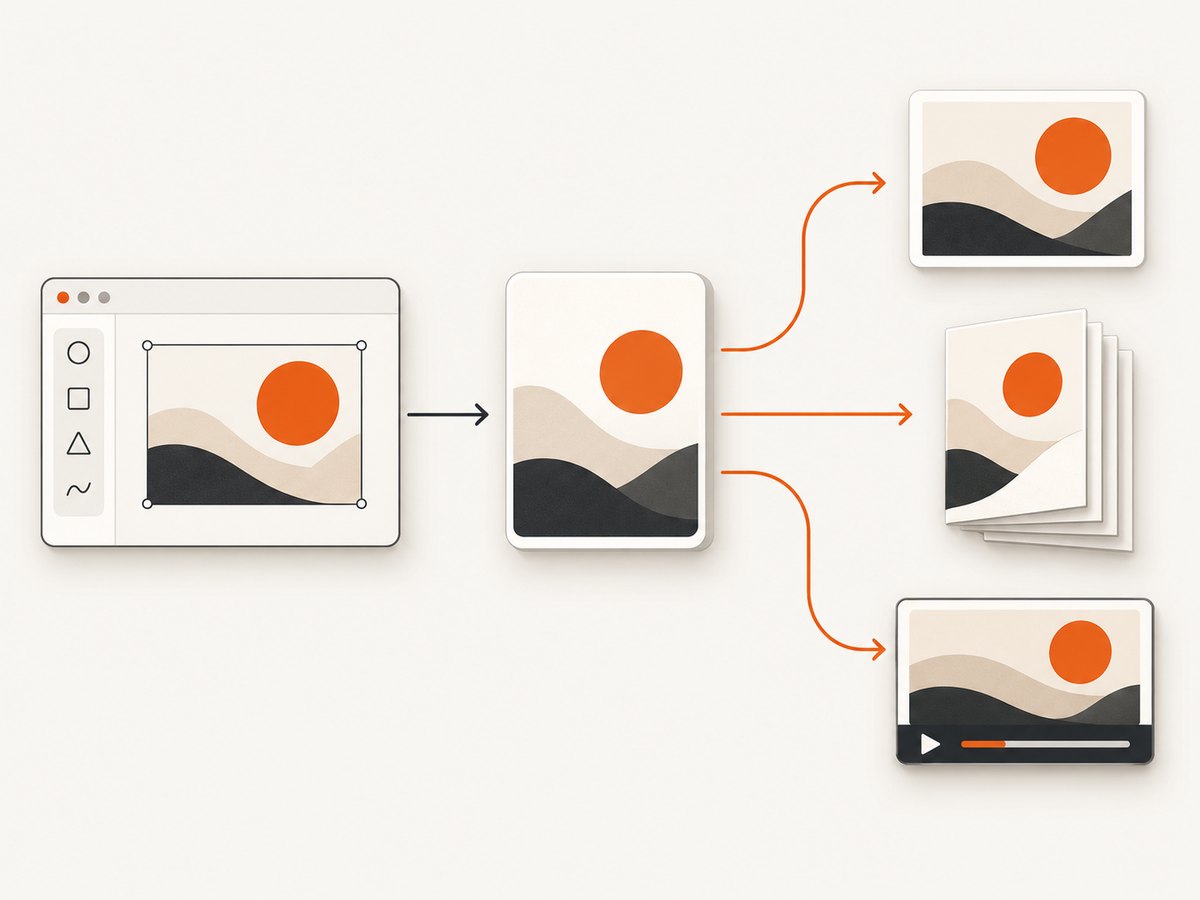
Polotno SDK is the separately licensed option for embedding an editor in your application. Its pricing page lists self-hosted editing and rendering as unlimited, fair use. The listed self-serve price is $899/month or $9,990/year; the Grass Roots license is $249/month or $2,490/year, subject to manual review and limited scope. The self-serve base price includes one domain under one brand family. Enterprise pricing is custom, and optional upgrades cost extra. Check the SDK pricing and license scope before budgeting; prices and terms can change.
Do not treat a Studio account as a license to provide a third-party design editor as a feature in your product. The Studio agreement distinguishes its hosted service from the separately licensed SDK. If your users will create and edit designs in your SaaS, get the appropriate SDK terms in writing.
Which alternative fits your workflow?
| Option | Best fit | Usage model to examine |
|---|---|---|
| Polotno SDK | Embedding a user-facing design editor in your application | Unlimited self-hosted editing and rendering under fair use; domain and brand scope; license and support terms |
| Polotno Studio | Using a hosted editor and automating output within a credit allowance | Monthly credits, per-operation cost, rate limits, top-ups, hosted-service terms |
| Bannerbear | Team-authored templates rendered through an API, without an editor for your end users | Credit-metered rendering; operations such as scaling, multiple formats, PDFs, animation, or video can change credit use |
| Creatomate | Video-first generation or scheduled and event-triggered media workflows | Credit-based plans, request rate limits, plan-dependent concurrency, and generated-file retention |
| ScreenshotNeo | Capturing a website URL as an image or PDF | 1,000 free shots/month; paid plans start at $5 for 3,000; only clean shots are billed |
Bannerbear’s pricing describes credit-based rendering. Creatomate’s pricing lists 50 trial credits and paid credit plans; its documentation states a limit of 30 requests per 10-second window, with concurrency depending on plan and requests able to queue. Creatomate says generated files are available for up to 30 days. Check the Bannerbear pricing page, Creatomate pricing, and Creatomate rate-limit documentation for current terms.
Polotno’s own comparisons describe Bannerbear as managed-cloud rendering with a team-facing template editor, and Creatomate as video-first with an editor aimed at template authors. Those are vendor characterizations; evaluate each product against your own user experience and technical needs.
How to estimate cost and volume
Estimate from the output you actually deliver, not simply the number of editor sessions. For a credit-based service, calculate expected credits per output type, then multiply by the planned monthly quantities. For Studio, a simple estimate is:
monthly_credits = standard_images
                + 3 * large_images_over_3000_squared
                + 3 * pdf_pages
                + estimated_video_seconds
This approximation reflects the listed Studio costs; check whether your exact operation has additional rules. Include retries, preview renders, alternate formats, and failed or abandoned user workflows in your estimate. Do not assume unused monthly credits roll over: the current Studio agreement says monthly credits reset without rollover, while purchased top-ups roll over for 12 months. It also says metered operations stop when the credit allowance is exhausted.
For a fair-use SDK license, model the full commercial scope as well as raw render volume. Confirm which domains and brands are covered, whether staging or customer-branded domains count, how self-hosted and cloud rendering differ, and what concurrency or support commitments apply. Get confirmation for your intended traffic pattern before relying on the word “unlimited.”
For every option, include engineering and operating costs: queueing, storage, delivery, retries, template maintenance, and monitoring. A lower unit price can cost more to operate if your team must build and maintain workflow orchestration or an editor. A no-code workflow can reduce integration work but may constrain how you control jobs and user experience.
Polotno Studio Automation API basics
Studio’s API is asynchronous by default for image renders. The documented quickstart uses project-scoped API keys, available once automation is enabled. Requests can authenticate with a bearer token or an X-API-Key header. The image creation endpoint is POST /v1/images; a synchronous option waits up to 30 seconds. For longer jobs, poll render status or configure a webhook. Webhook setup returns a secret used to verify the HMAC signature, so verify callbacks before accepting them as completed work.
Dynamic fields can supply text, images, video, colors, fonts, and visibility. A typical integration should keep the API key on a trusted server, submit a render, record its job identifier, and either poll with backoff or receive a verified webhook. The exact request schema depends on the template and fields configured in Studio; use the Polotno API documentation rather than guessing field names.
- Enable automation for the relevant Studio project and store its key in a server-side secret manager.
- Build and validate a template, including its dynamic fields and expected output dimensions.
- Submit render jobs from your backend. Avoid placing the API key in browser code.
- For asynchronous jobs, persist job identifiers and poll at a controlled interval or accept webhooks.
- Verify webhook HMAC signatures using the returned secret before changing job state.
- Track credit consumption and handle exhaustion as a product state, not an unhandled exception.
Studio is a managed service, so it can be simpler than operating your own rendering stack. The tradeoff is that you must design around the plan’s credit allowance, rate limits, hosted workflow, and license restrictions.
Questions to resolve before selecting an embedded editor
- Who authors templates? If your staff makes templates and users only request outputs, an API renderer may be sufficient. If customers need to edit freely, consider the SDK.
- Where does rendering run? SDK self-hosting changes your infrastructure responsibilities. Ask about browser requirements, server rendering, optional cloud rendering, and operational support.
- What media do you produce? Image, multi-page PDF, and video workloads have different cost and performance profiles.
- What is the user experience? Decide whether people need a canvas editor, a form that fills a template, or an automated workflow.
- What does the contract permit? Confirm domain and brand scope, redistribution, customer access, security, support, liability, and any upgrade fees.
- How do jobs behave under load? Ask about concurrency, queueing, timeouts, retries, output retention, and rate-limit headers or guidance.
Or skip the browser setup
If the task is a website screenshot rather than an editable design render, ScreenshotNeo’s API takes a URL and returns an image or PDF in one call. Cookie banners, newsletter popups, and chat widgets are removed before the shot. Bot checks, blank pages, and failed loads are never billed; responses identify the page verdict and billing status in headers. An MCP server lets Claude, Cursor, or another MCP client take screenshots. The free plan includes 1,000 screenshots a month with no card, and paid plans start at $5 for 3,000.
curl -G "https://api.screenshotneo.com/v1/shot" -d access_key=YOUR_API_KEY --data-urlencode url=https://stripe.com -o shot.webpimport requests
r = requests.get(
"https://api.screenshotneo.com/v1/shot",
params={"access_key": "YOUR_API_KEY", "url": "https://stripe.com"},
timeout=90,
)
open("shot.webp", "wb").write(r.content)const q = new URLSearchParams({ access_key: 'YOUR_API_KEY', url: 'https://stripe.com' });
const res = await fetch(`https://api.screenshotneo.com/v1/shot?${q}`);
if (!res.ok) throw new Error(`Screenshot request failed: ${res.status}`);
await Bun.write('shot.webp', res);See the API documentation for output and capture options. Sign up for 1,000 free screenshots a month, with no card required.
Troubleshooting
| Symptom | Likely cause | What to do |
|---|---|---|
| Studio render request is rejected | Invalid or project-mismatched key, wrong authentication header, or malformed request | Check the project key, use bearer authentication or X-API-Key, and compare the payload to the API schema. |
| A Studio job stays pending | Asynchronous render still processing, queue pressure, or a callback not reaching your service | Poll the documented status endpoint with backoff, inspect job errors, and verify webhook delivery and signature handling. |
| Studio refuses new metered work | Monthly credits are exhausted or a plan limit was reached | Inspect usage and plan limits; reduce unnecessary renders or change the plan/top-up arrangement. Do not retry indefinitely. |
| SDK use exceeds expected license scope | Additional domains, brands, or environments may be outside the base license | Confirm scope with Polotno before rollout; include production, staging, and customer-facing domains in the question. |
| Creatomate requests queue or are throttled | Requests exceed the documented 30-per-10-second-window limit, or plan concurrency is reached | Throttle submissions, queue work in your application, and check the plan’s concurrency terms. |
| Generated output is no longer available | Provider retention window elapsed | Download and store outputs you need to retain; Creatomate lists availability up to 30 days. |

Performance and reliability practices
For API rendering, submit work through a queue when user traffic can arrive in bursts. Set bounded retries for transient errors, use exponential backoff for polling, and make job handling idempotent so a repeated callback or client retry does not create duplicate customer-visible results. Store job status separately from the output URL, and copy files into storage you control when retention matters.
For a self-hosted SDK, benchmark with representative templates, image sizes, and concurrent sessions in your own deployment. Measure editor load time and render latency independently; the vendor’s “unlimited” description is a license statement qualified by fair use, not a published performance benchmark. For hosted APIs, measure your own end-to-end latency and account for queues, network transfer, and output delivery. Do not promise a completion time until you have measured it under your workload.
Keep credentials off the client, rotate them when exposed, validate dynamic content, and cap user-controlled dimensions and upload sizes. Add alerts for failed jobs, credit thresholds, rate limits, and unusually high retry counts. For webhooks, verify signatures and acknowledge only after safely recording the event.
Privacy and licensing checks
Polotno’s SDK pricing page says the SDK runs on the customer’s side and that user designs and data are not sent to Polotno except for license verification and optional cloud rendering. That statement concerns SDK as described on that page; it does not automatically apply to hosted Studio. Review each product’s terms and data handling for the actual configuration you plan to use.
The Studio agreement says paid plans renew automatically until canceled, monthly credits reset without rollover, and top-ups roll over for 12 months. It also prohibits bypassing limits or exposing or reselling rendering capacity to unlicensed third parties. Review the agreement and obtain legal or vendor clarification for a product embedding scenario.
FAQ
Is Polotno Studio unlimited?
No. Studio’s Automation API uses credits and plan limits. The SDK is a separate product described as unlimited self-hosted editing and rendering under fair use.
Can I embed Polotno Studio’s editor in my SaaS?
Do not assume so. Studio and SDK have different licenses; the SDK is the option Polotno identifies for embedding an editor in another application.
Is “unlimited” the same as unlimited API throughput?
No. The SDK pricing statement is qualified by fair use and license scope. Confirm concurrency, infrastructure, and permitted domains with the vendor.
Which option should I choose for website screenshots?
Design editors and template-rendering APIs solve a different problem. For URL-to-image or URL-to-PDF capture, ScreenshotNeo offers a dedicated API with a free monthly allowance.


