How to Preserve CSS Width, Padding, and Margins in DevExpress RichEditDocumentServer
Preserve HTML widths, padding, and margins in DevExpress RichEditDocumentServer by mapping CSS to its document model and fixing import edge cases.
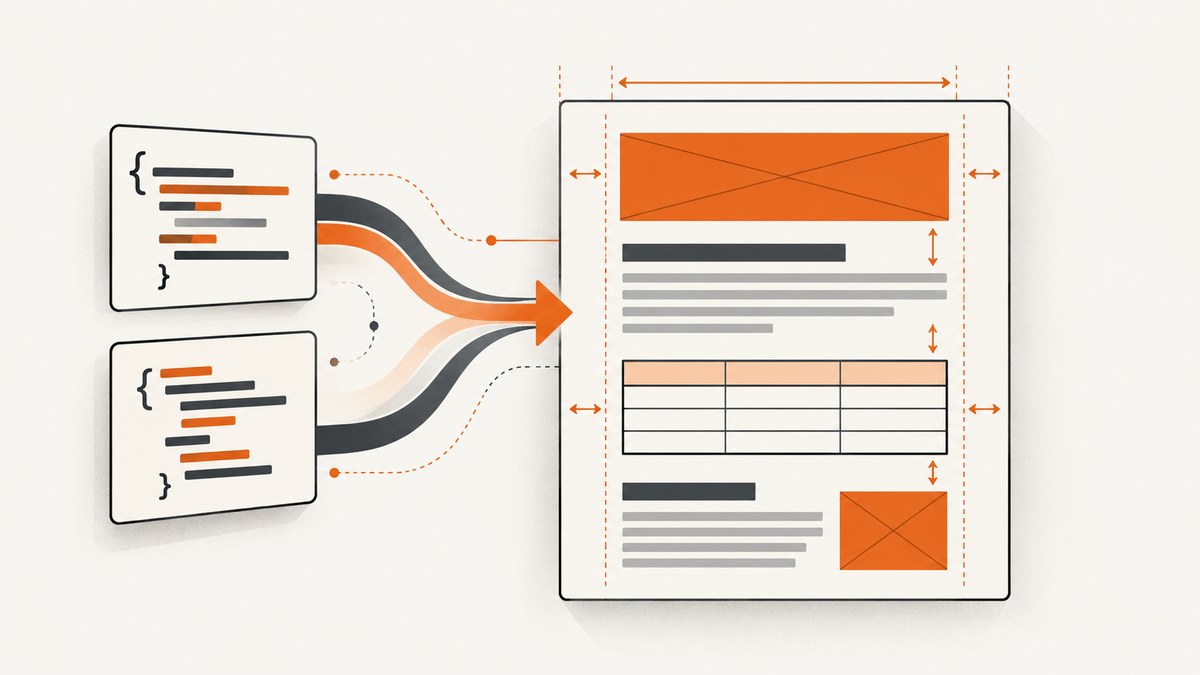
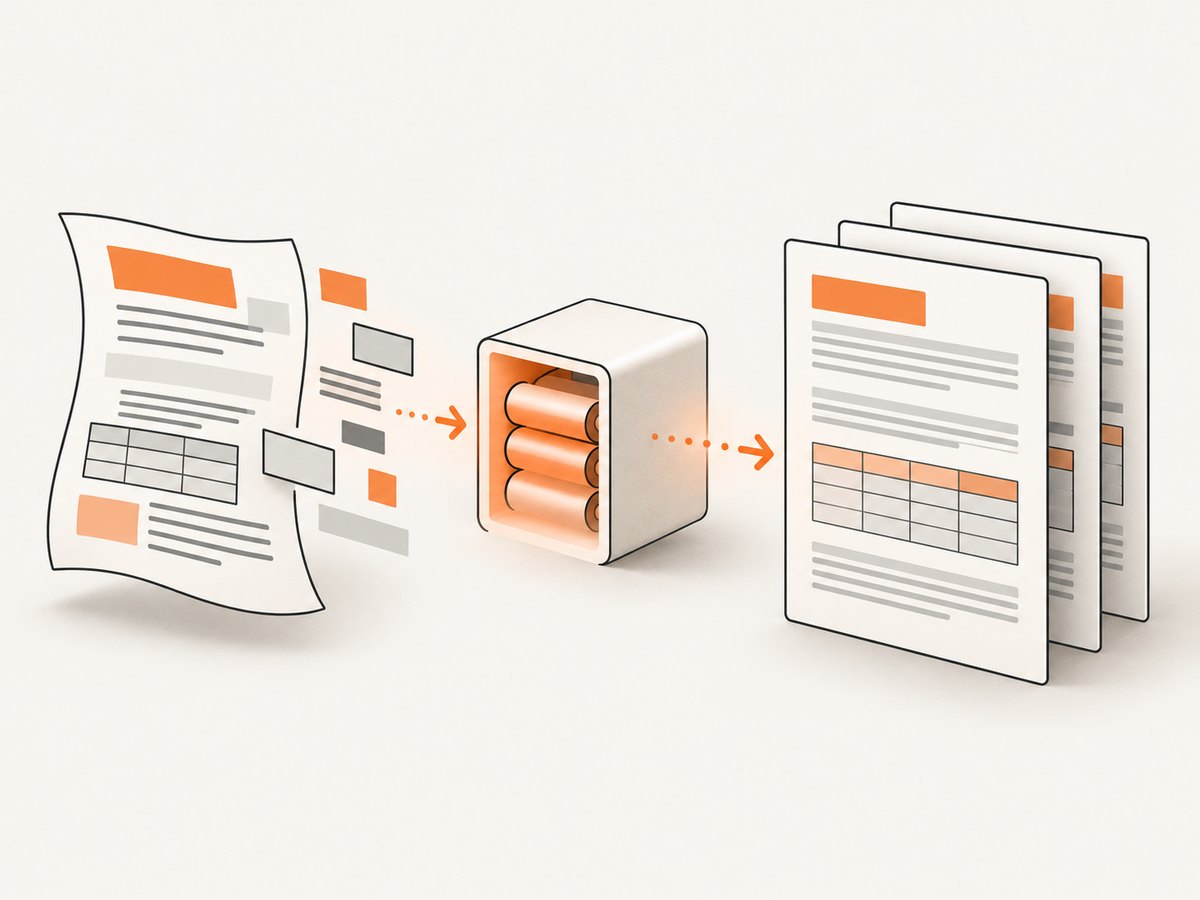
Short answer: RichEditDocumentServer is not a browser. HTML import converts markup into DevExpress’s internal document model, so browser-only CSS behavior can disappear. Preserve layout by using the documented HTML subset, setting section page geometry explicitly, configuring table overflow, and correcting paragraph spacing after import. Verify the exact result with the DevExpress version and renderer you ship.
DevExpress states that the Word Processing Document API is not designed to fully support HTML. Treat CSS preservation as a mapping problem: first identify whether a value controls page geometry, a table/cell/image dimension, cell padding, or paragraph spacing; then apply the corresponding document-model property.
1. Identify what is changing
“The CSS was lost” usually describes several different problems. Classify the symptom before changing code:
| Symptom | Likely document-model area | First check |
|---|---|---|
| Content reaches the page edge | Section page size or margins | Document.Sections[n].Margins and page dimensions |
| A table crosses the text area | Table compatibility behavior | AllowTablesOutstepMargins |
| Columns or cells become wider or narrower | Table, cell, or image width support | Supported HTML tags and explicit widths |
| Cell whitespace disappears | Cell padding mapping | Whether the source uses a supported property or shorthand |
| Paragraphs have unexpected gaps | Paragraph spacing | SpacingBefore and SpacingAfter |
| Exported HTML looks different | CSS placement on export | CssPropertiesExportType |
2. Reduce the HTML to a reproducible case
- Record the installed DevExpress package and version.
- Keep one element that demonstrates the failure: one table, cell, image, or paragraph.
- Remove JavaScript, media queries, and unrelated styles.
- Write down the expected page size, margins, element width, padding, and paragraph spacing.
- Compare the reduced markup with DevExpress’s supported HTML table and unsupported-construct list.
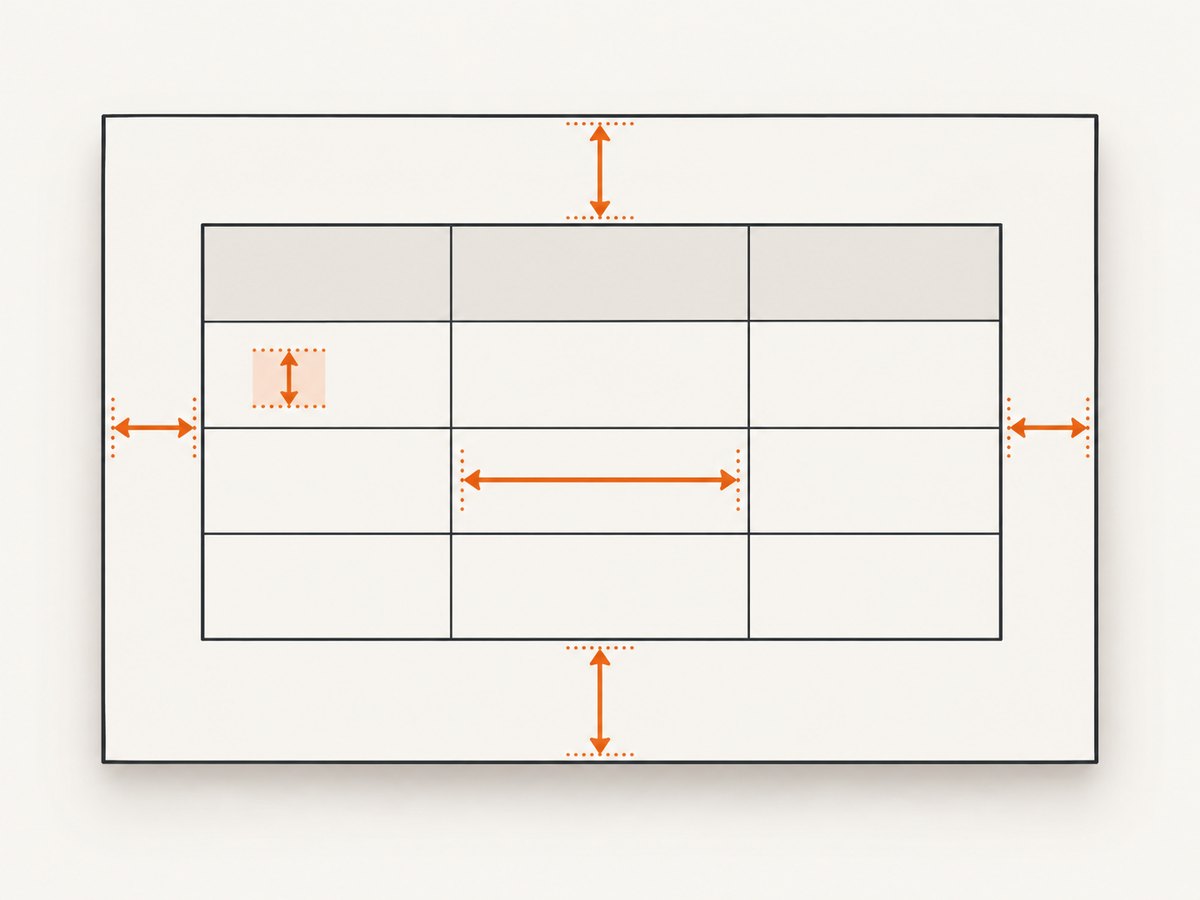
The supported table documents width for HTML tables, cells, and images. That does not mean every CSS sizing rule or browser layout algorithm is supported. DevExpress lists !important, CSS shorthand declarations, and other constructs as unsupported. Replace them with explicit declarations where the document model has a corresponding property.
3. Import HTML with explicit options
The following .NET example loads an HTML file, configures import behavior, and leaves a clear place to apply document-level corrections. Names can vary by DevExpress release, so compile against the package installed by your project.
using System;
using DevExpress.XtraRichEdit;
using DevExpress.XtraRichEdit.API.Native;
using DevExpress.XtraRichEdit.Export;

class ImportExample
{
    static void Main()
    {
        using var server = new RichEditDocumentServer();

        server.BeforeImport += (sender, e) =>
        {
            // Set options supported by your installed DevExpress version.
            e.Options.Html.Encoding = System.Text.Encoding.UTF8;
            e.Options.Html.IgnoreMediaQueries = true;
            e.Options.Html.LoadImagesSynchronously = true;
            e.Options.Html.ImageScalingDpi = 96;
        };

        server.LoadDocument("input.html", DocumentFormat.Html);
        Document document = server.Document;

        // Apply section geometry and spacing after import when required.
        ConfigureDocument(document);

        server.ExportToPdf("output.pdf");
    }

    static void ConfigureDocument(Document document)
    {
        Section section = document.Sections[0];
        section.Page.Width = 8.5f;
        section.Page.Height = 11f;
        section.Margins.Top = 0.75f;
        section.Margins.Bottom = 0.75f;
        section.Margins.Left = 0.75f;
        section.Margins.Right = 0.75f;
    }
}
Use the exact unit expected by your release. DevExpress’s examples set document.Unit before assigning page dimensions and margins; keep the unit explicit so a value is not interpreted as pixels, points, or another measurement accidentally.
4. Set page width and margins in the document model
CSS margins on an imported element are not the same as page margins. When the page geometry must be stable for PDF or print output, set it on the section:
Document document = server.Document;
document.Unit = DevExpress.Office.DocumentUnit.Inch;

Section section = document.Sections[0];
section.Page.Width = 8.5f;
section.Page.Height = 11f;
section.Margins.Top = 0.75f;
section.Margins.Bottom = 0.75f;
section.Margins.Left = 0.75f;
section.Margins.Right = 0.75f;
For multiple sections, configure every section that can contain the affected content. A later section can have different page dimensions or margins even when the imported HTML appears continuous.
5. Keep tables inside the text area
If an imported table runs into the page margins, use the documented compatibility setting:
using DevExpress.XtraRichEdit;

server.LoadDocument("input.html", DocumentFormat.Html);
server.Document.CompatibilitySettings.AllowTablesOutstepMargins = false;

// If the document was loaded with ModeNotSpecified, apply the mode
// recommended by DevExpress for compatibility behavior in your release.
// server.Document.CompatibilitySettings.Mode = CompatibilityMode.Mode15;
Apply this after loading and before export. Check the actual property names in your installed assembly because compatibility APIs can be version-specific. This setting addresses table overflow; it does not repair unsupported padding, arbitrary CSS widths, or paragraph spacing.
6. Preserve widths, cell padding, and image dimensions
Use explicit, supported declarations
Prefer simple width declarations on elements that the HTML support table names: tables, cells, and images. Avoid relying on flexbox, grid, browser intrinsic sizing, or a CSS shorthand that has no document-model counterpart.
<table width="640" style="width:640px">
  <tr>
    <td width="320" style="width:320px; padding-top:12px; padding-right:16px; padding-bottom:12px; padding-left:16px">
      Content
    </td>
    <td width="320" style="width:320px; padding-top:12px; padding-right:16px; padding-bottom:12px; padding-left:16px">
      Content
    </td>
  </tr>
</table>
<img width="320" height="180" src="image.png" alt="" />
Using separate longhand declarations makes it easier to see which value failed. It also avoids the documented limitation around shorthand declarations. Do not add !important; DevExpress lists it as unsupported.
When padding has no direct equivalent
Inspect the imported table or cell in the document API and set the closest supported cell or paragraph properties. If the required CSS effect cannot be represented, change the source markup or accept a document-model approximation. A browser screenshot is not a valid expectation for a word-processing document unless every required behavior has a supported counterpart.
7. Remove import-created paragraph gaps
DevExpress documents that imported paragraphs receive 12 pt of SpacingBefore and SpacingAfter. If this creates extra vertical whitespace, set those values before import as recommended by the documentation, or normalize the resulting paragraphs immediately after loading.
Document document = server.Document;

foreach (Paragraph paragraph in document.Paragraphs)
{
    paragraph.SpacingBefore = 0;
    paragraph.SpacingAfter = 0;
}
Use a narrower selection when some paragraphs intentionally need spacing. Resetting every paragraph can remove deliberate visual separation.
8. Configure CSS when exporting HTML
Import and export are separate operations. Export CSS placement controls where generated rules appear; it does not add layout semantics that the internal model never captured.
server.BeforeExport += (sender, e) =>
{
    e.Options.Html.CssPropertiesExportType = CssPropertiesExportType.Style;
};

server.ExportToHtml("output.html");| Value | Output | Use when |
|---|---|---|
Style |
Rules in a <style> block |
You want a self-contained HTML file |
Link |
Rules referenced from an external stylesheet | Your deployment manages a shared CSS file |
Inline |
Rules written on HTML tags | A consumer needs inline styles |
Set the option through BeforeExport, SubDocument.GetHtmlText, or Options.Export.Html, depending on your API path. Older methods named ExportToCurrentFile and ExportToSeparateFile are marked obsolete in the current reference; use the supported export APIs for your installed package.
9. A complete diagnostic workflow
- Capture inputs: save the original HTML, CSS, DevExpress version, output format, and target renderer.
- Classify the symptom: page geometry, table/cell/image size, padding, or paragraph spacing.
- Check support: remove
!important, shorthand declarations, and browser-only layout rules; compare the remaining markup with the supported-tag table. - Import with explicit encoding and image settings: this prevents unrelated decoding and image-load differences.
- Set section geometry: assign page width, height, and all four margins.
- Constrain tables: disable
AllowTablesOutstepMarginswhen tables cross the text area. - Normalize spacing: account for the documented 12 pt paragraph spacing.
- Choose export CSS placement: select
Style,Link, orInlinebased on the consumer. - Compare output: inspect the generated document in the target renderer and compare it with Microsoft Word or another word processor when differences remain.
10. Common errors and fixes
| Error | Cause | Fix |
|---|---|---|
| “CSS width is ignored.” | The rule uses an unsupported selector, shorthand, or browser layout behavior. | Use explicit width on a supported table, cell, or image element and verify the installed version’s support table. |
| “The table is wider than the page.” | Table overflow compatibility behavior allows it to outstep margins. | Set AllowTablesOutstepMargins to false, then re-export. |
| “Every paragraph has a large gap.” | Imported paragraphs receive 12 pt before and after spacing. | Set SpacingBefore and SpacingAfter to the intended values. |
| “Margins changed after export.” | Element CSS margins were used instead of section margins, or another section has different geometry. | Set margins on each relevant Document.Sections[n]. |
| “Inline HTML looks different from style-block HTML.” | CSS placement changed, while unsupported semantics remain unsupported. | Test each CssPropertiesExportType; do not expect placement to restore lost layout. |
| “The code sample does not compile.” | API names or enum locations differ between DevExpress releases. | Check the installed RichEdit assembly and adapt the sample to that release. |
11. Performance, reliability, and maintenance
- Keep imports small while debugging. A minimal fixture makes layout regressions easier to compare across package upgrades.
- Set geometry once per section. Repeated formatting passes add complexity and can hide which operation changed the result.
- Load images synchronously when deterministic output matters. Also verify that every image URL is reachable in the execution environment.
- Pin and record the DevExpress version. Supported HTML and compatibility behavior are release-dependent.
- Use golden files. Keep representative HTML fixtures and compare PDF or exported HTML output after upgrades.
- Separate import tests from export tests. A failure can originate in HTML parsing, document-model mapping, PDF layout, or CSS serialization.
12. Do-it-yourself code in one place
using System.Text;
using DevExpress.XtraRichEdit;
using DevExpress.XtraRichEdit.API.Native;

using var server = new RichEditDocumentServer();
server.BeforeImport += (_, e) =>
{
    e.Options.Html.Encoding = Encoding.UTF8;
    e.Options.Html.IgnoreMediaQueries = true;
    e.Options.Html.LoadImagesSynchronously = true;
    e.Options.Html.ImageScalingDpi = 96;
};

server.LoadDocument("input.html", DocumentFormat.Html);
Document doc = server.Document;
doc.Unit = DevExpress.Office.DocumentUnit.Inch;
doc.CompatibilitySettings.AllowTablesOutstepMargins = false;

foreach (Section section in doc.Sections)
{
    section.Page.Width = 8.5f;
    section.Page.Height = 11f;
    section.Margins.Top = 0.75f;
    section.Margins.Bottom = 0.75f;
    section.Margins.Left = 0.75f;
    section.Margins.Right = 0.75f;
}

foreach (Paragraph paragraph in doc.Paragraphs)
{
    paragraph.SpacingBefore = 0;
    paragraph.SpacingAfter = 0;
}

server.ExportToPdf("output.pdf");
Adjust the paragraph loop and page values to your document’s requirements. The code cannot make unsupported CSS become supported; it makes the supported document-model settings explicit.
13. Or skip the browser setup
If your goal is to inspect the rendered result rather than build a document-model import pipeline, ScreenshotNeo provides a single website screenshot API request. Cookie banners, newsletter popups, and chat widgets are removed before the shot. Bot checks, blank pages, timeouts, failed loads, and cache hits are not billed, and the response identifies the result with X-Page-Verdict and X-Billed headers. Its MCP server lets Claude, Cursor, and other MCP clients call take_screenshot, get_page_info, and capture_pdf.
See the ScreenshotNeo API documentation for all options.
curl -G "https://api.screenshotneo.com/v1/shot" -d access_key=YOUR_API_KEY --data-urlencode url=https://stripe.com -o shot.webpimport requests
r = requests.get("https://api.screenshotneo.com/v1/shot", params={"access_key": "YOUR_API_KEY", "url": "https://stripe.com"}, timeout=90)
open("shot.webp", "wb").write(r.content)const q = new URLSearchParams({ access_key: 'YOUR_API_KEY', url: 'https://stripe.com' });
const res = await fetch(`https://api.screenshotneo.com/v1/shot?${q}`);ScreenshotNeo includes 1,000 screenshots per month free with no card; paid plans start at $5 for 3,000 shots. Create a free ScreenshotNeo account.
14. FAQ
Can RichEditDocumentServer preserve any CSS property?
No. It imports into a word-processing document model, and DevExpress documents unsupported HTML and CSS constructs. Confirm each property in the support table and test the output.
Should I use CSS margins or section margins?
Use section margins for page geometry. Element margins and paragraph spacing describe content inside the page and may map differently.
Does CssPropertiesExportType improve fidelity?
It changes whether CSS is emitted in a style block, linked stylesheet, or inline attributes. It does not recover layout semantics lost during import.
Why does a table still overflow after setting its width?
Check section margins, table and cell widths, compatibility settings, and any unsupported sizing rules. Disable AllowTablesOutstepMargins and test a reduced table.
How should I handle a version-specific API difference?
Record the exact DevExpress package, inspect its RichEdit documentation or IntelliSense, and adapt the sample. The underlying diagnosis remains the same: map CSS to the supported document-model property.


