How to Preserve Cyrillic Characters When Converting HTML to PDF
Keep Cyrillic text searchable in PDFs with UTF-8, complete font coverage, reliable loading, and renderer-specific checks.
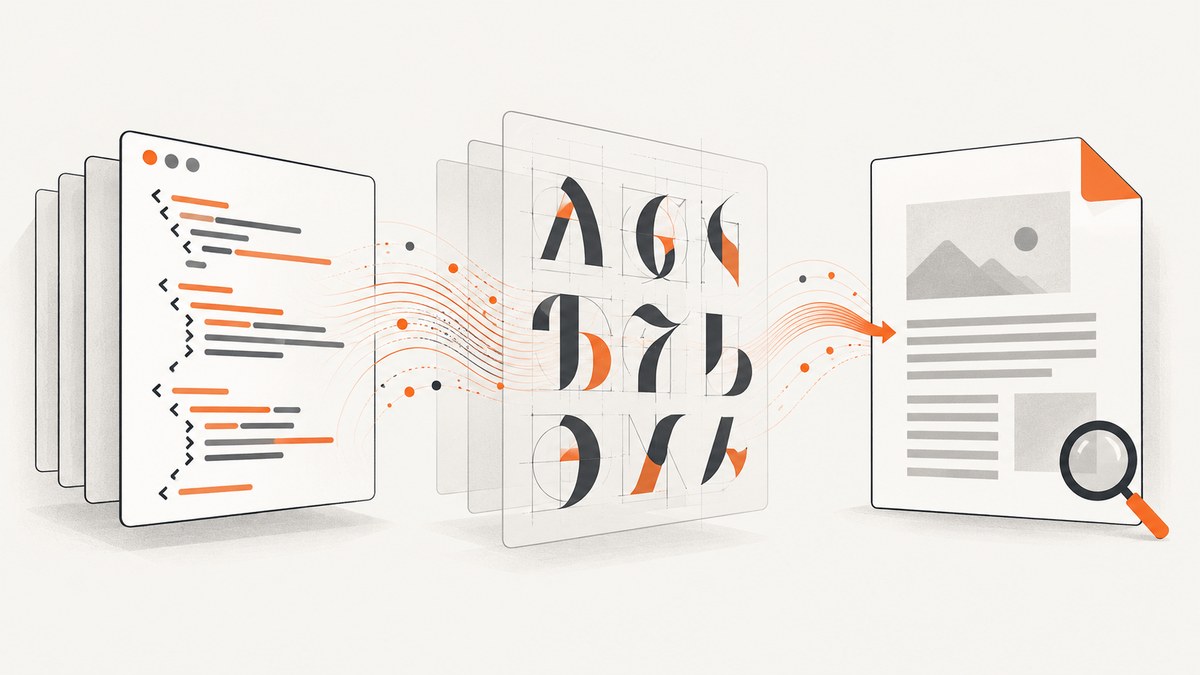
Short answer: keep the document as UTF-8, choose a font whose regular, bold, and italic faces contain every Cyrillic character you use, and make that font available to the PDF renderer. In WeasyPrint, pass one shared FontConfiguration to both the CSS and PDF call. In browser automation, wait for web fonts before calling page.pdf(). Then open the PDF, copy Cyrillic text, and run a text-extraction check.
1. Why Cyrillic disappears
HTML stores Cyrillic as Unicode code points. A conversion fails when an encoding conversion changes those code points, or when the renderer cannot find a glyph for one of them. A browser may silently use a locally installed fallback font while a server process has no such font. The result is usually empty boxes, squares, missing accents, or text that looks correct but cannot be searched.
Font coverage is per face: a family can have Cyrillic in its regular face but not in its bold or italic face. Your fallback stack must therefore cover every weight and style used by the document.
2. A repeatable conversion checklist
- Save HTML and templates as UTF-8 and send
Content-Type: text/html; charset=utf-8. - Use a Cyrillic-capable family and a known fallback.
- Bundle the font or make its
@font-faceURL reachable. - Define matching regular, bold, and italic faces.
- Wait for font loading; Puppeteer uses print CSS for
page.pdf(). - Inspect visually, copy a Cyrillic sentence, and run text extraction.
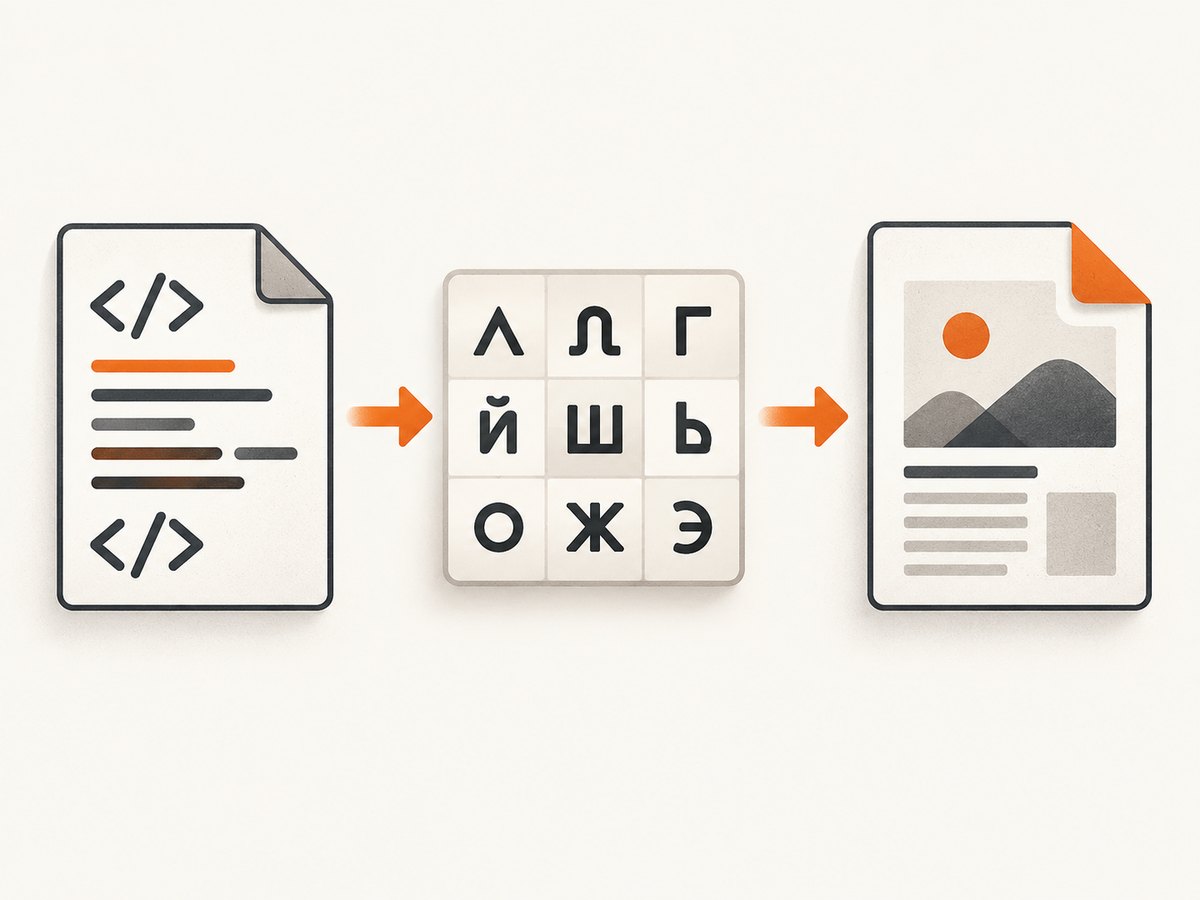
3. WeasyPrint: a complete working example
WeasyPrint embeds fonts and subsets them to glyphs used in the PDF. Install a Cyrillic-capable font, then point @font-face at its path. A shared FontConfiguration is required when CSS loads a web font. See the WeasyPrint font documentation.
python -m pip install weasyprint
# Put fonts/DejaVuSans.ttf and fonts/DejaVuSans-Bold.ttf beside input.html
cat > input.html <<'HTML'
<!doctype html>
<html lang="ru"><head><meta charset="utf-8">
<style>
@font-face { font-family: "DocumentCyrillic"; src: url("fonts/DejaVuSans.ttf"); font-weight: 400; }
@font-face { font-family: "DocumentCyrillic"; src: url("fonts/DejaVuSans-Bold.ttf"); font-weight: 700; }
body { font-family: "DocumentCyrillic", sans-serif; }
</style></head>
<body><h1>Проверка кириллицы</h1><p>Москва, Киев, София — русский текст, ёлка и ударение.</p><p><strong>Жирный текст тоже должен иметь глифы.</strong></p></body></html>
HTML
cat > convert.py <<'PY'
from pathlib import Path
from weasyprint import CSS, HTML
from weasyprint.fonts import FontConfiguration
base = Path(__file__).parent.resolve()
font_config = FontConfiguration()
css = CSS(filename=str(base / "input.html"), font_config=font_config)
HTML(filename=str(base / "input.html"), base_url=str(base)).write_pdf(str(base / "output.pdf"), stylesheets=[css], font_config=font_config)
PY
python convert.py
Use base_url so relative font, image, and stylesheet paths resolve consistently. Remote fonts require working redirects, TLS, and permissions; local packaged fonts are more reproducible.
WeasyPrint options that affect text
- Fallback: verify the fallback contains your script on the deployment host.
- Weights and styles: define each used face explicitly.
- Subsetting: embedding and subsetting are normal; subsetting cannot create missing glyphs.
- Archival: PDF/A-3u is documented as a Unicode-oriented option; “u” indicates Unicode text availability. See the WeasyPrint API.
4. Puppeteer: wait for web fonts before printing
Puppeteer’s page.pdf() uses print CSS. Wait for document.fonts.ready and set print options explicitly. See the API reference.
npm install puppeteer
cat > make-pdf.mjs <<'JS'
import puppeteer from "puppeteer";
const browser = await puppeteer.launch({headless: "new"});
try {
 const page = await browser.newPage();
 await page.goto("file:///absolute/path/input.html", {waitUntil: "networkidle0"});
 await page.evaluate(async () => { await document.fonts.ready; });
 await page.emulateMediaType("print");
 await page.pdf({path: "output-puppeteer.pdf", format: "A4", printBackground: true, preferCSSPageSize: true, margin: {top: "18mm", right: "16mm", bottom: "18mm", left: "16mm"}});
} finally { await browser.close(); }
JS
node make-pdf.mjs
For HTTP pages, wait for navigation and font resources, and ensure the browser can reach the font origin. Use @media print for print-only layout.
5. Validate appearance and Unicode text
pdftotext output.pdf - | head -n 20
pdftotext output.pdf - | python -c 'import sys; s=sys.stdin.read(); print("replacement chars:", s.count("�"))'
Open the PDF in two viewers, zoom through every weight and style, copy a Cyrillic sentence, and compare it with the source. Visual correctness alone does not prove searchable Unicode.
6. Common failures and fixes
| Symptom | Cause | Fix |
|---|---|---|
| Squares or blanks | No loaded font has the glyph. | Install or bundle a Cyrillic font; fix @font-face and share WeasyPrint’s FontConfiguration. |
| Only bold or italic fails | That face lacks coverage. | Define the face or add a fallback with coverage. |
| Browser is correct, PDF is wrong | Local fallback is unavailable or printing happened before fonts loaded. | Bundle the font and wait for document.fonts.ready. |
| Remote font ignored | DNS, TLS, redirects, permissions, or sandbox rules block it. | Check logs and network access; use a local font. |
| Text displays but cannot be copied | No usable Unicode mapping. | Check warnings, embedding, and pdftotext; use a Unicode-oriented PDF/A variant when required. |
| Some characters fail | Code points are outside the family. | Identify them and add a covering fallback. |
7. Performance, reliability, and cost
- Browser launch and font discovery dominate small jobs; keep Puppeteer warm for batches.
- Package needed faces and glyph ranges; local files avoid network variance.
- Pin font and renderer versions, locale, timezone, and print CSS for deterministic output.
- Retry transient navigation failures, but alert on persistent missing-glyph warnings.
- Self-hosting costs compute and maintenance; hosted APIs trade setup for per-request pricing.
8. Or skip the browser setup
ScreenshotNeo returns a screenshot or PDF from one GET request. See the API documentation.

curl -G "https://api.screenshotneo.com/v1/shot" -d access_key=YOUR_API_KEY --data-urlencode url=https://stripe.com -o shot.webpimport requests
r = requests.get("https://api.screenshotneo.com/v1/shot", params={"access_key": "YOUR_API_KEY", "url": "https://stripe.com"}, timeout=90)
open("shot.webp", "wb").write(r.content)const q = new URLSearchParams({ access_key: 'YOUR_API_KEY', url: 'https://stripe.com' }); const res = await fetch(`https://api.screenshotneo.com/v1/shot?${q}`);Cookie banners, newsletter popups, and chat widgets are removed before the shot. Bot checks, blank pages, failed loads, timeouts, and cache hits are never billed, and response headers identify the verdict and billing. Its MCP server lets AI agents call take_screenshot, get_page_info, and capture_pdf. The free plan includes 1,000 screenshots a month with no card; paid plans start at $5 for 3,000.
Create a free ScreenshotNeo account and start with 1,000 monthly screenshots.
9. FAQ
Does UTF-8 install a Cyrillic font?
No. UTF-8 preserves code points; the renderer still needs matching glyphs.
Why does regular text work but bold fail?
Coverage is per face. Add a Cyrillic-capable bold face or fallback.
Is a screenshot enough to verify a PDF?
No. Copy text and run extraction to verify searchable Unicode.
Should I use WeasyPrint or Puppeteer?
Use WeasyPrint for direct HTML/CSS with packaged fonts; Puppeteer for browser layout and print CSS. Make font loading explicit in either.


