How to Press Buttons with Promises in Playwright Java
Click buttons in Playwright Java with resilient locators, then wait for the result you care about. Java calls are blocking style; you don’t add JavaScript’s await keyword.
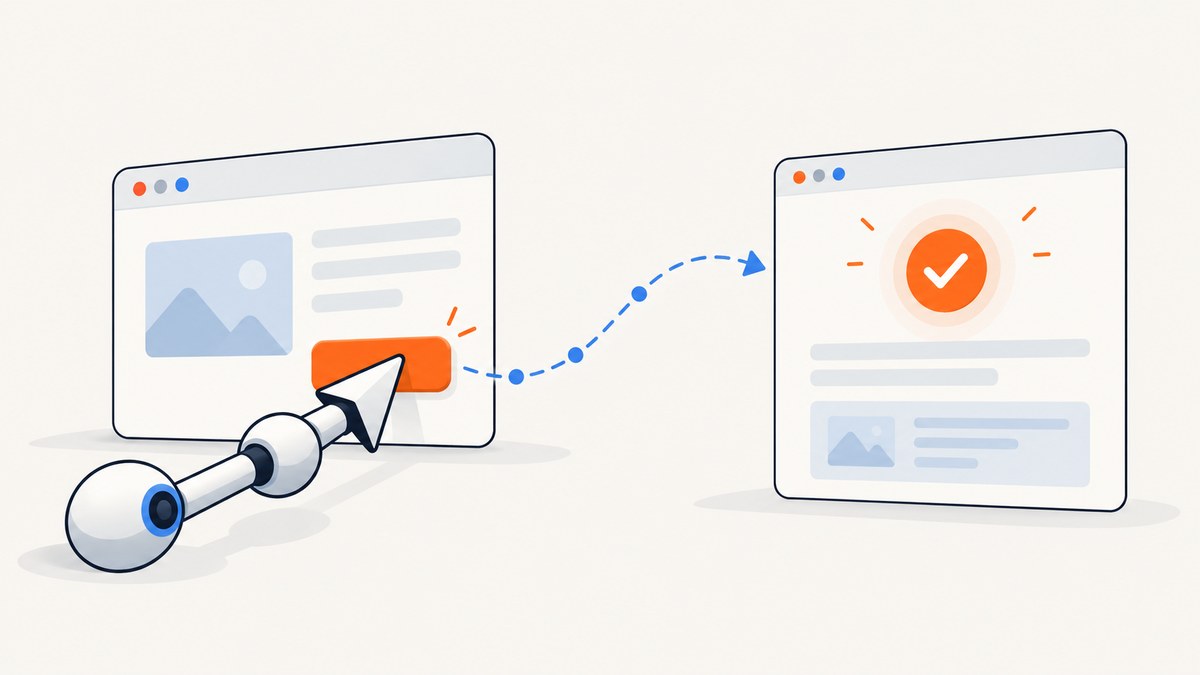
In Playwright Java, press a button by locating it and calling click(). The Java API is blocking style for ordinary actions, so you do not add JavaScript’s await keyword. Let the click perform its actionability checks, then explicitly wait for the result that matters to your test: a popup, a request, a visible message, or a chosen navigation boundary.
import com.microsoft.playwright.*;

Page page = ...;
page.getByRole(
    AriaRole.BUTTON,
    new Page.GetByRoleOptions().setName("Submit")
).click();
If by “promises” you mean a JavaScript Promise returned by code passed to evaluate(), Playwright waits for that Promise to resolve and returns its value. A rejected Promise or thrown error becomes a Playwright exception. Ordinary Java button actions do not expose JavaScript promise syntax.
1. Choose a locator that describes the button
Locators are the central piece of Playwright’s auto-waiting and retry-ability. Prefer a locator that expresses the way a user or test contract identifies the control, rather than depending on its position in the DOM.
| Locator | Use when | Example |
|---|---|---|
| Role and accessible name | The button has a meaningful accessible name; best default for user-facing controls. | getByRole(AriaRole.BUTTON, ...setName("Sign in")) |
| Visible text | The visible label is the stable contract. | page.getByText("Submit") |
| Test ID | Your application publishes a stable testing identifier. | page.getByTestId("submit") |
| CSS | You have a deliberate selector contract or no better user-facing locator. | page.locator("button.primary") |
| XPath | There is no practical alternative and the DOM relationship is intentional. | page.locator("xpath=//button") |
Role-and-name example:
Locator submit = page.getByRole(
    AriaRole.BUTTON,
    new Page.GetByRoleOptions().setName("Submit")
);
submit.click();
For a button whose accessible name is formed from nested content, the role locator still targets its accessible name. If multiple buttons have the same name, scope to a meaningful region or refine the locator so it identifies exactly the intended control. Avoid selecting the first match just to silence ambiguity: an unexpected duplicate can be a real application or test problem.
Locator dialog = page.getByRole(
    AriaRole.DIALOG,
    new Page.GetByRoleOptions().setName("Confirm order")
);
dialog.getByRole(
    AriaRole.BUTTON,
    new Locator.GetByRoleOptions().setName("Confirm")
).click();
Locators resolve against the current DOM when an action runs. That makes them more resilient to framework re-renders than an element handle captured earlier and then held while the page changes. Prefer a locator for normal interactions.
2. Let click auto-wait for actionability
A normal locator click checks that the target is in the DOM, displayed, stable, scrolled into view, and able to receive pointer events because it is not obscured. If the element detaches during those checks, Playwright retries. This behavior handles many timing problems without fixed sleeps.
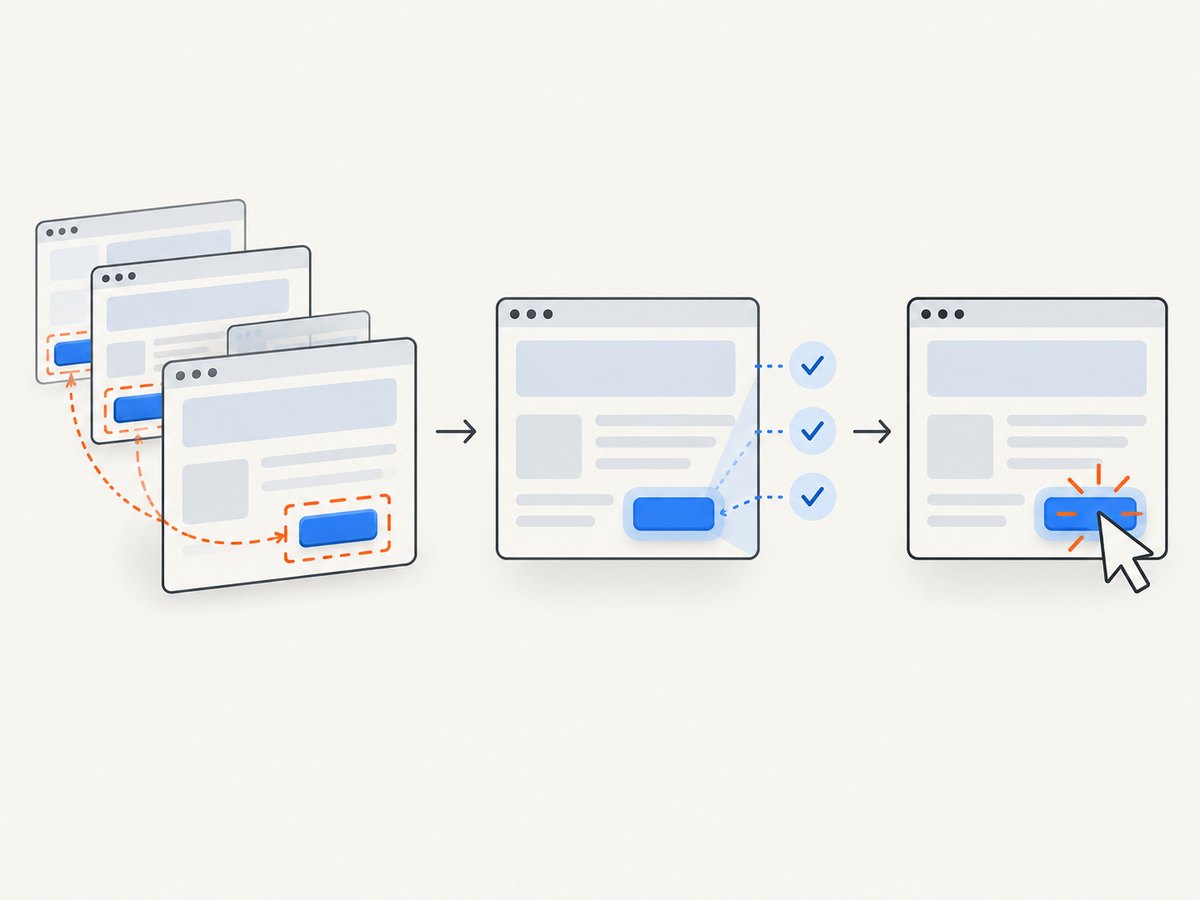
Locator save = page.getByRole(
    AriaRole.BUTTON,
    new Page.GetByRoleOptions().setName("Save")
);
save.click();
Do not add Thread.sleep() before every click. A fixed delay wastes time when the page is ready quickly and still fails when the page takes longer than the chosen interval. Use click’s built-in checks for the interaction, then wait for an observable consequence.
If the button is covered by a modal, loading mask, sticky header, or chat widget, a normal click can time out. That is useful evidence: a visitor may also be unable to click it. Determine whether the obstruction is expected and handle the UI state deliberately before bypassing the check.
3. Wait for the side effect you actually need
Clicking and waiting are separate concerns. The click ensures the action can occur; your test should synchronize with the outcome relevant to its assertion.
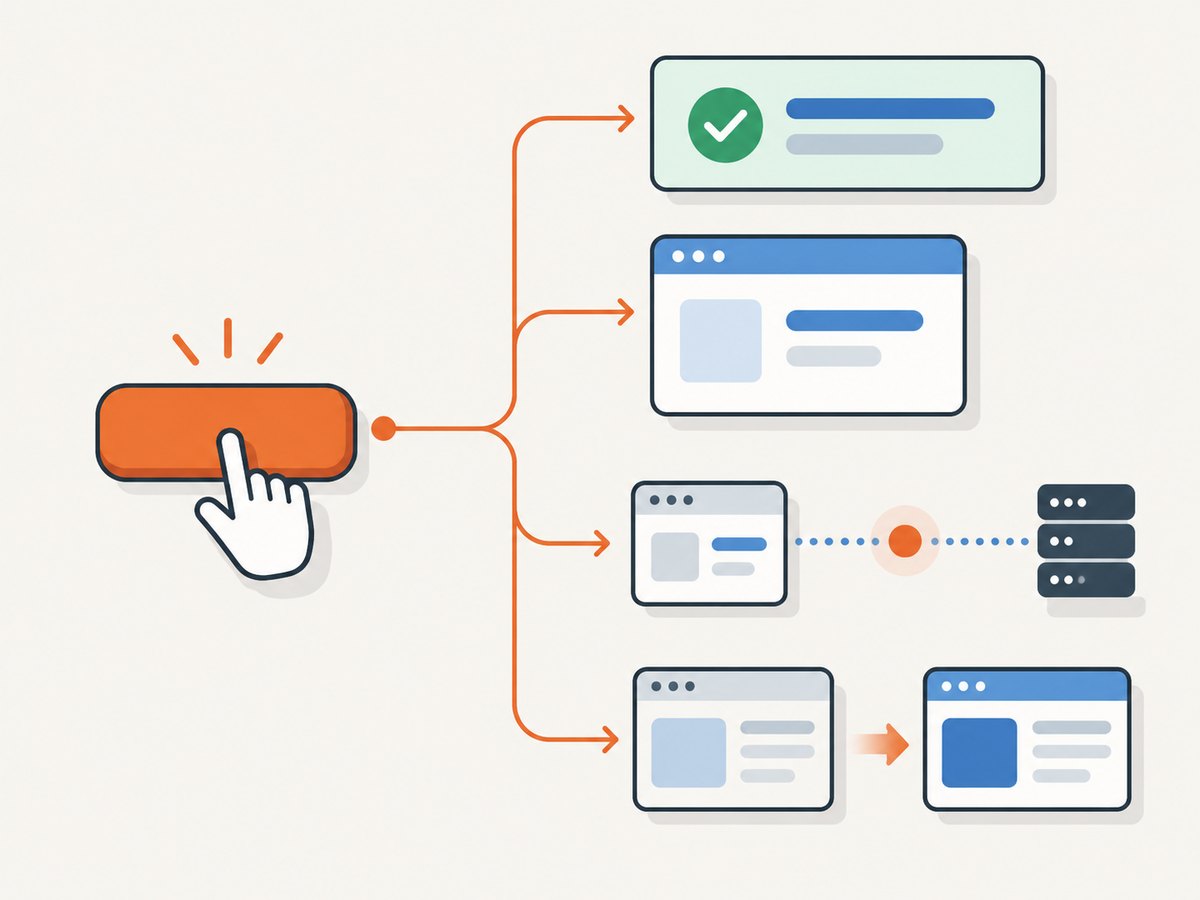
Wait for a visible UI result
When success is reflected in the page, wait for that state. Locator waitFor() defaults to visible and can also wait for attached, detached, or hidden states.
page.getByRole(
    AriaRole.BUTTON,
    new Page.GetByRoleOptions().setName("Save")
).click();
page.locator("#saved-message").waitFor();
This expresses the condition the test cares about, such as a confirmation message appearing or a dialog closing. If the UI has a meaningful role and name, prefer that over a generic CSS selector for the result too.
Wait for navigation
Use waitForLoadState() when the test requires a named lifecycle boundary. It waits for load by default; alternatives include DOMContentLoaded and NETWORKIDLE. Explicit waiting for a load state is usually unnecessary because Playwright auto-waits before actions, so include it when that boundary is part of what you need to verify.
page.getByRole(
    AriaRole.BUTTON,
    new Page.GetByRoleOptions().setName("Continue")
).click();
page.waitForLoadState();
Do not treat a generic load event as proof that a single-page application finished its work. The document may already be loaded while a request and UI update are still in flight. In that case, wait for the resulting UI state or the specific request.
Wait for a popup
Register the popup wait around the action that opens it. This avoids a race in which the popup appears before the test begins waiting.
Page popup = page.waitForPopup(() -> {
    page.getByRole(
        AriaRole.BUTTON,
        new Page.GetByRoleOptions().setName("Open report")
    ).click();
});
popup.waitForLoadState(LoadState.DOMCONTENTLOADED);
Use the popup page for assertions about the newly opened content. Choose a load state only if the test needs that lifecycle event; otherwise wait for the specific content it expects.
Wait for the request triggered by the button
Wrap the click with a request wait and use a predicate specific to the operation. An unrelated network request should not satisfy the wait.
Request request = page.waitForRequest(
    request -> request.url().contains("/api/orders"),
    () -> page.getByRole(
        AriaRole.BUTTON,
        new Page.GetByRoleOptions().setName("Place order")
    ).click()
);
For applications where several calls use the same path, make the predicate more specific using the request details exposed by the API, such as method or URL. The test should wait for the request that represents the behavior under test, not merely any traffic.
4. What “Promise” means in Java Playwright
Java Playwright calls such as locator.click() are written as direct method calls. The Java syntax does not use the JavaScript await keyword for normal browser actions. Do not copy JavaScript examples such as await button.click() into Java code.
A narrower promise case exists when JavaScript evaluated in the page returns a Promise. Playwright waits for that JavaScript Promise to settle and returns its resolved value to Java. A rejection or thrown error is surfaced as a Playwright exception.
Object result = page.evaluate("""() => {
  return Promise.resolve(document.title);
}""");
System.out.println(result);
This example demonstrates evaluating asynchronous page JavaScript; it is not needed for a button click. For ordinary interactions, use the locator API and wait for the resulting browser or UI event.
5. A complete runnable Java example
The following standalone program opens a page, locates a button by role and accessible name, clicks it, and waits for a visible result. Change the URL and button/result selectors to match a page you control. The imports and try-with-resources blocks make browser cleanup explicit.
import com.microsoft.playwright.*;

public class PressButton {
  public static void main(String[] args) {
    try (Playwright playwright = Playwright.create()) {
      Browser browser = playwright.chromium().launch(
          new BrowserType.LaunchOptions().setHeadless(true));
      try {
        Page page = browser.newPage();
        page.navigate("https://example.com");

        Locator submit = page.getByRole(
            AriaRole.BUTTON,
            new Page.GetByRoleOptions().setName("Submit"));
        submit.click();

        page.getByText("Submission complete").waitFor();
        System.out.println("The confirmation appeared.");
      } finally {
        browser.close();
      }
    }
  }
}
The sample assumes the page has a button named “Submit” and then displays “Submission complete.” Replace those contracts with the actual page behavior. Browser installation and dependency setup depend on your Java project; use the official Playwright Java documentation for current installation instructions and API details.
6. Force clicks and dispatch events
These APIs have different meanings from a normal user-like click. Use them only when the test is intentionally exercising that behavior.
// Bypasses actionability checks. Use only when interception is intentional.
submit.click(new Locator.ClickOptions().setForce(true));

// Dispatches a DOM click event; it does not model a real pointer interaction.
submit.dispatchEvent("click");| Approach | What it represents | When it fits |
|---|---|---|
click() |
Actionability-checked pointer interaction, with waiting and retry behavior. | Normal end-to-end user interaction. |
click(setForce(true)) |
Click while bypassing actionability checks. | An overlay or interception is intentional and understood. |
dispatchEvent("click") |
Programmatic DOM event, not a real pointer action. | The behavior under test is programmatic event handling. |
A forced click can hide a genuine obstruction bug. A dispatched event can pass even though a user could not reach the control. If your end-to-end test is meant to model a user, keep the normal click and fix or wait for the obstructing state.
7. Troubleshooting common click failures
| Symptom | Likely cause | Practical fix |
|---|---|---|
| Strict mode reports multiple matches | The locator identifies more than one button. | Use a distinctive accessible name or scope it to a dialog, form, or other meaningful region. |
| Click times out because the button is covered | An overlay, animation, sticky element, or widget intercepts pointer events. | Wait for the intended overlay to close or remove the obstruction in the application. Force only when interception is part of the intended test. |
| Element is not visible | The locator matches a hidden duplicate or a control that has not appeared yet. | Refine the locator to the visible control or wait for the page state that reveals it. |
| Element keeps detaching | A framework re-render replaces the node during interaction. | Keep using a Locator rather than a stale element handle; wait for the page to settle if it continually replaces the target. |
| Click succeeds but assertion fails | The test assumes the click itself means the async operation finished. | Wait for the specific UI result, popup, request, or lifecycle state before asserting. |
| Load-state wait never arrives | The selected boundary is not emitted in the expected flow, or the page stays active. | Wait for the user-visible result or specific request instead of a broad lifecycle event. |
| Promise evaluation throws | The JavaScript Promise rejected or the evaluated script threw. | Inspect the page-side error and make the evaluated code handle expected rejection; do not confuse this with ordinary click behavior. |
dispatchEvent does not behave like a user click |
It dispatches a DOM event without pointer actionability or user interaction semantics. | Use normal click() when validating the user path. |
8. Reliability, performance, and cost considerations
Locator-based clicks usually make tests more reliable because the locator is resolved at action time and the click waits for actionability. Reliability still depends on a clear selector contract and a relevant post-click wait. A broad CSS selector, an arbitrary sleep, or a forced click can conceal changes in the interface or real interaction problems.
For performance, avoid unconditional delays and waits for unrelated network traffic. Wait for the narrowest condition that proves the behavior being tested. A confirmation locator is often more direct than waiting for all network activity or a generic page lifecycle event. No fixed speed or flakiness percentage applies across applications; page behavior, browser state, and network conditions vary.
Cost depends on your test infrastructure and how long browsers run, not on whether Java uses an await keyword. Reusing an appropriate browser context and avoiding needless waits can reduce wasted runtime, while reliable assertions help avoid rerunning failures. The Playwright Java API itself does not imply a per-click fee; hosting, CI, and any separately purchased browser infrastructure have their own costs.
9. Or skip the browser setup
If your goal is to capture a page image or PDF rather than interactively test its button, ScreenshotNeo provides a website screenshot API and MCP server. Its API takes one GET request with a URL and returns an image or PDF; see the ScreenshotNeo API documentation.
curl -G "https://api.screenshotneo.com/v1/shot" \
  -d access_key=YOUR_API_KEY \
  --data-urlencode url=https://stripe.com \
  -o shot.webp
import requests
r = requests.get(
"https://api.screenshotneo.com/v1/shot",
params={"access_key": "YOUR_API_KEY", "url": "https://stripe.com"},
timeout=90,
)
open("shot.webp", "wb").write(r.content)const q = new URLSearchParams({
access_key: 'YOUR_API_KEY',
url: 'https://stripe.com'
});
const res = await fetch(`https://api.screenshotneo.com/v1/shot?${q}`);Cookie and consent banners are accepted and removed before capture; newsletter popups and chat widgets are removed too, with each step configurable. Bot checks, blank pages, timeouts, failed loads, and cache hits are not billed, and response headers say the page verdict and billing status. Its MCP server lets Claude, Cursor, and other MCP clients take screenshots. The free plan includes 1,000 screenshots monthly with no card; paid plans start at $5 for 3,000 screenshots. Every feature is available on every plan.
Create a free ScreenshotNeo account for 1,000 screenshots a month with no card.
10. Short FAQ
Do I need await before click() in Java?
No. Call the Java method directly. Java Playwright’s ordinary calls use blocking-style syntax.
Should I use a fixed sleep after clicking?
Usually not. Wait for the particular state or event your test needs to observe.
Is a forced click the same as a normal click?
No. It bypasses actionability checks. Use it only when that difference is intentional.
Can Playwright wait for a Promise in page JavaScript?
Yes. When JavaScript supplied to evaluate() returns a Promise, Playwright waits for it to resolve; rejection becomes an exception.
Can a screenshot API test that a button works?
A screenshot captures page appearance; it does not replace an interaction test. Use Playwright when the behavior of pressing the button is what you need to verify.


