How to Prevent BeforeEach from Repeating with cy.session and cypress-cucumber-preprocessor
Learn why Cypress hooks still run, how cy.session caches authentication, and how to structure Cucumber hooks for fast, isolated scenarios.
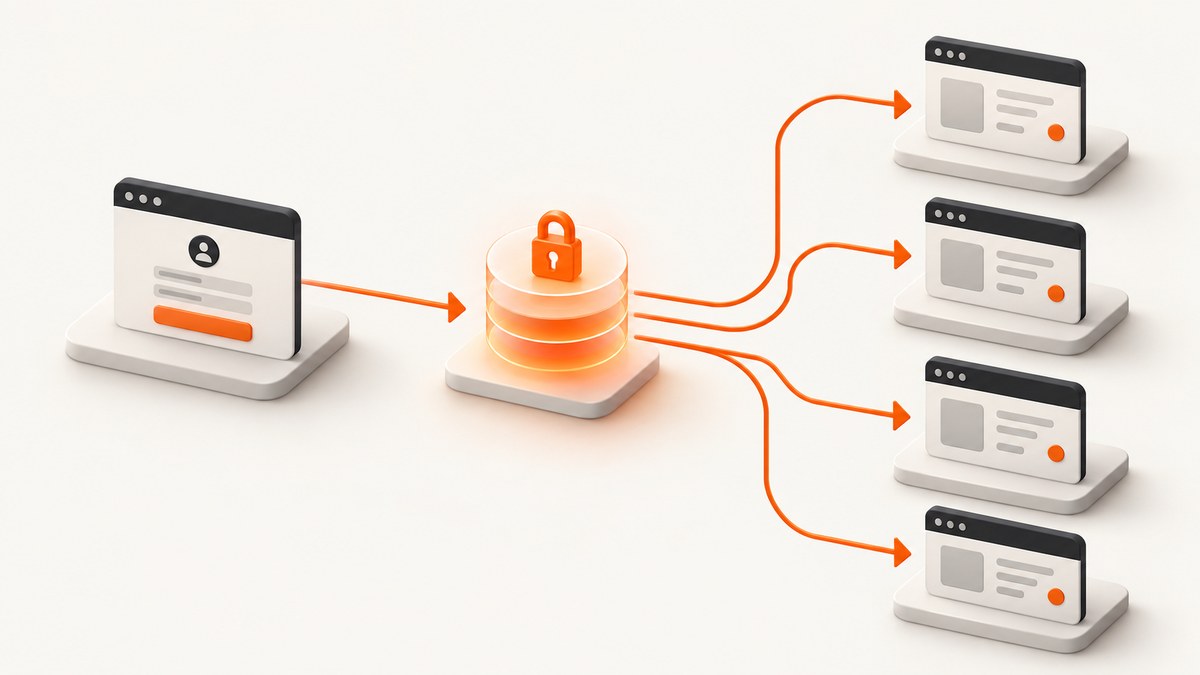
Direct answer: cy.session() does not stop Cypress beforeEach or a Cucumber Before() hook from running. Hooks are scheduled by Cypress, Mocha, and the Cucumber preprocessor, so they still execute for every applicable test or scenario. The solution is to put the expensive login flow inside a reusable helper that calls cy.session(). Call that helper from the hook only for tests that need authentication. Keep navigation, test data setup, and assertions that must happen every time in the hook or scenario body.
This distinction fixes the common misconception: session caching optimizes the callback passed to cy.session(); it does not change hook lifecycle rules. Cypress restores cookies and web storage from a valid snapshot, while the surrounding hook continues to run.
Why beforeEach still runs
Cypress runs beforeEach before each test in its scope. The @badeball/cypress-cucumber-preprocessor maps an imported Before() hook to each matching scenario. Neither hook is a cache boundary. A hook may therefore run 100 times while the login callback inside cy.session() runs once per session identifier, then again only when validation fails or the snapshot is unavailable.
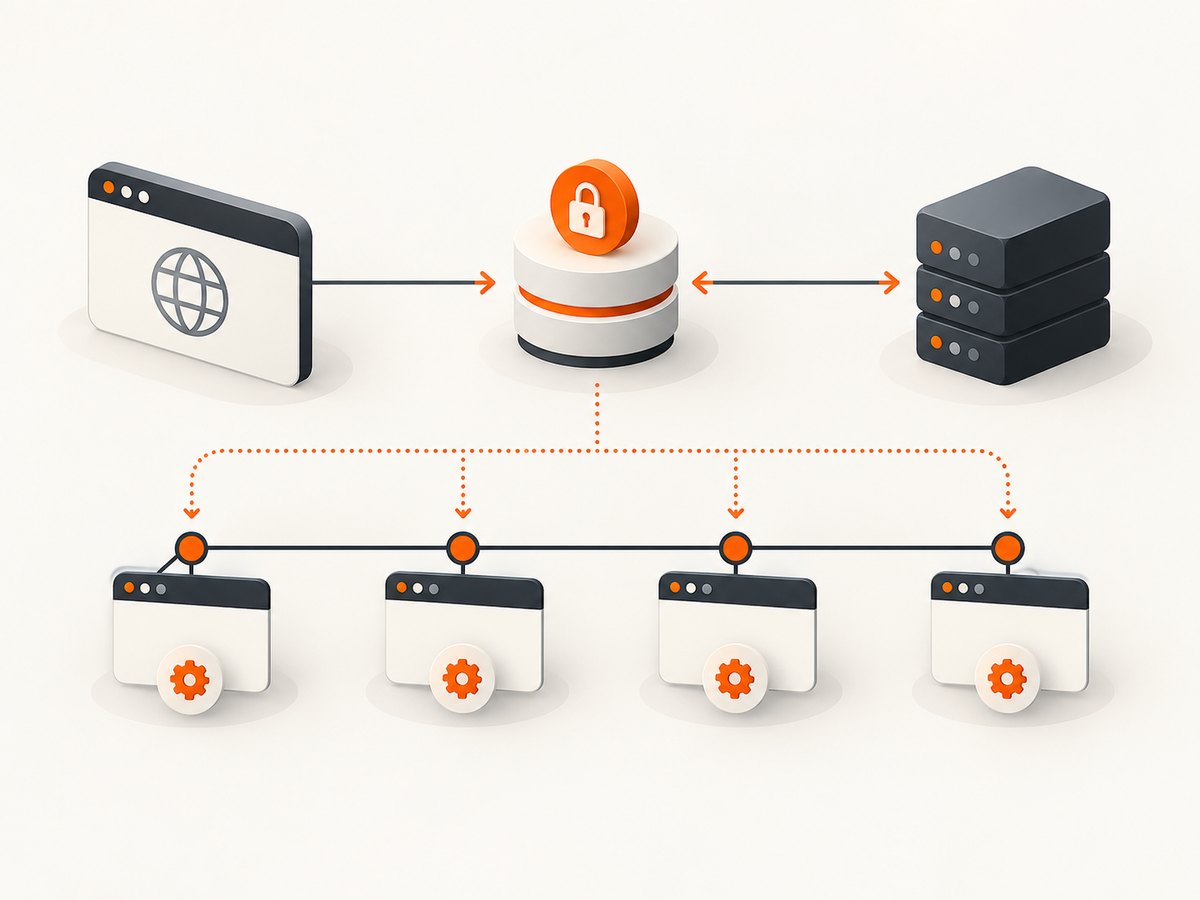
Think of the lifecycle as two separate operations:
- Scheduling: Cypress or Cucumber decides which hooks execute for this test or scenario.
- Authentication setup: your helper asks
cy.session()to create or restore browser state.
Use hooks for scope and ordering. Use sessions for repeatable state restoration.
The recommended reusable login helper
Create one custom command (or equivalent helper) and keep all authentication mechanics there. The identifier must represent the authentication context, such as a username, role, tenant, or identity-provider configuration.
/* cypress/support/commands.js */
Cypress.Commands.add('login', (username = 'test-user') => {
  cy.session(username, () => {
    cy.visit('/login')
    cy.get('[data-test=username]').type(username)
    cy.get('[data-test=password]').type(Cypress.env('password'))
    cy.get('form').submit()
    cy.url().should('include', '/dashboard')
  }, {
    validate() {
      // Replace this with a check appropriate for your application.
      cy.request('/api/me').its('status').should('eq', 200)
    }
  })
})
Then restore the session and perform per-test navigation:
describe('dashboard', () => {
  beforeEach(() => {
    cy.login('test-user')
    cy.visit('/dashboard')
  })

  it('shows account data', () => {
    cy.get('[data-test=account]').should('be.visible')
  })

  it('opens settings', () => {
    cy.get('[data-test=settings-link]').click()
    cy.url().should('include', '/settings')
  })
})
The first test creates the snapshot. Later tests still execute beforeEach, but cy.login() restores the snapshot instead of repeating the UI login. Visiting the target page remains deliberate because each test should establish its own starting location.
Using Cucumber Before hooks correctly
With the Badeball preprocessor, import hooks from the package and scope them with tags when authentication is not universal:
// cypress/support/step_definitions/hooks.ts
import { Before } from '@badeball/cypress-cucumber-preprocessor'

Before({ tags: '@authenticated' }, () => {
  cy.login('test-user')
})
Apply the tag in a feature:
Feature: Billing

  @authenticated
  Scenario: View invoices
    Given I am on the billing page
    Then I see the invoice list
Before() remains scenario-scoped, like beforeEach. It is the right place to restore a session for every matching scenario, not a way to run login once per feature. Use BeforeAll() only for genuinely one-time work that can safely occur before scenarios. It is analogous to Cypress before(), and it should not replace per-scenario session restoration.
Pair hooks with the right feature files
The preprocessor discovers hooks through its step-definition configuration. A hook in an unpaired file may never run; a broad glob may make it apply to more features than intended. Check the configured stepDefinitions paths and keep shared hooks in a location included by the relevant feature.
// cypress.config.ts (illustrative shape; follow your installed version)
import { defineConfig } from 'cypress'
import createBundler from '@bahmutov/cypress-esbuild-preprocessor'
import { addCucumberPreprocessorPlugin } from '@badeball/cypress-cucumber-preprocessor'
import { createEsbuildPlugin } from '@badeball/cypress-cucumber-preprocessor/esbuild'

export default defineConfig({
  e2e: {
    specPattern: '**/*.feature',
    async setupNodeEvents(on, config) {
      await addCucumberPreprocessorPlugin(on, config)
      on('file:preprocessor', createBundler({ plugins: [createEsbuildPlugin(config)] }))
      return config
    }
  }
})
Exact configuration varies by package version. Confirm your Cypress and preprocessor versions, then compare the current quick-start and step-definition documentation before changing globs.
What cy.session caches
Cypress documents a session snapshot containing cookies, localStorage, and sessionStorage. On a later call with the same ID, Cypress restores that browser state. The validate callback runs after restoration; if it fails, Cypress reruns setup and attempts validation again.
- Included: cookies, local storage, session storage.
- Not included: IndexedDB. Seed or clear IndexedDB explicitly when your application depends on it.
- ID requirements: IDs must distinguish users, roles, tenants, and other authentication contexts. Do not put passwords or tokens in IDs because IDs can appear in the reporter.
- Cross-spec reuse: calls in different specs must use the same ID, setup, validation, and compatible
cacheAcrossSpecsconfiguration.
Choose a stable, non-secret ID such as { username: 'test-user', role: 'admin' } when multiple contexts are needed. Keep setup and validation deterministic so a restored session means the same thing in every spec.
Test isolation and navigation
Test isolation controls how Cypress resets the page and browser context between tests. Cypress clears cookies and web storage before session setup regardless of the isolation setting. Disabling isolation is not a fix for repeated hooks: it changes state-sharing behavior and can create order-dependent tests. Keep isolation enabled unless the suite is intentionally designed around shared state.
After cy.login(), visit the page required by the current scenario. Do not rely on the URL left by a previous test. Keep scenario-specific data creation and assertions in that scenario so a passing test does not depend on execution order.
Common patterns and configuration choices
| Need | Recommended location | Reason |
|---|---|---|
| All tests require a user | Cypress beforeEach calling cy.login() |
Every test restores a valid session while retaining isolation. |
| Only selected scenarios require login | Tagged Cucumber Before({ tags }) |
Unauthenticated scenarios avoid unnecessary setup. |
| One-time environment preparation | BeforeAll() or Cypress before() |
Appropriate for setup that is safe to share and does not represent browser authentication. |
| Different roles or tenants | Separate session IDs | Prevents one identity’s snapshot from restoring for another. |
| Per-test landing page | Scenario body or beforeEach after login |
Navigation is not part of authentication caching. |
Debugging repeated or missing login
The login UI appears in every test
Check that the login flow is inside the cy.session() setup callback, not before it. Also verify that the session ID is identical and that validate() is not failing. A failed validation intentionally causes setup to run again.
The hook runs when you expected it not to
That is normal lifecycle behavior. Narrow the hook with a Cucumber tag, move it to the correct feature pairing, or remove authentication from suites that do not require it. Do not try to suppress hook scheduling with cy.session().
Authentication disappears after restoration
Inspect the application’s storage model. If credentials live in IndexedDB, restore them explicitly. If the application needs a refresh token or a cookie with a particular domain, ensure the setup visits the correct origin and that validation checks the real authenticated API.
Different users receive the same access
Your session ID is too broad. Include every value that changes authorization, such as username, role, and tenant. Never include secrets themselves.
The Cucumber hook never fires
Confirm that the hook uses the preprocessor’s imported Before, the scenario has the expected tag, and the file is covered by stepDefinitions. A hook in an unmatched directory is not loaded for that feature.
Cross-spec behavior is inconsistent
Compare the ID, setup callback, validation callback, and cacheAcrossSpecs option in every call. Differences create separate caches or force setup to rerun.
Performance, reliability, and cost considerations
A full browser login often takes seconds per test. Cypress’s performance guide gives illustrative estimates of 2–5 seconds per login and 3–8 minutes across 100 tests; those are examples, not a guarantee for your application. Session snapshots reduce repeated network and UI work, but validation still costs a request and an expired session still needs a fresh login.

- Prefer API-based login inside the session callback when your application supports it, then validate through an authenticated endpoint.
- Keep validation cheap and specific. A single
/api/mecheck is usually more reliable than opening several pages. - Use unique IDs for identities, not random IDs per test, or caching disappears.
- Record failures with the session ID and validation response, while keeping credentials out of logs.
- Do not disable isolation just to save time; order-dependent failures are harder to diagnose than a few extra page resets.
Or skip the browser setup
If your goal is collecting screenshots of authenticated or public pages for documentation, visual regression, or reports, ScreenshotNeo provides a single HTTP request instead of maintaining browser launch and capture code. It accepts a URL and returns PNG, JPEG, WebP, or PDF. See the ScreenshotNeo API documentation for all options.
curl -G "https://api.screenshotneo.com/v1/shot" \
  -d access_key=YOUR_API_KEY \
  --data-urlencode url=https://stripe.com \
  -o shot.webp
import requests
r = requests.get(
"https://api.screenshotneo.com/v1/shot",
params={"access_key": "YOUR_API_KEY", "url": "https://stripe.com"},
timeout=90,
)
r.raise_for_status()
open("shot.webp", "wb").write(r.content)const q = new URLSearchParams({
access_key: 'YOUR_API_KEY',
url: 'https://stripe.com'
});
const res = await fetch(`https://api.screenshotneo.com/v1/shot?${q}`);
if (!res.ok) throw new Error(`Screenshot failed: ${res.status}`);
const bytes = new Uint8Array(await res.arrayBuffer());
// Save bytes with your runtime's file API.ScreenshotNeo removes cookie and consent banners, newsletter popups, and chat widgets before capture; each cleanup step can be turned off. Bot checks, CAPTCHAs, blank pages, timeouts, failed loads, and cache hits are not billed, and response headers identify the page verdict and billing result. Options include full-page lazy-image loading, CSS-element capture, dark mode, device presets, custom viewports, retina scale, PDF paper and page settings, custom CSS or JavaScript, clicks, selector waits, network-idle waits, request blocking, headers, cookies, user agents, authorization, timezone, geolocation, transparent backgrounds, resizing, TTL caching, signed links, asynchronous webhooks, bulk capture for up to 100 URLs, and a usage API. Its MCP server offers take_screenshot, get_page_info, and capture_pdf for Claude, Cursor, and other MCP clients.
There is a free plan with 1,000 screenshots per month and no card. Paid plans start at $5 for 3,000 shots, and every feature is available on every plan. Create a free ScreenshotNeo account.
FAQ
Does cy.session run once for the whole suite?
No. It caches by session ID and configuration. The first valid call creates the snapshot; later calls can restore it. A failed validation or changed context causes setup to run again.
Should I move cy.visit into the session callback?
Usually no. Keep login mechanics in the callback and navigate to the scenario’s required page after session restoration.
Can I use BeforeAll for login?
It is rarely appropriate for browser authentication. Use a scenario-level Before() that calls your session helper so each scenario gets a valid, isolated context.
Why does a session pass locally but fail in CI?
Compare origins, environment variables, cookie domains, validation responses, package versions, and feature-to-step-definition pairing. CI may expose an expired token or a missing IndexedDB dependency that local state hid.


