How to Prevent Cypress TestRail Reporter from Creating a Run per Test
Stop unexpected TestRail runs: choose the right Cypress reporter mode, audit CI invocations, fix plugin registration, and use JUnit plus CLI when needed.
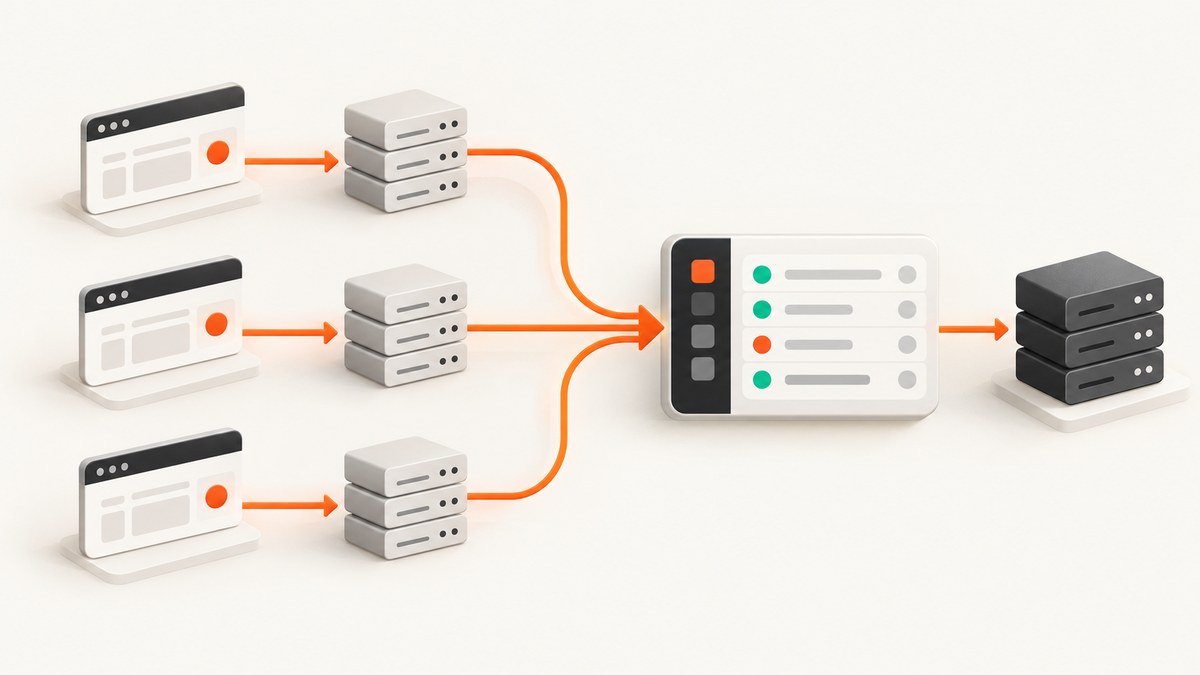
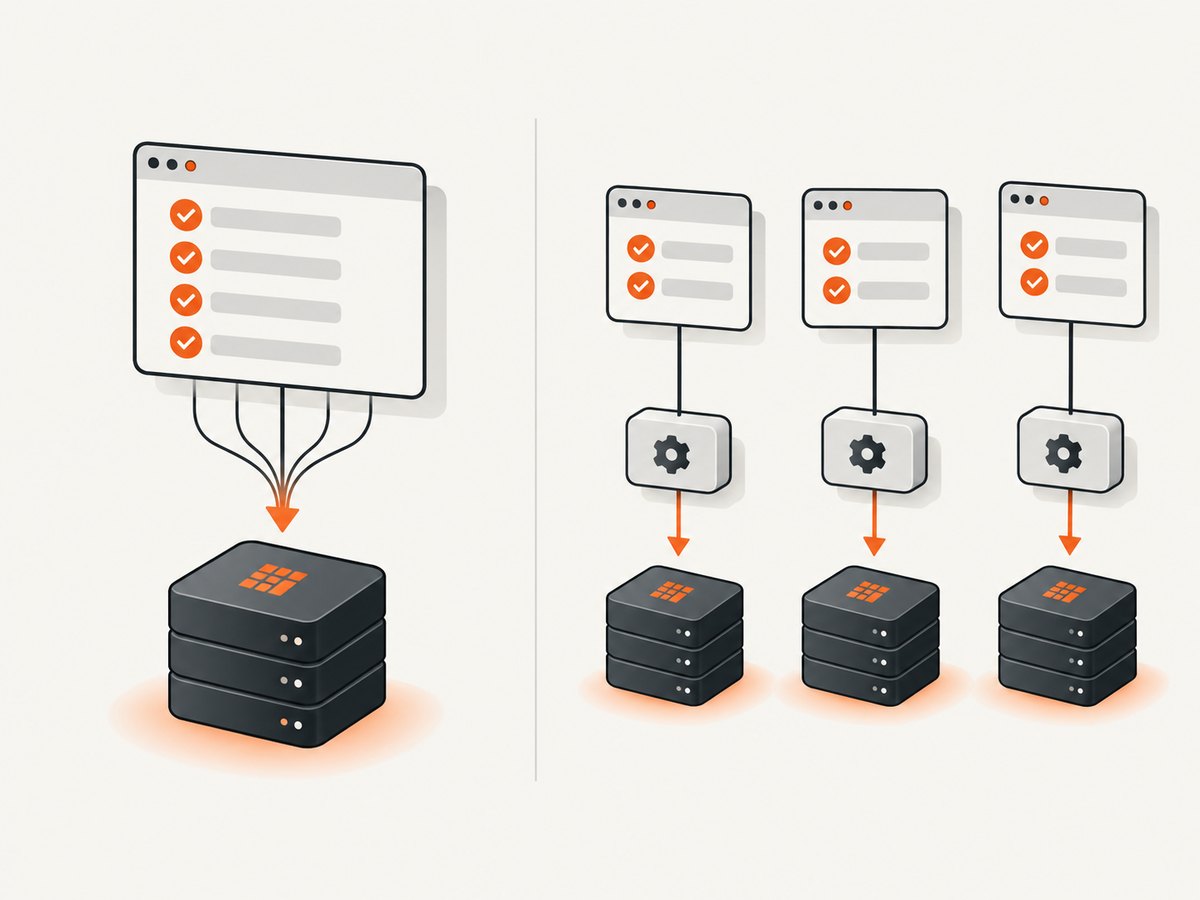
Short answer: the documented boxblinkracer/cypress-testrail reporter creates a TestRail run per Cypress execution in create mode, not per individual test. To reuse one run, use its existing-run mode with an open run ID. If runs still multiply, verify the package/version, repeated Cypress commands, CI shards, and duplicate plugin registration.
1. Verify the installed reporter
These instructions apply to cypress-testrail from boxblinkracer. Similar names are different packages.
npm ls cypress-testrail cypress-testrail-reporter
rg -n "cypress-testrail|testrail" package.json package-lock.json yarn.lock pnpm-lock.yaml
Record the exact name and version before changing settings.
2. Choose a run mode
| Mode | Lifecycle | Configuration clue | Best fit |
|---|---|---|---|
| Existing run (A) | Writes to supplied run ID(s) | CYPRESS_TESTRAIL_RUN_ID or CYPRESS_TESTRAIL_RUN_IDS |
Runs are created and managed separately |
| Create run (B) | Creates one run for each Cypress execution | CYPRESS_TESTRAIL_PROJECT_ID |
A fresh run per invocation is intentional |
| JUnit + CLI | Cypress writes XML; TestRail CLI uploads later | parse_junit |
CI owns upload and lifecycle |
For one shared run, select Mode A. The target run must be open and must contain the mapped cases.
3. Configure Mode A
# CI secret/environment (never commit credentials)
CYPRESS_TESTRAIL_RUN_ID=12345
# or, where supported by your version:
# CYPRESS_TESTRAIL_RUN_IDS=12345,12346
// cypress.config.js
const { defineConfig } = require('cypress');
const testrail = require('cypress-testrail');
module.exports = defineConfig({
e2e: { setupNodeEvents(on, config) { testrail(on, config); return config; } }
});Use the installed version’s README for the exact JSON testrail shape and precedence between environment variables and JSON. Register the reporter once.
Case mapping
it('C123: user can reset a password', () => { /* steps */ });The leading case ID maps a result; it does not control run creation.
4. Audit Cypress invocations
Create mode follows the Cypress process. A matrix, shell loop, per-spec command, or separate job can therefore create multiple runs. Search your CI and scripts:
rg -n "cypress (run|open)|npx cypress|yarn cypress|pnpm cypress" .github .circleci Jenkinsfile package.json scripts 2>/dev/nullConsolidating tests into one invocation may reduce run creation, but this is an operational inference and must fit your parallelism model.
5. Avoid event-handler overwrites
Cypress 10+ registration belongs in e2e.setupNodeEvents. Multiple plugins using one event can overwrite each other; the repository recommends cypress-on-fix for composition.
const { defineConfig } = require('cypress');
const { onFix } = require('cypress-on-fix');
const testrail = require('cypress-testrail');
module.exports = defineConfig({ e2e: { setupNodeEvents(on, config) {
  const composed = onFix(on);
  testrail(composed, config);
  return config;
}}});
Do not register the reporter in both the config and another plugin file.
6. Use JUnit plus TestRail CLI when CI should own lifecycle
TestRail’s official guides show Cypress producing JUnit XML followed by CLI upload:
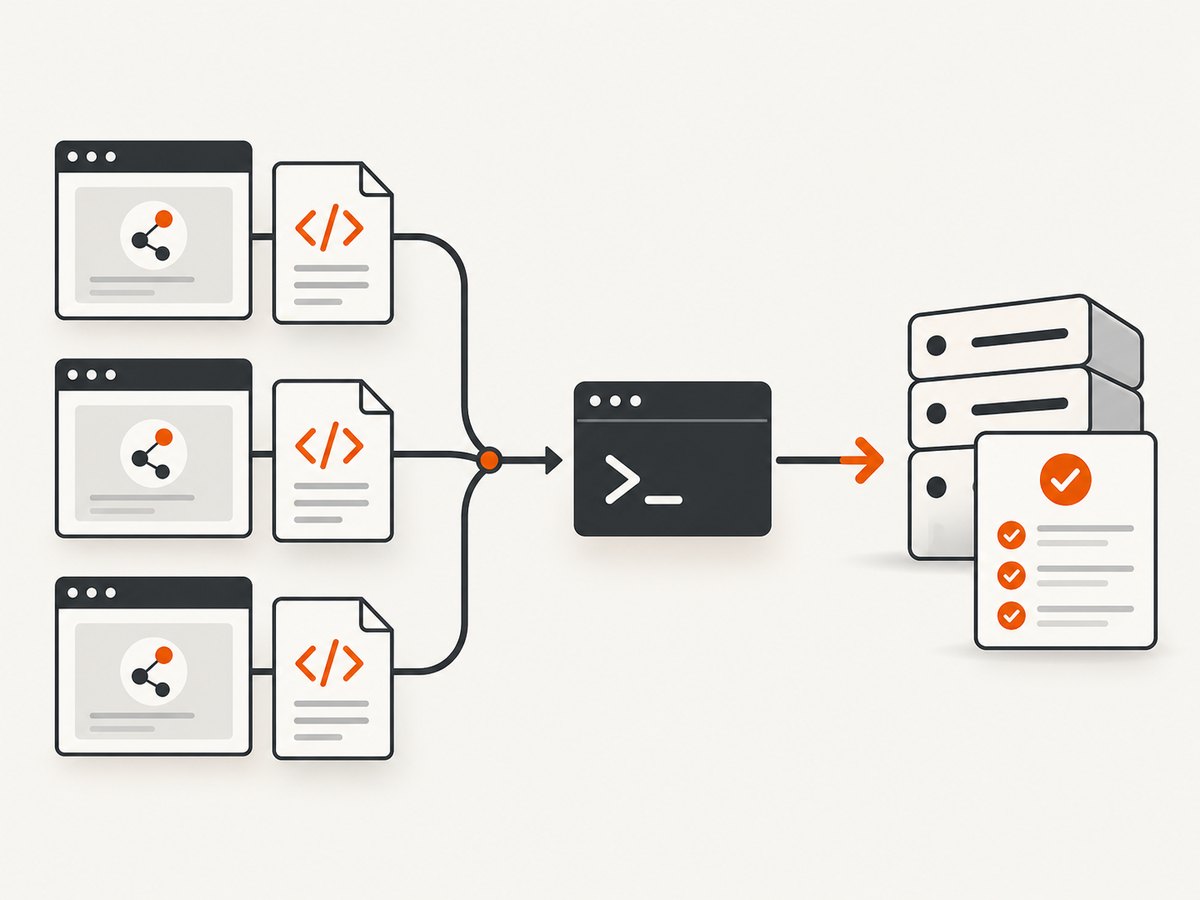
npx cypress run --reporter junit --reporter-options "mochaFile=reports/TEST-[hash].xml"
trcli parse_junit --help
# run parse_junit with your current project, run, and auth options
The [hash] token prevents per-spec files from overwriting each other. See TestRail’s Cypress guide, Cypress reporter docs, and TestRail’s GitHub Actions guide. The sample command does not by itself define run reuse; configure that in your CLI workflow.
7. Diagnostic checklist
- Confirm package name and version in package.json, lockfile, and
npm ls. - Search for
CYPRESS_TESTRAIL_PROJECT_IDand create-mode options; remove them when reusing a run. - Verify the run ID is open and includes every case ID.
- Count Cypress starts across jobs, shards, loops, and per-spec commands.
- Ensure one reporter registration and composed event handlers.
- Distinguish multiple JUnit files from multiple TestRail runs.
- Run two mapped tests in one Cypress process against one open run as a minimal reproduction.
8. Errors and fixes
| Symptom | Cause to check | Fix |
|---|---|---|
| Run per test | Repeated processes, create mode, duplicate registration, or another package | Verify version, use Mode A, audit CI, register once |
| No results | Closed run or missing case IDs | Use an open run containing mapped cases |
| Settings ignored | Version-specific precedence or wrong package | Follow that version’s README; print resolved non-secret config |
| Other plugin stops | Event handler overwrite | Compose with cypress-on-fix |
| JUnit overwrite | Static output filename | Use TEST-[hash].xml |
| Interactive mode differs | Experimental event support varies | Validate compatibility; reproduce with cypress run |
9. Reliability, performance, and cost
- Existing-run mode makes ownership explicit but requires an open run with the right cases.
- One invocation can reduce run-management overhead; sharding can reduce wall time but creates separate execution contexts.
- Keep per-spec XML as CI artifacts so uploads can be retried.
- Store TestRail passwords/API keys in CI secrets, never source control or logs.
- Changing invocation count changes TestRail run clutter, not necessarily browser execution time or TestRail pricing.
Or skip the browser setup
For screenshots of test evidence or pages, ScreenshotNeo uses one request. It removes cookie banners, newsletter popups, and chat widgets before capture; bot checks, blank pages, timeouts, failed loads, and cache hits are not billed; response headers identify the page verdict and billing. Its MCP server exposes take_screenshot, get_page_info, and capture_pdf to Claude, Cursor, and other MCP clients.
See the ScreenshotNeo docs for all options.
curl -G "https://api.screenshotneo.com/v1/shot" -d access_key=YOUR_API_KEY --data-urlencode url=https://stripe.com -o shot.webpimport requests
r = requests.get("https://api.screenshotneo.com/v1/shot", params={"access_key": "YOUR_API_KEY", "url": "https://stripe.com"}, timeout=90)
open("shot.webp", "wb").write(r.content)const q = new URLSearchParams({ access_key: 'YOUR_API_KEY', url: 'https://stripe.com' });
const res = await fetch(`https://api.screenshotneo.com/v1/shot?${q}`);Features include full-page and element capture, device presets or custom viewports, dark mode, retina scale, PDF, custom CSS/JavaScript, clicks and waits, request blocking, headers/cookies/user agent, timezone/geolocation, transparent backgrounds, resizing, cache TTL, signed links, async webhooks, bulk capture, usage API, and OpenAPI. Every feature is on every plan. Free includes 1,000 screenshots/month with no card; paid plans start at $5 for 3,000. Sign up free.
FAQ
Does a test title create a run?
No. Titles map results to cases; create mode follows Cypress executions.
Can I target several existing runs?
The repository documents CYPRESS_TESTRAIL_RUN_IDS; verify delimiter and support in your version.
Must JUnit files be merged?
Only when your uploader requires one file. Hash-based names prevent overwrites.
Can I intentionally keep one run per shard?
Yes. Keep create mode and make each shard invocation explicit, using documented run naming options.


