How to Prevent html2pdf from Freezing the UI
html2pdf.js can make a page unresponsive during large exports. Reduce capture work, yield between sections, and learn when a worker or server renderer makes sense.

html2pdf.js can freeze or make a page unresponsive because its browser-side pipeline performs DOM capture, layout and rasterization through html2canvas, then builds PDF content with jsPDF. A promise-based call sequences those steps; it does not move CPU-heavy work to another thread. Start by exporting the smallest stable element, reducing rasterization and image cost, and avoiding broad page-break rules. For long documents, split the export into sections and yield between them. A Web Worker is possible only after designing a worker-compatible rendering path, because workers cannot access the live DOM.
This guide shows how to diagnose the bottleneck, configure a smaller export, add useful progress and yielding, and decide when to use another rendering architecture.
1. Why html2pdf can lock up the interface
The usual workflow captures an element with html2canvas, converts the rendered result into PDF pages with jsPDF, and saves the file. Capturing a large DOM tree may require cloning, style calculation, layout, image decoding, rasterization and encoding. These stages consume CPU and memory. While the main thread is busy, the browser has less time to process clicks, paint updates or run other page code.
await and promises make asynchronous control flow easier to write, but do not make synchronous work inside a step run in the background. Adding .then() around one large capture will not make that capture responsive. The relevant question is how much work each capture step does and whether the browser gets task boundaries between chunks.
2. Diagnose the expensive stage
- Open the browser Performance panel and record an export from the button click through completion.
- Repeat with a reduced document, such as one representative section. Keep the browser, network and content conditions comparable.
- Inspect the recording for long scripting, layout, rasterization, image decoding and memory pressure. The comparison helps distinguish a large DOM from image work or PDF encoding.
- Temporarily disable optional charts, animations, large images or page-break rules one category at a time. Keep the changes that materially reduce work without harming the output you need.
There is no universal millisecond threshold for a “freeze”; document size, browser, hardware and image content vary. Diagnose on the browsers and documents your users actually have.
3. Reduce the capture surface first
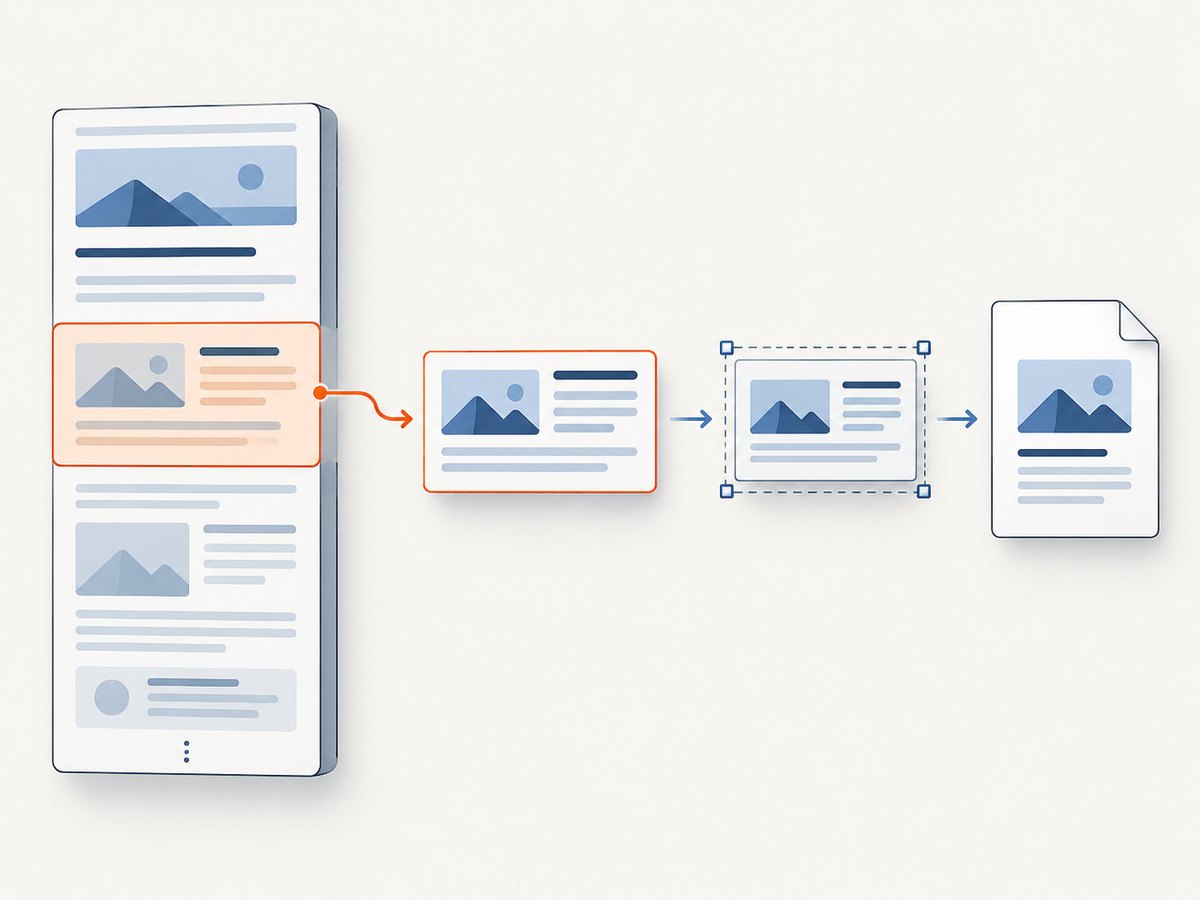
Pass the report element to .from(), not the entire application shell. Menus, navigation, hidden responsive variants, live charts, animations and unrelated content all add work. If you control the page, create a dedicated export representation with predictable dimensions and only the content the PDF needs.
const report = document.querySelector('#report');
if (!report) throw new Error('Could not find #report');

await html2pdf()
  .from(report)
  .save();
Keep the export representation stable while capture runs. If the source changes during rendering, the output can reflect inconsistent content. For complex dashboards, pause animation and snapshot chart data before beginning. Ensure content intended for the PDF is not merely visually off-screen in a way the capture library or layout handles differently than expected.
4. Tune rasterization, images and page breaks
html2pdf.js passes its html2canvas configuration through. Lowering scale can reduce the number of rendered pixels, CPU and memory use, at the cost of sharpness. Choose it by inspecting representative output at normal zoom and print size. Reduce source image dimensions before capture; a very large source bitmap can consume substantial memory even when displayed small.
const opt = {
  filename: 'report.pdf',
  image: { type: 'jpeg', quality: 0.85 },
  html2canvas: {
    scale: 1,
    useCORS: true,
    logging: false,
    removeContainer: true
  },
  jsPDF: { unit: 'mm', format: 'a4', orientation: 'portrait' },
  pagebreak: { mode: ['css', 'legacy'] }
};

const report = document.querySelector('#report');
if (!report) throw new Error('Could not find #report');
await html2pdf().set(opt).from(report).save();
This is a starting configuration, not a universal optimum. JPEG is useful for photographic content when lossy compression is acceptable; PNG preserves lossless edges and transparency. Validate text sharpness, image quality, memory use and page breaks on the target browsers. The output is generally a rasterized representation of the captured page content, so do not assume text will remain selectable like text emitted by a document-native PDF renderer.
| Setting or choice | Effect to consider |
|---|---|
html2canvas.scale |
Lower values reduce pixel work and can soften output; raise only when the result needs more detail. |
image.type and quality |
JPEG can reduce photographic output size with quality loss; PNG is lossless and supports transparency. |
useCORS |
Relevant to remote images; it does not grant permission to read resources whose server does not allow cross-origin access. |
removeContainer |
Requests cleanup of the temporary rendering container. |
jsPDF format and orientation |
Set the intended paper geometry; mismatches can create awkward scaling or pagination. |
Make page breaks deliberate. The library supports CSS break rules, legacy markers, and explicit before, after and avoid selectors. Prefer section boundaries you understand. Broad avoid-all behavior can require costly layout decisions on a large, deeply nested document and may cause unexpected whitespace or page lengths.
const opt = {
  pagebreak: {
    mode: ['css', 'legacy'],
    before: '.new-page',
    avoid: ['.keep-together']
  }
};
Use CSS page-break properties on meaningful report sections where practical, then test the resulting pages with long headings, tables and content close to the page edge.
5. Split long reports and yield between sections
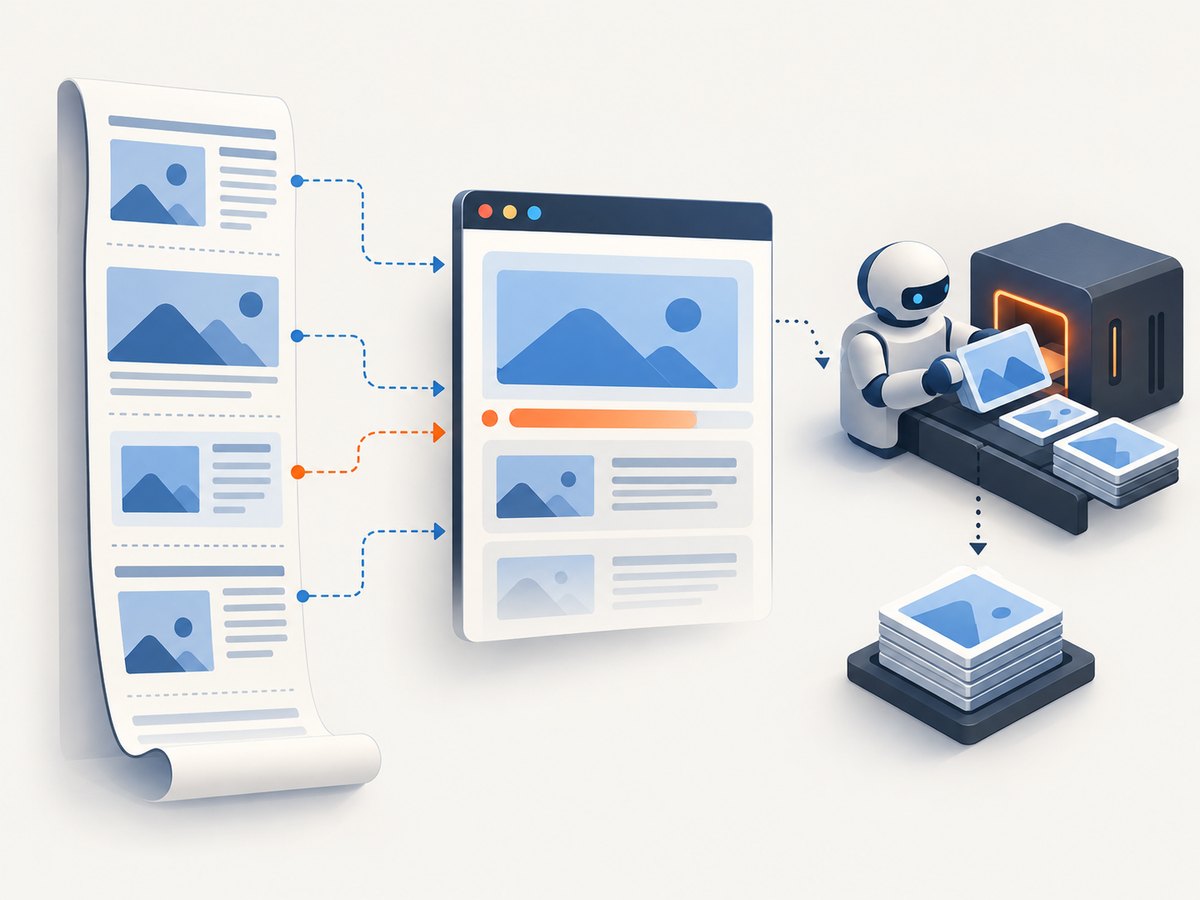
A single large capture can still occupy the main thread for its whole expensive step. If the report has natural boundaries, render smaller pieces, append them to a PDF using an integration that supports your chosen jsPDF workflow, and yield to the browser between pieces. The exact page assembly is document-dependent; the important point is to create a real task boundary between chunks.
const yieldToBrowser = () => new Promise(resolve => setTimeout(resolve, 0));

async function exportSections(sections, renderSectionIntoPdf, progress) {
  for (let i = 0; i < sections.length; i++) {
    await renderSectionIntoPdf(sections[i]);
    progress.value = (i + 1) / sections.length;
    progress.setAttribute('aria-valuetext', `Section ${i + 1} of ${sections.length}`);
    await yieldToBrowser();
  }
}

// Supply a section renderer that your jsPDF integration implements.
await exportSections(sections, renderSectionIntoPdf, progressElement);
The callback above is intentionally an integration point: html2pdf.js does not define one universal section-to-existing-PDF assembly API for every layout. Avoid presenting the loop as a drop-in replacement for .from(...).save(). Build and test the section renderer against the library versions and page geometry in your application.
Update visible progress after completed chunks, and label it as progress through sections rather than a precise time estimate. Give users a cancel or close option if your implementation supports safe cancellation. Do not start overlapping exports from repeated clicks; disable or guard the export action until the current job ends.
requestAnimationFrame can yield at a rendering boundary when an animation frame is useful. requestIdleCallback can schedule optional, low-priority preparation, but browser availability is limited and required work needs a fallback such as a timer. Neither scheduling technique makes one monolithic capture interruptible once it has started.
6. Can html2pdf run in a Web Worker?
Not by simply moving the existing call. Workers run JavaScript away from the UI thread, but they cannot directly inspect or manipulate the page DOM. html2canvas depends on DOM and browser rendering behavior, so passing an HTMLElement to a worker does not make the existing pipeline worker-compatible.
A worker design needs an explicit data boundary:
- Build a bounded export representation on the main thread.
- Send serializable HTML/data or already prepared images to the worker.
- Run only compatible raster or PDF operations in that worker.
- Send progress messages and the final
Blobback to the page. - Keep DOM changes, download initiation and cancellation UI on the main thread.
OffscreenCanvas can move canvas rendering into a worker in supported configurations, but support details and library compatibility need checking for the actual browser matrix. It does not automatically make the whole DOM capture process available there. A worker solution can improve responsiveness while increasing implementation effort and potentially changing fidelity.
7. When to choose another rendering path
| Approach | Responsiveness | DOM/CSS fidelity | Effort | Good fit |
|---|---|---|---|---|
| Smaller DOM and lower capture cost | Often improves | High for retained content | Low | Most reports and dashboards |
| Sectioned export with yields | Browser can respond between chunks | Medium to high | Medium | Long reports with clear boundaries |
| Worker-compatible renderer | High potential | Depends on serialized input and renderer | High | Heavy, repeatable exports |
| Server-side or print-oriented generation | Page stays responsive | Depends on renderer; can preserve document text better | Medium to high plus infrastructure | Large documents or controlled production output |
If selectable text, complex font handling or repeatable print output matters more than client-only execution, evaluate server-side generation or a browser print pipeline instead of forcing the live-DOM library into a worker. Account for data privacy, server resource use, queueing and operational cost when choosing a server path.
8. Troubleshooting
| Symptom | Likely cause | What to try |
|---|---|---|
| Page stops responding during export | One large synchronous capture or encoding step | Reduce the captured element, lower scale, shrink images, then consider sectioning. |
| Export is blank or missing remote images | Cross-origin image restrictions, unavailable resources or capture before images load | Use appropriately configured CORS resources, wait for required images, and test the same CDN/origin setup used in production. |
| Canvas security or taint-related failure | A remote image does not permit cross-origin use | Serve the resource with suitable CORS headers or host an authorized same-origin copy; useCORS alone cannot override server policy. |
| Text or charts look soft | Raster scale is too low or source assets are low resolution | Raise scale selectively, simplify content, and inspect file size and memory impact. |
| PDF is unexpectedly huge | High pixel dimensions, large images or lossless image encoding | Resize source images, choose JPEG for photographic content when acceptable, and capture fewer pixels. |
| Unexpected whitespace or broken pagination | Broad avoid rules, nested content or mismatched paper geometry | Use explicit section breaks, review CSS break behavior, and test long tables and boundary cases. |
| Worker throws on document/window access | DOM-dependent code was moved into a worker | Keep DOM capture on the main thread and send serializable/prepared data to worker-compatible code. |
| Progress appears frozen | A monolithic stage offers no application-level intermediate updates | Report progress by completed sections, not by promise stages that do not yield. |
9. Performance, reliability and cost checklist
- Measure a representative worst-case document, not just a short sample.
- Set a maximum report size or split oversized reports into sections.
- Check image and font availability, cross-origin behavior and loading delays.
- Choose scale, image encoding and page dimensions from output requirements.
- Test on slower devices and every supported browser engine.
- Prevent duplicate jobs and communicate failure and retry behavior clearly.
- Release temporary DOM, canvas and object URL resources after use.
- Set expectations for client CPU, memory and battery; browser export has no per-request service fee, but it uses the user’s device and can fail under memory pressure.
For a remote renderer, include service price, document transfer, queueing and privacy in the cost decision. Benchmark your own documents; no fixed speedup or cost threshold applies across all reports.
Or skip the browser setup
If the task is to capture a webpage as an image or PDF rather than export your app’s live DOM, ScreenshotNeo provides a website screenshot API and MCP server. One GET request returns PNG, JPEG or WebP, or a PDF. See the API documentation.
curl -G "https://api.screenshotneo.com/v1/shot" -d access_key=YOUR_API_KEY --data-urlencode url=https://stripe.com -o shot.webpimport requests
r = requests.get("https://api.screenshotneo.com/v1/shot", params={"access_key": "YOUR_API_KEY", "url": "https://stripe.com"}, timeout=90)
open("shot.webp", "wb").write(r.content)const q = new URLSearchParams({ access_key: 'YOUR_API_KEY', url: 'https://stripe.com' });
const res = await fetch(`https://api.screenshotneo.com/v1/shot?${q}`);ScreenshotNeo removes cookie banners, popups and chat widgets before the shot. Bot checks, blank pages and failed loads are never billed. Its MCP server lets AI agents take screenshots. The free plan includes 1,000 screenshots a month with no card; paid plans start at $5 for 3,000. This captures a webpage URL; it is not a replacement for rendering an application’s unsaved, live DOM state.
Sign up free for 1,000 screenshots a month, with no card required.
FAQ
Does making the call async stop the freeze?
No. Async syntax sequences work, but CPU-heavy synchronous steps still run on the main thread unless the implementation yields or uses a compatible worker.
Should I lower the scale to zero-point-five?
Choose scale from the needed output quality. There is no universal best value; inspect small text and charts before shipping.
Can I put the full html2pdf call inside a worker?
Not unchanged. The DOM-dependent capture needs a different architecture with serializable input or prepared rendering data.
Why do some images disappear only in production?
Production may use a different origin, CDN policy, font setup or loading timing. Reproduce those resource conditions when debugging.
Can yielding guarantee that no single pause occurs?
No. It gives the browser opportunities between chunks; each individual section still needs to be small enough for acceptable responsiveness.


