How to Prevent IronPDF Headers and Footers from Covering Content
Reserve space for rendered headers and footers in IronPDF with correct margins, sizing, overlap checks, and fixes for existing PDFs.
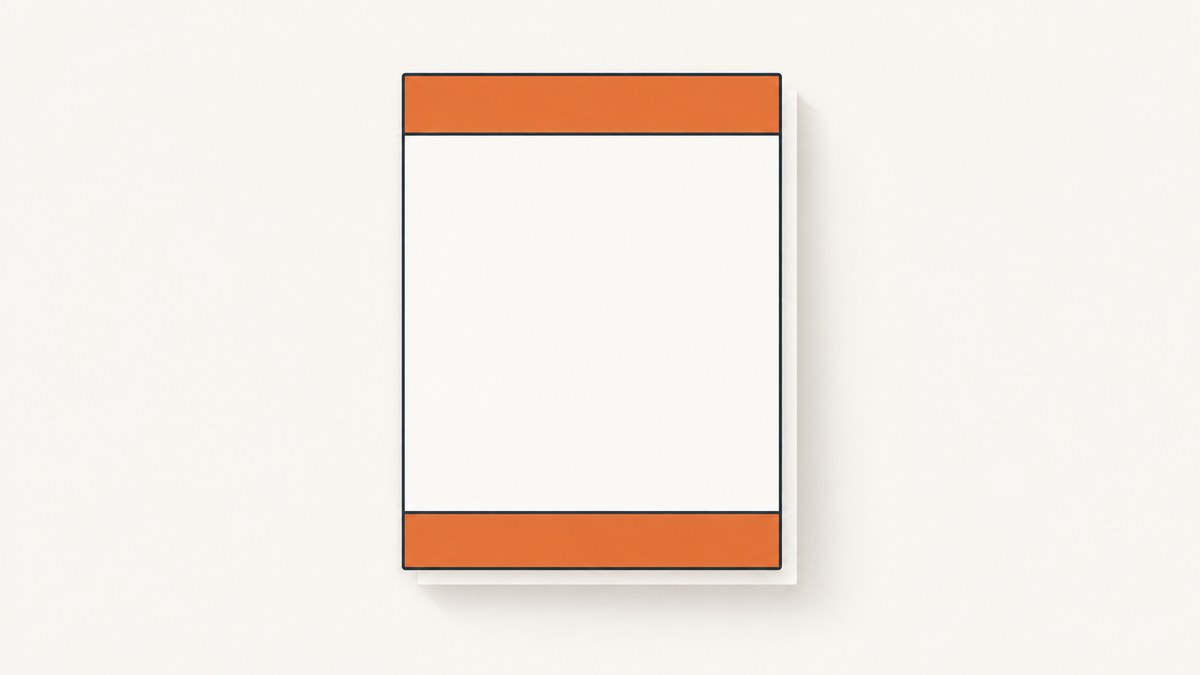
IronPDF headers and footers cover body text when the page does not reserve enough vertical space for the rendered affix. Set a realistic Height or MaxHeight on each HtmlHeaderFooter, then set RenderingOptions.MarginTop and MarginBottom to values at least as large as the rendered header and footer, including padding, borders, images, and wrapped lines.
Iron Software’s example starts with a 20 mm header, a 15 mm footer, and 25 mm top and bottom margins. Treat these as starting values: increase the margins when content wraps, uses larger fonts, or contains images. See the official HTML header and footer example.
1. Reserve space when rendering new HTML
Configure the header and footer before calling RenderHtmlAsPdf. The body is laid out inside the page margins; the header and footer occupy the reserved bands.
using IronPdf;

var html = """
    <html>
      <head>
        <style>
          body { font-family: Arial, sans-serif; font-size: 12pt; }
          h1 { margin-top: 0; }
        </style>
      </head>
      <body>
        <h1>Quarterly report</h1>
        <p>The report body starts below the reserved header band.</p>
        <p>Add enough content to exercise page breaks and the footer area.</p>
      </body>
    </html>
    """;

var renderer = new ChromePdfRenderer();
renderer.RenderingOptions.HtmlHeader = new HtmlHeaderFooter
{
    HtmlFragment = "<div style='font-size:14pt;font-weight:bold'>Quarterly report</div>",
    MaxHeight = 20
};
renderer.RenderingOptions.HtmlFooter = new HtmlHeaderFooter
{
    HtmlFragment = "<div style='font-size:10pt'>Page {page} of {total-pages}</div>",
    MaxHeight = 15
};
renderer.RenderingOptions.MarginTop = 25;
renderer.RenderingOptions.MarginBottom = 25;

var pdf = renderer.RenderHtmlAsPdf(html);
pdf.SaveAs("report.pdf");
The values in this example are millimetres. A 20 mm MaxHeight does not make a 25 mm margin safe if the fragment’s padding, border, image, or wrapped text needs more room. Measure the rendered result and leave a buffer.
Header and footer sizing rules
- Use
HeightorMaxHeightwhen you need a predictable band. - Keep the HTML fragment simple while diagnosing overlap.
- Include all internal spacing in your estimate: CSS padding, borders, line height, images, and multiple lines.
- Set
MarginTopgreater than or equal to the actual header height, andMarginBottomgreater than or equal to the actual footer height. - Set left and right margins consistently so the affix and body share the same horizontal frame.
HtmlHeaderFooter supports HTML, CSS, images, relative resources through BaseUrl, and merge fields such as {page}, {total-pages}, {url}, {date}, {time}, {html-title}, and {pdf-title}. See the HtmlHeaderFooter API reference.
2. Prevent wrapping and late layout changes
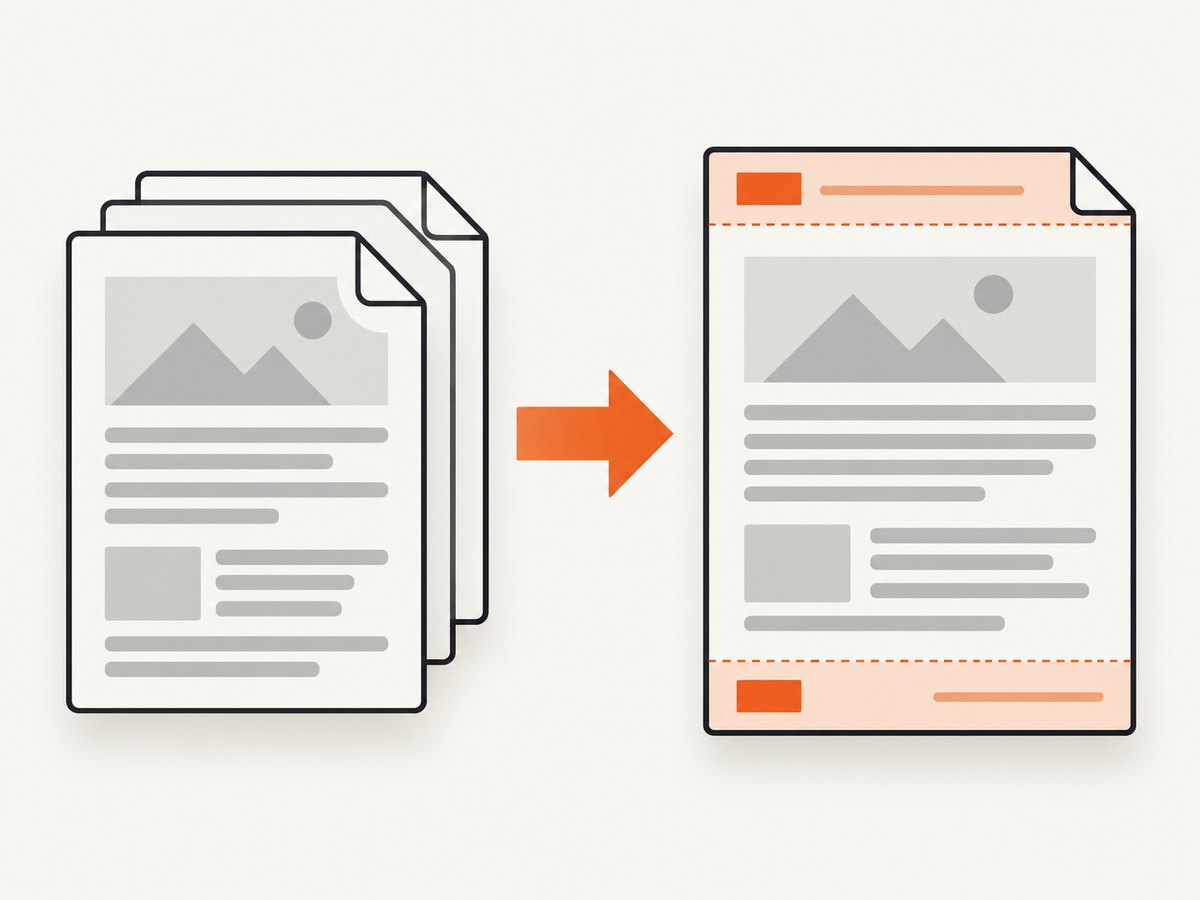
Headers often grow after they are first measured. Long titles wrap, images load, and fonts change line height. Give the fragment a fixed or conservative maximum height, reduce unnecessary padding, and reserve extra margin for the largest expected variant.
renderer.RenderingOptions.HtmlHeader = new HtmlHeaderFooter
{
    BaseUrl = "https://example.com/assets/",
    HtmlFragment = """
      <div style='height:18mm;padding:2mm 0;box-sizing:border-box;border-bottom:0.2mm solid #999'>
        <img src='logo.png' style='height:10mm' />
        <span style='font-size:11pt'>Long report title that may wrap</span>
      </div>
      """,
    MaxHeight = 22
};
renderer.RenderingOptions.MarginTop = 28;
BaseUrl lets relative images, stylesheets, and links resolve. If a resource can be unavailable, replace it with a fixed-size placeholder or reserve space for the failure case as well.
3. Add headers or footers to an existing PDF
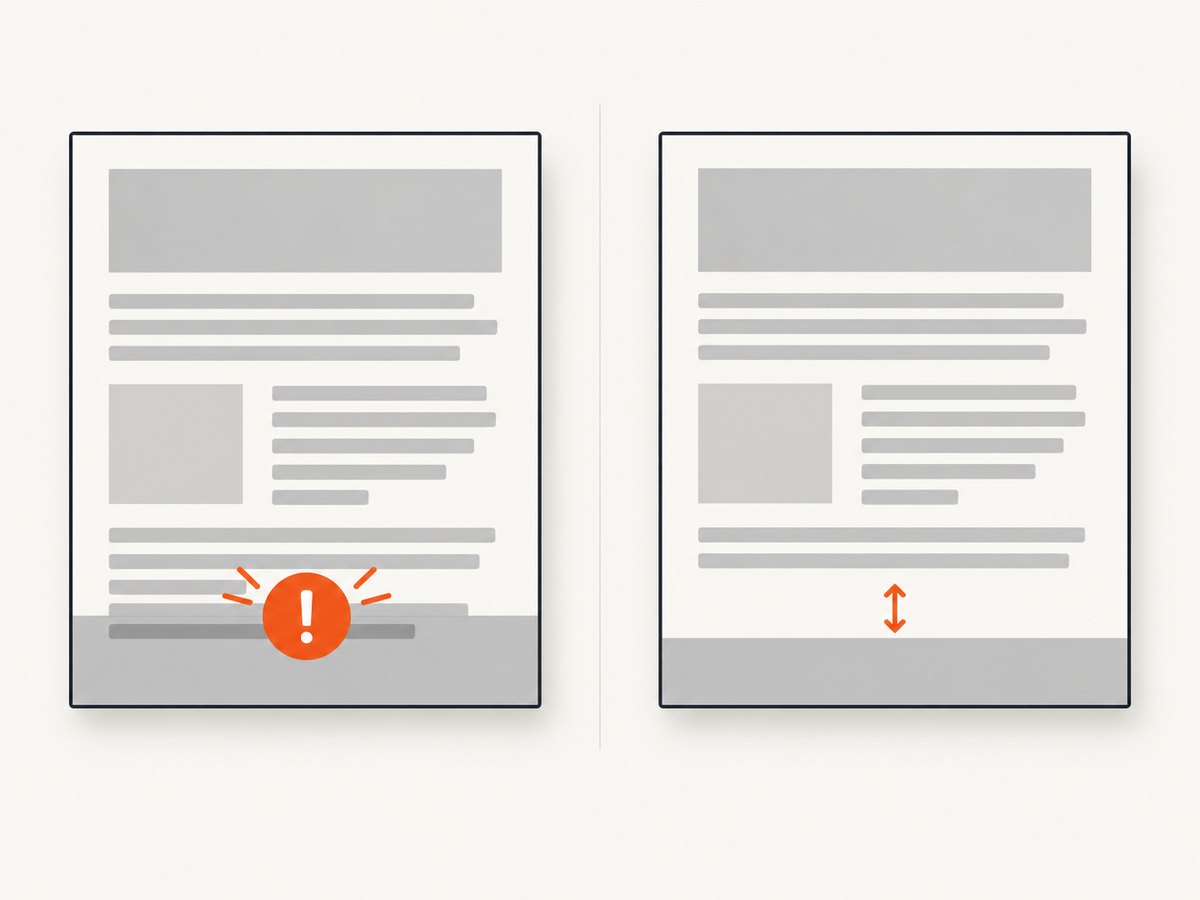
When the PDF already exists, use PdfDocument.AddHtmlHeaders or AddHtmlFooters. Use an overload with explicit margins when exact placement matters.
using IronPdf;

var pdf = PdfDocument.FromFile("input.pdf");
var footer = new HtmlHeaderFooter
{
    HtmlFragment = "<div style='font-size:10pt'>Confidential</div>",
    MaxHeight = 25
};

pdf.AddHtmlFooters(footer, ContentOverlapBehavior.Throw);
pdf.SaveAs("output.pdf");
ContentOverlapBehavior.Warn reports affected pages. ContentOverlapBehavior.Throw raises an exception before stamping when overlap is detected. The check is a diagnostic gate: it does not move, resize, or reflow existing body content.
var header = new HtmlHeaderFooter
{
    HtmlFragment = "<div>Report title</div>",
    MaxHeight = 20
};

pdf.AddHtmlHeaders(
    header,
    marginTop: 25,
    marginLeft: 20,
    marginRight: 20,
    overlapBehavior: ContentOverlapBehavior.Throw
);
Use the corresponding footer overload for MarginBottom. Check the installed IronPDF version’s API signature because overload parameter order can differ between releases.
Overlap detection covers text and images. Vector or path content, including table borders and ruled lines, is outside the documented detection scope. Review representative pages visually when those elements are close to an affix. Read the headers and footers tutorial and PdfDocument API reference.
4. Choosing margins, Height, and MaxHeight
| Setting | Use it for | Overlap risk |
|---|---|---|
MarginTop/MarginBottom |
Reserving body space | Too small leaves body content under the affix |
Height |
A fixed affix band | Content can clip or wrap if the value is too small |
MaxHeight |
Bounding a variable affix | Actual rendered content may still need a larger margin |
UseMarginsOnHeaderAndFooter |
Applying shared margins | One layout’s settings can misfit another |
Iron Software documents dynamic header and footer sizing by default and recommends defining margins in the header or footer HTML when precise spacing is required. A practical process is:
- Render the largest realistic header and footer.
- Inspect pages with wrapped titles, images, and the longest footer text.
- Increase the corresponding margin until no body text enters the band.
- Keep a small buffer for font and rendering differences.
Avoid using shared margin mode for unrelated layouts. IronPDF warns that UseMarginsOnHeaderAndFooter applies the same margins to the header/footer and body, which can create overlap. Explicit margins provide more control.
5. Troubleshooting common overlap errors
Header covers the first paragraph
Cause: MarginTop is smaller than the rendered header, often because a title wrapped or padding was omitted from the estimate.
Fix: Increase MarginTop, set a realistic MaxHeight, and simplify or constrain the header HTML.
Footer covers the last table row
Cause: MarginBottom does not contain the footer’s actual height, or a page break placed the final row too close to the bottom edge.
Fix: Increase MarginBottom, reserve space for borders and padding, and inspect the page containing the final row.
Overlap appears only when an image loads
Cause: The image changes the fragment’s height after sizing.
Fix: Give the image explicit dimensions, provide a valid BaseUrl, set a larger MaxHeight, and reserve extra margin.
Header and body are horizontally misaligned
Cause: Inconsistent left/right margins, zero margins, or shared-margin configuration.
Fix: Set left, right, top, and bottom values together and avoid mixing unrelated margin modes. Iron Software documents Chrome-based alignment problems involving zero margins and UseMarginsOnHeaderAndFooter; see its support article.
Throw raises an overlap exception
Cause: The diagnostic check found text or image content in the stamping area.
Fix: Increase the explicit margin, reduce the affix height, or move the body content. The exception does not repair the PDF automatically.
No exception, but a rule still touches content
Cause: Borders and other vector paths are outside the documented detection scope.
Fix: Add visual review or image comparison for representative pages, and leave a larger safety gap around rules and table borders.
6. Reliability, performance, and production checks
- Render representative variants: test the longest title, largest logo, wrapped footer, missing image, and a page with a table ending near the footer.
- Fail fast for stamping: use
ContentOverlapBehavior.Throwwhen an overlap should block delivery; useWarnwhen you want a report and a manual review path. - Keep fragments deterministic: fixed dimensions and local, reliable assets reduce layout drift.
- Account for page size: a margin that works on A4 may be too restrictive on smaller paper or landscape pages.
- Review vector artwork: automated overlap checks do not prove that lines, paths, or borders are visually clear.
- Do not assume dynamic sizing is safe: dynamic adjustment can change with content, fonts, and resources; explicit limits plus conservative margins are easier to operate.
7. Or skip the browser setup
If your goal is a clean image or PDF of a web page rather than a locally rendered IronPDF document, ScreenshotNeo provides a single GET request. It accepts cookie and consent banners like a visitor, removes more than 60 known consent platforms plus newsletter popups and chat widgets before capture, and lets you turn each step off.
Only clean shots are billed. Bot checks, CAPTCHAs, blank pages, timeouts, failed loads, and cache hits cost nothing, and each response reports the result with X-Page-Verdict and X-Billed headers. An MCP server provides take_screenshot, get_page_info, and capture_pdf tools for Claude, Cursor, and other MCP clients.
See the ScreenshotNeo API documentation for all options.
cURL
curl -G "https://api.screenshotneo.com/v1/shot" -d access_key=YOUR_API_KEY --data-urlencode url=https://stripe.com -o shot.webpPython
import requests

r = requests.get(
    "https://api.screenshotneo.com/v1/shot",
    params={"access_key": "YOUR_API_KEY", "url": "https://stripe.com"},
    timeout=90,
)
r.raise_for_status()
open("shot.webp", "wb").write(r.content)
Node.js
const q = new URLSearchParams({ access_key: 'YOUR_API_KEY', url: 'https://stripe.com' });
const res = await fetch(`https://api.screenshotneo.com/v1/shot?${q}`);
if (!res.ok) throw new Error(`HTTP ${res.status}`);
const data = Buffer.from(await res.arrayBuffer());
require('fs').writeFileSync('shot.webp', data);
ScreenshotNeo supports full-page capture, element selectors, device presets, custom viewports, retina scale, PDF paper and margin settings, page ranges, custom CSS and JavaScript, click and wait actions, blocked requests and resource types, headers, cookies, user agents, authorization, timezone, geolocation, transparent backgrounds, resizing, TTL caching, signed links, asynchronous jobs with signed webhooks, bulk capture of up to 100 URLs per call, usage reporting, and an OpenAPI specification. Existing parameter names used by other screenshot APIs also work.
The Free plan includes 1,000 shots per month with no card. Paid plans start at $5 for 3,000 shots; every feature is available on every plan. Create a free ScreenshotNeo account.
8. FAQ
Should MarginTop equal MaxHeight exactly?
Use at least the actual rendered height and leave a buffer. Padding, borders, images, and wrapping can make the rendered height larger than the nominal value.
Does overlap detection reflow the body?
No. It warns or throws when affected text or images are detected; it does not move, resize, or reflow existing content.
Can it detect table borders?
Documented detection covers text and images. Vector and path content such as borders and ruled lines is outside that scope.
When should I use Warn instead of Throw?
Use Throw when overlap must stop a pipeline. Use Warn when you want affected-page diagnostics and a separate review step.
Why does a layout change between machines?
Font availability, image loading, wrapping, and margin configuration can change the rendered height. Use deterministic assets, explicit dimensions, and conservative margins.


