How to Prevent NReco PDF Generator Table Headers from Overlapping Across Pages
Fix repeated NReco PDF table headers with semantic markup and pagination CSS, then diagnose wkhtmltopdf overlap and row-splitting issues.
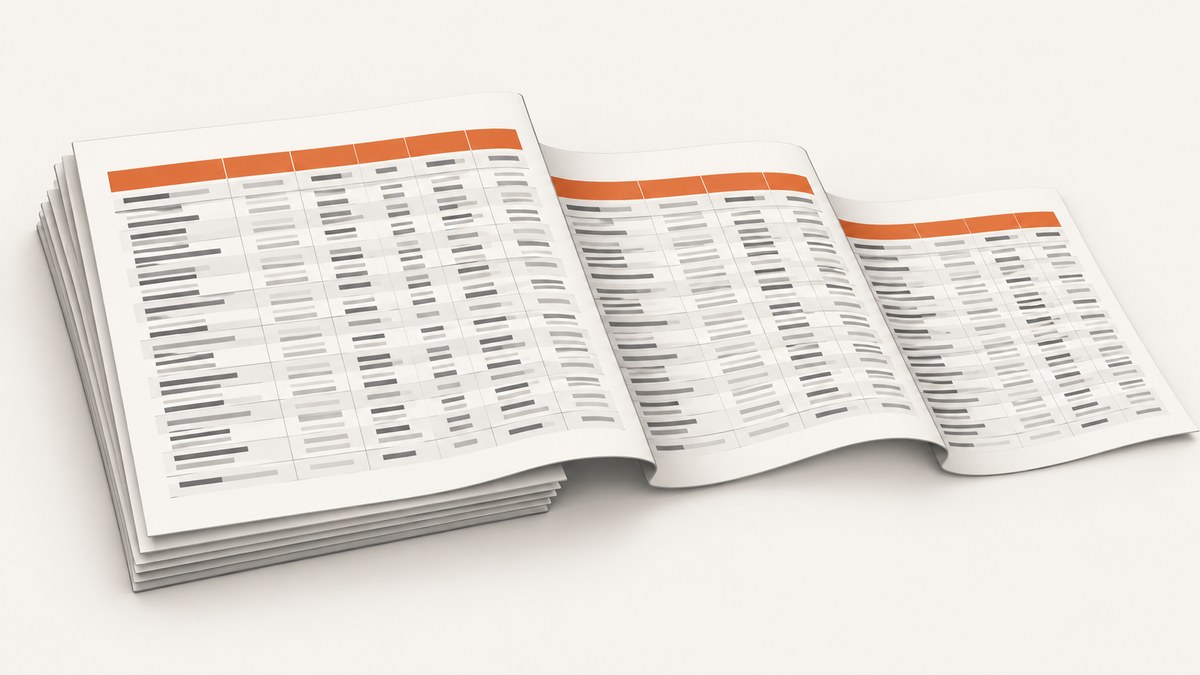
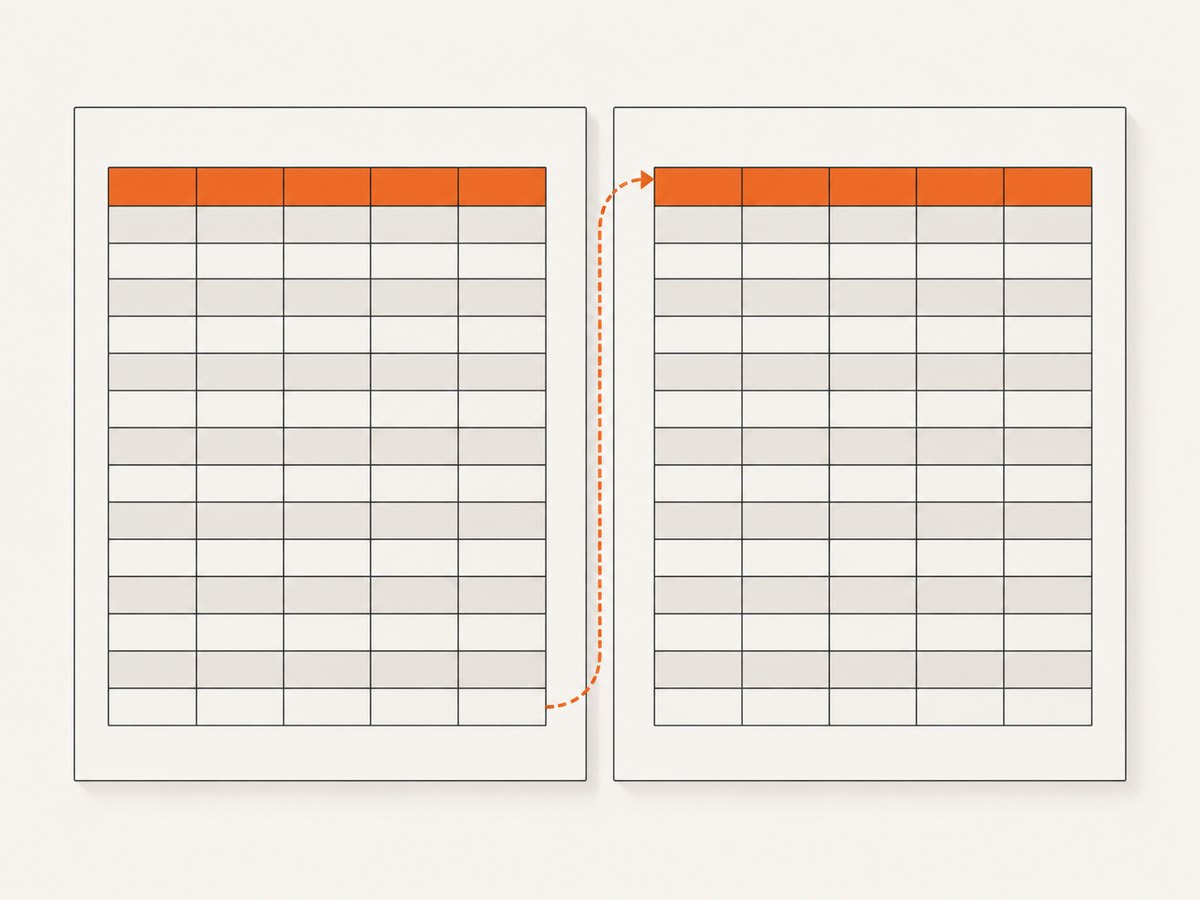
To prevent NReco PDF Generator table headers from overlapping across pages, put the column headings in a single semantic <thead>, put the data rows in <tbody>, and apply pagination CSS. NReco delegates HTML pagination to wkhtmltopdf, and its documented starting point for repeating headings is simply to wrap them in <thead>. If valid markup still overlaps, inspect table spacing and page-boundary behavior, then test against the exact NReco and wkhtmltopdf versions in use.
<style>
table { page-break-inside: auto; }
thead { display: table-header-group; }
tfoot { display: table-row-group; }
tr, td, th { page-break-inside: avoid !important; }
</style>

<table>
  <thead>
    <tr><th>Account</th><th>Status</th><th>Total</th></tr>
  </thead>
  <tbody>
    <tr><td>Northwind</td><td>Paid</td><td>$120.00</td></tr>
    <!-- more data rows -->
  </tbody>
</table>
The rest of this guide explains what each rule does, how to isolate renderer-specific overlap, what changes for nested or unusually tall tables, and when a workaround sacrifices repeated headings.
1. Start with semantic table sections
Use one <thead> for the column-heading rows and one <tbody> for the records. Do not place headings among the data rows and expect wkhtmltopdf to infer which row should repeat. Keep all header rows that belong together inside the same <thead>.
<table class="report">
  <thead>
    <tr>
      <th scope="col">Account</th>
      <th scope="col">Status</th>
      <th scope="col">Total</th>
    </tr>
    <tr>
      <th colspan="3">Monthly activity</th>
    </tr>
  </thead>
  <tbody>
    <tr><td>Northwind</td><td>Paid</td><td>$120.00</td></tr>
    <tr><td>Contoso</td><td>Pending</td><td>$85.00</td></tr>
  </tbody>
</table>
Multiple rows in <thead> are header rows and may repeat as a group. Verify that repeating the whole group is what the report needs; a large multi-row heading leaves less space for data on every page. Avoid malformed or duplicated table sections. In particular, confirm there is exactly one <thead> for the table.
2. Apply pagination CSS narrowly
Begin with a class-scoped rule so the fix affects the report table rather than every table in the document. table-header-group tells the renderer to treat the head as a repeating table header. page-break-inside: avoid asks it to keep rows or cells together when possible. page-break-inside: auto allows the table as a whole to flow across pages.
<style>
.report {
  width: 100%;
  page-break-inside: auto;
}
.report thead {
  display: table-header-group;
}
.report tfoot {
  display: table-row-group;
}
.report tr,
.report td,
.report th {
  page-break-inside: avoid !important;
}
</style>
The tfoot rule is a practical compatibility setting from the compact workaround for wkhtmltopdf: it prevents the footer group from being treated as a repeating header group. If a table needs a repeating footer, test that behavior separately in the renderer build being deployed; do not assume this CSS preserves it.
NReco specifically notes that its row and cell break-avoidance guidance applies only to the top-most table. Nested tables may split unexpectedly. If the report has tables inside cells, simplify that structure where possible or test the nested case independently instead of assuming the outer table’s rules protect every inner row.
3. Reproduce the problem in a minimal document
When the headings still overlap, reduce the report to one table, a few columns, and enough rows to cross a page boundary. Keep the same CSS, page size, converter options, and relevant NReco/wkhtmltopdf versions. This separates a renderer pagination issue from unrelated layout rules in the full report.
- Save a minimal HTML input that contains the same
<thead>, table spacing, and row styles as the failing report. - Generate the PDF with the same application and converter configuration used in production.
- Check whether overlap occurs on every page or only when the table begins close to the bottom of a preceding page.
- Remove table and wrapper margins, padding, transforms, and positioned elements one at a time, regenerating after each change.
- Record the NReco.PdfGenerator and wkhtmltopdf versions alongside the input and output so a version-specific behavior is reproducible.
Renderer issue reports describe sensitivity to table margin and padding; one report found behavior changed after removing zero margin and padding declarations. Treat spacing as a diagnostic lead, not a universal root cause. Keep the smallest change that resolves the issue in the target renderer.
4. Choose a fallback with the trade-off understood
| Approach | Headers repeat? | Rows kept together? | When to use |
|---|---|---|---|
<thead> with table-header-group |
Yes, intended behavior | With break-avoidance CSS, when feasible | Default configuration |
thead { break-inside: avoid; page-break-inside: avoid; } |
Yes | Protects the heading group from splitting | Try when the repeated heading itself is split or rendered badly |
thead { display: table-row-group; } |
No normal repetition | Does not by itself protect data rows | Targeted fallback if the installed renderer duplicates a repeated heading |
A wkhtmltopdf issue documents changing thead to table-row-group as a way to stop duplicate headers. This suppresses normal header repetition on later pages, so it is a last resort for a renderer build that mishandles the repeated group. Another issue comment suggests retaining header-group behavior and adding break avoidance to the header; test both against the specific document and version.
5. Keep table headers separate from page headers
NReco’s HtmlToPdfConverter.PageHeaderHtml configures converter-level page chrome, such as a report title or page number. It does not control repeated table column headings. If the page title appears over the first data row, inspect the page header and its reserved space. If column headings overlap rows at a page break, inspect the table sections and pagination CSS instead.
6. Handle edge cases deliberately
Rows taller than a page
A row that exceeds the printable page height cannot be kept intact on one page. Avoidance rules are requests to the renderer, not a way to create extra page space. Split the content into shorter records or restructure the row if preserving it as one unit is essential.
Table begins near a page boundary
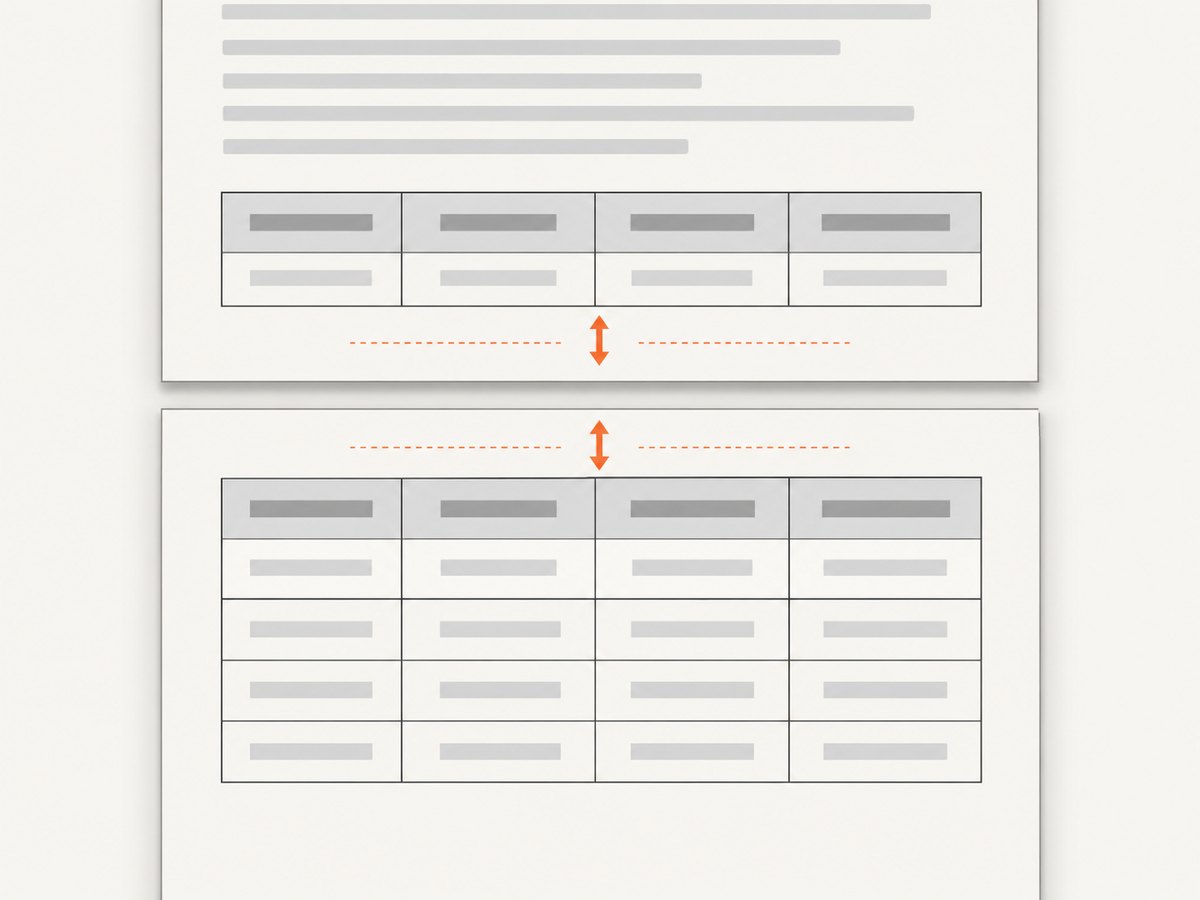
A table starting with only a small amount of page space remaining can trigger difficult pagination. Check whether the overlap disappears when a deliberate page break moves the table to a fresh page. Use that as a diagnostic first; a forced page break changes layout and may leave unused space.
Nested tables
NReco’s documented break-avoidance limitation concerns the top-most table. Test nested markup with realistic content. If a nested table splits, consider flattening it into columns or rows in the outer table, or accept that the inner table needs its own layout strategy.
Several header rows
Group all heading rows in the single <thead> and check that the full group fits on a page with at least one body row. An unusually tall header leaves little room and may create repeated heading pages with almost no data.
Conflicting CSS
Application stylesheets can override print rules. Inspect the final HTML and computed styles where possible. NReco’s guidance uses !important for row and cell avoidance because ordinary declarations can lose to other CSS; scope it to the report table to reduce unintended effects.
7. Troubleshooting common symptoms
| Symptom | Likely cause | Fix to try |
|---|---|---|
| Header appears only on the first page | Headings are outside <thead>, or header display behavior is overridden |
Move all heading rows into one <thead>; set display: table-header-group |
| Header is printed twice or overlaps the first row | Renderer edge case, often exposed at a page boundary or by table spacing | Reduce to a minimal case; remove unusual margins, padding, transforms, and positioned wrappers; test the renderer version |
| Rows split across pages | Break avoidance is missing, overridden, or applied to a nested table | Apply page-break-inside: avoid !important to top-level rows and cells; test nested tables separately |
| A blank or nearly blank page appears | A tall unbreakable row or repeated heading group does not fit in remaining space | Shorten the row or heading group; inspect available printable height and page-boundary placement |
| Changing CSS has no effect | Rules target a different table, stylesheet order overrides them, or generated HTML differs from expected | Inspect the exact HTML sent to the converter and scope selectors to the table class |
| Page title and columns overlap | Converter-level page header space is confused with table header behavior | Configure PageHeaderHtml and page layout separately from the table’s <thead> |
8. Performance, reliability, and maintenance
Pagination CSS does not make a large HTML document smaller or faster by itself. Large tables, elaborate nested markup, and rows that resist splitting can make layout harder for the renderer and increase the chance of sparse pages. Keep report markup simple, avoid unnecessary nested tables, and use a stable input fixture when upgrading NReco or wkhtmltopdf.
For reliability, treat the generated PDF as the result to inspect: a successful conversion does not establish that every repeated heading is visually correct. Keep a representative multi-page report and a page-boundary case for manual or automated visual review in your release process. The research dossier provides no published benchmark or universal version-specific fix, so performance and exact rendering behavior should be measured in your deployment environment.
For cost, the relevant trade-off is operational: a CSS fallback that stops repeating headings may reduce layout anomalies but make later pages harder to interpret. Prefer the semantic repeated-header solution when it works. If using the suppression fallback, make sure page context remains clear through report labels or other document design.
Or skip the browser setup
If the task is capturing a webpage as an image or PDF rather than debugging your NReco table, ScreenshotNeo is a website screenshot API and MCP server. See the API documentation. One GET request returns a screenshot or PDF:
curl -G "https://api.screenshotneo.com/v1/shot" -d access_key=YOUR_API_KEY --data-urlencode url=https://stripe.com -o shot.webpimport requests
r = requests.get("https://api.screenshotneo.com/v1/shot", params={"access_key": "YOUR_API_KEY", "url": "https://stripe.com"}, timeout=90)
open("shot.webp", "wb").write(r.content)const q = new URLSearchParams({ access_key: 'YOUR_API_KEY', url: 'https://stripe.com' });
const res = await fetch(`https://api.screenshotneo.com/v1/shot?${q}`);Cookie banners, popups, and chat widgets are removed before the shot. Bot checks, blank pages, and failed loads are never billed. An MCP server lets AI agents take screenshots. The free plan includes 1,000 screenshots a month with no card; paid plans start at $5 for 3,000. Get started with 1,000 free screenshots a month.
Frequently asked questions
Does every data row need a separate header row?
No. Put the column labels in the table’s <thead>; put records in <tbody>. The renderer repeats the header group as pages break.
Will page-break-inside: avoid guarantee a row stays on one page?
No. It cannot keep content intact when a row is taller than the available printable page area, and nested tables have the documented top-most-table limitation.
Does PageHeaderHtml repeat table headings?
No. It is for converter-level page chrome. Table heading repetition comes from table sections such as <thead>.
Should I always change the head to table-row-group?
No. That workaround suppresses normal repetition. Use it only when the installed renderer build duplicates the header and preserving repeated headings is not viable.


