How to Prevent Page Breaks Inside tbody with wkhtmltopdf
Use wkhtmltopdf CSS and layout techniques to keep table rows intact, handle grouped records, repeat headers, and troubleshoot PDF pagination.
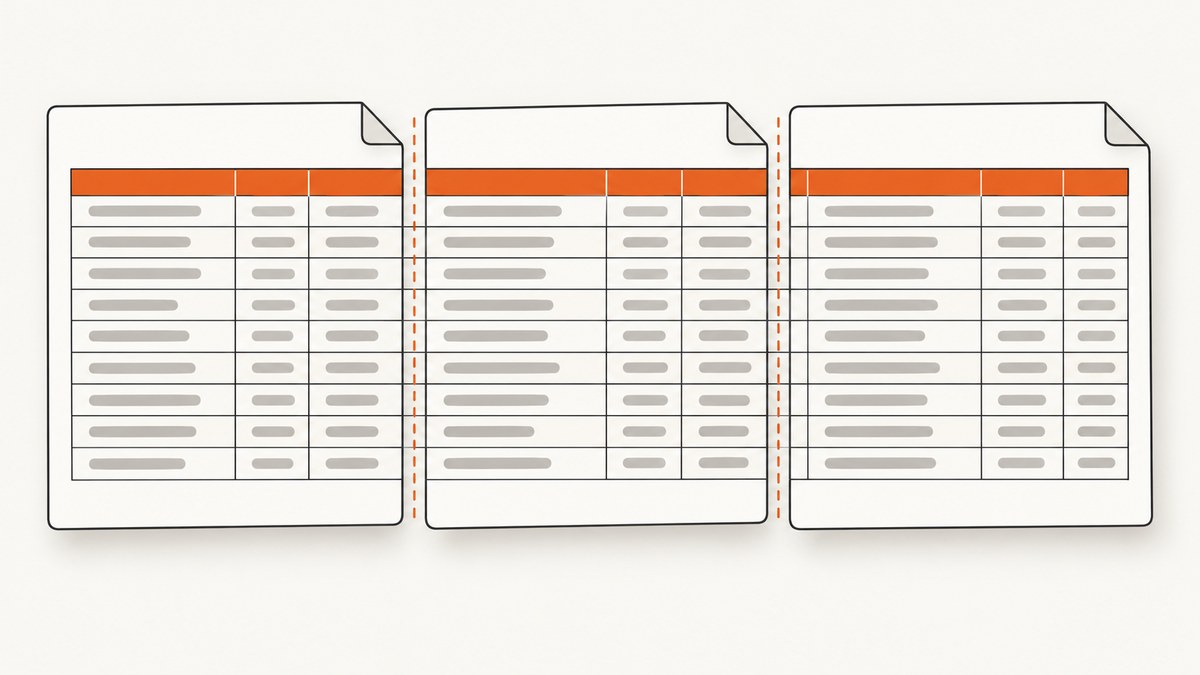
Direct answer: let the table flow naturally, then add tr { page-break-inside: avoid; } to discourage wkhtmltopdf from splitting an individual row. Keep table { page-break-inside: auto; } and usually repeat the header with thead { display: table-header-group; }. Do not rely on tbody { page-break-inside: avoid; } to keep a group of rows together: historical wkhtmltopdf reports show that grouped tbody elements are not a dependable pagination boundary.
These declarations are a workaround, not a guarantee. wkhtmltopdf uses a patched Qt/WebKit engine whose pagination behavior depends on the exact binary, Qt build, operating system, fonts, page size, and HTML. Render and inspect a representative PDF with the same build used in production.
1. Start with the smallest CSS fix
Use this as the first experiment when a data row is being cut between pages:
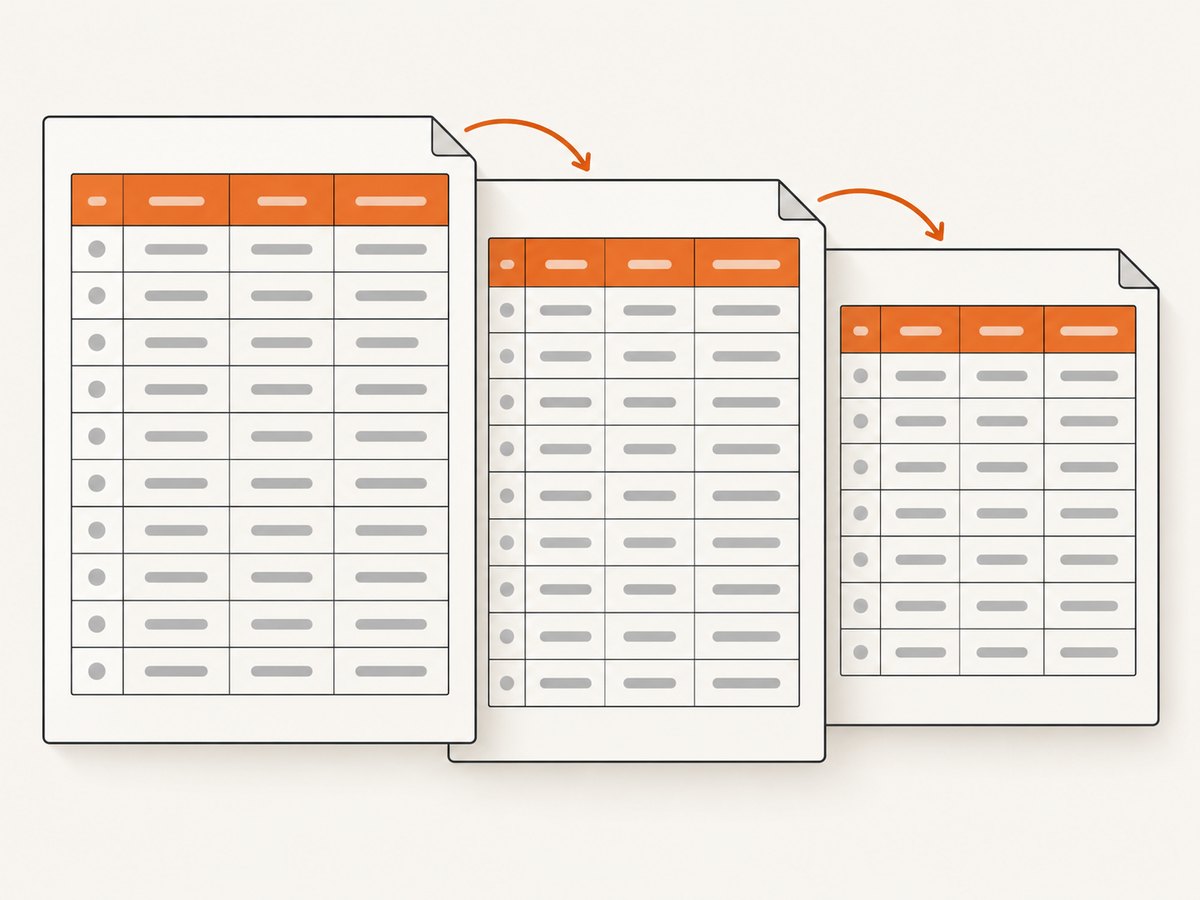
table {
  width: 100%;
  border-collapse: collapse;
  page-break-inside: auto;
}

thead {
  display: table-header-group;
}

tbody {
  display: table-row-group;
}

tr {
  page-break-inside: avoid;
  page-break-after: auto;
}

th,
td {
  vertical-align: top;
  padding: 6px 8px;
}
The important rule is on tr, not td. A wkhtmltopdf 0.12.2.4 report found that td { page-break-inside: avoid; } did not prevent a split in that setup, while applying the declaration to tr did. Another report describes the same row-level workaround. Treat those observations as version-specific evidence rather than a compatibility promise.
Avoid setting page-break-inside: avoid on the entire table or a large tbody. If the element is taller than a printable page, WebKit must break it somewhere and may produce a blank area, overflow, or an unexpected split.
2. Understand what “keep together” means
There are three different pagination requirements:
- Keep one row intact. Use
tr { page-break-inside: avoid; }. - Keep several adjacent records together. A
tbodywrapper is not reliable in wkhtmltopdf. Combine the records into one physical row when possible, or redesign the markup so the required unit is a single block. - Keep a complete table together. This only works when the table fits in the remaining page space. A long table must flow over page boundaries.
A 2018 issue report found that separate tbody elements with page-break-inside: avoid did not keep selected adjacent rows together. If two records must never separate, consider a nested table or a single row containing both visual records. Then apply the row rule to that outer row and test the result.
3. Use a complete document you can reproduce
Pagination changes when fonts, margins, or line wrapping change. Start with a minimal document and add your production content incrementally:
<!doctype html>
<html>
<head>
  <meta charset="utf-8">
  <style>
    @page { size: A4; margin: 18mm 14mm; }
    body { font-family: Arial, sans-serif; font-size: 10pt; }
    table { width: 100%; border-collapse: collapse; page-break-inside: auto; }
    thead { display: table-header-group; }
    tr { page-break-inside: avoid; page-break-after: auto; }
    th, td { border: 1px solid #bbb; padding: 5px; }
    th { background: #eee; }
  </style>
</head>
<body>
  <h1>Invoice lines</h1>
  <table>
    <thead>
      <tr><th>Item</th><th>Description</th><th>Amount</th></tr>
    </thead>
    <tbody>
      <tr><td>A-100</td><td>A short description</td><td>10.00</td></tr>
      <tr><td>A-101</td><td>A longer description that may wrap onto several lines.</td><td>25.00</td></tr>
    </tbody>
  </table>
</body>
</html>
Render it with the same page geometry used by your application:
wkhtmltopdf \
  --page-size A4 \
  --margin-top 18mm \
  --margin-right 14mm \
  --margin-bottom 18mm \
  --margin-left 14mm \
  --encoding utf-8 \
  invoice.html invoice.pdf
If the HTML loads local images, stylesheets, or fonts, add --enable-local-file-access deliberately and use stable absolute paths. For remote assets, make sure the renderer can resolve DNS and establish TLS connections.
4. Header repetition and border artifacts
thead { display: table-header-group; } asks WebKit to repeat the table header on subsequent pages. Reports for wkhtmltopdf 0.12.4 describe cases where a header repeats on a page before the next data row, or where borders extend into blank space. When that happens, compare these controlled variants:
/* Normal repeating header */
thead { display: table-header-group; }

/* Diagnostic variant: disable repetition */
thead { display: table-row-group; }
Disabling repetition can remove an overlap but makes long tables harder to read. Keep the variant that produces a correct PDF for your document and verify the first page, every page transition, and the final partial page.
Border artifacts are often caused by collapsed borders spanning a page boundary. Test border-collapse: separate with a small border-spacing, or move the border to cells instead of the table, if a vertical rule continues through a blank area. These are layout experiments, not universal fixes.
5. Keep a group together when a row rule is insufficient
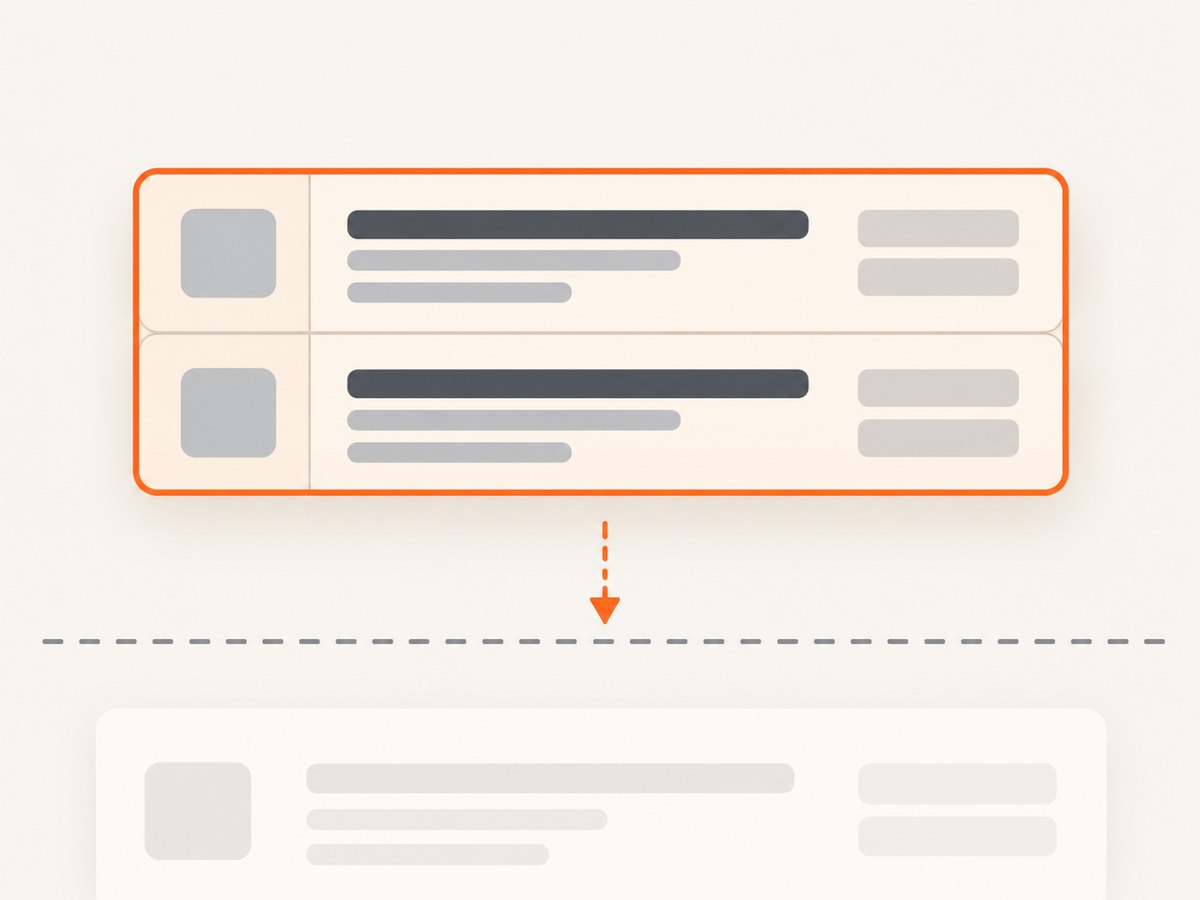
For a pair of values that must stay together, the most predictable approach is to make them one pagination unit. For example, use one row with two stacked blocks:
<tr class="record-pair">
  <td colspan="3">
    <div class="record primary">Primary record</div>
    <div class="record related">Related record</div>
  </td>
</tr>
.record-pair {
  page-break-inside: avoid;
}
.record + .record {
  margin-top: 6px;
}
This changes the table structure, so use it only when the semantic and accessibility requirements allow it. If the combined block is taller than one page, no CSS declaration can keep it on a single page; split the content intentionally or insert a page break before the block.
6. Useful wkhtmltopdf options
| Option | Why it matters |
|---|---|
--page-size A4 or --page-width/--page-height |
Defines the space available for rows and wrapping. |
--margin-* |
Changes printable height; oversized margins create earlier breaks. |
--print-media-type |
Uses print media CSS instead of screen styles when your stylesheet separates them. |
--javascript-delay 500 |
Waits for client-rendered table data; choose a delay based on your page. |
--enable-local-file-access |
Allows local assets when the HTML references files on disk. |
--load-error-handling ignore |
Controls what happens when a resource fails; ignoring errors can hide missing fonts or images. |
--load-media-error-handling |
Controls failures for images, stylesheets, and other media. |
--orientation Landscape |
Can reduce wrapping for wide tables, often lowering row height. |
--header-html and --footer-html |
Adds repeating page furniture, but consumes vertical space and changes break positions. |
7. Automate the same render in Python and Node.js
Keep the command and CSS identical across environments. Capture stderr and return codes so a missing asset or renderer failure is visible.
import subprocess

result = subprocess.run(
    [
        "wkhtmltopdf",
        "--page-size", "A4",
        "--encoding", "utf-8",
        "invoice.html",
        "invoice.pdf",
    ],
    text=True,
    capture_output=True,
)
if result.returncode != 0:
    raise RuntimeError(result.stderr)
import { spawn } from 'node:child_process';

const child = spawn('wkhtmltopdf', [
  '--page-size', 'A4',
  '--encoding', 'utf-8',
  'invoice.html',
  'invoice.pdf'
]);
let error = '';
child.stderr.on('data', chunk => { error += chunk; });
child.on('close', code => {
  if (code !== 0) throw new Error(error || `wkhtmltopdf exited with ${code}`);
});
8. Troubleshooting checklist
| Symptom | Likely cause | Fix |
|---|---|---|
| A row is split | Rule is on td, or the binary ignores it in this layout |
Move it to tr; remove conflicting table wrappers; test the exact binary. |
| Two rows separate | tbody is not treated as an unbreakable group |
Combine the content into one row or allow a designed break. |
| Blank space appears below a row | Row cannot fit in the remaining page area | Accept the move, reduce padding/font size, or insert a deliberate page break. |
| Header overlaps data | Repeated thead interacts badly with the build |
Test display: table-row-group, simplify header CSS, and inspect every transition. |
| Borders extend into blank space | Collapsed borders are painted across a page boundary | Try separate borders or cell-level borders and compare PDFs. |
| Rows are unexpectedly tall | Font fallback, missing web font, or narrow page width | Embed or install the font, verify asset loading, and check margins and orientation. |
| Table content is missing | JavaScript had not finished or a resource failed | Use --javascript-delay, inspect stderr, and verify network/local access. |
Always record wkhtmltopdf --version, the OS, the input HTML, CSS, fonts, and command-line flags with a failing PDF. The project issue tracker was archived in 2023, and the cited reports are historical; they do not establish behavior for every current package. The Debian manual describes page-break-inside as a partial remedy for WebKit pagination, which is the right level of confidence for this technique: useful, but not guaranteed. Read the wkhtmltopdf manual.
9. Performance, reliability, and cost considerations
Pagination work is usually CPU-bound by HTML layout, font loading, image decoding, and JavaScript. Reduce unnecessary images, avoid enormous DOM trees, and use a fixed font set for repeatable line wrapping. Rendering one very large table can consume substantial memory; split reports into logical documents when business rules permit.
For reliable output, pin the wkhtmltopdf package and Qt build, run a visual regression sample after upgrades, and keep page size and margins explicit. Do not assume that a successful process exit means the PDF is correct: inspect page count, file size, required text, and representative page transitions.
10. Or skip the browser setup
If you need a rendered capture or PDF without maintaining a wkhtmltopdf installation, ScreenshotNeo accepts one GET request. Its PDF options cover paper size, margins, landscape mode, and page ranges; it also supports full-page capture, custom CSS and JavaScript, waiting for a selector, delay or network idle, custom headers and cookies, and blocking selected requests or resource types. See the ScreenshotNeo documentation for the request parameters.
curl -G "https://api.screenshotneo.com/v1/shot" -d access_key=YOUR_API_KEY --data-urlencode url=https://stripe.com -o shot.webpimport requests
r = requests.get("https://api.screenshotneo.com/v1/shot", params={"access_key": "YOUR_API_KEY", "url": "https://stripe.com"}, timeout=90)
open("shot.webp", "wb").write(r.content)const q = new URLSearchParams({ access_key: 'YOUR_API_KEY', url: 'https://stripe.com' });
const res = await fetch(`https://api.screenshotneo.com/v1/shot?${q}`);Cookie banners, newsletter popups, and chat widgets are removed before the shot. Bot checks, blank pages, timeouts, failed loads, and cache hits are not billed, and response headers report the page verdict and billing status. An MCP server provides take_screenshot, get_page_info, and capture_pdf tools for Claude, Cursor, and other MCP clients. The free plan includes 1,000 screenshots per month with no card; paid plans start at $5 for 3,000 shots. Create a free ScreenshotNeo account.
FAQ
Does page-break-inside: avoid work on tbody?
It may be ignored for grouped rows. Use it on tr for individual rows and verify the produced PDF.
Can I prevent a break inside every row?
Usually, tr { page-break-inside: avoid; } is the first rule to try. A row taller than a page still has to break or overflow.
Should I remove thead { display: table-header-group; }?
Keep it when repeated headers are useful. Remove or change it only when your exact build produces overlap or an empty repeated header page.
Why does the same HTML render differently on another server?
Different wkhtmltopdf and Qt builds, fonts, operating systems, margins, and asset-loading conditions alter pagination. Pin and document the rendering environment.
Is wkhtmltopdf the only way to create a PDF?
No. If maintaining the browser binary is costly, a hosted renderer such as ScreenshotNeo can handle PDF capture and page cleanup through an API.


