How to Prevent Playwright Timeouts When Taking Many Screenshots
Identify the timeout layer, reduce capture scope, wait on real signals, and run reliable Playwright screenshot batches.
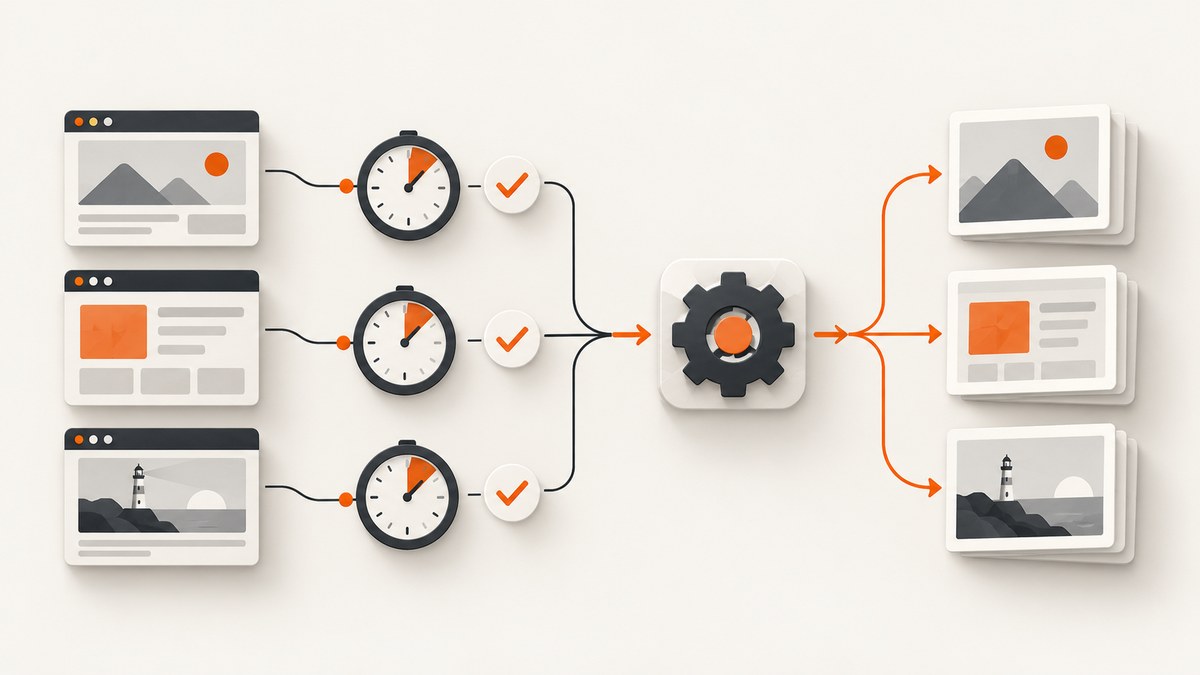
Direct answer: do not raise every timeout when a screenshot batch fails. Read the stack trace and call log, identify whether the failure is page.screenshot()/locator.screenshot(), a screenshot assertion, or the enclosing Playwright Test. Then change that layer’s timeout, reduce capture scope, and wait on page signals instead of fixed sleeps.
Playwright exposes three independent budgets:
- Screenshot operation: the Page API documents a
timeoutoption whose default is0(no timeout). - Screenshot assertion:
expect(page).toHaveScreenshot()andexpect(locator).toHaveScreenshot()have their own assertion timeout and take consecutive screenshots until two are stable before comparing. - Test: Playwright Test currently documents a 30,000 ms default per test, including the test body, fixture setup, and
beforeEachhooks. Auto-retrying assertions currently default to 5,000 ms.
These are documented defaults, not throughput guarantees. Check your installed version and configuration. See the Page screenshot API, test timeout guide, and screenshot assertion guide.
1. Find the timeout that actually fired
- Read the failure location and call log. A stack at
page.screenshotorlocator.screenshotpoints to an operation timeout. - A stack at
toHaveScreenshotpoints to the assertion budget and stability loop. - If the report says the test exceeded its overall limit, inspect the enclosing test timeout, including fixture and hook time.
- Confirm the Playwright version and whether project-level
timeout,expect.timeout, or a helper wrapper overrides defaults.
Increasing an unrelated limit has no effect. Record the URL, capture scope, elapsed time, and call-log step for one failing case before changing settings.
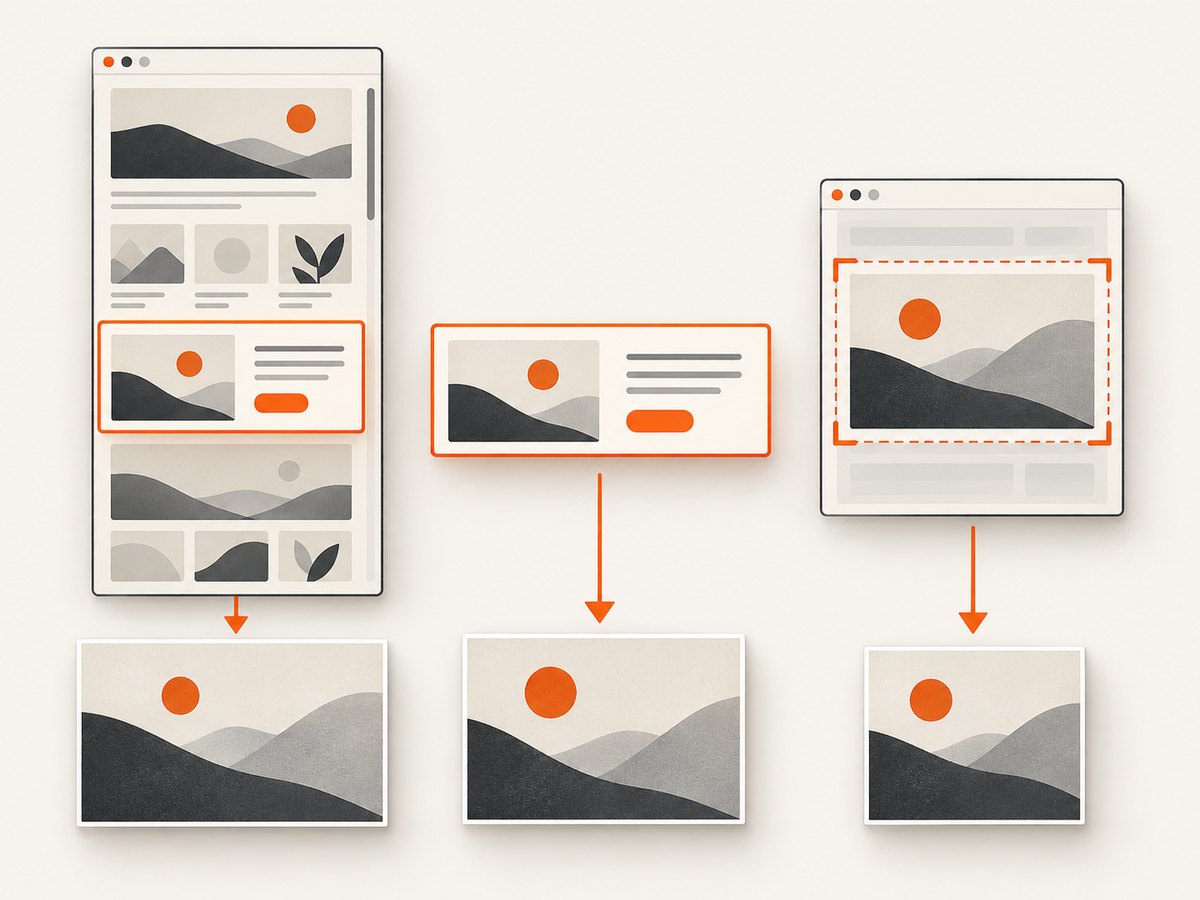
2. Capture the smallest correct image
A viewport screenshot is the default. Use fullPage: true only when the complete scrollable page is required. If the test checks one component, capture its locator.
import { test } from '@playwright/test';

test('stable component screenshot', async ({ page }) => {
  await page.goto('https://example.com', { waitUntil: 'domcontentloaded' });
  await page.getByRole('navigation').screenshot({ path: 'artifacts/navigation.png', animations: 'disabled', timeout: 15000 });
  await page.screenshot({ path: 'artifacts/page.png', fullPage: true, animations: 'disabled', timeout: 30000 });
});
The docs do not publish a universal speedup for any scope. Measure your pages and choose the narrowest image that proves the behavior.
3. Make the visual state repeatable
Animations and transitions can keep changing pixels while an assertion obtains two equal screenshots. Pass animations: 'disabled' for stable captures. This controls repeatability, not a guaranteed speedup.
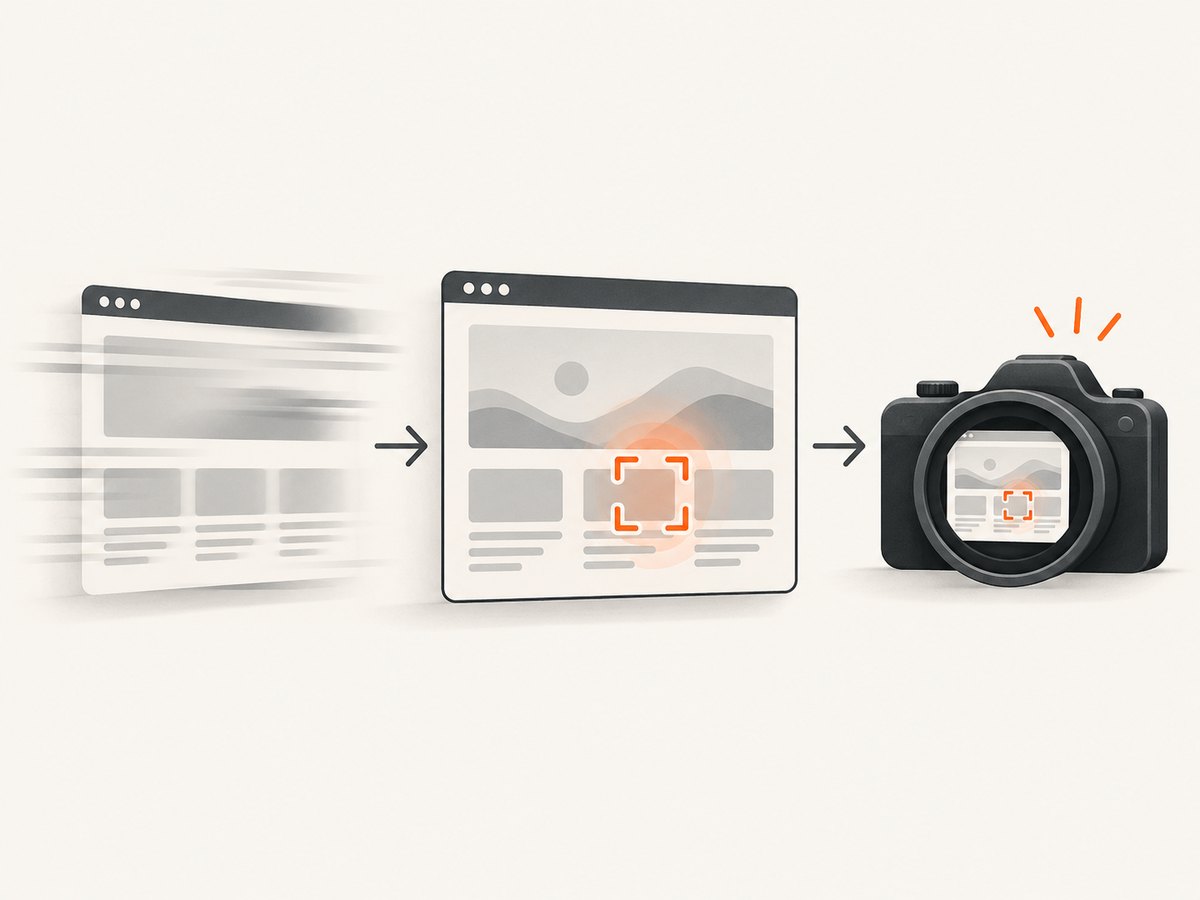
Avoid page.waitForTimeout() as synchronization. Playwright marks it discouraged and says, “Never wait for timeout in production.” Prefer a selector, response, or assertion that represents readiness.
await page.goto('https://example.com', { waitUntil: 'domcontentloaded' });
await page.getByRole('heading', { name: 'Dashboard' }).waitFor({ state: 'visible' });
await page.screenshot({ animations: 'disabled', path: 'dashboard.png' });
Polling, analytics, or WebSockets can keep network idle open forever; use a ready locator or response instead.
4. Set the right timeout
Per screenshot operation
await page.screenshot({ path: 'artifacts/long-page.png', fullPage: true, timeout: 60000 });
await page.locator('[data-testid="chart"]').screenshot({ path: 'artifacts/chart.png', timeout: 20000 });
page.setDefaultTimeout() changes defaults for methods that accept a timeout. An explicit screenshot timeout makes the budget clear.
Screenshot assertion
import { test, expect } from '@playwright/test';
test('visual regression', async ({ page }) => {
  await page.goto('https://example.com');
  await expect(page).toHaveScreenshot('home.png', { timeout: 10000, animations: 'disabled' });
});
The assertion waits for two consecutive screenshots to be stable before comparing. A moving clock, carousel, cursor, or late font can consume the assertion budget.
Whole test
import { test } from '@playwright/test';
test('batch that needs more wall time', async ({ page }) => {
  test.setTimeout(60000);
});
Raise the test timeout only when the complete test needs more time. A larger test budget does not make an individual screenshot or assertion complete sooner.
5. A bounded batch pattern
import { chromium } from 'playwright';
const urls = ['https://example.com/one', 'https://example.com/two'];
const browser = await chromium.launch();
const context = await browser.newContext({ viewport: { width: 1440, height: 900 } });
const page = await context.newPage();
for (const [index, url] of urls.entries()) {
  const started = Date.now();
  try {
    await page.goto(url, { waitUntil: 'domcontentloaded', timeout: 30000 });
    await page.locator('main').waitFor({ state: 'visible', timeout: 15000 });
    await page.screenshot({ path: `artifacts/${index + 1}.png`, animations: 'disabled', timeout: 30000 });
    console.log(JSON.stringify({ url, ok: true, ms: Date.now() - started }));
  } catch (error) {
    console.error(JSON.stringify({ url, ok: false, error: String(error) }));
  }
}
await browser.close();
Use separate pages or contexts for concurrent URLs. Start with a small measured worker count; more workers can saturate CPU, memory, network, or the target site. Keep per-navigation and per-screenshot budgets and log URL, scope, elapsed time, and failure stage. Retry only bounded transient failures.
6. Options that affect screenshot work
| Need | Option/API | Guidance |
|---|---|---|
| Visible viewport | page.screenshot() |
Default scope. |
| Entire document | fullPage: true |
Captures the full scrollable page and may require more layout and image work. |
| One component | locator.screenshot() |
Use when only that element matters. |
| Stable pixels | animations: 'disabled' |
Disable CSS animations for repeatability. |
| Operation budget | timeout |
Set on the failing screenshot call. |
| Assertion budget | toHaveScreenshot({ timeout }) |
Separate from test timeout. |
| Test budget | test.setTimeout() |
Covers test code, fixtures, and hooks. |
7. Troubleshooting common failures
| Symptom | Cause | Fix |
|---|---|---|
Timeout at page.screenshot |
Capture or page is not ready. | Wait for a real signal, reduce scope, then set an explicit screenshot timeout if legitimately slow. |
Timeout at locator.screenshot |
Locator is hidden, detached, unresolved, or moving. | Verify the locator, wait for visibility, and disable motion. |
toHaveScreenshot times out |
Two stable screenshots cannot be obtained or the baseline never matches. | Freeze animations and dynamic data; adjust assertion timeout. |
| Test timeout exceeded | The complete test, fixture, or hook used its 30-second budget. | Profile setup/navigation, split the batch, or raise the test timeout. |
networkidle hangs |
Polling, analytics, or WebSockets remain active. | Wait for a specific selector or response. |
| More timeout did not help | A different timeout layer controls the call, or the page keeps changing. | Return to the stack and call log; change only the governing setting. |
| Workers slow or crash | Environment saturation or target throttling. | Measure resources and lower concurrency. There is no universal worker count. |
8. Performance, reliability, and cost
- Measure navigation, readiness, screenshot, and assertion durations separately. Official docs provide behavior and defaults, not universal benchmarks.
- Use viewport or locator captures when full-page pixels are unnecessary.
- Disable animations and wait on selectors or responses instead of fixed sleeps.
- Use explicit per-step budgets, bounded transient retries, and per-URL logs.
- Browser memory, CPU, bandwidth, and target limits determine practical concurrency.
9. Or skip the browser setup
If you need a clean image for a URL rather than browser-level test control, ScreenshotNeo provides a hosted screenshot API. It accepts one GET request and returns PNG, JPEG, WebP, or PDF. Cookie and consent banners are accepted and 60+ known consent platforms, newsletter popups, and chat widgets are removed before capture; each step can be turned off. Bot checks/CAPTCHAs, blank pages, timeouts, failed loads, and cache hits are not billed, and X-Page-Verdict and X-Billed headers identify the result. Its MCP server provides take_screenshot, get_page_info, and capture_pdf for Claude, Cursor, and other MCP clients.
See the ScreenshotNeo API docs:
curl -G "https://api.screenshotneo.com/v1/shot" -d access_key=YOUR_API_KEY --data-urlencode url=https://stripe.com -o shot.webpimport requests
r = requests.get("https://api.screenshotneo.com/v1/shot", params={"access_key": "YOUR_API_KEY", "url": "https://stripe.com"}, timeout=90)
open("shot.webp", "wb").write(r.content)const q = new URLSearchParams({ access_key: 'YOUR_API_KEY', url: 'https://stripe.com' });
const res = await fetch(`https://api.screenshotneo.com/v1/shot?${q}`);Free usage includes 1,000 screenshots each month with no card. Paid plans start at $5 for 3,000 shots; every feature is on every plan. Create a free ScreenshotNeo account.
10. FAQ
Should I set every timeout to 60 seconds?
No. Match the setting to the failing layer. A larger limit can hide a stuck page without improving throughput.
Is a full-page screenshot always slower?
It includes the full scrollable document and can require more work, but there is no universal timing difference. Measure your pages.
Why does an assertion take longer than one screenshot?
It waits for two consecutive screenshots to be stable before comparing.
Can I use fixed sleeps?
They add delay and remain flaky. Use a selector, response, or assertion that expresses readiness.


