How to Prevent Selenium IE Popup Windows from Losing Sessions
Keep Selenium IE popup sessions stable by managing window handles, cookies, IE isolation, and legacy driver settings.
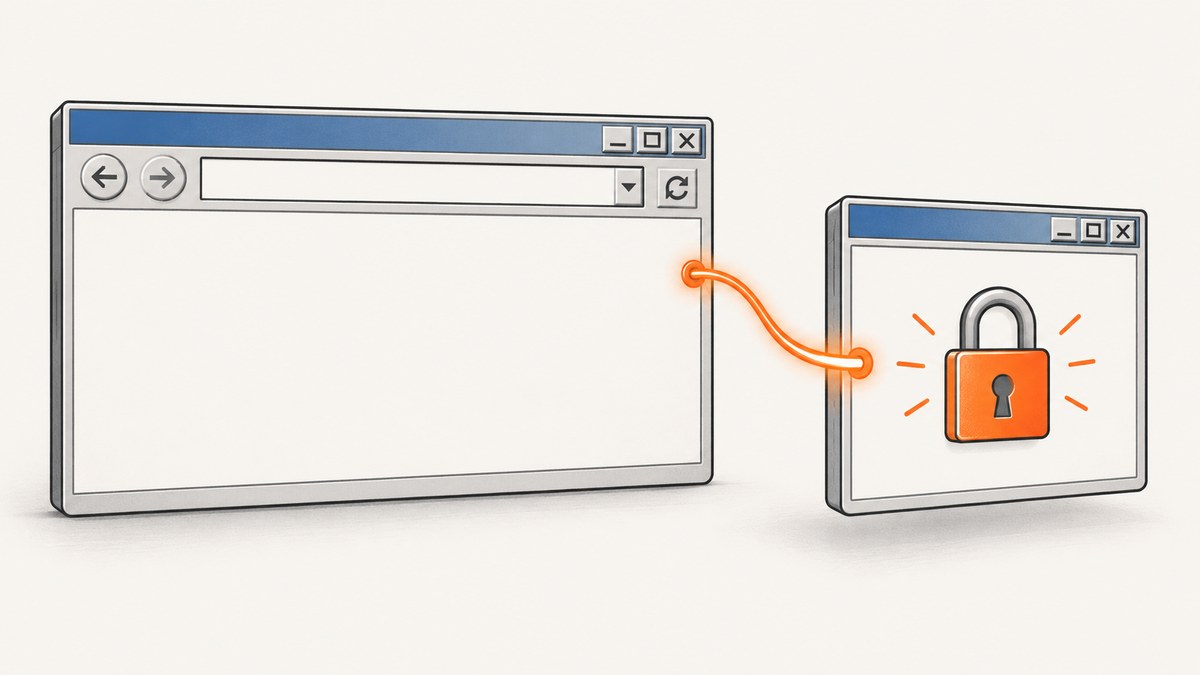
Direct answer: save the original Selenium window handle before opening the IE popup, wait for a second handle, switch to it, finish the popup work, close it, and switch back to the original handle. A popup opened as a separate window or tab has its own WebDriver context. Closing it without switching back leaves WebDriver pointed at a window that no longer exists and can cause a NoSuchWindowException.
Cookies normally remain available because both windows belong to the same WebDriver session. Session loss usually comes from switching incorrectly, starting separate IE driver processes that share or clear profile data, or using inconsistent legacy IE settings.
1. The reliable popup workflow
Use this sequence for every separate-window popup:
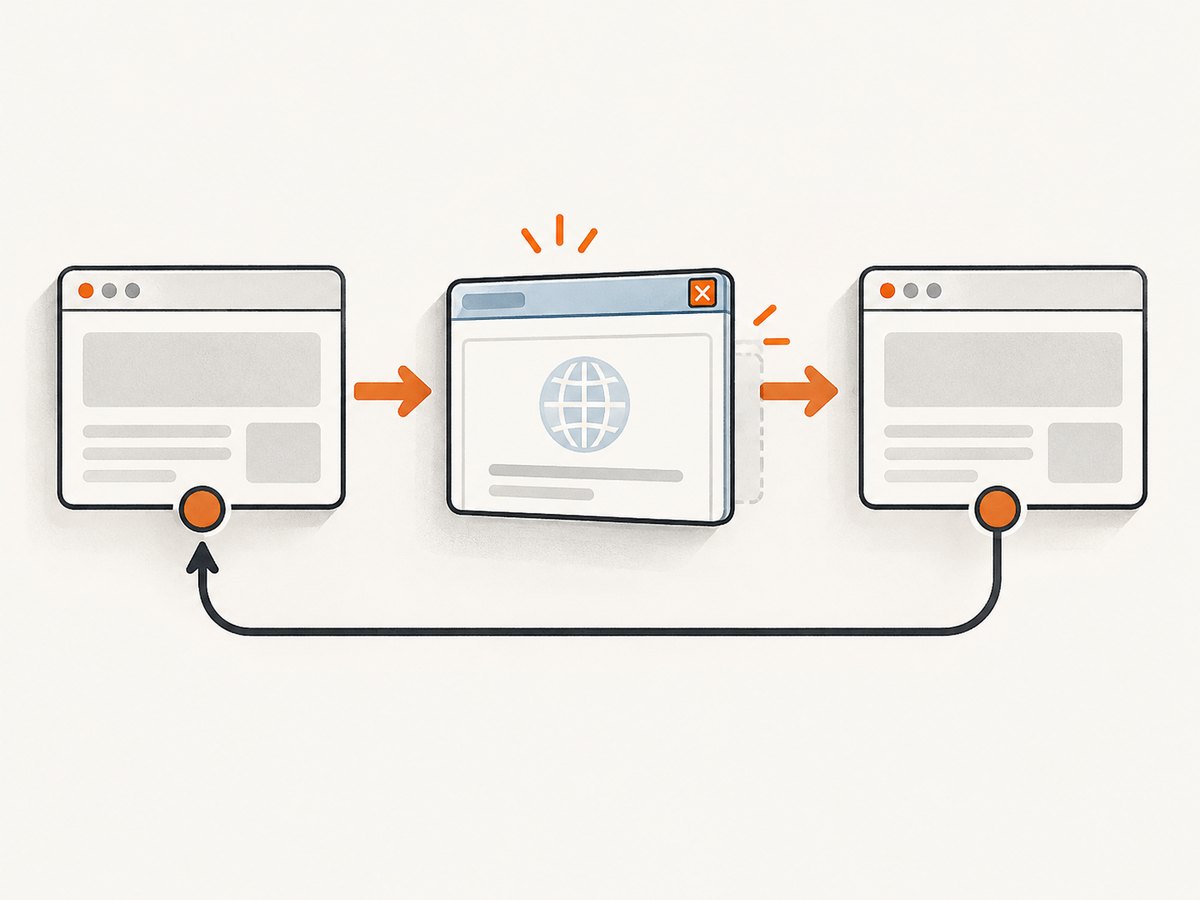
- Store
driver.getWindowHandle()before clicking the popup link. - Trigger the popup.
- Wait until the number of window handles increases.
- Switch to the handle that differs from the original.
- Perform the popup actions.
- Call
driver.close()to close only the popup. - Switch back to the stored original handle before issuing another command.
Complete Java example
import java.time.Duration;
import java.util.Set;

import org.openqa.selenium.By;
import org.openqa.selenium.NoSuchWindowException;
import org.openqa.selenium.WebDriver;
import org.openqa.selenium.ie.InternetExplorerDriver;
import org.openqa.selenium.support.ui.ExpectedCondition;
import org.openqa.selenium.support.ui.WebDriverWait;

public class IePopupSession {
    public static void main(String[] args) {
        WebDriver driver = new InternetExplorerDriver();
        WebDriverWait wait = new WebDriverWait(driver, Duration.ofSeconds(30));

        try {
            driver.get("https://example.test/login");
            driver.findElement(By.id("username")).sendKeys("user");
            driver.findElement(By.id("password")).sendKeys("secret");
            driver.findElement(By.id("sign-in")).click();

            String originalWindow = driver.getWindowHandle();
            Set<String> beforeClick = driver.getWindowHandles();

            driver.findElement(By.id("open-help-popup")).click();

            wait.until((ExpectedCondition<Boolean>) d ->
                d.getWindowHandles().size() > beforeClick.size());

            String popupWindow = driver.getWindowHandles().stream()
                .filter(handle -> !handle.equals(originalWindow))
                .findFirst()
                .orElseThrow(() -> new IllegalStateException("Popup handle not found"));

            driver.switchTo().window(popupWindow);
            wait.until(d -> d.getTitle().contains("Help"));
            String popupText = driver.findElement(By.tagName("body")).getText();
            System.out.println(popupText);

            driver.close();
            driver.switchTo().window(originalWindow);

            // The authenticated page and its cookies are available again.
            driver.findElement(By.id("account-menu")).click();
        } catch (NoSuchWindowException e) {
            throw new IllegalStateException("The popup or original window was closed before switching back", e);
        } finally {
            driver.quit();
        }
    }
}
Replace the example selectors and URL with the application under test. The important part is the handle lifecycle, not the selector names.
2. Waiting for the correct window
Do not assume that the new popup is the last item in an unordered handle set. Record the handles before the click and select the handle that was not present before the click.
Set<String> oldHandles = driver.getWindowHandles();
triggerPopup();

new WebDriverWait(driver, Duration.ofSeconds(20)).until(d -> {
    Set<String> current = d.getWindowHandles();
    return current.size() > oldHandles.size();
});

String newHandle = driver.getWindowHandles().stream()
    .filter(handle -> !oldHandles.contains(handle))
    .findFirst()
    .orElseThrow();
driver.switchTo().window(newHandle);
When more than one popup opens
Keep a map of handles to purpose, or inspect each new window’s title and URL before choosing it. Never depend on a fixed numeric index.
for (String handle : driver.getWindowHandles()) {
    driver.switchTo().window(handle);
    System.out.println(handle + " | " + driver.getTitle() + " | " + driver.getCurrentUrl());
}
driver.switchTo().window(originalWindow);
3. Window popups versus JavaScript alerts
A browser window or tab has a window handle. A JavaScript alert, confirm, or prompt is a modal alert and does not create a handle.
| Popup type | What to use | Typical operation |
|---|---|---|
| New tab or browser window | getWindowHandles() and switchTo().window() |
Store, switch, close, switch back |
| JavaScript alert or confirm | switchTo().alert() |
accept(), dismiss(), or getText() |
| In-page modal dialog | Normal DOM selectors | Wait for an element and interact with it |
// JavaScript alert, not a window handle
new WebDriverWait(driver, Duration.ofSeconds(10))
    .until(d -> {
        try {
            d.switchTo().alert();
            return true;
        } catch (org.openqa.selenium.NoAlertPresentException e) {
            return false;
        }
    });
driver.switchTo().alert().accept();
4. Preserving IE cookies and login state
Within one WebDriver session, switching window handles does not intentionally clear cookies. If the popup appears logged out, first verify that it belongs to the same browser session and that the application uses a domain and cookie scope shared by the popup URL.
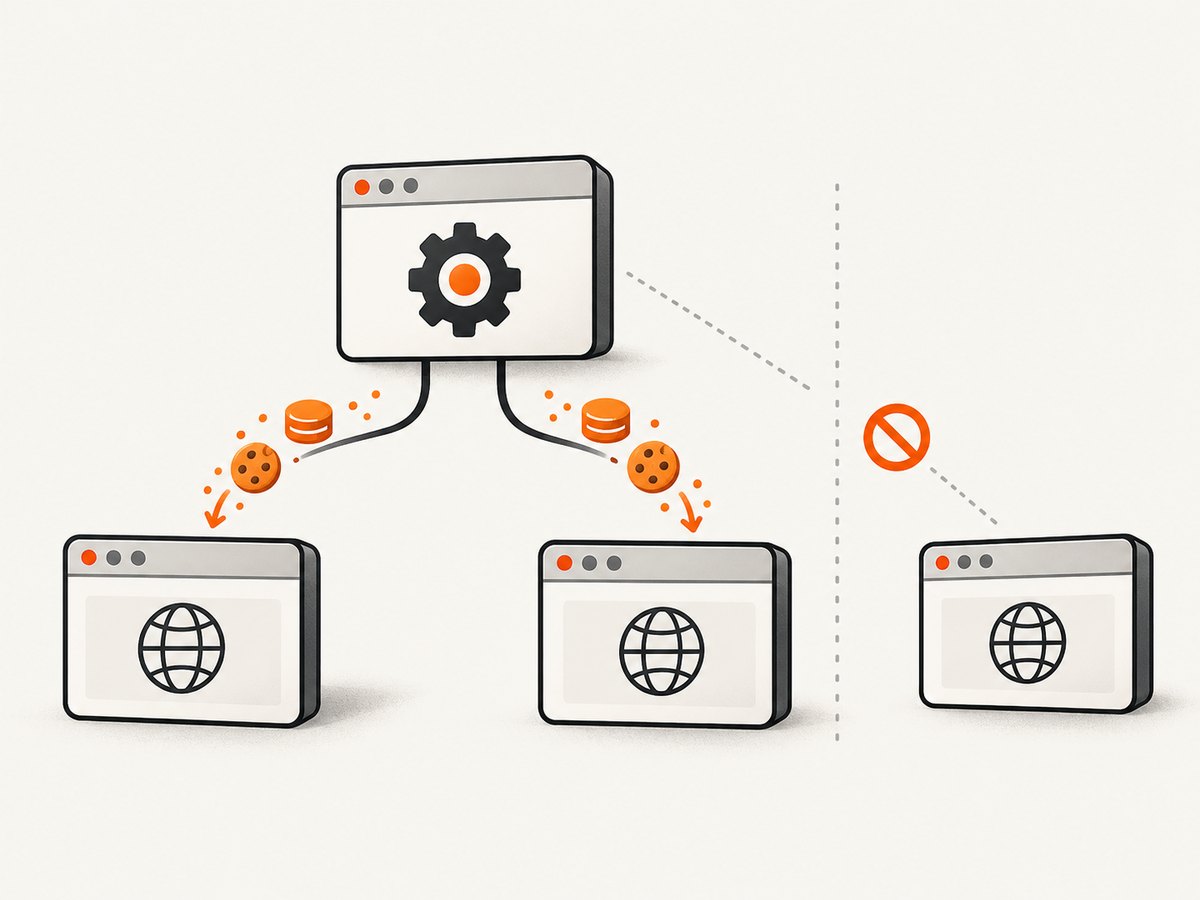
Common causes of apparent cookie loss
- Different host or scheme: a cookie for
app.example.testmay not be sent toauth.example.test, and a secure cookie requires HTTPS. - Separate driver instances: two IE drivers can share cookies and other session items unexpectedly.
ie.ensureCleanSession=true: this clears cache, history, and cookies for all running IE instances at startup, including manually started instances.- Popup is not a browser window: an alert or in-page modal requires a different API.
- Original handle was closed: once the last usable window is closed, there is no context to return to.
Inspect cookies while diagnosing
driver.switchTo().window(originalWindow);
System.out.println(driver.manage().getCookies());

driver.switchTo().window(popupWindow);
System.out.println(driver.manage().getCookies());
Compare the cookie names, domains, paths, secure flags, and expiry behavior. Do not add a cookie to one domain and expect it to appear on an unrelated domain.
5. IE session isolation settings
Selenium’s IE Driver documentation warns that multiple IE driver instances may share cookies and other session data. Choose an isolation policy deliberately.
| Goal | Setting | Effect | Trade-off |
|---|---|---|---|
| Preserve an existing login/profile | Default profile behavior | Allows the test to reuse available session state | State can leak between runs or driver instances |
| Start with a clean profile | ie.ensureCleanSession=true |
Clears cache, history, and cookies for running IE instances | Slower startup and intentional loss of login state |
| Run isolated private IE processes | ie.forceCreateProcessApi=true and ie.browserCommandLineSwitches=-private |
Uses private mode for IE 8+ | Requires the TabProcGrowth registry value to be 0 |
Java capability examples
import org.openqa.selenium.ie.InternetExplorerOptions;

InternetExplorerOptions clean = new InternetExplorerOptions();
clean.setCapability("ie.ensureCleanSession", true);

InternetExplorerOptions privateMode = new InternetExplorerOptions();
privateMode.setCapability("ie.forceCreateProcessApi", true);
privateMode.setCapability("ie.browserCommandLineSwitches", "-private");

// Pick one policy for a run; do not combine settings accidentally.
WebDriver driver = new InternetExplorerDriver(privateMode);
Use ensureCleanSession only when clearing all IE state is the requirement. If the test must reuse a login, it is the wrong setting.
6. IE driver configuration that affects reliability
Legacy IE automation has environment requirements that can look like session bugs:
- Keep IE zoom at 100%, unless
ignoreZoomSetting=trueis deliberately configured. - Keep Protected Mode settings consistent across all IE security zones. Bypassing this check can produce flaky, unresponsive, or hanging tests.
- Use the 32-bit IE driver when choosing between 32-bit and 64-bit binaries; this is Selenium’s documented recommendation.
- Do not run
IEDriverServeras a Windows service; that environment is documented as unsupported and untested. - Record the IE version, driver version and bitness, Protected Mode settings, zoom level, and
TabProcGrowthwhen investigating a failure.
7. Standalone IE versus Edge IE Compatibility Mode
Selenium officially ended support for standalone Internet Explorer in June 2022. The IE Driver can also drive Microsoft Edge in IE Compatibility Mode. Treat standalone IE instructions as legacy maintenance and plan migration to Edge IE mode where the application still requires IE behavior.
The popup-handle workflow remains the same in Edge IE Compatibility Mode: capture the original handle, wait for the new handle, switch, close, and switch back. Recheck capabilities and driver versions during migration because an IE-specific registry or process assumption may no longer apply.
8. Troubleshooting checklist
| Symptom | Likely cause | Fix |
|---|---|---|
NoSuchWindowException after closing the popup |
WebDriver still targets the closed popup | Call switchTo().window(originalWindow) immediately after close(). |
| Popup never appears | Click did not open a window, popup was blocked, or wait is too short | Check the click result, inspect handle count, and wait on a handle increase rather than a fixed sleep. |
| Wrong popup selected | Code assumes the last handle is the new one | Compare the pre-click and post-click handle sets, then inspect title or URL. |
| Login disappears in the popup | Different host, separate driver process, or cookies cleared by startup settings | Check cookie domain and scheme, use one driver session, and remove ensureCleanSession when state must persist. |
| All tests start logged out | ie.ensureCleanSession=true |
Disable it for tests that reuse login state, or perform login after every clean start. |
| Two parallel IE tests affect each other | IE processes share cookies or session data | Use the documented private-process isolation settings, verify TabProcGrowth=0, or serialize the tests. |
| Driver hangs or behaves inconsistently | Protected Mode mismatch, non-100% zoom, unsupported service execution, or wrong driver bitness | Normalize the IE environment and use the 32-bit driver recommendation. |
| Alert code cannot find the popup | The popup is a JavaScript alert, not a window | Use switchTo().alert(). |
| Original page cannot be restored | Original handle was not stored or the original window was closed | Save the handle before the click and close only the popup. |
9. Reliability and performance practices
- Use explicit waits: wait for a handle, title, URL, or required element. Fixed sleeps make slow runs longer and fast runs no safer.
- Keep one ownership rule: the code that opens a popup should also close it and restore the original handle.
- Use
quit()in cleanup: close individual popups withclose(), then terminate the entire driver session once. - Capture diagnostics on failure: record every handle, current URL, title, cookie summary, IE version, driver bitness, and capability values.
- Separate stateful and clean tests: do not mix a test that depends on an existing login with a suite-wide clean-session capability.
- Expect startup cost: clean-session and private-process modes can increase startup time. Reuse a driver only when test isolation requirements allow it.
- Control concurrency: parallel IE instances may share state. Isolation settings or serialized execution can be more reliable than retrying failed tests.
10. Or skip the browser setup
If the goal is a screenshot rather than browser interaction, ScreenshotNeo returns an image or PDF with one GET request. Its capture flow accepts cookie and consent banners before the shot and removes more than 60 known consent platforms, newsletter popups, and chat widgets. Bot checks, blank pages, timeouts, failed loads, and cache hits are not billed, and response headers identify the page verdict and billing status.
See the ScreenshotNeo API documentation for options such as full-page capture, CSS-selector element capture, device presets, custom viewports, retina scale, dark mode, custom CSS and JavaScript, waits, request blocking, cookies, headers, user agents, caching, signed links, asynchronous jobs, bulk capture, PDFs, and usage reporting.
cURL
curl -G "https://api.screenshotneo.com/v1/shot" -d access_key=YOUR_API_KEY --data-urlencode url=https://stripe.com -o shot.webpPython
import requests

r = requests.get("https://api.screenshotneo.com/v1/shot", params={"access_key": "YOUR_API_KEY", "url": "https://stripe.com"}, timeout=90)
open("shot.webp", "wb").write(r.content)
Node.js
const q = new URLSearchParams({ access_key: 'YOUR_API_KEY', url: 'https://stripe.com' });
const res = await fetch(`https://api.screenshotneo.com/v1/shot?${q}`);
ScreenshotNeo also provides an MCP server with take_screenshot, get_page_info, and capture_pdf tools for Claude, Cursor, and other MCP clients. The Free plan includes 1,000 screenshots each month with no card; paid plans start at $5 for 3,000 shots. Create a free ScreenshotNeo account.
11. FAQ
Do cookies transfer automatically between Selenium popup windows?
They remain in the same WebDriver session, but normal cookie domain, path, Secure, and SameSite rules still apply. A popup on another host may not receive the login cookie.
Should I call close() or quit()?
Call close() for the popup, switch back to the original handle, and call quit() once when the whole test session is finished.
Can I solve a JavaScript alert with window handles?
No. Use driver.switchTo().alert() for alerts, confirms, and prompts.
Why does ensureCleanSession make my authenticated test fail?
It deliberately clears cookies and other IE state at startup. Log in again or remove that capability when the test must reuse an existing session.
Is standalone IE still a good target for new Selenium tests?
No. Selenium ended official support for standalone IE in June 2022. Maintain legacy coverage only when required and evaluate Edge IE Compatibility Mode or a modern browser.


