How to Prevent wkhtmltopdf from Ignoring Input Field CSS
Separate CSS rendering from PDF form conversion, then use a minimal test and reliable fixes for input fields that look unstyled in wkhtmltopdf.
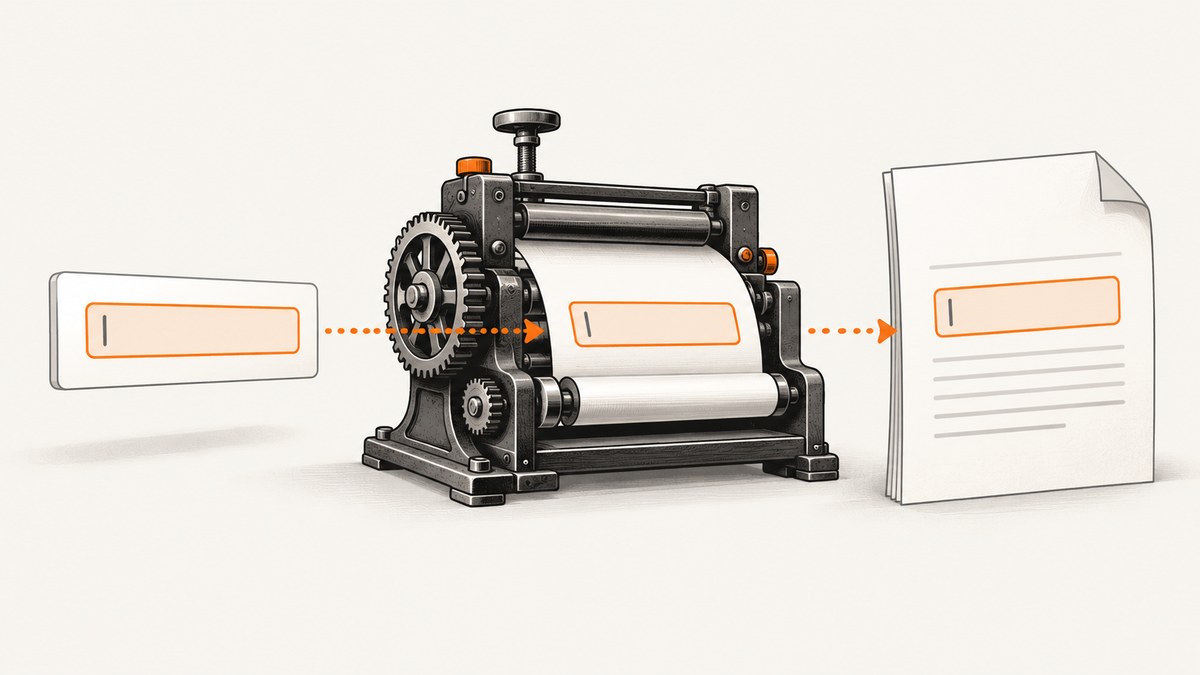
wkhtmltopdf can appear to ignore CSS on <input> elements for two different reasons: the renderer may not be applying the styles you expect, or it may be converting the control into a PDF form field whose appearance is handled separately. Diagnose those paths independently.
Start with the exact binary and a minimal one-input document. Confirm that the stylesheet is available to wkhtmltopdf, simplify the cascade, and decide whether you need a static visual field or an editable PDF field. The documented --disable-forms switch disables conversion of HTML controls into PDF form fields; it is not documented as a CSS repair switch.
1. Reproduce the problem with a minimal input
Save this as input.html:
<!doctype html>
<html>
<head>
  <meta charset="utf-8">
  <style>
    html, body { margin: 0; padding: 0; }
    body { font-family: Arial, sans-serif; padding: 24px; }
    label { display: block; margin-bottom: 6px; font-weight: bold; }
    input {
      box-sizing: border-box;
      width: 320px;
      height: 42px;
      padding: 8px 10px;
      border: 2px solid #2563eb;
      border-radius: 6px;
      background: #eff6ff;
      color: #111827;
      font: 16px Arial, sans-serif;
    }
  </style>
</head>
<body>
  <label for="name">Name</label>
  <input id="name" name="name" value="Ada Lovelace">
</body>
</html>
Convert it without wrappers first:
wkhtmltopdf --print-media-type input.html output.pdfRecord the result separately:
- Does the border, size, font, padding, background, or color look wrong?
- Is the control present as an editable PDF field?
- Does the same file render correctly when opened in a browser?
This distinction matters because a reported non-editable field is an interactivity problem, while a missing border or background is a visual rendering problem. Issue reports for wkhtmltopdf 0.12.5 demonstrate both kinds of symptoms, but they do not establish one universal CSS bug: a general CSS styling report and a form-field conversion report.
2. Capture the renderer version and platform
Run:
wkhtmltopdf --version
uname -a                 # Linux and macOS
sw_vers                  # macOS, if applicable
systeminfo | findstr /B /C:"OS Name" /C:"OS Version"  # Windows
Also record how the binary was installed and whether it is a patched-Qt build. Rendering behavior can depend on the binary and operating system, so include those details in any bug report. The project’s support instructions request the version, operating system and version, and a detailed reproducible test case.
3. Make CSS delivery deterministic
Before changing selectors, prove that wkhtmltopdf receives the CSS.
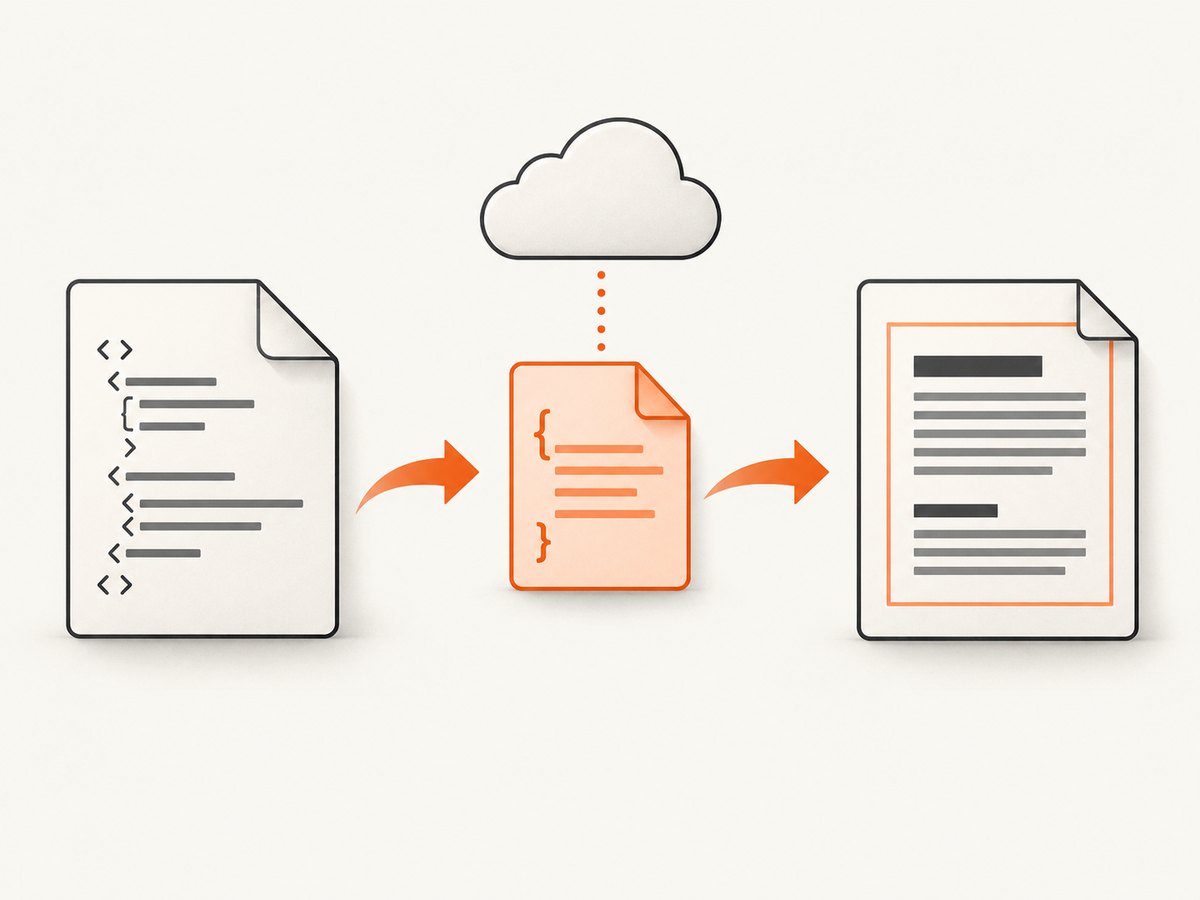
Inline the diagnostic CSS
Put the rules in the HTML head, as in the minimal example. If inline rules work but an external stylesheet does not, investigate the stylesheet URL, permissions, redirects, TLS certificate, and relative paths.
Use absolute URLs or enable local file access
For a page loaded from a web server, use an absolute stylesheet URL:
<link rel="stylesheet" href="https://example.com/assets/pdf.css">For local assets, use an absolute file path and, where required by your build, explicitly allow local files:
wkhtmltopdf --enable-local-file-access file:///absolute/path/input.html output.pdfDo not assume that a stylesheet visible in your browser is reachable by the conversion process. Check the generated HTML and every asset URL from the same machine, container, user account, and network environment that runs wkhtmltopdf.
Remove cascade ambiguity
- Temporarily remove framework stylesheets.
- Replace complex selectors with
input { ... }. - Check selector specificity and source order.
- Remove competing declarations one property at a time.
- Add back framework and component rules incrementally.
Use !important only as a diagnostic. If it changes the output, find the declaration that is winning the cascade and fix the selector or load order.
4. Choose static appearance or editable PDF fields
Static visual output
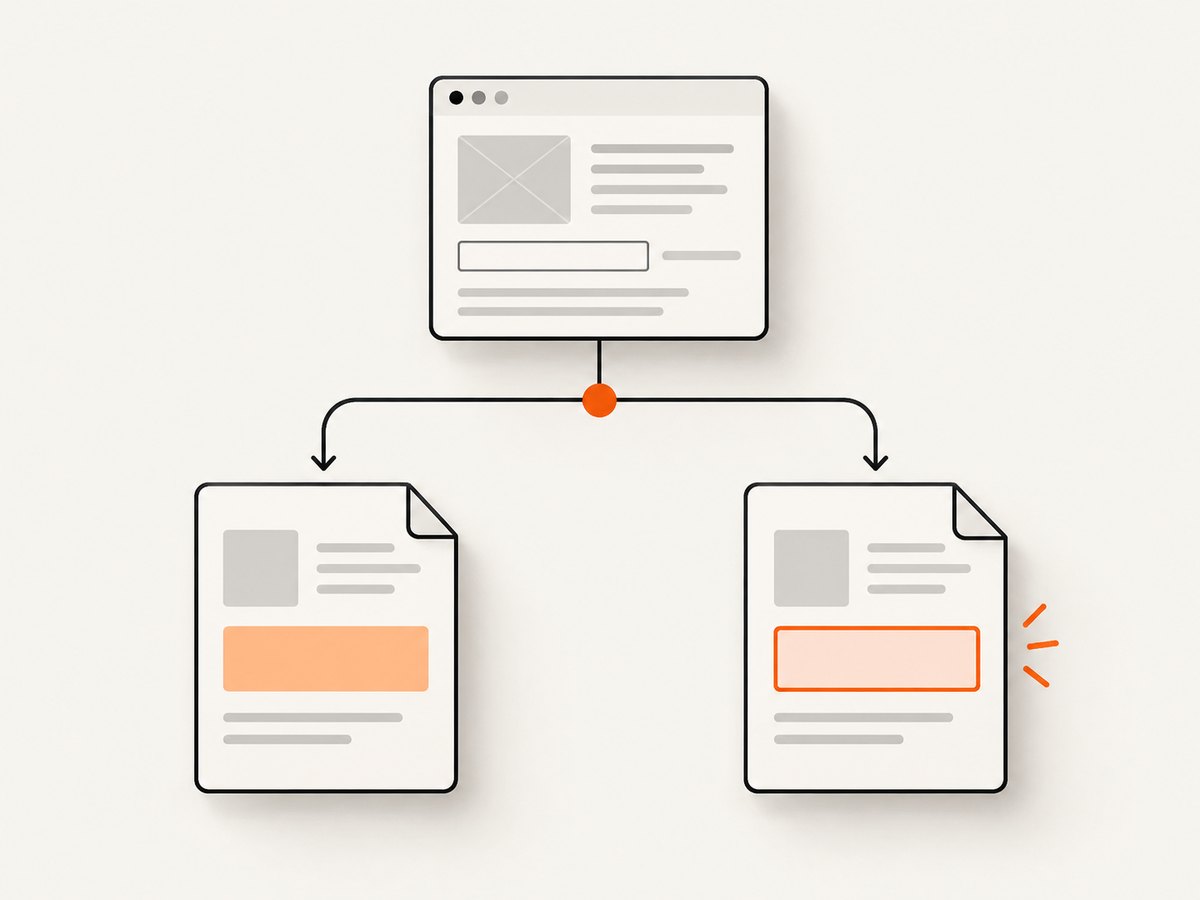
If the PDF only needs to show a value, render a styled element instead of relying on a form control:
<span class="field">Ada Lovelace</span>

<style>
.field {
  display: inline-block;
  box-sizing: border-box;
  width: 320px;
  min-height: 42px;
  padding: 8px 10px;
  border: 2px solid #2563eb;
  border-radius: 6px;
  background: #eff6ff;
  color: #111827;
  font: 16px Arial, sans-serif;
}
</style>
This removes the browser form-control layer and gives the PDF renderer an ordinary box to paint. It does not create an editable PDF field.
Editable PDF output
wkhtmltopdf’s command-line documentation says HTML form fields are converted to PDF form fields by default. Keep form conversion enabled when editability is required, then inspect the result in a PDF viewer that supports AcroForm fields. Do not use --disable-forms as a styling fix.
# Keep HTML controls as PDF form fields (default behavior)
wkhtmltopdf input.html editable.pdf

# Produce a static page instead of PDF form fields
wkhtmltopdf --disable-forms input.html static.pdf
Compare the two PDFs. If the static version looks correct but the editable version does not, you have isolated a form-field appearance or viewer issue rather than a stylesheet-loading issue. See the official usage documentation for the form option.
5. Test the CSS properties most likely to expose engine limits
Use conservative declarations while isolating the failure:
- Set an explicit
width,height,padding,border,background,color, andfont. - Use common system fonts or embed a tested font asset.
- Prefer pixels or physical units over viewport units for PDF dimensions.
- Replace modern layout rules with simple block or table layout during diagnosis.
- Test without custom properties, advanced selectors, and framework-generated rules.
- Keep JavaScript out of the minimal reproduction unless it sets the input value or styles.
These are debugging techniques, not guarantees. The project’s status page describes the engine stack as old: “Qt 4 (which wkhtmltopdf uses) hasn’t been supported since 2015, the WebKit in it hasn’t been updated since 2012.” Read the full wkhtmltopdf status page before assuming modern browser CSS will behave the same way.
6. A repeatable troubleshooting checklist
| Symptom | Likely area | Action |
|---|---|---|
| All input styling is missing | CSS was not loaded or a broad rule overrides it | Inline the CSS, use absolute URLs, and test a plain input {} selector. |
| Only external CSS fails | Path, permissions, network, or local-file policy | Inspect the final HTML, verify the asset from the conversion host, and test --enable-local-file-access for local files. |
| Border works but dimensions or font differ | Engine or font fallback | Set explicit pixel dimensions and a known installed font; remove framework rules. |
| Browser looks right, PDF looks wrong | Different rendering engine | Reduce to one input and compare the same HTML in both engines. |
| Field is not editable | PDF form conversion or viewer behavior | Compare with and without --disable-forms; inspect in a viewer that supports PDF forms. |
| Value is blank | Value is assigned after capture or unsupported script timing | Put the value in the HTML attribute for the minimal test, then add script and waiting behavior back gradually. |
| Only one platform fails | Binary, font, package, or OS difference | Compare --version, package source, installed fonts, and OS details. |
7. Report a useful reproducer
Include all of the following:
- Exact
wkhtmltopdf --versionoutput. - Operating system and version.
- Installation or package source, including patched-Qt status if known.
- Minimal HTML and CSS with one input.
- Exact conversion command and flags.
- Whether the failure is visual styling, editability, or both.
- The generated PDF or a precise description of the output.
That format follows the project’s support guidance and makes it possible to distinguish a renderer limitation from an asset or cascade problem.
8. When to compare another renderer
If the minimal page still differs from the intended output, compare another renderer using the same HTML and acceptance criteria. The wkhtmltopdf status page names WeasyPrint and commercial Prince as alternatives for report generation. It does not provide a current feature, compatibility, or price comparison, so evaluate each candidate yourself on:
- Visual fidelity for this exact input control and CSS.
- Need for editable PDF fields versus a static visual.
- Support for the CSS and JavaScript used by your document.
- Deployment and runtime requirements.
- Current maintenance and licensing cost.
9. Or skip the browser setup
If your goal is a clean image or PDF of a page rather than an editable PDF form, ScreenshotNeo provides a website screenshot API. It can capture PNG, JPEG, WebP, or PDF with one request and supports full-page capture, custom CSS and JavaScript, device and viewport settings, waits, resource blocking, cookies and headers, and PDF page options.
cURL:
curl -G "https://api.screenshotneo.com/v1/shot" -d access_key=YOUR_API_KEY --data-urlencode url=https://stripe.com -o shot.webpPython:
import requests
r = requests.get("https://api.screenshotneo.com/v1/shot", params={"access_key": "YOUR_API_KEY", "url": "https://stripe.com"}, timeout=90)
open("shot.webp", "wb").write(r.content)
Node.js:
const q = new URLSearchParams({ access_key: 'YOUR_API_KEY', url: 'https://stripe.com' });
const res = await fetch(`https://api.screenshotneo.com/v1/shot?${q}`);
See the ScreenshotNeo API documentation for the complete option list and response details. Cookie banners, newsletter popups, and chat widgets are removed before the shot. Bot checks, blank pages, failed loads, timeouts, and cache hits are not billed, and the response identifies the page verdict and billing result in headers. An MCP server lets AI agents use take_screenshot, get_page_info, and capture_pdf. The Free plan includes 1,000 screenshots per month with no card; paid plans start at $5 for 3,000. Create a free ScreenshotNeo account.
FAQ
Does --disable-forms fix ignored input CSS?
No. It controls whether HTML controls become PDF form fields. Use it to choose static output, then debug CSS separately.
Why does the input work in Chrome but not in wkhtmltopdf?
They use different rendering engines and CSS support. First verify asset loading and the cascade, then reduce the document to one input.
Should I add !important?
Use it temporarily to identify a cascade conflict. Remove it after finding the selector or load-order problem.
Can wkhtmltopdf create an editable form?
It converts HTML form fields to PDF form fields by default, but editability can vary by version, platform, and PDF viewer. Test the exact binary and viewer you will deploy.
What should I do if the old engine cannot render the CSS?
Compare a maintained alternative against the same minimal input, measuring both visual fidelity and form-field requirements.


