How to Preview SVG Files
Open SVG files instantly in a browser, preview them in Windows Explorer, and fix blank, text-only, or missing thumbnails.
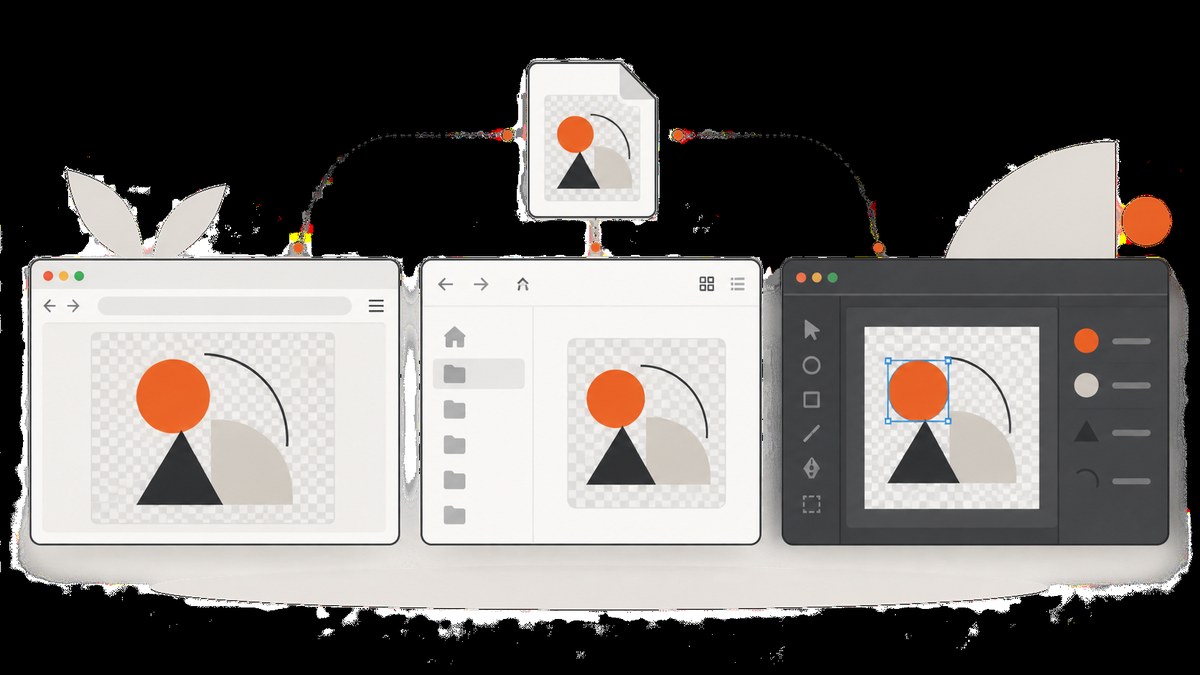
Fast answer: open the .svg file in Chrome, Edge, Safari, or Firefox. Double-click it if your browser is the default handler, use the browser’s Open File command, or drag the file into a browser window. Current browsers render SVG directly because it is a web-friendly vector format. MDN’s SVG tutorial demonstrates opening an SVG in a browser to render it.
1. Open an SVG in a browser
Windows and macOS
- Find the
.svgfile in Explorer or Finder. - Double-click it. If it opens in a text editor, right-click and choose Open with, then select Chrome, Edge, Firefox, or Safari.
- Alternatively, open a browser window and drag the file into it.
Open from the browser menu
Use File > Open File (or the equivalent command), select the SVG, and confirm. This is useful when the operating system has associated SVG files with an editor.
Preview an SVG from a terminal
# macOS
open artwork.svg

# Linux (uses the desktop default application)
xdg-open artwork.svg

# Windows PowerShell
Start-Process .\artwork.svg
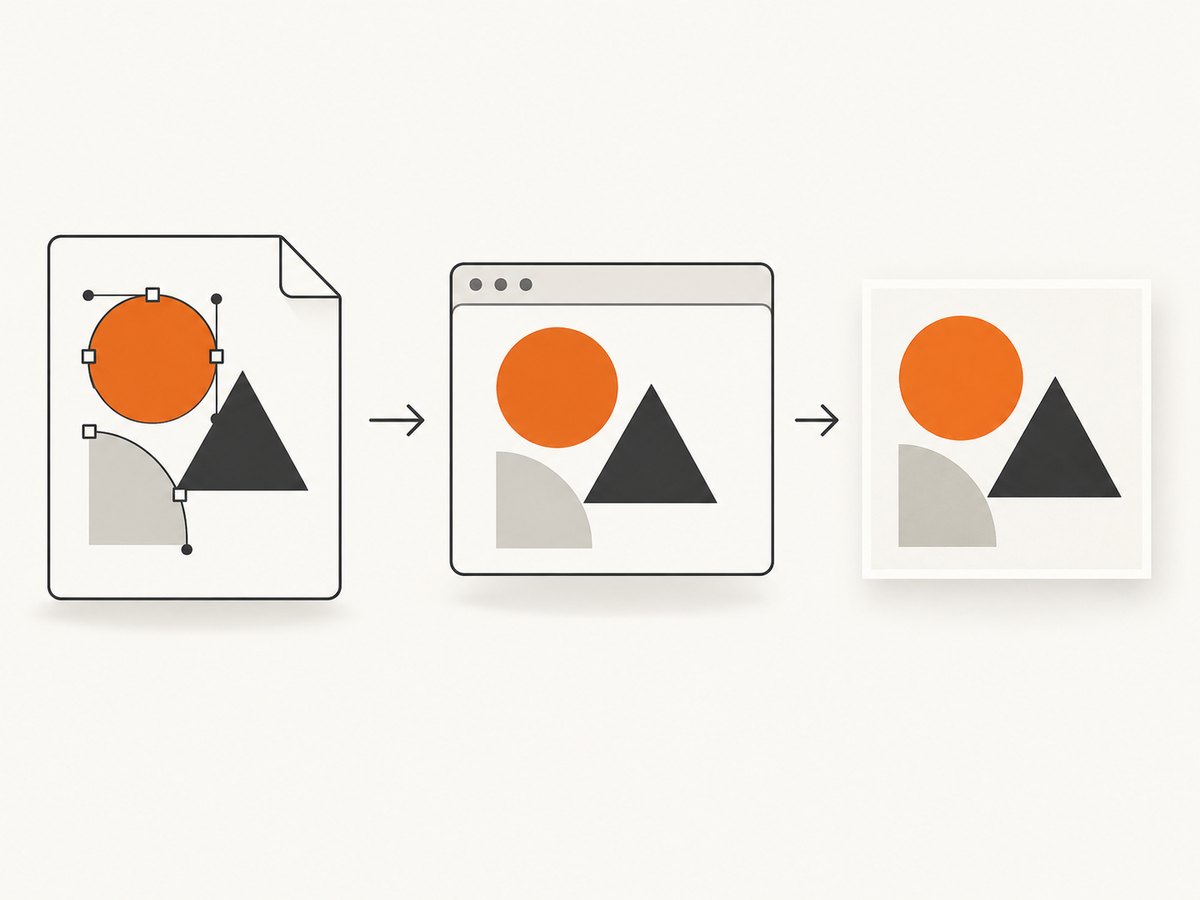
A browser tab is the quickest visual check. It shows the rendered artwork without installing Illustrator or another design application.
2. Preview SVG thumbnails in Windows File Explorer
Windows can show SVG files in the Preview pane and as thumbnails after installing Microsoft PowerToys. Microsoft documents SVG support in the PowerToys File Explorer add-ons.
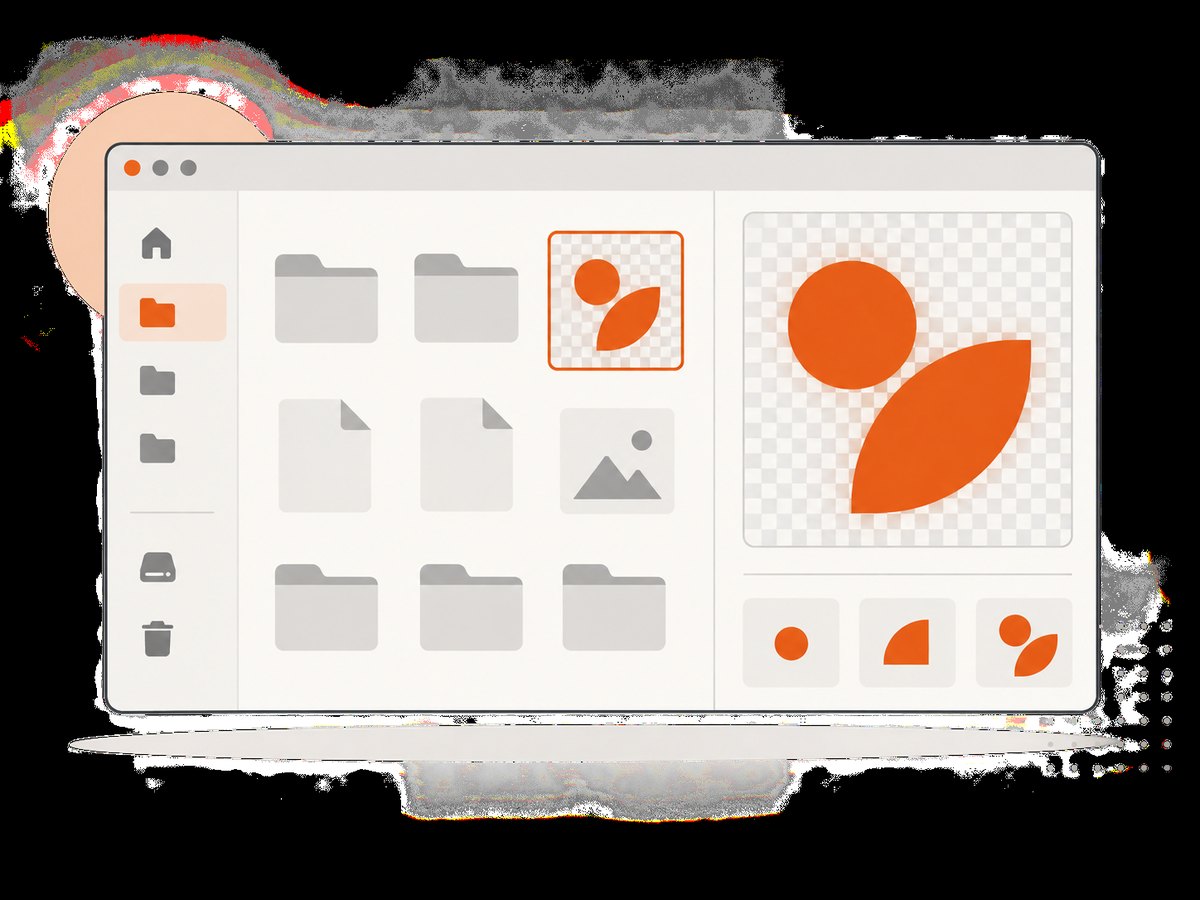
- Install Microsoft PowerToys.
- Open PowerToys Settings and select File Explorer add-ons.
- Enable SVG preview and SVG thumbnail support.
- Restart Windows if thumbnails do not appear immediately.
- In File Explorer, select View > Preview pane.
- Click an SVG file to display it without opening a separate application.
If the Preview pane remains empty, open Folder Options > View and enable Show preview handlers in preview pane. PowerToys also lets you choose a preview background, including a checkerboard shade that makes transparent or white artwork easier to see.
3. Choose the right preview method
| Method | Best for | Installation | What you can inspect |
|---|---|---|---|
| Browser tab | Fast visual checks on one file | None on most computers | Rendered appearance, transparency, basic interactions |
| Windows Explorer with PowerToys | Browsing many files and thumbnails | PowerToys required | Thumbnail and Preview pane rendering |
| Inkscape | Inspecting paths, layers, dimensions, and editable structure | Inkscape required | Vector objects and document structure |
| Adobe Illustrator | Professional editing and production checks | Illustrator required | Editable artwork, linked assets, typography, effects |
Inkscape describes SVG as an open-standard, human-readable text format, and its manual notes that almost all web browsers can display SVG. Use a vector editor when the goal is inspection or editing rather than a quick preview.
4. Preview an SVG in a simple HTML page
Embedding the file in HTML helps you check how it behaves in a website. Put artwork.svg beside this file and open the HTML in a browser:
<!doctype html>
<html lang="en">
<meta charset="utf-8">
<title>SVG preview</title>
<style>
  body { margin: 2rem; background: #f3f4f6; }
  img { display: block; max-width: 100%; height: auto; }
</style>
<img src="artwork.svg" alt="SVG preview">
</html>
An <img> element is appropriate for a static image. For interactive SVG content, use a direct browser tab, <object>, or <iframe> as appropriate for your security model.
5. Preview an SVG from a local web server
A local server reproduces HTTP behavior and is the best way to diagnose MIME types, relative URLs, fonts, linked images, and scripts.
Python
python3 -m http.server 8000
# Open http://localhost:8000/artwork.svg
Node.js
npx serve .
# Open the URL printed by serve
Check the response headers with cURL
curl -I http://localhost:8000/artwork.svgA normal SVG response should include Content-Type: image/svg+xml. For compressed .svgz, the server must also send Content-Encoding: gzip. MDN identifies incorrect server configuration as a common reason an SVG appears as text or fails to render.
6. Why an SVG appears as code, garbage, or a blank page
It opens as XML or plain text
The server probably returned the wrong MIME type. Configure the server to send image/svg+xml for .svg. Do not rely only on the filename extension: browsers use the HTTP response headers when an SVG is loaded from a website.
A compressed SVG does not render
For .svgz, send both the SVG media type and gzip encoding. A missing Content-Encoding: gzip header can leave the browser unable to decode the file.
The browser tab works but an <img> is blank
SVG loaded in an image context is subject to stricter browser security rules. Scripts may be disabled and external resources may not load. Direct viewing and <iframe>, <object>, or <embed> contexts can behave differently. Test the original file directly, then test the exact embedding context used by your site. See MDN’s documentation on SVG as an image.
The artwork is technically present but invisible
- Try a dark or checkerboard background; white artwork on transparency can look blank.
- Inspect the SVG’s
viewBox, width, height, and transforms. - Check whether all shapes have
fill="none"or a transparent fill and no visible stroke. - Open the source in a vector editor to see whether objects lie outside the page bounds.
Fonts, images, CSS, filters, or scripts are missing
An SVG can reference external fonts, raster images, stylesheets, scripts, or filter primitives. Confirm that every URL is reachable from the document location and that the server permits it. For a portable preview, embed fonts and images where licensing and file size allow, or package the referenced assets with the SVG.
7. Preview SVGs programmatically
For automated previews, render the SVG in a browser engine or convert it with a vector tool. A browser-based approach catches layout and resource-loading problems that a text parser cannot.
Minimal browser page
<!doctype html>
<html>
<body style="margin:0;background:#222">
  <img src="artwork.svg" style="display:block;max-width:100vw;max-height:100vh">
</body>
</html>
When generating previews in a build pipeline, wait for fonts and linked assets to finish loading before capturing, and use a fixed viewport so output is repeatable.
8. Or skip the browser setup
ScreenshotNeo can render a hosted SVG or an HTML page containing one through a single request. Its capture options include custom CSS and JavaScript, transparent backgrounds, device viewports, retina scale, waiting for a selector or network idle, and image resizing. Cookie banners, popups, and chat widgets are removed before the shot. Bot checks, blank pages, timeouts, failed loads, and cache hits are not billed.
See the ScreenshotNeo API documentation for all options. Replace the URL with your publicly reachable SVG or preview page:
cURL
curl -G "https://api.screenshotneo.com/v1/shot" \
  -d access_key=YOUR_API_KEY \
  --data-urlencode url=https://example.com/artwork.svg \
  -o shot.webp
Python
import requests

r = requests.get(
    "https://api.screenshotneo.com/v1/shot",
    params={"access_key": "YOUR_API_KEY", "url": "https://example.com/artwork.svg"},
    timeout=90,
)
r.raise_for_status()
open("shot.webp", "wb").write(r.content)
Node.js
const q = new URLSearchParams({
  access_key: 'YOUR_API_KEY',
  url: 'https://example.com/artwork.svg'
});
const res = await fetch(`https://api.screenshotneo.com/v1/shot?${q}`);
if (!res.ok) throw new Error(`HTTP ${res.status}`);
const fs = await import('node:fs/promises');
await fs.writeFile('shot.webp', Buffer.from(await res.arrayBuffer()));
ScreenshotNeo also provides an MCP server with take_screenshot, get_page_info, and capture_pdf tools for Claude, Cursor, and other MCP clients. It offers 1,000 screenshots per month free with no card; paid plans start at $5 for 3,000 shots. Create a free ScreenshotNeo account.
9. Reliability, performance, and cost considerations
- Local preview: fastest for one file and works offline once the file and assets are local.
- Explorer thumbnails: convenient for batches, but thumbnail generation can lag until the cache refreshes or Windows restarts.
- Remote preview: depends on network access, server headers, external assets, and authentication. A local server isolates file problems from deployment problems.
- Large SVGs: complex paths, filters, embedded images, and animations increase render time and memory use. Simplify paths and remove unused metadata when file size matters.
- Automation: use a fixed viewport, wait for required resources, and cache unchanged outputs. ScreenshotNeo lets you choose a cache TTL; only clean shots are billed, and each response reports the page verdict and billing status in
X-Page-VerdictandX-Billedheaders.
10. Troubleshooting checklist
- Does the file end in
.svgand contain valid XML? - Does it render when opened directly in a current browser?
- Does an HTTP response return
Content-Type: image/svg+xml? - For
.svgz, isContent-Encoding: gzippresent? - Are linked fonts, images, CSS, and scripts reachable?
- Is the artwork white or transparent against a white background?
- Does the SVG depend on scripts that an
<img>context blocks? - Does the
viewBoxinclude the visible shapes? - For Explorer, are PowerToys add-ons enabled and preview handlers allowed?
11. Frequently asked questions
Can I preview an SVG without Illustrator?
Yes. A current browser is usually enough for a visual preview. Use Inkscape or Illustrator when you need to inspect or edit vector structure.
Why does my SVG show XML instead of an image?
For a web-hosted file, check the Content-Type header. It should be image/svg+xml.
How do I get SVG thumbnails in Windows?
Install PowerToys, enable its File Explorer add-ons for SVG previews and thumbnails, then enable the Preview pane. A reboot may be required.
Are SVG scripts safe in every preview method?
No. Browser security policies differ between direct tabs, image elements, and embedded contexts. Treat untrusted SVG as active content and choose the least privileged rendering context that meets your needs.
What is the best way to create a shareable PNG preview?
Use a browser-based renderer with a fixed viewport and wait for assets to load, or send the hosted SVG to ScreenshotNeo and save the returned image.


