How to Provide the Vuex $store in Cypress Component Tests
Install a fresh Vuex store in Cypress component tests, support Options and Composition APIs, keyed stores, isolation, and common fixes.
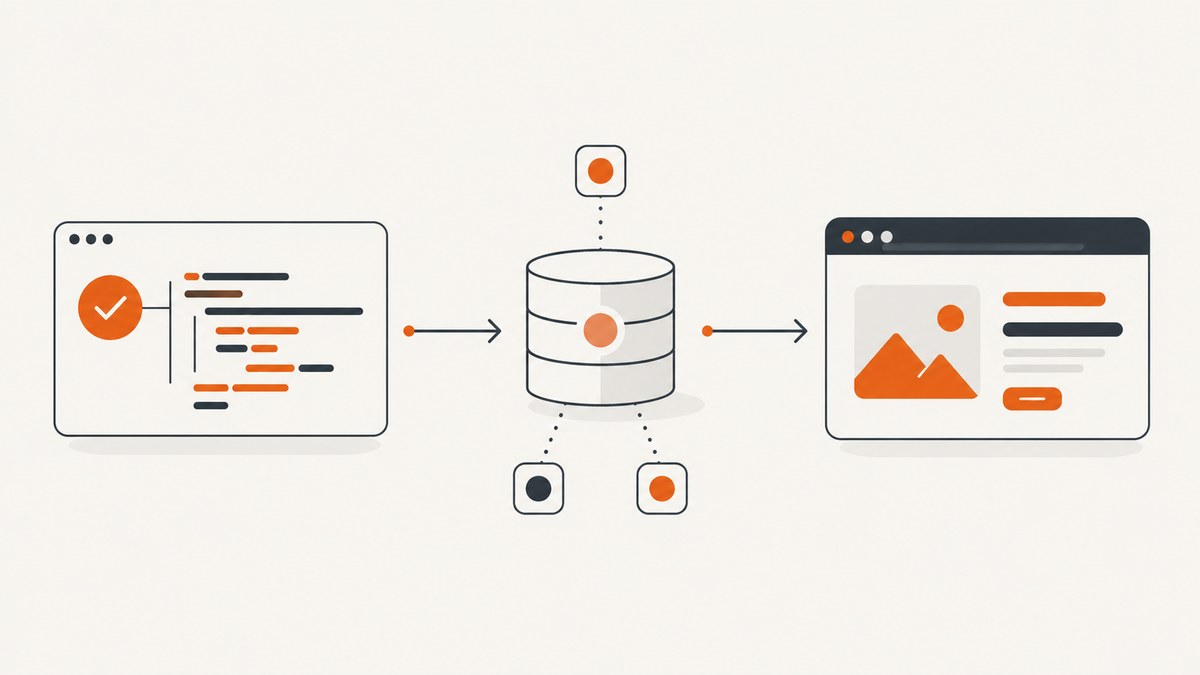
The reliable way to provide Vuex in a Cypress Component Test is to install the store on the Vue app created by cy.mount(). Put that setup in a custom mount command, create a fresh store for every test, and allow individual tests to pass a configured store when they need specific state.
For Options API components that read this.$store, installing the store with app.use(store) is sufficient. For Composition API components that call useStore(key), provide the exact same injection key used by the component.
1. Create a store factory
Do not export one mutable store instance for every test. Export a function that creates a new store instead. This prevents mutations in one Cypress test from changing the starting state of another test.
// src/plugins/store.ts
import { createStore } from 'vuex'

export const key = Symbol('vuex')

export interface RootState {
  user: { name: string } | null
  count: number
}

export function getStore() {
  return createStore<RootState>({
    state: {
      user: null,
      count: 0,
    },
    getters: {
      isSignedIn: (state) => Boolean(state.user),
    },
    mutations: {
      setUser(state, user: { name: string } | null) {
        state.user = user
      },
      increment(state) {
        state.count += 1
      },
    },
    actions: {
      signIn({ commit }, user: { name: string }) {
        commit('setUser', user)
      },
    },
  })
}
The exported key matters only when application code uses useStore(key). Keep that symbol in the real store module and import it in both production code and tests. Creating another Symbol() with the same description does not create an equivalent key.
2. Configure a custom Cypress mount command
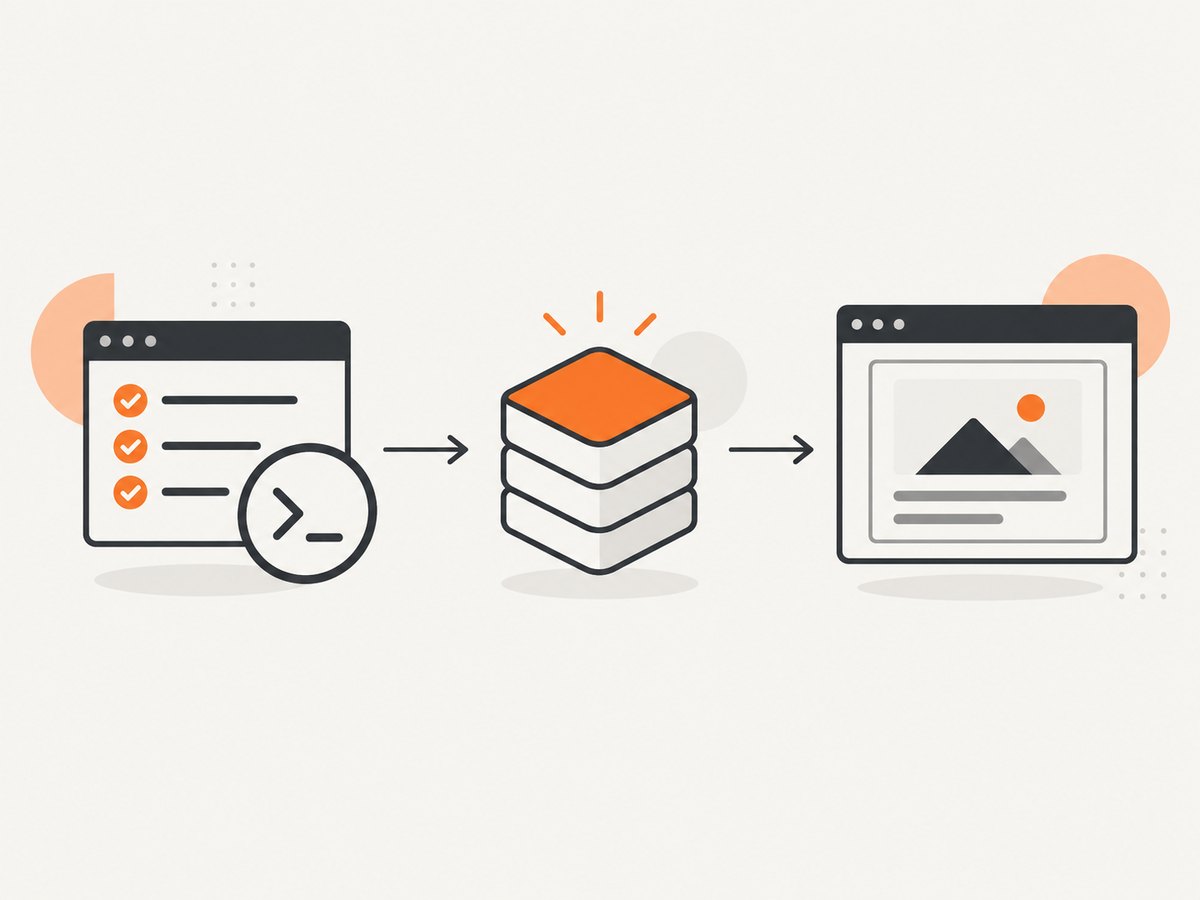
Cypress Component Testing mounts a component in a test application. Your application’s plugins are not installed automatically, so the custom command must install Vuex before mounting.
// cypress/support/component.ts
import { mount } from 'cypress/vue'
import type { Store } from 'vuex'
import { getStore } from '../../src/plugins/store'

// Keep Cypress' inferred mount types while adding an optional store override.
type MountParams = Parameters<typeof mount>
type MountOptions = MountParams[1] & { store?: Store<any> }

Cypress.Commands.add('mount', (component, options: MountOptions = {}) => {
  const {
    store = getStore(),
    global = {},
    ...mountOptions
  } = options

  global.stubs = global.stubs || {}
  global.components = global.components || {}
  global.plugins = global.plugins || []

  global.plugins.push({
    install(app: any) {
      app.use(store)
    },
  })

  return mount(component, {
    ...mountOptions,
    global,
  })
})
This command does three things:
- Uses the store supplied by a test when one is supplied.
- Otherwise calls
getStore()and creates a new store for that test. - Installs the selected store as a Vue plugin before mounting the component.
If your project already has a typed Cypress command declaration, add the optional store to that declaration so TypeScript accepts cy.mount(Component, { store }).
// cypress.d.ts
import type { MountingOptions } from 'cypress/vue'
import type { Component } from 'vue'
import type { Store } from 'vuex'

declare global {
  namespace Cypress {
    interface Chainable {
      mount(
        component: Component,
        options?: MountingOptions<any> & { store?: Store<any> },
      ): Chainable<any>
    }
  }
}

export {}
3. Test an Options API component using this.$store
An Options API component can access the installed store through this.$store. The test only needs to create a store, commit any initial state, and pass it to cy.mount().
<!-- src/components/UserProfile.vue -->
<template>
  <div>
    <div class="name">{{ $store.state.user?.name || 'Guest' }}</div>
    <button @click="$store.commit('increment')">
      Count: {{ $store.state.count }}
    </button>
  </div>
</template>

<script lang="ts">
import { defineComponent } from 'vue'

export default defineComponent({
  name: 'UserProfile',
})
</script>
// cypress/component/UserProfile.cy.ts
import UserProfile from '../../src/components/UserProfile.vue'
import { getStore } from '../../src/plugins/store'

describe('UserProfile', () => {
  it('renders the committed user', () => {
    const store = getStore()
    store.commit('setUser', { name: 'Test Person' })

    cy.mount(UserProfile, { store })

    cy.get('.name').should('have.text', 'Test Person')
  })

  it('starts with isolated state in another test', () => {
    cy.mount(UserProfile)

    cy.get('.name').should('have.text', 'Guest')
    cy.contains('Count: 0').should('be.visible')
  })
})
4. Test a Composition API component using useStore()
If the component calls useStore() without an argument, normal Vuex plugin installation supplies the store.
<script setup lang="ts">
import { computed } from 'vue'
import { useStore } from 'vuex'

const store = useStore()
const userName = computed(() => store.state.user?.name || 'Guest')
</script>

<template>
  <span class="name">{{ userName }}</span>
</template>
import UserName from '../../src/components/UserName.vue'
import { getStore } from '../../src/plugins/store'

test('renders the current user', () => {
  const store = getStore()
  store.commit('setUser', { name: 'Ada' })

  cy.mount(UserName, { store })
  cy.get('.name').should('have.text', 'Ada')
})
5. Provide a keyed Vuex store
When application code calls useStore(key), the store must be registered under that exact key. There are two supported approaches.

Option A: provide the key through global.provide
// src/components/KeyedCounter.vue
<script setup lang="ts">
import { computed } from 'vue'
import { useStore } from 'vuex'
import { key } from '../plugins/store'

const store = useStore(key)
const count = computed(() => store.state.count)
</script>

<template><span class="count">{{ count }}</span></template>
import KeyedCounter from '../../src/components/KeyedCounter.vue'
import { getStore, key } from '../../src/plugins/store'

test('provides the exact keyed store', () => {
  const store = getStore()

  cy.mount(KeyedCounter, {
    global: {
      provide: {
        [key as symbol]: store,
      },
    },
  })

  cy.get('.count').should('have.text', '0')
})
Option B: install a plugin tuple
Vue Test Utils supports a plugin tuple containing the store and its key. This is useful when you want the mount configuration to express the keyed installation directly.
import { createStore } from 'vuex'
import KeyedCounter from '../../src/components/KeyedCounter.vue'
import { key } from '../../src/plugins/store'

const store = createStore({
  state: { count: 7 },
})

test('installs a keyed store as a plugin tuple', () => {
  cy.mount(KeyedCounter, {
    global: {
      plugins: [[store, key]],
    },
  })

  cy.get('.count').should('have.text', '7')
})
Do not combine a different key with the component’s key. Symbols are compared by identity, so two separately created symbols never match.
6. Keep the default mount helper and per-test overrides compatible
A practical mount helper should install the application defaults while still allowing a test to override state, plugins, stubs, and components.
// cypress/support/component.ts
import { mount } from 'cypress/vue'
import { getStore } from '../../src/plugins/store'

Cypress.Commands.add('mount', (component, options: any = {}) => {
  const store = options.store || getStore()
  const global = options.global || {}

  global.plugins = [...(global.plugins || []), store]
  global.stubs = { ...(global.stubs || {}) }
  global.components = { ...(global.components || {}) }

  return mount(component, {
    ...options,
    global,
  })
})
If you install the store directly in global.plugins, Vuex receives the application instance and registers $store. If you use the wrapper plugin shown earlier, you can keep the store extraction and installation logic in one place.
7. Modules, getters, actions, and asynchronous state
Use the same store factory in component tests that the application uses, or create a deliberately smaller test store when the component only depends on a narrow contract. For namespaced modules, commit and dispatch with the namespace exactly as production code does.
const store = getStore()
store.commit('account/setUser', { name: 'Test Person' })
store.dispatch('account/loadProfile')

cy.mount(Profile, { store })
cy.get('[data-cy=profile]').should('contain', 'Test Person')
For actions that perform network requests, stub the request at the browser boundary, wait for the action’s visible result, and avoid asserting immediately after dispatch. Cypress retries DOM assertions, but it cannot make an arbitrary application promise complete unless your test waits for a meaningful UI state or an intercepted request.
8. Common errors and fixes
| Error | Cause | Fix |
|---|---|---|
this.$store is undefined |
The mounted test app never installed Vuex. | Install the store in the custom cy.mount() command with app.use(store) or add the store to global.plugins. |
useStore() returns no store |
The component was mounted without the Vuex plugin. | Pass a store or make the default mount helper create and install one. |
useStore(key) returns no store |
The provided key is a different symbol. | Export the production key and reuse that exact import in the test. |
| State leaks between tests | A singleton store is reused at module scope. | Return a new store from getStore() for each test or each mount. |
| Component cannot find a global component | Cypress mounts in isolation and does not load application-wide registrations automatically. | Register the component in global.components in the mount helper. |
| Directive or plugin behavior is missing | The application bootstrap file is not executed by Component Testing. | Register the directive or plugin in global.directives or global.plugins. |
TypeScript rejects the store option |
The Cypress command declaration does not include the custom option. | Extend the cy.mount declaration with { store?: Store<any> }. |
| Mutation has no visible effect | The test committed the wrong mutation name or used the wrong module namespace. | Check the mutation registration and use the fully qualified namespaced type. |
| Action assertions race the UI | The action is asynchronous and the test asserts before rendering finishes. | Stub and wait for the request, or assert on a UI state that appears after the action completes. |
9. A repeatable setup checklist
- Export a store factory such as
getStore(). - Export the real injection key if any component calls
useStore(key). - Install Vuex in the custom Cypress mount command.
- Allow tests to pass an explicit store with prepared state.
- Initialize a new store for every test.
- Register global components, directives, stubs, and other plugins required by the component.
- Use namespaced mutation and action names when modules are enabled.
- Wait for asynchronous actions through intercepted requests or visible UI state.
10. Performance and reliability considerations
A fresh Vuex store is cheap compared with starting the browser and mounting the component, and it gives deterministic test state. Keep the factory focused on the modules required by the component when a full production store makes setup slow or introduces unrelated side effects.
Do not share mutable fixtures between tests. Create new objects when committing initial state, especially for nested arrays and objects. If a module subscribes to timers, sockets, or browser events, expose a cleanup path and call it after the test so later mounts do not receive stale events.
Use Cypress Component Testing for browser rendering, DOM behavior, and native events. Test complex Vuex business logic separately when it does not require a browser; component tests should focus on the contract between store state and rendered behavior.
Or skip the browser setup
If your goal is to capture a rendered page rather than exercise Vuex behavior, ScreenshotNeo provides a single screenshot request. See the ScreenshotNeo API documentation for the available options.
curl -G "https://api.screenshotneo.com/v1/shot" -d access_key=YOUR_API_KEY --data-urlencode url=https://stripe.com -o shot.webp
import requests

r = requests.get(
    "https://api.screenshotneo.com/v1/shot",
    params={"access_key": "YOUR_API_KEY", "url": "https://stripe.com"},
    timeout=90,
)
open("shot.webp", "wb").write(r.content)
const q = new URLSearchParams({ access_key: 'YOUR_API_KEY', url: 'https://stripe.com' });
const res = await fetch(`https://api.screenshotneo.com/v1/shot?${q}`);
Cookie banners, newsletter popups, and chat widgets are removed before the shot. Bot checks, blank pages, failed loads, timeouts, and cache hits are not billed, and response headers identify the page verdict and billing status. An MCP server lets Claude, Cursor, and other MCP clients take screenshots. The Free plan includes 1,000 screenshots a month with no card; paid plans start at $5 for 3,000 shots.
Create a free ScreenshotNeo account and start with the 1,000-shot monthly allowance.
FAQ
Should I install the store in every spec?
No. Put the default installation in the shared custom mount command. Pass an explicit store only when a test needs prepared state or a special configuration.
Can I use a mock object instead of Vuex?
Yes, when the component depends on a small interface and the test is intentionally isolated. Use a real Vuex store when you need to verify getters, mutations, actions, modules, or injection behavior.
Why does a new symbol with the same name fail?
JavaScript symbols are matched by identity, not description. The component and test must import the same exported symbol.
Does this setup work with Vue 2?
The examples target Vue 3 and Cypress Vue Component Testing. Vue 2 projects need the Vue 2 Cypress adapter and their corresponding Vuex installation syntax, but the isolation principle remains the same.
Where should application-wide plugins be registered?
Register them in the Cypress support mount command when every component needs them, or pass them through a test’s global.plugins when only selected specs require them.


