How to Publish Cypress Screenshots in Azure DevOps
Publish Cypress failure screenshots from Azure DevOps runs, choose the right artifact task, and troubleshoot missing files.
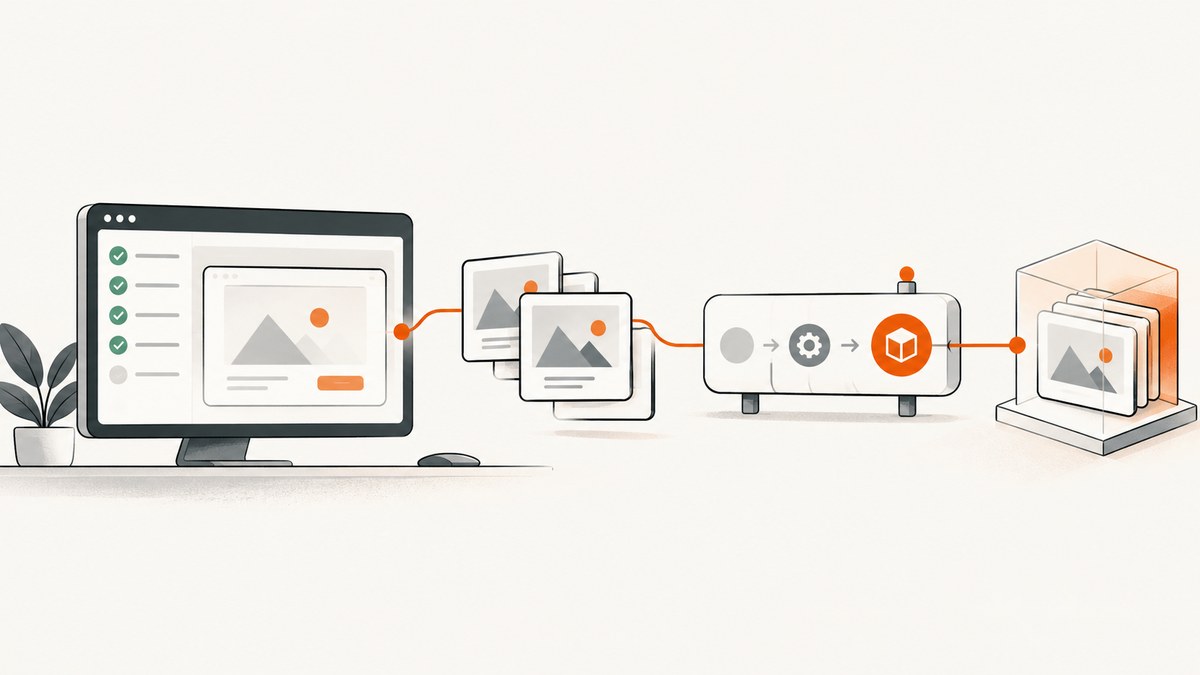
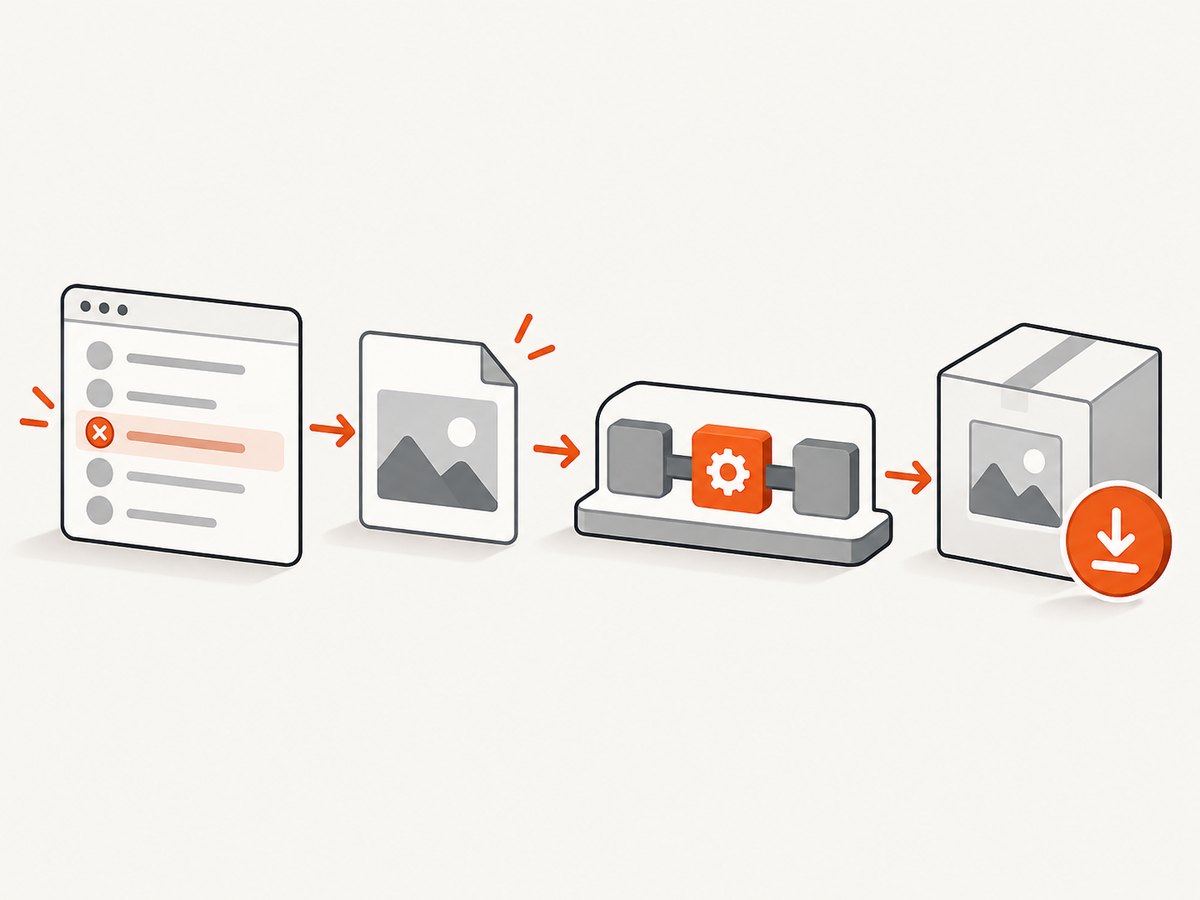
Direct answer: Run Cypress, then publish its screenshots directory as an Azure DevOps artifact. Cypress saves failure screenshots to cypress/screenshots by default during cypress run. Azure DevOps Services uses Pipeline Artifacts; Azure DevOps Server and TFS 2018 use Build Artifacts.
1. Publish screenshots in Azure DevOps Services
This complete pipeline installs dependencies, runs Cypress, and attempts to upload screenshots even when tests fail:
steps:
  - script: npm ci
    displayName: Install dependencies

  - script: npx cypress run
    displayName: Run Cypress

  - publish: cypress/screenshots
    artifact: cypress-screenshots
    displayName: Publish Cypress screenshots
    condition: always()
The publish shortcut invokes PublishPipelineArtifact@1. The artifact appears on the completed run’s Summary tab, where you can download it. See Microsoft’s pipeline artifact documentation.
Equivalent explicit task
- task: PublishPipelineArtifact@1
  displayName: Publish Cypress screenshots
  condition: always()
  inputs:
    targetPath: '$(System.DefaultWorkingDirectory)/cypress/screenshots'
    artifact: 'cypress-screenshots'
    publishLocation: 'pipeline'
targetPath must point to a file or directory; wildcards are not supported. Adjust the path if your repository or Cypress configuration differs. The task options are documented in PublishPipelineArtifact@1.
2. Publish screenshots on Azure DevOps Server or TFS 2018
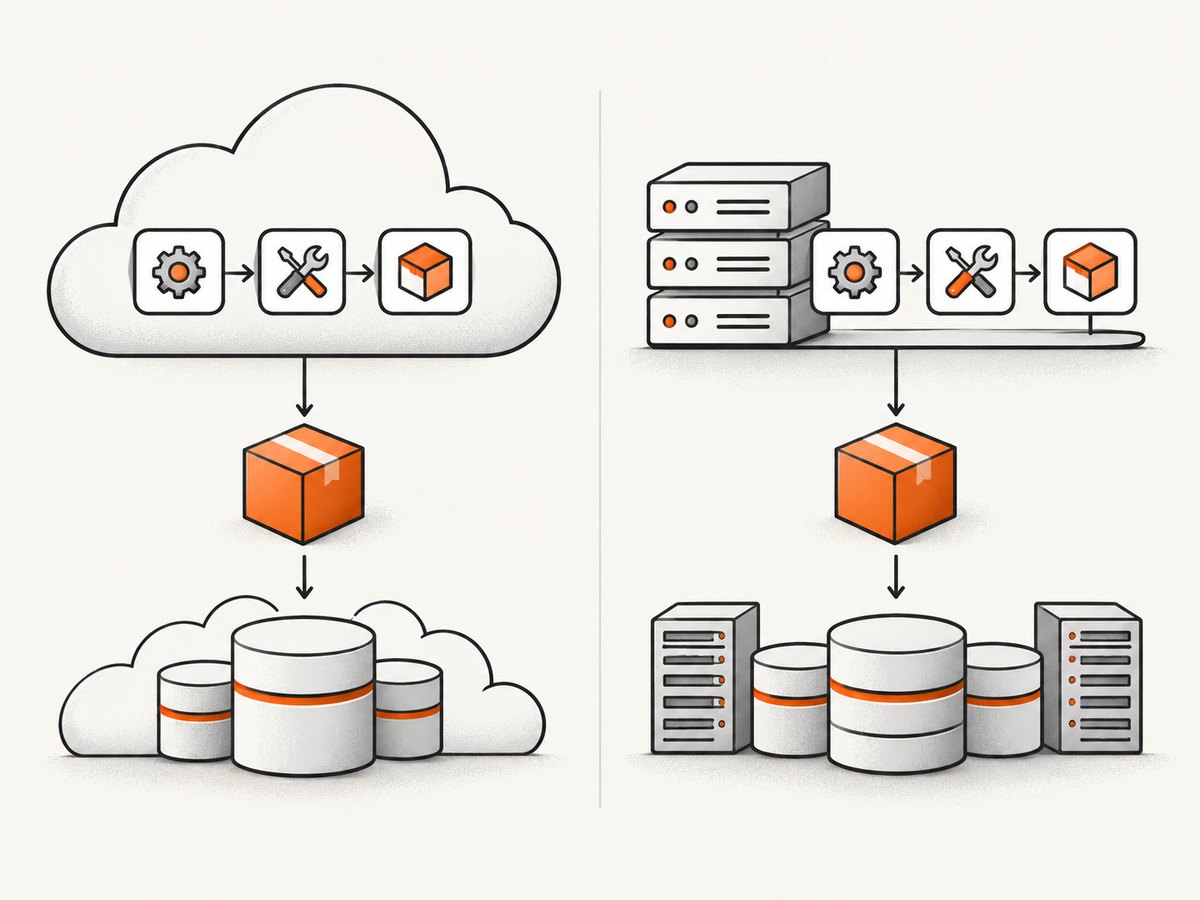
Pipeline Artifacts are supported on Azure DevOps Services only. For Azure DevOps Server or TFS 2018, use PublishBuildArtifacts@1:
steps:
  - script: npm ci
    displayName: Install dependencies

  - script: npx cypress run
    displayName: Run Cypress

  - task: PublishBuildArtifacts@1
    displayName: Publish Cypress screenshots
    condition: always()
    inputs:
      PathtoPublish: '$(System.DefaultWorkingDirectory)/cypress/screenshots'
      ArtifactName: 'cypress-screenshots'
      publishLocation: 'Container'
Microsoft recommends Pipeline Artifacts for Azure DevOps Services. The build-artifact task can publish to the Azure Pipelines/TFS container or, with the appropriate setting, a file share. Read the PublishBuildArtifacts@1 reference.
3. Understand where Cypress writes screenshots
During cypress run, Cypress automatically captures a screenshot when a test fails unless failure screenshots have been disabled. The default directory is cypress/screenshots. Cypress does not automatically capture failures from interactive cypress open.
Check your effective configuration before choosing the artifact path:
import { defineConfig } from 'cypress'

export default defineConfig({
  screenshotOnRunFailure: true,
  screenshotsFolder: 'cypress/screenshots',
  trashAssetsBeforeRuns: true
})
Projects can override screenshotsFolder; publish that configured directory instead. Cypress clears screenshot, video, and download folders before a run by default because trashAssetsBeforeRuns is true. Previous run files should therefore not be expected to remain.
Failure filenames include a failure suffix, and files are nested according to the selected spec and test name. The exact folders depend on which specs ran. The Cypress screenshots and videos guide and configuration reference describe these settings.
4. Add videos or manually captured screenshots
Video recording is disabled by default. To retain videos, enable it and publish the configured videos directory:
import { defineConfig } from 'cypress'

export default defineConfig({
  video: true,
  videosFolder: 'cypress/videos',
  screenshotOnRunFailure: true,
  screenshotsFolder: 'cypress/screenshots'
})
- task: PublishPipelineArtifact@1
displayName: Publish Cypress media
condition: always()
inputs:
targetPath: '$(System.DefaultWorkingDirectory)/cypress'
artifact: 'cypress-media'
publishLocation: 'pipeline'Publishing the parent directory includes both screenshots and videos. Alternatively, publish each folder as a separate artifact. For deliberate captures, use cy.screenshot(); see the Cypress screenshot command reference.
5. Make failure publication reliable
- Run Cypress before the publish task.
- Use
condition: always()so a failed test step does not skip publication. - Publish the directory that matches
screenshotsFolder. - Keep the artifact name stable, such as
cypress-screenshots, so scripts and reviewers can find it. - Open the run’s Summary tab after completion and select the artifact.
always() allows the task to be attempted after a test failure. It cannot upload files if the job or agent stops before the task runs, and behavior for an absent directory can depend on the task and pipeline configuration. If your pipeline treats a missing path as an error, create the directory before Cypress or verify the path in a diagnostic step.
6. Troubleshooting
| Symptom | Cause | Fix |
|---|---|---|
| No artifact after a failed test | The publish step inherited the default success-only condition. | Add condition: always(). |
| Artifact task says the path does not exist | The configured screenshotsFolder differs from the YAML path, or no screenshot was created. |
Inspect Cypress configuration, confirm screenshotOnRunFailure: true, and publish the resolved directory. |
| Old screenshots appear to be missing | Cypress clears asset folders before each run when trashAssetsBeforeRuns is true. |
Publish after the current run; do not rely on files from an earlier run. |
| Interactive runs have no failure images | Automatic failure screenshots apply to cypress run, not cypress open. |
Run in CI mode or add an explicit cy.screenshot(). |
| Pipeline Artifact task is unsupported | The pipeline runs on Azure DevOps Server or TFS 2018. | Use PublishBuildArtifacts@1. |
| Videos are absent | Video capture is disabled by default. | Set video: true and publish videosFolder. |
| Only some specs have files | Only failing tests produce automatic screenshots, and the selected spec set controls output. | Check the test result and publish the whole screenshots directory. |
7. Performance, retention, and cost considerations
Screenshot files and videos increase upload time and artifact storage. Publish only the directories needed for diagnosis, and use separate artifacts when reviewers need screenshots without videos. A stable artifact name makes automated download and retention policies easier to manage. Azure DevOps artifact retention is controlled by your organization and pipeline settings; set those policies according to how long failures must remain available.
Publishing happens after the Cypress process exits, so a long test run does not begin uploading until then. Large videos can make the final upload the slowest pipeline step. Avoid publishing unrelated workspace files by targeting the configured screenshots or videos directory.
8. Or skip the browser setup
If you need screenshots of web pages outside Cypress, ScreenshotNeo provides a website screenshot API. It accepts one GET request and returns PNG, JPEG, WebP, or PDF. The same call can be used from a pipeline step:
curl -G "https://api.screenshotneo.com/v1/shot" -d access_key=YOUR_API_KEY --data-urlencode url=https://stripe.com -o shot.webpPython:
import requests
r = requests.get("https://api.screenshotneo.com/v1/shot", params={"access_key": "YOUR_API_KEY", "url": "https://stripe.com"}, timeout=90)
open("shot.webp", "wb").write(r.content)
Node.js:
const q = new URLSearchParams({ access_key: 'YOUR_API_KEY', url: 'https://stripe.com' });
const res = await fetch(`https://api.screenshotneo.com/v1/shot?${q}`);
See the ScreenshotNeo API documentation for request options. Cookie banners, newsletter popups, and chat widgets are removed before the shot. Bot checks, blank pages, failed loads, timeouts, and cache hits are not billed, and response headers identify the page verdict and billing status. Its MCP server lets AI agents take screenshots, inspect pages, and capture PDFs. The free plan includes 1,000 screenshots per month with no card; paid plans start at $5 for 3,000 shots. Create a free ScreenshotNeo account.
9. FAQ
Can I download screenshots from a completed run?
Yes. Open the run’s Summary tab and select the published artifact.
Does Cypress create a screenshot for every passing test?
No. Automatic captures are failure screenshots during cypress run. Use cy.screenshot() for planned captures.
Which artifact task should new Azure DevOps Services pipelines use?
Use Pipeline Artifacts through the publish shortcut or PublishPipelineArtifact@1.
What if my project stores screenshots elsewhere?
Read the configured screenshotsFolder value and set publish or targetPath to that directory.
Will a failed Cypress command prevent artifact publication?
The publish task can still run when it has condition: always(), provided the job and agent continue far enough to execute it.


