How to Add a Puppeteer Basic Auth Header Only for the Main Domain
Send Puppeteer Basic Auth only to your main origin with request interception, while keeping credentials away from third-party requests.
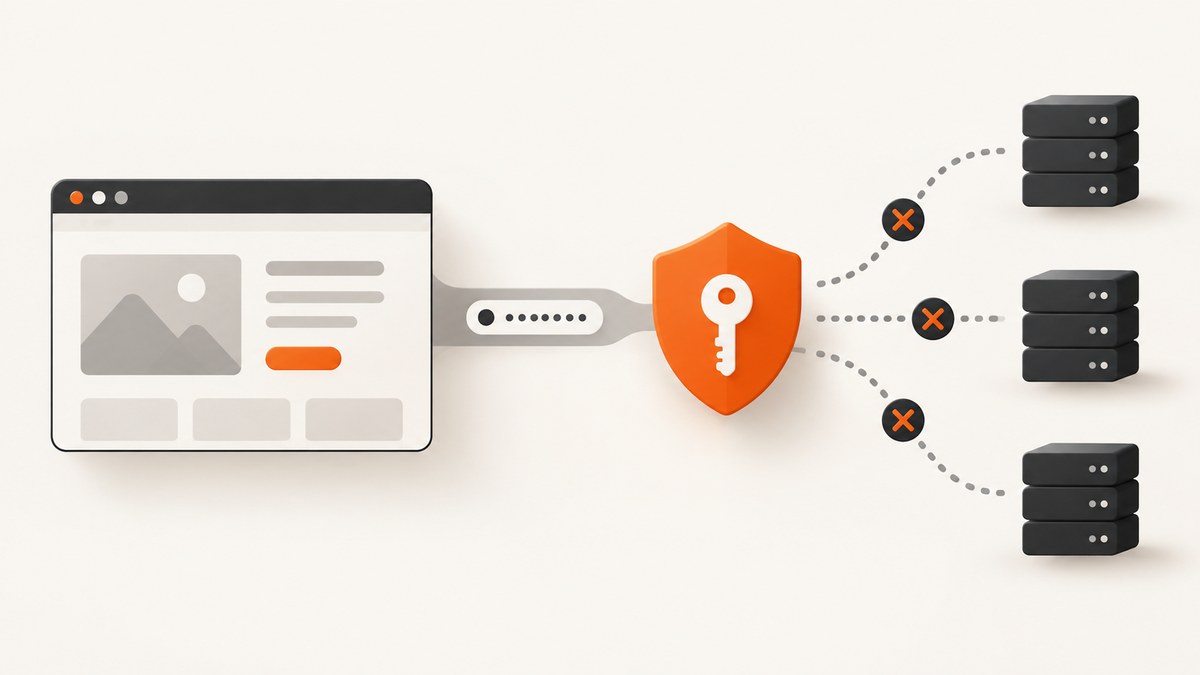
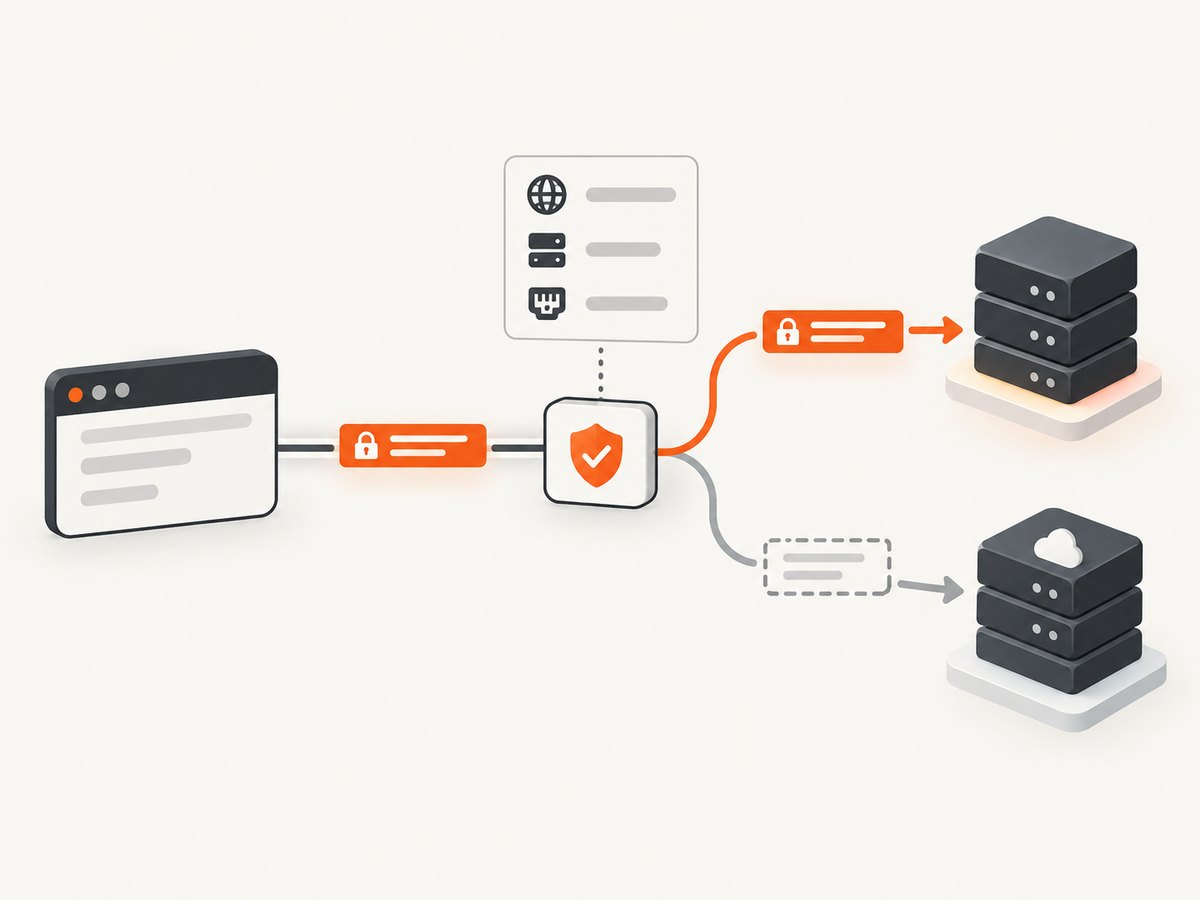
Use request interception and compare the exact origin of every request. Add an Authorization: Basic ... header only when new URL(request.url()).origin equals your configured main origin. Continue every other request without the header. Because the check runs for each request, it also handles redirects and third-party subresources safely.
This is more precise than setting a page-wide header. Puppeteer’s page.setExtraHTTPHeaders sends extra headers with every request the page initiates, while page.authenticate supplies credentials for HTTP authentication challenges without documenting a host allowlist.
1. Complete Puppeteer implementation
The following script protects credentials with environment variables, enables interception, and authorizes only https://example.com. The comparison includes the scheme and port because both are part of an origin.
import puppeteer from 'puppeteer';

const browser = await puppeteer.launch();
const page = await browser.newPage();

// Include the scheme and, when needed, an explicit port.
const mainOrigin = new URL('https://example.com').origin;
const username = process.env.BASIC_AUTH_USER;
const password = process.env.BASIC_AUTH_PASSWORD;

if (!username || !password) {
  throw new Error('Set BASIC_AUTH_USER and BASIC_AUTH_PASSWORD');
}

const basic = Buffer.from(`${username}:${password}`, 'utf8').toString('base64');
const authorization = `Basic ${basic}`;

await page.setRequestInterception(true);

page.on('request', request => {
  try {
    const requestOrigin = new URL(request.url()).origin;

    if (requestOrigin === mainOrigin) {
      void request.continue({
        headers: {
          ...request.headers(),
          authorization,
        },
      });
    } else {
      void request.continue();
    }
  } catch (error) {
    // Do not leave an intercepted request hanging.
    void request.continue().catch(() => {});
  }
});

try {
  await page.goto(`${mainOrigin}/private`, {
    waitUntil: 'networkidle2',
    timeout: 60_000,
  });

  await page.screenshot({path: 'private.png', fullPage: true});
} finally {
  await browser.close();
}
Run it with:
npm install puppeteer
BASIC_AUTH_USER='alice' BASIC_AUTH_PASSWORD='correct horse battery staple' node capture.mjs
Use Buffer.from(..., 'utf8') so non-ASCII credentials are encoded consistently before Base64 conversion. Base64 is an encoding, not encryption; the request still needs HTTPS.
2. Why exact origin matching matters
An origin is the tuple of scheme, hostname and port. These are different origins:
| URL | Origin | Header sent? |
|---|---|---|
https://example.com/private |
https://example.com |
Yes |
https://example.com/assets/app.js |
https://example.com |
Yes |
https://cdn.example.com/app.js |
https://cdn.example.com |
No |
http://example.com/private |
http://example.com |
No |
https://example.com:8443/private |
https://example.com:8443 |
No unless configured |
Do not use a loose test such as url.includes('example.com') or hostname.endsWith('example.com'). An attacker-controlled host such as example.com.evil.test can pass poorly designed suffix checks. Exact origin equality also keeps credentials away from sibling subdomains and a different HTTP port.
3. Redirects and subresources
Interception runs for each request, so a redirect is evaluated again. A redirect from https://example.com/private to https://login.example.net/ receives no header. A redirect back to the configured origin receives it again.
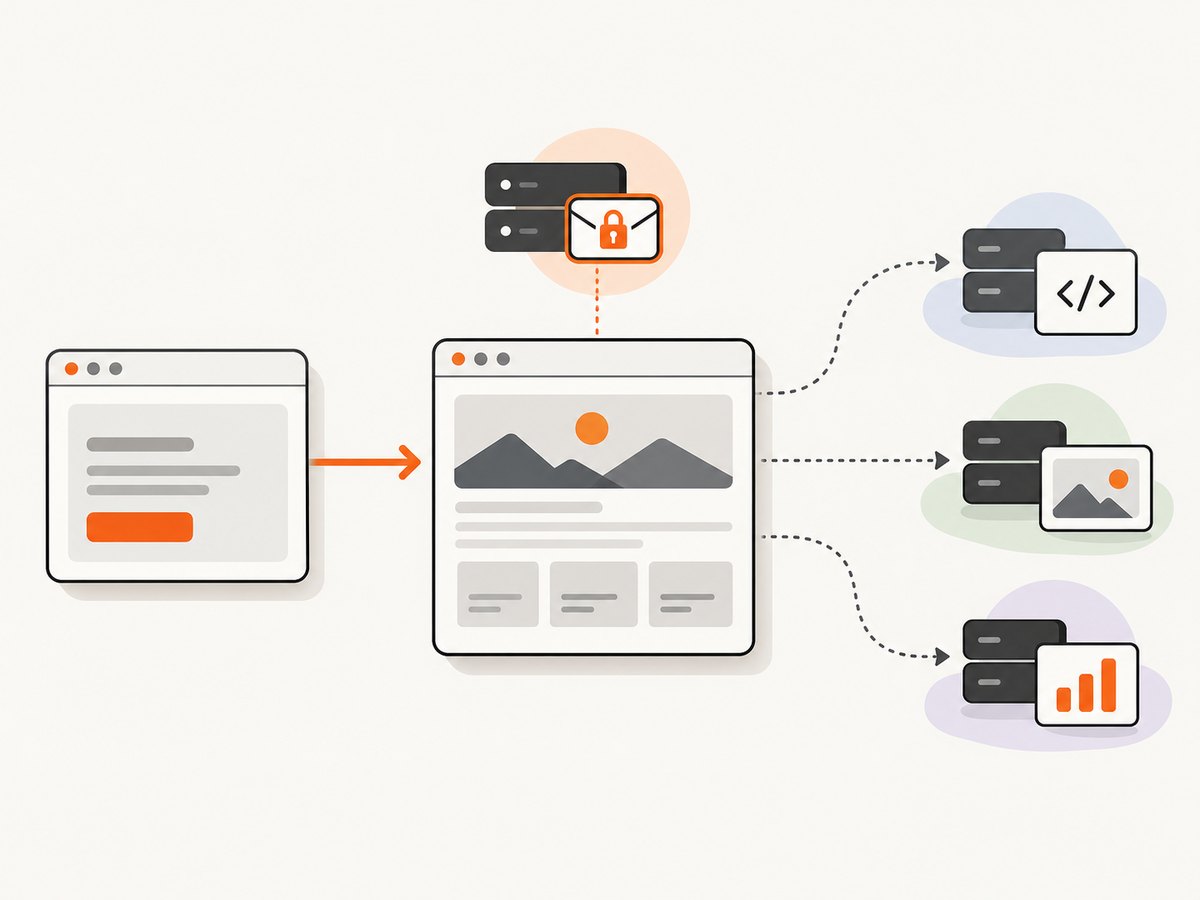
The same rule applies to scripts, stylesheets, images, fonts, XHR and fetch requests. If your main page loads assets from a CDN, those requests continue normally without the private site’s credentials. This can make an authenticated page render differently when an asset server also requires authentication; in that case, configure that asset origin explicitly only if it is trusted and intended to receive the same secret.
For a multi-origin application, use an allowlist of exact origins instead of broad hostname matching:
const allowedOrigins = new Set([
  'https://example.com',
  'https://static.example.com',
]);

page.on('request', request => {
  const origin = new URL(request.url()).origin;
  if (allowedOrigins.has(origin)) {
    void request.continue({
      headers: {...request.headers(), authorization},
    });
  } else {
    void request.continue();
  }
});
4. Request interception rules you must follow
- Call
await page.setRequestInterception(true)before navigation. - Handle every intercepted request exactly once with
continue(),abort()orrespond(). - Do not call
continue()from multiple listeners. - Copy existing headers before adding Authorization. Replacing the whole object can remove cookies, user agents or tracing headers.
- Catch navigation and browser errors, but always close the browser in a
finallyblock.
If another library also listens for request events, centralize the decision in one listener. A request left unresolved causes the page to stall until Puppeteer’s timeout.
5. Choosing between Puppeteer APIs
| API | Scope | Use it when | Limitation |
|---|---|---|---|
| Request interception | Per request and exact origin | Only one domain or a small allowlist may receive credentials | You must continue every request exactly once; interception can add overhead |
page.authenticate |
Page-level HTTP authentication challenges | Every challenge on the page can use the same username and password | No documented host or origin allowlist; request interception is enabled behind the scenes and may affect performance |
page.setExtraHTTPHeaders |
Every request initiated by the page | A non-secret header is intentionally global | Authorization can be sent to third-party origins; Puppeteer also lowercases header names and does not guarantee ordering |
Puppeteer describes page.authenticate as providing credentials for HTTP authentication. It is convenient for a single protected site, but it cannot express the domain boundary required here. setExtraHTTPHeaders is the wrong choice for a secret that must stay on one origin because its documented behavior is page-wide.
6. When page.authenticate is acceptable
If the page and every resource that may challenge for HTTP authentication belong to one trusted origin, the shorter form is:
await page.authenticate({
  username: process.env.BASIC_AUTH_USER,
  password: process.env.BASIC_AUTH_PASSWORD,
});

await page.goto('https://example.com/private', {waitUntil: 'networkidle2'});
await page.authenticate(null); // disable authentication for later work
This does not create a hostname filter. Choose interception when sending the credential to a third-party request would be a security or compliance problem.
7. Handling edge cases
Credentials containing a colon
Basic authentication separates the decoded value at the first colon. A colon is therefore safe in the password, but a username containing a colon may not be interpreted as intended by the server. Confirm the server’s parsing rules before changing credentials.
HTTP versus HTTPS
Never send Basic Auth over unencrypted HTTP on an untrusted network. Configure the HTTPS origin explicitly and let an HTTP URL fail or redirect without credentials.
Service workers and cached responses
A service worker may satisfy a request from cache without a network event. If a page appears to ignore a changed credential, create a fresh browser context, clear site data, or disable service-worker behavior for the diagnostic run. Do not solve this by broadening the header scope.
Frames
Requests made by iframes still pass through the page’s interception handler. The origin check protects a cross-origin frame automatically. Same-origin frames receive the header, which is expected because they share the configured origin.
WebSockets
WebSocket handshakes may appear as intercepted requests depending on the Chromium and Puppeteer version. Apply the same origin rule and continue them promptly. Do not assume a WebSocket URL is safe merely because its hostname resembles the main host.
8. Troubleshooting
| Symptom | Likely cause | Fix |
|---|---|---|
| Navigation times out | A request was never continued | Ensure every listener path calls exactly one of continue, abort or respond; inspect errors in the handler. |
| 401 from the main page | Origin mismatch, wrong credentials or server expects a challenge flow | Log new URL(request.url()).origin, verify scheme and port, and test the same credentials with a direct HTTP client. |
| Third-party request receives Authorization | Global extra headers or a loose hostname test | Remove setExtraHTTPHeaders for this secret and use strict origin equality. |
| Assets fail after adding interception | Asset host needs separate authentication or a request was altered | Inspect the asset origin; add it to an explicit allowlist only when trusted, and preserve existing headers with the spread operator. |
| Redirect loses authentication | The redirect target is a different origin | This is the intended safety behavior. Add the destination only if it is an approved origin. |
| Browser hangs during shutdown | Unhandled request or page error | Use a finally block, attach error logging, and make the interception callback synchronous in its decision. |
| Credentials work in curl but not Puppeteer | Server uses a nonstandard challenge or proxy authentication | Inspect response headers and proxy configuration; page.authenticate and origin headers address different authentication mechanisms. |
For diagnostics, log origins and status codes, never the value of the Authorization header. Redact usernames if logs are shared.
9. Performance and reliability
Request interception adds a JavaScript callback for each request. Keep the handler small: parse the URL, compare a Set of origins, and continue immediately. Avoid network calls, filesystem writes or expensive logging inside the callback.
page.authenticate can also enable interception internally, according to Puppeteer’s documentation. Measure your own workload if a page has many subresources. For repeatable captures, set a navigation timeout, choose an explicit waitUntil condition, and close the browser even when navigation fails.
For reliability:
- Pin a Puppeteer version compatible with your Chromium runtime.
- Use a new browser context per credential set to prevent cookie or cache crossover.
- Set
mainOriginfrom configuration and validate it at startup. - Retry transient navigation failures, but do not retry by sending credentials to a broader set of hosts.
- Keep secrets in environment variables or a secret manager, never in source control or screenshots.
10. Or skip the browser setup
If your goal is a clean screenshot of an authenticated site, ScreenshotNeo provides a single HTTP request and supports custom headers, cookies, user agents and Authorization. Its capture service removes cookie banners, newsletter popups and chat widgets before the shot. Bot checks, blank pages, timeouts, failed loads and cache hits are not billed, and the response identifies the result with X-Page-Verdict and X-Billed headers.
See the ScreenshotNeo API documentation for the full option set. A basic request looks like this:
cURL
curl -G "https://api.screenshotneo.com/v1/shot" \
  -d access_key=YOUR_API_KEY \
  --data-urlencode url=https://stripe.com \
  -o shot.webp
Python
import requests

r = requests.get(
    "https://api.screenshotneo.com/v1/shot",
    params={"access_key": "YOUR_API_KEY", "url": "https://stripe.com"},
    timeout=90,
)
r.raise_for_status()
open("shot.webp", "wb").write(r.content)
Node.js
const q = new URLSearchParams({
  access_key: 'YOUR_API_KEY',
  url: 'https://stripe.com'
});
const res = await fetch(`https://api.screenshotneo.com/v1/shot?${q}`);
if (!res.ok) throw new Error(`Screenshot failed: ${res.status}`);
const data = Buffer.from(await res.arrayBuffer());
require('fs').writeFileSync('shot.webp', data);
ScreenshotNeo also offers full-page captures with lazy images loaded, element selectors, dark mode, device presets, retina scale, PDF output, custom CSS and JavaScript, click and wait controls, request blocking, timezone and geolocation, transparent backgrounds, resizing, configurable caching, signed links, asynchronous jobs, signed webhooks, bulk capture and a usage API. An MCP server exposes take_screenshot, get_page_info and capture_pdf to Claude, Cursor and other MCP clients.
The Free plan includes 1,000 screenshots per month with no card. Paid plans start at $5 for 3,000 shots; yearly billing gives two months free, and every feature is available on every plan. Create a free ScreenshotNeo account.
11. Security checklist
- Store username and password outside the repository.
- Compare exact origins, including scheme and port.
- Recompute the decision after every redirect and for every subresource.
- Use HTTPS and rotate credentials according to your service policy.
- Never log the Authorization value.
- Continue every intercepted request exactly once.
- Use a fresh context when switching between accounts.
- Review third-party scripts and redirects before adding any additional allowed origin.
12. FAQ
Can I limit page.authenticate to a hostname?
Puppeteer’s API does not document a hostname or origin allowlist for page.authenticate. Use request interception when scope matters.
Should I encode the password myself?
Encode the complete username:password string as UTF-8 and then Base64 encode it. Do not URL-encode that value before placing it in the HTTP header.
Will same-origin images receive the header?
Yes. The rule applies to every request whose origin exactly matches the configured origin, including same-origin images, scripts and fetches.
Why not match only the hostname?
Hostname-only checks can include the wrong scheme, port or subdomain. Origin equality expresses the boundary required by the browser security model.
Can I use this with a proxy?
Proxy authentication is a separate concern from the site’s HTTP Basic Auth. Configure the proxy credentials using the browser or launcher settings, while keeping the page’s Authorization header under the origin check.


