Why Puppeteer Ignores break-inside: avoid and How to Fix It
Learn why Chromium splits elements despite break-inside: avoid, how to diagnose print CSS, and reliable Puppeteer fixes for PDFs.
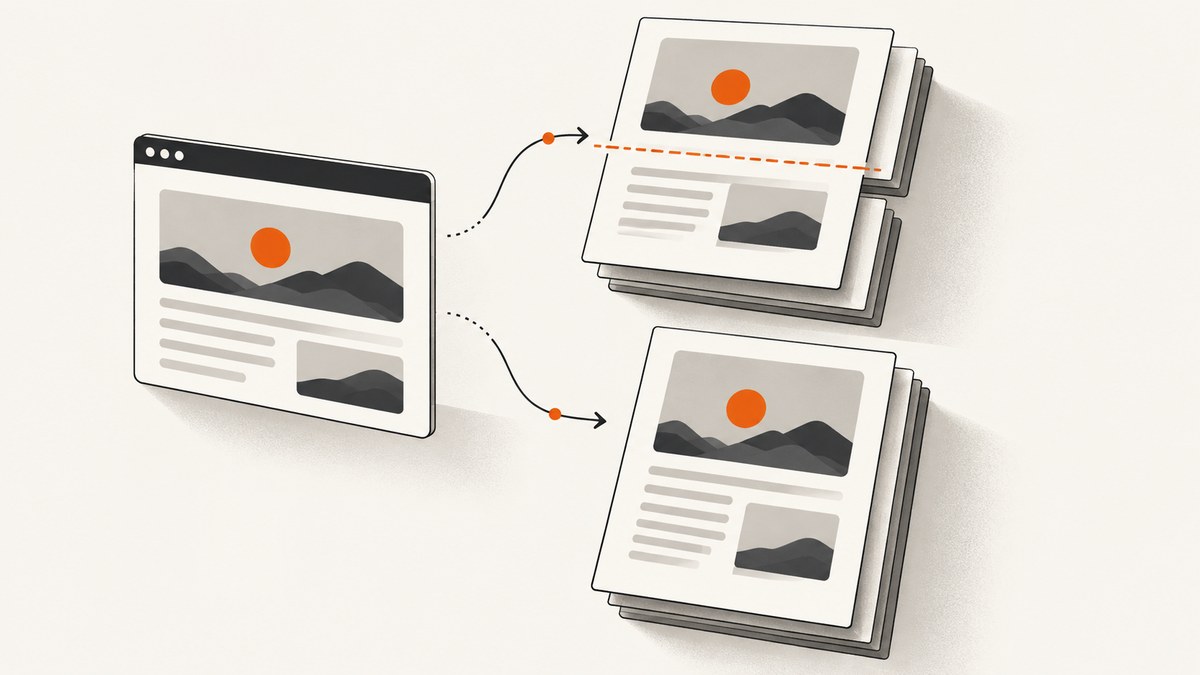
Short answer: Puppeteer is not the component that decides whether break-inside: avoid succeeds. page.pdf() asks Chromium to paginate the document using the print CSS media type, and Chromium’s fragmentation engine chooses where each fragment starts. The declaration is only a preference. It can be ignored when it is applied to the wrong box, when the element is not in normal block flow, when print styles override it, or when the element cannot fit in the printable area.
The most reliable fix is to put both modern and legacy declarations on a real block wrapper around the complete semantic unit, inspect the computed print styles, remove overflow and out-of-flow constraints while diagnosing, and split content that is taller than one page. If a section must always begin on a new page, use break-before: page deliberately instead of expecting avoid to force an impossible layout.
What Puppeteer and Chromium are actually doing
page.pdf() generates a PDF with the print CSS media type by default. That means the layout used for a PDF may differ from the layout you see in a browser window. An @media print rule can change display, dimensions, overflow, fonts, or visibility before pagination starts. Puppeteer is the API entry point; Chromium’s print layout and fragmentation engine performs the pagination. See the Puppeteer PDF API documentation.
break-inside controls page, column, or region breaks inside a generated box. MDN’s definition matters: if no generated box exists, the property has nothing to control. A declaration on a heading may therefore have no effect when the parent section is the box Chromium fragments. Read the MDN reference and Chromium’s fragmentation documentation together when investigating a difficult case.
The common reasons the rule appears to be ignored
1. The rule is on the wrong box
Apply the rule to the block-level wrapper that owns the entire unit you want to keep together. For a card, that is usually the card element, not its title or a nested paragraph. Inspect the element whose rectangle crosses the page boundary in the printed output.
2. The element is not a normal fragmentable block
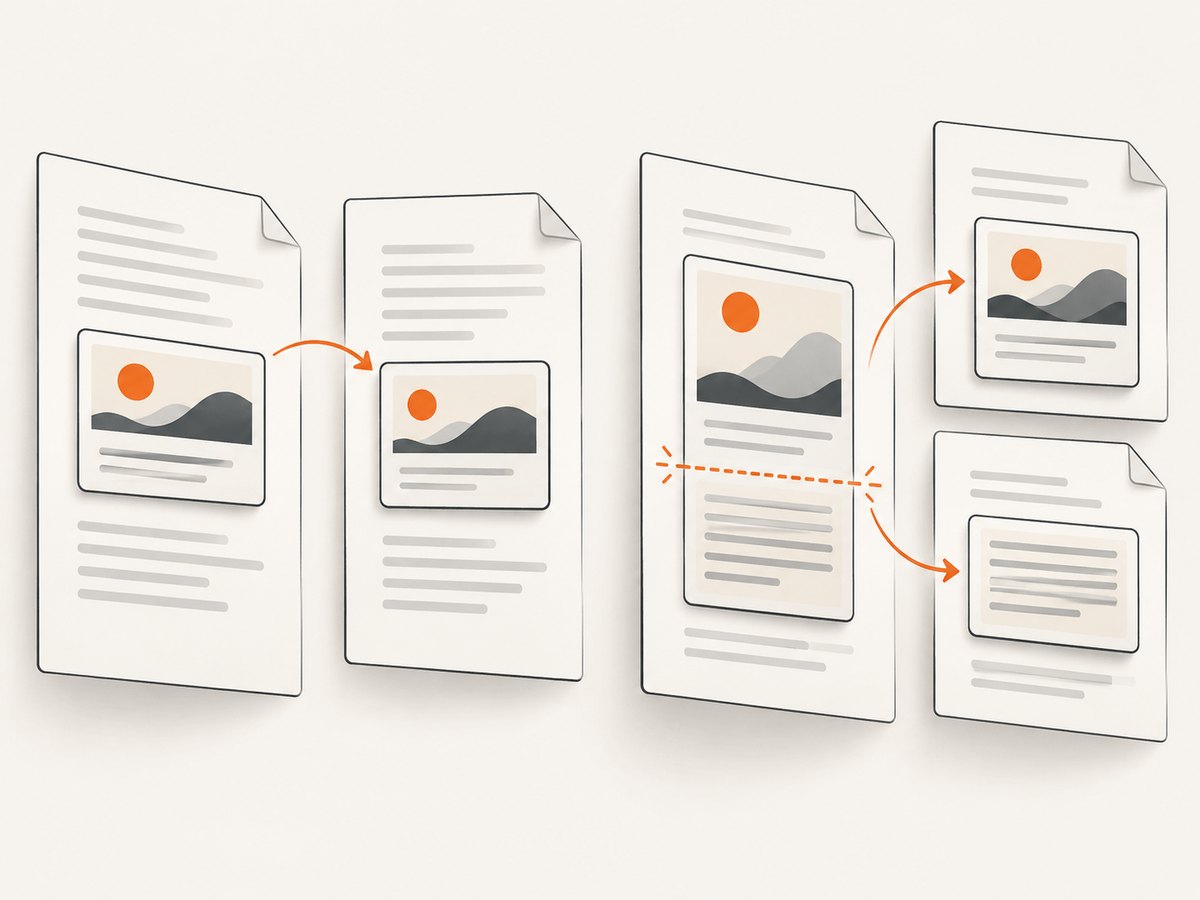
Inline content, absolutely positioned elements, transformed elements, floats, scrolling containers, and complex nested layout modes can change which box is fragmented. overflow: auto or overflow: hidden is especially suspicious because it can create a separate formatting or clipping context. Temporarily simplify the component to normal block flow and test again.
3. The unit is taller than the printable page
An avoidance request cannot make a 1,200px card fit inside a 900px printable fragmentainer. Chromium can relax the request, overflow the fragmentainer, or choose a less desirable breakpoint. The print profile and Chromium guidance describe this fallback behavior. Split oversized content into smaller semantic units, or allow a controlled break inside the long unit.
4. Print CSS changes the layout
Screen rules are not proof of the PDF layout. Check every matching @media print rule, the @page size, margins, font loading, and any print-only display changes. A print rule with greater specificity can replace your screen declaration or alter the height enough to create a new break.
5. The layout mode has pagination limitations
Tables, flexbox, grid, floats, and out-of-flow content each have separate fragmentation behavior. A table row or row group can be the actual break candidate even when a nested cell has break-inside: avoid. If flex or grid pagination is unstable, try a print-only block-flow version of the component. A historical Puppeteer issue reproduced a split in Chrome’s direct print path as well, showing that changing Puppeteer options alone does not always fix a Chromium pagination problem.
A reliable baseline CSS pattern
@media print {
  .keep-together {
    break-inside: avoid;
    page-break-inside: avoid; /* legacy alias */
  }
}

.keep-together {
  display: block;
}
<section class="keep-together">
  <h2>Invoice item</h2>
  <p>All text, metadata, and controls that belong to one unit.</p>
</section>
The legacy page-break-inside alias is still useful for older print behavior. Keep the wrapper in normal flow while debugging. Avoid unnecessary transforms, absolute positioning, and nested scrolling containers. Do not add the rule to every descendant: protect the smallest semantic block that should move as a unit.
Diagnostic sequence in Puppeteer
- Use the same paper format, margins, scale, and Chromium revision that production uses.
- Explicitly select the media type you intend to print.
- Log computed values from the element that crosses the boundary.
- Compare Puppeteer output with Chrome’s own print-to-PDF path.
- Remove one layout complication at a time: overflow, transforms, flex/grid, floats, and absolute positioning.
import puppeteer from 'puppeteer';

const browser = await puppeteer.launch();
const page = await browser.newPage();
await page.goto('https://example.com/report', { waitUntil: 'networkidle0' });

await page.emulateMediaType('print');
await page.evaluate(() => {
  const el = document.querySelector('.keep-together');
  if (!el) return;
  const s = getComputedStyle(el);
  console.log({
    display: s.display,
    breakInside: s.breakInside,
    pageBreakInside: s.pageBreakInside,
    overflow: s.overflow,
    position: s.position,
    height: el.getBoundingClientRect().height
  });
});

await page.pdf({
  path: 'report.pdf',
  format: 'A4',
  printBackground: true,
  preferCSSPageSize: true,
  margin: { top: '16mm', right: '16mm', bottom: '16mm', left: '16mm' }
});
await browser.close();
Also record the Chromium version, paper format, CSS @page size, margins, and whether fonts and images were ready. Each changes the available fragmentainer height. If the same split occurs when printing directly from Chrome, the underlying issue is Chromium pagination rather than a missing Puppeteer flag.
Tables, cards, flexbox, grid, and floats
Tables
Test the row, row group, and nested block separately. A table’s visual card may be composed of several boxes, and the table algorithm can choose a break at a row boundary. Keep headers repeatable with thead, avoid relying on a cell-level rule to protect an entire row, and test borders on pages where a row is close to the bottom edge.
Flexbox and grid
For print, a multi-column flex or grid layout can be less predictable than block flow. Add a print stylesheet that changes the component to a single-column block layout when preserving each card matters more than screen parity:
@media print {
  .cards {
    display: block;
  }
  .card {
    display: block;
    break-inside: avoid;
    page-break-inside: avoid;
    margin-bottom: 12mm;
  }
}
Overflow and positioned content
Remove overflow: auto, clipping, transforms, and absolute positioning from the protected wrapper while diagnosing. If a chart or image must remain fixed-size, constrain it with a responsive maximum rather than forcing the parent to exceed the page.
When to force a page break
Use break-before: page or break-after: page for intentional boundaries such as a new report chapter:
@media print {
  .chapter { break-before: page; }
  .chapter:first-child { break-before: auto; }
}
Forced breaks consume space and can create blank pages. Use them for known section boundaries, not as a blanket replacement for diagnosing sizing or fragmentation. Keep break-inside: avoid as a preference for semantic units that can realistically fit.
Controlling the printable area
Even correct CSS can fail when margins leave too little room. Define the page size consistently and let CSS control it when appropriate:
@page {
  size: A4;
  margin: 16mm;
}

@media print {
  html, body { margin: 0; }
  .keep-together {
    break-inside: avoid;
    page-break-inside: avoid;
  }
}
In Puppeteer, preferCSSPageSize: true honors the CSS @page size. Otherwise the format, width, and height options determine the paper geometry. Do not mix conflicting values while debugging. Wait for fonts and important images before creating the PDF:
await page.evaluate(async () => {
  await document.fonts.ready;
  const images = [...document.images];
  await Promise.all(images.map(img => img.complete
    ? Promise.resolve()
    : new Promise(resolve => {
        img.addEventListener('load', resolve, { once: true });
        img.addEventListener('error', resolve, { once: true });
      })));
});
Troubleshooting checklist
| Symptom | Likely cause | Fix |
|---|---|---|
| A heading stays but its paragraph moves | Rule is on the heading or the wrong descendant | Put it on the block wrapper containing the complete unit. |
| Every card splits near the same height | Card is taller than the printable area, or margins are too large | Measure the card and printable height; split the card or reduce content. |
| Screen looks correct, PDF does not | Print media rules override screen styles | Inspect getComputedStyle after emulateMediaType('print'). |
| Only flex/grid cards split | Layout-specific fragmentation behavior | Use a print-only block-flow layout and retest. |
| Tables have broken borders or odd row breaks | Table fragmentation chooses a row or row group boundary | Test row groups, repeat headers, and simplify nested wrappers. |
| Content is clipped instead of paginated | Overflow or a fixed-height container | Remove fixed height and scrolling/clipping from print styles. |
| Results vary between machines | Different Chromium revision, fonts, paper settings, or load timing | Pin the browser revision, wait for fonts/assets, and log print options. |
Adding more avoid makes blank space |
Too many protected boxes | Protect semantic units only; remove redundant nested declarations. |
Performance and reliability considerations
PDF generation is sensitive to page complexity. Large images, web fonts, JavaScript-heavy pages, and many layout wrappers increase navigation and print time. Reuse a browser process when generating multiple documents, but create an isolated page for each job. Set a navigation timeout and handle failed requests explicitly. Capture after the DOM is stable, fonts are ready, and lazy content has been triggered.
For reliable output, pin the Chromium version used in production, keep print CSS in source control, and compare representative documents near page boundaries. Include short, medium, and deliberately oversized protected units in regression fixtures. A successful result on one Chromium revision is not a universal guarantee; pagination behavior is version-sensitive.
Or skip the browser setup
If your goal is simply to obtain a clean page image or PDF rather than maintain Chromium pagination code, ScreenshotNeo provides a GET endpoint for website captures. Its PDF options include paper size, margins, landscape mode, and page ranges. It can wait for a selector, delay, or network idle, and it supports custom CSS and JavaScript when you still need print-specific adjustments.

One request is enough (see the ScreenshotNeo documentation):
curl -G "https://api.screenshotneo.com/v1/shot" \
  -d access_key=YOUR_API_KEY \
  --data-urlencode url=https://stripe.com \
  -o shot.webp
import requests

r = requests.get(
    "https://api.screenshotneo.com/v1/shot",
    params={"access_key": "YOUR_API_KEY", "url": "https://stripe.com"},
    timeout=90,
)
r.raise_for_status()
open("shot.webp", "wb").write(r.content)
const q = new URLSearchParams({
  access_key: 'YOUR_API_KEY',
  url: 'https://stripe.com'
});
const res = await fetch(`https://api.screenshotneo.com/v1/shot?${q}`);
if (!res.ok) throw new Error(`HTTP ${res.status}`);
const bytes = Buffer.from(await res.arrayBuffer());
await import('node:fs/promises').then(fs => fs.writeFile('shot.webp', bytes));
ScreenshotNeo accepts cookie and consent banners as a visitor and removes more than 60 known consent platforms, newsletter popups, and chat widgets before capture; each step can be turned off. Bot checks, blank pages, timeouts, failed loads, and cache hits are not billed, and the response identifies the result with X-Page-Verdict and X-Billed headers. An MCP server provides take_screenshot, get_page_info, and capture_pdf tools for Claude, Cursor, and other MCP clients. The Free plan includes 1,000 shots per month with no card; paid plans start at $5 for 3,000 shots.
Create a free ScreenshotNeo account and start with the 1,000 monthly shots without a card.
FAQ
Does page-break-inside: avoid still work?
Yes. It is the legacy alias for the same pagination preference and remains useful alongside break-inside: avoid, especially when supporting older print behavior. It is not an absolute guarantee.
Should I use emulateMediaType('screen')?
Only when you intentionally want screen media rules in the PDF. The default is print media. Switching to screen can avoid an unwanted print override, but it also removes rules you may need for paper output.
Can Puppeteer keep any element together?
No. A unit taller than the printable page, or a box constrained by its layout context, may have to split or overflow. Divide long content into smaller semantic units.
Is there a Puppeteer option that fixes all pagination bugs?
No. Paper geometry, CSS, layout mode, content size, fonts, and the Chromium revision all affect fragmentation. Reproduce the issue in Chrome’s print path to determine whether the browser engine is the limiting factor.
Why does a cached capture matter for ScreenshotNeo billing?
ScreenshotNeo identifies cache hits and does not bill them. The response headers tell you whether the result was billed and which page verdict was produced.


