How to Fix Puppeteer Crashes on browser.close() With Signal 11
Signal 11 during Puppeteer shutdown does not identify which process crashed. Use this diagnostic sequence to capture evidence and isolate the cause.
If Puppeteer appears to crash when browser.close() runs, first find out which process received signal 11. On POSIX systems, signal 11 is commonly called SIGSEGV, a segmentation fault. The timing tells you when the failure became visible; it does not prove Puppeteer itself caused a native crash, and the title alone cannot identify the failing process or root cause.
Start by collecting four things: (1) the child process exit code and signal, (2) Chromium stderr and recent browser logs, (3) exact Node.js, Puppeteer, browser, OS and architecture versions plus launch settings, and (4) whether an application shutdown handler or parent-process signal initiated cleanup. Then reduce the program to one launch, one simple page operation, and one awaited close. There is no universal fix without a reproduction and logs.
1. Identify the process that received signal 11
Node.js child-process events report an exit code and a signal. A process that exits normally has an exit code; one terminated by a signal has a signal value, while the code is generally null. Log both values. Do not infer that Node crashed just because your Node script printed an error as the browser closed.
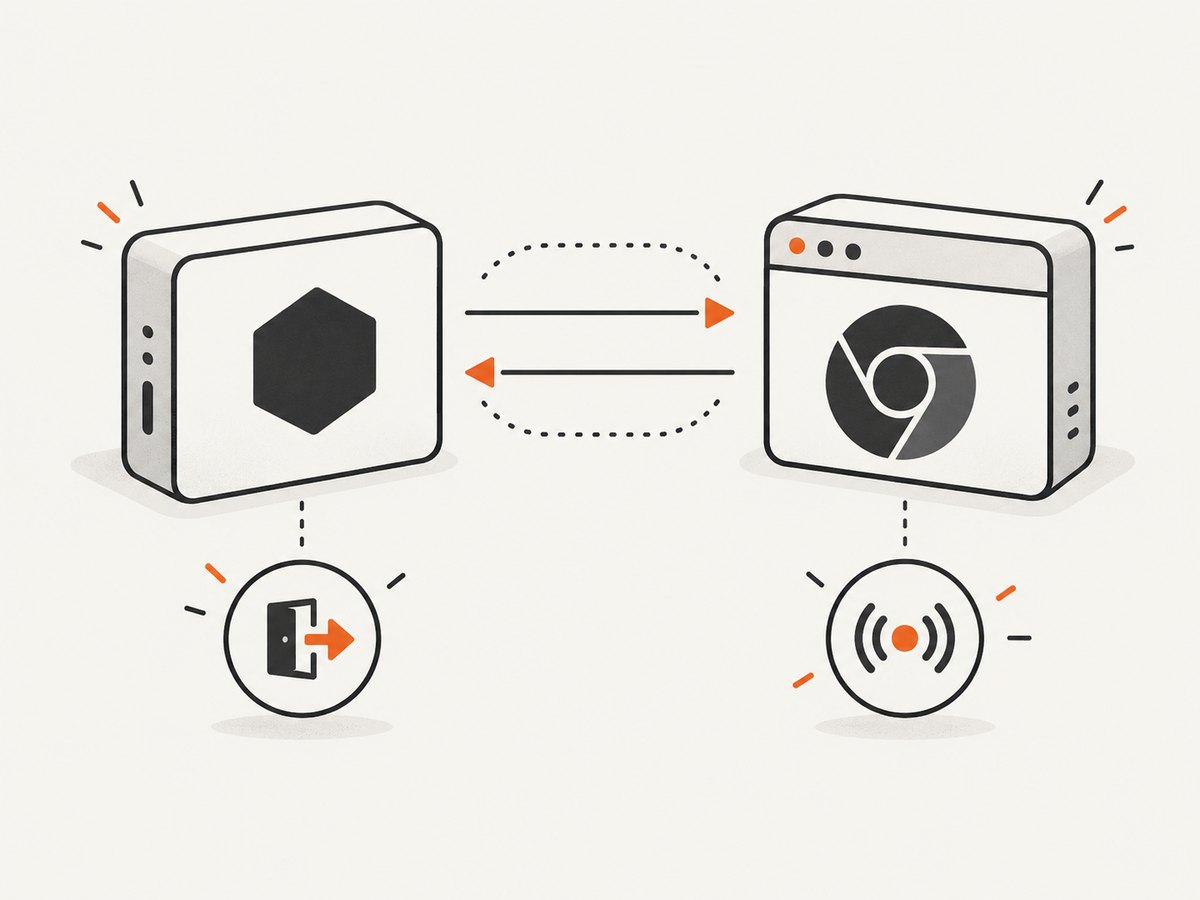
For a Puppeteer-launched browser, the public Puppeteer API gives you the browser process handle. This example logs its termination metadata and asks Puppeteer to retain recent browser logs:
const puppeteer = require('puppeteer');

(async () => {
  const browser = await puppeteer.launch({
    dumpio: true,
    // Keep the rest of your real launch options here while collecting evidence.
  });

  const child = browser.process();
  if (child) {
    child.once('exit', (code, signal) => {
      console.error('Browser process exit:', { code, signal });
    });
    child.once('close', (code, signal) => {
      console.error('Browser process close:', { code, signal });
    });
  }

  try {
    const page = await browser.newPage();
    await page.goto('https://example.com', { waitUntil: 'domcontentloaded' });
    await browser.close();
  } catch (error) {
    console.error('Puppeteer operation failed:', error);
    try {
      const logs = await browser.process()?.getRecentLogs?.();
      if (logs) console.error('Recent browser logs:', logs);
    } catch (logError) {
      console.error('Could not retrieve recent browser logs:', logError);
    }
    throw error;
  }
})();
dumpio: true forwards browser stdout and stderr to the Node process streams. Preserve that output in your terminal log or service logs; stderr often contains the last useful browser messages. Puppeteer’s process API documents getRecentLogs() for recent browser logs. Check the API for your installed version because available methods and types can vary across versions. A process may close before application code can retrieve logs, so capture I/O from launch when investigating.
Interpret the evidence carefully:
- Browser child reports
signal: 'SIGSEGV': Chromium was terminated by signal 11. Investigate the browser build, platform, runtime dependencies and shutdown conditions. - Node process reports signal 11 from its supervisor: the Node process itself received the signal. Chromium’s close path may simply be the last visible operation. Inspect native Node add-ons, runtime/container behavior and system-level crash records.
- Browser exits with a nonzero code but no signal: this is an abnormal process exit, but it is not evidence of signal 11. Preserve stderr and the numeric code.
- There is a JavaScript exception or protocol error, but no signal termination: diagnose that API or connection failure separately from a native segmentation fault.
2. Record the exact versions and launch configuration
Compatibility and runtime paths matter to browser launch and operation, but a mismatch is a lead to check rather than an established cause of this particular symptom. Capture enough detail for someone else to reproduce the environment.
node --version
npm ls puppeteer puppeteer-core
uname -a
node -p "JSON.stringify({platform: process.platform, arch: process.arch})"
Also record the browser’s version and executable path, whether you use puppeteer.launch() or puppeteer.connect(), all launch arguments, the user-data directory, container image and version, and whether this happens locally or only in deployment. Do not copy an old Chromium/Puppeteer pairing from an unrelated example. Check the compatibility guidance for the installed package and browser.
When sharing evidence, redact cookies, authorization headers, proxy credentials, and private URLs. Keep arguments and environment details that affect startup or shutdown, but replace secrets with clear placeholders.
3. Reduce the program to a minimal reproduction
Remove application work until only launch, a trivial page action, and close remain. Run the same reproduction repeatedly in the affected environment. The goal is to determine whether the failure needs a page, a particular navigation, concurrent work, a shutdown hook, or a specific runtime environment. This is a diagnostic method, not a guaranteed repair.
const puppeteer = require('puppeteer');

(async () => {
  let browser;
  try {
    browser = await puppeteer.launch({ dumpio: true });
    const page = await browser.newPage();
    await page.setContent('<!doctype html><title>close check</title>');
    console.log('Minimal page operation completed');
  } finally {
    if (browser) await browser.close();
  }
})();
If this tiny script closes normally, add one feature at a time: your real navigation, custom launch arguments, a persistent profile, concurrent pages, request interception, then application shutdown handling. Keep a note of the first change that makes the failure return. If it crashes even in the minimal version, preserve the logs and move on to environment comparisons.
4. Distinguish explicit close from signal-driven cleanup
Puppeteer’s launcher has cleanup paths for parent-process SIGINT, SIGTERM, SIGHUP, and process exit. A browser that closes after Ctrl-C is not the same diagnosis as Chromium independently faulting with SIGSEGV while an explicit await browser.close() is in progress.
Log the point where your program requests closure and install temporary, non-destructive signal logging in your application’s entry point:
for (const name of ['SIGINT', 'SIGTERM', 'SIGHUP']) {
  process.on(name, () => {
    console.error('Parent process received:', name, new Date().toISOString());
  });
}

process.on('exit', code => {
  console.error('Node process exiting with code:', code);
});
This snippet observes signals but does not replace your service’s shutdown policy. Avoid adding multiple competing handlers or swallowing termination signals while debugging. Check whether a supervisor, container runtime, job timeout, or deployment restart initiated shutdown at the same time.
A historical Puppeteer issue involved Puppeteer 0.11.0 and a browser closing on Ctrl-C before an explicit close call. The discussion suggested handleSIGINT: false when an application wanted to manage that SIGINT cleanup itself. That is a narrow, old SIGINT case, not a fix for SIGSEGV. Do not disable signal handlers as a way to suppress or “repair” signal 11.
5. Check the runtime environment one condition at a time
Puppeteer’s troubleshooting guide identifies several general environment checks. These can explain launch, operation, or cleanup trouble, but the available evidence does not establish them as the cause of every close-time segmentation fault.
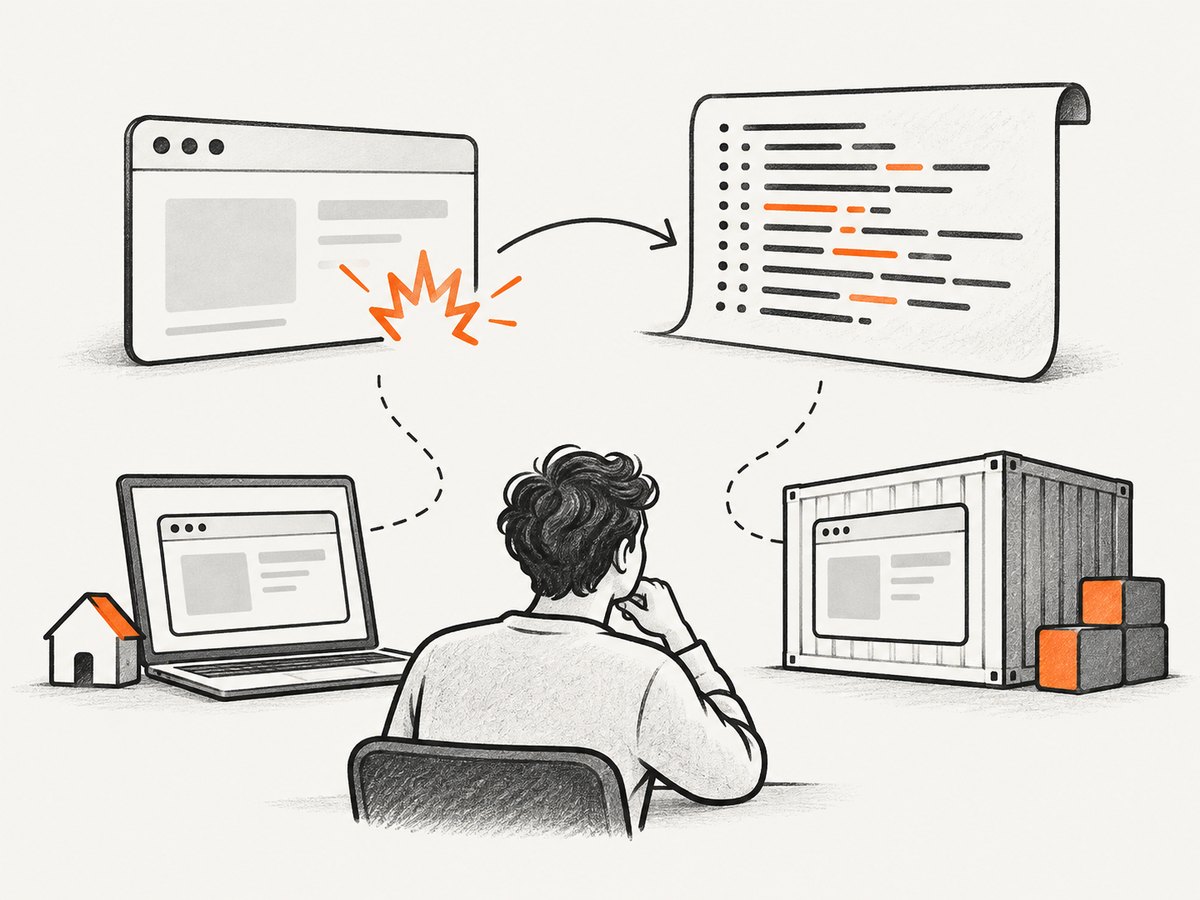
- System dependencies: confirm the operating system has the packages required by the browser build you use. Missing shared libraries can prevent proper browser operation. Follow the guide for your platform rather than installing a random list copied from another distribution.
- Writable runtime locations: check that the service user can write to browser profile, cache, and configuration directories. This is especially relevant when a container or serverless runtime uses a read-only filesystem or a different user than local development.
- Browser/Puppeteer compatibility: identify whether Puppeteer downloaded its supported browser or you supplied a separately installed Chromium. Consult the compatibility guidance for your installed package and use a supported pairing.
- Container process handling: check how the container’s init process handles children and signals. If orphaned or zombie processes appear, inspect the container process model and init behavior described by the guide.
- Launch arguments and profile reuse: temporarily remove nonessential flags and test with a fresh writable user-data directory. Change one variable per run and retain the original configuration for comparison.
A useful comparison matrix keeps the investigation controlled:
| Comparison | What it helps isolate |
|---|---|
| Puppeteer-managed browser vs. supplied executable | Whether the browser distribution or compatibility path changes the result |
| Local machine vs. container | Runtime dependencies, permissions, signals, or process handling |
| Fresh profile vs. existing profile | Whether persistent profile state or its location is involved |
| Direct awaited close vs. app shutdown path | Whether a signal handler or concurrent cleanup changes timing |
6. Troubleshooting common symptoms
| Symptom | Likely interpretation | Next step |
|---|---|---|
browser.close() rejects, browser process has no signal |
Possible protocol/connection or ordinary process-exit error | Keep the stack trace and browser stderr; verify the browser is still connected and that no other code closed it first. |
Child exit reports SIGSEGV |
Native browser process termination by signal 11 | Capture the minimal reproduction, versions, launch setup, stderr, and environment. Preserve a core dump if available. |
| Browser vanishes on Ctrl-C | Likely parent SIGINT cleanup timing | Log the parent signal and distinguish that path from explicit close. Treat historical SIGINT handler advice narrowly. |
| Works locally, fails in container | Environment difference is relevant | Compare dependencies, writable directories, user, architecture, init/process handling, and browser pairing. |
| Logs stop before a useful error | Browser output may not be captured or the process ended abruptly | Enable dumpio at launch, persist stderr externally, and collect system crash/core information where available. |
| Failure appears only with concurrent pages or shutdown hooks | Timing or duplicate cleanup may be involved | Reduce concurrency, close each browser once, and temporarily remove unrelated hooks to make a reproducible case. |
| Profile/cache permission errors also appear | Runtime path permissions need correction | Use a writable directory owned by the service user and retest before attributing the remaining signal to permissions. |
7. Make the result reportable and reproducible
If signal 11 reliably terminates Chromium after an orderly close request, preserve a core dump when the host permits it and report the smallest reproduction to the relevant Puppeteer or Chromium issue tracker. Include exact package and browser versions, OS/architecture, launch arguments with secrets removed, the child’s code/signal, browser stderr, and whether the issue depends on a container or shutdown signal. State what you changed between runs.
A good report separates observation from theory: “The browser child exited with SIGSEGV after this minimal script requested close” is useful evidence. “Puppeteer crashes because of package X” is not justified unless a reproduction demonstrates that relationship. Avoid suppressing the signal or presenting an unverified workaround as a fix.
8. Or skip the browser setup
If your goal is to obtain screenshots rather than run a browser lifecycle, ScreenshotNeo provides a website screenshot API. One GET request returns an image or PDF. Its clean-shot flow accepts cookie/consent banners and removes 60+ known consent platforms, newsletter popups, and chat widgets before capture; each step can be turned off. Bot checks, blank pages, failed loads, timeouts, and cache hits cost nothing, and response headers report the page verdict and whether the request was billed. The MCP server offers take_screenshot, get_page_info, and capture_pdf for Claude, Cursor, and other MCP clients.
See the ScreenshotNeo API documentation for parameters and options. This cURL request saves a WebP screenshot:
curl -G "https://api.screenshotneo.com/v1/shot" -d access_key=YOUR_API_KEY --data-urlencode url=https://stripe.com -o shot.webpThe API also supports full-page capture with lazy images loaded, CSS-selector element capture, dark mode, 12 device presets and custom viewports, retina scale, PDF options, HTML/CSS input, custom CSS and JavaScript, click and wait actions, request/resource blocking, headers, cookies, user agent and Authorization, timezone and geolocation, transparent backgrounds, resizing, cache TTL, signed public image links, async jobs with signed webhooks, bulk capture for 100 URLs per call, usage reporting, and an OpenAPI spec. Parameter names used by other screenshot APIs also work, which can simplify switching.
In short: cookie banners, popups, and chat widgets are removed before the shot; bot checks, blank pages, and failed loads are never billed; an MCP server lets AI agents take screenshots; 1,000 screenshots a month are free with no card, and paid plans start at $5 for 3,000. Plans are Starter $5/3,000, Growth $15/15,000, Pro $39/60,000, Scale $99/250,000, and Business $249/1,000,000; annual billing gives two months free, and every feature is on every plan. Create a free ScreenshotNeo account.
Performance, reliability, and cost considerations
For a local Puppeteer reproduction, performance is secondary to consistent evidence. Avoid changing several launch flags, browser builds, and system packages at once: it makes a successful run hard to explain. Repeatedly run the same small script, capture timestamps and output, and compare one condition. If the failure is intermittent, note the number and environment of runs without turning that into a population-wide failure rate.
For a production browser worker, make shutdown explicit and observable: stop accepting new work, wait for or cancel in-flight page jobs according to your application’s policy, close pages and browser once, and allow logs to flush. The correct graceful-shutdown sequence depends on your worker and supervisor; Puppeteer’s close call alone does not establish that all application tasks have finished. Monitor child exit metadata and stderr so a later incident can be distinguished from a protocol exception.
Native crash diagnosis can take engineering time and may require a core dump or a reproducible runtime image. There is no reliable cost estimate or performance benchmark for this specific failure from the available evidence. If screenshots are needed but maintaining Chromium setup is not part of the task, compare the cost of operating browser workers with a per-shot API. ScreenshotNeo’s stated plans begin with 1,000 free monthly shots and then $5 for 3,000; only clean shots are billed, according to the product details above. Choose based on required capture controls and workload, not an assumed speed advantage.
Frequently asked questions
Does signal 11 prove that Puppeteer has a bug?
No. Signal 11 commonly means SIGSEGV on POSIX, but first identify whether Node or the browser child received it. The timing at browser.close() is not enough to assign cause.
Should I set handleSIGINT: false?
Only consider it when diagnosing an application-managed Ctrl-C/SIGINT shutdown path. The historical report concerned Puppeteer 0.11.0 and SIGINT; it does not establish a remedy for SIGSEGV.
Can a failed browser.close() call itself be the whole problem?
It can be an API or connection failure without a native crash. Check the JavaScript error and the child’s exit metadata separately before labeling it signal 11.
What should I attach to a bug report?
The minimal reproduction, exact versions and platform, launch options, browser stderr, exit code/signal, and core dump if available. Remove secrets while preserving the configuration details needed to reproduce.
Sources and references
- Puppeteer troubleshooting guide — dependencies, browser compatibility, writable paths, and container checks.
- Puppeteer LaunchOptions — launch settings including browser I/O and signal handlers.
- Puppeteer BrowserProcess API — browser process access and recent logs.
- Node.js child process exit event — exit code and signal metadata.
- Historical Puppeteer issue #192 — a narrow Ctrl-C/SIGINT discussion from Puppeteer 0.11.0.


