How to Set the Minimum Font Size in Puppeteer or Chromium
Set Chromium’s default font sizes from Puppeteer with CDP, understand its limits, and enforce a true page minimum with CSS or browser settings.
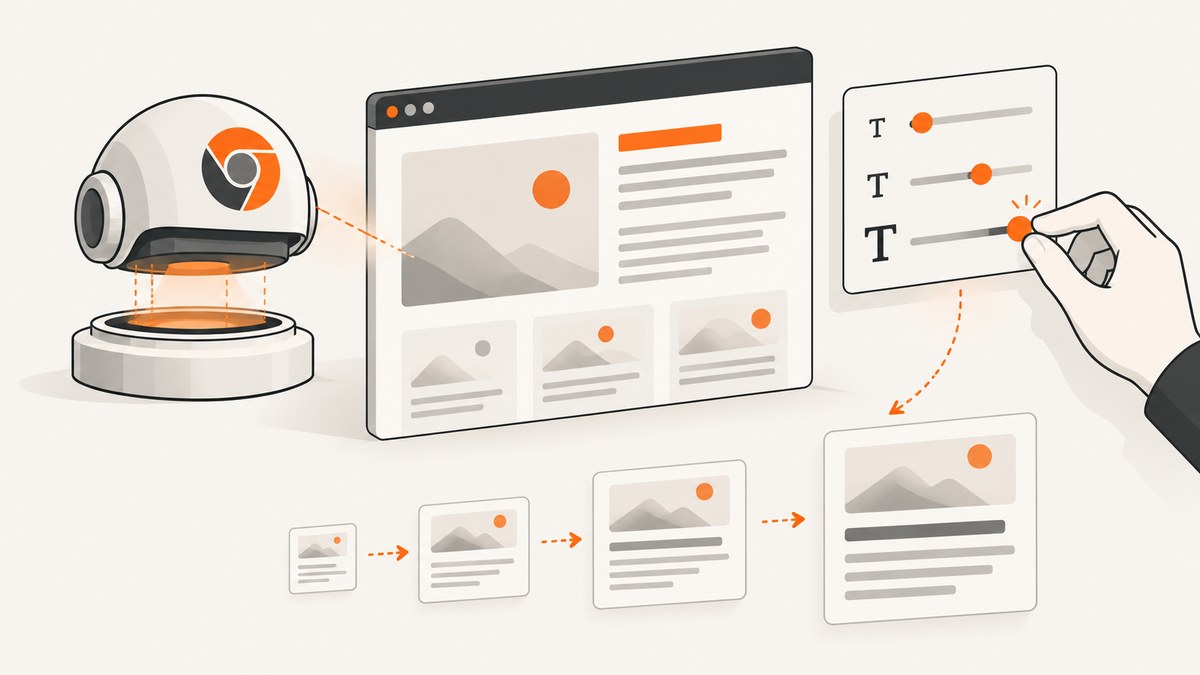
Short answer: Puppeteer has no documented minimumFontSize launch option. For a page or browser session, use the experimental Chrome DevTools Protocol method Page.setFontSizes to set default standard and fixed font sizes. That changes browser defaults; it does not guarantee a hard lower bound for every author-declared CSS rule. If you own the page and need a deterministic minimum, add an explicit CSS or DOM policy for the elements you want to constrain.
This distinction matters in visual tests and screenshot pipelines. A browser default affects text that inherits the default, while a rule such as font-size: 10px can still explicitly choose a smaller value. The right solution depends on whether you are testing browser preferences, emulating a reader setting, or enforcing a page design rule.
What Puppeteer can and cannot set
The Puppeteer launch API documents LaunchOptions.args as a way to pass additional command-line arguments to Chromium. It does not document a minimumFontSize property, and Chromium’s official switch list does not provide a stable, supported minimum-font-size switch for this purpose. Treat an unverified switch found in a forum or an old script as build-specific until you confirm it against the exact Chromium revision you run.
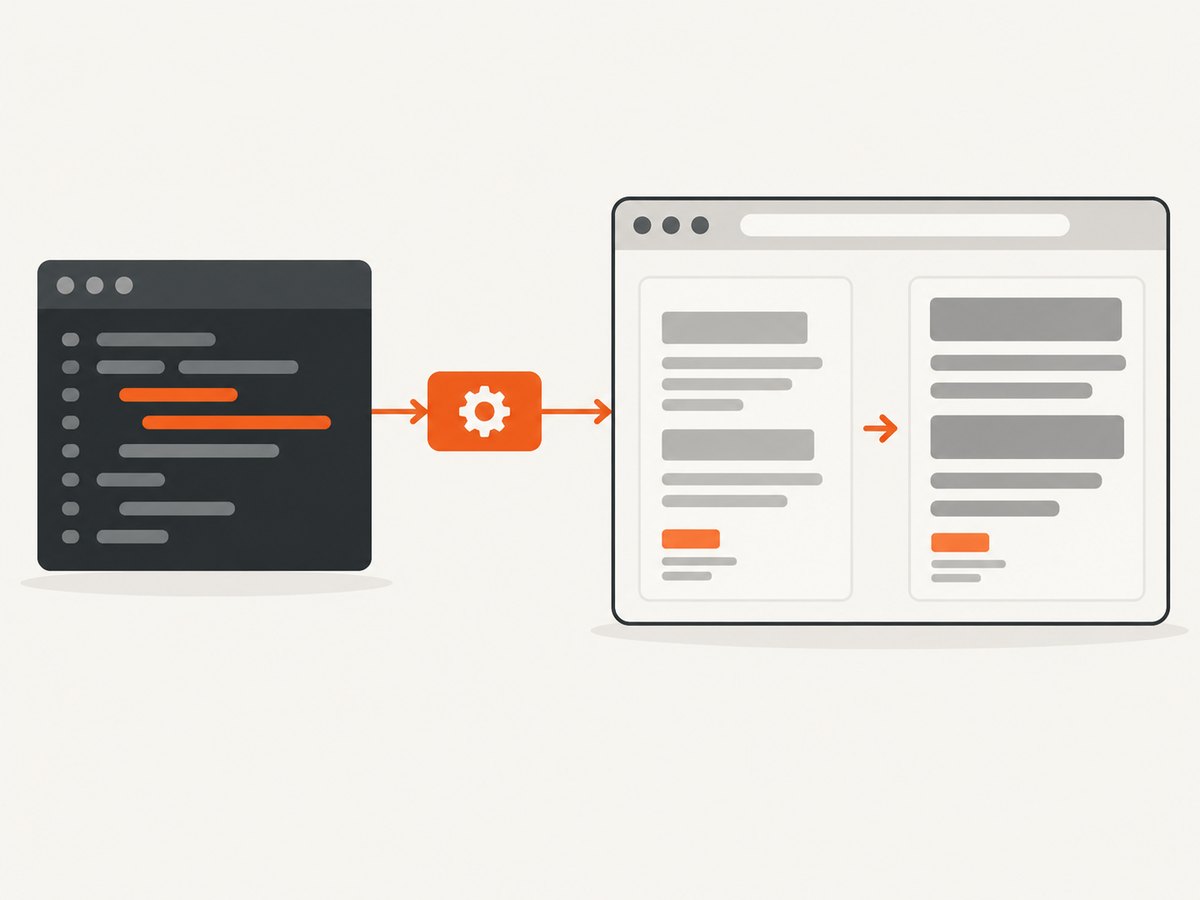
The Chrome DevTools Protocol (CDP) does expose Page.setFontSizes. Its description is “Set default font sizes.” The method is experimental and accepts integer standard and fixed values. It is the most direct Puppeteer-compatible control for session-level defaults:
const client = await page.createCDPSession();
await client.send('Page.setFontSizes', {
  fontSizes: {
    standard: 18,
    fixed: 18
  }
});
Use standard for ordinary proportional text and fixed for fixed-width content such as <pre> and <code>. If you omit one property, that default remains unchanged. Because the protocol method is experimental, record the Chromium revision in reproducible tests and re-check behavior after upgrading Puppeteer or Chromium.
Complete Puppeteer example
The following script launches Puppeteer, sets both defaults to 18 pixels, loads a page, and saves a screenshot. It uses the browser bundled with puppeteer. If you use puppeteer-core, provide an executable path or channel yourself.
import puppeteer from 'puppeteer';

const browser = await puppeteer.launch({
  // With puppeteer-core, uncomment and set this explicitly:
  // executablePath: process.env.CHROME_PATH
});

try {
  const page = await browser.newPage();

  const client = await page.createCDPSession();
  await client.send('Page.setFontSizes', {
    fontSizes: {
      standard: 18,
      fixed: 18
    }
  });

  await page.goto('https://example.com', {
    waitUntil: 'networkidle2',
    timeout: 30000
  });

  await page.screenshot({
    path: 'font-size-defaults.png',
    fullPage: true
  });
} finally {
  await browser.close();
}
Install and run it with:
npm install puppeteer
node screenshot-fonts.mjs
For CommonJS, replace the import with const puppeteer = require('puppeteer'); and use an async function or an immediately invoked async function. Puppeteer’s installation guide explains the difference between puppeteer, which downloads a supported Chrome build, and puppeteer-core, which does not.
Apply the setting before navigation
Create the CDP session and send Page.setFontSizes before page.goto() when you want the initial document render to use the defaults. Sending it after navigation can still affect subsequent style resolution, but it can produce a first paint with different metrics. For screenshot comparison, set the value before navigation and wait for the page to settle.
const page = await browser.newPage();
const client = await page.createCDPSession();
await client.send('Page.setFontSizes', {
  fontSizes: { standard: 18, fixed: 20 }
});
await page.goto(targetUrl, { waitUntil: 'networkidle0' });
Keep the CDP session associated with the page it controls. If you create a new page, send the command again for that page. A setting sent to one target should not be assumed to configure every page or future tab.
When a default is not a hard minimum
CSS author declarations have higher specificity and explicit values. A site can set:
body { font-size: 10px; }
.card .label { font-size: 9px; }
code { font-size: 0.7rem; }
Those rules are not automatically rewritten into 18 pixels by Page.setFontSizes. If your requirement is “no selected text may render below 16 pixels,” enforce that requirement in the page itself or in a controlled test fixture.
Inject a page-level CSS policy
Use page.addStyleTag when you own the page or when a test intentionally applies an accessibility policy. Scope the selectors carefully so you do not unexpectedly change icons, layout measurements, or third-party widgets.
await page.addStyleTag({
  content: `
    body, body * {
      font-size: max(16px, 1em) !important;
    }
  `
});
The example is deliberately broad and may be inappropriate for production pages. A safer policy targets known content containers:
await page.addStyleTag({ content: ` .article-content, .article-content p, .article-content li, .article-content code { font-size: max(16px, 1em) !important; } ` });Relative units need care.
1emis calculated from the element’s inherited size, so a small ancestor can still make the result smaller than expected. Use an explicit16pxfloor, or calculate and rewrite selected elements in JavaScript when the policy is more complex.Rewrite selected DOM nodes for a test
await page.evaluate((minimum) => { for (const element of document.querySelectorAll('[data-readable-text]')) { const size = parseFloat(getComputedStyle(element).fontSize); if (Number.isFinite(size) && size < minimum) { element.style.setProperty('font-size', `${minimum}px`, 'important'); } } }, 16);This approach is deterministic for the marked elements, but it can alter line wrapping and page height. Capture after fonts and layout have finished.
Browser profile minimum versus Puppeteer session defaults
Chrome’s closest user-facing “minimum font size” preference belongs to the
chrome.fontSettings.setMinimumFontSizeextension API. That is a browser-profile setting, separate from Puppeteer’s documented launch API. Use it when the test specifically targets a Chrome user preference and the extension is part of the fixture.
| Approach | Scope | What it enforces | Maintenance |
|---|---|---|---|
Page.setFontSizes |
CDP page/session | Default standard and fixed sizes | Track experimental protocol behavior and Chromium revision |
| Injected CSS or DOM policy | Selected page elements | Explicit minimum for chosen content | Maintain selectors and account for layout changes |
chrome.fontSettings.setMinimumFontSize |
Chrome profile | User-facing browser minimum preference | Package and load an extension fixture |
| Chromium command-line switch | Browser process | Only what the target build actually supports | High risk of removal or behavior changes |
Launch configuration and browser selection
Use the bundled browser when you want Puppeteer and Chromium versions managed together:
import puppeteer from 'puppeteer';
const browser = await puppeteer.launch();
Use executablePath when your CI image or test fixture supplies a specific binary:
import puppeteer from 'puppeteer-core';
const browser = await puppeteer.launch({
  executablePath: process.env.CHROME_PATH,
  headless: true
});
Do not infer that an option supported by one Chromium revision is supported by another. Log the browser version during CI runs:
console.log(await browser.version());LaunchOptions.args remains useful for verified switches:
const browser = await puppeteer.launch({
  args: ['--disable-dev-shm-usage']
});
That transport mechanism does not establish that a minimum-font-size switch exists. Verify every switch against Chromium documentation and your pinned build.
Verification: measure computed styles, not just pixels
A screenshot can look larger because of device scale factor or zoom. Verify the actual computed CSS values as well:
const values = await page.evaluate(() => {
  const nodes = [...document.querySelectorAll('p, li, code, pre')];
  return nodes.map((node) => ({
    tag: node.tagName,
    text: node.textContent?.slice(0, 60),
    fontSize: getComputedStyle(node).fontSize
  }));
});
console.table(values);
For a hard policy, calculate the smallest value and fail the test when it is below your threshold:
const minimum = await page.evaluate(() => {
  const nodes = [...document.querySelectorAll('.article-content, .article-content *')];
  const sizes = nodes.map((n) => parseFloat(getComputedStyle(n).fontSize));
  return Math.min(...sizes.filter(Number.isFinite));
});
if (minimum < 16) {
  throw new Error(`Font-size policy failed: ${minimum}px`);
}
Common errors and fixes
ProtocolError: 'Page.setFontSizes' wasn't found
Cause: the connected browser does not expose this experimental method, or the command was sent to the wrong CDP target.
Fix: confirm await browser.version(), update or pin a compatible Puppeteer and Chromium pair, create the session with page.createCDPSession(), and send the command on that page. Do not silently substitute an undocumented command-line switch.
The screenshot still contains 10px text
Cause: the page has an explicit CSS declaration, a more specific selector, an inline style, or a shadow DOM component.
Fix: inspect getComputedStyle, identify the responsible rule, and apply a scoped CSS or DOM policy. Shadow roots may require code inside each component.
Only some pages change
Cause: CDP settings are applied per page target, while your crawler opens multiple tabs or creates new pages.
Fix: wrap page creation in a helper that sends Page.setFontSizes immediately for every page.
Fonts load after the screenshot
Cause: web fonts and layout shifts complete after navigation’s basic load event.
Fix: wait for document.fonts.ready, a known selector, or a short, justified delay:
await page.evaluate(() => document.fonts.ready);
await page.waitForSelector('.article-content');
await page.screenshot({ path: 'final.png', fullPage: true });
Changing the minimum breaks the layout
Cause: larger glyphs change line wrapping, element heights, overflow, and pagination.
Fix: treat the minimum as a layout change. Re-check responsive breakpoints, screenshots at every viewport, PDF page breaks, and any fixed-height containers.
Performance, reliability, and cost notes
Page.setFontSizes is a small protocol command, but the resulting layout may trigger style and paint work. The expensive parts of a screenshot job are usually browser startup, navigation, JavaScript execution, fonts, images, and waiting for a stable page. Reuse a browser for batches of pages, create an isolated page per URL, and close pages when finished.
Pin Puppeteer and Chromium in visual regression CI. Record the browser version, viewport, device scale factor, font files, and the values sent to CDP. A Chromium upgrade can change font metrics even when your script is unchanged. Compare computed styles and screenshots together so a rendering difference is diagnosable.
If you only need a screenshot and do not need to maintain browser infrastructure, ScreenshotNeo provides a website screenshot API. Its capture options include custom CSS and JavaScript, viewport and device settings, waits, full-page capture, element selectors, and image formats. Clean shots are billed only when a page succeeds: bot checks or CAPTCHAs, blank pages, timeouts, failed loads, and cache hits are not billed, and response headers identify the page verdict and billing status.
Or skip the browser setup
Make one GET request to ScreenshotNeo’s API. See the ScreenshotNeo documentation for the complete parameter list.
curl -G "https://api.screenshotneo.com/v1/shot" -d access_key=YOUR_API_KEY --data-urlencode url=https://stripe.com -o shot.webpimport requests
r = requests.get("https://api.screenshotneo.com/v1/shot", params={"access_key": "YOUR_API_KEY", "url": "https://stripe.com"}, timeout=90)
open("shot.webp", "wb").write(r.content)const q = new URLSearchParams({ access_key: 'YOUR_API_KEY', url: 'https://stripe.com' });
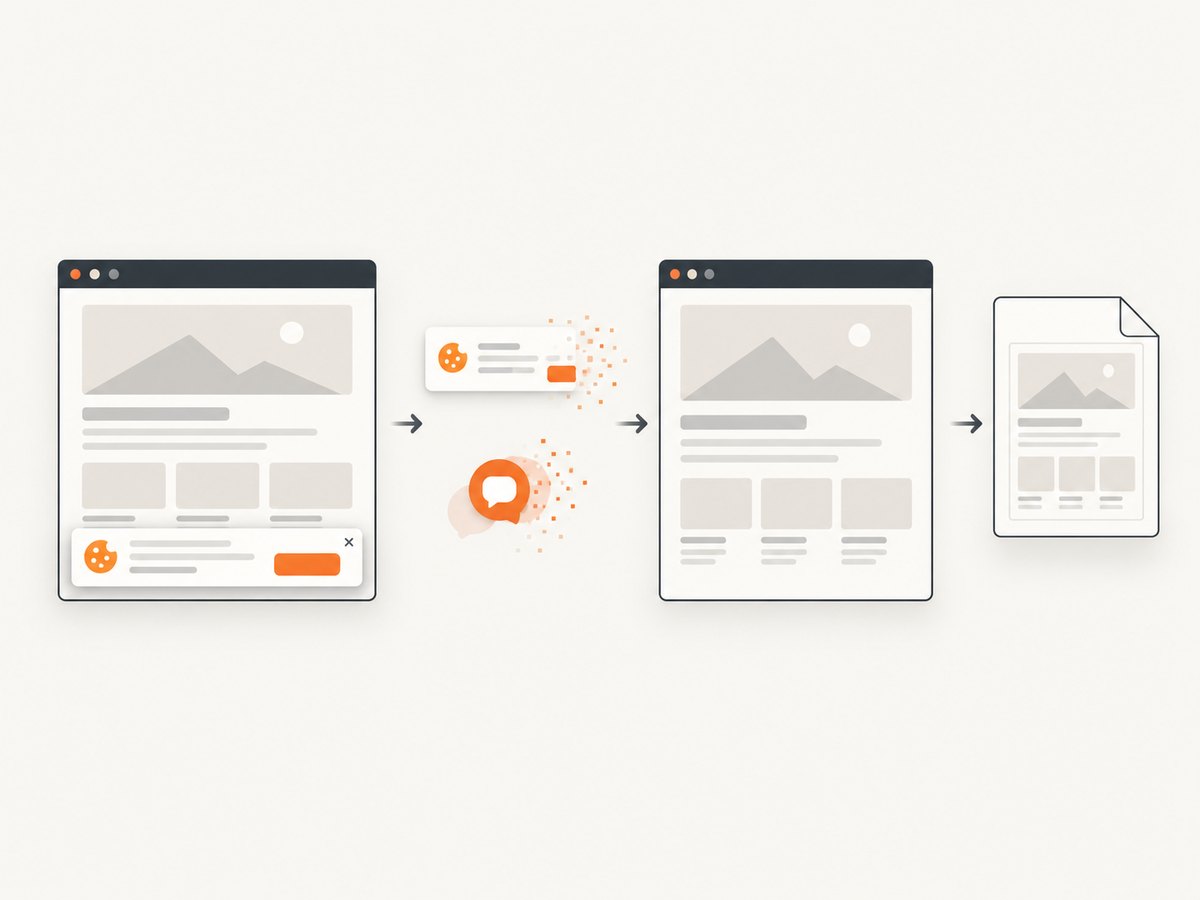
const res = await fetch(`https://api.screenshotneo.com/v1/shot?${q}`);ScreenshotNeo removes cookie and consent banners, newsletter popups, and chat widgets before capture. Bot checks, blank pages, and failed loads are never billed. Its MCP server provides take_screenshot, get_page_info, and capture_pdf tools for Claude, Cursor, and other MCP clients. The Free plan includes 1,000 screenshots per month with no card; paid plans start at $5 for 3,000 shots. Create a free ScreenshotNeo account.
Practical decision checklist
- Need browser-default sizing for a page session? Use
Page.setFontSizes. - Need every selected element to meet a minimum? Add scoped CSS or a DOM policy.
- Need to test Chrome’s user preference? Use an extension with
chrome.fontSettings.setMinimumFontSize. - Need repeatable screenshots? Pin Chromium, wait for fonts, and record computed styles.
- Need screenshots without maintaining Chromium? Use ScreenshotNeo’s API and inspect its verdict and billing headers.
FAQ
Is there a Puppeteer minimumFontSize option?
No documented launch option exists. Puppeteer’s args array only passes switches; it does not create a minimum-font-size feature.
Does Page.setFontSizes change CSS pixels?
It changes Chromium’s default standard and fixed font sizes. Explicit author CSS can still win.
Can I set only fixed-width text?
Yes. Send fixed alone and omit standard; omitted properties remain unchanged.
Should I use puppeteer or puppeteer-core?
Use puppeteer when you want its supported browser downloaded. Use puppeteer-core when your environment manages Chrome and you will provide the executable or channel.
Why do screenshots differ after a browser upgrade?
Font metrics, layout, and experimental CDP behavior can change with Chromium revisions. Pin versions and rerun visual baselines after upgrades.


