How to Read the Document Response and Run JavaScript Early in Puppeteer
Learn how to inspect Puppeteer navigation responses, intercept and supply requests safely, and run JavaScript before page scripts execute.
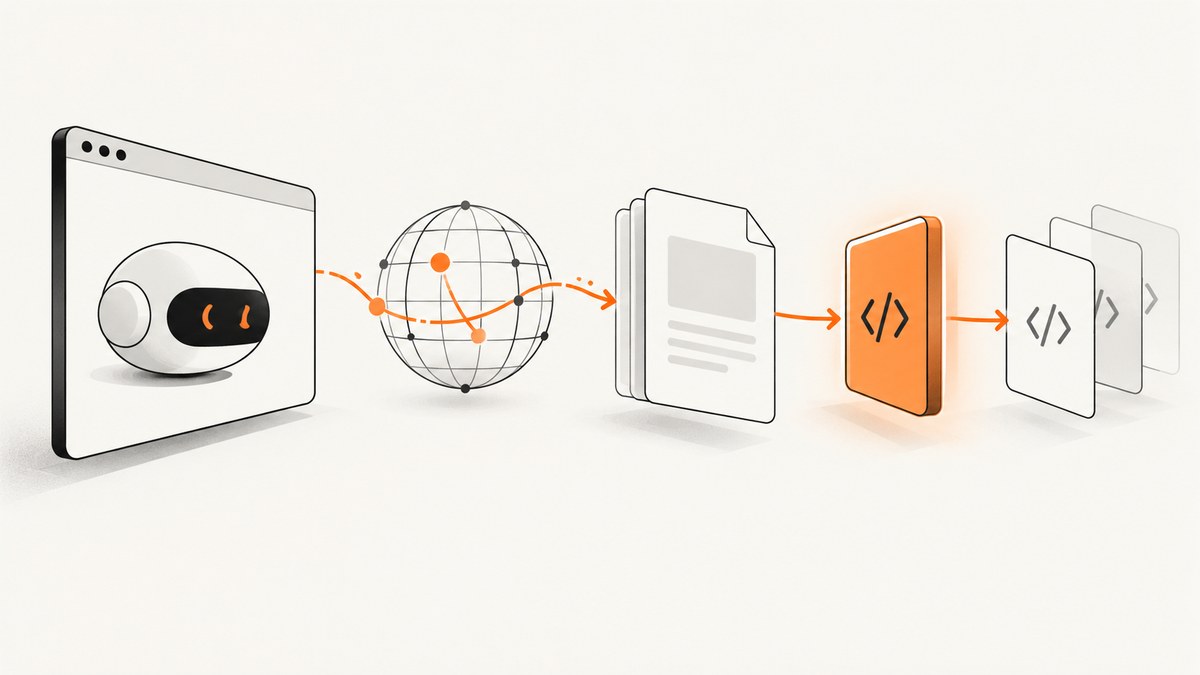
Puppeteer has four related operations that are easy to confuse:
page.goto()navigates and returns the response produced by that navigation.request.respond()supplies a response for an intercepted request.page.evaluate()runs code in the document that is already loaded.page.evaluateOnNewDocument()registers code that runs in each new document before that document’s scripts.
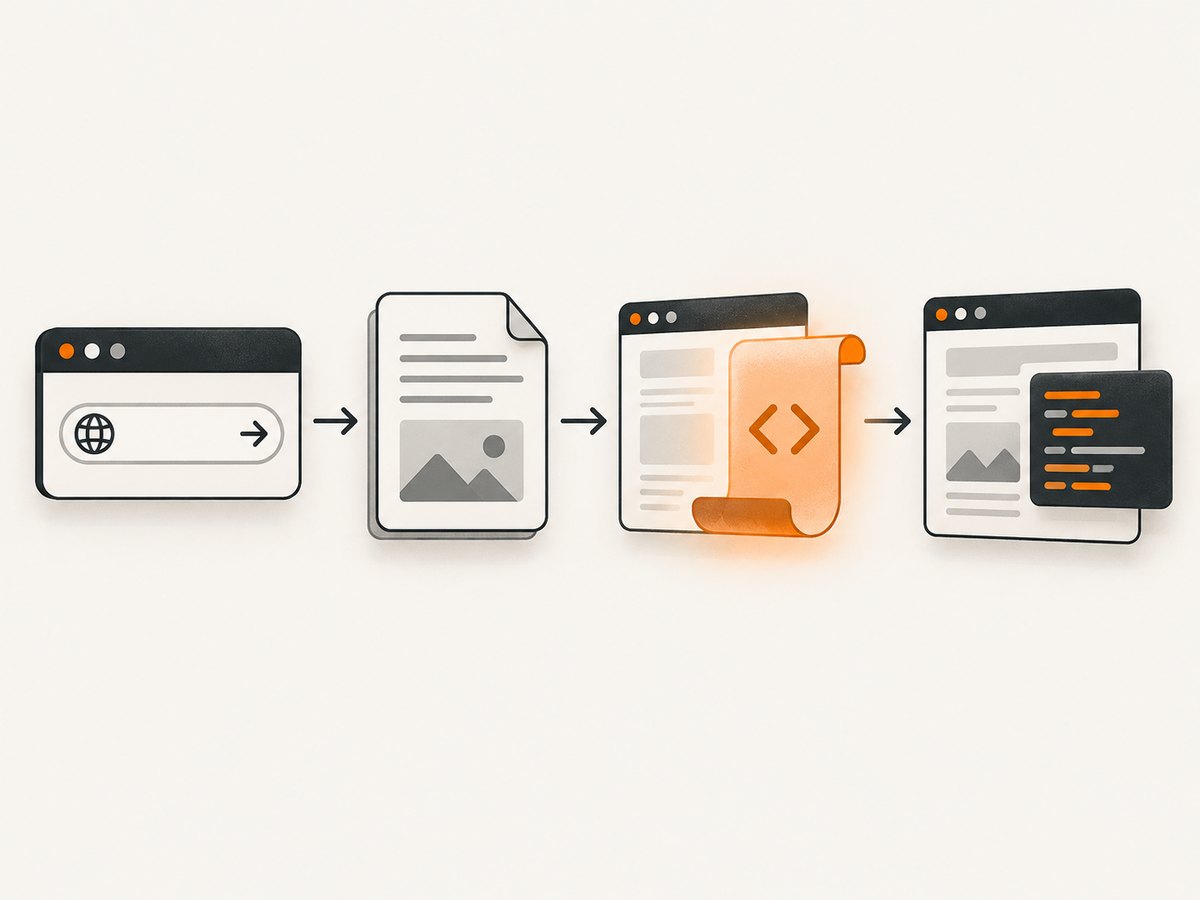
Use page.goto() when you need to read a normal document response. Use request interception only when you need to continue, replace, or block network requests. Register evaluateOnNewDocument() before navigation when page code must see your changes during startup. The examples below use Puppeteer’s current API terminology; check the Page.goto reference, evaluateOnNewDocument reference, and HTTPRequest.respond reference for version-specific details.
Read the response returned by navigation
A regular navigation returns an HTTPResponse object (or null for cases such as about:blank or a same-document hash change). Inspect its status, URL, headers, and body through the response API.
const puppeteer = require('puppeteer');

(async () => {
  const browser = await puppeteer.launch({headless: true});
  const page = await browser.newPage();

  const response = await page.goto('https://example.com', {
    waitUntil: 'domcontentloaded',
    timeout: 30_000
  });

  if (!response) {
    throw new Error('Navigation produced no HTTP response');
  }

  console.log('status:', response.status());
  console.log('url:', response.url());
  console.log('headers:', await response.headers());

  const body = await response.text();
  console.log('first bytes:', body.slice(0, 200));

  await browser.close();
})();
waitUntil controls when goto resolves. domcontentloaded waits for the initial HTML to be parsed. load waits for the load event. networkidle0 waits until there are no active network connections for the idle window, while networkidle2 allows up to two. A page can continue making requests after any of these points, so choose the event that matches your capture or extraction task.
Do not treat navigation completion as success
A 404 or 503 can still produce a completed HTTPResponse. Check the status explicitly and decide which statuses your application accepts.
const response = await page.goto(target, {waitUntil: 'domcontentloaded'});
const status = response?.status() ?? 0;

if (status < 200 || status >= 400) {
  throw new Error(`Navigation returned HTTP ${status}`);
}
Redirects are followed by Chromium. response.url() identifies the final URL. If you need every redirect, listen for responses or requests and record their URLs and status codes.
Run JavaScript before site scripts
Call page.evaluateOnNewDocument() before page.goto(). Puppeteer injects the function after the document is created but before the page’s scripts run. The registration also applies when child frames attach or navigate.
const puppeteer = require('puppeteer');

(async () => {
  const browser = await puppeteer.launch();
  const page = await browser.newPage();

  await page.evaluateOnNewDocument(() => {
    // This value exists before application JavaScript starts.
    window.__automationFlag = true;

    // Example: provide a deterministic language to code that reads it early.
    Object.defineProperty(navigator, 'language', {
      get: () => 'en-US'
    });
  });

  await page.goto('https://example.com', {waitUntil: 'domcontentloaded'});
  console.log(await page.evaluate(() => window.__automationFlag));

  await browser.close();
})();
The function is serialized and evaluated inside the page. Pass only values that Puppeteer can serialize, or use a closure-free function. If you need arguments, provide them as additional parameters supported by your Puppeteer version.
evaluate() is for the current document
page.evaluate() runs after navigation in the current page context. Puppeteer waits for a returned promise, which makes it useful for DOM inspection and controlled in-page actions.
await page.goto('https://example.com', {waitUntil: 'domcontentloaded'});

const title = await page.evaluate(() => document.title);
const result = await page.evaluate(async () => {
  await new Promise(resolve => setTimeout(resolve, 100));
  return {ready: document.readyState, links: document.links.length};
});

console.log(title, result);
Using evaluate() cannot undo code that has already executed. If a consent library reads a value during startup, install the hook with evaluateOnNewDocument() and then navigate.
Supply a response with request interception
HTTPRequest.respond() is a different operation from reading the navigation response. Enable interception, then resolve each intercepted request with continue(), respond(), or abort(). A request that is intercepted but never resolved stalls.
const puppeteer = require('puppeteer');

(async () => {
  const browser = await puppeteer.launch();
  const page = await browser.newPage();

  await page.setRequestInterception(true);
  page.on('request', request => {
    if (request.url().endsWith('/config.json')) {
      request.respond({
        status: 200,
        contentType: 'application/json',
        headers: {'Cache-Control': 'no-store'},
        body: JSON.stringify({featureEnabled: true})
      }).catch(() => {});
      return;
    }

    request.continue().catch(() => {});
  });

  await page.goto('https://example.com', {waitUntil: 'networkidle2'});
  await browser.close();
})();
The response object can include a status, content type, headers, and body. Use respond() for fixtures, local mocks, or deterministic tests. Use abort() for resources you intentionally block, such as images or analytics. Use continue() for normal traffic, optionally overriding request properties where supported.
Prevent duplicate interception resolution
Multiple listeners can race. Before resolving a request, check request.isInterceptResolutionHandled(). If your handler awaits anything, check again immediately before resolving because another listener may have completed it while you were waiting.
page.on('request', async request => {
  if (request.isInterceptResolutionHandled()) return;

  const shouldBlock = request.resourceType() === 'image';
  if (shouldBlock) {
    if (!request.isInterceptResolutionHandled()) await request.abort();
    return;
  }

  if (!request.isInterceptResolutionHandled()) await request.continue();
});
Keep interception handlers small. A thrown exception or an unresolved request can make navigation appear to hang until its timeout.
Combine early JavaScript, response checks, and interception
const puppeteer = require('puppeteer');

(async () => {
  const browser = await puppeteer.launch({headless: true});
  const page = await browser.newPage();

  await page.evaluateOnNewDocument(() => {
    window.__captureRun = Date.now();
  });

  await page.setRequestInterception(true);
  page.on('request', request => {
    if (request.isInterceptResolutionHandled()) return;
    if (request.resourceType() === 'font') {
      request.abort().catch(() => {});
    } else {
      request.continue().catch(() => {});
    }
  });

  const response = await page.goto('https://example.com', {
    waitUntil: 'networkidle2',
    timeout: 45_000
  });

  const status = response?.status() ?? 0;
  if (status < 200 || status >= 400) {
    throw new Error(`Unexpected status: ${status}`);
  }

  const data = await page.evaluate(() => ({
    title: document.title,
    run: window.__captureRun,
    ready: document.readyState
  }));
  console.log(data);

  await browser.close();
})();
Common errors and fixes
| Error or symptom | Cause | Fix |
|---|---|---|
response is null |
The target was about:blank or a same-URL hash navigation. |
Handle the nullable result and verify the URL before reading status. |
| Page hangs after enabling interception | A request was never continued, fulfilled, or aborted. | Install a default handler that resolves every request, including error paths. |
Request is already handled |
Another listener resolved the request first. | Check isInterceptResolutionHandled() before and after every await. |
| Early variable is undefined in page code | The script was registered after navigation or used evaluate(). |
Call evaluateOnNewDocument() before goto(). |
| HTTP 404 treated as success | Navigation completion was confused with application success. | Check response.status() and enforce your accepted range. |
| Timeout while waiting for network idle | Long polling, analytics, or streaming keeps requests active. | Use domcontentloaded or load, wait for a specific selector, or block known background resources. |
| Injected function cannot access Node variables | evaluate functions execute in the browser context. |
Pass serializable arguments explicitly; do not assume Node scope exists in the page. |
| Mocked response has wrong content | Missing content type, invalid body, or incorrect status. | Set contentType, valid headers, and a body matching the consumer’s expectations. |
Performance, reliability, and cost considerations
Performance
- Prefer
domcontentloadedwhen you only need the initial document. - Use interception selectively. Every request passes through your handler, so avoid expensive asynchronous work per request.
- Block unnecessary fonts, images, ads, or trackers only when they cannot affect the result you need.
- Reuse a browser process for multiple pages, but isolate unrelated jobs in separate pages and close pages promptly.
- Wait for a meaningful selector instead of an arbitrary long delay when the application exposes a stable readiness element.
Reliability
- Set explicit navigation and operation timeouts.
- Record final URL, status, timing, and the reason a request was aborted or replaced.
- Close the browser in a
finallyblock so crashes do not leak processes. - Expect pages to return error statuses, redirects, empty bodies, or client-rendered content.
- Make interception handlers idempotent and safe when a page closes during navigation.
Cost
Self-hosted Puppeteer costs compute, browser startup time, bandwidth, and engineering effort. A managed screenshot API can move browser maintenance and capture cleanup out of your application. ScreenshotNeo is a website screenshot API and MCP server. It accepts one GET request and returns PNG, JPEG, WebP, or PDF. Before capture it accepts cookie or consent banners and removes more than 60 known consent platforms, newsletter popups, and chat widgets; each step can be disabled. Only clean shots are billed: bot checks or CAPTCHAs, blank pages, timeouts, failed loads, and cache hits cost nothing, and responses identify the result with X-Page-Verdict and X-Billed headers.
Or skip the browser setup
For a screenshot, call ScreenshotNeo directly. See the ScreenshotNeo API documentation for all options.
curl -G "https://api.screenshotneo.com/v1/shot" -d access_key=YOUR_API_KEY --data-urlencode url=https://stripe.com -o shot.webpimport requests
r = requests.get("https://api.screenshotneo.com/v1/shot", params={"access_key": "YOUR_API_KEY", "url": "https://stripe.com"}, timeout=90)
open("shot.webp", "wb").write(r.content)const q = new URLSearchParams({ access_key: 'YOUR_API_KEY', url: 'https://stripe.com' });
const res = await fetch(`https://api.screenshotneo.com/v1/shot?${q}`);ScreenshotNeo also supports full-page capture with lazy images loaded, CSS element capture, dark mode, device presets and custom viewports, retina scale, PDF paper and page controls, HTML/CSS rendering, custom CSS and JavaScript, clicks, selector waits, delays, network-idle waits, request blocking, custom headers and cookies, user agents, authorization, timezone and geolocation, transparent backgrounds, resizing, selectable cache TTLs, signed public image links, asynchronous jobs with signed webhooks, bulk capture of up to 100 URLs per call, a usage API, and an OpenAPI specification. Its MCP server provides take_screenshot, get_page_info, and capture_pdf tools for Claude, Cursor, and other MCP clients.
There is a free plan with 1,000 screenshots per month and no card. Paid plans start at $5 for 3,000 shots; every feature is available on every plan. Create a free ScreenshotNeo account.
FAQ
Does page.goto() return the HTML?
It returns an HTTPResponse. Use the response text method for the navigation body, or query the live DOM with page.evaluate() after scripts have changed it.

Can I run early code on iframes?
evaluateOnNewDocument() applies to new documents, including child frames that attach or navigate.
Should I use interception to read a response?
No. Use page.goto() for the ordinary navigation response. Interception is for continuing, replacing, or aborting requests.
Why does a successful navigation contain an error page?
HTTP error statuses can still complete navigation. Check the response status and inspect the final URL and document content.
Can early JavaScript change code that already ran?
No. Register it before navigation. Use page.evaluate() for actions and inspection after the document exists.


