How to Fix Puppeteer Element Handles Losing Context After Navigation
Fix Puppeteer’s “Execution context was destroyed” error by synchronizing navigation, reacquiring elements, and passing serializable data between pages.
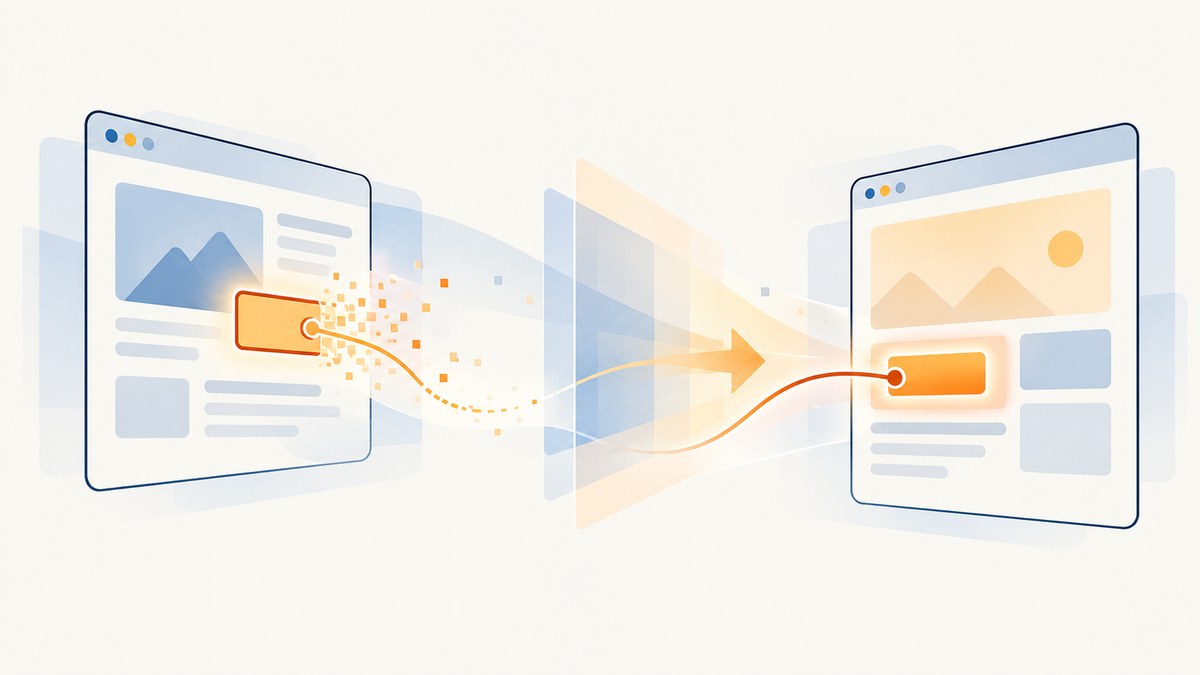
Short answer: an ElementHandle belongs to the DOM node and JavaScript execution context where Puppeteer created it. When its frame navigates, reloads, redirects, or is replaced, that context is destroyed and the handle is automatically disposed. Arm the navigation wait before the action that triggers navigation, await the destination’s readiness signal, then query the element again. Pass strings, numbers, and plain objects across navigation instead of handles.
This article explains the lifecycle, shows complete JavaScript fixes, covers clicks, forms, redirects, single-page applications, frames, popups, evaluateHandle, timing, retries, and diagnostics, and ends with an option that removes the browser setup for screenshot work.
Why an ElementHandle becomes invalid
An ElementHandle is not a permanent selector. It is a reference to one DOM node in one frame’s execution context. Puppeteer’s official API documentation states that “ElementHandles are auto-disposed when their associated frame is navigated away or the parent context gets destroyed.” See the ElementHandle API documentation.
A top-level page.goto(), reload, link click, form submission, server redirect, or frame replacement creates a new document and execution context. The old node may have the same CSS selector, but it is a different node in a different context. Calling handle.evaluate(), reading a property, or using the handle for a later action can therefore fail with:
Error: Execution context was destroyed, most likely because of a navigation.Internally, Puppeteer’s isolated world clears its current context while Chrome replaces it. Any evaluation waiting at that moment can see a destroyed or unavailable context. A detached frame or worker can produce a related error.
The reliable navigation pattern
The safe sequence has four parts:
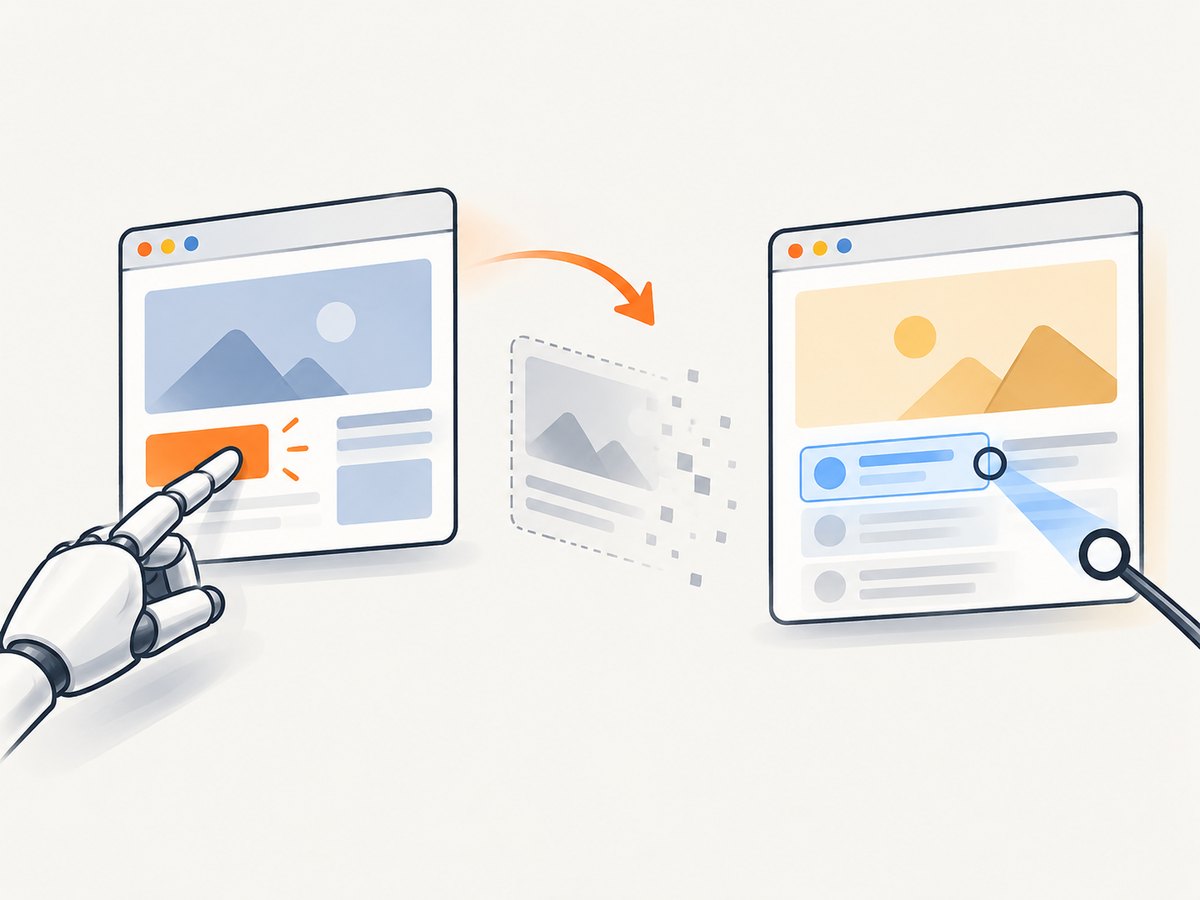
- Find the trigger or use a selector-based action.
- Register the navigation wait before the trigger.
- Await navigation and a page-specific readiness condition.
- Re-select destination elements from the current document.
Puppeteer warns that a click which triggers navigation can race with a separately created waitForNavigation() promise. Put both operations in one Promise.all, with the wait first:
import puppeteer from 'puppeteer';

const browser = await puppeteer.launch({headless: true});
const page = await browser.newPage();

await page.goto('https://example.com/catalog', {
  waitUntil: 'domcontentloaded'
});

const next = await page.$('a.next');
if (!next) throw new Error('Next link was not found');

await Promise.all([
  page.waitForNavigation({waitUntil: 'domcontentloaded'}),
  next.click()
]);

await page.waitForSelector('[data-testid="results"]');
const results = await page.$$eval(
  '[data-testid="results"]',
  nodes => nodes.map(node => node.textContent?.trim() ?? '')
);

console.log(results);
await browser.close();
The old handle is used only to start the click. The destination is read with a fresh selector query. If the click itself is flaky, let Puppeteer resolve the selector at action time:
await Promise.all([
  page.waitForNavigation({waitUntil: 'domcontentloaded'}),
  page.click('a.next')
]);

const heading = await page.$eval(
  'h1',
  element => element.textContent?.trim() ?? ''
);
Choose the right readiness condition
Navigation completion and application readiness are different signals. Select the condition that matches the site:
| Condition | Use it when | Limit |
|---|---|---|
domcontentloaded |
The new HTML must be parsed and scripts can continue. | Images and late API rendering may not be complete. |
load |
Resources needed by the load event must finish. | Some apps keep loading after the event. |
networkidle0 or networkidle2 |
The page settles after a burst of requests. | WebSockets, polling, analytics, and long-lived connections can prevent or delay idle. |
waitForSelector |
A known element proves that the required UI is ready. | The selector must represent real readiness, not merely an empty shell. |
A robust application-specific wait often looks like this:
await Promise.all([
  page.waitForNavigation({waitUntil: 'domcontentloaded'}),
  page.click('button[type="submit"]')
]);

await page.waitForSelector('[data-state="loaded"]', {
  visible: true,
  timeout: 15000
});

const data = await page.$$eval(
  '.result-row',
  rows => rows.map(row => ({
    name: row.querySelector('.name')?.textContent?.trim() ?? '',
    status: row.getAttribute('data-status') ?? ''
  }))
);
Common broken patterns and their repairs
Reading a handle after a click
// Fragile: the click can replace the context.
const next = await page.$('a.next');
await next.click();
const text = await next.evaluate(node => node.textContent);

// Safe: wait, then query the destination.
const next = await page.$('a.next');
await Promise.all([
  page.waitForNavigation({waitUntil: 'domcontentloaded'}),
  next.click()
]);
const text = await page.$eval(
  'h1',
  node => node.textContent?.trim() ?? ''
);
Starting the navigation wait too late
// Race-prone.
await page.click('a.next');
await page.waitForNavigation();

// Correct.
await Promise.all([
  page.waitForNavigation({waitUntil: 'domcontentloaded'}),
  page.click('a.next')
]);
Passing a handle through page.evaluate
Handles are remote objects. They remain tied to their original context even when passed to another evaluation. Extract a serializable value before navigation:
const title = await page.$eval(
  'h1',
  element => element.textContent?.trim() ?? ''
);

await page.goto('https://example.com/next', {
  waitUntil: 'domcontentloaded'
});

// `title` is a string and remains valid.
console.log(title);
Reusing an evaluateHandle wrapper
page.evaluateHandle() wraps an in-page object as a remote handle. Treat it like an ElementHandle: dispose it when finished and never assume it survives navigation.
const stateHandle = await page.evaluateHandle(() => ({
  url: location.href,
  title: document.title
}));

const state = await stateHandle.jsonValue();
await stateHandle.dispose();

await page.goto('https://example.com/next', {
  waitUntil: 'domcontentloaded'
});
console.log(state);
Forms, redirects, reloads, and history changes
Form submission
await page.type('#email', 'developer@example.com');
await Promise.all([
  page.waitForNavigation({waitUntil: 'domcontentloaded'}),
  page.click('button[type="submit"]')
]);

await page.waitForSelector('.account-home');
const accountName = await page.$eval(
  '.account-name',
  node => node.textContent?.trim() ?? ''
);
The final URL may differ because of one or more redirects. Wait for navigation to settle, then inspect page.url() and query the final document. Do not assume the first response URL is the page you will read.
Reload
await Promise.all([
  page.waitForNavigation({waitUntil: 'load'}),
  page.reload()
]);

const freshValue = await page.$eval(
  '#status',
  node => node.textContent?.trim() ?? ''
);
History and same-document SPA transitions
history.pushState and many client-side router transitions can change the URL without a traditional document navigation. In that case, waitForNavigation() may not resolve. Wait for the route’s UI marker or observe the URL:
await page.click('[data-route="reports"]');
await page.waitForFunction(
  () => location.pathname === '/reports',
  {timeout: 15000}
);
await page.waitForSelector('[data-testid="reports-ready"]');

const reportTitle = await page.$eval(
  'h1',
  node => node.textContent?.trim() ?? ''
);
For applications with a route event exposed by the app, waiting on that event or a stable readiness attribute is preferable to a generic network-idle timeout.
Frames, detached frames, and popups
An element inside an iframe belongs to the iframe’s frame context. A navigation of that frame invalidates its handles even if the top-level page URL does not change. Obtain the frame again and query inside it:
const frame = page.frames().find(f => f.url().includes('/checkout'));
if (!frame) throw new Error('Checkout frame not found');

await frame.waitForSelector('#pay');
await Promise.all([
  frame.waitForNavigation({waitUntil: 'domcontentloaded'}),
  frame.click('#pay')
]);

const confirmation = await frame.$eval(
  '.confirmation',
  node => node.textContent?.trim() ?? ''
);
If the frame is detached, discard both the frame reference and its handles. Wait for the new frame to appear, then reacquire it from page.frames() or with a frame selector.
A click that opens a new tab has a different target. Wait for the browser target, obtain its page, and query there:
const popupPromise = new Promise(resolve =>
  browser.once('targetcreated', async target => resolve(target.page()))
);

await page.click('a[target="_blank"]');
const popup = await popupPromise;
if (!popup) throw new Error('Popup page was not created');

await popup.waitForNavigation({waitUntil: 'domcontentloaded'});
const popupHeading = await popup.$eval(
  'h1',
  node => node.textContent?.trim() ?? ''
);
When a selector is more durable than a handle
A selector is an instruction that can be applied to the current document. A handle is an object tied to one document. Prefer selector-based methods after boundaries that may replace the context:
page.click(selector)for a one-time action.page.waitForSelector(selector)before reading or acting.page.$eval(selector, fn)for one serializable result.page.$$eval(selector, fn)for a list of serializable results.
Handles remain useful when several operations must target the same node without navigation. Keep their lifetime short, check for null, and dispose explicitly when you created long-lived remote objects.
Debugging checklist
- List every operation that can replace a context:
goto, reload, link clicks, form submits, redirects, route transitions, frame navigation, and popups. - Confirm the wait is registered before the triggering action.
- Log
page.url()after the wait to verify the destination. - Wait for a destination-specific selector or readiness attribute.
- Replace every post-navigation handle use with a fresh query.
- Convert required values to strings, numbers, arrays, or plain objects before navigation.
- Check whether the frame was detached or a second navigation started by application code.
- For SPA routes, wait for the route and rendered state instead of expecting
waitForNavigation(). - Increase timeouts only after identifying the missing readiness signal.
Troubleshooting common errors
| Symptom | Likely cause | Fix |
|---|---|---|
Execution context was destroyed |
Evaluation overlapped a navigation or reload. | Arm the wait before the trigger and reacquire the element afterward. |
Cannot find context with specified id |
The frame context was replaced or detached. | Discard frame and handle references; find the current frame again. |
Node is detached from document |
The app rerendered and replaced the node without a full navigation. | Re-query immediately before the action and wait for a stable UI marker. |
| Navigation wait times out | The click used client-side routing, opened a popup, or did not navigate. | Wait for a route change, popup target, or readiness selector appropriate to the action. |
| The page is loaded but data is missing | domcontentloaded completed before API-rendered content. |
Wait for the application’s loaded marker or a specific result selector. |
| Intermittent failures only under load | A race between the trigger, navigation, and evaluation. | Use one Promise.all, avoid arbitrary sleeps, and log URLs and readiness states. |
Performance, reliability, and cost considerations
Re-querying after navigation is cheap compared with retrying a failed workflow. Avoid holding handles across long waits, because rerenders can detach nodes even without a top-level navigation. Use the narrowest readiness selector that proves the data you need, and avoid unbounded network-idle waits on pages with polling or sockets.
For repeated jobs, isolate each URL in a fresh page or carefully reset page state. Set explicit navigation and selector timeouts, capture the final URL and error text in logs, and retry only idempotent operations. A retry should start by reacquiring the page state; replaying a stale handle cannot repair the old context.
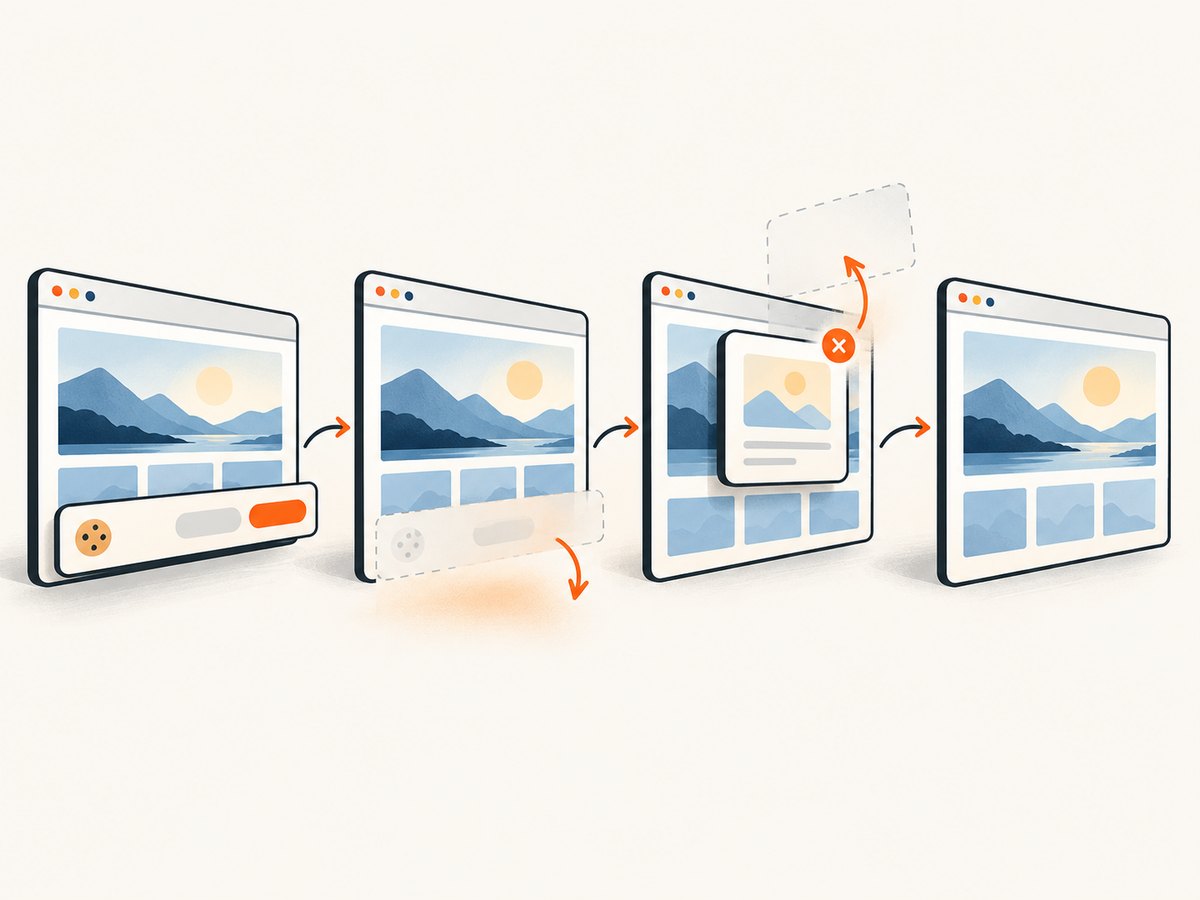
If your goal is a screenshot rather than interactive browser automation, running Chromium for every capture adds startup, navigation, and maintenance cost. ScreenshotNeo provides a website screenshot API at screenshotneo.com. It accepts one GET request and returns PNG, JPEG, WebP, or PDF. Its cleanup step accepts cookie and consent banners like a visitor and removes more than 60 known consent platforms, newsletter popups, and chat widgets; each step can be disabled.
Or skip the browser setup
For a capture that does not require your own Puppeteer workflow, call ScreenshotNeo directly. See the ScreenshotNeo API documentation for the complete option list.
curl -G "https://api.screenshotneo.com/v1/shot" -d access_key=YOUR_API_KEY --data-urlencode url=https://stripe.com -o shot.webpimport requests
r = requests.get("https://api.screenshotneo.com/v1/shot", params={"access_key": "YOUR_API_KEY", "url": "https://stripe.com"}, timeout=90)
open("shot.webp", "wb").write(r.content)const q = new URLSearchParams({ access_key: 'YOUR_API_KEY', url: 'https://stripe.com' });
const res = await fetch(`https://api.screenshotneo.com/v1/shot?${q}`);ScreenshotNeo supports full-page captures with lazy images loaded, CSS-selector element captures, dark mode, 12 device presets or any viewport, retina scale, PDF paper sizes and ranges, HTML/CSS to image, custom CSS and JavaScript, clicks, selector and network-idle waits, ad and tracker blocking, custom headers and cookies, user agents, authorization, timezone and geolocation, transparent backgrounds, resizing, configurable-TTL caching, signed links, asynchronous jobs with signed webhooks, bulk capture of up to 100 URLs per call, a usage API, and an OpenAPI specification. Parameter names used by other screenshot APIs also work to ease migration.
Only clean shots are billed. Bot checks or CAPTCHAs, blank pages, timeouts, failed loads, and cache hits cost nothing, and response headers report the page verdict and whether it was billed through X-Page-Verdict and X-Billed. An MCP server exposes take_screenshot, get_page_info, and capture_pdf to Claude, Cursor, and other MCP clients.
The Free plan includes 1,000 screenshots per month with no card. Paid plans start at $5 for 3,000 shots; yearly billing provides two months free. Create a free ScreenshotNeo account and start with the included monthly shots.
FAQ
Can I keep a handle if the URL does not change?
No. A same-URL reload or frame replacement still creates a new context. Reacquire the node whenever its document or frame may have been replaced.
Should I always use networkidle0?
No. It can hang on pages with WebSockets, polling, or analytics. Prefer a selector or application readiness signal when one exists.
Does disposing a handle make it valid again?
No. Disposal releases the remote reference. It cannot restore a context destroyed by navigation.
Why does a click work but the next line fail?
The click begins before the old context is destroyed, while the next line evaluates against the handle after navigation has replaced that context.
What should cross a navigation boundary?
Extract serializable data such as strings, numbers, arrays, and plain objects. Recreate DOM references in the destination document.


