How to Configure a Firefox Proxy With Puppeteer for Node.js
Configure Firefox page traffic through a proxy in Puppeteer for Node.js, with working code, proxy scope, authentication limits, troubleshooting, and alternatives.
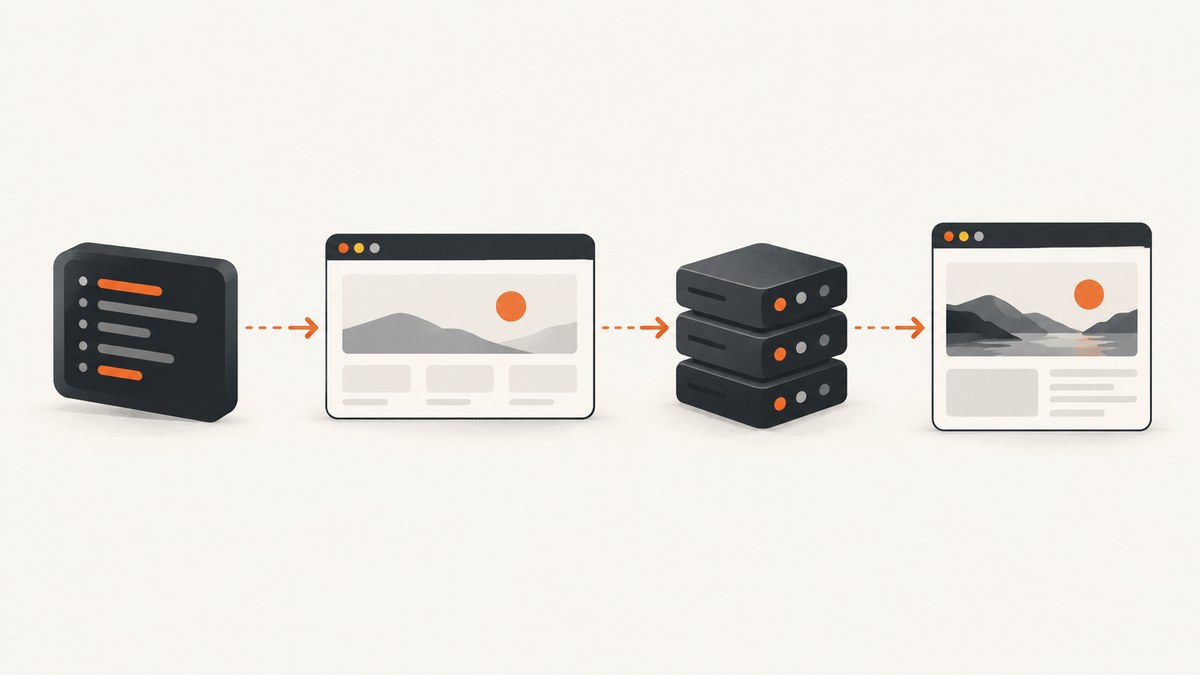
To configure a proxy for Firefox page traffic in Puppeteer, launch Puppeteer with browser: 'firefox' and pass Firefox network preferences through extraPrefsFirefox. Set the HTTP and SSL proxy host and port in those preferences, then create pages normally. The proxy settings belong to Firefox itself; Puppeteer’s HTTP_PROXY and HTTPS_PROXY environment variables describe browser download and tooling traffic, not the requests made by a Firefox page.
This distinction matters when you are scraping through a regional endpoint, testing a site from a controlled network, or routing automation traffic through an internal gateway. The example below is a complete Node.js program. Replace the host, port, and URL with values for your environment.
1. Install Puppeteer and choose Firefox
Use the full puppeteer package when you want Puppeteer to manage a compatible browser download. The package includes the launch API and normally downloads the browser revision it expects. If you use puppeteer-core, you must provide an executablePath or a channel yourself.
mkdir firefox-proxy-demo
cd firefox-proxy-demo
npm init -y
npm install puppeteer
Firefox support and the paired browser revision change over time. Puppeteer’s support table is a versioned compatibility reference, and Firefox support moved to stable releases starting with Puppeteer v23. When possible, use the Firefox build paired with your installed Puppeteer version. The launch-options documentation warns that Puppeteer is only guaranteed to work with its bundled browser. Check the current Firefox support guide and LaunchOptions reference before pinning a custom executable.
2. Configure HTTP and HTTPS proxy preferences
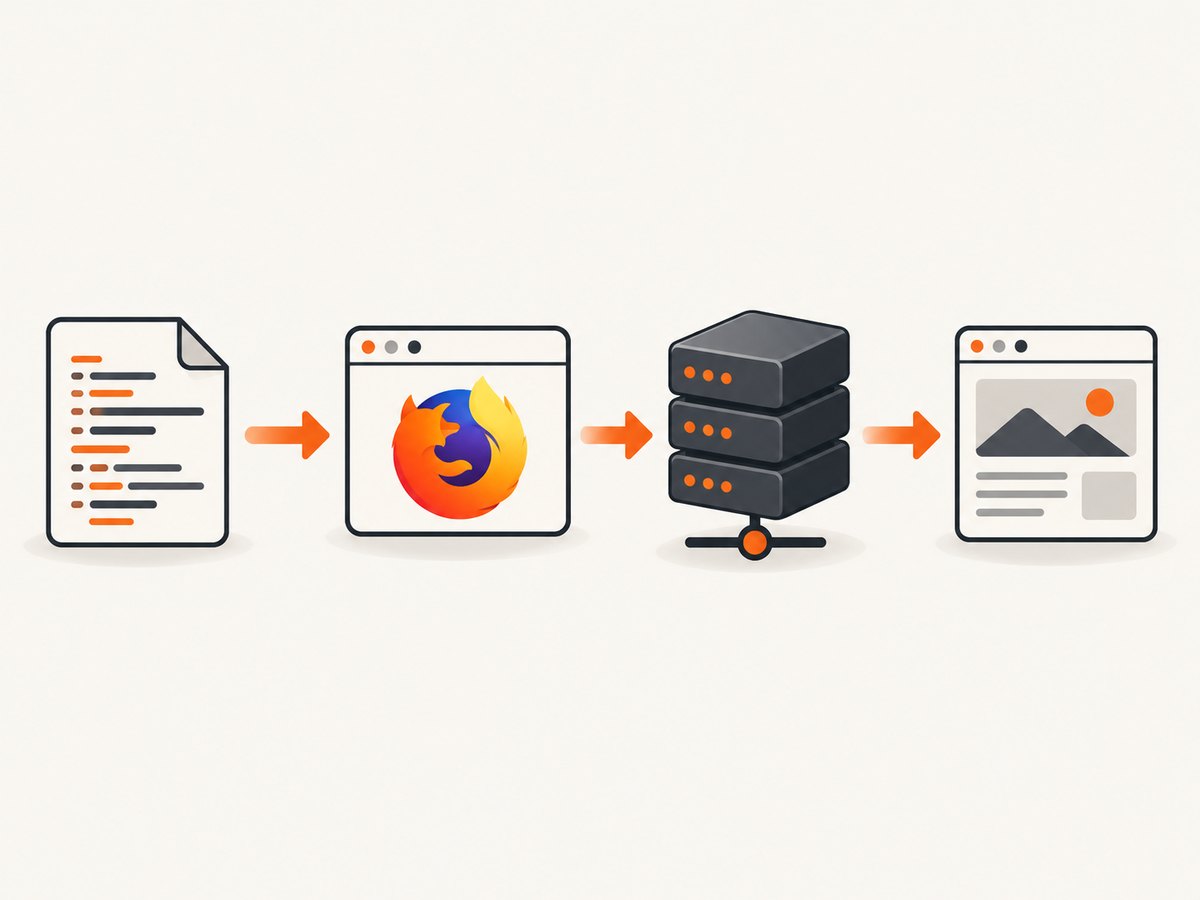
Firefox stores proxy configuration as preferences. Puppeteer exposes those settings through extraPrefsFirefox, an object applied when Firefox starts. The common setup defines four values:
| Preference | Purpose |
|---|---|
network.proxy.type |
1 selects manual proxy configuration. |
network.proxy.http |
Hostname or IP address for the HTTP proxy. |
network.proxy.http_port |
Listener port for HTTP proxy traffic. |
network.proxy.ssl |
Hostname or IP address for HTTPS destinations. |
network.proxy.ssl_port |
Listener port for HTTPS proxy traffic. |
Here is a runnable ES module. It navigates to a page and prints the title and the response status.
import puppeteer from 'puppeteer';

const browser = await puppeteer.launch({
  browser: 'firefox',
  headless: true,
  extraPrefsFirefox: {
    'network.proxy.type': 1,
    'network.proxy.http': 'proxy.example.com',
    'network.proxy.http_port': 8080,
    'network.proxy.ssl': 'proxy.example.com',
    'network.proxy.ssl_port': 8080,
  },
});

try {
  const page = await browser.newPage();
  const response = await page.goto('https://example.com', {
    waitUntil: 'domcontentloaded',
    timeout: 60000,
  });

  console.log({
    status: response?.status(),
    title: await page.title(),
    finalUrl: page.url(),
  });
} finally {
  await browser.close();
}
If your project uses CommonJS, replace the import with const puppeteer = require('puppeteer'); and place the logic inside an async function. For puppeteer-core, add a browser path or channel:
import puppeteer from 'puppeteer-core';

const browser = await puppeteer.launch({
  browser: 'firefox',
  executablePath: '/path/to/firefox',
  headless: true,
  extraPrefsFirefox: {
    'network.proxy.type': 1,
    'network.proxy.http': 'proxy.example.com',
    'network.proxy.http_port': 8080,
    'network.proxy.ssl': 'proxy.example.com',
    'network.proxy.ssl_port': 8080,
  },
});
3. Verify that the page is using the proxy
A successful browser launch does not prove that page traffic used the proxy. Verify the effective public address with an endpoint you control or trust. Record the address returned by that endpoint, compare it with the expected proxy egress address, and then continue to the target site. Avoid treating an arbitrary public “what is my IP” service as a security boundary.
const page = await browser.newPage();
await page.goto('https://your-verification-endpoint.example/ip', {
  waitUntil: 'networkidle2',
  timeout: 60000,
});
console.log(await page.evaluate(() => document.body.innerText));
Also log the final URL and status. A redirect, DNS failure, certificate error, or proxy-generated error page can otherwise look like a successful navigation in a script that only waits for a page object.
4. Understand proxy scope in Puppeteer
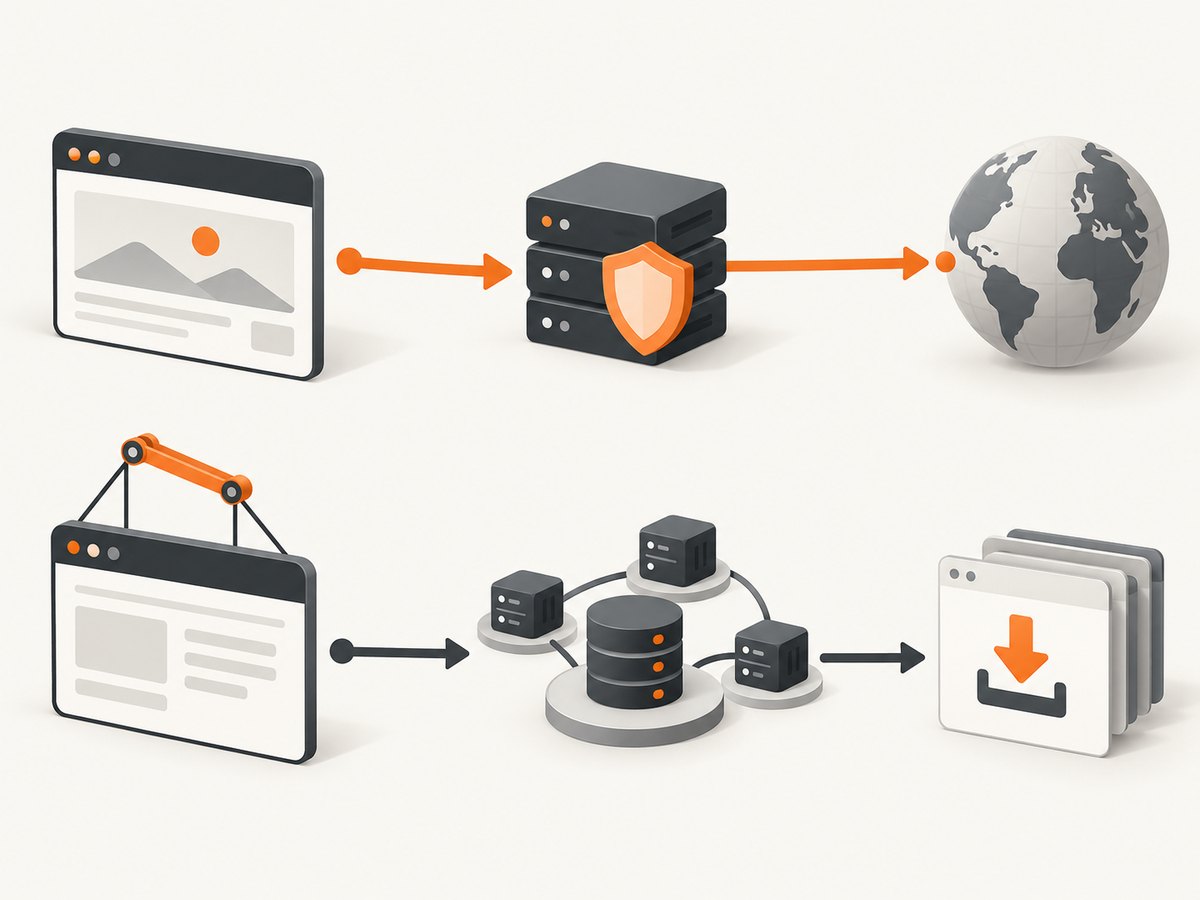
There are two separate traffic paths:
| Traffic | Configuration | What it affects |
|---|---|---|
| Firefox page traffic | extraPrefsFirefox preferences |
HTTP and HTTPS requests issued by pages in the Firefox instance. |
| Puppeteer browser tooling | HTTP_PROXY, HTTPS_PROXY, NO_PROXY, with proxy-agent as documented by @puppeteer/browsers |
Browser downloads and related tooling requests. |
Setting an environment variable can therefore make a browser download succeed while leaving Firefox page requests direct. Conversely, a Firefox preference can route the page while the Puppeteer download still needs its own proxy configuration. Configure each scope deliberately.
5. Select the right Firefox preferences
HTTP and HTTPS destinations
For a proxy that accepts both protocols, set both the http and ssl host and port pairs. The names refer to the destination protocol handled by Firefox. Confirm that your endpoint actually supports the protocol you assign to it; an HTTP forward proxy and a SOCKS endpoint are not interchangeable.
SOCKS endpoints
Firefox has separate SOCKS preferences, including network.proxy.socks, network.proxy.socks_port, and network.proxy.socks_version. The Puppeteer launch API documents preference injection, but it does not provide a proxy recipe for every Firefox protocol. If you use SOCKS, confirm the preference behavior against the Firefox version paired with your Puppeteer release and decide whether DNS should resolve through the SOCKS endpoint for your threat model.
Bypass lists and direct connections
Firefox can maintain a no-proxy list for hosts that should connect directly. Whether that is appropriate depends on your network design. A bypass can expose internal hostnames or produce different behavior between development and production. Review bypass rules, DNS resolution, WebRTC behavior, and any enterprise policies before assuming all traffic follows one route.
Custom certificates
Intercepting proxies may re-sign TLS traffic with an internal certificate authority. Firefox must trust that authority. Installing a certificate or disabling certificate checks is an environment and security decision; do not add an insecure bypass simply to make an automation run green.
6. Proxy authentication: what is and is not established
The cited Puppeteer launch documentation establishes how to inject Firefox preferences, not a complete credential workflow for authenticated Firefox proxies. Do not copy Chrome-oriented page.authenticate() examples and assume they work identically in Firefox.
First determine how your endpoint authenticates: IP allowlisting, credentials in a proxy URL, a browser prompt, or an external gateway. Then test that exact mechanism with the Firefox and Puppeteer versions you deploy. Keep credentials outside source control, preferably in a secret manager or environment variables. If the proxy requires an interactive challenge, capture diagnostic logs and confirm whether the challenge is handled by Firefox, the proxy, or an upstream network component.
7. A production-ready navigation pattern
Proxy failures often appear as navigation timeouts. Use bounded timeouts, capture the response when available, and always close the browser in a finally block. A retry should create a fresh page or browser context when the proxy may have left a connection in a bad state.
async function openThroughProxy(browser, url) {
  const page = await browser.newPage();
  page.setDefaultNavigationTimeout(60000);

  try {
    const response = await page.goto(url, {
      waitUntil: 'domcontentloaded',
      timeout: 60000,
    });

    if (!response) {
      throw new Error('Navigation produced no main resource response');
    }
    if (!response.ok()) {
      throw new Error(`Target returned HTTP ${response.status()}`);
    }

    return {
      status: response.status(),
      url: page.url(),
      title: await page.title(),
    };
  } finally {
    await page.close();
  }
}
Use domcontentloaded when you only need the initial document. Use networkidle2 for pages that must settle, but expect analytics, streaming, and long polling to prevent an idle state. For those applications, wait for a known selector or an application-specific readiness signal instead.
8. Troubleshooting common errors
| Symptom | Likely cause | Fix |
|---|---|---|
| Firefox opens but the public address is unchanged | Chrome was launched, a preference key is misspelled, or the proxy listener is not reachable. | Set browser: 'firefox', check every host and port, and verify through a trusted endpoint. |
ERR_PROXY_CONNECTION_FAILED or a proxy error page |
Wrong port, stopped endpoint, firewall rule, or protocol mismatch. | Test the endpoint from the same machine, confirm HTTP versus HTTPS handling, and inspect proxy logs. |
| Navigation times out | The proxy is slow, DNS is unresolved, the target blocks the egress address, or the page never becomes idle. | Use a bounded timeout, try domcontentloaded, wait for a selector, and test a simple URL first. |
| Authentication prompt or 407 response | The proxy requires credentials and the chosen Firefox workflow has not supplied them. | Confirm the proxy’s authentication method and validate it with the exact Firefox build. Do not assume page.authenticate() is supported. |
| Certificate warning | The proxy performs TLS interception or presents an untrusted certificate. | Install the correct CA in the runtime image or fix the proxy certificate chain. |
| Custom executable behaves differently | The Firefox build is outside Puppeteer’s tested pairing. | Try Puppeteer’s bundled browser, then consult the current support matrix before pinning another build. |
| Environment proxy variables have no effect on the page | Those variables are being used for browser tooling, not Firefox page traffic. | Configure extraPrefsFirefox and separately configure tooling downloads with the documented proxy-agent setup. |
9. Reliability, security, and performance considerations
A proxy adds another network hop, so expect additional connection setup and latency. Reuse one browser for a controlled batch of pages, but close pages promptly to avoid memory growth. Keep concurrency below the proxy’s connection and bandwidth limits; raising parallelism can turn intermittent timeouts into systematic failures.
Use a health check before a large job, record proxy endpoint, Firefox version, Puppeteer version, target URL, status, and elapsed time, and classify failures by DNS, TCP, TLS, authentication, HTTP status, and navigation timeout. Retry only transient classes. Repeating an authentication or policy failure wastes time and can trigger rate limits.
Proxy credentials can appear in process arguments, logs, crash reports, or diagnostic URLs if handled carelessly. Prefer secret injection, redact authorization values, and never print complete proxy URLs. Treat the proxy as able to observe destinations and possibly traffic metadata. Use an endpoint authorized for the sites and data you access.
10. When a managed screenshot API is simpler
If your goal is a rendered screenshot rather than browser-level control, ScreenshotNeo removes the need to operate Puppeteer and Firefox yourself. It accepts one GET request and returns PNG, JPEG, WebP, or PDF. Its capture options include full-page screenshots with lazy images, CSS-selector element capture, device presets, custom viewports, dark mode, retina scale, custom CSS and JavaScript, waits, request blocking, headers, cookies, user agents, authorization, timezone, geolocation, resizing, caching, signed links, asynchronous jobs, bulk capture, and PDF controls.
Or skip the browser setup
Use the ScreenshotNeo endpoint when you need a clean capture without maintaining a Firefox runtime:
curl -G "https://api.screenshotneo.com/v1/shot" -d access_key=YOUR_API_KEY --data-urlencode url=https://stripe.com -o shot.webp
import requests

r = requests.get(
    "https://api.screenshotneo.com/v1/shot",
    params={"access_key": "YOUR_API_KEY", "url": "https://stripe.com"},
    timeout=90,
)
r.raise_for_status()
open("shot.webp", "wb").write(r.content)
const q = new URLSearchParams({ access_key: 'YOUR_API_KEY', url: 'https://stripe.com' });
const res = await fetch(`https://api.screenshotneo.com/v1/shot?${q}`);
if (!res.ok) throw new Error(`Screenshot failed: ${res.status}`);
const bytes = new Uint8Array(await res.arrayBuffer());
await import('node:fs/promises').then(fs => fs.writeFile('shot.webp', bytes));
See the ScreenshotNeo API documentation for parameters and response details. Cookie banners, newsletter popups, and chat widgets are removed before the shot. Bot checks, blank pages, failed loads, timeouts, and cache hits are not billed, and the response identifies the page verdict and billing result in X-Page-Verdict and X-Billed headers. An MCP server provides take_screenshot, get_page_info, and capture_pdf tools for Claude, Cursor, and other MCP clients. The Free plan includes 1,000 screenshots each month with no card; paid plans start at $5 for 3,000 shots. Create a free ScreenshotNeo account.
11. Cost and operational trade-offs
Self-hosted Puppeteer costs include compute, browser storage, proxy bandwidth, maintenance, and engineering time for retries, compatibility, certificates, and observability. A managed API changes the cost model to requests and plan limits, while eliminating browser provisioning. Compare the number of captures, required browser interactions, proxy requirements, and whether you need raw browser control before choosing.
12. FAQ
Does HTTP_PROXY work for Firefox page traffic?
Do not rely on it for page traffic. Configure Firefox preferences through extraPrefsFirefox. Environment variables are documented for Puppeteer browser tooling and downloads, with proxy-agent required for that tooling path.
Can I change the Firefox proxy after launch?
The reliable pattern is to launch a browser with the desired preferences. For separate proxy endpoints, use separate browser processes and verify each egress address.
Must I set both HTTP and SSL preferences?
Set both when the endpoint should handle HTTP and HTTPS destinations. Confirm the proxy protocol and listener ports with its operator.
Why does a page load directly even though the browser launched?
Check that Firefox was selected, the preference values were applied, and no bypass rule or enterprise policy overrides them. Verify the public egress address from a trusted endpoint.
Should I use a custom Firefox executable?
Only when you have a compatibility reason and a repeatable validation process. Puppeteer guarantees compatibility with its bundled browser, while custom builds can change preference behavior or protocol support.


