How to Use Puppeteer’s HeadlessExperimental Mode
HeadlessExperimental is a Chrome DevTools Protocol domain, not a Puppeteer launch option. Learn which headless mode to choose and when low-level frame control fits.
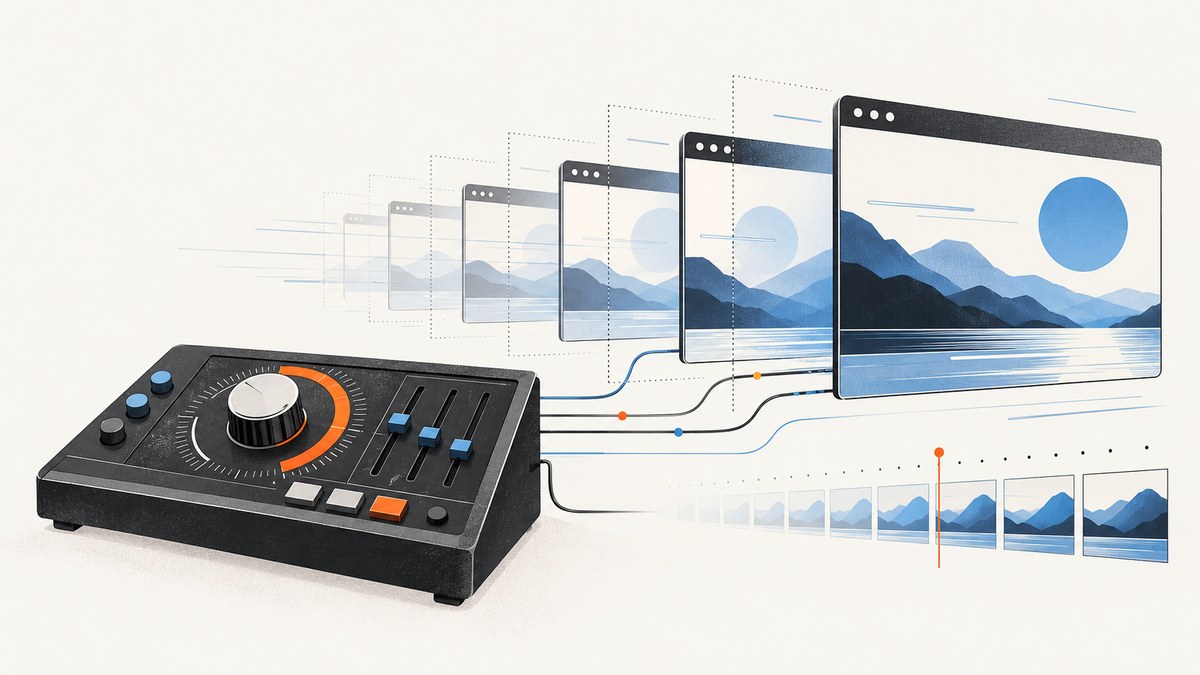
HeadlessExperimental is not a Puppeteer launch() option. It is an experimental Chrome DevTools Protocol (CDP) domain for headless Chrome. Puppeteer’s supported launch choices are headless: true for regular Chrome Headless, headless: 'shell' for the standalone Headless Shell binary, and headless: false for a visible browser. Use the domain’s beginFrame command only when you need specialized control over rendering frames; ordinary navigation, interaction, and screenshots are usually better served by Puppeteer’s page APIs.
The naming is easy to misread: selecting a Puppeteer headless mode does not enable the CDP domain, and sending a domain command does not select a browser binary. The protocol is experimental and version-sensitive, so check the protocol exposed by the Chrome build you actually run before depending on it.
1. Choose the right Puppeteer headless mode
For most automation, start with regular Chrome Headless. It is the default and provides Chrome’s normal browser functionality without a visible window. Choose Headless Shell when you specifically want the separate chrome-headless-shell binary and its older headless implementation. Use a visible browser when debugging behavior that is hard to diagnose from a background run.
| Launch setting | What it selects | Typical use |
|---|---|---|
true |
Regular Chrome Headless | Default browser automation and capture |
'shell' |
Standalone Chrome Headless Shell | Workloads that do not require the full Chrome functionality |
false |
Visible, headful Chrome | Local debugging and observing page behavior |
Since Chrome 132, the old headless implementation is available as the standalone Headless Shell binary. Current Puppeteer documentation uses true, 'shell', and false; do not copy the historical headless: 'new' spelling into new code without checking the installed Puppeteer version and its documentation. See the Puppeteer headless modes guide and Chrome headless documentation.
2. Run ordinary Puppeteer automation first
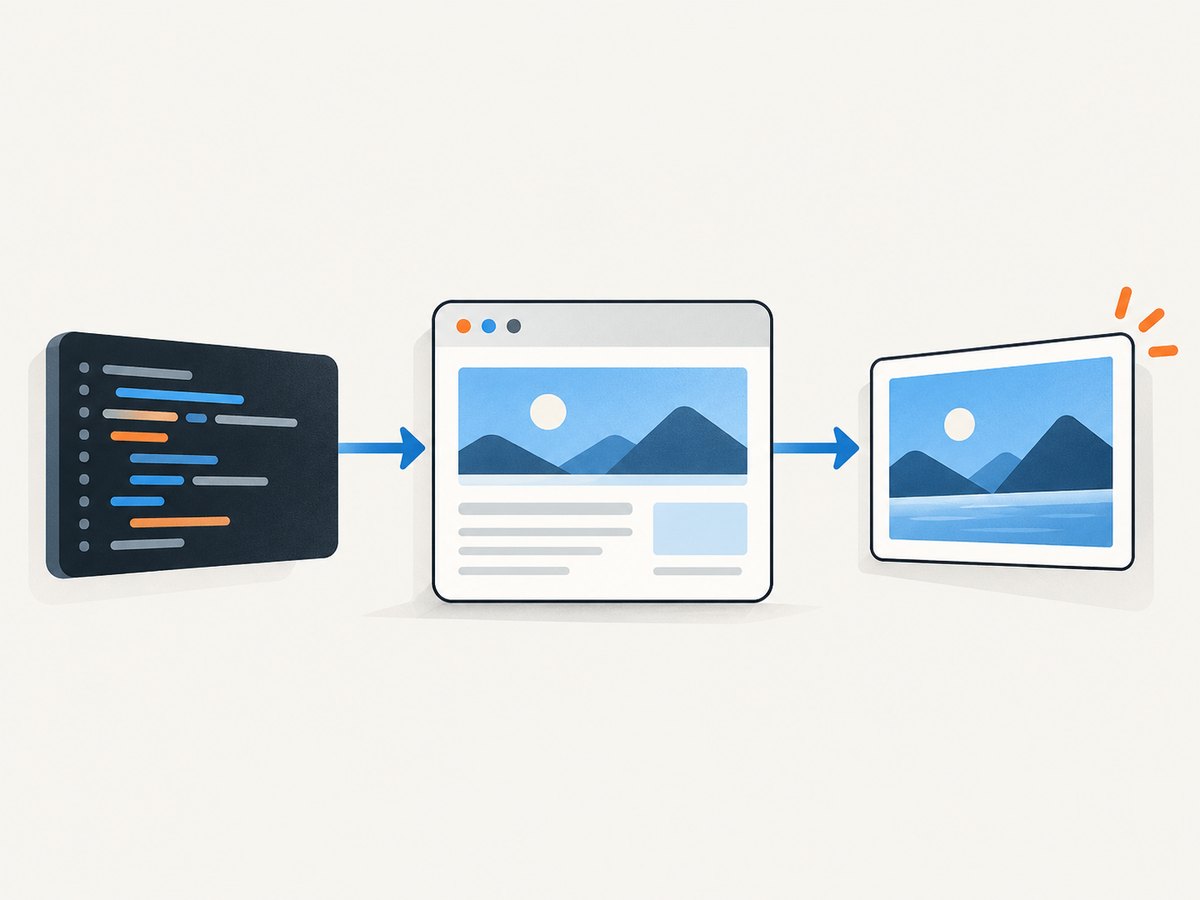
This complete example launches regular headless Chrome, loads a page, waits for its main content, saves a screenshot, and closes the browser even if navigation or capture fails.
import puppeteer from 'puppeteer';

const browser = await puppeteer.launch({ headless: true });
try {
  const page = await browser.newPage();
  await page.setViewport({ width: 1440, height: 900 });
  await page.goto('https://example.com', {
    waitUntil: 'networkidle2',
    timeout: 30_000,
  });
  await page.screenshot({ path: 'page.png', fullPage: true });
} finally {
  await browser.close();
}
Save the file as capture.mjs, install Puppeteer with npm install puppeteer, then run node capture.mjs. The puppeteer package downloads a compatible browser during installation; if your environment manages Chrome separately, configure the executable as appropriate for that installation. For HTML content that keeps changing, choose a meaningful readiness condition—such as a selector or application-specific signal—instead of assuming that a network-idle event means every visual element is ready.
When CDP is relevant
Puppeteer talks to Chrome over CDP by default, and it supports opening a CDP session for lower-level commands. That makes CDP available as an escape hatch; it does not mean every protocol domain is stable or suitable for routine page work. The current protocol reference describes HeadlessExperimental as a headless-only experimental domain. Its notable method is beginFrame. Its enable and disable methods are deprecated.
The key prerequisite for beginFrame is that the target must have been created with BeginFrameControl enabled. A regular Puppeteer page is not, by itself, evidence that this prerequisite is satisfied. The reviewed documentation does not establish a current, generally supported Puppeteer sequence that creates such a target and configures it. Do not present a call to HeadlessExperimental.beginFrame on an arbitrary page as a reliable drop-in recipe: first verify target creation, command availability, and parameters against the protocol implementation of your Chrome build.
3. Inspect the protocol your browser exposes
Protocol support can vary with the Chrome or Chromium build. The DevTools Protocol site describes the canonical definitions as maintained in Chromium, and a running Chrome exposes its protocol at /json/protocol. Inspect that endpoint for the browser attached to your automation environment, or consult the matching protocol definitions, before writing code around an experimental command.
- Record the Puppeteer package version and the exact browser build used by your job.
- Inspect the browser’s protocol definition and search for
HeadlessExperimentalandbeginFrame. - Confirm that the command parameters and return fields match the protocol reference for that build.
- Verify how the target is created with BeginFrameControl enabled. If your supported browser setup does not provide that target, stop: sending the command to a normal page does not meet its prerequisite.
- Keep this specialized path isolated behind a version-aware check and retain a standard Puppeteer page workflow when frame-by-frame control is not required.
The HeadlessExperimental protocol reference is the place to check the domain’s current schema. The tot reference can move over time; compare it with the protocol returned by your running browser rather than assuming that the latest schema matches an older deployment.
4. Understand what beginFrame controls
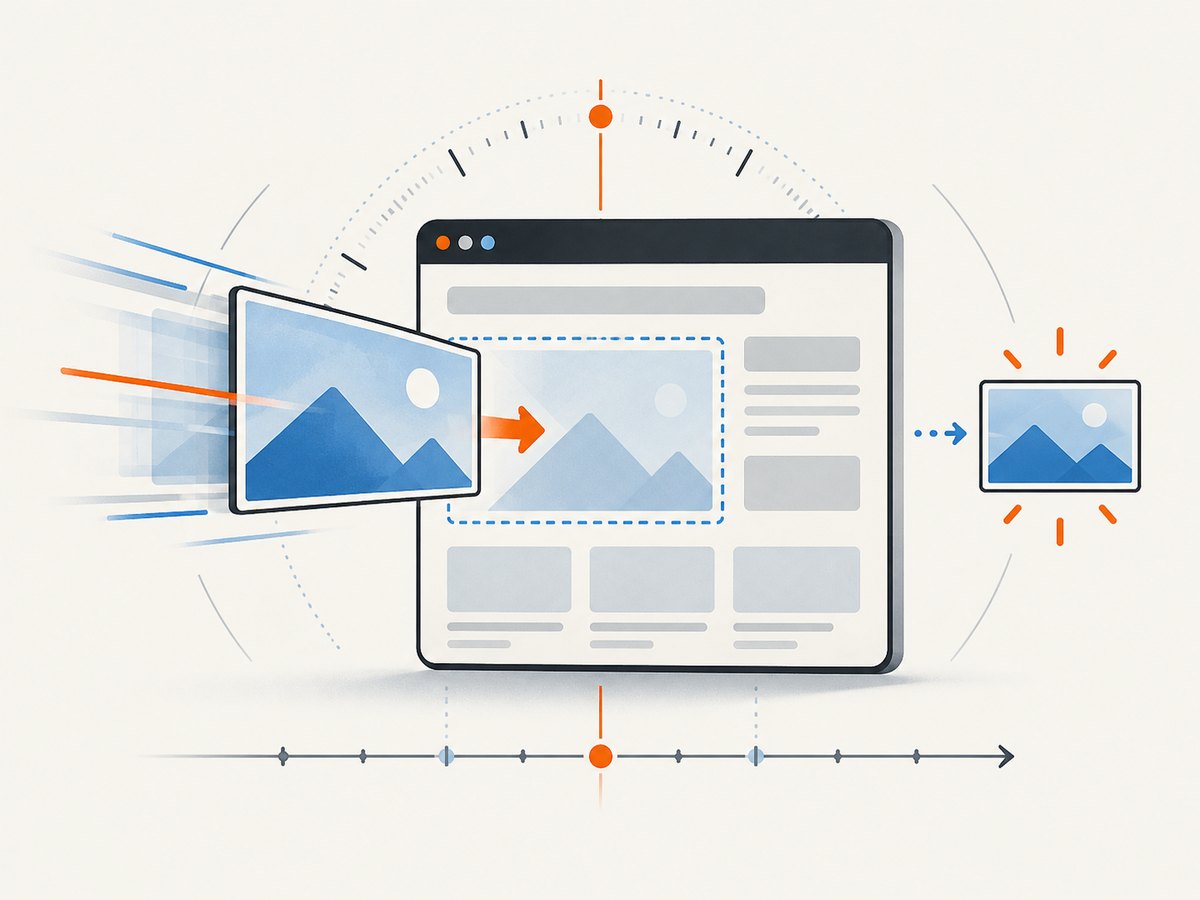
beginFrame sends a BeginFrame to its target and waits for that frame to complete. It can optionally return a screenshot, but screenshot capture may fail, including while the renderer is initializing. The response can include hasDamage for diagnostics and base64 screenshotData when capture succeeds.
| Field | Meaning | Practical consideration |
|---|---|---|
frameTimeTicks |
Renderer uptime timestamp, in milliseconds | It is renderer-relative time, not a wall-clock timestamp. |
interval |
Reported compositor frame interval | Defaults to approximately 16.666 ms when omitted. |
noDisplayUpdates |
Allows side effects, such as layout or animation, without visible updates | Use only when this rendering behavior is intended. |
screenshot |
Optional screenshot settings | Supports JPEG, PNG, or WebP; JPEG and WebP accept quality settings. |
optimizeForSpeed |
Screenshot encoding option | Check the matching protocol schema for availability and exact behavior. |
For JPEG or WebP, the protocol documents an integer quality value from 0 to 100. A requested screenshot is optional output, not a guarantee that every frame will produce image data. Handle a missing or failed capture as a possible renderer or protocol condition, and keep diagnostics that distinguish it from a navigation failure.
5. Troubleshooting
| Symptom | Likely cause | What to check or change |
|---|---|---|
Unknown method or Method not found |
The connected browser does not expose that method, or the protocol version differs. | Inspect the protocol at /json/protocol on the browser actually in use. Do not infer support from a different local Chrome installation. |
| Command rejected because target is not configured | beginFrame requires a target created with BeginFrameControl enabled. |
Verify target creation in the relevant browser setup. A normal page target may not qualify; do not treat HeadlessExperimental.enable as a substitute. |
| Works locally, fails in CI | CI may run another Chrome build, binary, or Puppeteer version. | Log package and browser versions, then inspect the CI browser’s protocol. Pin compatible versions where your deployment process requires reproducibility. |
| Screenshot data is absent or capture fails at startup | Screenshot capture is optional and may fail during renderer initialization. | Check the response fields and renderer readiness. Retry only under a bounded policy and record that frame completion and screenshot encoding are separate outcomes. |
| Page screenshot differs between runs | Fonts, asynchronous content, animations, viewport, or readiness timing may vary. | Set a fixed viewport, wait for application-specific readiness, and control page state where possible. Use explicit frame scheduling only if the target supports it and the task needs it. |
| Browser hangs or the script exits early | Navigation or screenshot work can throw before cleanup. | Put browser shutdown in a finally block, set navigation timeouts, and capture the original error in logs. |
For interactive diagnosis, Puppeteer recommends launching with headless: false. Its debugging guide also documents protocol traffic logging; those logs can include sensitive data, so handle them accordingly. See Puppeteer debugging. The Puppeteer FAQ covers its CDP support context.
6. Performance, reliability, and cost
Regular page APIs are usually the simpler and more maintainable route for screenshots and browser automation. A lower-level frame command adds protocol-version coupling and target-setup requirements. Its explicit frame timing can fit specialized rendering workflows, but it is not a general performance shortcut: benchmark your own workload and browser build before adopting it, and do not assume a deterministic frame alone makes network content or application state deterministic.
For reliability, pin or record the Puppeteer and browser versions used in production, inspect protocol capabilities at startup when relying on experimental commands, and preserve a clear failure path when the method or target prerequisite is absent. Treat optional screenshot output separately from successful frame completion. Avoid retry loops without limits; a renderer initialization issue should not become unbounded work.
Cost depends on where and how you run Chrome: account for browser compute, memory, concurrency, and the time pages spend loading. The research sources provide no universal benchmark or cost figure, so estimate from representative pages and your own infrastructure. If frame-level control is not a real requirement, removing it also removes a source of protocol maintenance.
7. Or skip the browser setup
If the job is simply to capture a website, ScreenshotNeo provides a screenshot API and MCP server. Its one-request API returns a PNG, JPEG, WebP, or PDF. See the ScreenshotNeo API documentation for options.
curl -G "https://api.screenshotneo.com/v1/shot" \
  -d access_key=YOUR_API_KEY \
  --data-urlencode url=https://stripe.com \
  -o shot.webp
Python:
import requests

r = requests.get(
    "https://api.screenshotneo.com/v1/shot",
    params={"access_key": "YOUR_API_KEY", "url": "https://stripe.com"},
    timeout=90,
)
open("shot.webp", "wb").write(r.content)
Node.js:
const q = new URLSearchParams({
  access_key: 'YOUR_API_KEY',
  url: 'https://stripe.com',
});
const res = await fetch(`https://api.screenshotneo.com/v1/shot?${q}`);
if (!res.ok) throw new Error(`Screenshot request failed: ${res.status}`);
const bytes = new Uint8Array(await res.arrayBuffer());
await import('node:fs/promises').then(fs => fs.writeFile('shot.webp', bytes));- Cookie and consent banners are accepted or removed before capture, along with 60+ known consent platforms, newsletter popups, and chat widgets; each step can be turned off.
- Bot checks, CAPTCHAs, blank pages, timeouts, failed loads, and cache hits are not billed. Response headers report the page verdict and billing status.
- An MCP server provides
take_screenshot,get_page_info, andcapture_pdftools for Claude, Cursor, and other MCP clients. - The free plan includes 1,000 screenshots a month with no card. Paid plans start at $5 for 3,000 screenshots; every feature is available on every plan.
Sign up free for 1,000 screenshots a month, no card required.
8. Frequently asked questions
Is HeadlessExperimental the same as headless: true?
No. headless: true chooses regular Chrome Headless. HeadlessExperimental is a CDP domain available only in headless mode.
What replaced headless: 'new'?
Current Puppeteer guidance documents true, 'shell', and false. Use the current headless guide for your installed version rather than relying on the historical migration spelling.
Can I call beginFrame on any Puppeteer page?
Do not assume so. The target must have been created with BeginFrameControl enabled, and command details depend on the browser protocol.
Should I use HeadlessExperimental.enable?
The protocol reference marks enable and disable deprecated. Check the matching protocol documentation and avoid treating either as a way to configure an unsuitable target.
Does beginFrame guarantee a screenshot?
No. Screenshot output is optional and can fail, including during renderer initialization.


