How to Get the Accessibility Tree of an iframe with Puppeteer
Use Puppeteer’s page-level accessibility snapshot with includeIframes: true to capture iframe subtrees, and handle filtering, nested frames, and older versions.
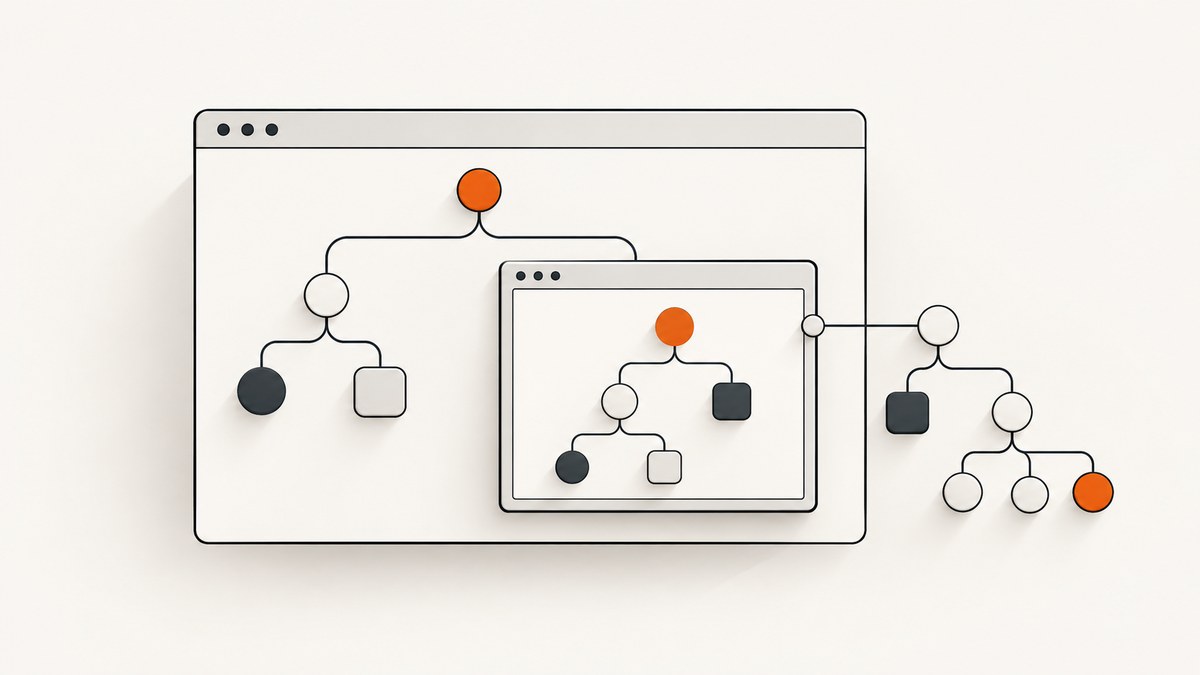
To include iframe content in Puppeteer’s accessibility tree, call page.accessibility.snapshot() with includeIframes: true. That option is off by default. To include nodes Puppeteer normally prunes as uninteresting, also set interestingOnly: false.
const snapshot = await page.accessibility.snapshot({
  includeIframes: true,
});

console.dir(snapshot, { depth: null });
The snapshot is a serialized representation of the page’s current accessibility tree, rooted at the page’s accessible root. It can be null, so check that before walking it. The examples below show a complete runnable setup, ways to inspect and traverse the result, frame-specific DOM work, version checks, troubleshooting, and practical performance guidance.
1. Install Puppeteer and capture the tree
Install Puppeteer in a Node.js project. The package includes a compatible browser download as part of its normal installation flow.
npm install puppeteerSave this as iframe-tree.js. It opens a page, takes the snapshot, handles a missing accessible root, and prints the serialized tree. Replace the example URL with the page you are inspecting.
const puppeteer = require('puppeteer');

async function main() {
  const browser = await puppeteer.launch({ headless: true });

  try {
    const page = await browser.newPage();
    await page.goto('https://example.com', { waitUntil: 'domcontentloaded' });

    const snapshot = await page.accessibility.snapshot({
      includeIframes: true,
    });

    if (snapshot === null) {
      console.log('No accessible root is available for this page.');
      return;
    }

    console.dir(snapshot, { depth: null });
  } finally {
    await browser.close();
  }
}

main().catch((error) => {
  console.error(error);
  process.exitCode = 1;
});
This uses CommonJS syntax, which works in a default Node project. In a project configured for ES modules, replace the first line with import puppeteer from 'puppeteer';. The rest of the example is unchanged.
The domcontentloaded event only tells you that the initial document has been parsed; it does not guarantee that a client-rendered application or a third-party iframe has finished updating. If the content you need appears later, wait for a page-specific selector or condition before taking the snapshot. A fixed delay can work for diagnosis, but a condition tied to the content is usually more reliable.
2. Choose how much of the tree to include
Puppeteer’s snapshot options control iframe inclusion and pruning. Use the narrowest output that answers your question.
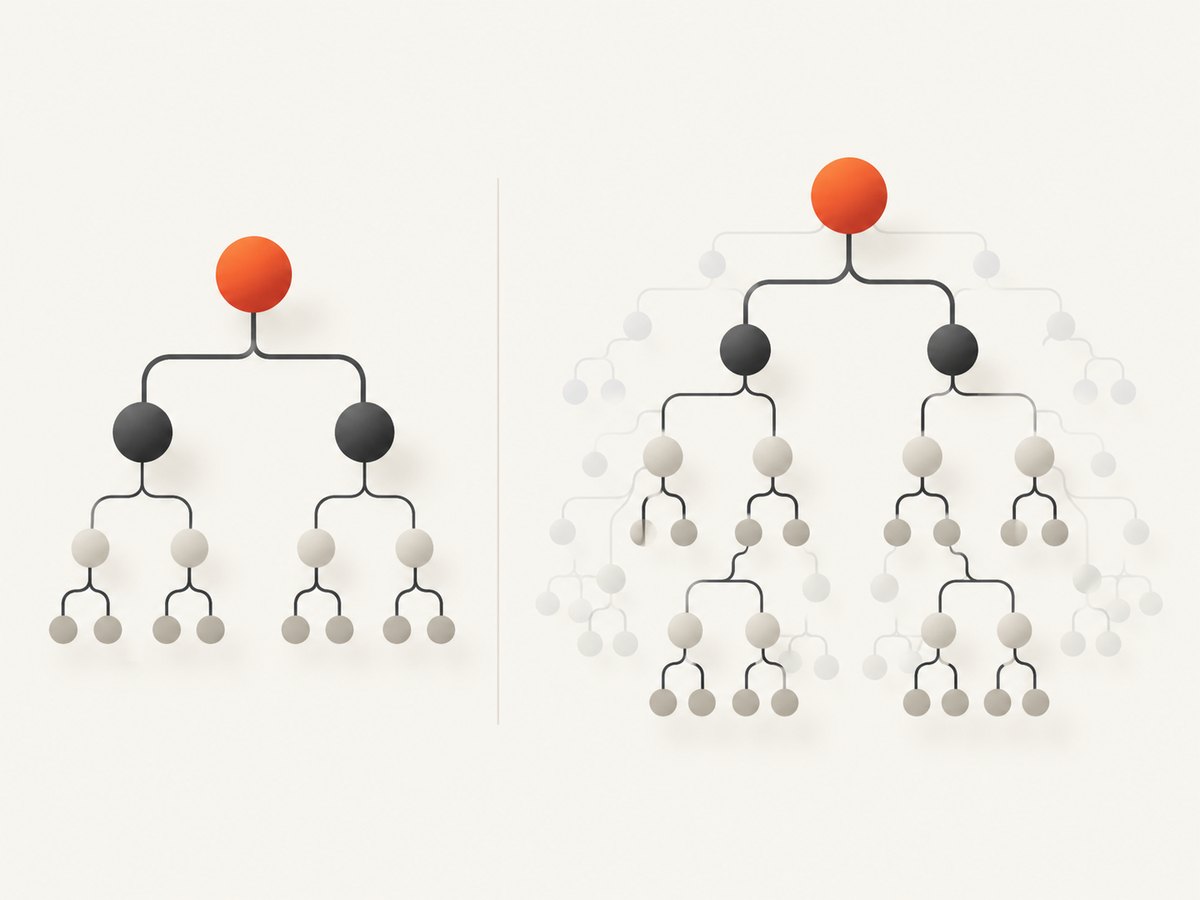
| Option | Default | Effect | Use it when |
|---|---|---|---|
includeIframes |
false |
Includes accessibility trees for each iframe in the frame subtree. | You need accessible content from embedded documents. |
interestingOnly |
true |
Discards nodes Puppeteer treats as uninteresting to make the output easier to process. | Keep the default for a compact, task-focused tree. |
interestingOnly: false |
— | Requests the unpruned tree, including nodes normally removed. | You are debugging tree structure or need broader inspection. |
root |
Page accessibility root | Scopes the snapshot to a supplied element handle. | You only need a subtree and have an appropriate element handle. |
To include iframe subtrees and disable pruning:
const snapshot = await page.accessibility.snapshot({
  includeIframes: true,
  interestingOnly: false,
});
Unpruned output can be much larger and harder to interpret. It is useful for diagnosis, not automatically a better representation of what a user encounters. Hidden DOM content and accessibility-tree content are not interchangeable concepts; inspect the returned roles and properties rather than assuming every DOM node will appear.
The exact available options depend on the Puppeteer API version your project has installed. If an option is rejected or missing, check the documentation corresponding to the pinned release and update deliberately rather than assuming an older version supports current behavior.
3. Find iframe nodes and inspect descendants
The serialized result is a tree of accessible nodes. A small recursive walker can print roles and names without dumping every field:
function walk(node, depth = 0) {
  const indent = '  '.repeat(depth);
  console.log(`${indent}${node.role ?? '(no role)'}: ${node.name ?? ''}`);

  for (const child of node.children ?? []) {
    walk(child, depth + 1);
  }
}

if (snapshot) {
  walk(snapshot);
}
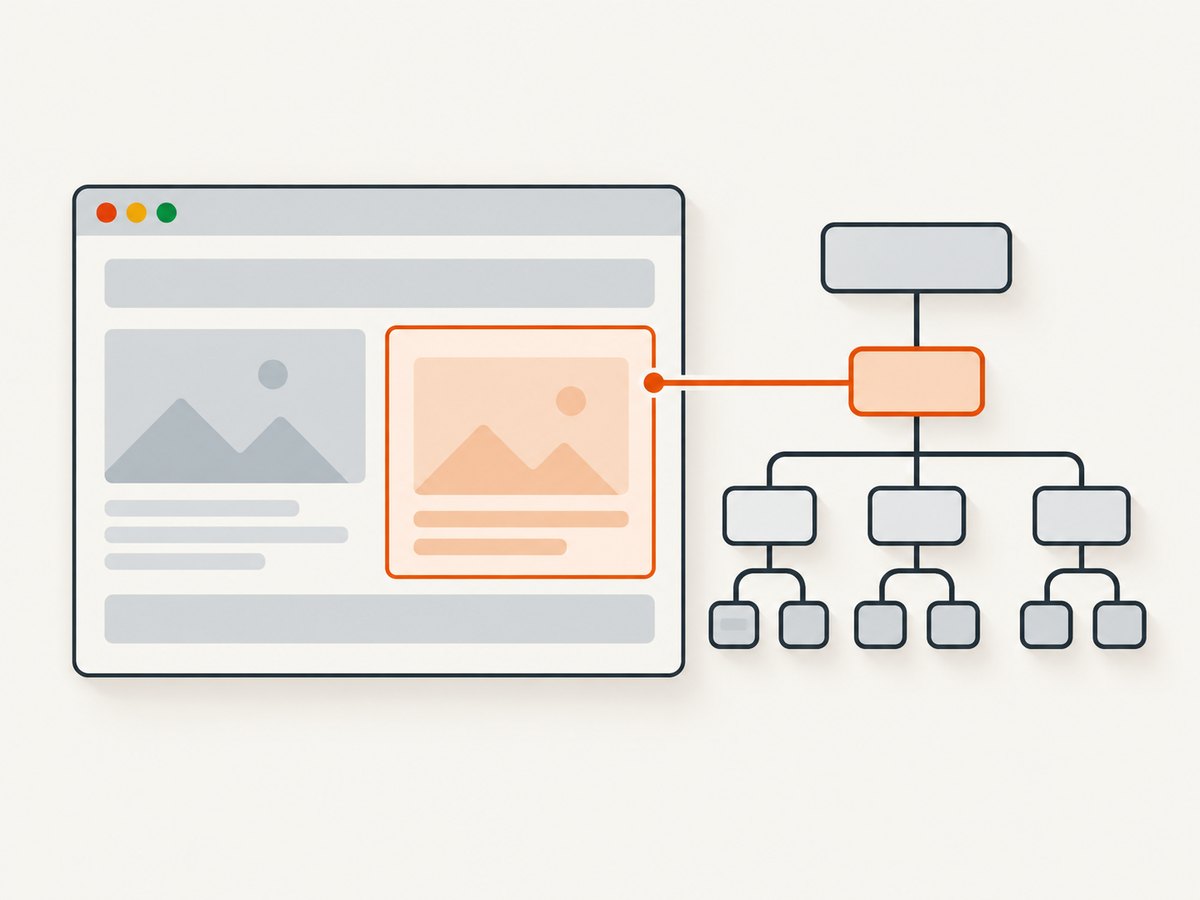
Look for nodes whose role identifies a frame or iframe, then inspect their children. The iframe subtree is nested under the corresponding iframe node; it is not necessarily returned as a separate top-level snapshot. Nested iframes may produce additional nested frame structure.
Accessible names and roles depend on the page’s markup and the browser’s accessibility representation. An iframe’s title attribute can help identify the frame, but the contents inside it are determined by the embedded document. If several frames have similar labels, inspect surrounding nodes or enumerate page frames as a separate diagnostic.
For more context on Puppeteer’s API and option behavior, see the Accessibility.snapshot() API reference and the SnapshotOptions reference.
4. Work with a particular frame’s DOM
includeIframes is the page-level accessibility-tree option. DOM queries are a separate task: Puppeteer frames correspond to iframe elements, and code executed in one frame does not automatically run in descendant frames. When you need to inspect an element or wait for content in a particular iframe, locate its Frame and query in that frame’s execution context.
const frames = page.frames();

for (const frame of frames) {
  console.log('Frame URL:', frame.url());

  const heading = await frame
    .locator('h1')
    .first()
    .textContent()
    .catch(() => null);

  if (heading) {
    console.log('Heading:', heading);
  }
}
This example enumerates the main frame and child frames. A selector may not exist in every frame, so the example treats an unsuccessful query as an absent match. For a known frame, narrow by URL or another stable property and then query there. If a page contains nested frames, inspect the frame tree rather than assuming a child frame is a direct child of the main page.
Frame DOM inspection does not replace the page snapshot: use the snapshot to get the serialized accessible structure, and use a frame’s execution context when you need to query or wait for DOM content in that specific document.
5. Wait for the content you need
Third-party embeds often load after the outer document. Taking a snapshot immediately after navigation can show the iframe element while its child document is still empty or changing. Wait for a meaningful condition before calling snapshot().
await page.goto('https://example.com', { waitUntil: 'domcontentloaded' });

const targetFrame = page.frames().find((frame) =>
  frame.url().includes('embed')
);

if (targetFrame) {
  await targetFrame.waitForSelector('[role="main"]', {
    timeout: 10000,
  }).catch(() => {});
}

const snapshot = await page.accessibility.snapshot({
  includeIframes: true,
});
Replace embed and [role="main"] with stable values for the page you own or are authorized to inspect. A timeout should be handled explicitly in production: decide whether a missing embed means the capture is incomplete, whether to retry, or whether to return a partial result. Avoid silently treating every timeout as success.
For a page whose target content appears after a known app state, waiting for that state is more reliable than sleeping for an arbitrary number of seconds. A delay can be useful to confirm a timing hypothesis, but increases latency and can still be too short under load.
6. Version and compatibility checks
Iframe behavior has changed across Puppeteer generations. A historical issue from 2021 reported snapshots that displayed an Iframe node without accessible descendants, alongside the then-current lack of an accessibility object on Frame. Treat that as a report about an older API generation, not as the current recommended method. Current documentation describes includeIframes on the page snapshot options.
- Check the version resolved in your project with
npm ls puppeteer. - Check the API reference for that version and confirm it documents
includeIframes. - Pin and update Puppeteer intentionally so CI and local runs use the same API generation.
- Run a small fixture page containing an iframe with known accessible content when changing versions.
Do not build a workaround around the historical limitation before checking your installed release. A workaround may inspect frame DOM, but DOM inspection and accessibility snapshots answer different questions and can diverge in how they represent roles, names, and relationships.
For the historical context, see the Puppeteer issue about iframe accessibility snapshots. Confirm current option availability in the current SnapshotOptions documentation.
7. Troubleshooting
| Symptom | Likely cause | Fix |
|---|---|---|
| Snapshot has an iframe node but no child nodes. | includeIframes is omitted, the child document has not loaded, or the installed API is older. |
Set includeIframes: true, wait for frame content, and check the installed Puppeteer version against its docs. |
snapshot is null. |
No accessible root was available at capture time. | Guard for null; verify navigation completed and the page has rendered before traversal. |
| Expected text or controls are missing. | Default interesting-node filtering pruned nodes, content is not yet present, or the frame document differs from expectations. | Try interestingOnly: false for diagnosis, wait for a specific condition, and inspect the frame URL. |
| A frame selector times out. | The selector is absent, the wrong frame was selected, or the embedded document is delayed. | Log page.frames() URLs, select the intended frame, and handle timeouts as an incomplete capture. |
| Works locally but fails in CI. | Different Puppeteer versions, browser environments, timing, or network access. | Use the lockfile, log the resolved version and frame URLs, wait on content conditions, and make retry policy explicit. |
| The returned tree is enormous. | interestingOnly: false includes more nodes. |
Return to the default filter when possible, scope with root when appropriate, and avoid printing or retaining unnecessary snapshots. |
8. Performance, reliability, and cost
Accessibility snapshotting adds browser work and produces data that grows with the accessible content included. Enabling iframe traversal may add work for each frame in the subtree; disabling pruning can increase both traversal and serialization size. There is no single useful runtime number for every page: frame count, page complexity, browser environment, and readiness conditions vary.
- Keep the result narrow: use default filtering unless you need the broader tree, and scope inspection where suitable.
- Wait precisely: selector or state waits reduce premature snapshots without imposing a long fixed sleep on every page.
- Bound work: set sensible navigation and selector timeouts, and close the browser in a
finallyblock. - Limit output: large snapshots can create noisy logs and consume memory; extract the roles, names, or subtree needed for your task.
- Make failures visible: distinguish a missing frame, a delayed frame, a null root, and a navigation failure in logs and return values.
With a self-managed Puppeteer setup, cost depends on your browser runtime, infrastructure, and operational needs; Puppeteer’s snapshot API does not impose a per-snapshot service price. Account for browser process capacity and the work of keeping the browser and Puppeteer versions maintained. If a hosted screenshot endpoint better fits the task, ScreenshotNeo offers screenshot and PDF output; a screenshot is a visual artifact and does not provide the accessibility tree described in this guide.
Or skip the browser setup
If your task is to get a visual screenshot rather than inspect an accessibility tree, ScreenshotNeo provides a one-request capture. It accepts a URL and returns an image or PDF. This is not a substitute for the Puppeteer accessibility snapshot above.
See the ScreenshotNeo API documentation for request options.
curl -G "https://api.screenshotneo.com/v1/shot" -d access_key=YOUR_API_KEY --data-urlencode url=https://stripe.com -o shot.webpimport requests
r = requests.get(
"https://api.screenshotneo.com/v1/shot",
params={"access_key": "YOUR_API_KEY", "url": "https://stripe.com"},
timeout=90,
)
open("shot.webp", "wb").write(r.content)const q = new URLSearchParams({ access_key: 'YOUR_API_KEY', url: 'https://stripe.com' });
const res = await fetch(`https://api.screenshotneo.com/v1/shot?${q}`);
- Cookie banners, popups, and chat widgets are removed before the shot; each cleanup step can be turned off.
- Bot checks, blank pages, timeouts, and failed loads are never billed; response headers say the page verdict and whether the shot was billed. Cache hits cost nothing.
- An MCP server lets AI agents using Claude, Cursor, or another MCP client take screenshots, inspect page information, and capture PDFs.
- 1,000 screenshots a month are free with no card. Paid plans start at $5 for 3,000 shots, and every feature is on every plan.
Learn about ScreenshotNeo or sign up for 1,000 free screenshots a month, with no card.
FAQ
Does includeIframes: true include nested iframes?
It requests accessibility trees for iframes in the frame subtree, which can include nested frames. Confirm the actual tree and frame readiness on the page you are inspecting.
Does interestingOnly: false expose every DOM element?
No. It disables Puppeteer’s pruning of nodes it considers uninteresting; an accessibility snapshot is not a raw DOM dump.
Can I call accessibility.snapshot() on a Frame?
The documented method used here is the page-level page.accessibility.snapshot(). Use frame execution contexts for frame-specific DOM work, and consult the API docs for the Puppeteer version pinned in your project.
Can a screenshot API return this tree?
A screenshot API returns visual output. For an accessibility tree, use Puppeteer’s accessibility snapshot or another tool that explicitly provides accessibility data.
Why does my result change after navigation?
The snapshot captures the current state. Dynamic pages and embedded documents can change after the initial document loads, so wait for the state you intend to inspect.


