How to Fix Puppeteer Not Loading Images in LibreNMS Dashboard Screenshots
Fix blank LibreNMS dashboard screenshots by checking lazy loading, image URLs, authentication, readiness waits, and Chrome runtime dependencies.
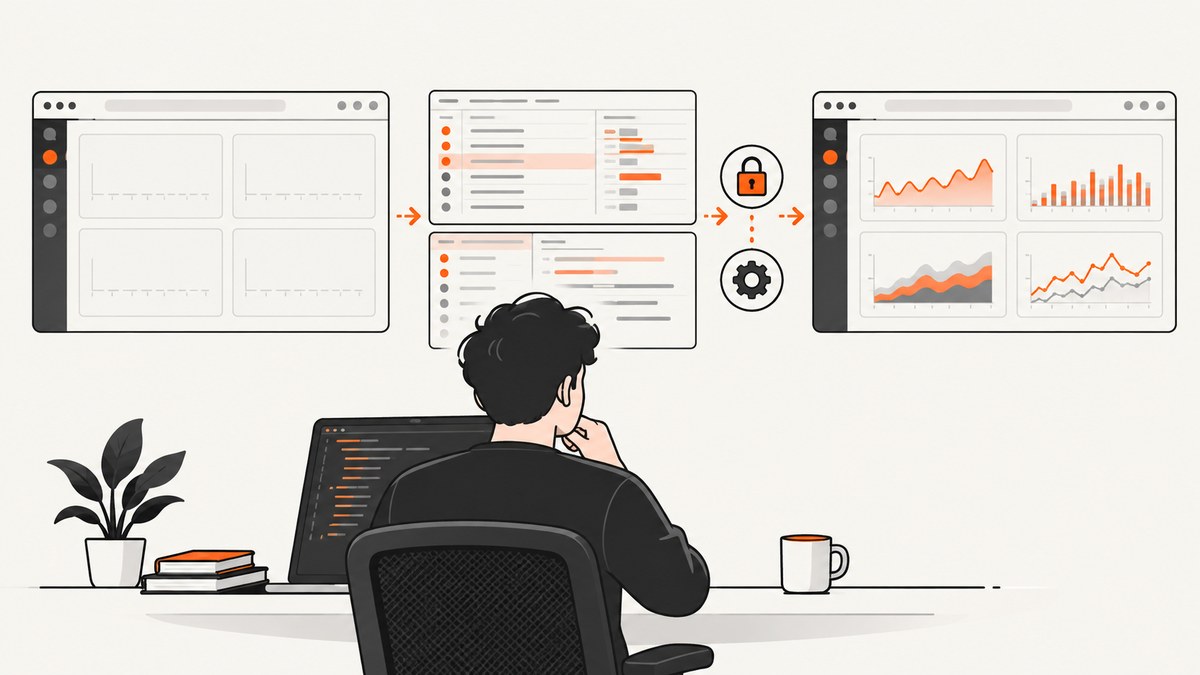
Short answer: networkidle only means navigation reached a network-idle milestone. It does not prove that LibreNMS lazy-loaded graphs were triggered, that every image decoded, or that graph and API requests were authenticated. Make the capture deterministic by verifying response status codes, using the correct LibreNMS base URL, disabling lazy loading or scrolling through the dashboard, carrying the required cookies or bearer token, waiting for images to decode, and running Puppeteer with a supported Chrome runtime.
Why images are missing after networkidle
Puppeteer can finish page.goto() while dashboard images are still absent. A page may insert images only after scrolling, request graph data after JavaScript runs, or display an <img> element whose request failed with 401, 403, 404, a certificate error, or a server error. Puppeteer issue #338 documents screenshots missing images even after network-idle navigation and an image-selector wait. A full-page screenshot also does not guarantee that lazy content below the initial viewport was activated, as described in issue #3202.
LibreNMS supports lazy-loaded images. Its configuration documentation states that setting webui/general.enable_lazy_load to false disables lazy loading. The dashboard can also contain internal graph URLs or external-image widget URLs, so the generated URL and the browser’s credentials both matter.
Fix checklist
- Log the final URL and every document, graph, SVG, PNG, and API response.
- Confirm LibreNMS
APP_URL, hostname, scheme, reverse-proxy routing, and certificate configuration produce reachable image URLs. - Disable lazy loading for controlled captures, or scroll through the page in finite increments.
- Authenticate before navigation and make sure image and API requests receive the session cookies or bearer token they require.
- Wait for fonts and current images to decode, then add a dashboard-specific ready condition for widgets inserted asynchronously.
- If Chrome is blank or will not launch, install the Linux shared libraries required by Puppeteer and use a supported Chrome/Chromium runtime.
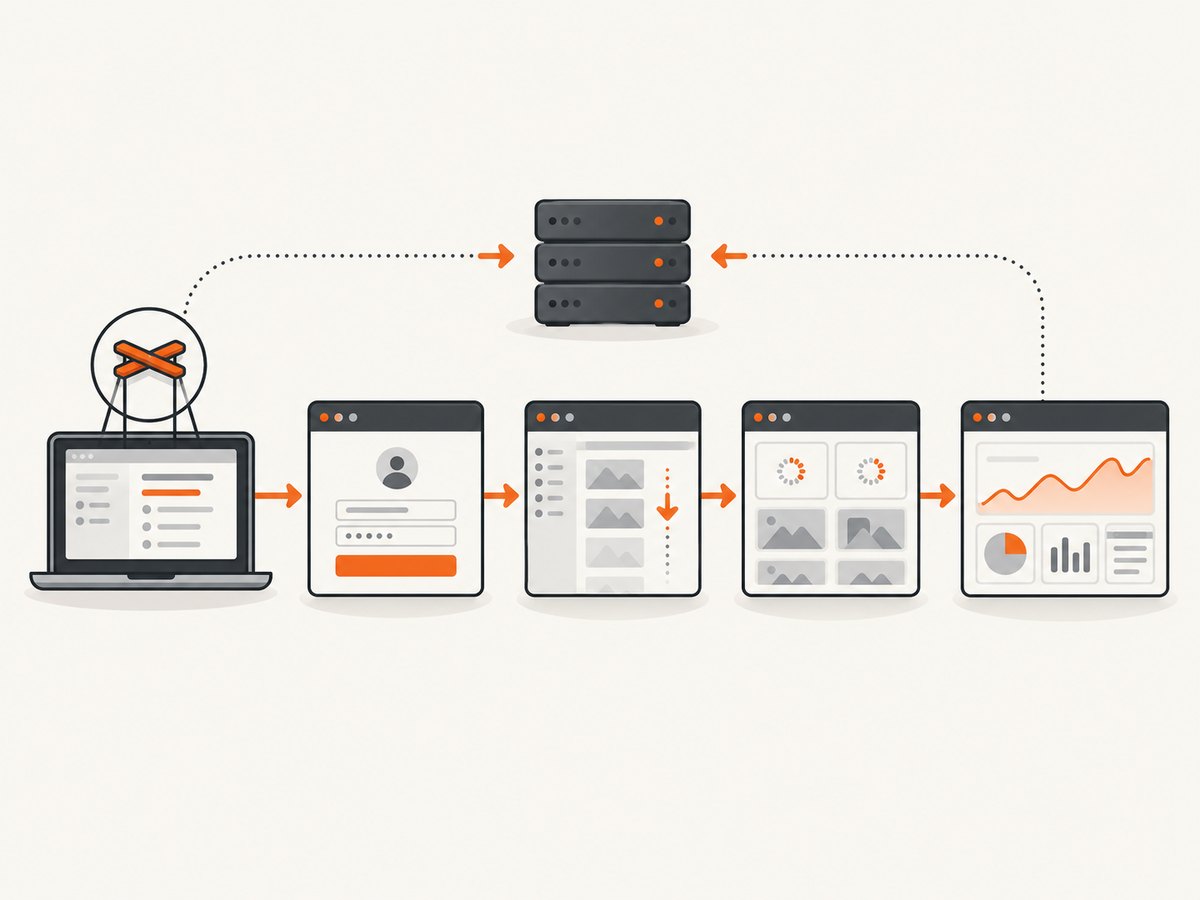
1. Inspect the page and image responses
Start by proving whether the problem is rendering or the request itself. The following script records navigation, image, SVG, graph, and API responses. Replace the URL and credentials with values from your environment.
const puppeteer = require('puppeteer');

const dashboardUrl = process.env.LIBRENMS_DASHBOARD_URL;

(async () => {
  const browser = await puppeteer.launch({
    headless: true,
    // Use the flags required by your container or CI environment.
    args: ['--no-sandbox', '--disable-setuid-sandbox']
  });

  const page = await browser.newPage();
  page.on('requestfailed', request => {
    console.error('REQUEST FAILED', request.url(), request.failure());
  });
  page.on('response', response => {
    const type = response.request().resourceType();
    const url = response.url();
    if (['document', 'image', 'xhr', 'fetch', 'stylesheet', 'font'].includes(type) ||
        /graph|api|\.svg(?:$|\?)/i.test(url)) {
      console.log(response.status(), type, url);
    }
  });

  await page.goto(dashboardUrl, { waitUntil: 'networkidle2', timeout: 90000 });
  console.log('Final URL:', page.url());
  console.log('Title:', await page.title());

  await page.screenshot({ path: 'debug-dashboard.png', fullPage: true });
  await browser.close();
})().catch(error => {
  console.error(error);
  process.exit(1);
});| Signal | Likely cause | Next action |
|---|---|---|
| 401 or 403 | Missing session cookie, bearer token, or insufficient account permission | Authenticate the browser context and inspect the request headers. |
| 404 | Wrong graph URL, hostname, path, or APP_URL |
Open the exact image URL from the response log and correct URL generation. |
| 5xx | LibreNMS, graph backend, proxy, or upstream failure | Fix the server-side error before changing screenshot waits. |
| Certificate or mixed-content error | HTTPS page requesting an unreachable HTTP resource, or an invalid certificate | Use the externally reachable HTTPS URL and configure the proxy and LibreNMS base URL consistently. |
| 200 but blank image | Lazy content was not triggered, image is still decoding, or the response is not the expected format | Scroll, wait for a visual-ready condition, and check naturalWidth. |
2. Handle LibreNMS lazy loading
Option A: disable lazy loading for a controlled capture
For scheduled exports or visual regression jobs, disabling lazy loading removes one variable. LibreNMS documents this command:
lnms config:set webui.general.enable_lazy_load falseUse this only where the configuration change fits your operational policy. After changing it, reload the dashboard and inspect the image responses again.
Option B: trigger lazy loading by scrolling
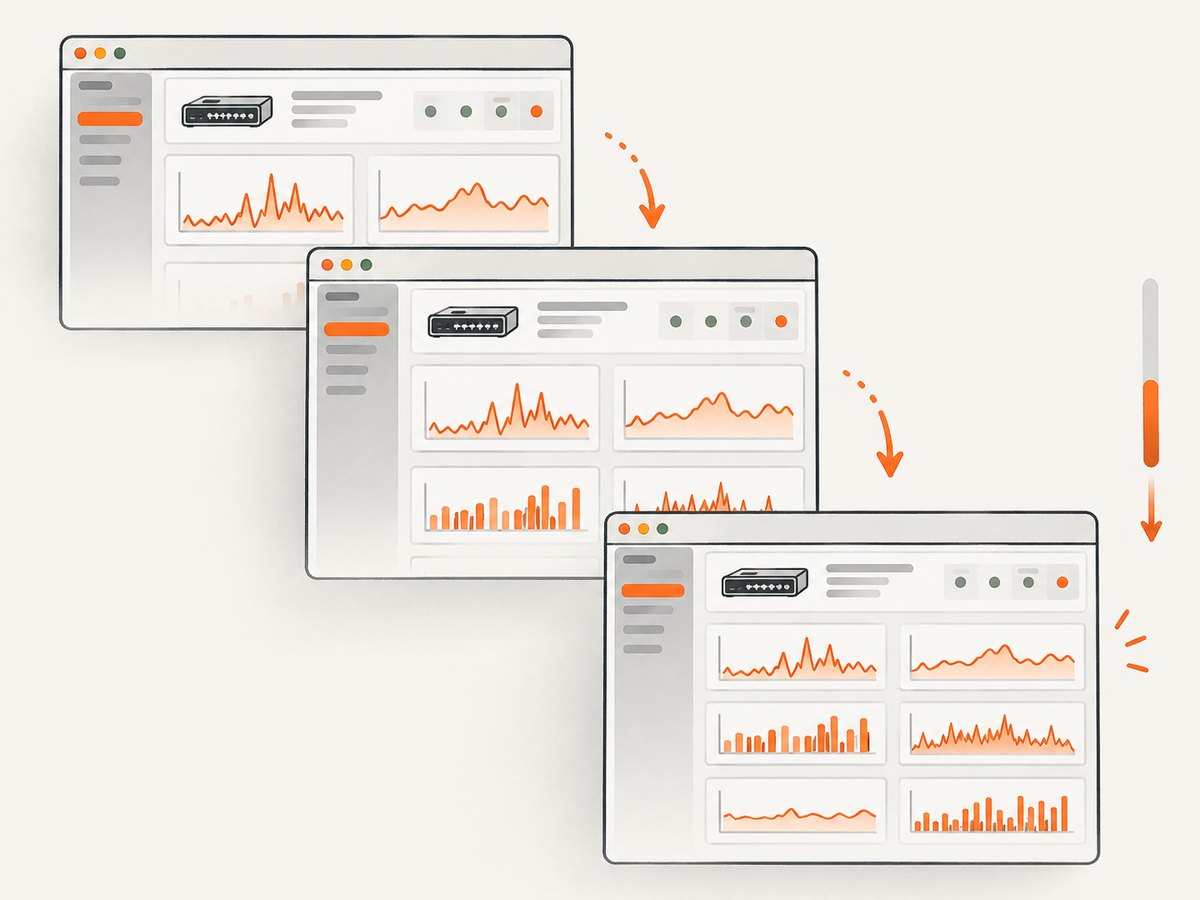
If lazy loading must remain enabled, scroll in finite increments and wait after each increment. This gives IntersectionObserver-based widgets time to request their images.
async function scrollThroughPage(page) {
  await page.evaluate(async () => {
    const step = Math.max(300, window.innerHeight * 0.8);
    for (let y = 0; y < document.body.scrollHeight; y += step) {
      window.scrollTo(0, y);
      await new Promise(resolve => setTimeout(resolve, 250));
    }
    window.scrollTo(0, 0);
  });

  // Allow the last batch of graph requests to finish.
  await new Promise(resolve => setTimeout(resolve, 1000));
}

await page.goto(dashboardUrl, { waitUntil: 'networkidle2', timeout: 90000 });
await scrollThroughPage(page);
A fixed delay alone is fragile. Keep the scroll finite and combine it with response logging and an explicit image-readiness check.
3. Authenticate graph and API requests
A dashboard that looks logged in can still produce blank graphs when image or API requests do not carry the required credentials. Use a dedicated least-privilege LibreNMS account or an approved SSO flow. Never place tokens in screenshots, logs, or source control.
Session-cookie login
await page.goto(process.env.LIBRENMS_LOGIN_URL, { waitUntil: 'networkidle2' });
await page.type('input[name="username"]', process.env.LIBRENMS_USER);
await page.type('input[name="password"]', process.env.LIBRENMS_PASSWORD);
await Promise.all([
  page.waitForNavigation({ waitUntil: 'networkidle2' }),
  page.click('button[type="submit"]')
]);

await page.goto(dashboardUrl, { waitUntil: 'networkidle2', timeout: 90000 });
Selectors differ by authentication setup. For SSO, complete the approved flow and verify that page.url() is the dashboard URL before capturing.
Bearer-token API requests
LibreNMS API endpoints require an access token. If a widget obtains data directly from an API, make sure its browser request includes the token through the supported application configuration, or fetch the data separately and render it in a controlled page. Do not expose the token in a query string or in diagnostic output.
Check generated URLs and APP_URL
LibreNMS uses APP_URL when generating URLs, including signed graph URLs. If the browser reaches https://monitoring.example.com but generated images point at an internal hostname, an HTTP origin, or a different path, the document can load while graphs fail. Configure the externally reachable URL consistently with the reverse proxy and HTTPS redirect.
4. Wait for visual readiness
The official Puppeteer screenshot guidance uses waitUntil: 'networkidle2' as a starting point. Add a readiness check that waits for fonts and decodes each current image:
async function waitForImages(page) {
  await page.evaluate(async () => {
    await document.fonts.ready;
    const images = Array.from(document.images);
    await Promise.all(images.map(async image => {
      if (image.complete) {
        if (!image.naturalWidth) {
          throw new Error(`Broken image: ${image.currentSrc || image.src}`);
        }
        return;
      }
      await new Promise((resolve, reject) => {
        image.addEventListener('load', resolve, { once: true });
        image.addEventListener('error', () => reject(new Error(`Image failed: ${image.src}`)), { once: true });
      });
      await image.decode();
    }));
  });
}

await page.goto(dashboardUrl, { waitUntil: 'networkidle2', timeout: 90000 });
await scrollThroughPage(page);
await waitForImages(page);
await page.screenshot({ path: 'librenms-dashboard.png', fullPage: true });
This checks current <img> elements. It does not detect CSS background images or images inserted after the evaluation. For asynchronously rendered widgets, wait for a dashboard-specific selector or condition:
await page.waitForSelector('[data-widget="overview"] canvas, .dashboard-widget img', {
  visible: true,
  timeout: 30000
});
Choose a selector that represents your own dashboard’s completed state. Avoid declaring readiness from an arbitrary sleep when a real DOM condition is available.
5. Complete Puppeteer capture example
This example combines navigation logging, scrolling, image decoding, and a full-page screenshot. It assumes authentication has already established the session.
const puppeteer = require('puppeteer');

async function capture(url, output) {
  const browser = await puppeteer.launch({
    headless: true,
    args: ['--no-sandbox', '--disable-setuid-sandbox']
  });
  try {
    const page = await browser.newPage();
    page.setViewport({ width: 1440, height: 1000, deviceScaleFactor: 1 });
    page.on('requestfailed', request => {
      console.error('Failed:', request.url(), request.failure()?.errorText);
    });
    page.on('response', response => {
      if (['image', 'xhr', 'fetch'].includes(response.request().resourceType())) {
        console.log(response.status(), response.url());
      }
    });

    await page.goto(url, { waitUntil: 'networkidle2', timeout: 90000 });
    await page.evaluate(async () => {
      const step = Math.max(300, window.innerHeight * 0.8);
      for (let y = 0; y < document.body.scrollHeight; y += step) {
        window.scrollTo(0, y);
        await new Promise(resolve => setTimeout(resolve, 250));
      }
      window.scrollTo(0, 0);
      await document.fonts.ready;
    });
    await page.waitForFunction(() => {
      const images = [...document.images];
      return images.length > 0 && images.every(img => img.complete && img.naturalWidth > 0);
    }, { timeout: 30000 });
    await page.screenshot({ path: output, fullPage: true });
  } finally {
    await browser.close();
  }
}

capture(process.env.LIBRENMS_DASHBOARD_URL, 'librenms-dashboard.png')
  .catch(error => { console.error(error); process.exit(1); });
6. Check the Chrome runtime
If the page is entirely blank, Chrome fails during launch, or the error mentions shared libraries, inspect the browser launch error and install the Linux dependencies listed in Puppeteer’s troubleshooting documentation. Match the Puppeteer package to the Chromium or Chrome version used by the job. Alpine images require special handling because Chrome is not supported there out of the box.
7. Troubleshooting common failures
| Symptom | Cause | Fix |
|---|---|---|
| Only graphs below the fold are blank | Lazy loading never received an intersection event | Disable LibreNMS lazy loading or scroll through the complete page before waiting for images. |
| Dashboard redirects to login | No session, expired cookie, or SSO callback was not completed | Authenticate in the same browser context and assert the final URL. |
| HTML loads but graph requests return 401/403 | Graph or API requests require credentials that the page did not send | Check cookies and authorization handling; use a least-privilege account. |
| Images point to an internal host | Incorrect APP_URL or reverse-proxy base path |
Set the externally reachable HTTPS URL and regenerate the dashboard. |
| Mixed-content or certificate errors | HTTPS document references HTTP resources or an untrusted certificate | Correct the scheme and certificate at the proxy and in LibreNMS URL generation. |
naturalWidth is zero |
Broken response, unsupported content, blocked request, or image not finished | Log the response status and URL, then wait for load/decode after fixing the request. |
| CSS background graph is missing | The image is not represented by document.images |
Wait for the widget’s rendered selector and inspect computed styles or network responses. |
| Capture hangs at navigation | Long polling, analytics, or an unresolved request prevents the chosen milestone | Use a finite navigation timeout, log requests, and wait for a page-specific ready condition. |
| Chrome will not start in CI | Missing shared libraries, sandbox restrictions, or unsupported Alpine base | Install Puppeteer’s documented dependencies and use a compatible browser image. |
8. Performance, reliability, and cost notes
- Prefer deterministic conditions. A selector, response check, and image decode are more reliable than increasing a global sleep.
- Reuse a browser process. For multiple dashboards, keep one Chromium process and create isolated pages or contexts; launching Chrome for every image increases overhead.
- Limit scrolling work. Scroll by viewport-sized increments and wait only long enough for each batch of lazy requests.
- Control capture size. A very large full-page dashboard consumes more memory and takes longer to encode. Capture an element or selected region when a complete page is unnecessary.
- Retry transient failures. Retry navigation or individual jobs for temporary 5xx responses, but do not retry authentication failures indefinitely.
- Keep secrets out of artifacts. Redact request logs, do not print authorization headers, and store screenshots where dashboard data is access-controlled.
- Measure the real bottleneck. Record navigation time, lazy-load time, decode time, and screenshot encoding time separately.
Or skip the browser setup
ScreenshotNeo provides a website screenshot API and MCP server. A single GET request returns a PNG, JPEG, WebP, or PDF. For a public dashboard or a URL configured with the required access options, the basic call is:
See the ScreenshotNeo API documentation for authentication, cookies, custom headers, waiting rules, and private-page configuration.
curl -G "https://api.screenshotneo.com/v1/shot" -d access_key=YOUR_API_KEY --data-urlencode url=https://librenms.example.com/dashboard -o shot.webpimport requests
r = requests.get("https://api.screenshotneo.com/v1/shot", params={"access_key": "YOUR_API_KEY", "url": "https://librenms.example.com/dashboard"}, timeout=90)
open("shot.webp", "wb").write(r.content)const q = new URLSearchParams({ access_key: 'YOUR_API_KEY', url: 'https://librenms.example.com/dashboard' });
const res = await fetch(`https://api.screenshotneo.com/v1/shot?${q}`);- Cookie banners, newsletter popups, and chat widgets are removed before the shot.
- Bot checks, blank pages, failed loads, timeouts, and cache hits are never billed; response headers identify the page verdict and billing status.
- An MCP server lets Claude, Cursor, and other MCP clients take screenshots with
take_screenshot, inspect pages withget_page_info, and create PDFs withcapture_pdf. - 1,000 screenshots per month are free with no card. Paid plans start at $5 for 3,000 shots, and every feature is available on every plan.
Create a free ScreenshotNeo account.
FAQ
Does networkidle2 wait for every image?
No. It is a navigation milestone. Lazy-loaded, dynamically inserted, failed, or still-undecoded images need separate checks.
Should I always disable LibreNMS lazy loading?
No. Disable it for deterministic controlled captures, or keep it enabled and scroll through the dashboard before checking image readiness.
Why does a logged-in dashboard still show blank graphs?
The graph or API request may not receive the session cookie or bearer token, or its generated URL may point to the wrong host or scheme.
Can an image be broken even when the HTTP status is 200?
Yes. The response may be the wrong content, an empty payload, or an image that has not decoded. Check its content and naturalWidth.
What should I check first in a container?
Read the Chrome launch error, verify required shared libraries, match browser and Puppeteer versions, and avoid assuming Alpine supports Chrome without additional setup.


