How to Get Link Attributes from Selector Results in Puppeteer
Use Puppeteer $$eval to collect href, text, target, rel, ARIA labels, and other attributes from every matching link.
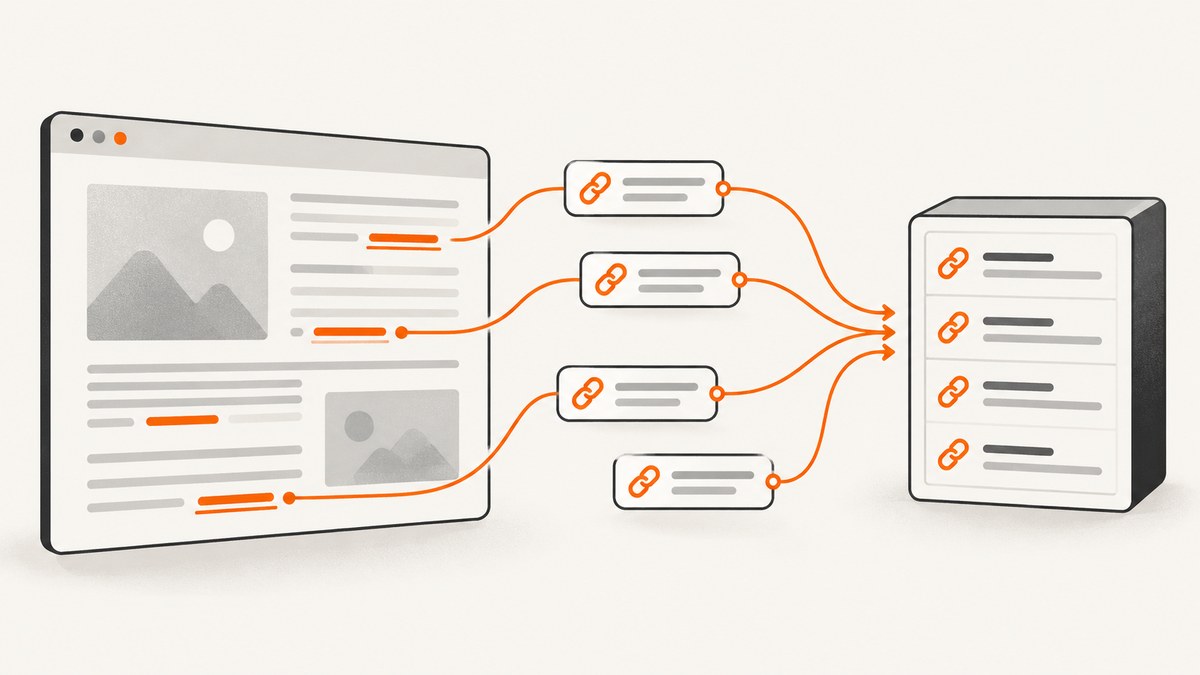
To get attributes from every link matched by a selector in Puppeteer, use page.$$eval(). Puppeteer passes all matching elements to your callback, where you map each anchor to the properties you need. Use page.$eval() when you only need the first matching link.
const links = await page.$$eval('a[href]', anchors =>
  anchors.map(a => ({
    href: a.href,
    text: a.textContent?.trim() ?? '',
    target: a.getAttribute('target'),
    rel: a.getAttribute('rel'),
    ariaLabel: a.getAttribute('aria-label'),
  })),
);
The result is a normal JavaScript array that can be serialized, saved as JSON, inserted into a database, or processed by the rest of your Node.js program. The key distinction is match count: $$eval handles all matches, while $eval handles the first match and throws when there is no match. See the Puppeteer Page evaluation API for the official method behavior.
Complete working example
Install Puppeteer, launch a browser, navigate to a page, collect link attributes, and close the browser in a finally block so resources are released even when navigation or extraction fails.
npm install puppeteerconst puppeteer = require('puppeteer');
(async () => {
const browser = await puppeteer.launch({
headless: true,
});
try {
const page = await browser.newPage();
await page.goto('https://example.com', {
waitUntil: 'domcontentloaded',
timeout: 30_000,
});
const links = await page.$$eval('a[href]', anchors =>
anchors.map(a => ({
href: a.href,
rawHref: a.getAttribute('href'),
text: a.textContent?.trim() ?? '',
target: a.getAttribute('target'),
rel: a.getAttribute('rel'),
download: a.getAttribute('download'),
hreflang: a.getAttribute('hreflang'),
type: a.getAttribute('type'),
referrerPolicy: a.getAttribute('referrerpolicy'),
ariaLabel: a.getAttribute('aria-label'),
})),
);
console.log(JSON.stringify(links, null, 2));
} finally {
await browser.close();
}
})();a.href is the browser-resolved URL. For example, a markup value of /pricing becomes an absolute URL such as https://example.com/pricing. getAttribute('href') returns the literal value written in the HTML. Capture both when you need to preserve source markup and also work with canonical URLs.
$eval versus $$eval
| Method | Matches | No-match behavior | Typical use |
|---|---|---|---|
page.$eval() |
First matching element | Throws an error | Read one button, heading, or link |
page.$$eval() |
Every matching element | Returns an empty array if nothing matches | Build a list of links or cards |
elementHandle.$eval() |
First match inside a container | Throws an error | Read one item in a selected component |
elementHandle.$$eval() |
Every match inside a container | Returns an empty array | Extract links from one article, menu, or card |
Use $eval when the page contract requires one element and absence should fail the operation. Use $$eval when zero results are valid or when you are collecting a set. Puppeteer documents the same first-match and all-match semantics for its ElementHandle evaluation methods.
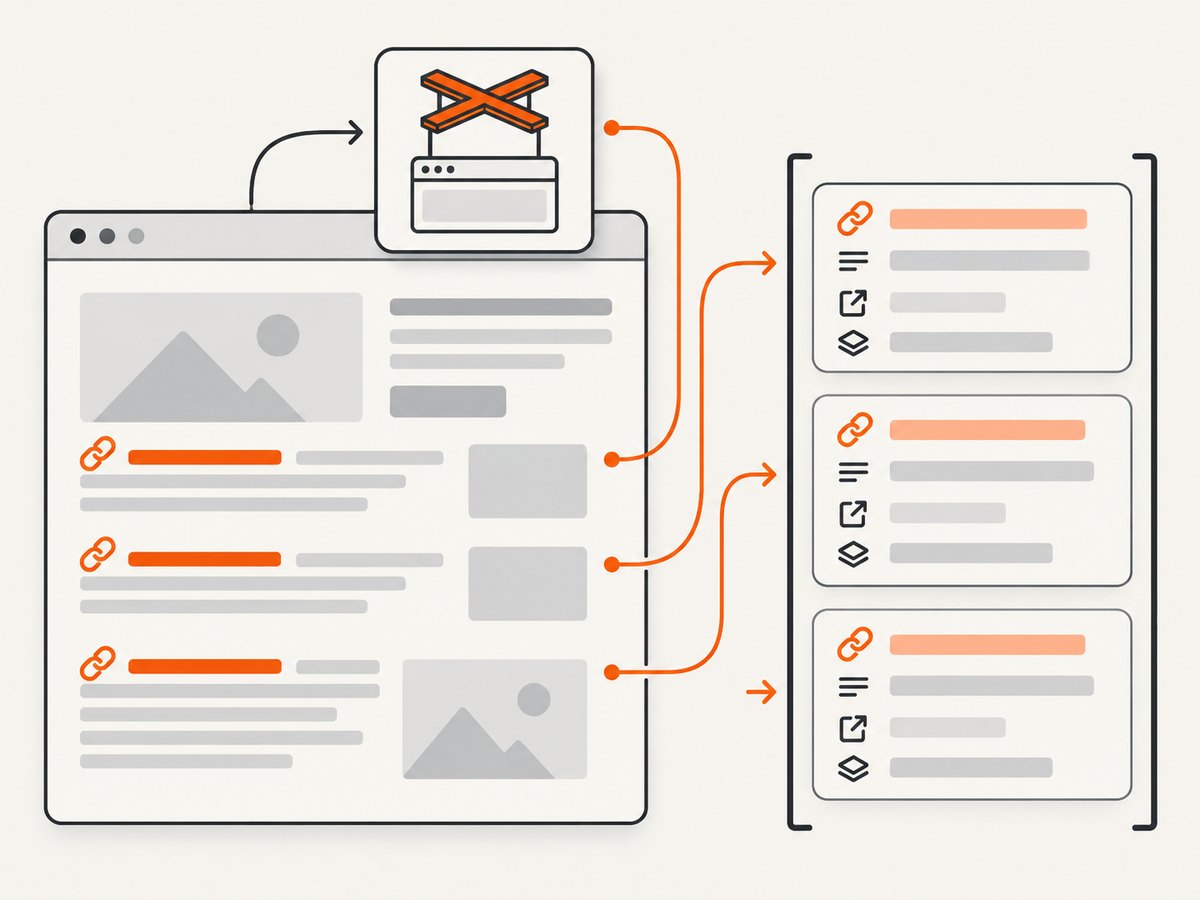
Read one link with $eval
const firstLink = await page.$eval('a[href]', a => ({
  href: a.href,
  text: a.textContent?.trim() ?? '',
  target: a.getAttribute('target'),
  rel: a.getAttribute('rel'),
}));
If there is no a[href] element, this rejects. Handle that deliberately when an absent link is expected:
const handle = await page.$('a[href]');
const firstLink = handle
  ? await handle.evaluate(a => ({
      href: a.href,
      text: a.textContent?.trim() ?? '',
    }))
  : null;
Extract every useful link attribute
Anchor elements can contain more than href. Return only the fields your application needs, because smaller results use less memory and are easier to validate.
const links = await page.$$eval('a', anchors =>
  anchors.map(a => ({
    resolvedHref: a.href,
    rawHref: a.getAttribute('href'),
    text: a.textContent?.replace(/\s+/g, ' ').trim() ?? '',
    title: a.getAttribute('title'),
    target: a.getAttribute('target'),
    rel: a.getAttribute('rel'),
    download: a.getAttribute('download'),
    hreflang: a.getAttribute('hreflang'),
    type: a.getAttribute('type'),
    referrerPolicy: a.getAttribute('referrerpolicy'),
    ariaLabel: a.getAttribute('aria-label'),
    role: a.getAttribute('role'),
    dataId: a.getAttribute('data-id'),
  })),
);
getAttribute() returns null when an attribute is missing. Keep those nulls when the difference between “missing” and an empty string matters. Optional chaining on textContent protects the callback if the DOM value is null.
Return a count and records together
An empty array tells you that no elements matched, but it does not distinguish a selector mistake from a page that genuinely has no links. Return a structured object when diagnostics matter.
const result = await page.$$eval('a[href]', anchors => ({
  count: anchors.length,
  links: anchors.map(a => ({
    rawHref: a.getAttribute('href'),
    resolvedHref: a.href,
    text: a.textContent?.trim() ?? '',
  })),
}));

if (result.count === 0) {
  console.warn('No matching links were found');
}
Scope extraction to a container
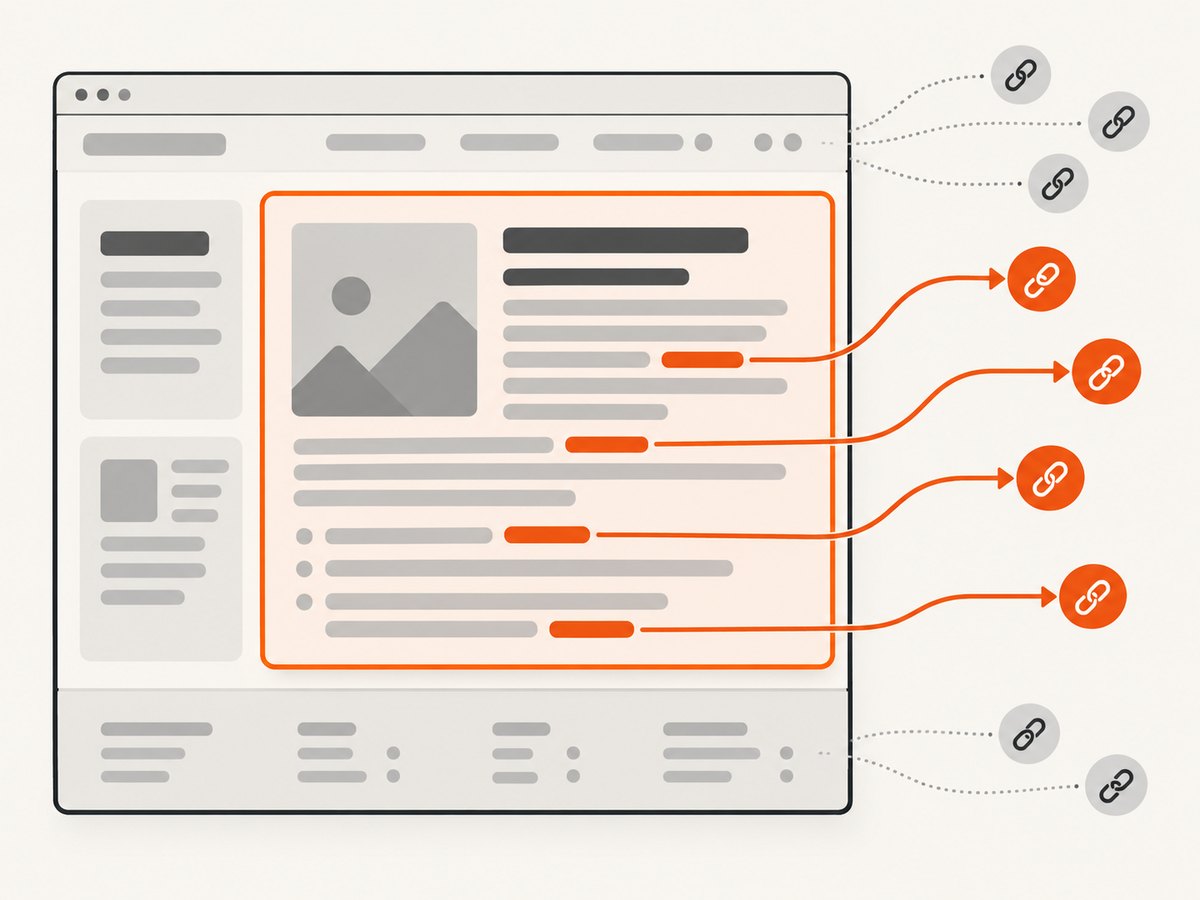
Whole-page selection is often too broad. Select a navigation menu, article, product card, or footer first, then evaluate links inside that element.
const card = await page.$('.card');
const cardLinks = card
  ? await card.$$eval('a[href]', anchors =>
      anchors.map(a => ({
        href: a.href,
        text: a.textContent?.trim() ?? '',
      })),
    )
  : [];
This avoids accidentally collecting links from headers, sidebars, or unrelated cards. If the container itself is rendered asynchronously, wait for it before selecting:
await page.waitForSelector('.card', { timeout: 15_000 });
const card = await page.$('.card');
Choosing selectors that survive page changes
Use a selector that expresses the content boundary you actually need. Common choices include:
a[href]for all anchors with destinations.nav a[href]for navigation links.article a[href]for links in an article..product-card a[href]for links in repeated components.a[data-testid='documentation-link']when the site provides a stable test attribute.
Puppeteer also supports selector forms for text, accessibility roles and names, XPath, and shadow-root traversal. The Puppeteer selector guide explains those forms. Prefer a stable component boundary over deeply nested selectors tied to presentation markup.
Handle dynamic pages correctly
Evaluation runs against the DOM that exists at that moment. A successful navigation does not guarantee that client-rendered links have appeared. Choose a wait strategy based on the page:
await page.goto(url, { waitUntil: 'domcontentloaded' });
await page.waitForSelector('main a[href]', { timeout: 20_000 });
const links = await page.$$eval('main a[href]', anchors =>
  anchors.map(a => ({ href: a.href, text: a.textContent?.trim() ?? '' })),
);
For content that appears after an interaction, perform the interaction first. For infinite scrolling, scroll until the page stops growing, then extract. For links inside an iframe, obtain the frame and evaluate there:
const frame = page.frames().find(f => f.url().includes('/embedded/'));
const links = frame
  ? await frame.$$eval('a[href]', anchors =>
      anchors.map(a => ({ href: a.href, text: a.textContent?.trim() ?? '' })),
    )
  : [];
Normalize and validate extracted URLs
The browser resolves relative URLs, but not every value is an HTTP destination. A link can be a fragment, a mail address, a telephone number, or a JavaScript URL. Filter according to your application:
const httpLinks = await page.$$eval('a[href]', anchors =>
  anchors.map(a => ({
    href: a.href,
    text: a.textContent?.trim() ?? '',
    rawHref: a.getAttribute('href'),
  })).filter(link => {
    try {
      const url = new URL(link.href);
      return url.protocol === 'http:' || url.protocol === 'https:';
    } catch {
      return false;
    }
  }),
);
Do not assume that two different raw attributes represent different destinations. Normalize and deduplicate in Node.js when needed:
const unique = [...new Map(httpLinks.map(link => [link.href, link])).values()];Performance and reliability
$$eval performs one DOM query and one page-function execution, which is generally more efficient than looping in Node.js and calling getAttribute through a separate evaluation for every anchor. Extract plain strings, numbers, booleans, arrays, and objects. DOM nodes and handles are not useful as the returned data contract and cannot be serialized like ordinary records.
For very large pages, narrow the selector and scope it to the relevant container. Avoid returning full HTML or unnecessary attributes. If you need only URLs, return strings:
const hrefs = await page.$$eval('article a[href]', anchors =>
  anchors.map(a => a.href),
);
Set navigation and selector timeouts explicitly. Always close the browser in finally. If extraction is part of a queue, retry navigation failures with a limit and record the URL, selector, and error message for diagnosis.
Common errors and fixes
| Error or symptom | Cause | Fix |
|---|---|---|
waiting for selector failed |
The selector never appeared or content is delayed. | Confirm the selector in DevTools, wait for the correct container, or increase the timeout. |
failed to find element matching selector |
$eval found no match. |
Use page.$() and test for null, or use $$eval when an empty result is valid. |
| Only one link is returned | $eval has first-match semantics. |
Change to $$eval. |
| Relative URLs are unexpected | The code reads the literal attribute. | Use a.href for the browser-resolved URL and keep getAttribute('href') separately if needed. |
| Links are missing from the result | They are inside an iframe, shadow root, or client-rendered component. | Evaluate in the correct frame, use supported shadow selectors, or wait for rendering. |
| Text contains odd whitespace | Text nodes include line breaks and indentation. | Normalize with .replace(/\s+/g, ' ').trim(). |
| Browser process remains open | The close call was skipped after an exception. | Put browser.close() in a finally block. |
Or skip the browser setup
If your goal is a clean screenshot rather than DOM extraction, ScreenshotNeo provides a single GET request that returns PNG, JPEG, WebP, or PDF. The API accepts the URL directly, and the ScreenshotNeo documentation lists the complete option set.
curl -G "https://api.screenshotneo.com/v1/shot" -d access_key=YOUR_API_KEY --data-urlencode url=https://stripe.com -o shot.webpimport requests
r = requests.get("https://api.screenshotneo.com/v1/shot", params={"access_key": "YOUR_API_KEY", "url": "https://stripe.com"}, timeout=90)
open("shot.webp", "wb").write(r.content)const q = new URLSearchParams({ access_key: 'YOUR_API_KEY', url: 'https://stripe.com' });
const res = await fetch(`https://api.screenshotneo.com/v1/shot?${q}`);ScreenshotNeo accepts cookie and consent banners before capture and removes more than 60 known consent platforms, newsletter popups, and chat widgets. Each step can be disabled. Bot checks, blank pages, timeouts, failed loads, and cache hits are not billed, and response headers identify the page verdict and billing status. It also has an MCP server with take_screenshot, get_page_info, and capture_pdf tools for Claude, Cursor, and other MCP clients. The free plan includes 1,000 screenshots per month with no card; paid plans start at $5 for 3,000 shots.
Create a free ScreenshotNeo account to get started.
FAQ
Can I get only links with a specific attribute?
Yes. Use a CSS attribute selector such as a[rel='nofollow'], a[data-id], or a[href^='https://'], then map the attributes you need.
Should I use innerText or textContent?
Use textContent for predictable DOM extraction. Normalize whitespace yourself. Use innerText only when rendered visibility and layout-dependent text are specifically required.
Can the callback return a DOM element?
Return serializable data instead: strings, numbers, booleans, arrays, and plain objects. Convert each element to the fields your application consumes.
How do I know whether no links matched or attributes were missing?
Return both anchors.length and mapped records. A zero count means no selector matches; null attribute values mean a matching element lacks that attribute.


